Week 3 - 2D meshing for sheet metal
Objectives:- For the given Hood model, Take the mid surface for all the components after checking the geometrical errors and mesh the mid surface with the given element Quality criteria.
Procedure:-
→ Import model
→ open the given model in ANSA, model consist of 4 components of different thickness.
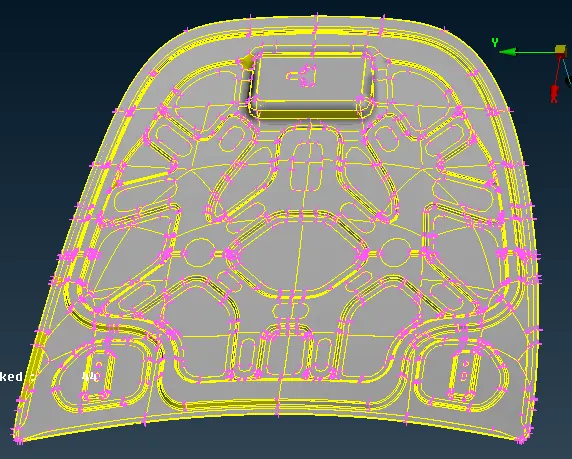
→ After importing the model give the length as 1 unit(mesh mode⮑perimeter⮑length).
→ Then go to geometry check for all components and fix all errors using auto-fix methods.
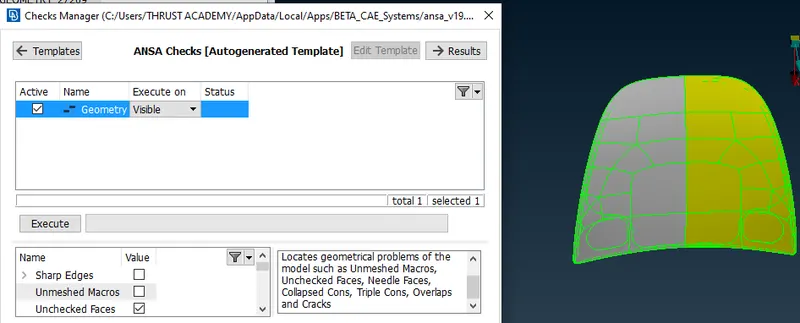
→ After checking geometry, extract mid surface using the automidsurface skinn option.
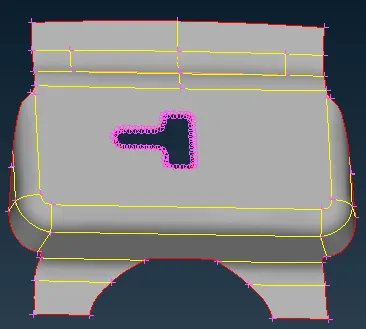
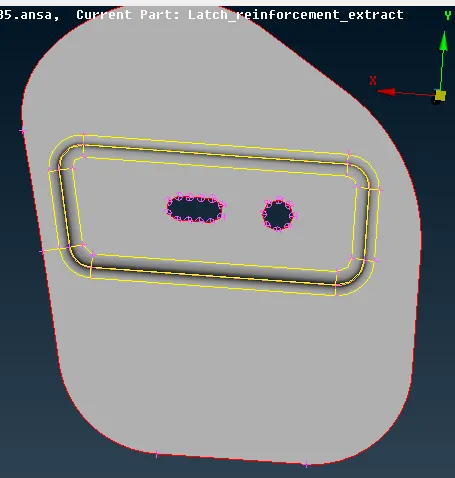
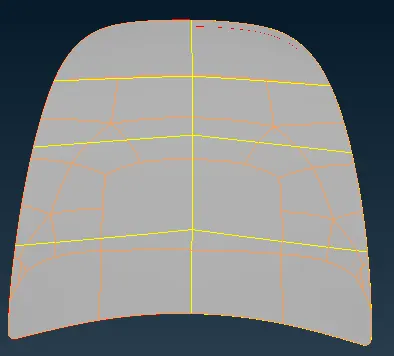
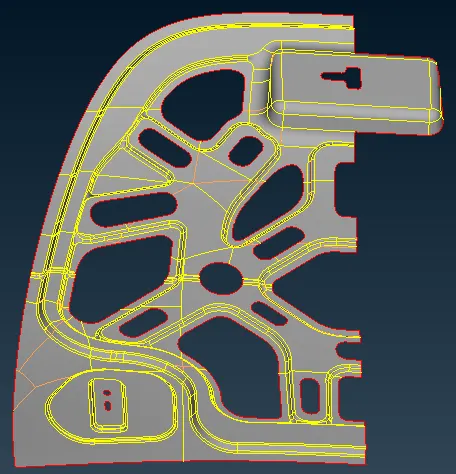
→ After mid-surface extraction and clean up goes to mesh mode and set the length perimeter as 5 units.
→ For Hing, the outer panel and inner panel mesh the half part and transform it to the other part(only symmetry components can be transformed).
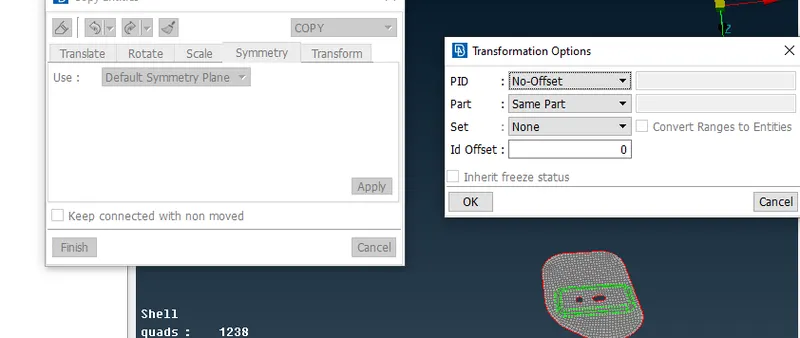
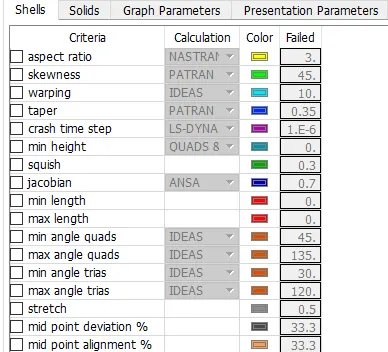
→ Assign the mesh parameter and quality criteria to mesh the components.
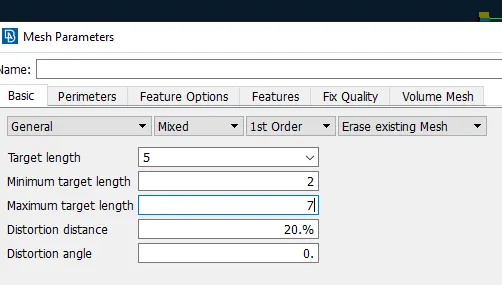
NOTE- For the hemming portion draw a line on the middle part and suppress the other two lines.
→ Trias can be resolved by either reconstruction or by the split method.(if trias are long away from each other paste option can be used to resolve the issue).
→ Mark the hot points so that no. of nodes gets fixed.
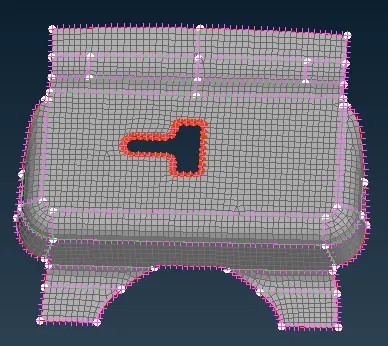
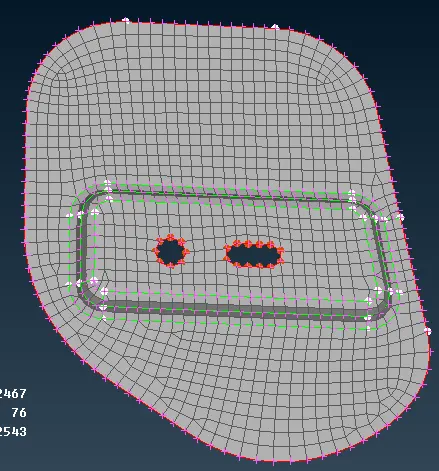
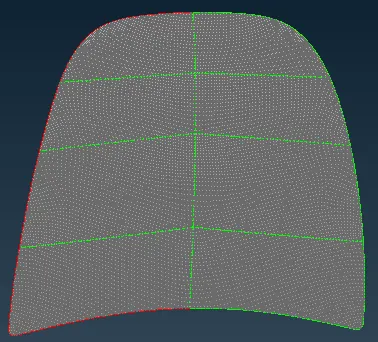
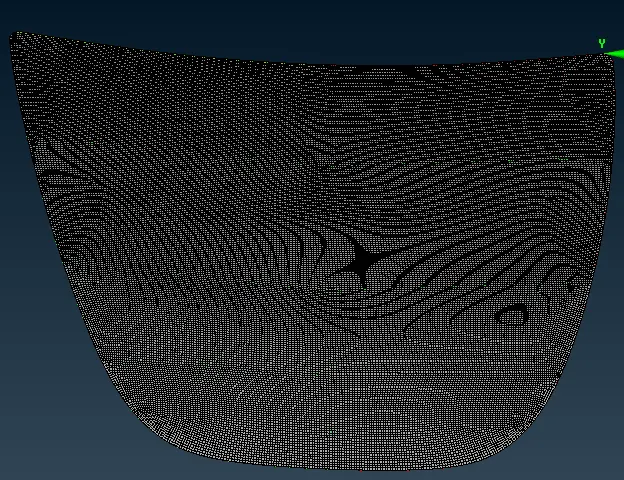
Result:-
After applying the drawn shell as a solid
Learning outcomes:-
→ Basics tools of ANSA software.
→ Geometry checks and fixes errors.
→ Mid surface extraction using skin option.
→ Based on the given quality criteria mesh the component with less concentration of trias.