Week- 5 - Solid meshing
Aim:- a. For the given component check for the geometrical errors and mesh the surface with the given 2D elements quality criteria.
Given Quality Criteria:-
|
S.No |
Quality Criteria |
Value |
|
1 |
Target/Average length |
1 |
|
2 |
Minimum Length |
0.5 |
|
3 |
Maximum Length |
2 |
b. Use the tetra elements to mesh the volumes defined in the model and check for the below quality after volume meshing.
S.No Quality Criteria Value
1. Tet collapse 0.2
Procedure:-
→ Import the Rearview model to the ANSA.
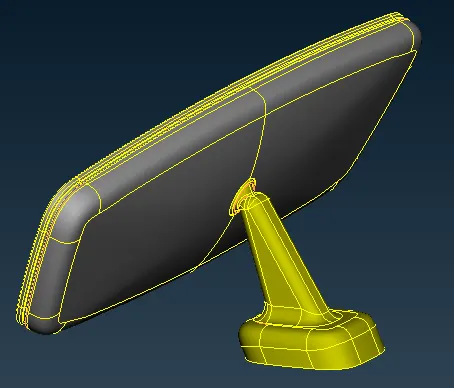
→ After importing the model give the perimeter length for cons resolution and apply TOPO for attachment.
→ For better color resolution we can apply orient and then go for geometry check.
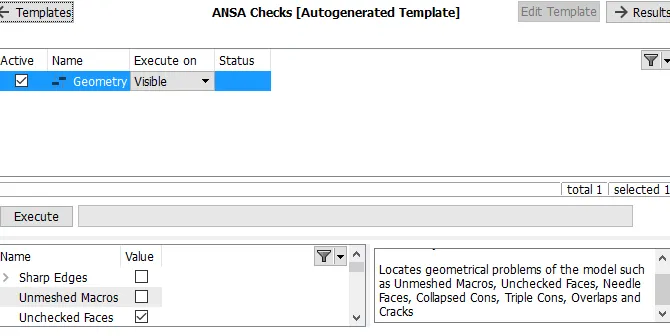
→ Select the required parameters and hit on execute, the errors will reflect on the display then select all errors and go for an auto fix which we can get by right click.
→ After getting the error-free model, can move for meshing. Since the given minimum length is very less so we have to defeature the model, for the have to measure the thickness of the model at several locations.
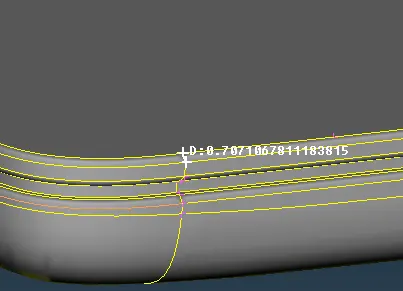
→ Measure the thickness at the different-different location and suppress the feature line where the thickness is less than 0.5 units.
→ After defeaturing, can move for meshing. For better feature capturing we have to mesh flat surface from TRIA and curved surface from ORTHO TRIA mesh type.
→ Before starting meshing set the mesh parameter for 2D as well as 3D.
→ After assigning the mesh condition go for mesh.
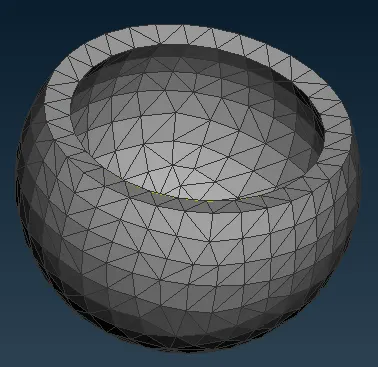
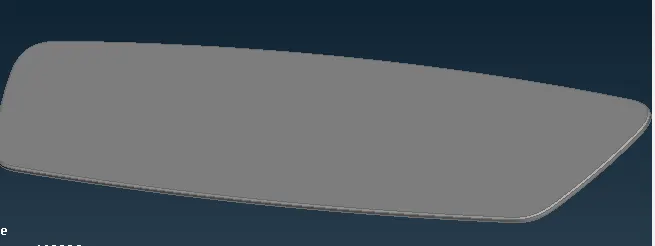
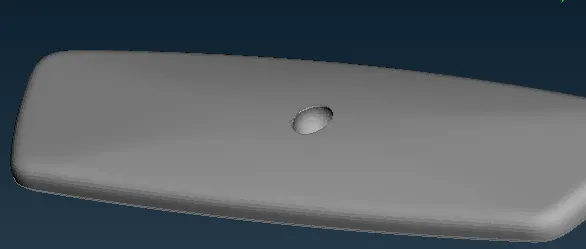
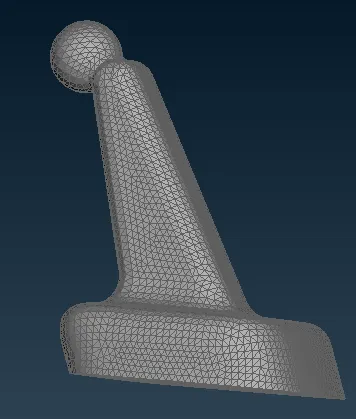
→ If the mesh is not proper we can go for reconstructing the elements.
→ After satisfying the all mesh condition we can go for volume creations.
→ For volume creation, we have to be in volume mesh mode and select manual in the define option.
→ Then select the meshed model and click on the middle mouse button and set the separate PID(PSOLID).
→ Then go to the list option and right-click on the newly created PSOLID and go to edit and select type as tetra rapid.
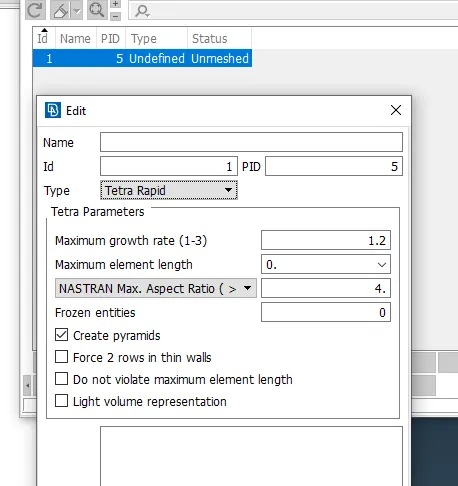
→ After that go to remesh.
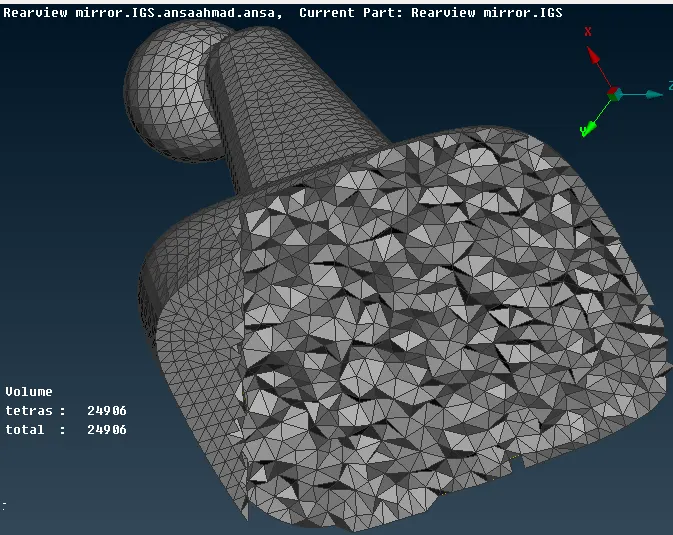
→ In volume mesh, tet collapse error must be rectified by selecting visible in fix quality option from the Improve.
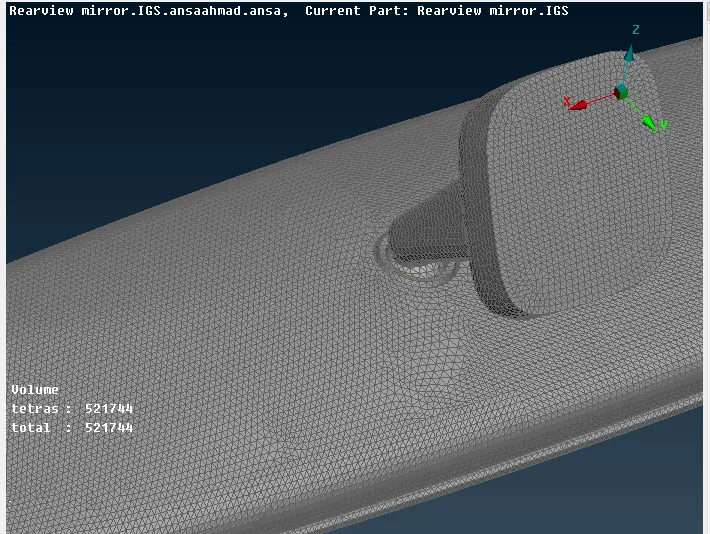
RESULT:-
Learning objective:-
1. Get to know about volume mesh with quality criteria of the meshed surface.
2. Gained knowledge on tet collapse rectification.
3. 2D mesh with quality criteria.