Project 1 - 2D meshing on the instrumental Panel
Objective:- For the given component check the geometrical error and mesh with the given elemental quality criteria. After meshing assign the thickness to the component.
Quality criteria:-
|
S.No |
Quality Criteria |
Value |
|
1 |
Target/Average length |
4 |
|
2 |
Minimum Length |
2 |
|
3 |
Maximum Length |
6 |
|
4 |
Aspect |
3 |
|
5 |
Warpage |
15 |
|
6 |
Skewness |
45 |
|
7 |
Jacobian |
0.7 |
|
8 |
Minimum Quad Angle |
45 |
|
9 |
Maximum Quad Angle |
135 |
|
10 |
Minimum Tria Angle |
30 |
|
11 |
Maximum Tria Angle |
120 |
|
10 |
Tria Percentage |
15 |
Procedure:-
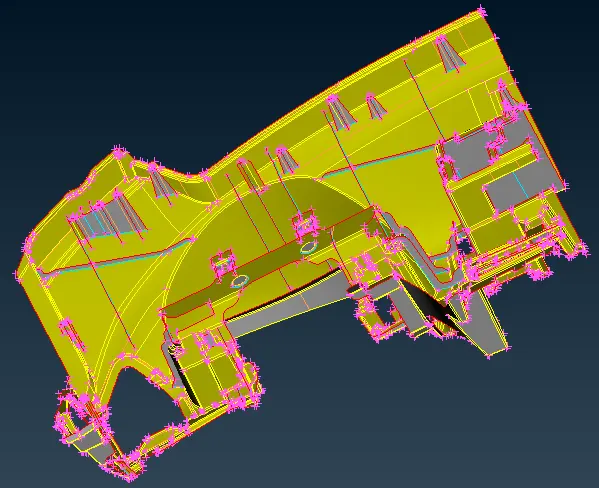
Import the IP model.
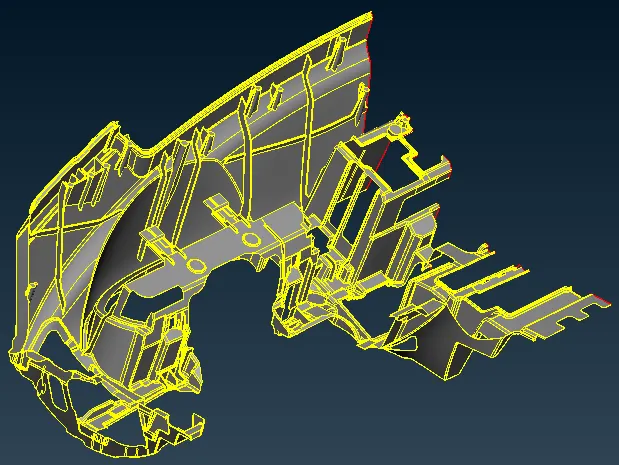
After importing the model go to mesh mode then perimeter and give length as 1 for better cons resolution.
If the surface is not connected then give TOPO for connections.
After that, we go for geometry clean-up.
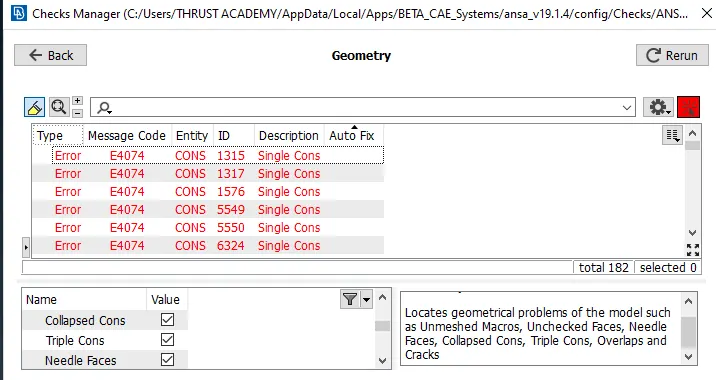
After the competition of geometry check, we will go for mid-surface extraction.
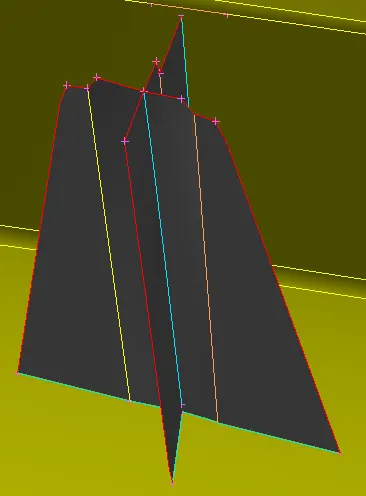
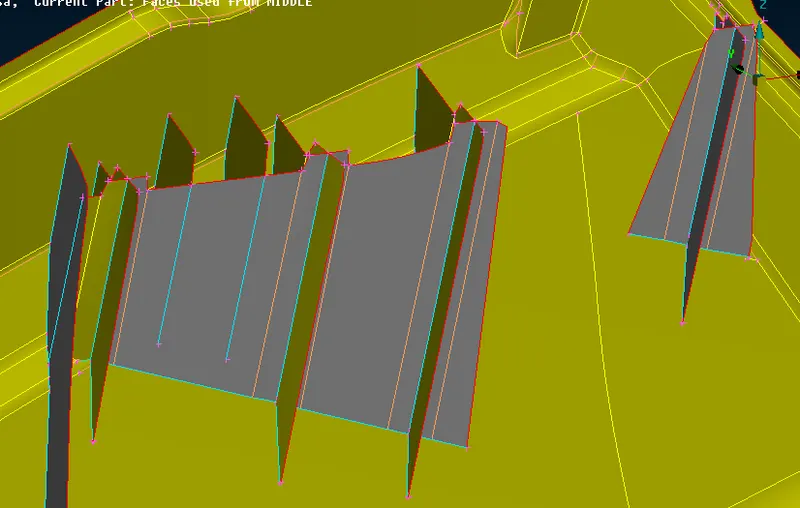
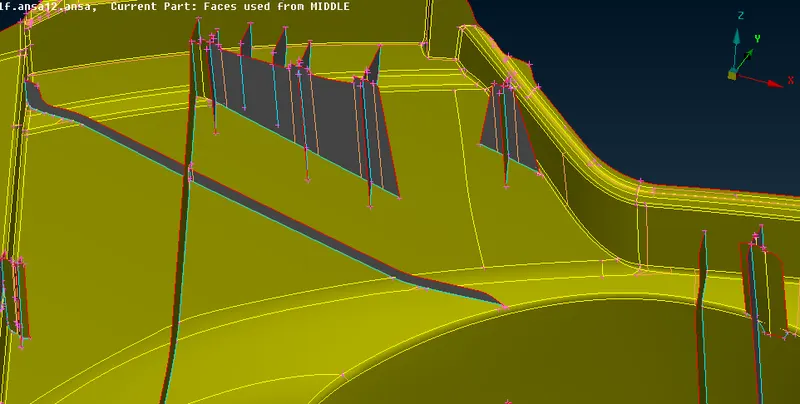
Since the surface is uniform so we will use the offset method to extract the mid surface for the normal surface. for dog house and ribs we will use different methods to extract mid surface.
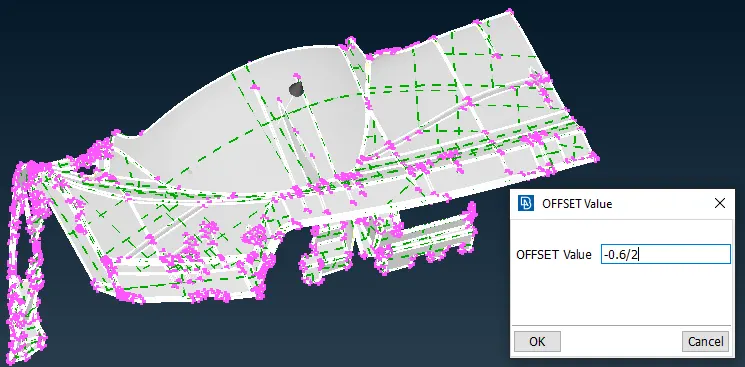
For dog house and ribs we will measure the thickness and we will choose the method accordingly like the middle or offset method.
In this case, we'll go for the offset method for the ribs.
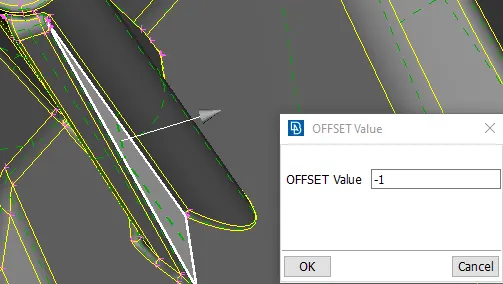
Then go to extend select the single cons which we have to extend and select the surface then give a middle click. Ribs will be attached to the surface.
For dog house, based on the alignment of the ribs mark a cross cut on the surface of the dog house then select the option cons to curve and extract the marked cross curves.
Then go to face select New and fitted option and create a new surface.
After the completion of mid surface, we will go for batch meshing.
Before starting batch meshing set the mesh and quality parameter and also set the PID for the model.
Then go to the model browser and create the new part visible and click ok.
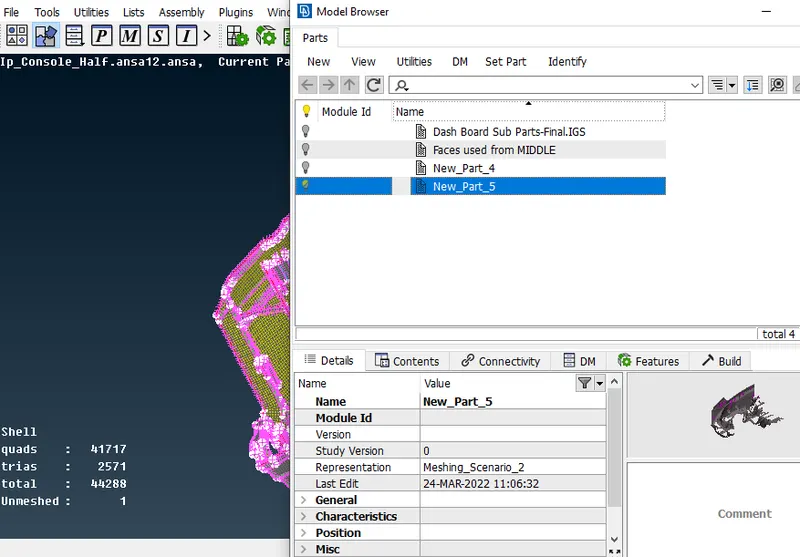
After assigning the operation in the model browser go to the batch mesh and create a new mesh scenario.
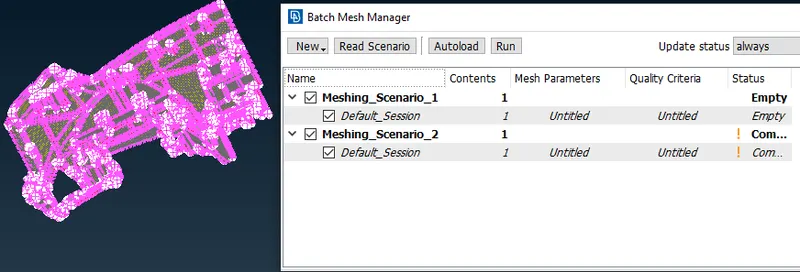
Assign all the values in the mesh and quality parameters and then go to the Run option and click a middle button, a mesh will generate.
Correct the mesh flow and improve the quality of the element using reconstruct, smooth, split, paste swap, move operations.
After quality improvement assigns the thickness.
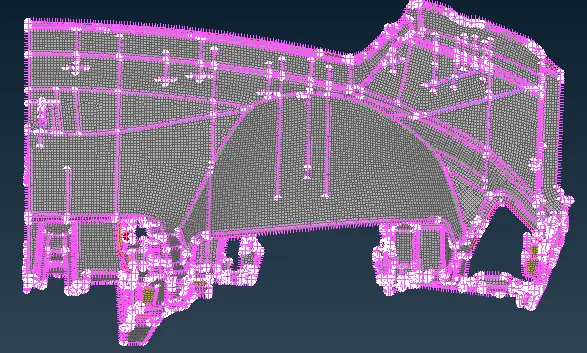
RESULT:-
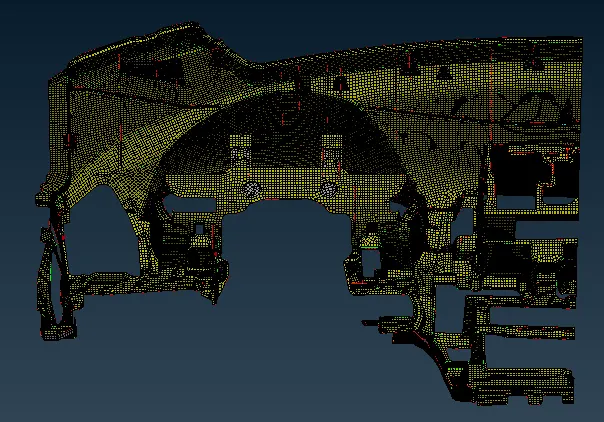
Learning objective:-
1. way of handling such a big component.
2. Mid-surface extraction of ribs ad dog house.
3. Batch meshing with the handling of quality criteria.
----------------------------------------------------------------------------------------------------------------------------------------------------------------------------------------------------------------------------
Find the model with the given link.
https://drive.google.com/file/d/1iI0Y0SJIJbkhhNEXlNvZKXCIWCdopCKv/view?usp=sharing