Week - 4 - 2D meshing for Plastic components
Objective:- For the given Plastic Bottle Cap model, check for the geometrical errors and take the mid surface by suitable mid surfacing techniques. PID and Thickness assignment has to be done for all the mid surfaces. Mesh the same with given element Quality criteria.
S.No. Quality criteria value
1. Target/average length 1
2. Minimum length 0.5
3. Maximum length 3
4. Aspect ratio 3
5. Warpage 15
6. Skewness 45
7. Jacobian 0.7
8. Minimum Quad Angle 45
9. Maximum quad angle 135
10. Minimum tria angle 20
11. Maximum tria angle 120
12. Tria percentage 15%
Procedure:-
1. Import the bottle cap model in ANSA.
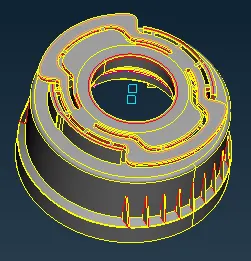
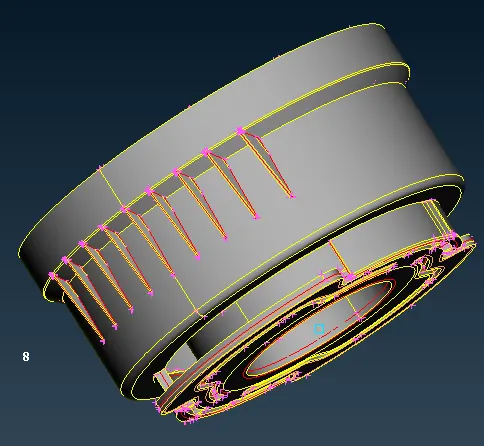
2. Go to mesh mode give perimeter length as 1 for cons resolution.
3. Since it's an IGS file give TOPO for connectivity then go for orient for color resolution.
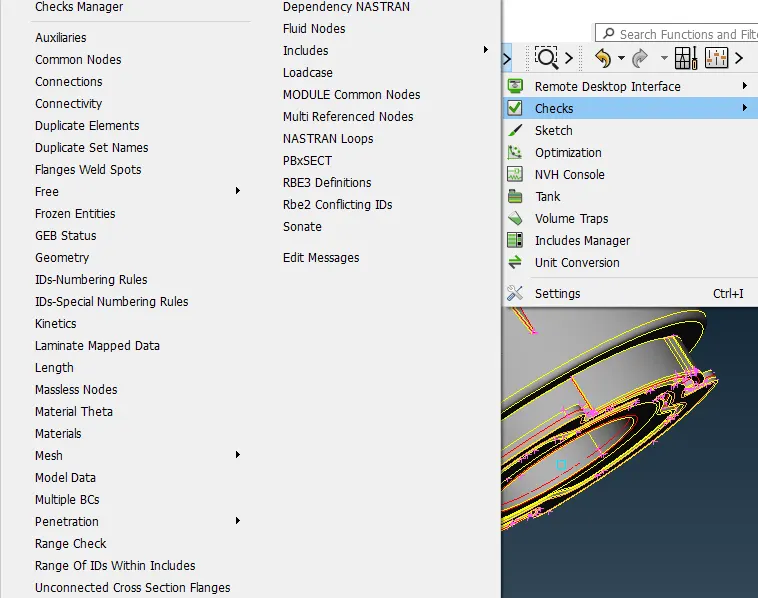
4. Then after going for geometry check(tools→checks→geometry→execute).
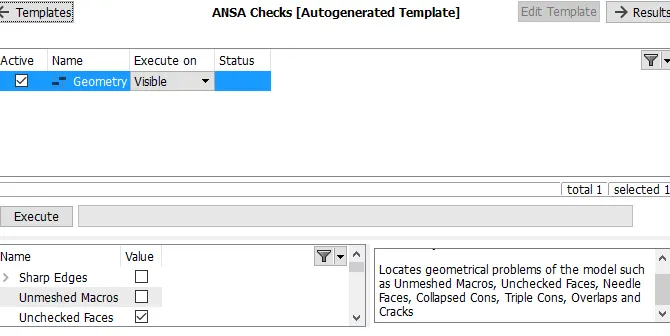
5. Most of the errors can be rectified by autofix, two triple cons errors have been eliminated manually, isolating the component and projecting the cons and deleting the duplicate surface, and hitting on the topo command.
6. After eliminating the error go for manual mid-surface extraction.
7. Since the top part of the model is more complex, start the extraction from the top part of the model.
8. Measure the thickness of the top surface by other entities.
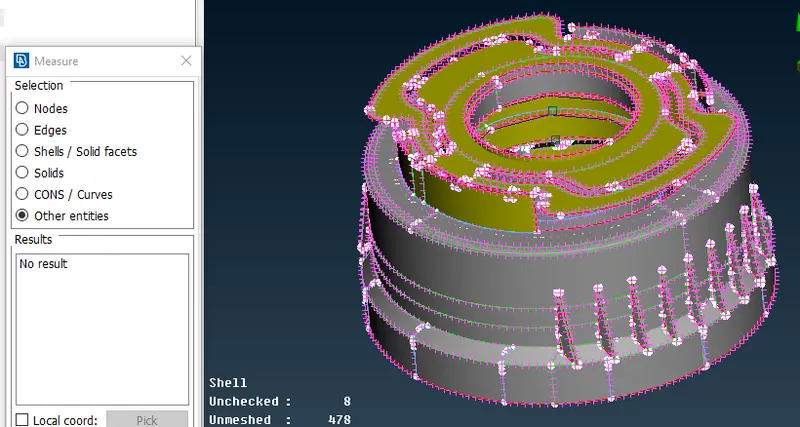
9. After measuring the thickness go to topo mode and select the offset in face option.Since the vector direction is we have to use the -ve value in the offset command.
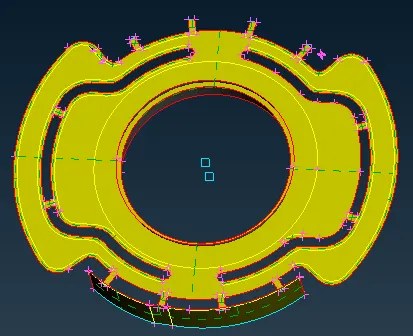
10. Repeat the process for every uniform surface and extract the mid surface using the offset command.
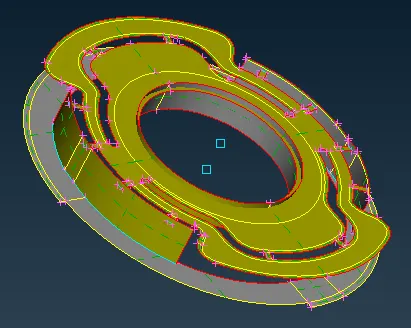
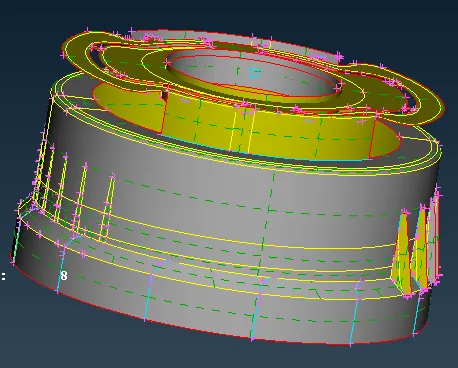
11. For multi areas and nonuniform surfaces use the multi-middle option in the face menubar for mid-surface extraction.
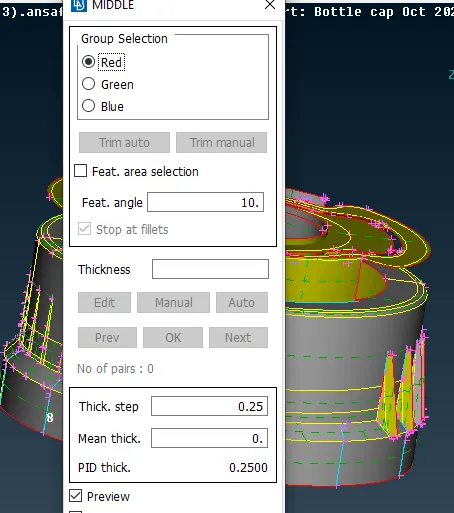
12. Red and green is for the inner-outer surface and blue is for thickness.
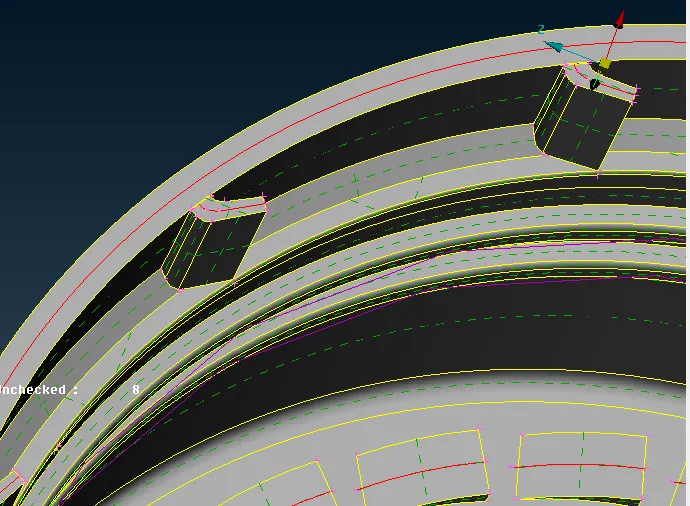
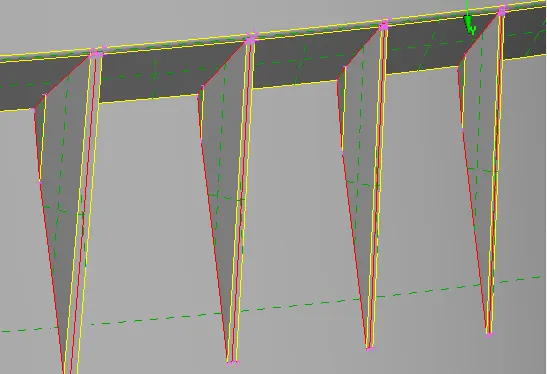
13. Use the transform option to get the same mid surface of some components around the bottle cap.
14. Before using the transform option create the "onCoG" point.
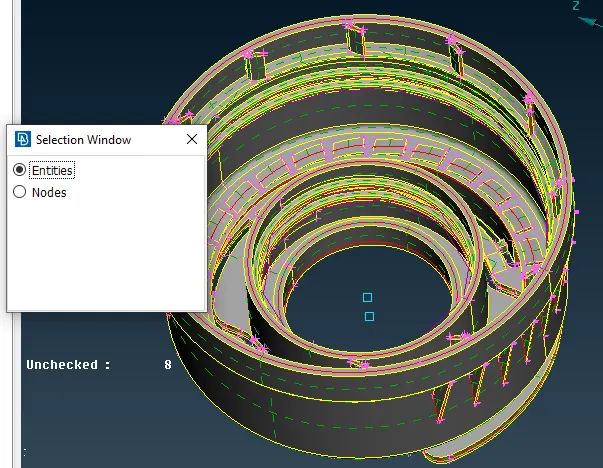
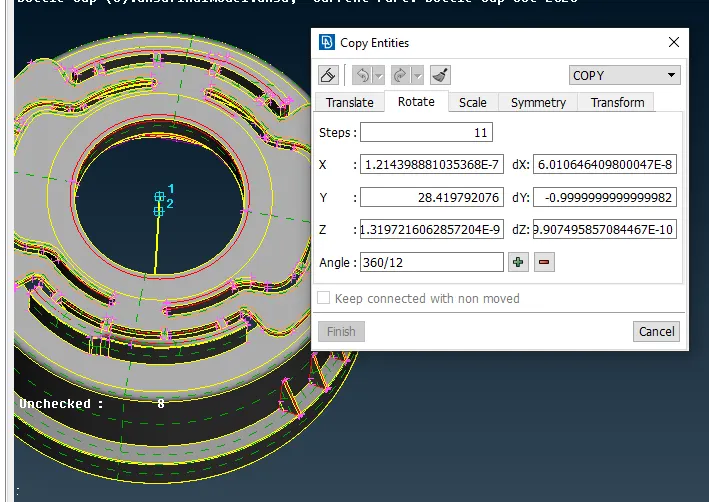
15. While extracting the mid surface some of the surfaces are missing, in that case, use the fill hole and new option for the surfaces.
16. For the thread portion use middle from the curve option.
17. Then project the cons on the surface then create the new surface with the help of project cons and the middle curved.
18. For finer curved use fine options in the Auxiliaries.
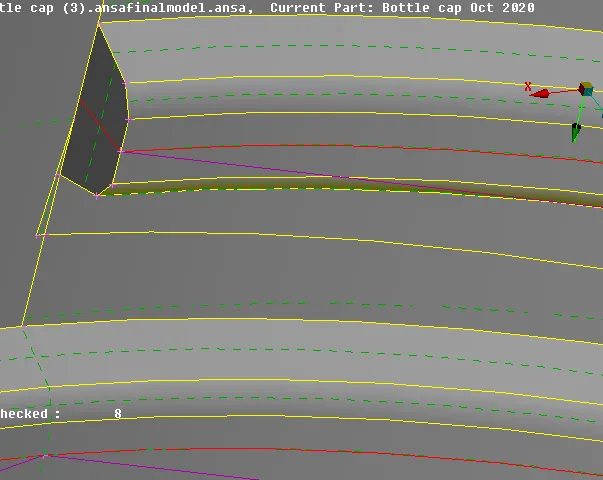
19. After completing the mid-surface extraction set the PID. for the component and go for the manual mid surface.
20. Before go-to manual mid-surface set the mesh parameters and element quality criteria.
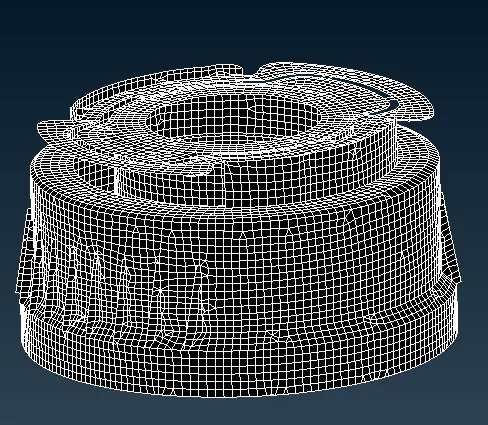
21. Correct the mesh flow and improve the quality criteria with the help of reconstructing, smooth split, paste, swap, etc.
22. Assign the thickness.
RESULT:-
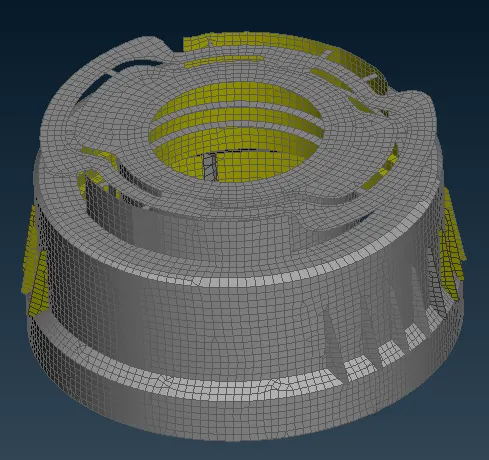
Learning objective:-
1. Way to know the mid-surface extraction of thread and complex models like bottle caps.
2. Get to know about the manual mid-surface.