Week 12:Project 2-Meshing of Rear Wheel Holder challenge
AIM: To mesh the Rear wheel holder.
OBJECTIVE: To mesh the given component with the given quality criteria.
Target Element Length = 5 Units
| S.N | Quality Criteria | Value |
| 1 | Aspect Ratio | 5 |
| 2 | Skewness | 45 |
| 3 | Warping | 15 |
| 4 | Taper | 0.5 |
| 5 | Min. Length | 2 Units |
| 6 | Max. Length | 8 Units |
| 7 | Min angle Quad | 45 |
| 8 | Max angle Quad | 135 |
| 9 | Min angle Tria | 20 |
| 10 | Max angle Tria | 120 |
| 10 | Tria % | 10 |
COMPONENT:
PROCEDURE:
- Import the geometry into hypermesh.
- Check the thickness and extract the midsurface by using suitable extraction option. To extract mid surface go to geom>midsurface>auto midsurface>extraction option (select offset+planes)>auto exctraction>select the surface >extract.
Extracted midsurface:
Delete the suface and recreate it using Quick edit panel>unsplit, filler or using the Surface>Ruled option
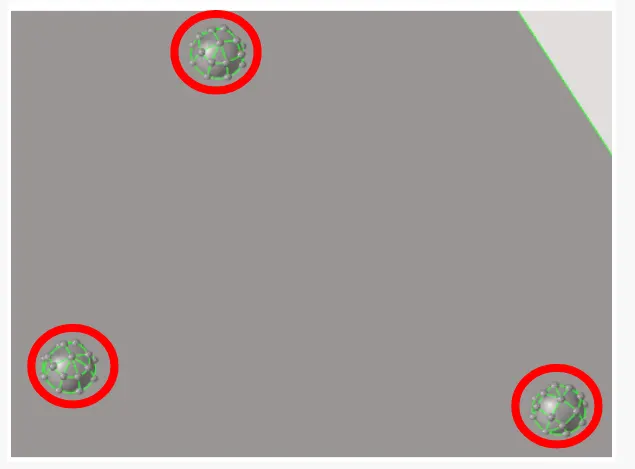
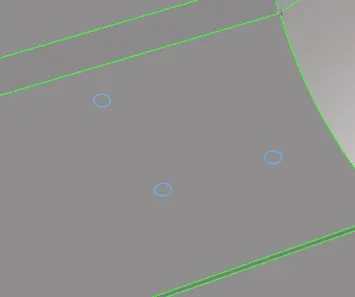
- Now, clean up the geometry By using Toogle or edge replace option To avoid sharp edges where elemets fail for minimum lenght.
- Set the Quality criteria and parameter file setting before meshing.
- For criteria file setting go to the preference> criteria file setting
- For parameter file setting go to preference> parameter file setting.
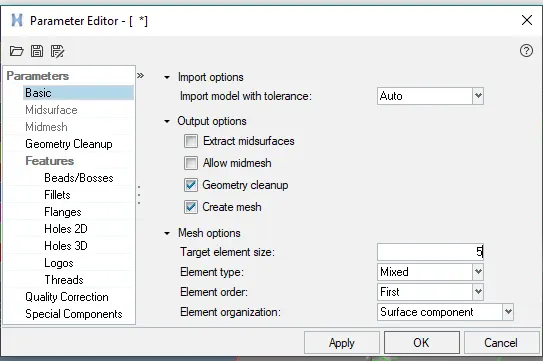
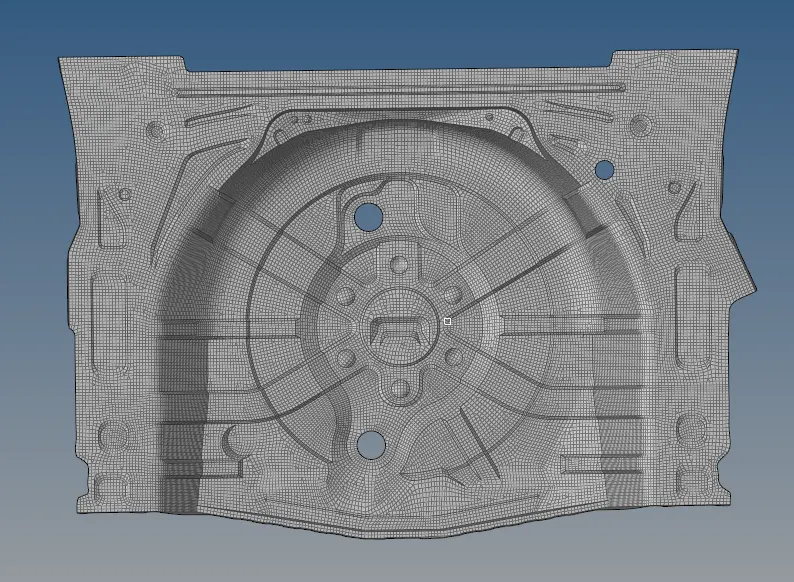
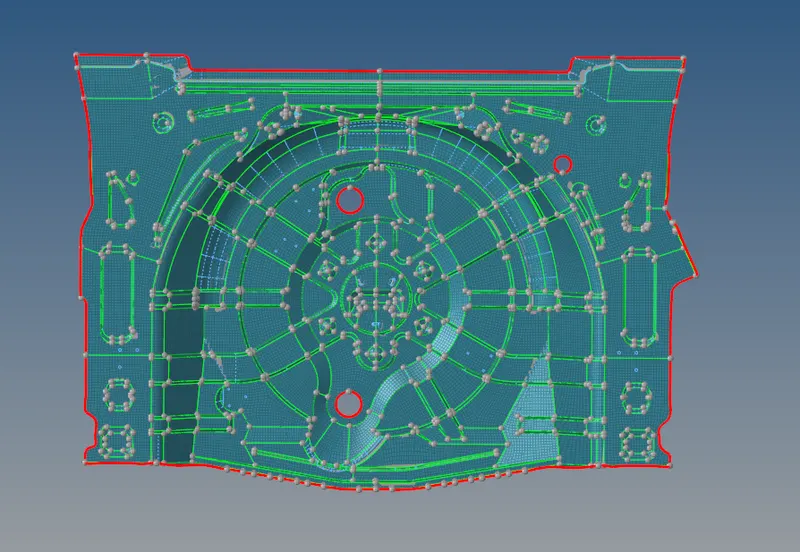
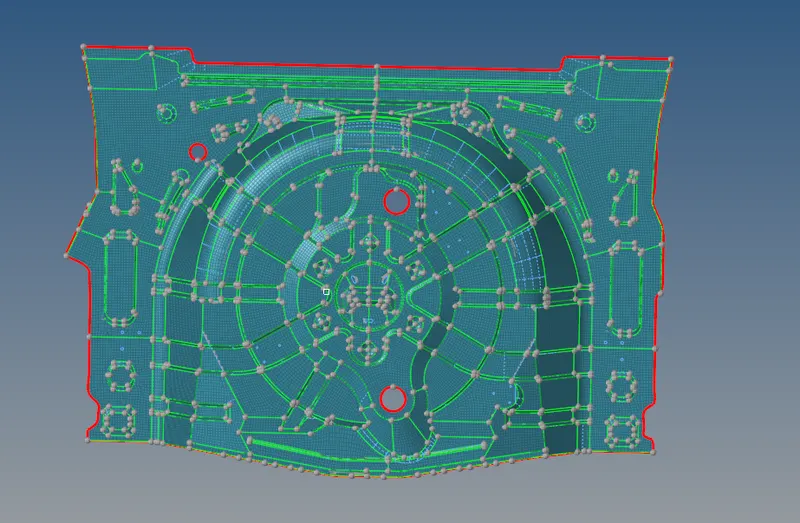
- Then, start meshing manually, i.e, surface by surface to achive the proper mesh flow
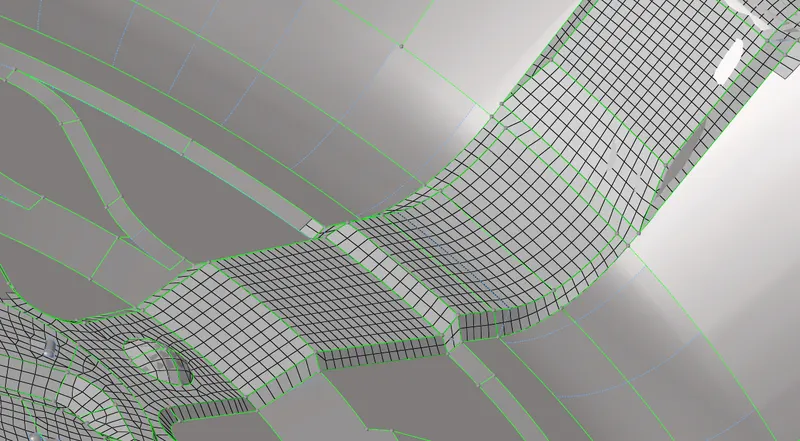
Meshed component:
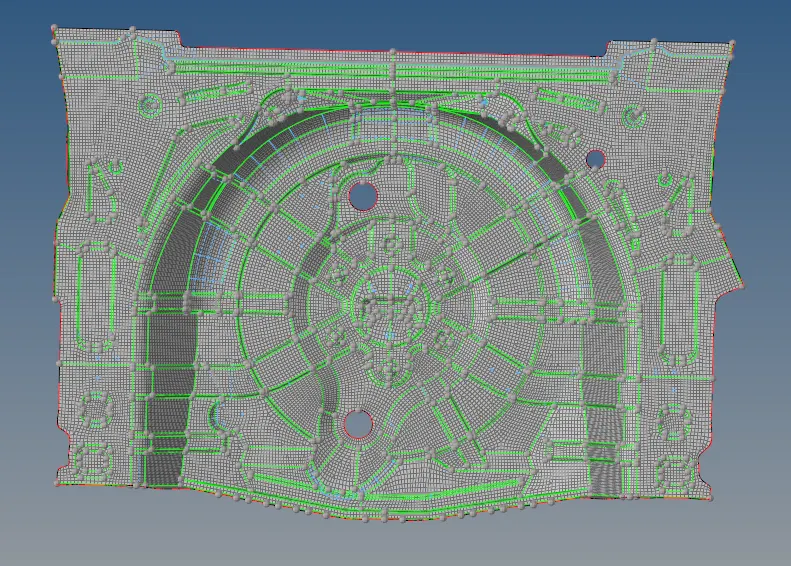
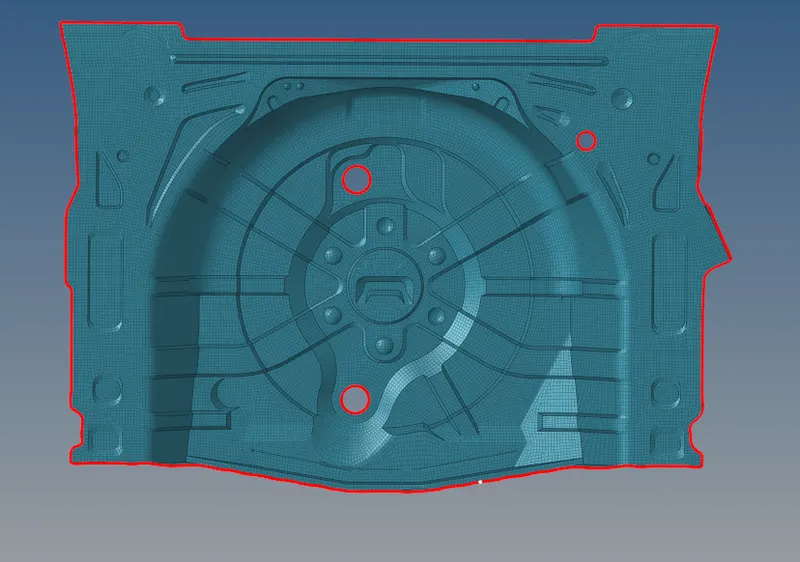
- After meshing check for the free edges Goto tool>edges>elements>select all the elements >find edges.
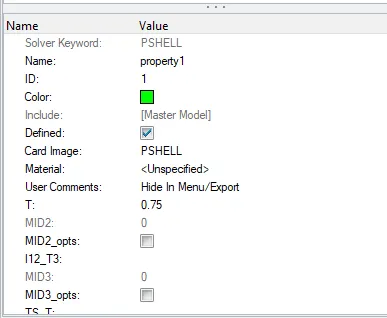
- Assign the properties i.e, the Thickness of the material 0.75
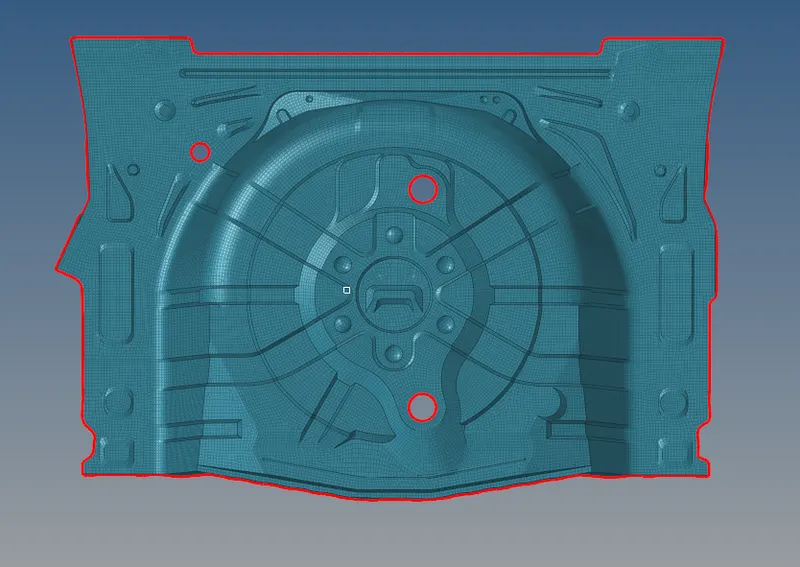
FINAL MODEL
CONCLUSION:
The Given component is meshed with given criteria and parameter file setting.