Week 6-Meshing of Hood Challenge
AIM: To Meshing of Hood which is provided in the challenge.
OBJECTIVE: To set up the quality criteria as given and Mesh the components of Hood.
Element size and Quality Criteria given:
Target Element Length = 5 Units
| S.N | Quality Criteria | Value |
| 1 | Aspect Ratio | 5 |
| 2 | Skewness | 45 |
| 3 | Warping | 15 |
| 4 | Taper | 0.5 |
| 5 | Min. Length | 2 Units |
| 6 | Max. Length | 8 Units |
| 7 | Min angle Quad | 45 |
| 8 | Max angle Quad | 135 |
| 9 | Min angle Tria | 20 |
| 10 | Max angle Tria | 120 |
| 10 | Tria % | 10 |
PROCEDURE:
- Open the provided model file in HyperMesh and then as instructed in the note that is to mesh the Hood components seperately.
- Firstly take the smaller components like here the Latch and Hinge and hide all other components.
- Then, to set up the quality criteria go to>Preferences>Criteria File Settings>set the criterias as provided.
- Exatract the mid surfaces of the particular components seperately for Latch, Hinge, Outer and inner components.
- Important thing is to make a proper geometry cleanup, that is to toggle the unwanted lines which may affect the meshing and lead to element failure. For that go to Geo>quick edit >toggle.
- Then, if needed split the surface as possible as in the rectangle or in the square shape so that the meshing should get proper. To split the surface go to Geo>quick edit>split surf-node/split surf-line.
- After geometry cleanup and splitting the surfaces go to 2D > Automesh>select the surface>Mesh.
- If there are any opposite trias present drag and fix them or else remesh them and make the mesh in th proper way. There should no Failed elements present.
- If there are any failed elements present fix those elements. First find the reason for the failure that failed elements may having the different colors as they are having different types of failures as per the legends colors assigned for them.
- Based on the type of failure the elements can be fixed by remesh or by moving the nodes of that particular element. And make sure that there are no failed elements and also take care of the mesh flow.
COMPONENTS OF HOOD
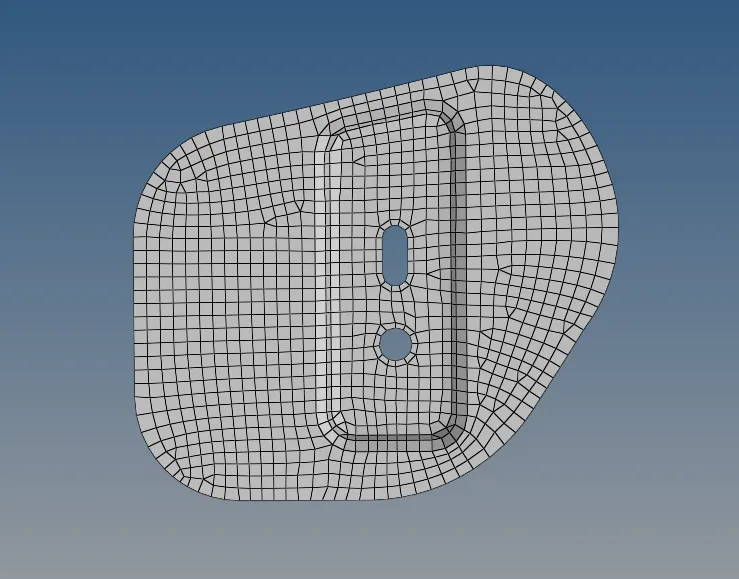
HINGE:
Mid surface Extracted from the hinge and also the geometry cleanup has been done.
Meshed Hinge components.
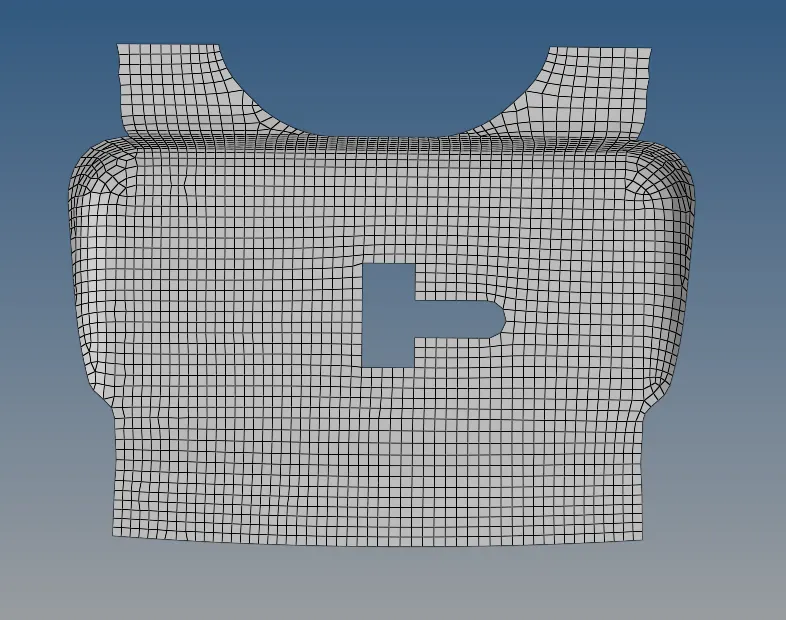
Latch:
Mid surface Extracted for Latch and geometry cleanup has done.
Meshed Latch component.
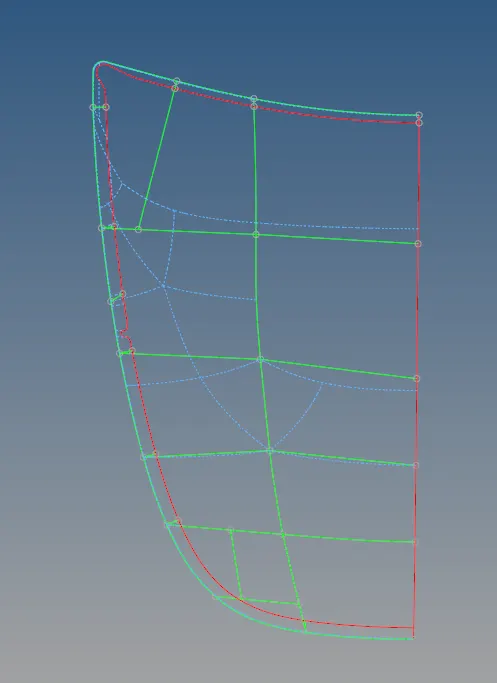
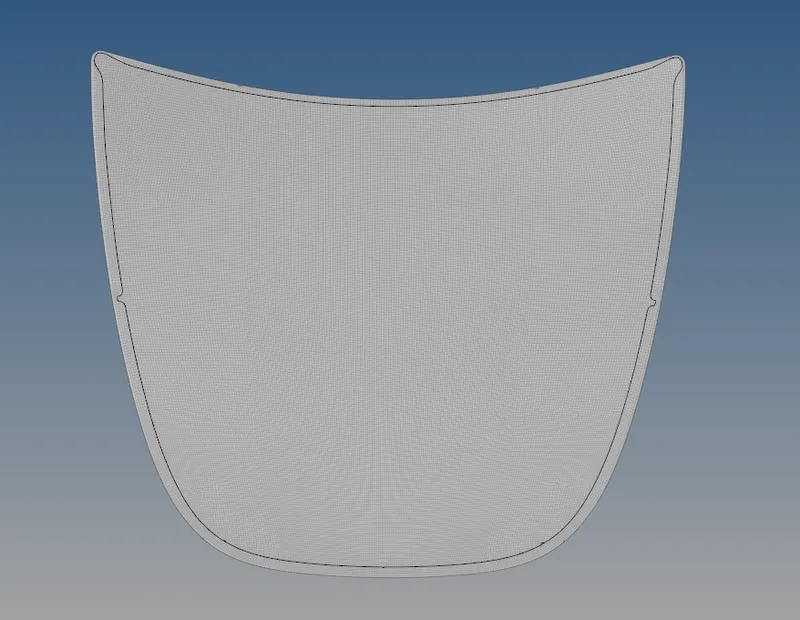
Outer Extract.
This component is made as half by deleting other half since it is symmetric component, we can mesh the half of the component and later it can be reflected.
Mid surface has Extracted for the component and then the geometry cleanup has made and meshing has done and reflected.
Inner Extract:
Exctrated the mid surface and Deleted half of the component except Latch part.
Meshed component.
Reflected the meshed component.
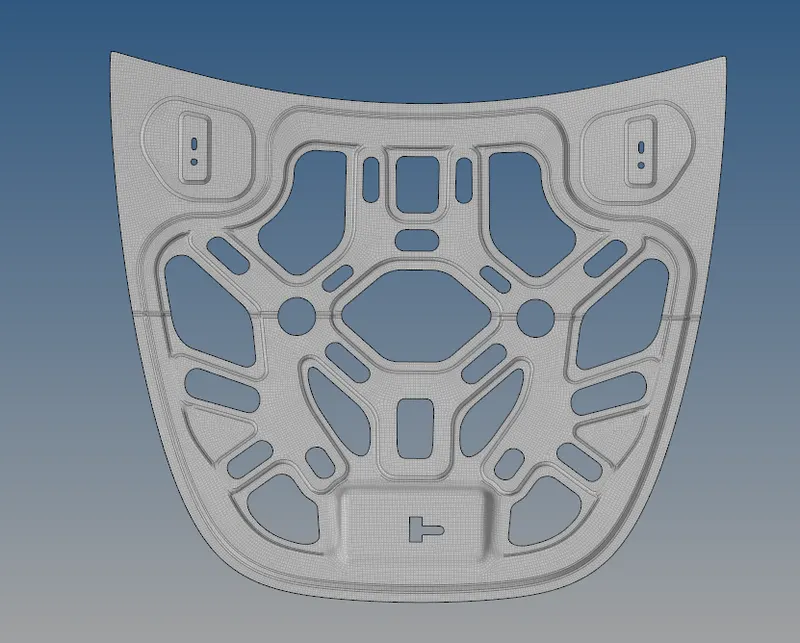
- check for the edges: go to tool>edges>select the element>find edges. If you found with improper edges use replace option to replace the nodes and recorrect it
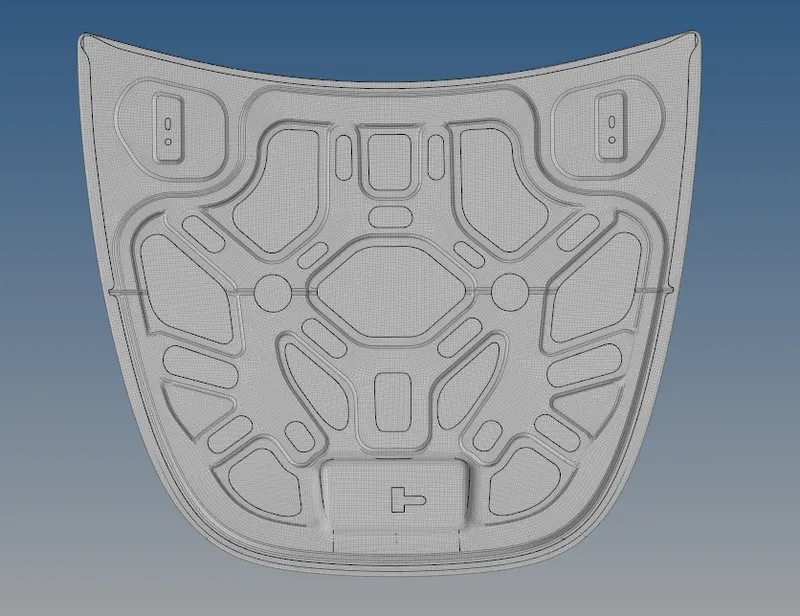
Assembly view:
CONCLUSION:
Through this challenge I got an Idea to mesh the curved or fillet surfaces in the component and also to Reflect the surfaces and elements and learnt to use some new commands.