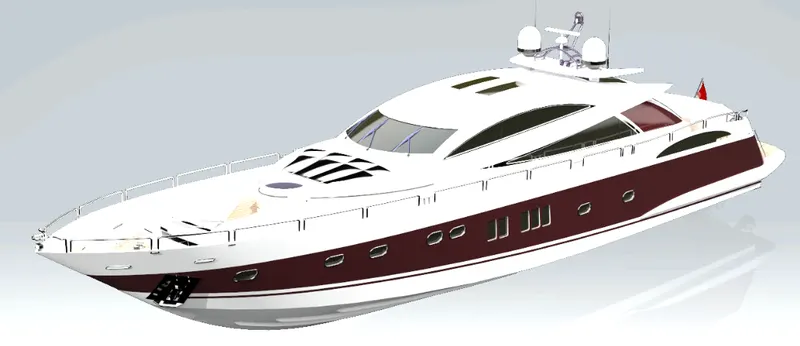
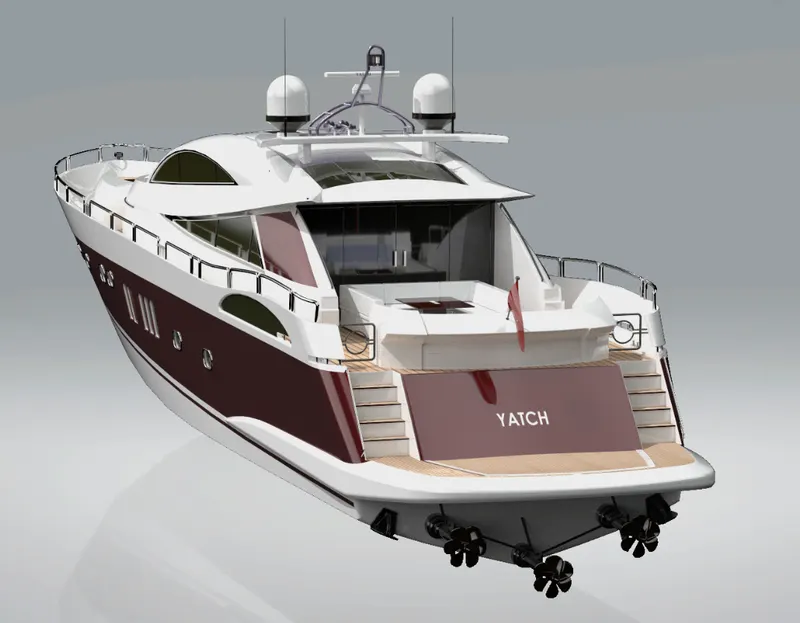
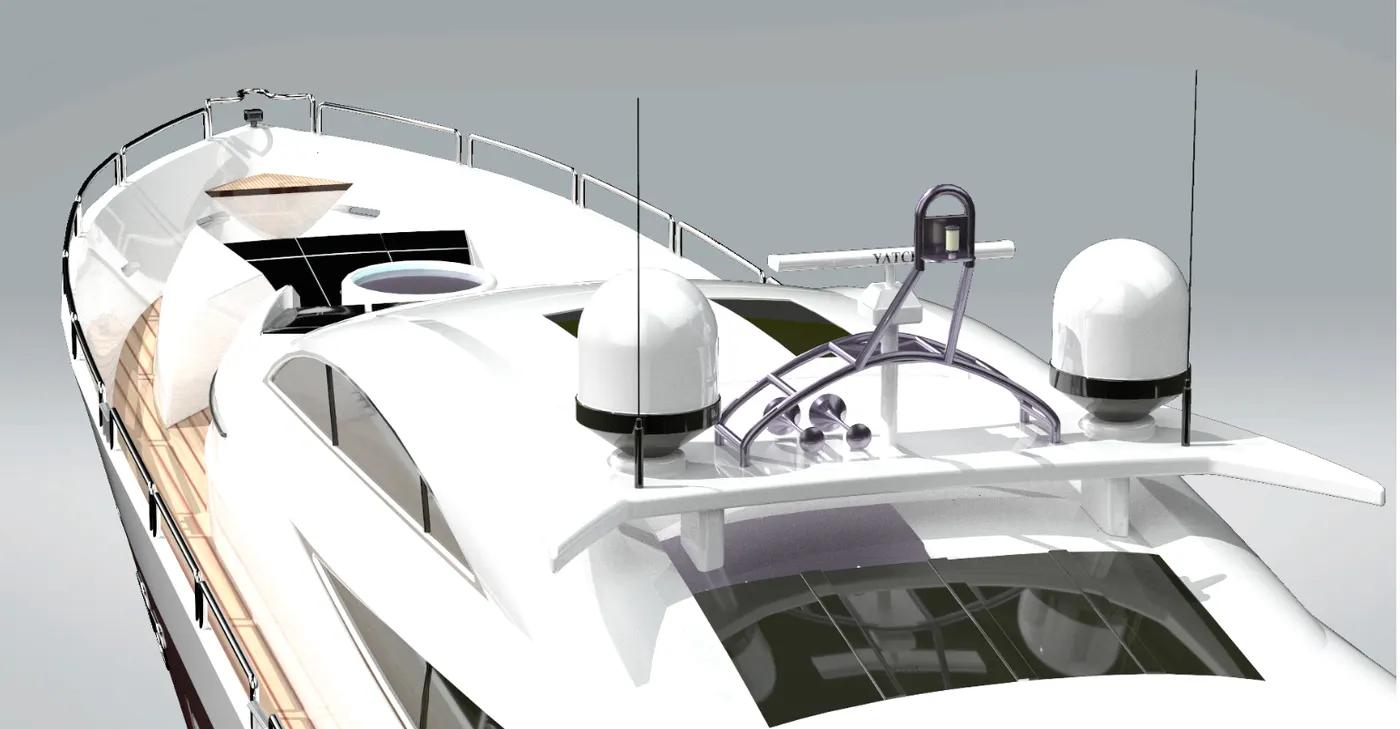
Radar Mast & Final Assembly of Yacht
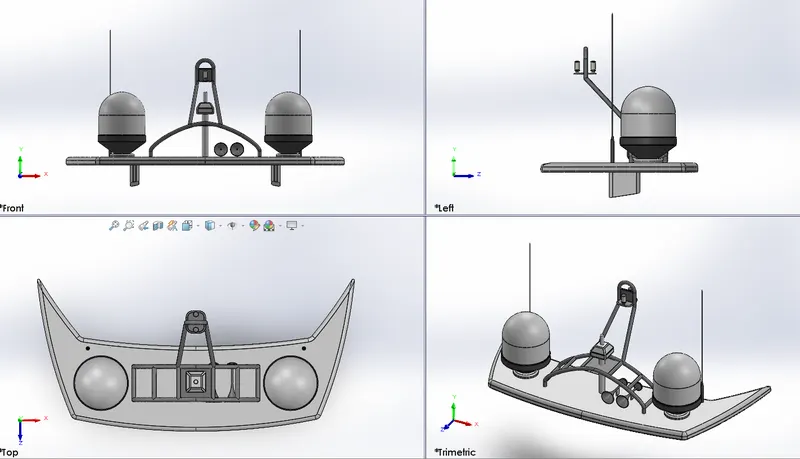
1. Radar Mast
- Sketches
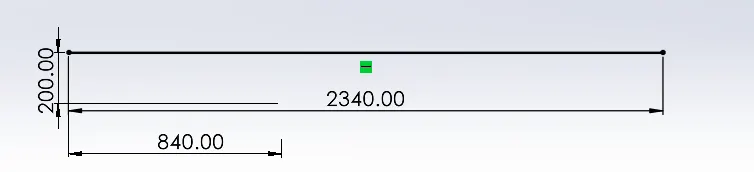
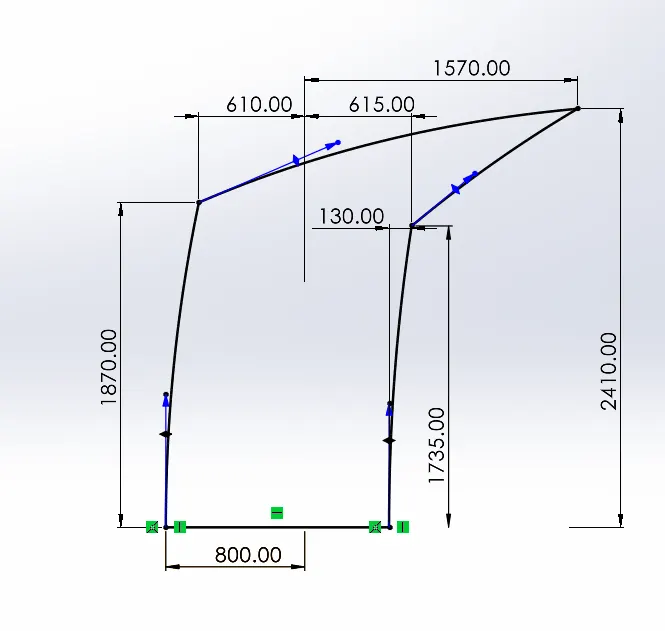
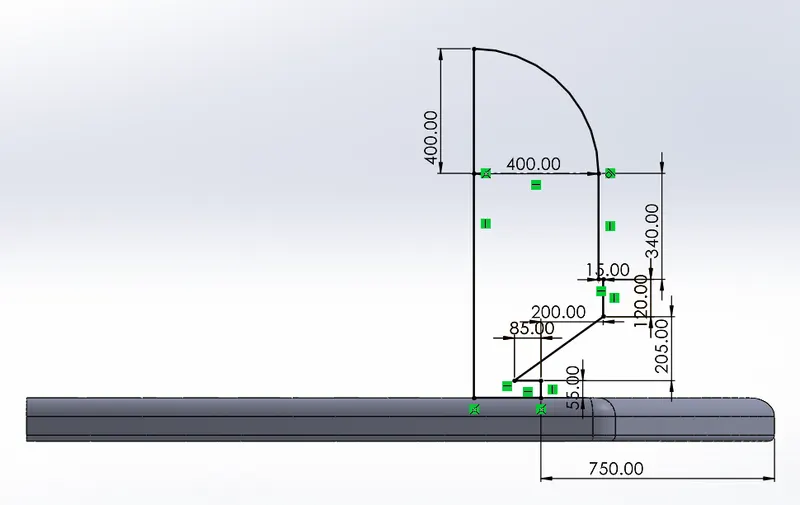
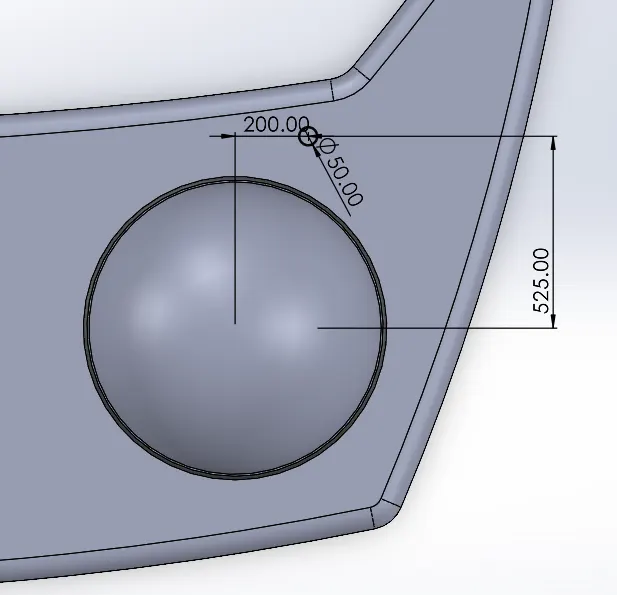
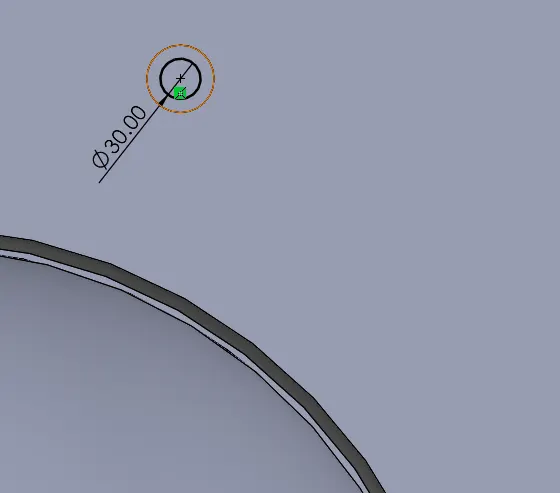
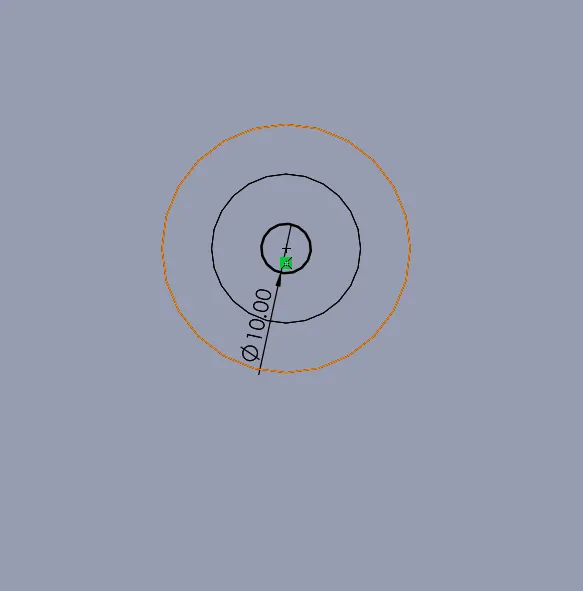
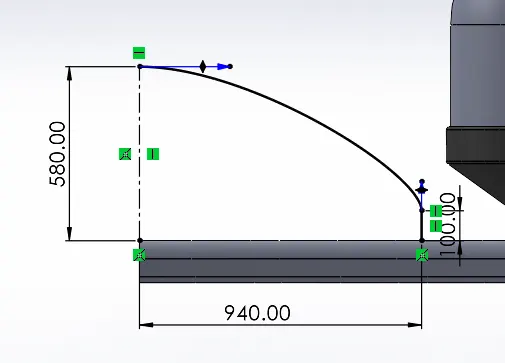
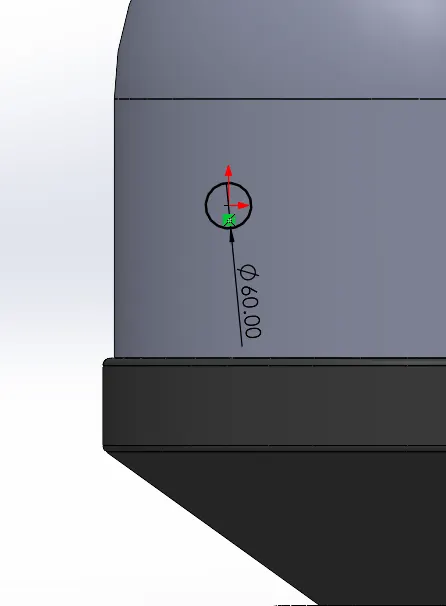
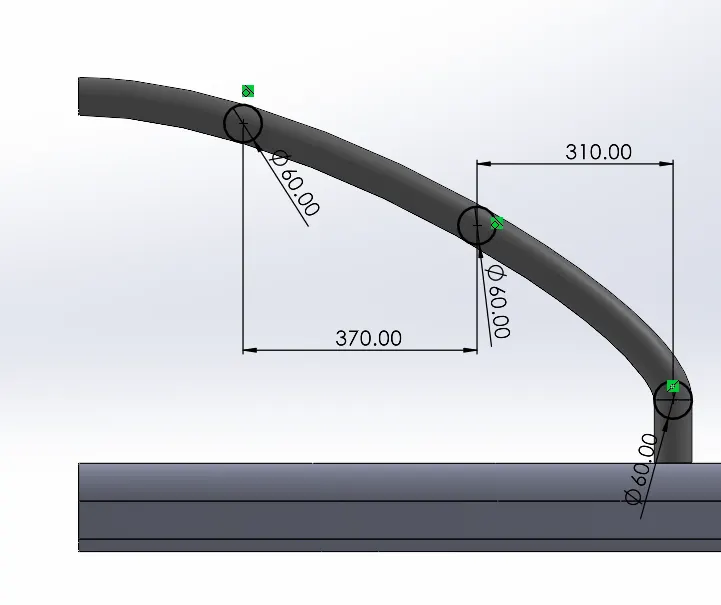
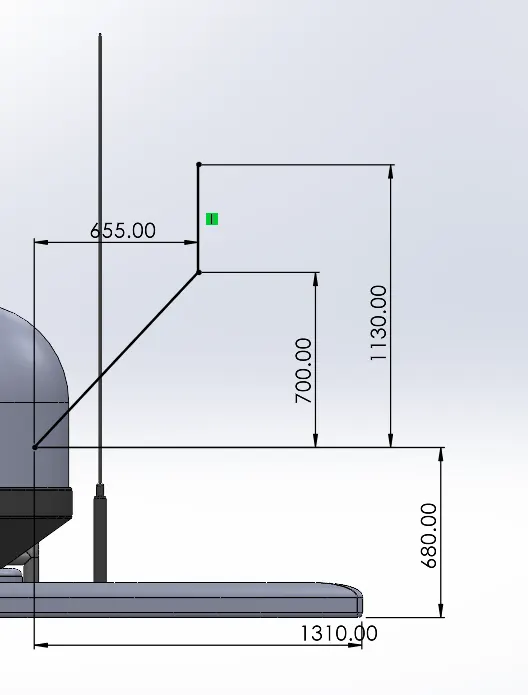
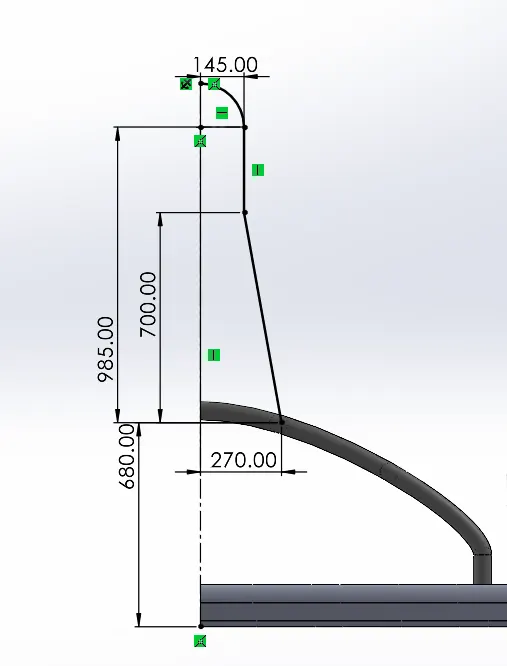
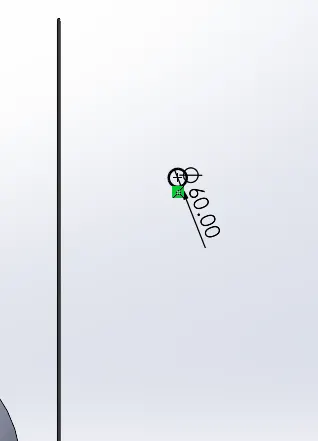
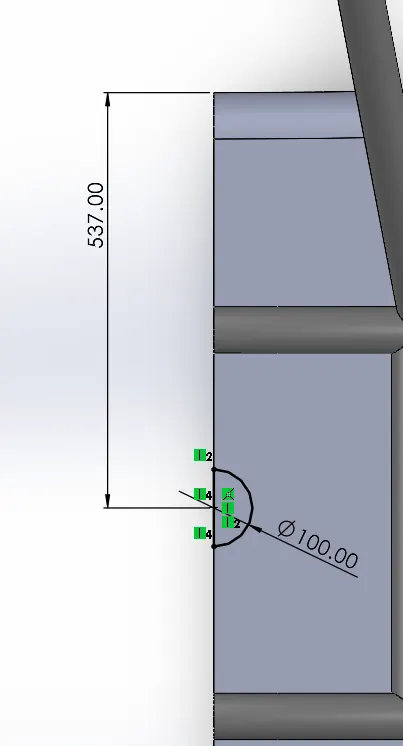
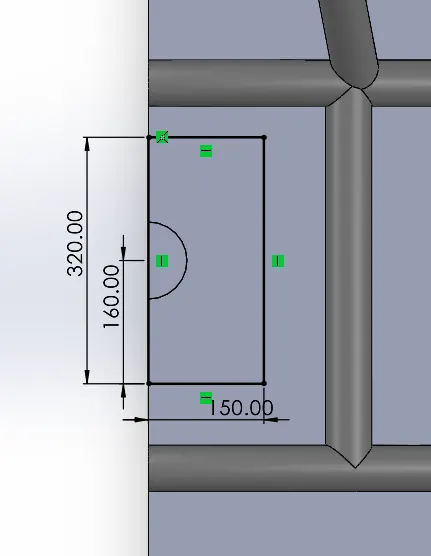
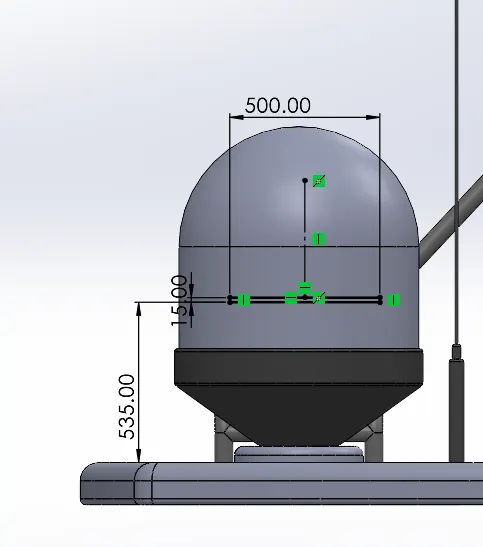
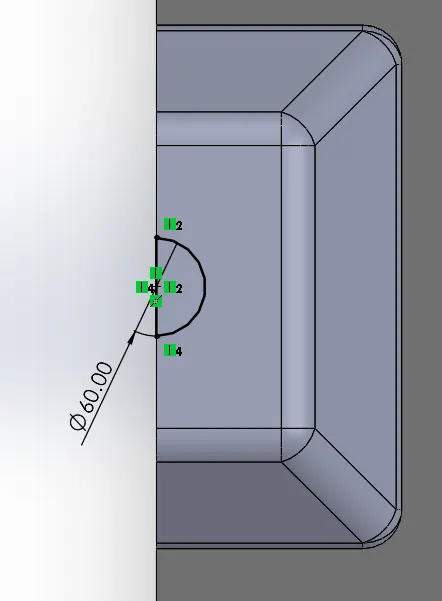
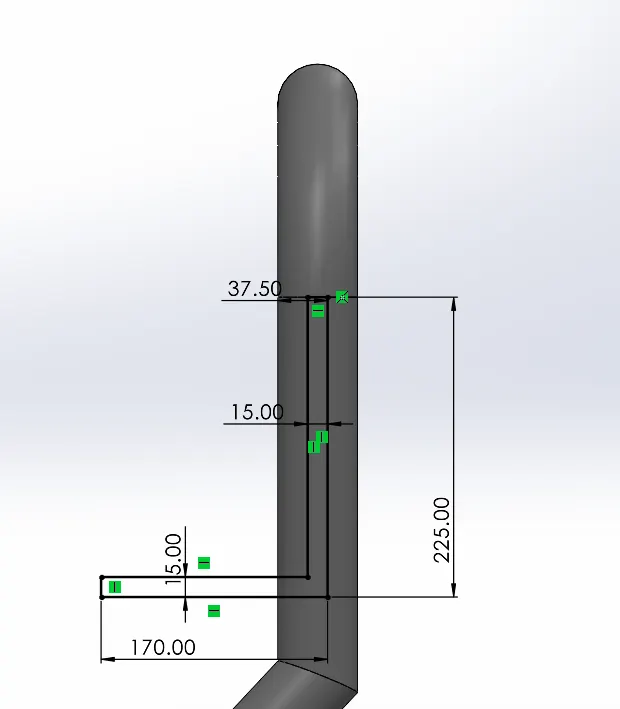
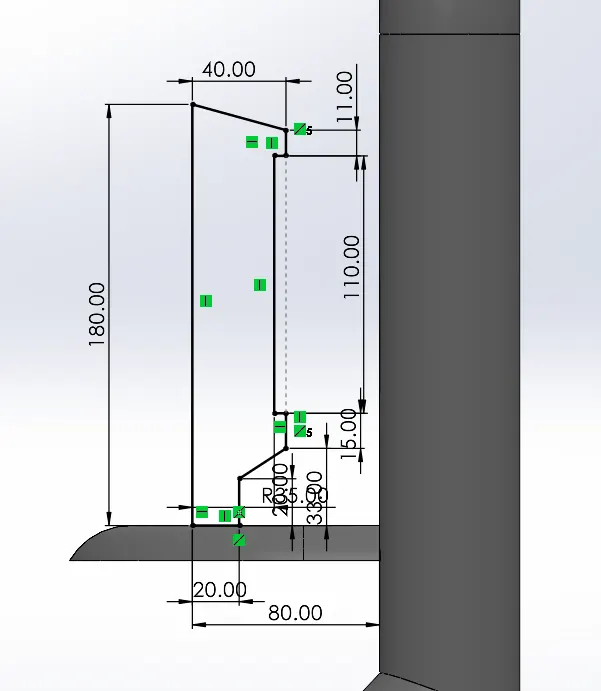
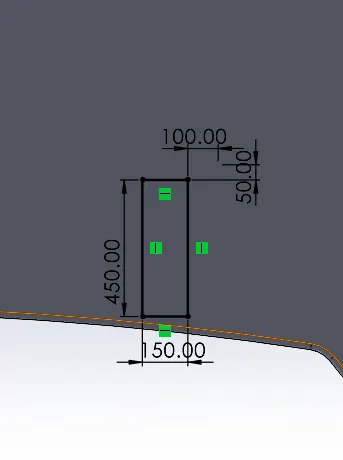
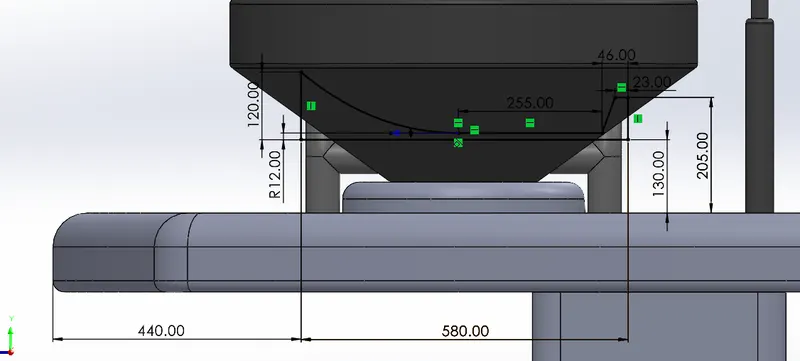
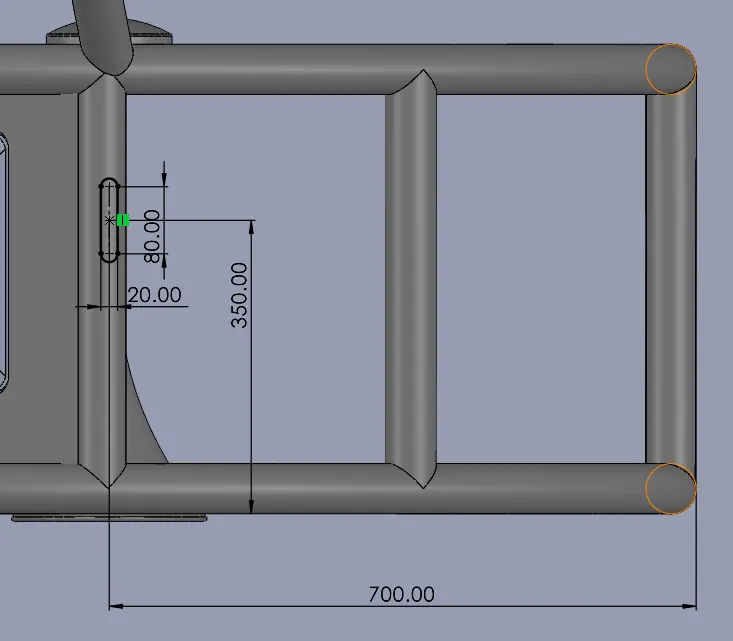
- Views
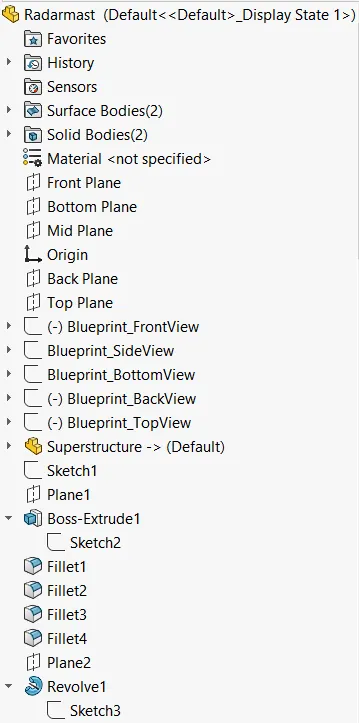
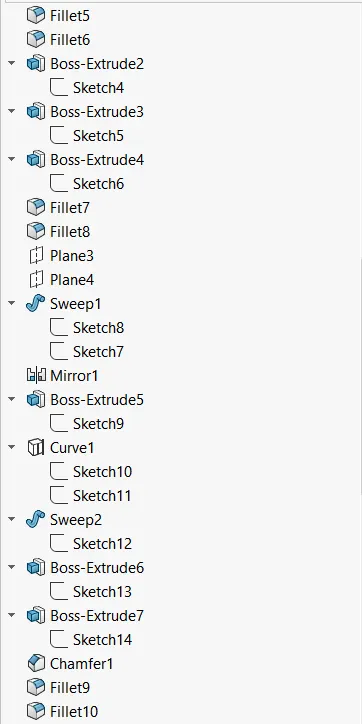
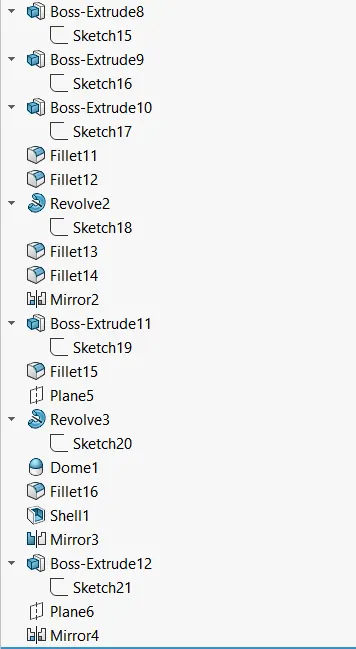
- Feature Tree
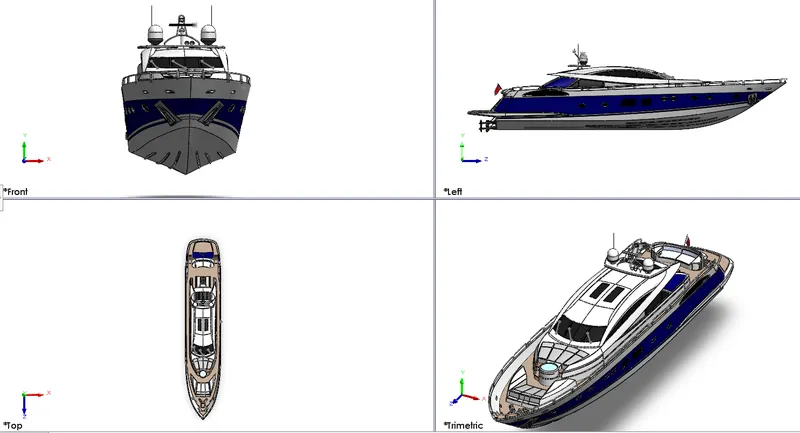
2. Assembly of Yatch
- Views
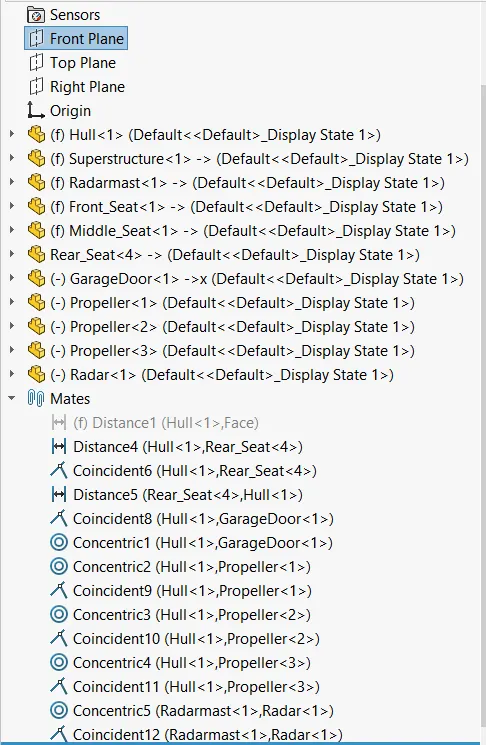
- Mate Tree
REPORT
DESIGN AND RENDERING OF SUNSEEKER PREDATOR YATCH USING SOLIDOWRKS
OBJECTIVE:
- Modeling of Sunseeker Predator Yatch
- Photo Realistic rendering of the Yatch
INTRODUCTION:
A Yatch is a power vessel used for pleasure, cruising or racing. Yatch are mostly built for commercial use or for private use.
The global Yatch market size was valued at USD 8.15 billion in 2020 and is expected to expand at a CAGR of 5.2% from 2021 to 2028.
The Sunseeker International is British luxury performance motor yatch brand founded by the brothers Robert and John Braithwaite under the name Poole Power Boats in the year 1969. The company’s name changed in 1985.
DESIGN APPROACH/ METHODOLOGY
Bottom-up-approach
In this approach, the individual parts are modelled separately and then all the part are assembled using mating constraints
Modeling approach
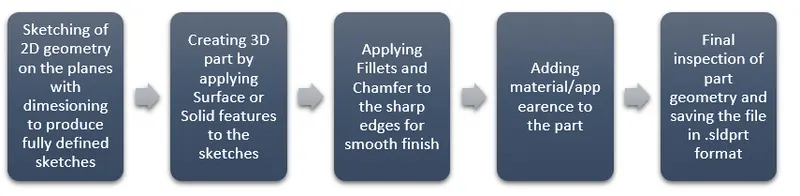
Yatch Modelling flow
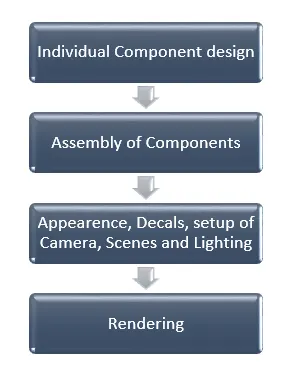
Yatch BOM
- Propeller
- Radar
- Hull
- Garage Door
- Front Seat
- Middle Seat
- Rear Seat
- Superstructure
- Radar Mast
FEATURES USED:
- Split Line: The Split Line. tool projects an entity (sketch, solid, surface, face, plane, or surface spline) to surfaces, or curved or planar faces. It divides a selected face into multiple separate faces.
- Projected Curves: it is a tool used to form 3D curves from two 2D curves from two different planes.
- Extrude Boss/Base: Extrude tool is used to extend a sketched profile in one or two directions as either a thin feature or a solid feature.
- Revolve Boss/Base: Revolves a sketch or selected sketch contours around an axis to create a solid feature.
- Swept Boss/Base: Sweeps a closed profile along an open or closed path to create a solid.
- Extrude Cut: Cuts a solid model by extruding a sketched profile in one or two directions.
- Revolve Cut: Cuts a solid model by revolving a sketched profile around an axis.
- Linear Pattern: Patterns features, faces and bodies in one or two linear direction.
- Shell: Hollows out a part, leaving open the faces selected and creating thin-wall features on the remaining faces. If no face is selected, it creates a hollow model.
- Mirror: Mirrors features, faces, and bodies about a plane or a planar face.
- Combine: This function adds two bodies together and keep the area that is common to them.
- Extrude Surface: Extrudes a sketch or sketch contours in one of two directions to create a surface feature.
- Revolve Surface: Revolves a sketch or selected sketch contours around an axis to create a surface feature.
- Swept Surface: Sweeps a closed profile along an open or closed path to create a surface feature.
- Lofted Surface: Creates a lofted surface between two or more profiles or sketches.
- Boundary Surface: Creates a surface between profiles that can be a tangent or curvature, continuous in all directions.
- Filled Surface: Patches a surface within a boundary defined by edges, sketches or curves.
- Ruled Surface: Inserts ruled surfaces in a specified directed from edges
- Knit Surface: Combines two or more adjacent non-intersecting surfaces into a single surface body.
COMPONENT MODELLING
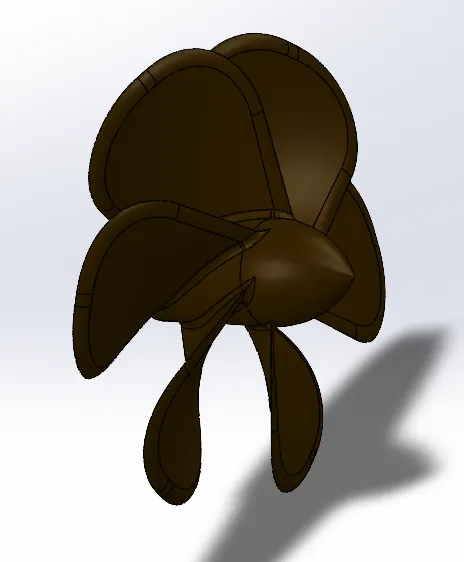
- Propeller
A propeller is a device with a rotating hub and radiating blades that are set at a pitch to form a helical spiral, which when rotated exerts linear thrust upon a working fluid, such as water or air.
Sketch Tools and Features:
- Line
- Circles
- Revolve
- Loft
- Circular Pattern
- Extrude Cut
- Fillet
- Radar
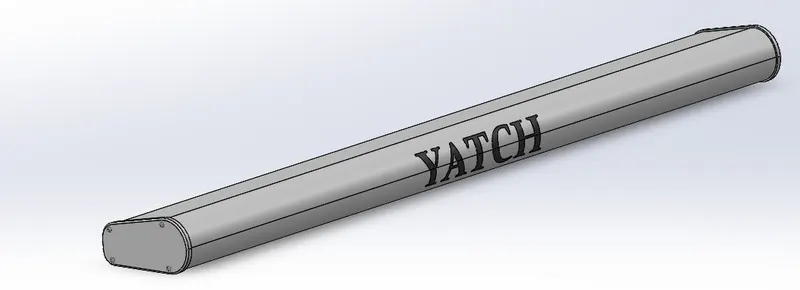
Radar is a part of a system which detects the environment conditions, other ships and land obstacles and helps maneuver through them.
Sketch Tools and Features:
- Lines
- Circles
- Rectangle
- Extrude Boss/Base
- Mirror
- Text Projection
- Fillet
- Hull
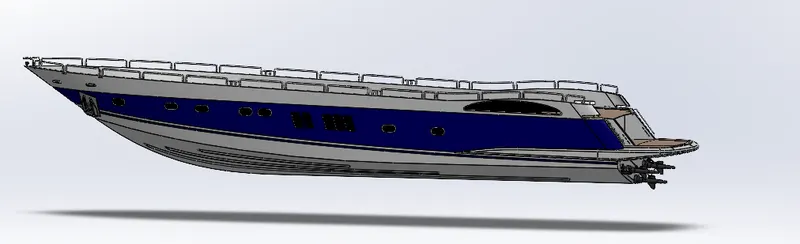
The Hull is a watertight body of a ship or boat. This may open at the top or may be fully or partially covered with a deck. Atop the deck may be a deckhouse and other superstructures. The line where the hull meets the water is called the Waterline.
Sketch Tools and Features:
- Line
- Splines
- Circles
- 3D sketches
- Offset
- Convert Entities
- Projected curves
- Surface Loft
- Surface Sweep
- Surface Extend
- Surface Fill
- Surface Trim
- Knit Surface
- Ruled Surface
- Combine
- Linear Pattern
- Fillets
- Chamfers
- Garage Door
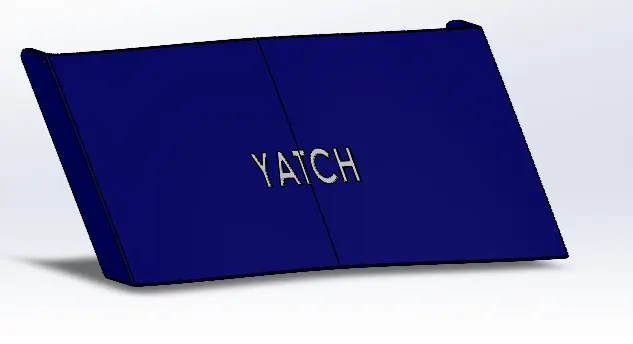
This is a door to the garage of the yatch where vehicles are parked, and prevents water from entering into the garage
Sketch Tools and Features:
- Lines
- Circles
- Rectangle
- Extrude Boss/Base
- Mirror
- Text Projection
- Fillet
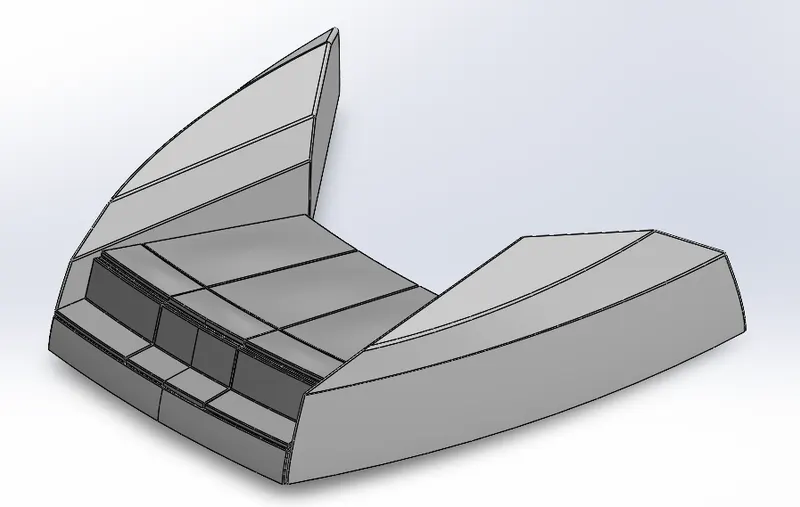
- Front Seat
A seat situated in the front on the yatch
Sketch Tools and Features:
- Lines
- Splines
- Rectangles
- Extrude Boss/Base
- Cut Extrude
- Dome
- Mirror
- Fillet
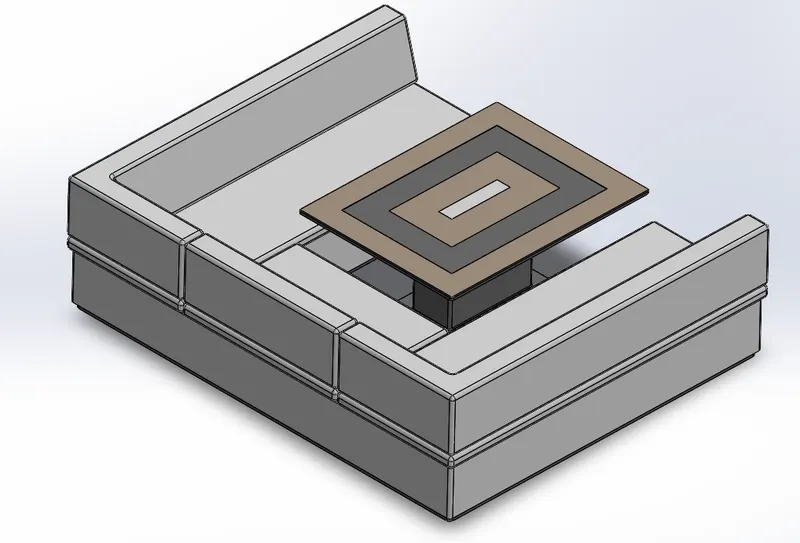
- Middle Seat
This seat is at the rear of the yatch above the garage
Sketch Tools and Features:
- Lines
- Rectangles
- Extrude Boss/Base
- Cut Extrude
- Dome
- Mirror
- Fillet
- Chamfer
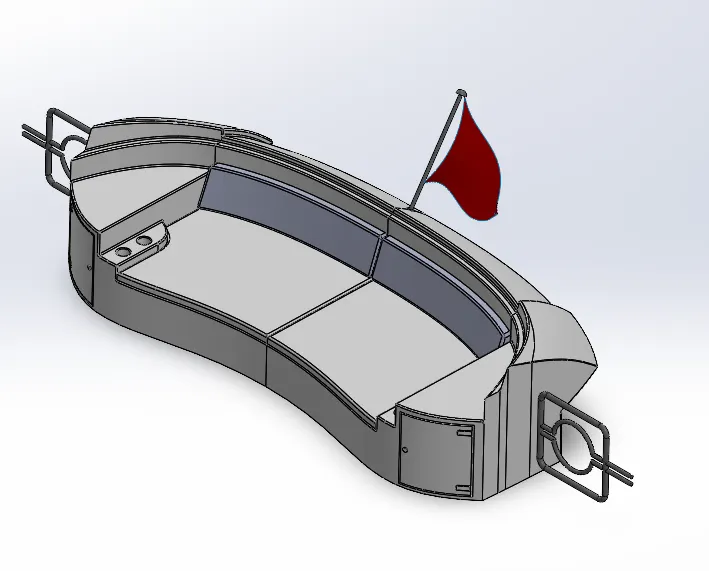
- Rear Seat
The is also situated at the rear of the yatch above the garage and opposite the middle seat
Sketch Tools and Features:
- Lines
- Splines
- Rectangles
- Surface Sweep
- Surface Loft
- Surface Trim
- Surface Offset
- Ruled Surface
- Surface Knit
- Extrude Boss/Base
- Cut Extrude
- Sweep
- Revolve
- Mirror
- Fillet
- Chamfer
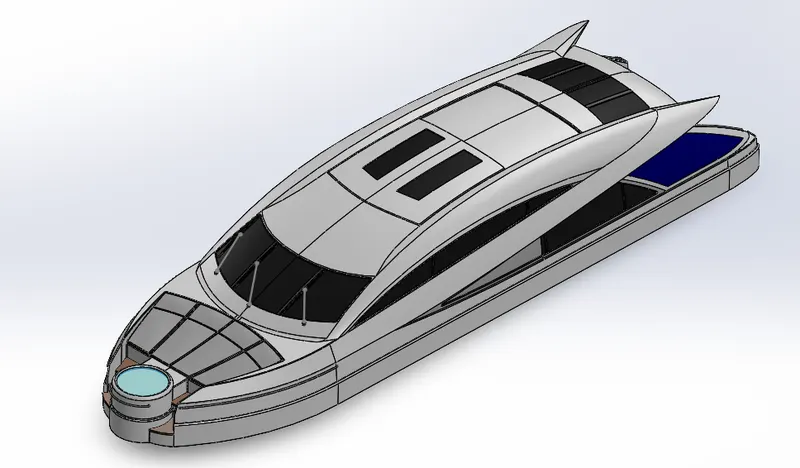
- Superstructure
A superstructure is an extended construction of any building or platform that rises above the rest of the building or platform in a distinct manner. On a water craft, the superstructure consists of the parts of the ship or boat, that project above the main deck. The size of a watercraft's superstructure can have many implications in the performance of ships and boats, since these structures can alter their structural rigidity, their displacements, and/or stability.
Sketch Tools and Features:
- Line
- Splines
- Circles
- 3D sketches
- Offset
- Convert Entities
- Projected curves
- Surface Loft
- Surface Sweep
- Surface Fill
- Surface Trim
- Knit Surface
- Ruled Surface
- Surface Offset
- Extrude Boss/Base
- Cut Extrude
- Sweep
- Dome
- Fillets
- Chamfers
- Mirror
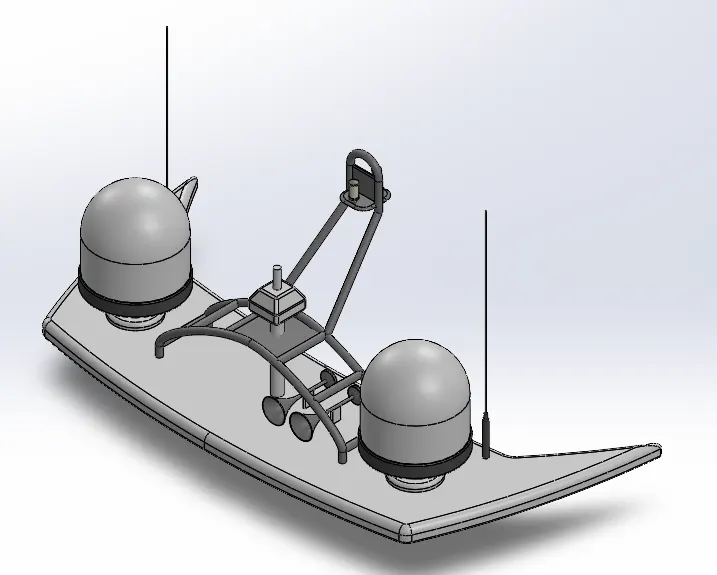
- Radar Mast
The Mast of a sailing vessel is a tall spar, or an arrangement of spars erected more or less vertically on the centre-line of a ship or boat
Sketch Tools and Features:
- Lines
- Splines
- Rectangles
- Circles
- Projected Curve
- Extrude Boss/Base
- Cut Extrude
- Revolve
- Swept Boss/Base
- Dome
- Shell
- Mirror
- Fillet
- Chamfer
Assembly of Yatch:
For assembly of the Yatch, individual parts are imported into the file and automatically positioned with respect to the Hull Surface.
For a few part we build geometric relations by the use of mates mention below
- Coincident
- Concentric
- Parallel
PHOTO REALISTIC RENDERING
For creating photo realistic images of the Chopper we rendered the models. The process consists of adding cameras, lights, environment, scenes and backgrounds. All the while changing the properties of each feature, adjusting them to create the perfect appearance setting for our final model rendering.
Rendering of the model is done using below add-ins and software
- Photoview 360
- SolidWorks Visualize
CONCLUSION:
- Thus, by using Solidworks the parts modelling, and appearance were successfully designed
- Using Solidowrks, the Sunseeker Predator Yatch assembly was done
- By using Solidworks Visualize, the Photo Realistic Rendering of the Yatch was successfully made