Week 8 - Challenge 3 - Switch Bezel Design
SWITCH BEZEL DESIGN
Creating tooling axis
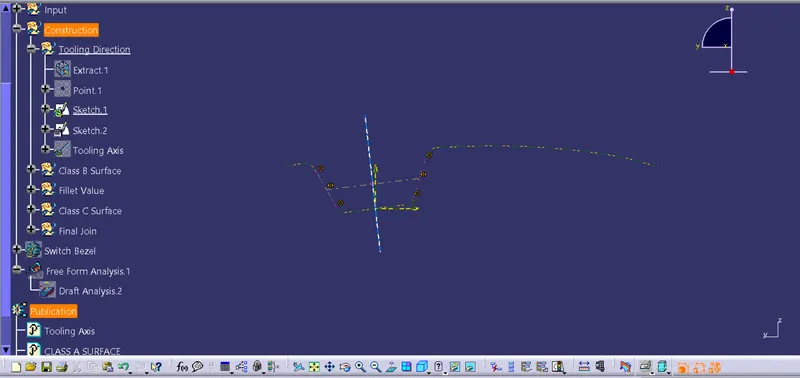
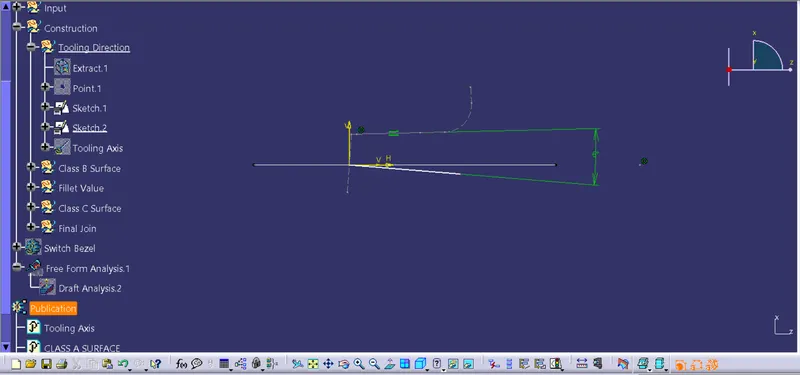
- Two sketches are created on the XZ and YX planes.
- The surface and respective plane intersection is got in the sketch using Intersect 3D Element command
- In the sketch in the XZ plane we create 2 lines on the intersected surface boundary and bisect them to get the tooling direction in the XZ plane
- In the sketch in YX plane we create a line on the intersected surface boundary and a line from the origin at an angle of 6degree from the initial line, this line acts as tooling axis in this plane
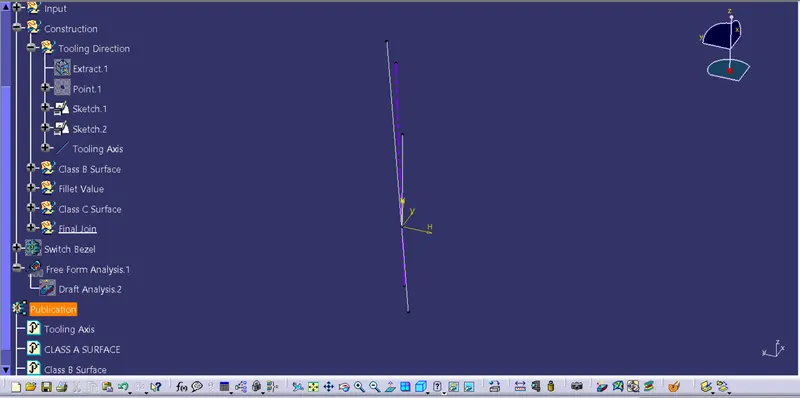
- For getting the main tooling axis for the Bezel switch we bisect the tooling directions from the two planes.
xz plane
yz plane
main tooling axis
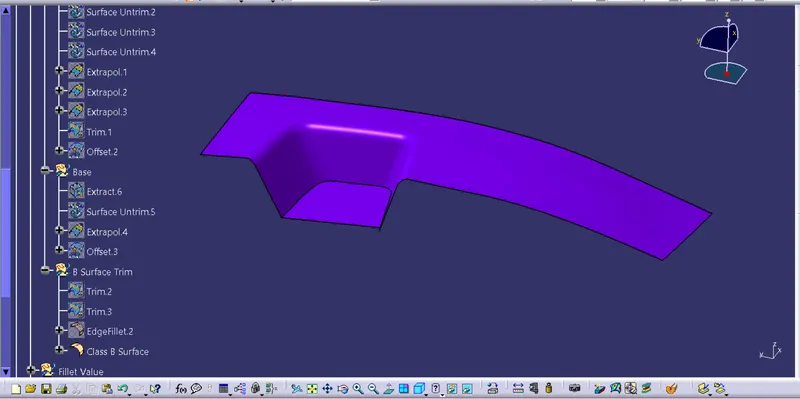
Creating class B surface
- The faces from the class A surfaces are extracted
- These extracted faces are untrimed and extrapolated
- They are then offset by the thickness value of the final part
- The surfaces are then trimmed to create the shape of the Bezel switch
- Finally the fillets are applied and the class B surface is formed
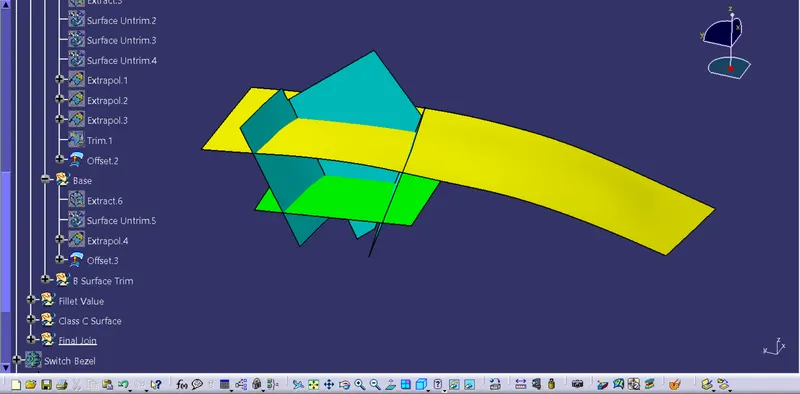
class B surface
Creating Class C surface
- The boundary of the Bezel switch are extracted in two parts.
- The extracted boundaries are swept with draft direction which is the Tooling axis and with a draft angle of 3°
- Since the edges of the swept surfaces did not meet at a point, we extrapolate the edges of both the sweeps and trim them to form the final class C surface
- The C surface is then joined with the class A surface
- The joined surface is then trimmed with the class B surface to create the surface body of the Bracket
- This surface body is then turned into a closed surface to make the final body of the Bracket.
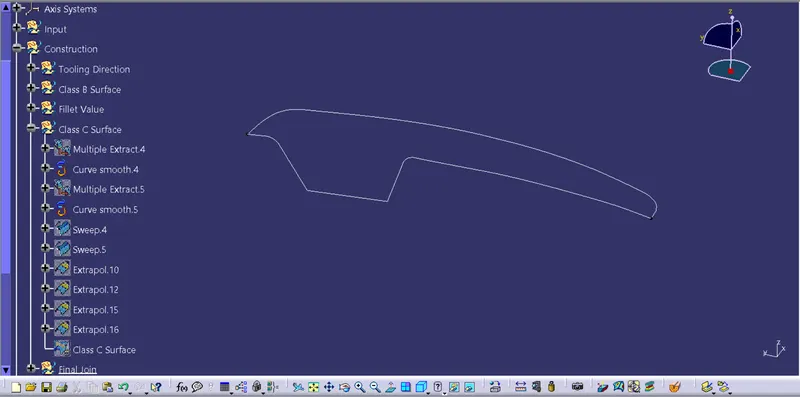
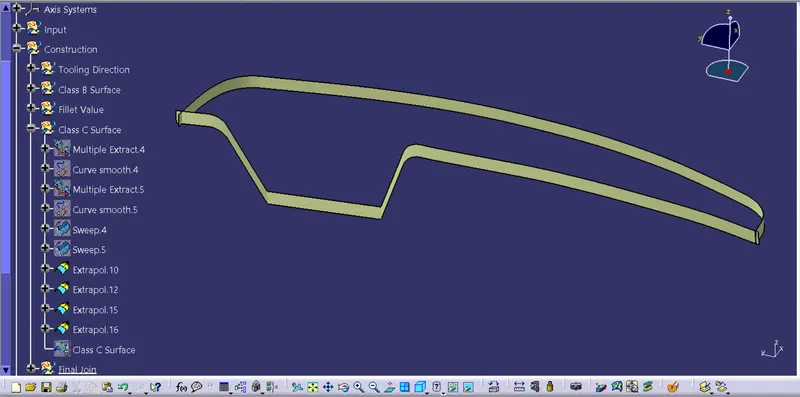
class C surface
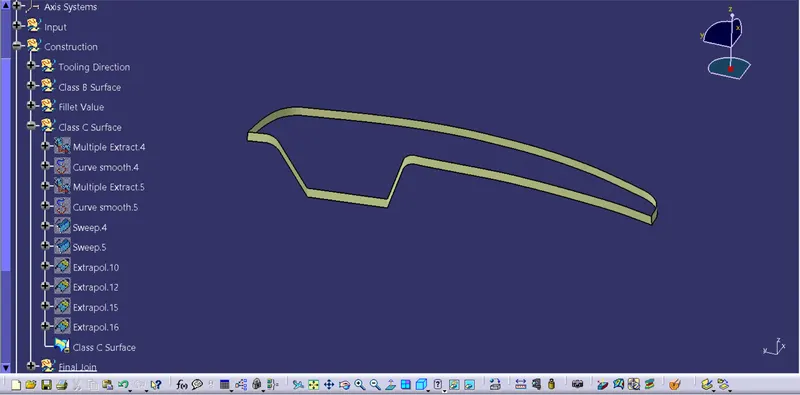
class C and class A surface joined
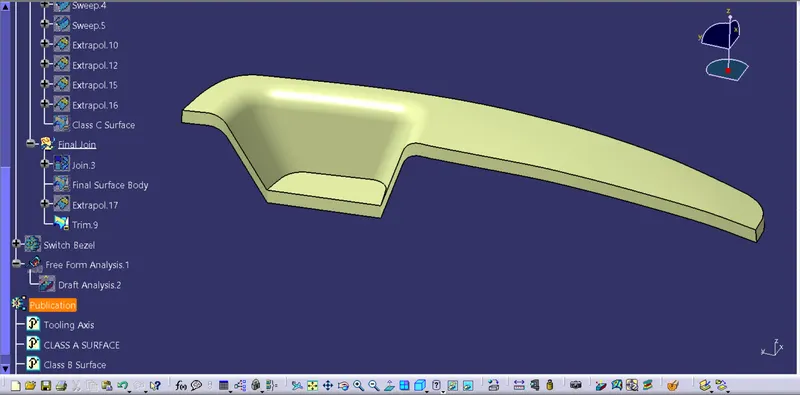
final surface body
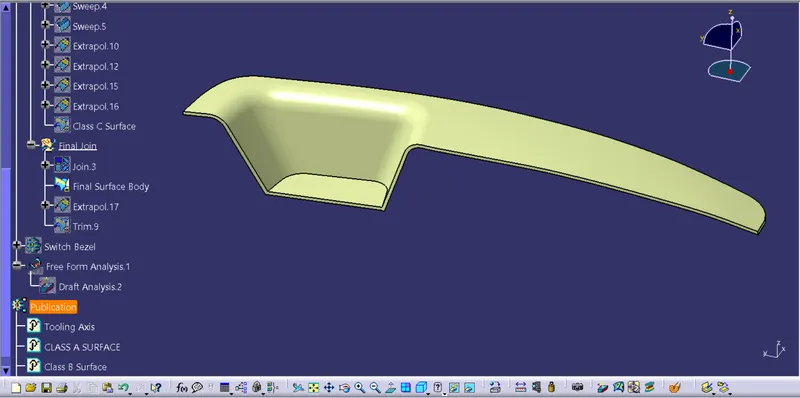
Closed body
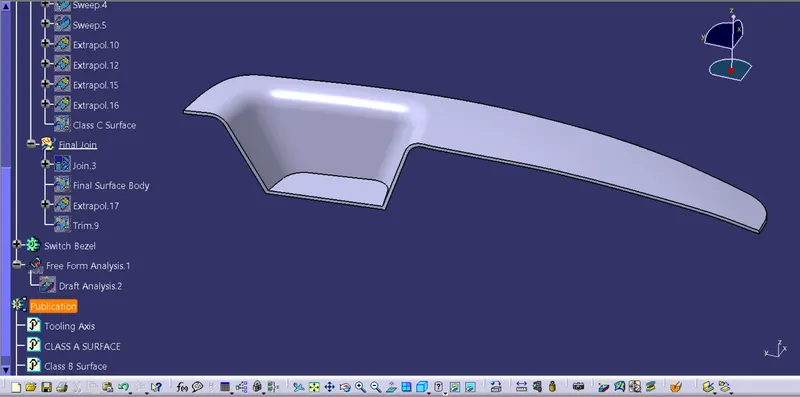
Draft analysis of the closed body
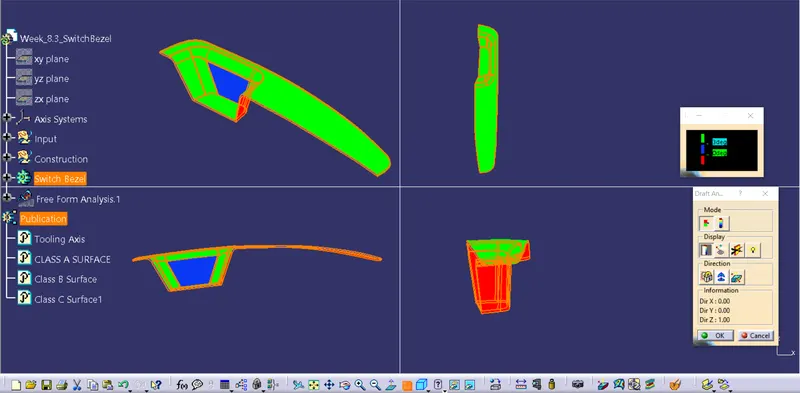
Report
- From the draft anaysis, the faces in green have a draft angle of 3degree or greater
- The faces in blue have a draft angle between 0 to 2 degrees
- While the faces in red have negative draft angles, which need to be corrected