Advanced Sheet Metal Design Using NX Cad Challenge_1_Casing Design
CASING DESIGN using NX-CAD
Objective
- Learning Sheet metal design and interface in NX-CAD
- Learning the basic Sheet metal features and their applications in making sheet metal models
Introduction
Sheet metal is metal formed by an industrial process into thin, flat pieces. Sheet metal is one of the fundamental forms used in metalworking, and it can be cut and bent into a variety of shapes. Countless everyday objects are fabricated from sheet metal. Thicknesses can vary significantly; extremely thin sheets are considered foil or leaf, and pieces thicker than 6 mm (0.25 in) are considered plate steel or "structural steel".
Here, we would be designing a Casing from sheet metal using NX-CAD
Design methodology / approach
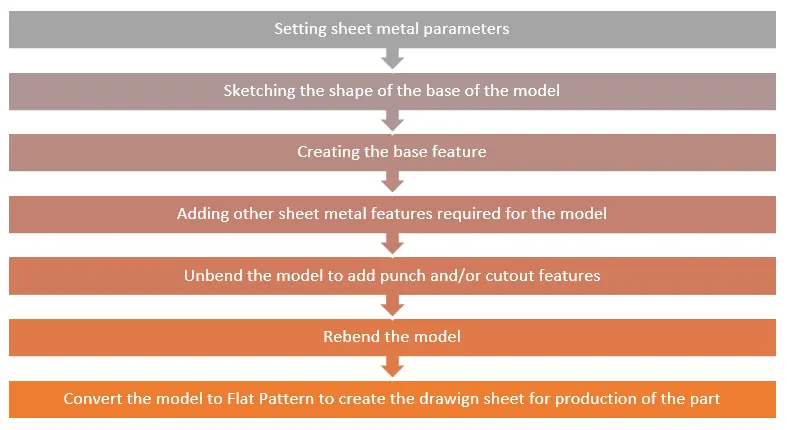
Model design description
The method of designing the casing is explained below
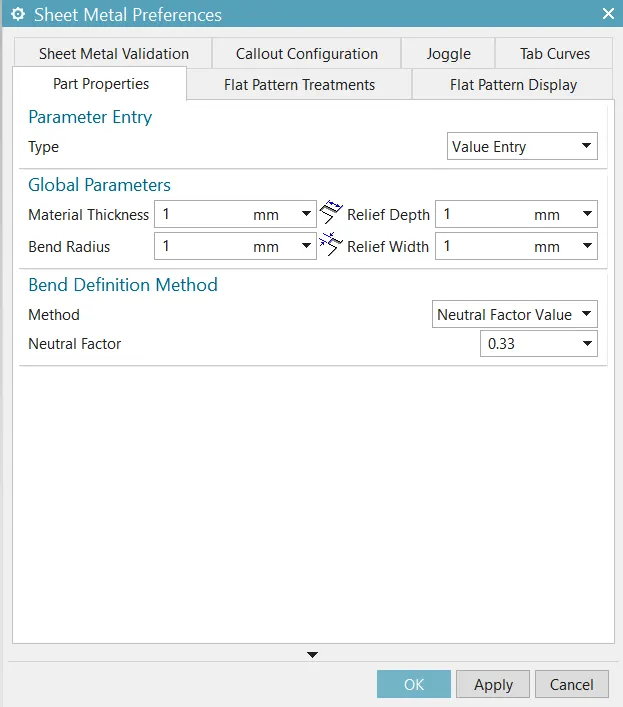
- Setting Parameters: Sets the parameters and characteristics for sheet metal commands.
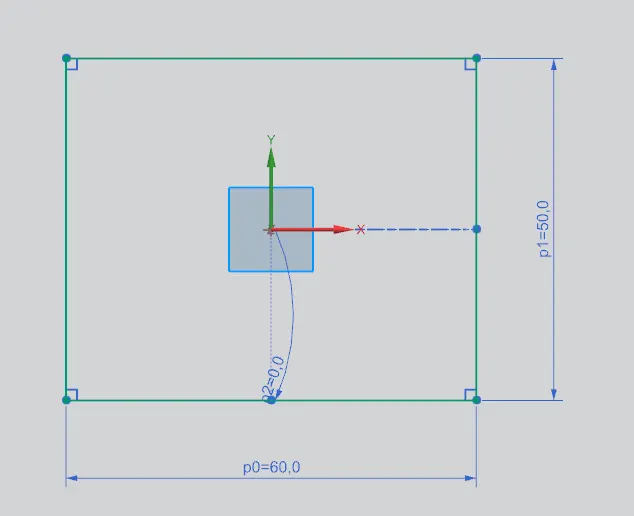
- Sketch: A 2d sketch for the base of the model is created in the XY plane
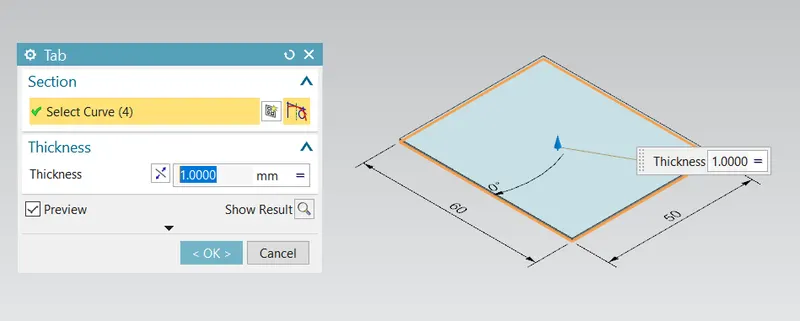
- Tab (for the base): Creates a base feature by extruding a sketch along a vector by a thickness value, or adds material to a planar face.
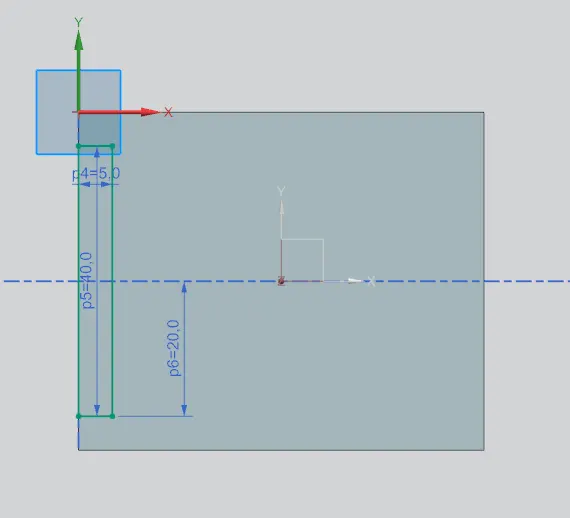
- Skectch for the cutout is made on the XY plane on the upper face of the base created
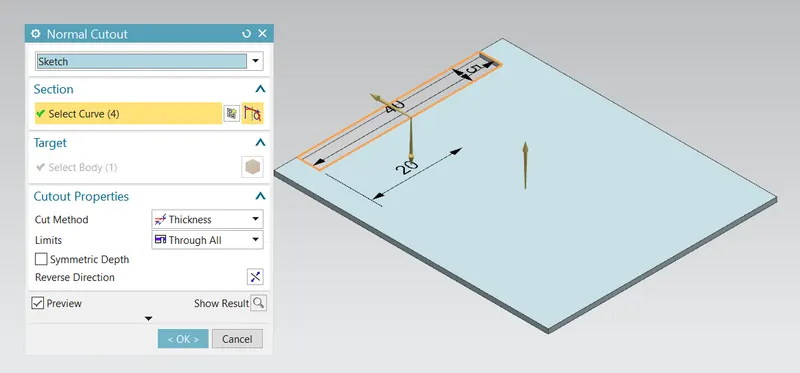
- Normal Cut: Cuts material by projecting the sketch onto the model and then cutting perpendicular to the faces intersected by the projection.
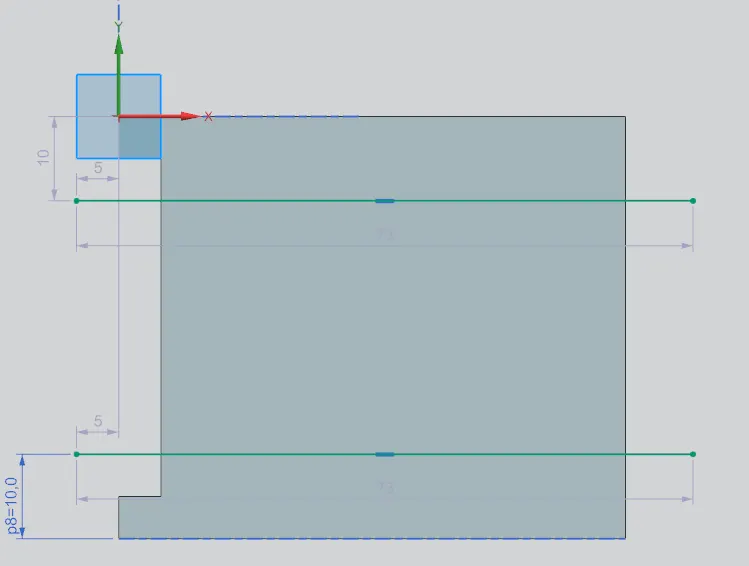
- Skecth for the bends are made on the XY plane on the upper surace of the base
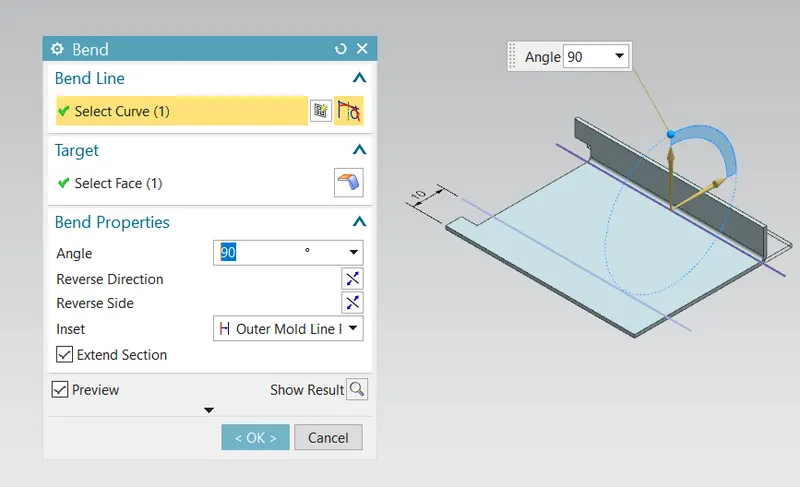
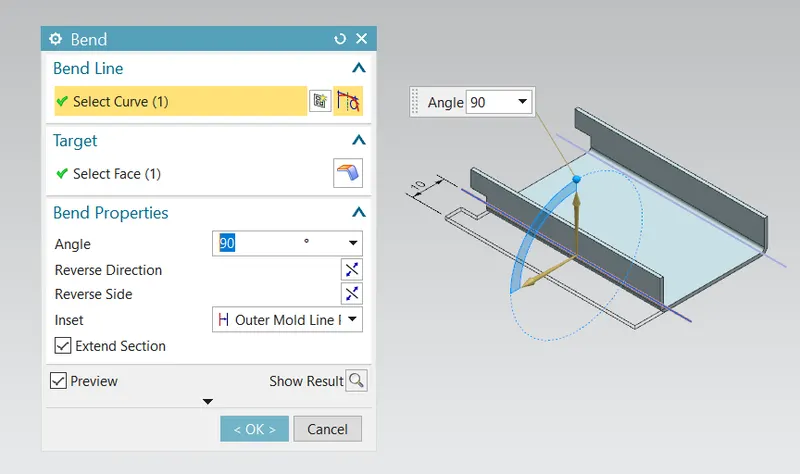
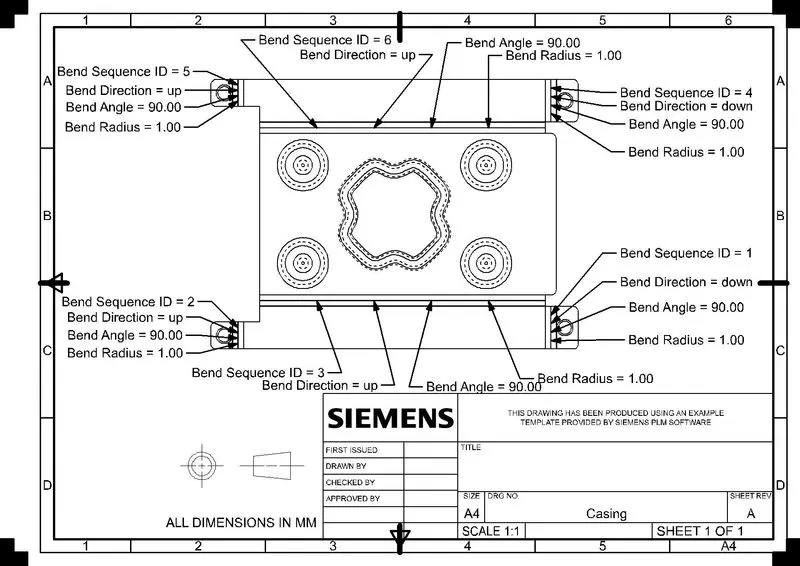
- Bend (for the walls of the casing): Modifies the model by bending material on side of the sketch line, adding a bend between the two sides.
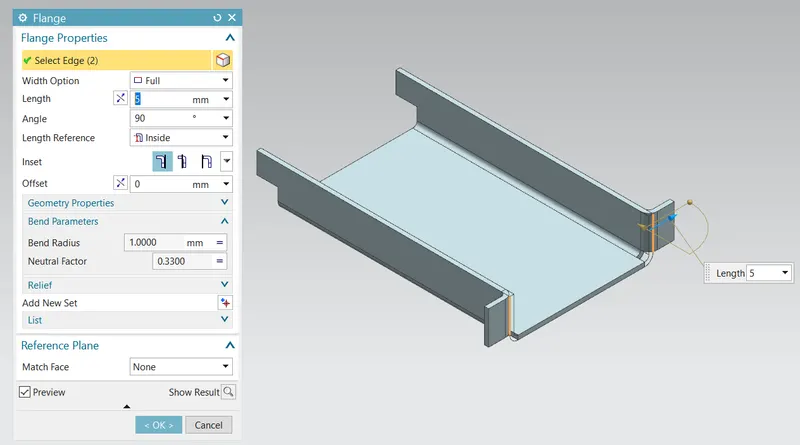
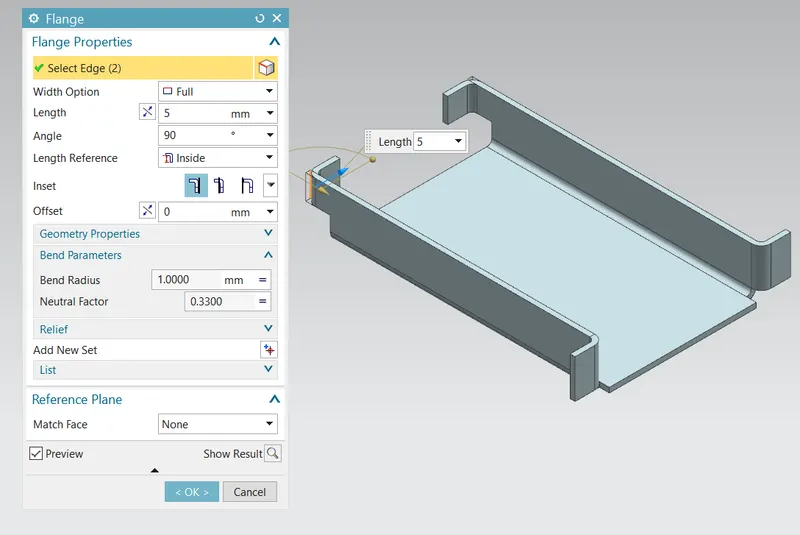
- Flange: Adds a flat flange at an angel to a planar face and adds a bend between the two.
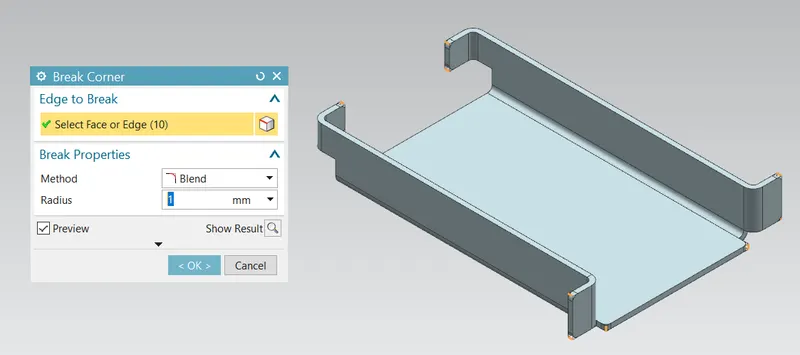
- Break Corner (for making the sharpe edges of the flange to rounded corners): Rounds or chamfers sharp corners of a tab or a flange.
- Unbend (for creating holes on the flanges): Flattens a bend and the material adjacent to the bend.
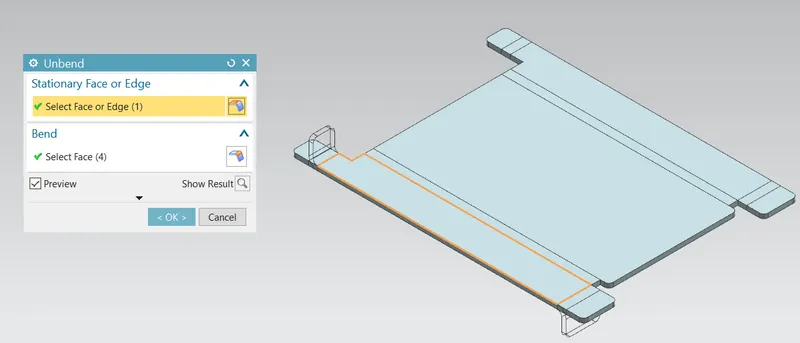
- Hole (through holes on the 4 flanges): Adds a hole to one or more solid bodies in a part or assembly with options of counterbored, countersunk and threaded
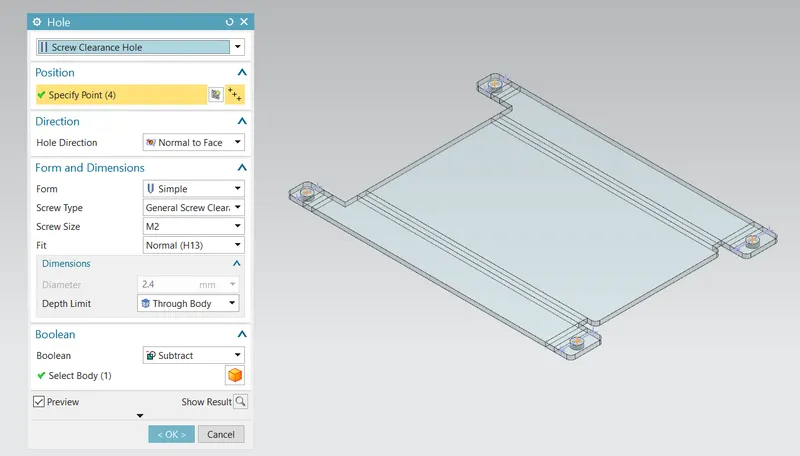
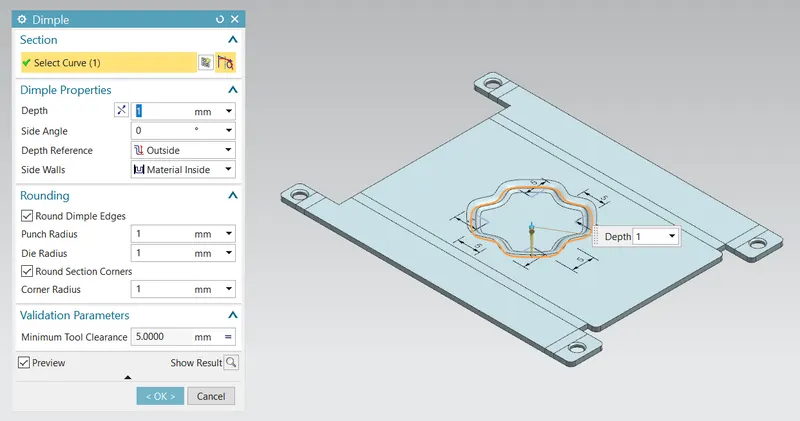
- Dimple (on the upper face of the base): Lifts an area of the model inside a sketch that simulates a stamping tool.
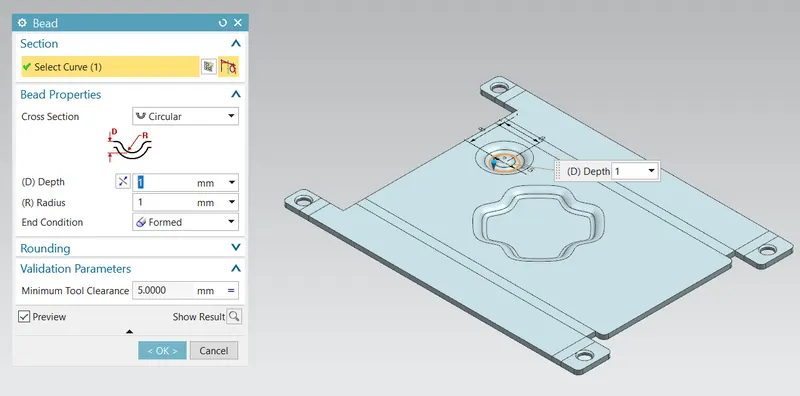
- Bead (on the upper face of the base): Lifts material along the contour of a sketch that simulates a stamping tool.
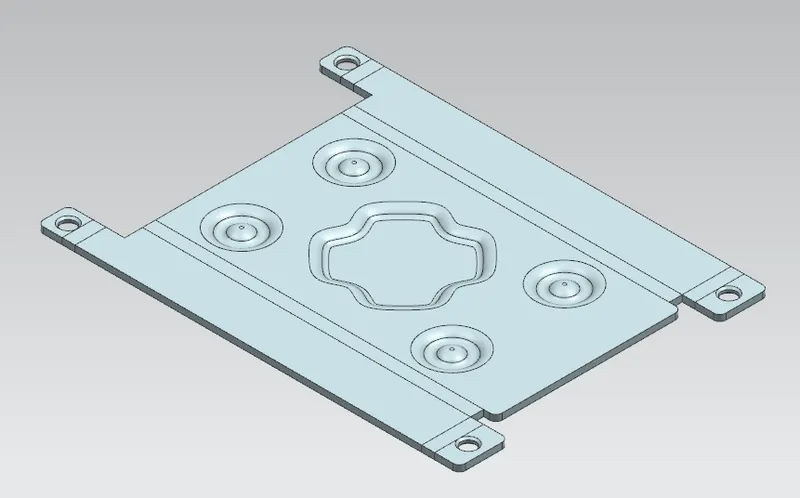
- Mirror Feature (mirroring the bead to the four corners): Copies a feature and mirrors it across a plane.
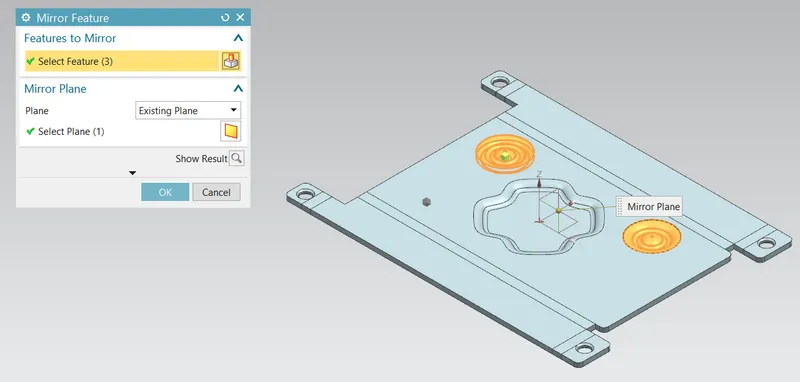
after mirroring
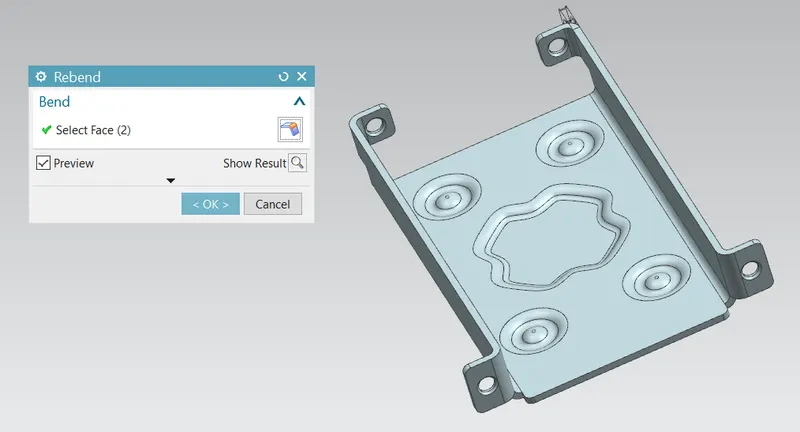
- Rebend: Restores an unbend feature to its previous bent state, along with any features added after the unbend feature.
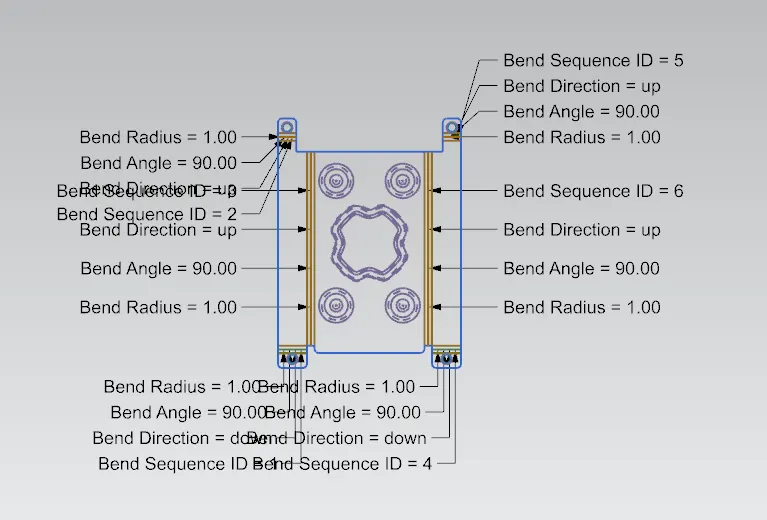
- Flat Pattern: Creates a flat pattern feature from the formed sheet metal part.
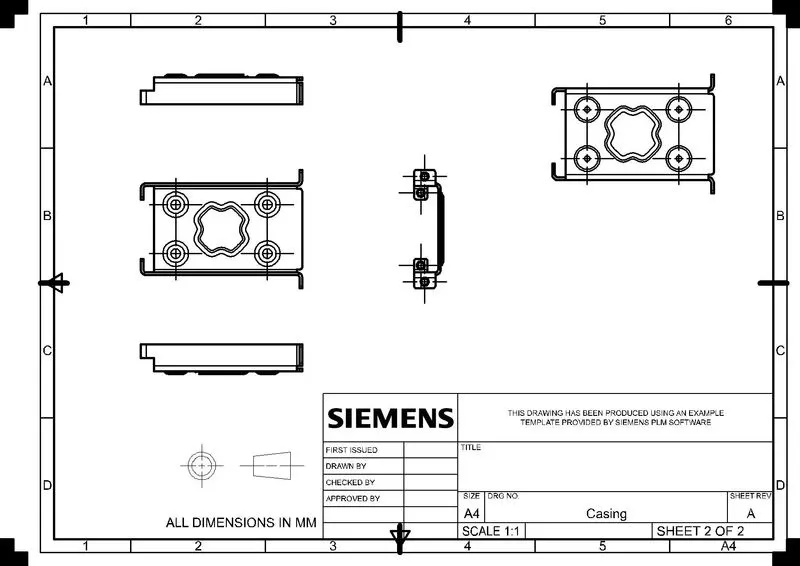
- Drafting: Creating drawing sheets required for the manufacturing/production of the Casing
Views of the Model
Front View
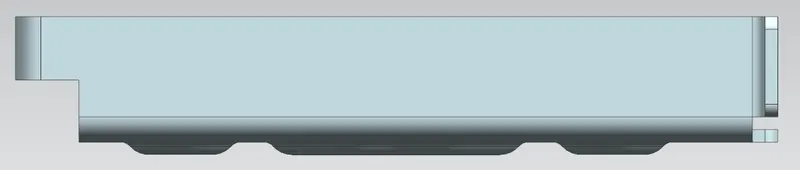
Side View
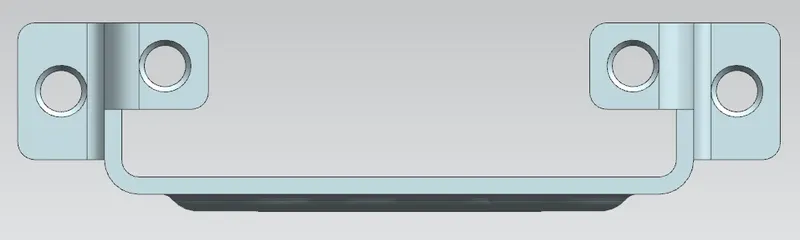
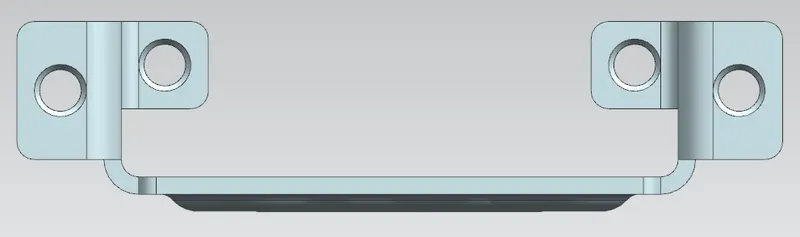
Top View
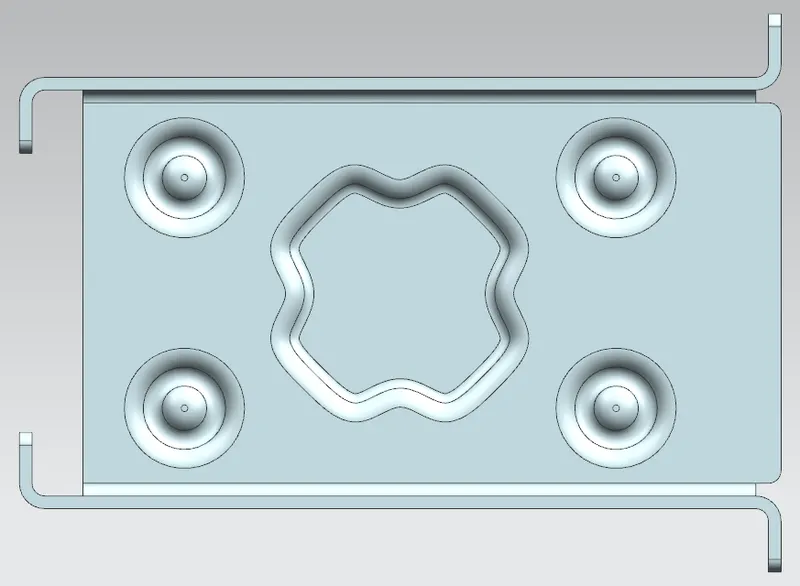
Isometric View
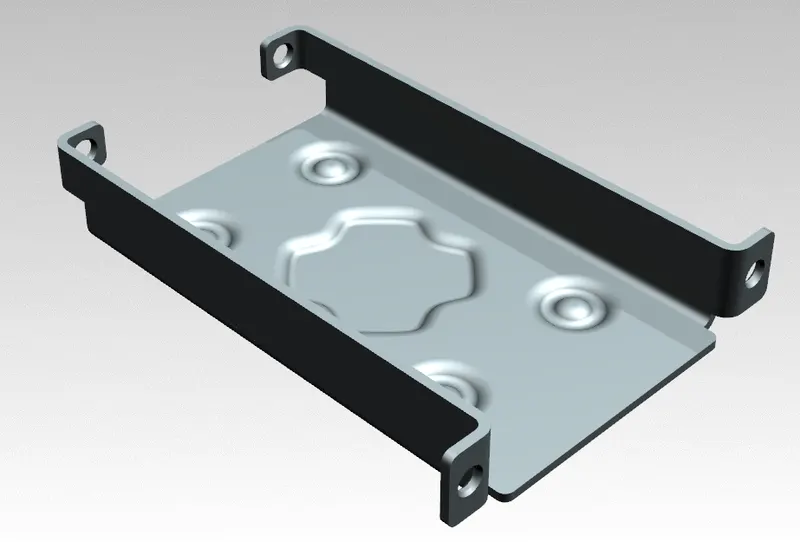
Model Drafted Image
Conclusion
Thus, a Casing was designed using the sheet metal workbench in NX-CAD by applying the sheet metal paramaters considering the manufacturing parameters provided as input.