Morphing & TCL Command File Creation
OBJECTIVE:
To Morph the given side body component to the desired shape and write a Macro for the same.
THEORY (Morphing):
HyperMorph Module is used to alter models in useful, logical, and intuitive ways while keeping mesh distortion to a minimum.
Location: Tool pageHyperMorph provides various methods of morphing.
PROCEDURE:
Morphing:
1. Import the model in HyperWorks.
2. Tools > Hypermorph > Volmorph. Select the mesh by window selection and create a volumemorph.
Use the Morph Volume panel to create, edit, save, load, convert, and delete morph volumes.
3. change handle size from visualization tab to 30.
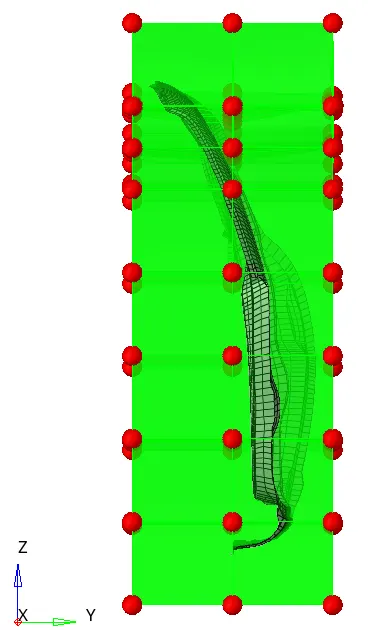
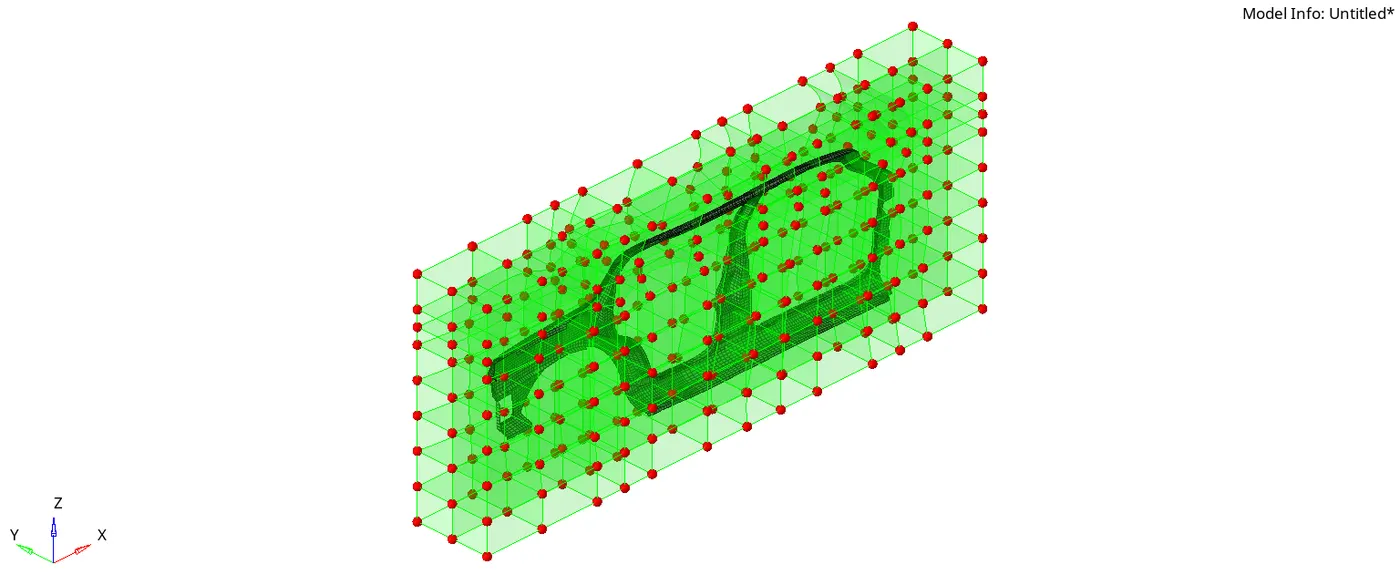
4. Split/Create more volumes by splitting. I Split it into 8 and 6 and 1 from all sides as shown in the figure.
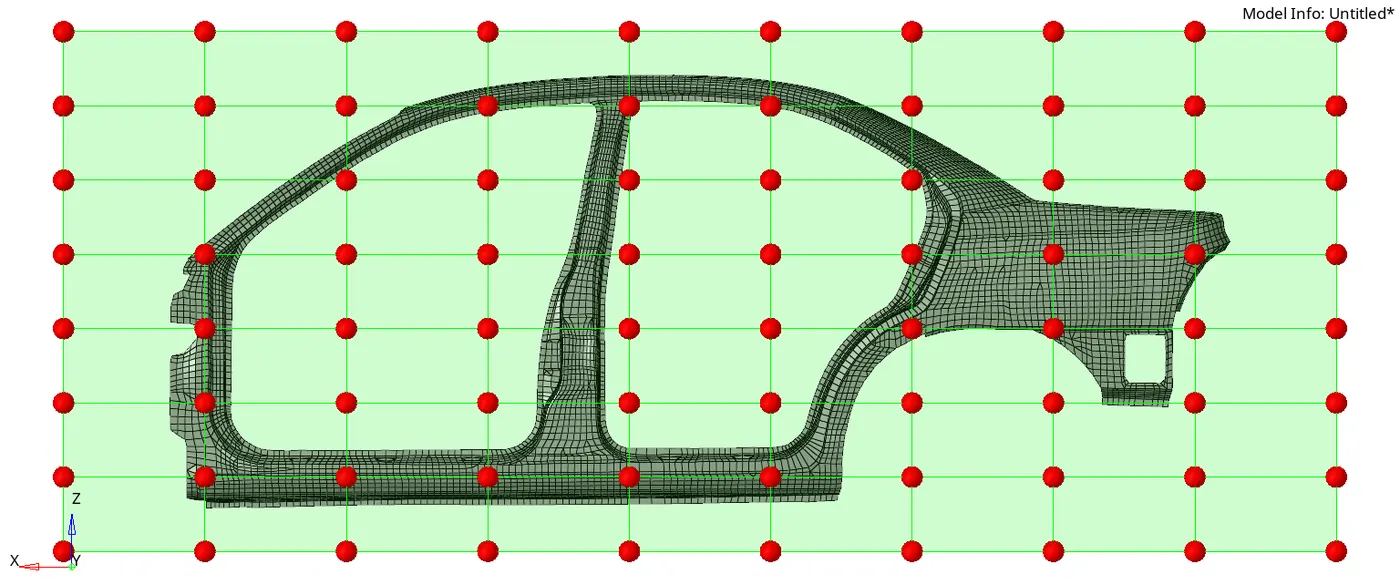
5. Go to morph > Change handles. and keep dragging to get the desired shape.
6. Save the model.
Creating a macro file:
1. Go to PC > Documents > Command.tcl
2. Duplicate the file before working on other model.
Go to hyper mesh and run the TCL file.
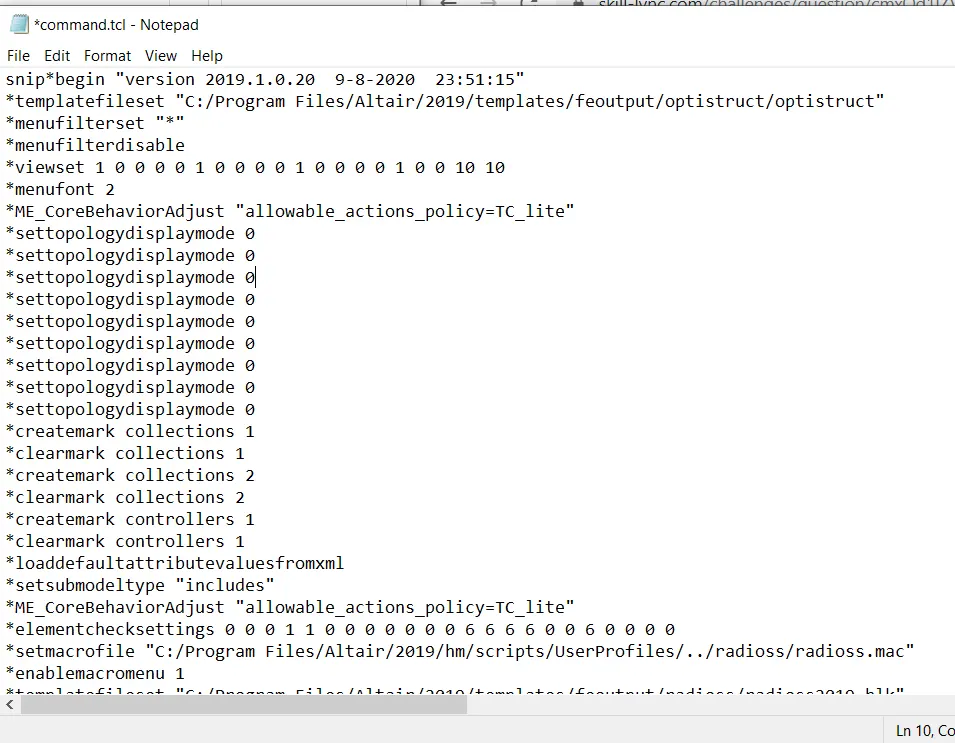
RESULTS:
following are different views of the morphed model.
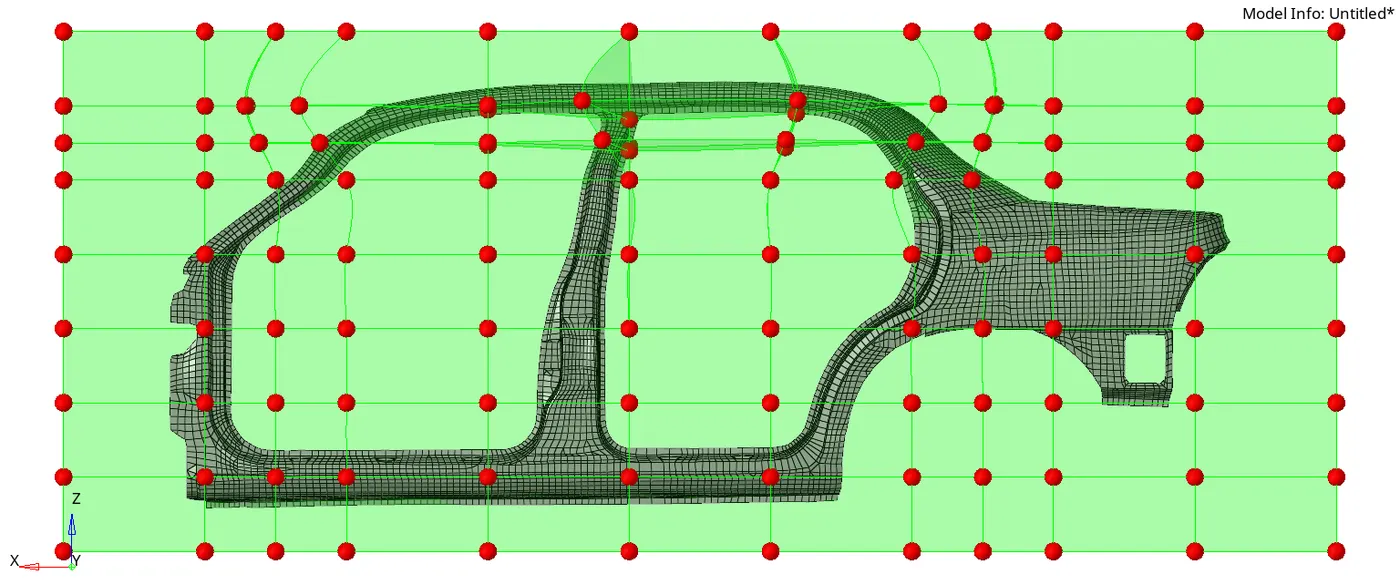
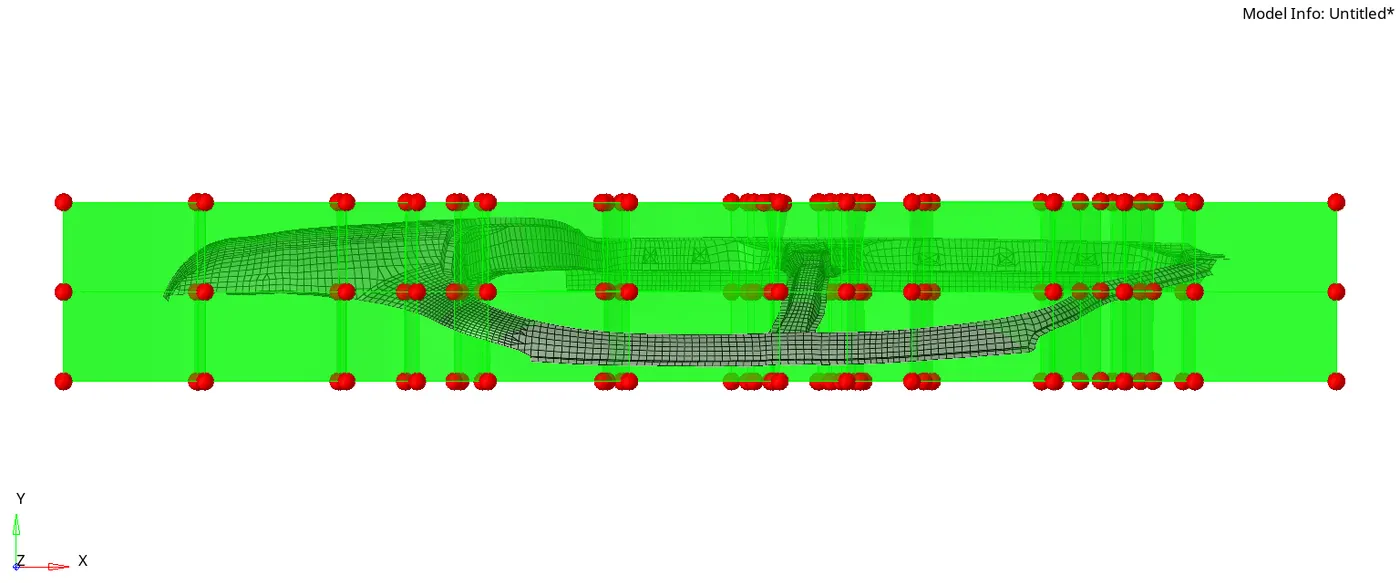
CONCLUSION:
We have learned to morph the mesh using volumemorph
We also learned to create a TCL file and how to run it.