Geometry cleanup and meshing of a car hood design
OBJECTIVE:
To create manual mid surface of the given component and mesh the component and assign thickness.
QUALITY CRITERIA:
Target Element Length = 4mm
| S.N | Quality Criteria | Value |
| 1 | Aspect Ratio | 5 |
| 2 | Skewness | 45 |
| 3 | Warping | 15 |
| 4 | Taper | 0.5 |
| 5 | Min. Length | 2mm |
| 6 | Max. Length | 6mm |
| 7 | Min angle Quad | 45 |
| 8 | Max angle Quad | 135 |
| 9 | Min angle Tria | 20 |
| 10 | Max angle Tria | 120 |
| 10 | Tria % | 10 |
PROCEDURE:
1. Import the model in HyperWorks.
2. Section the surfaces into 4 parts as per convenience.
The surfaces divided are shown below.
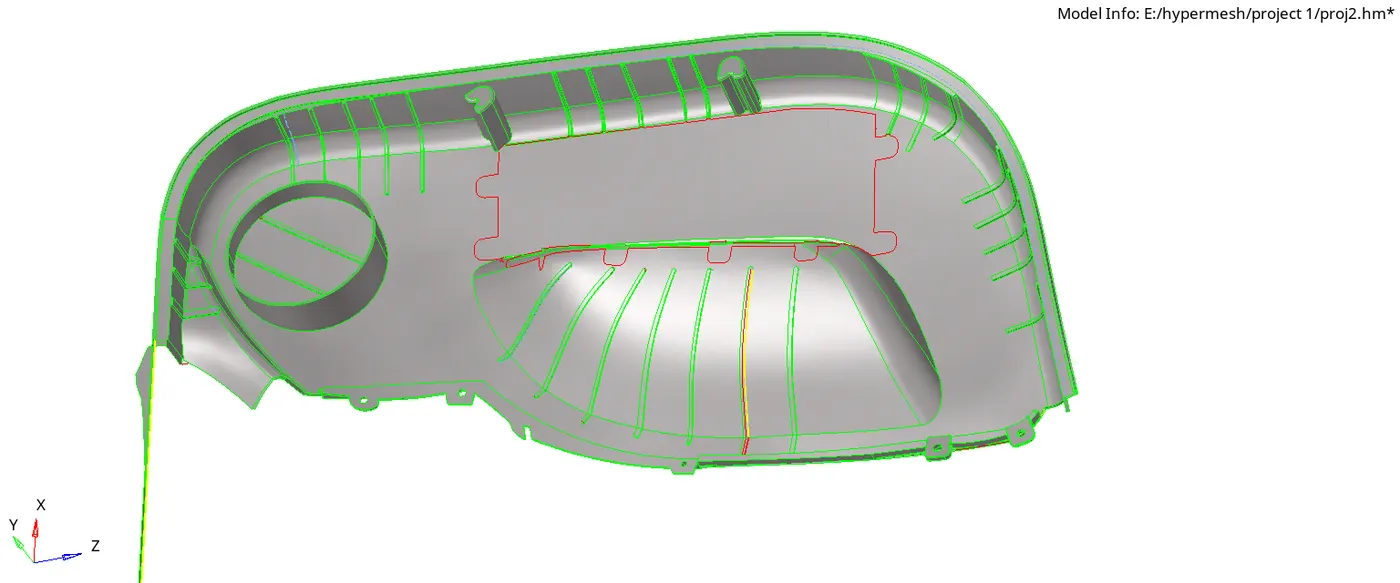
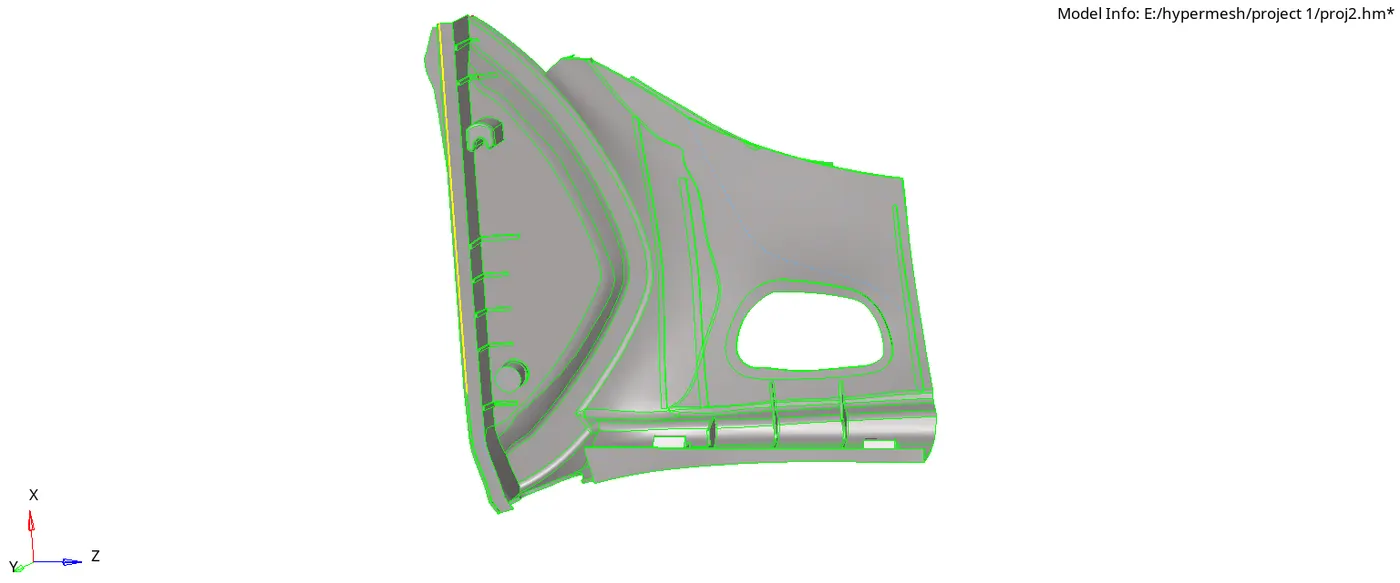
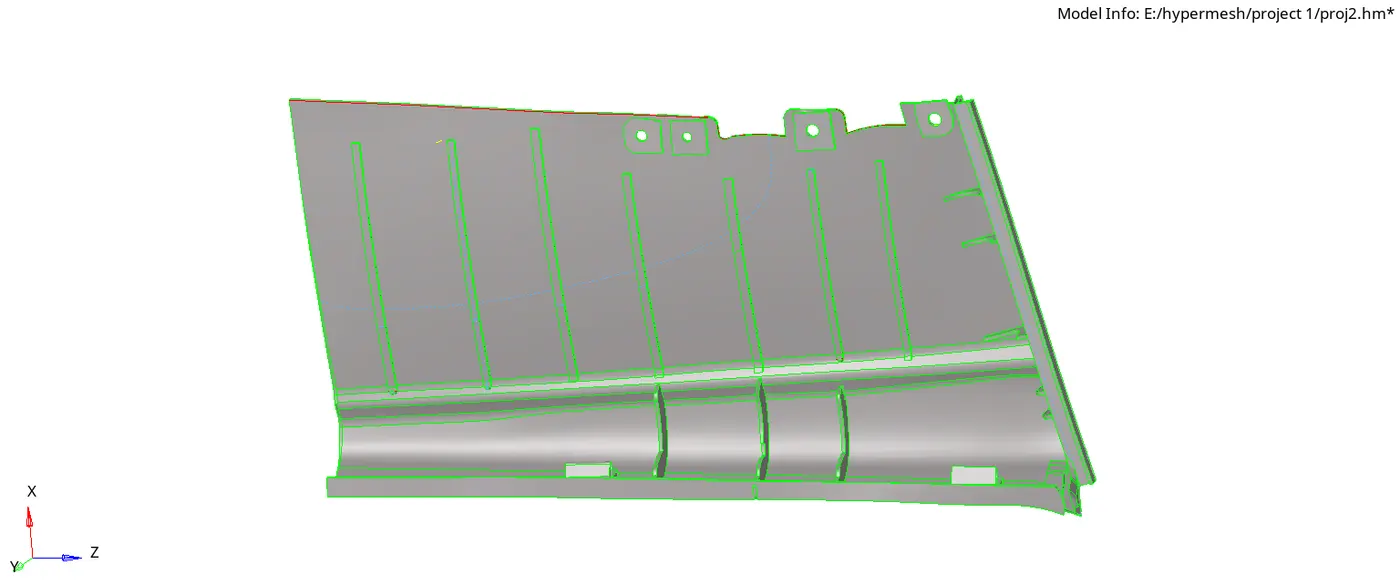
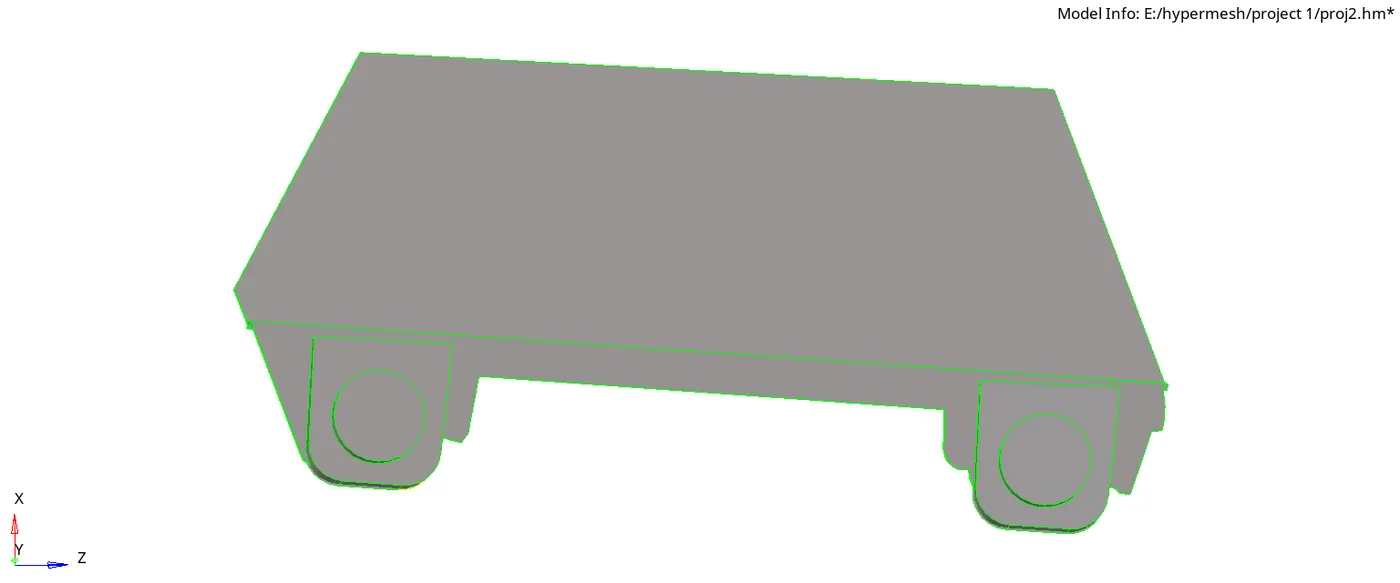
Rename the 4 parts as 1, 2, 3, 4.
Perform topology cleanup , defeaturing so as to get the mid surface
3. Offset the surfaces to create mid surface of the above 4 components.
Mid surfaces so created by offseting are sown as below.
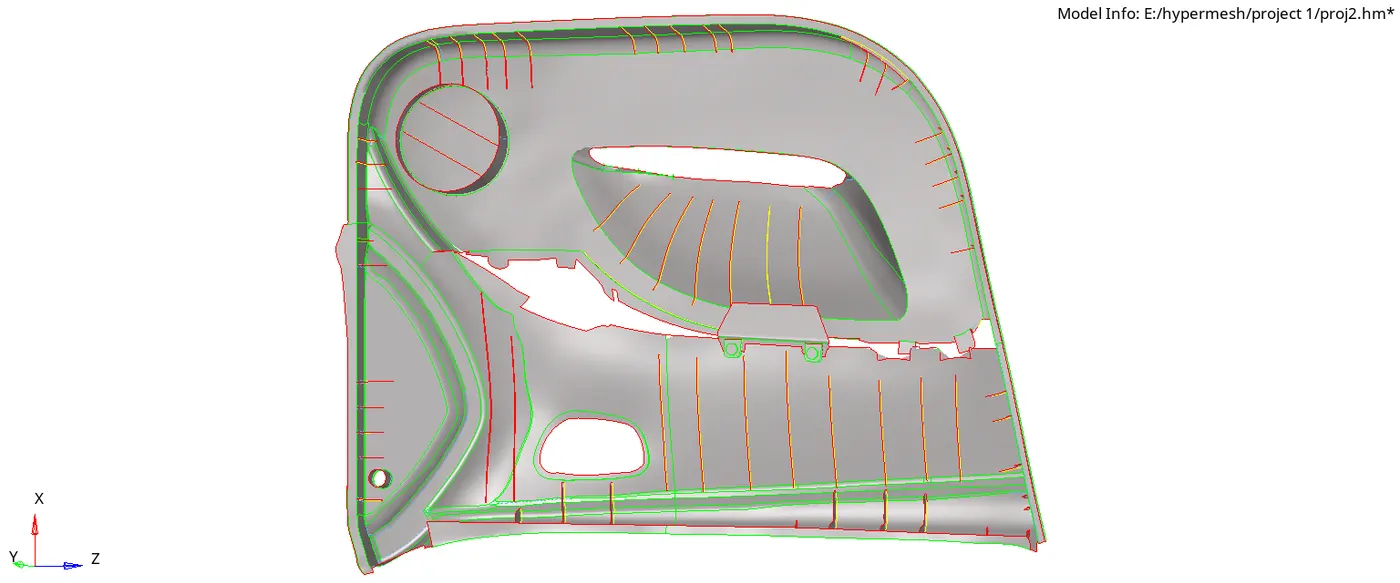
The surfaces will need trimming and cleanupinorder to create a mid-surface which is copy of parent component
4. Create a criteria File and a parameter file following the quality criteria.
5. Auto mesh using batch mesh all upload the criteria file and parameter file so saved.
6. Tweek the mesh to get a proper mesh flow which follows the max qualitity criteria...
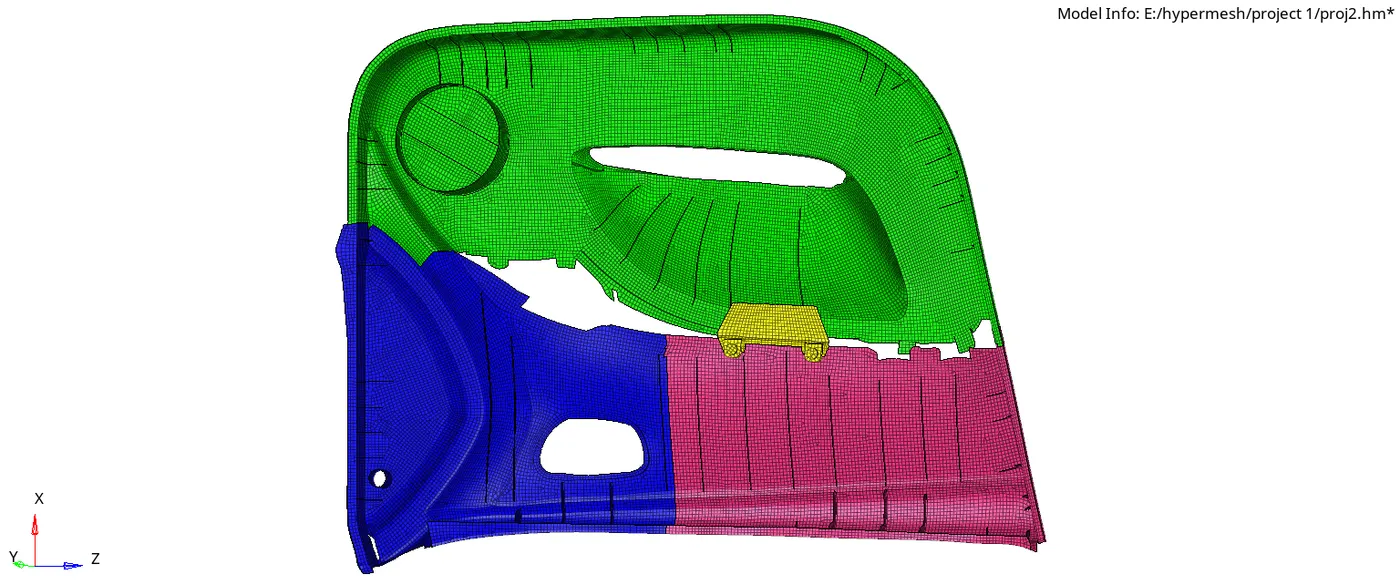
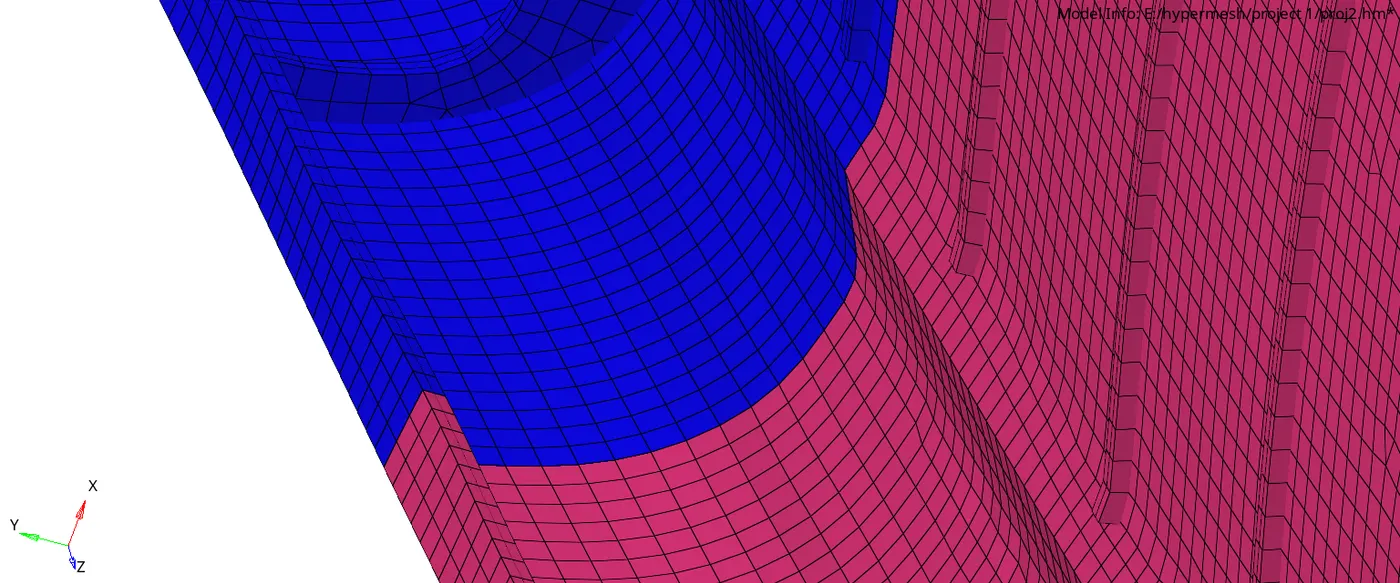
7. create 3 properties with thickness 1mm 2mm and 2.8mm.
8. Assign the thickness to the midsurface component 1mm to MS1, 2mm to MS2, 2.8mm to MS3 and MS4.
COCLUSION:
1. Leart to create Mid-Surface of complex geometry with non uniform thickness
2. Learnt to mesh as per given quality criteria
3. Learnt to assign thickness to the geometry.
- Vanshi AgrawalSir, I by mistake could not attach the model.. can i attach the model somehow now?