Boeing-747 _ Final_Project
Modelling of Boeing-747 in SolidWorks
Objective:
- To model the various parts of Boeing in SolidWorks
- Assembly of Modelled parts
- Rendering of the Assembly
Introduction:
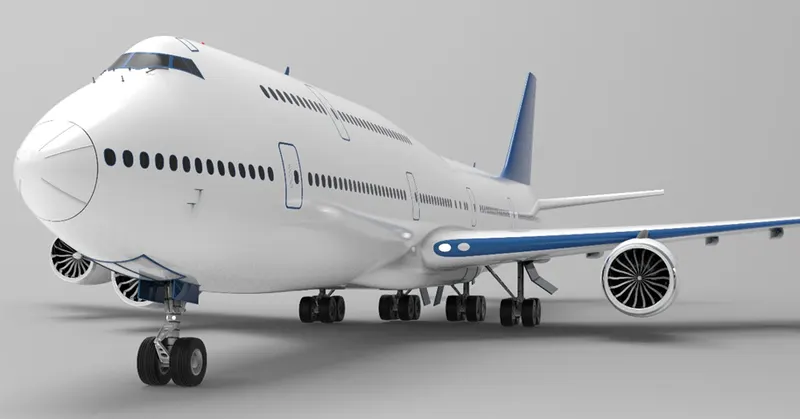
The Boeing 747-8 is a passenger airplane manufactured in the United States. It can accommodate 700 passengers if a single-class system is followed, while 600 seats are available in a double-class configuration. The plane has a travel range of 8000 nautical miles or 14816 kilometers.
Components of Boeing 747-8:
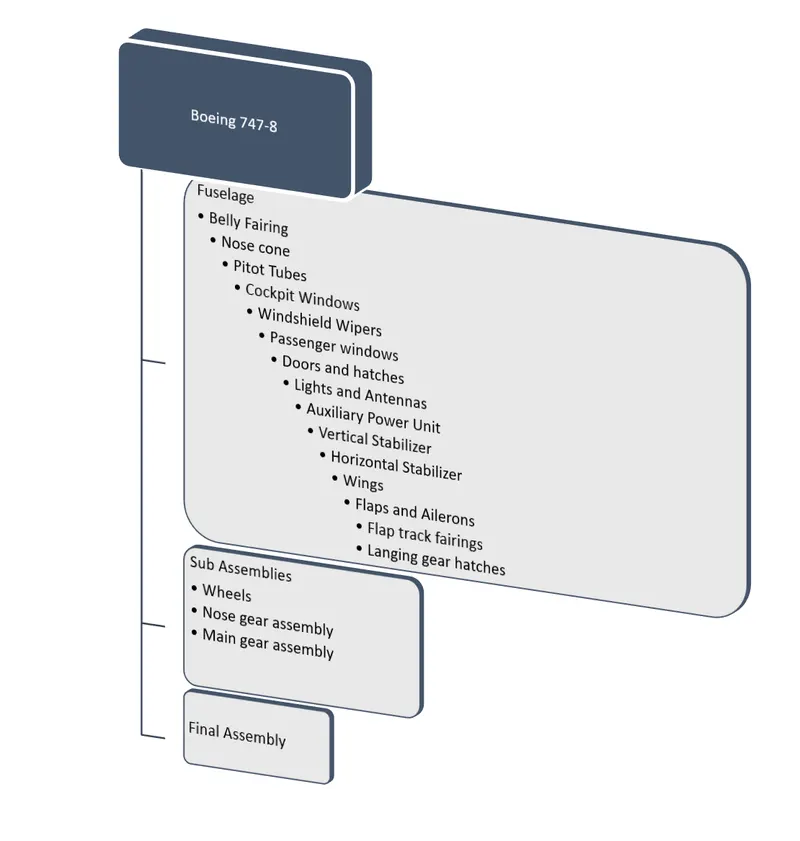
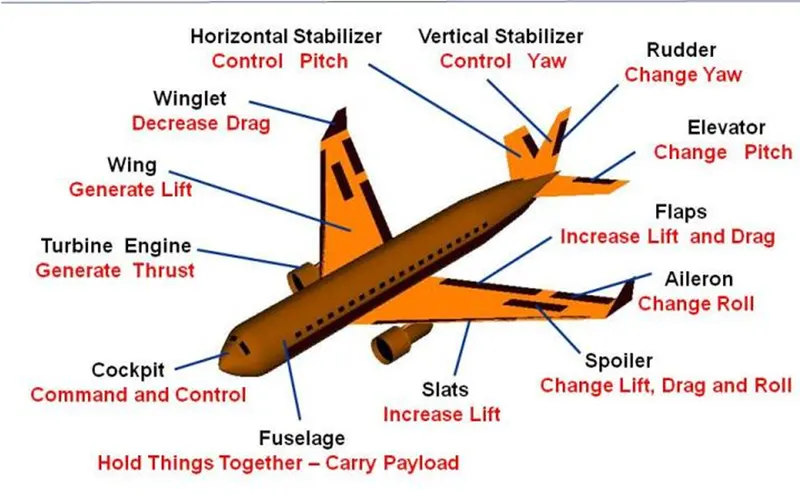
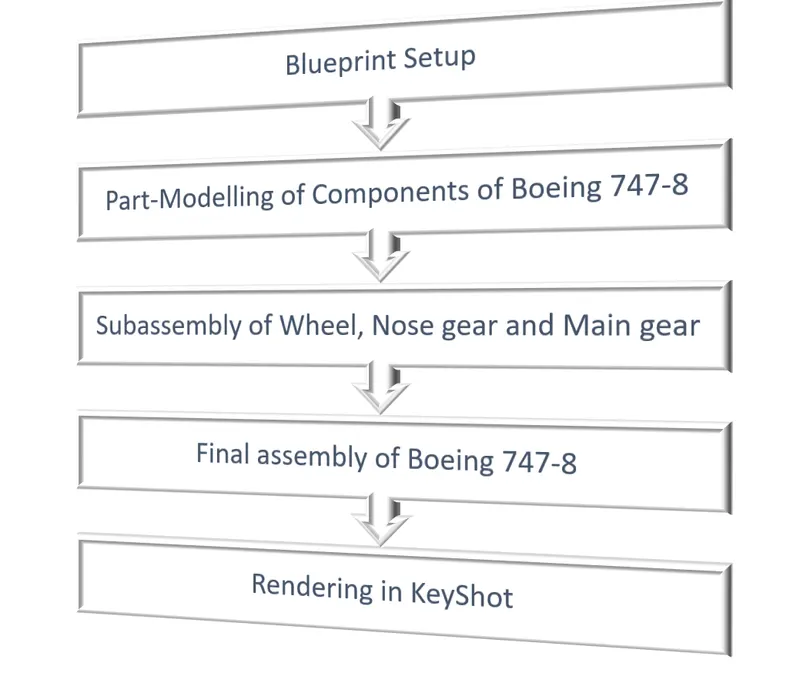
Flowchart of the project:
BASICS TOOLS/ENTITIES OF USED IN THIS PROJECT:
Sketch Entities:
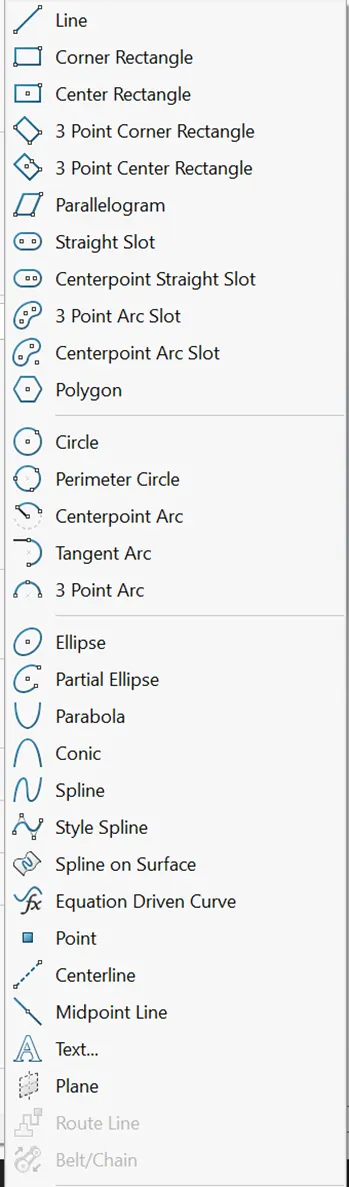
Fig. Shows the list of Sketch Entities
Sketch Tools:
- Sketch Fillets
- Sketch Chamfers
- Offset Entities
- Convert Entities
- Intersection Curves
- Face Curves
- Trim Entities
- Extend Entities
- Split Entities
- Jogging Sketch Lines
- Make path
- Construction Geometry
- Mirror Entities
- Dynamic Mirror Entities
- Move, Copy, Rotate, Scale or Stretch Entites
- Align Grid/Origin Property Manager
- Modify Sketch Dialog Box
- Repair Sketch
- Share Sketch
- Closing Sketches to Models
- Sketch Picture
- Sketch Patterns
Sketch Picture:
Sketch picture includes the following capabilities:
- Insert pictures(.bmp, .gif, .jpeg, .tif, .tiff, .wmf, .png, .psd) on sketch plane.
- Use pictures as an overlay for creating 2D sketches.
- Convert raster data to vector data using Autotrace.
Features:
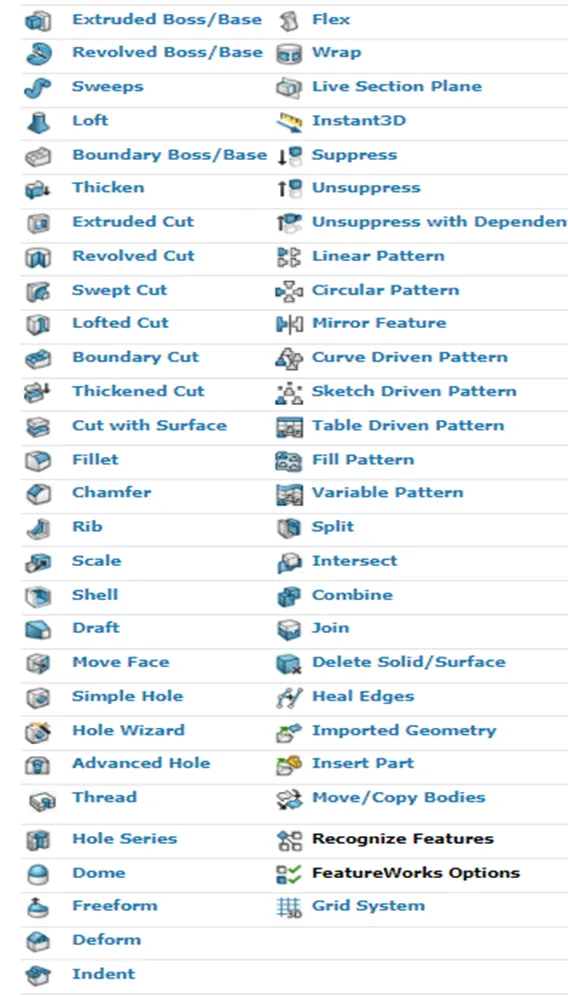
Features are the individual shapes that, when combined, make up the part. We can also add some types of features to assemblies.
Procedure:
Blueprint Setup:
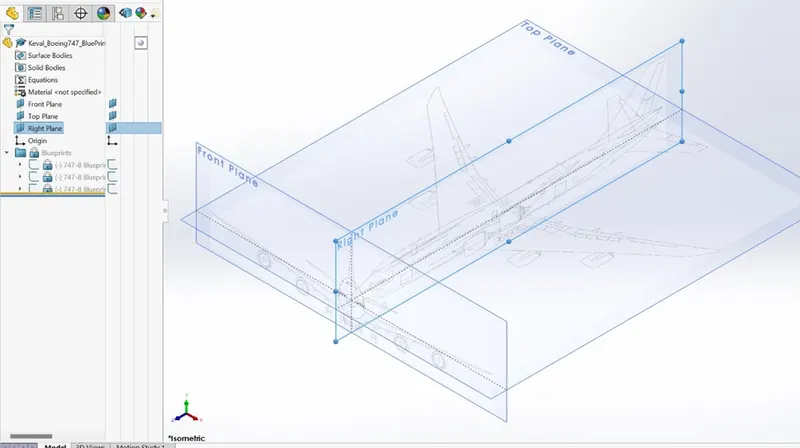
The first step in modelling of Boeing 747 is the setup of blueprints. The blueprints are set according to the dimensions required for modelling the aircraft.
Fuselage:
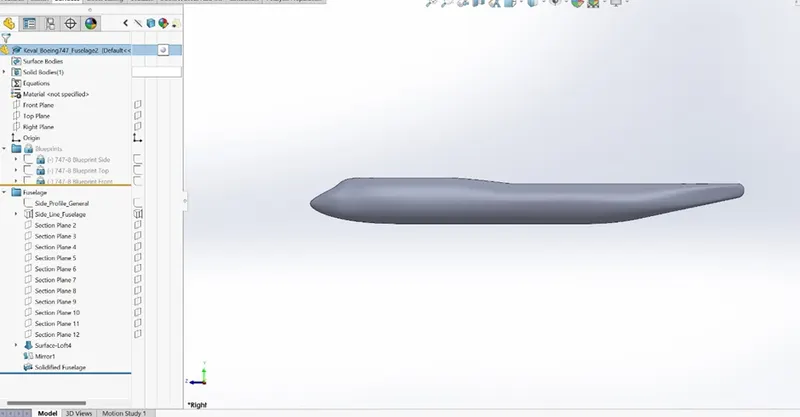
- In aeronautics the fuselage is an aircraft’s main body. It holds the crew, passengers, or cargo.
- In the modelling of fuselage, Surfacing is mostly used with the help of reference planes. As the fuselage is symmetric half section was created and then mirrored against the right plane.
Belly Fairing
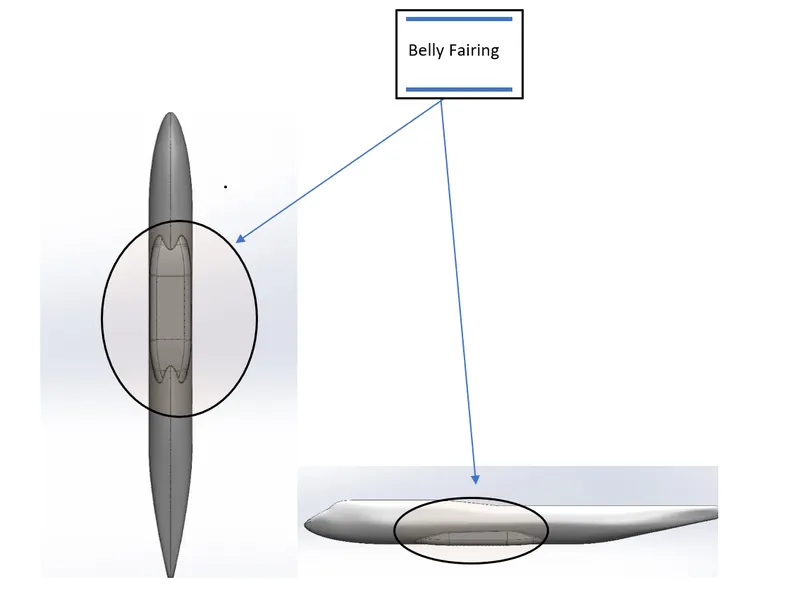
These fairings are also known as ventral fairings and are located between the main wings on the outside of fuselage. Belly fairings can also be used to carry additional cargo or as a fuel tank.- Tools and features used are:
- Fillet
- Combine
- Split
- Mirror
- Extrude boss/base
Nose Cone
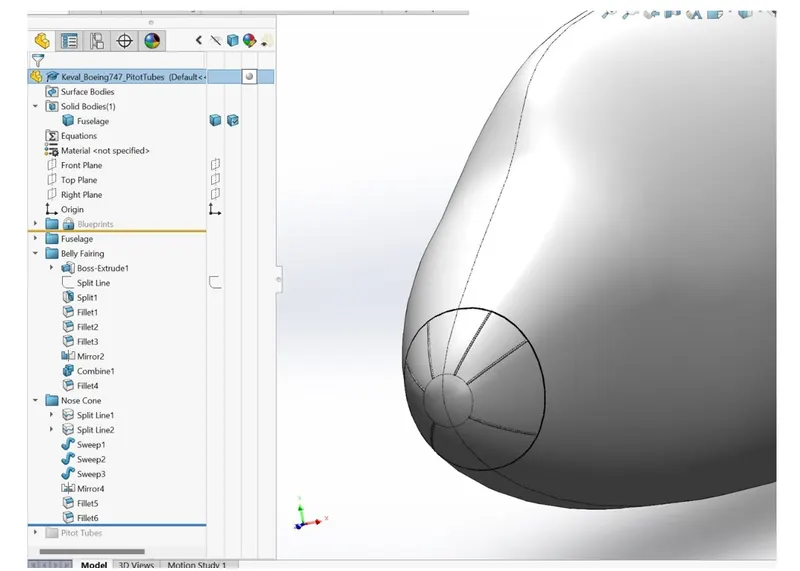
- Nose cone is the conically shaped section of a aircraft, rocket or guided missile, designed to modulate incoming airflow behaviors and minimize the aerodynamic drag.
- Tools and features used are:
- Swept boss/base
- Mirror
- Split line
Pitot tubes
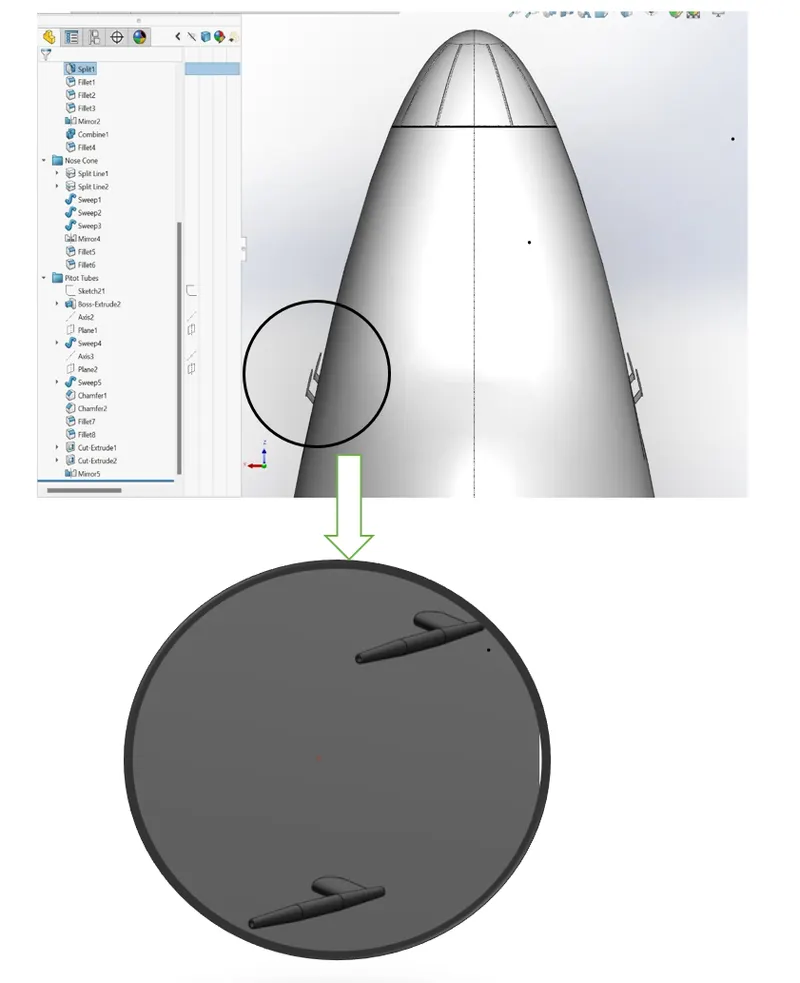
- A pitot tube is a tool used to measure the flow speed. Aircraft uses pitot tubes to measure the airspeed
- Tools and features used are:
- Extrude boss/base
- Swept boss/base
- Convert entities
- Extrude cut
- Mirror
- Chamfer
- Reference axis
Cockpit Windows
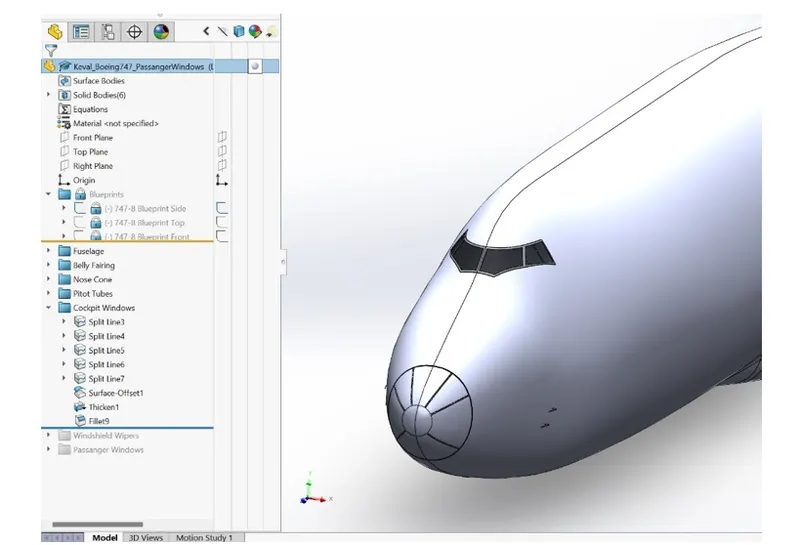
- The cockpit of an aircraft enables the pilot to fly the aircraft.
- Tools and features used are:
- Split line
- Offset entities
- Offset surface
- Thicken
- Mirror
- Fillets
Windshield Wipers
- Windshield wipers of an aircraft is used to remove rain, debris, snow, ice from the cockpit windshield, so the pilot can get better view.
- Tools and features used are:
- Extrude boss/base
- Project curve
- Sweep boss/base
- Shell
- 3D sketch
- Move/copy bodies
- Fillets
Passenger Windows, Door and Hatches
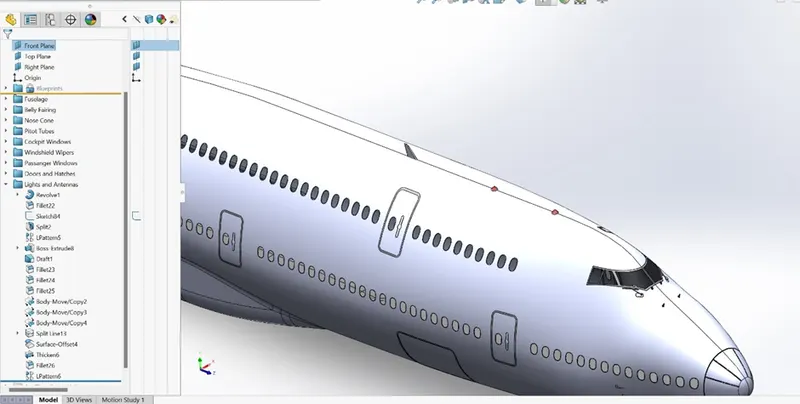
- Passengers board and exit from the plane through these doors.
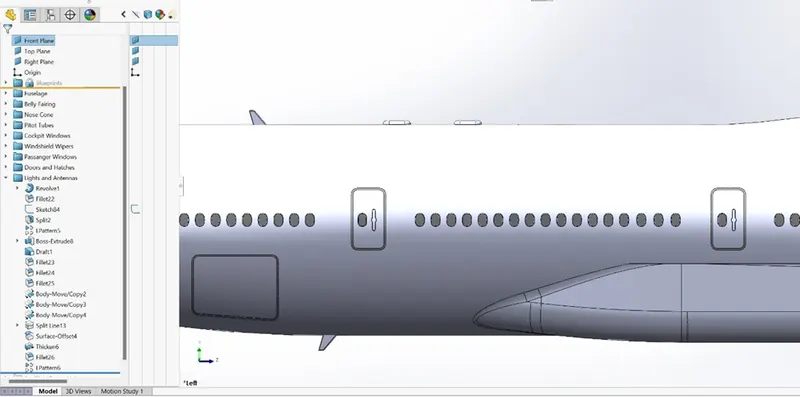
- These doors are specially engineered so that they do not open during the flight.
- Tools and features used are:
- Blocks
- Split line
- Linear pattern
- Trim
- Offset surface
- Thicken
Lights and Antennas
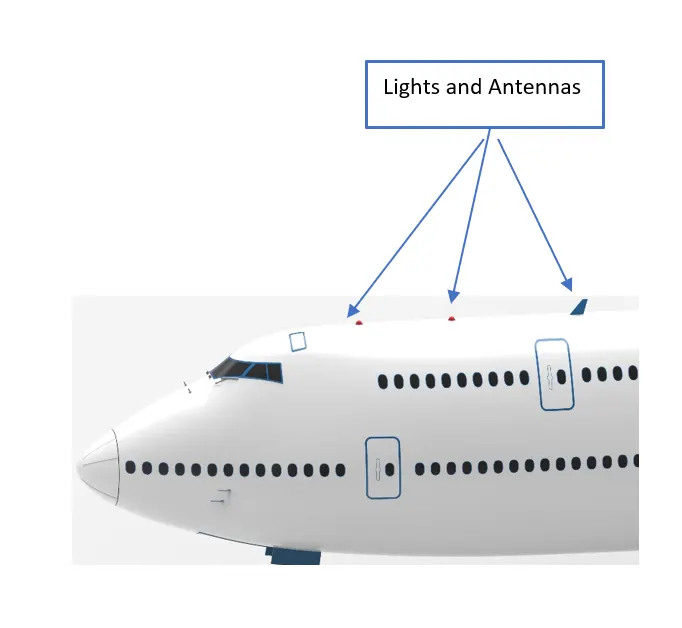
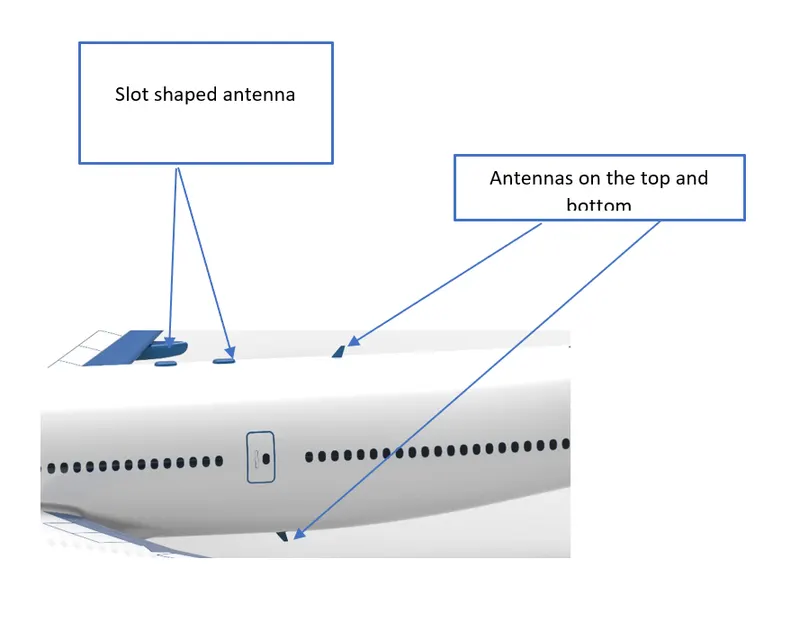
- Tools and features used are:
- Extrude boss/base
- Revolved boss/base
- Split
- Move/copy bodies
Auxiliary Power Unit
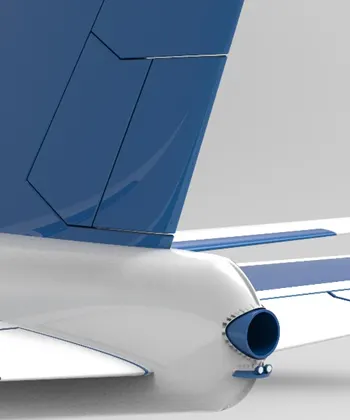
- The auxiliary power unit is a small gas turbine mounted in the tail cone of the aircraft to provide power for the main engines.
- Tools and features used are:
- Extrude boss/base
- Extrude cut
- Dome
Vertical Stabilizer
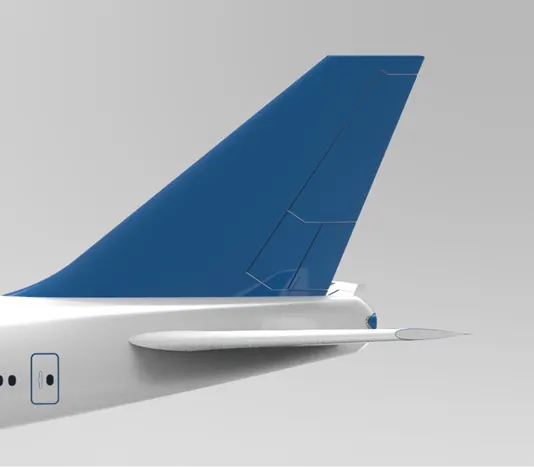
- The vertical stabilizer of an aircraft keeps the nose of the plane from swinging from side to side which is known as yaw.
- Tools and features used are:
- Extrude boss/base
- Extrude cut
- Project curve
Horizontal Stabilizer
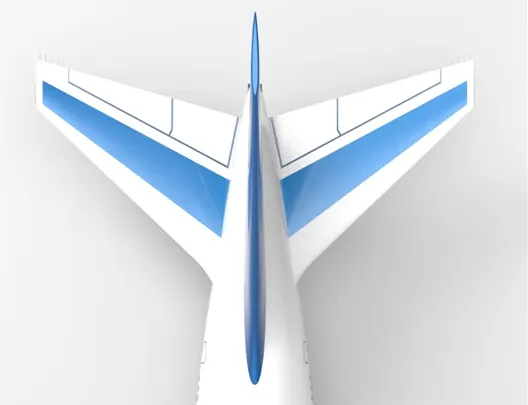
- The horizontal stabilizer prevents an up and down motion of the nose, which is called pitching.
Wings
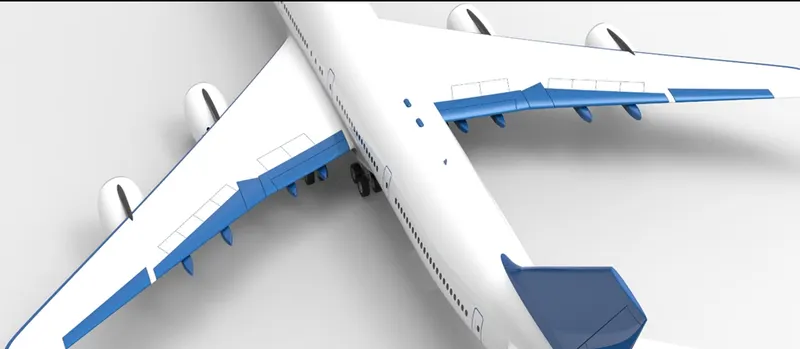
- The wings generate most of the lift to hold the plane in the air.
Flaps, Ailerons and Flap track Fairings
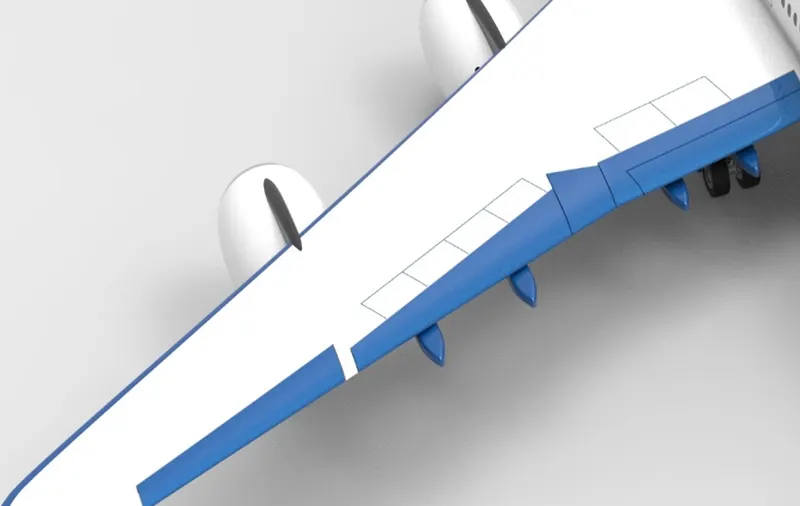
- The wings have an additional part called flaps.
- Flaps are deployed downward on takeoff and landing to increase the amount of force produced by the wing
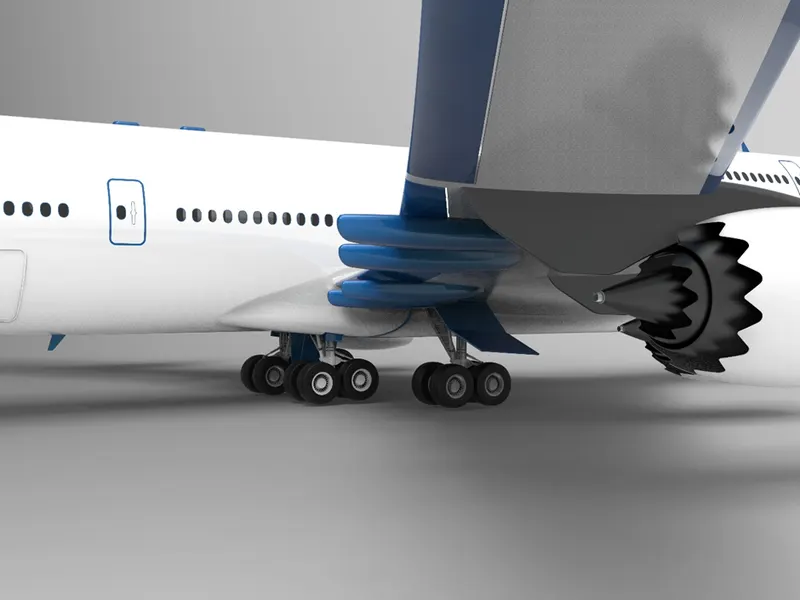
- The outboard hinged part of the wing is called aileron.
- It is used to roll the wings from side to side.
- Tools and features used are:
- Extrude cut
- Reference plane
- Split line
- Extrude boss/base
- Split
- Move/copy bodies
Wheels
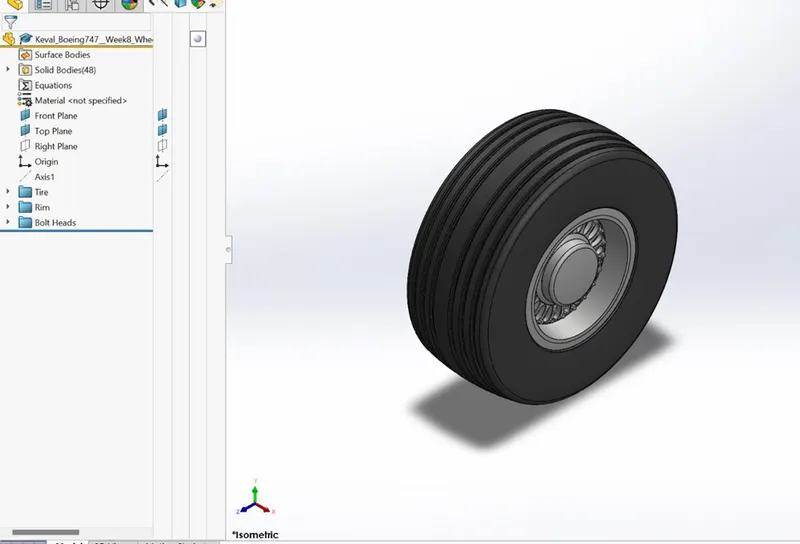
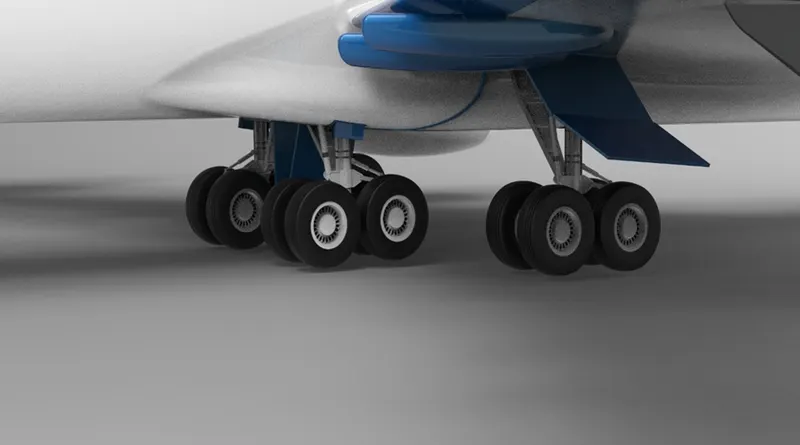
- Tools and features used are:
- Revolved boss/base
- Shell
- Revolved cut
- Circular pattern
Nose Gear Assembly
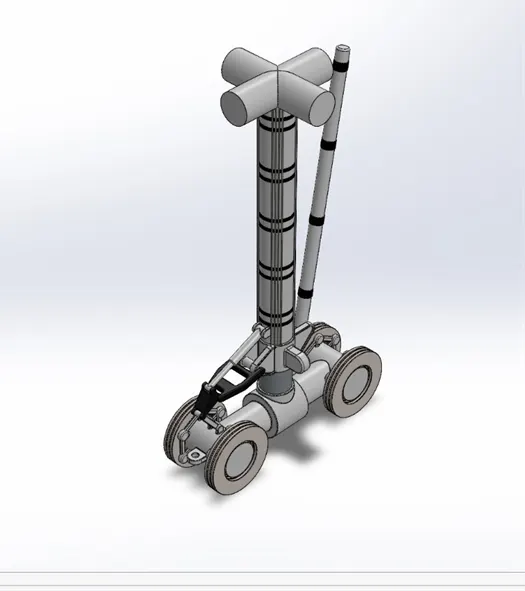
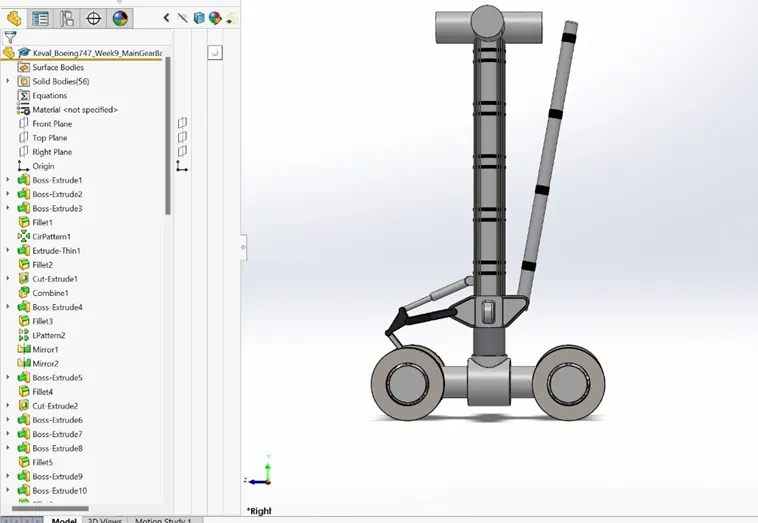
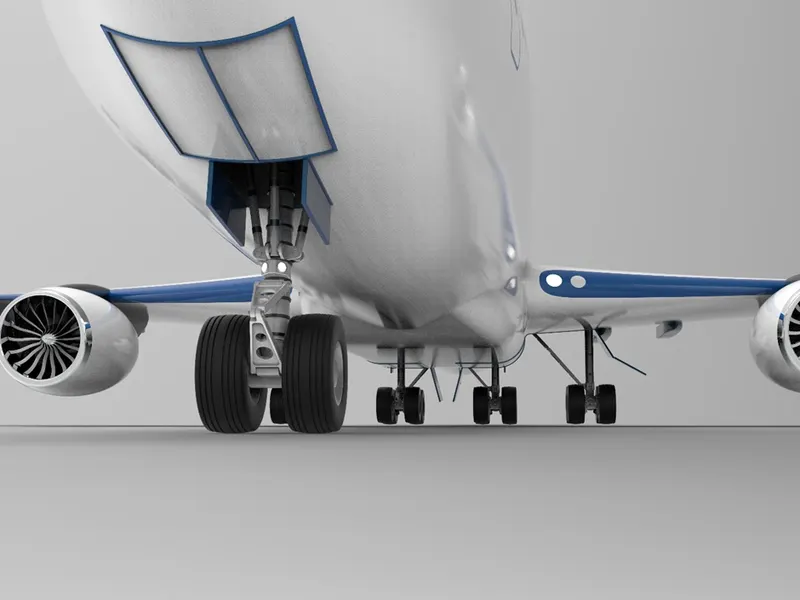
Main Gear Assembly
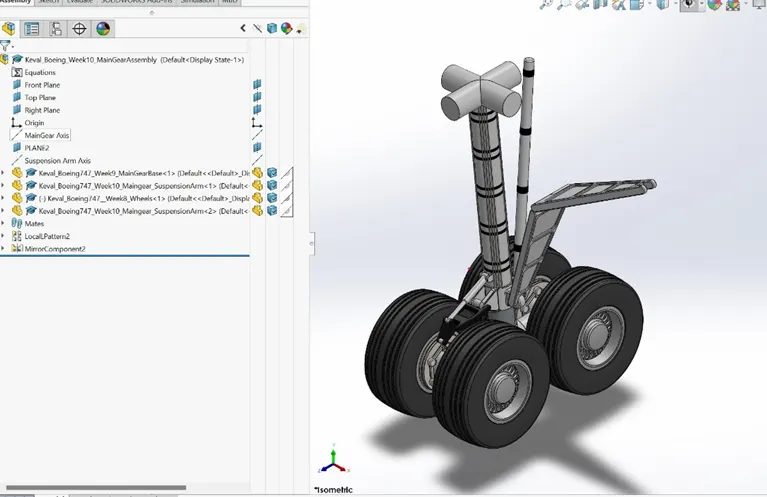
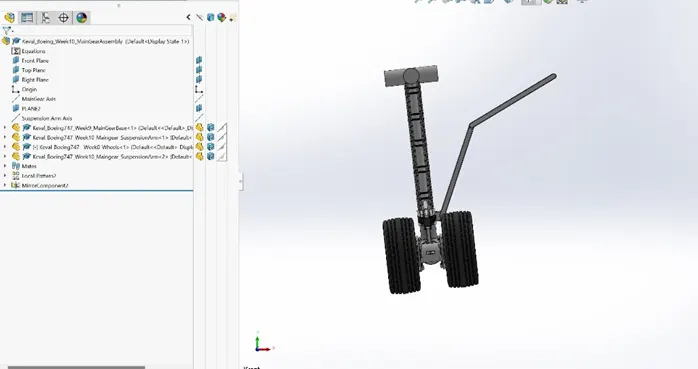
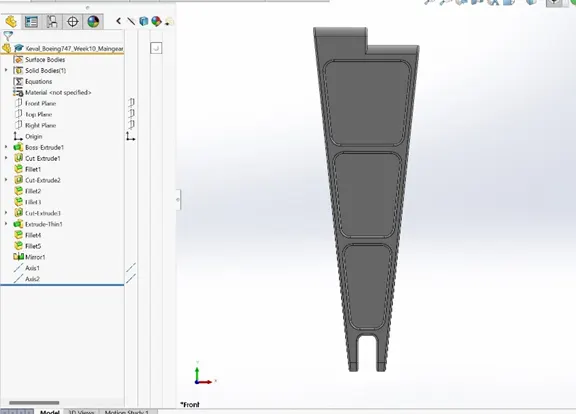
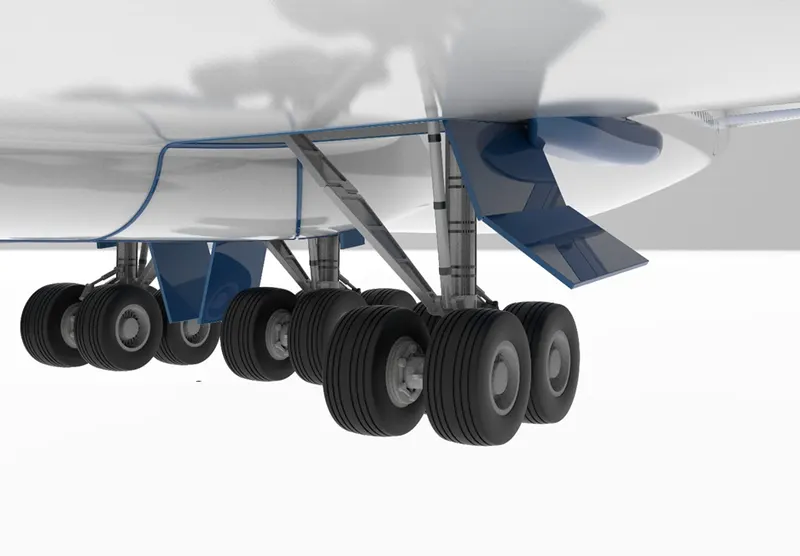
- Tools and features used are:
- Extrude cut
- Circular pattern
- Extrude boss/base
- Chamfer
Engine
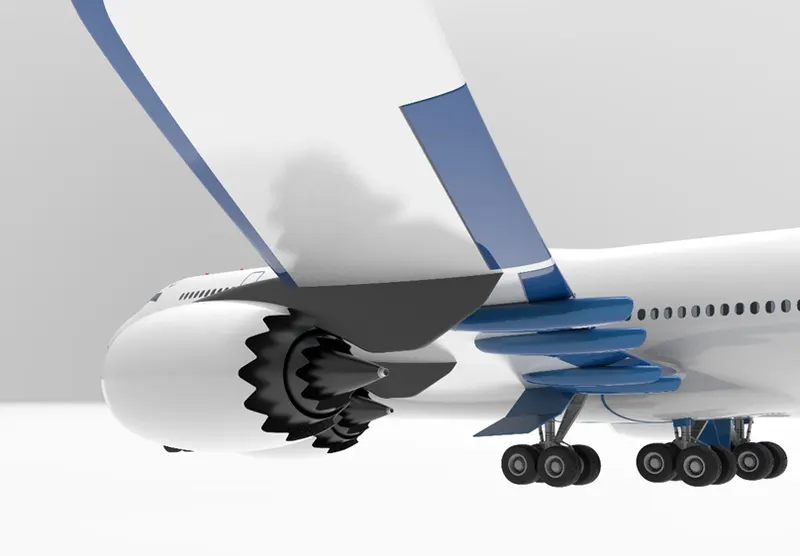
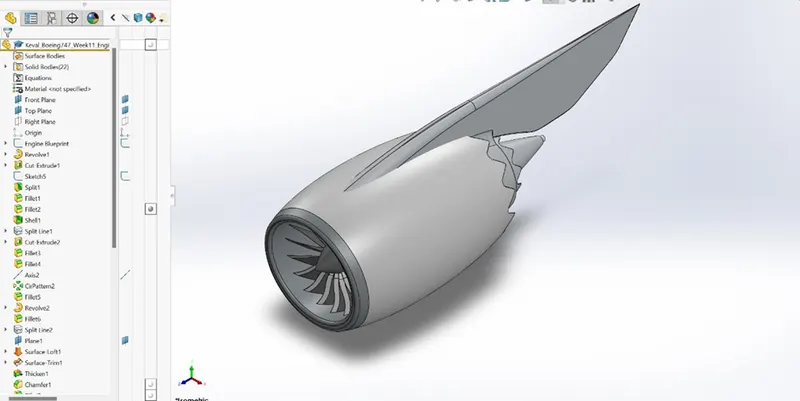
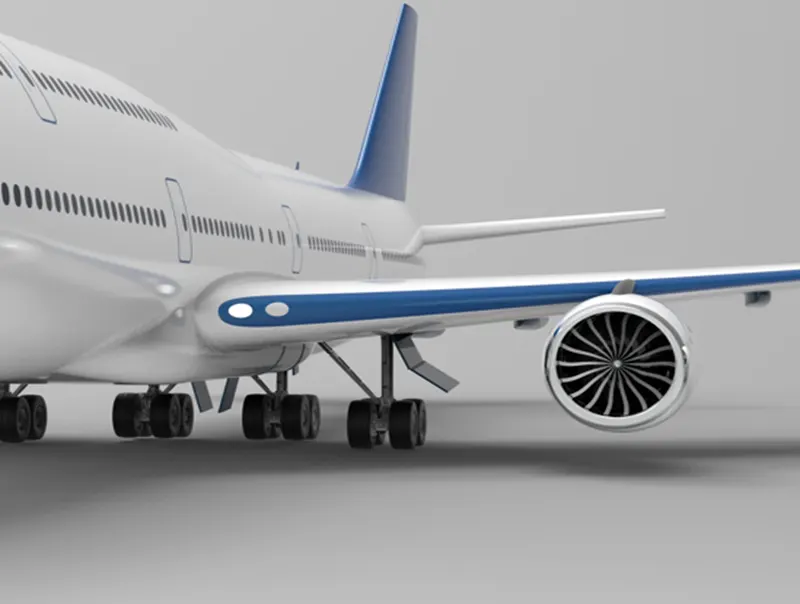
- Tools and features used are:
- Revolve
- Split
- Circular pattern
Livery
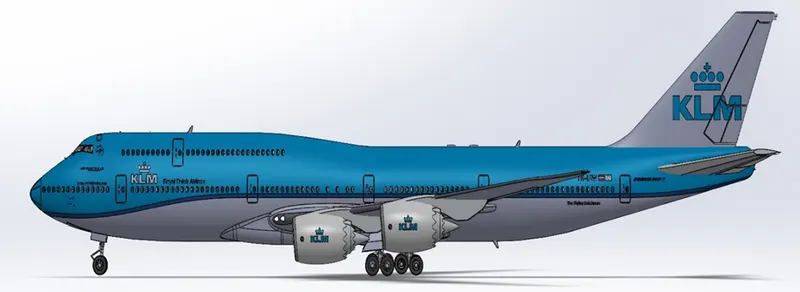
- An aircraft livery and logos are used for branding for commercial and corporate reasons.
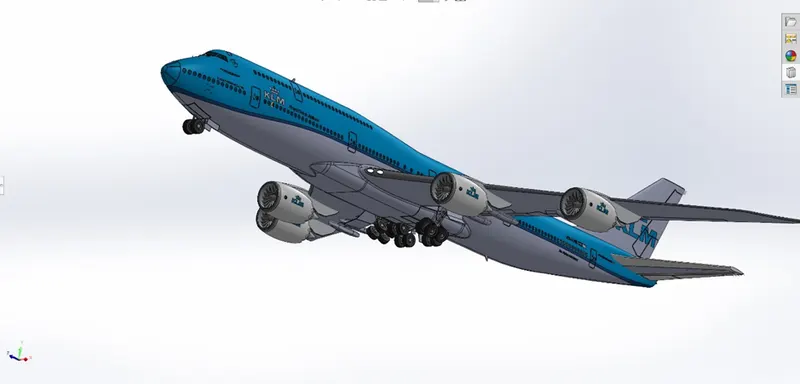
Assembly
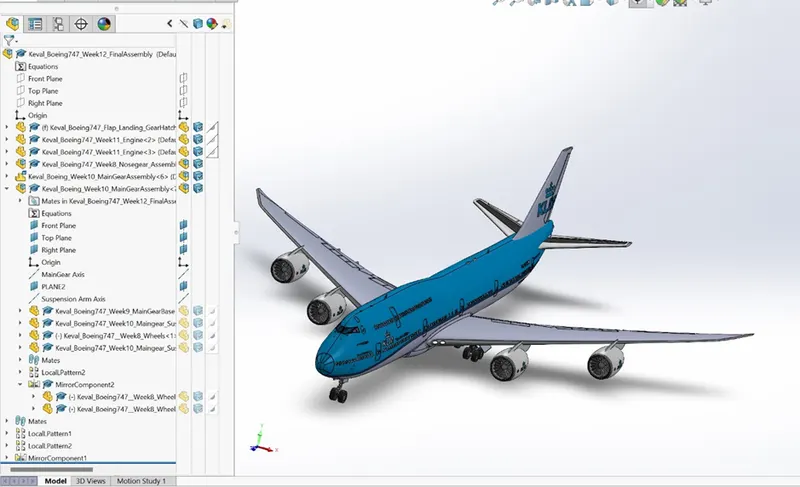
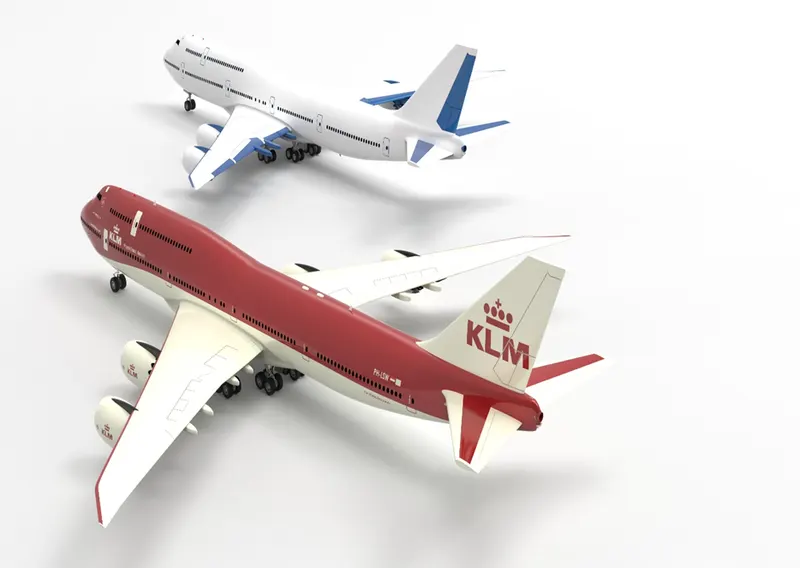
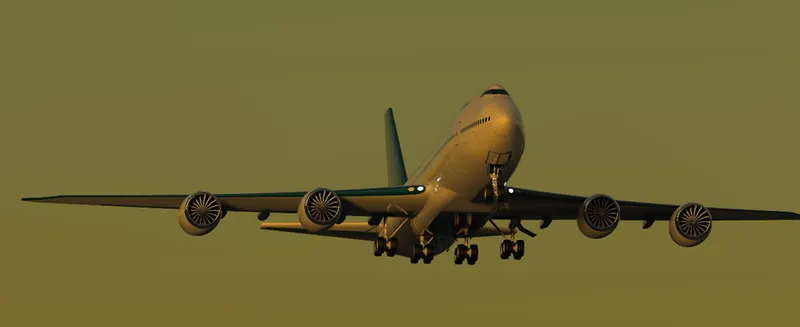
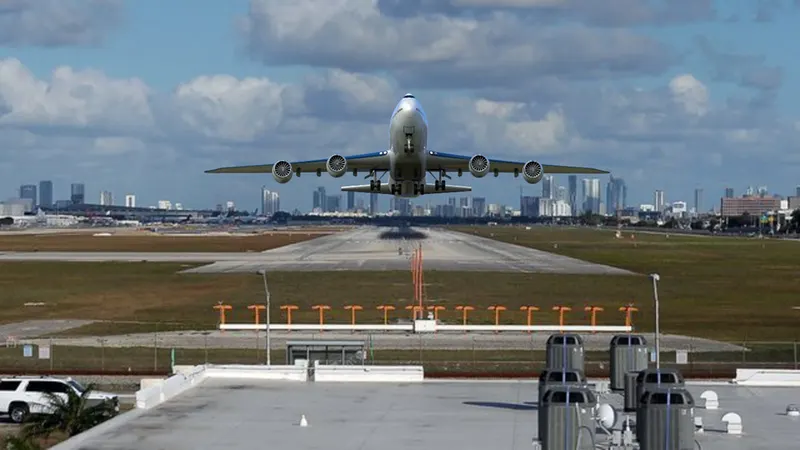
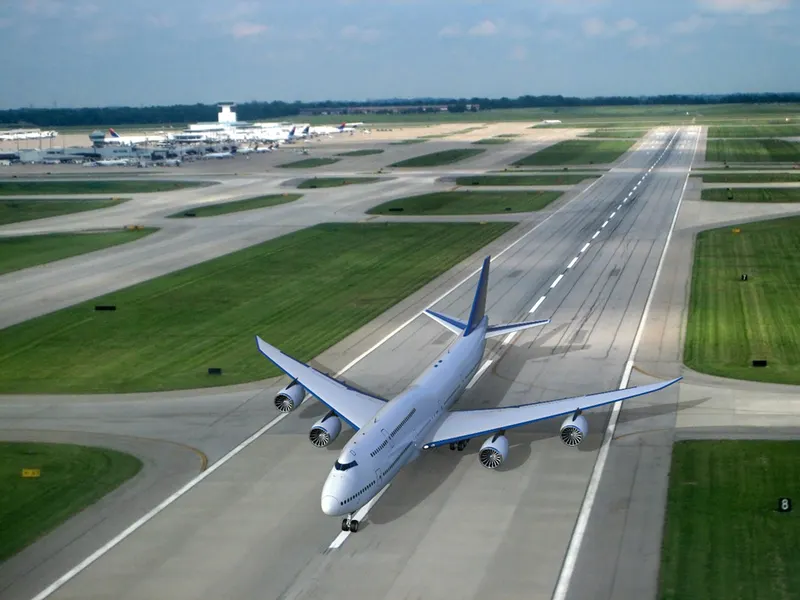
Renderings:
Conclusion:
- The project was modelled in SolidWorks 2021 and the images were rendered in Keyshot. And by the end of this project I came to know the various functions of the parts of an aircraft.