DESIGN OF CASING USING NX CAD
CASING DESIGN USING NX CAD
OBJECTIVE:
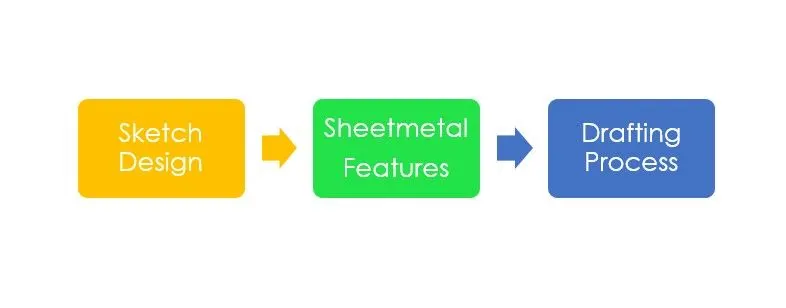
To create a casing using sheetmetal NX CAD software.
INTRODUCTION:
NX CAD is a 3D modelling software in which not only solid modelling is done but also has sheet metal, surface modelling, drafting etc, can be performed. Though NX CAD has all modelling options, It is well known for its sheet metal application since it has various options for designing sheet metal.
DESIGN METHODOLOGY/APPROACH:
CASING DESIGN :
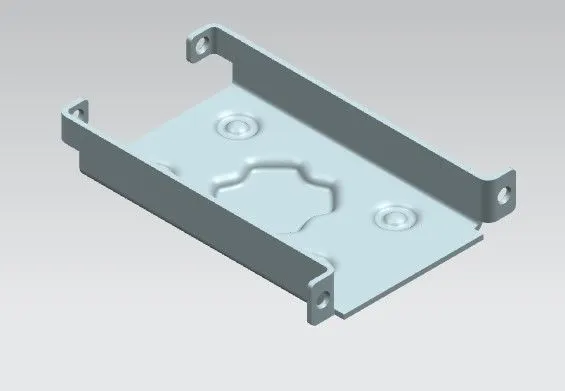
DESCRIPTION:
FEATURES USED:
1.TAB:
TAB is a feature used to extrude the sketch as a base feature so that all secondary features will be created upon it.
2. BEND:
BEND is a command used to bend the sheet metal to some angle using sketch lines.
3. FLANGE:
This command is used to add a flange to the edges of the base feature or secondary features.
4. BREAK:
This command is used to blunt out the sharp edges of the sheet metal.
5. UNBEND:
This feature is used to make a flat sheet metal of the sheet metal if we have any extra features to add before rebending it.
6. REBEND:
This is used to keep the sheet metal back to the previous stage when it has no unbend feature in it.
7.DIMPLE:
This is used to create a embossed feture like bump as per the user design in the sheet metal.
8.BEAD:
This is used to create a punch feature of any defined sketch in sheet metal.
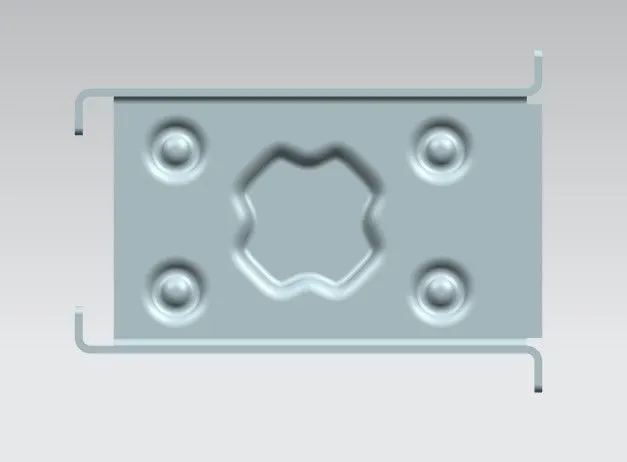
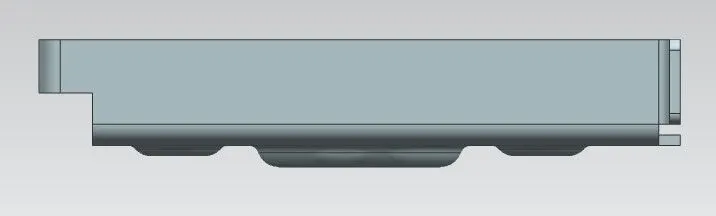
VIEWS OF CASING DESIGN
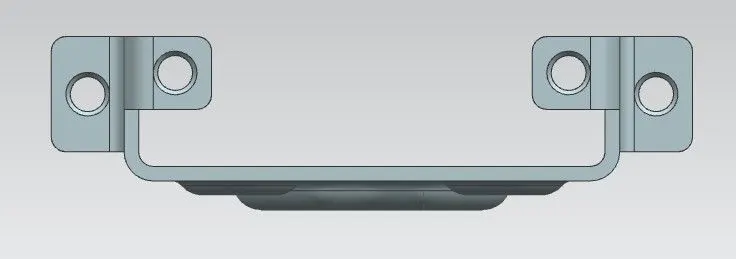
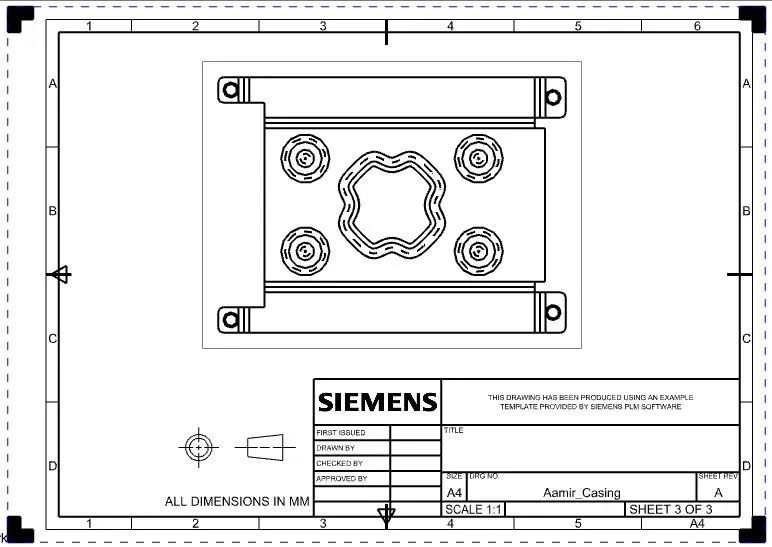
CONCLUSION:
By using NX CAD, Casing design is created sucessfully using Sheet Metal applications.