Wiring harness design in CATIA V5 - 3D modeling Week 2 Challenge
Download the following connectors & Connector clip cad data from the given link & define it as Electrical Connector using the Electrical Part Design Workbench. Define all the necessary properties of Connectors & Clip.
As given above question first, the downloaded part is added to the catalog
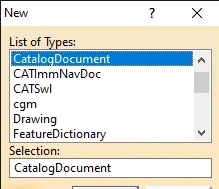
by selecting the add family dialogue box is opened as family definition add name type and type as electrical and save it to the file as electrical
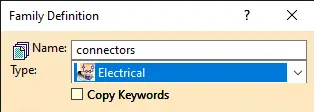
download the files given and make them to the mechanical part to the electrical part after that add them to the catalog where it saved as catalog
process to convert the mechanical part to the electrical connecter:
1. Open the part that was downloaded and make sure that it is in the electrical part design
2. Define the given part as a connecter with terminals given and name them as connecter type
3. create a point and axis system at the connecter connection point and point at the bundle connection point
4. connecting connection on the mounting side and bundle side
5. Define the connecter connection point at the front side as the connecter point
a. Select the part to make a connecter
b. select the connecter connection point and part as connecter, face as representation, point as contact, coincidence as Y- axis, rotation as Z-axis
c. select the defined bundle connection point and part as connecter, face as a representation, point as contact, initial condition as face
6. finally connecter part is ready to save it
Now store that part in the catalog that was created so that part so saved
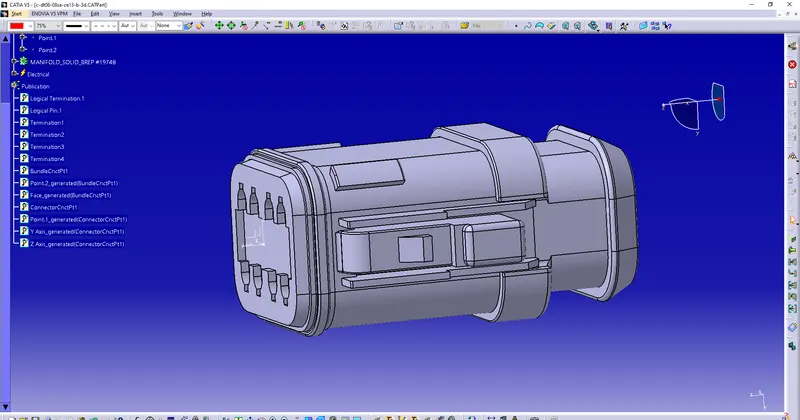
the above part is Deutsch DT06 – 08SA
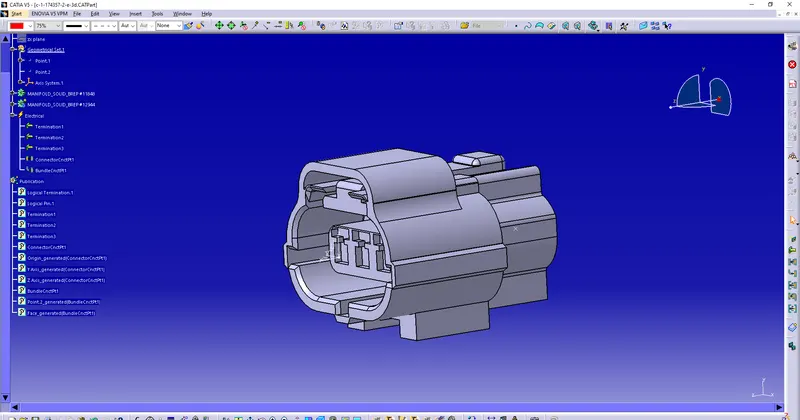
the above part is Tyco 174357-2
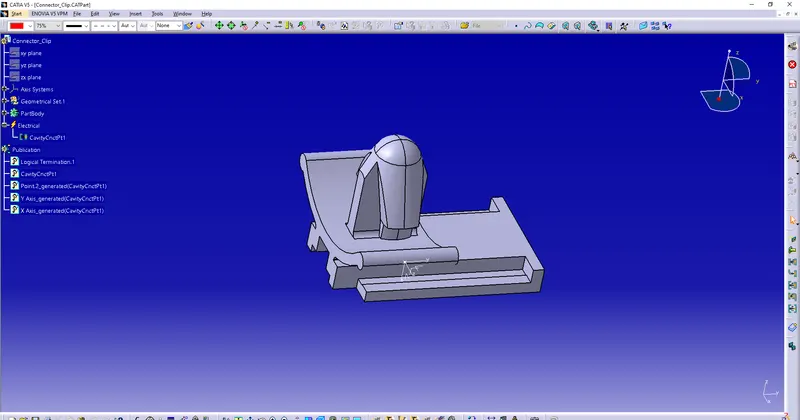
the above part is Tyco 85229-1