Week 5 Challenge : Surface wrap on Automotive Assembly
QUESTION -
Surface Wrap the automotive assembly by performing topo clean-up. Write down a detailed report mentioning the entire process. Also, include the concepts you learned.
Target length for Wrap = 3 mm
ANSWER -
Final Geometry File - https://drive.google.com/file/d/14taH6kj9bw5JHtIhsfvuto0zKPCCEmXz/view?usp=sharing
Aim -
To perform surface wrap of the given geometry of an automobile assembly consisting of three different components (models) in the ANSA pre-processor according to the given conditions. ANSA is a popular computer-aided engineering tool for CFD and Finite Element Analysis in the automobile sector.
Procedure -
Surface Wrap of any geometry means to mesh it from outside, that is, the meshing of only the external surfaces. It does not deal with the surfaces present inside, hence we would not be concerned with the internal surfaces of the geometry provided.
There are three components provided in the automotive assembly -
- Engine Model
- Transmission Model
- Gearbox Model
Here, in this challenge, we will have to clean up the external surfaces of all three geometry individually. After cleanup, we will merge all three models and make a single assembly in one interface. Later, we will perform surface wrap on the entire single geometry.
Steps -
- Topo Clean-up
Here, we are working in the "Topo Deck" by default.
Engine Model -
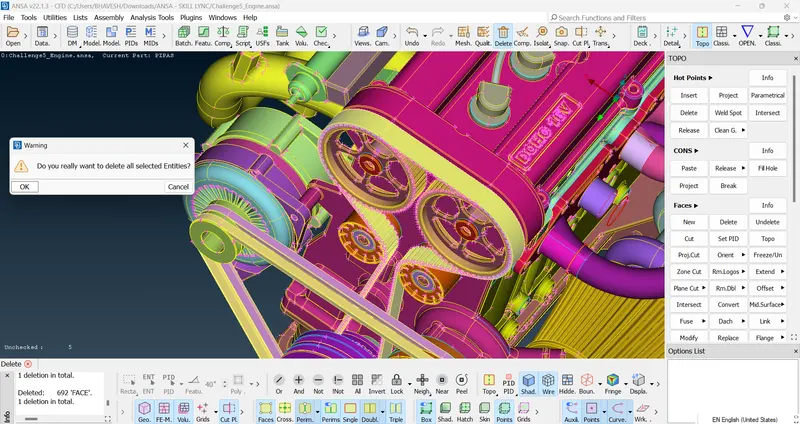
We will delete all the unnecessary surfaces of the geometry which includes all the ring-like surfaces and the overlapping surfaces. "Isolating all the prominent parts and then deleting the unnecessary parts would make the task easier."
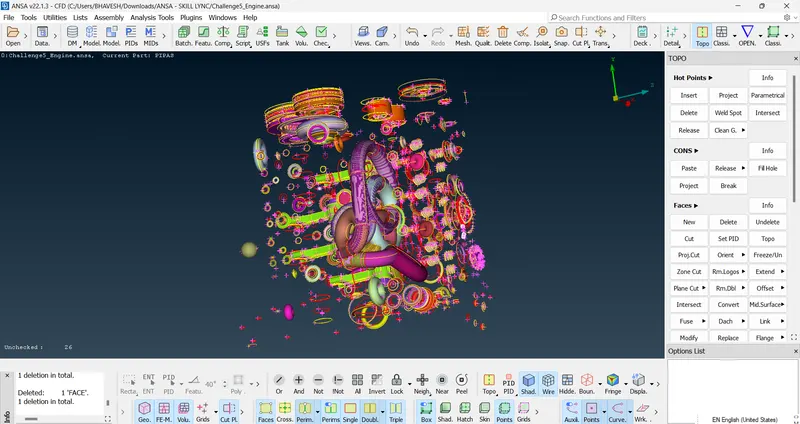
Note - Triple cones will not cause any problems in the surface wrap. We just need to delete the red cones, especially which are on the external surfaces.
Conveyor belts may be deleted as they are thin and would not capture completely in the surface wrap.
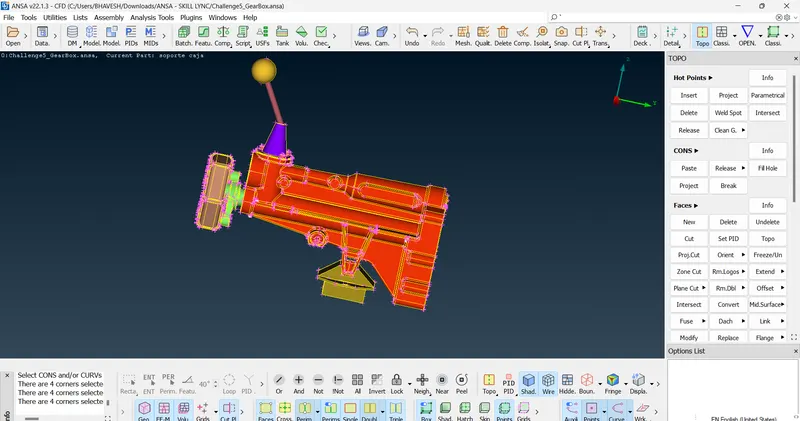
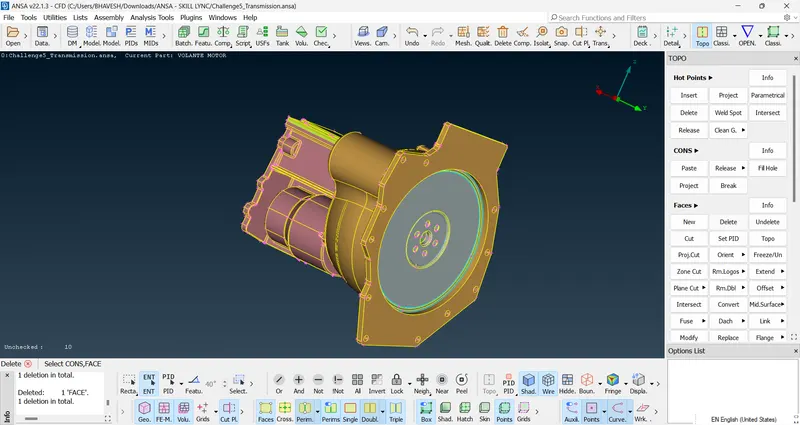
Transmission Model & Gearbox Model -
Deleting all the unnecessary parts and fixing the geometry will accomplish our Topo clean-up.
- Merging all three Models
Here, the Gearbox model is opened in our interface.
File > Merge > select the other two model > click Open > OK
Repeat this for the third remainder model.
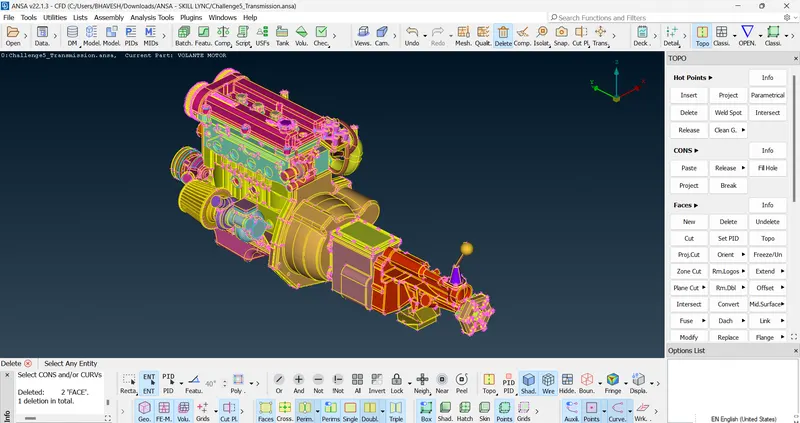
For the good quality surface wrap, we need to close all the open faces.
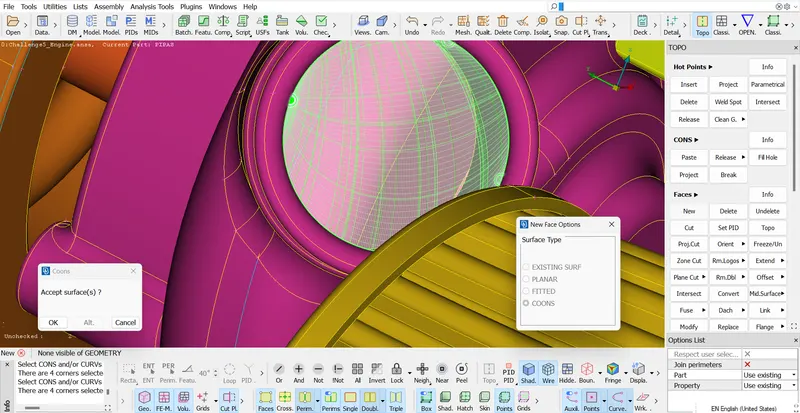
- Surface Wrap
Before performing the surface wrap, ensure that we have only the necessary PIDs. Use the "Compress" tool to delete unnecessary PIDs.
Click the "Classic Mesh" Deck.
Elements > Wrap > Constant Length
In Parameters:
Set the target length as "3 mm".
In Contents:
Select all the PIDs and click the 'Green Arrow'. Click OK.
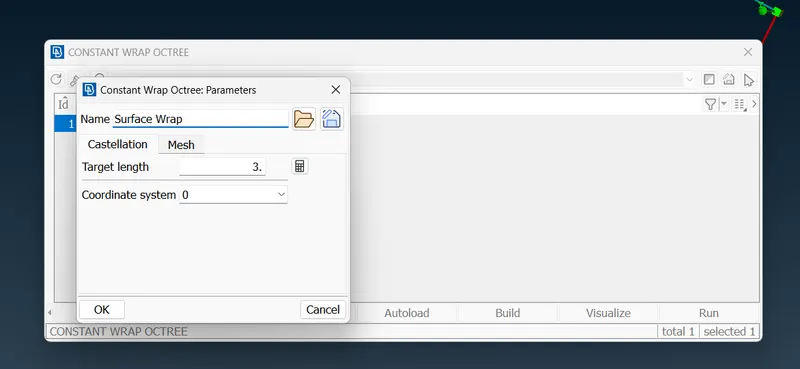
Click "Run" and wait for a few minutes to generate the wrap. Thus, the surface wrap is accomplished.
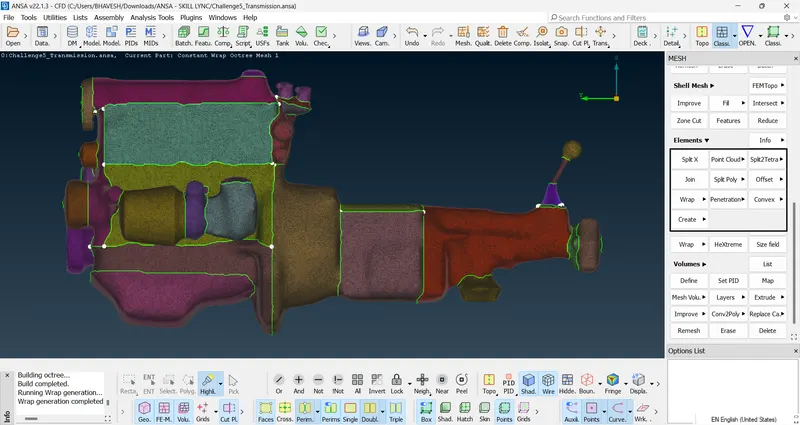
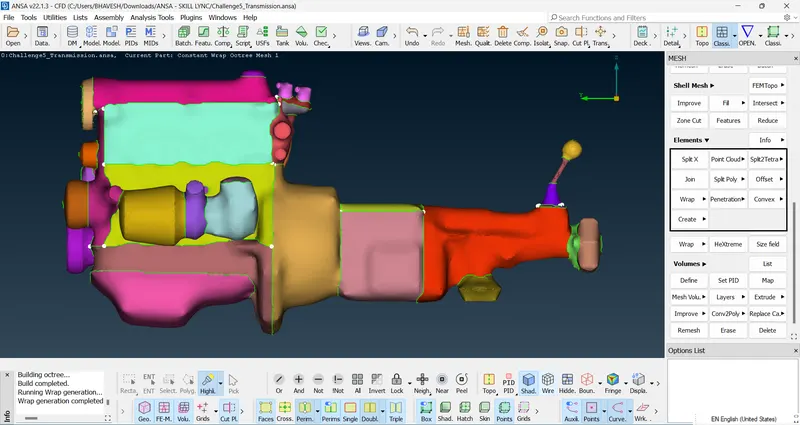
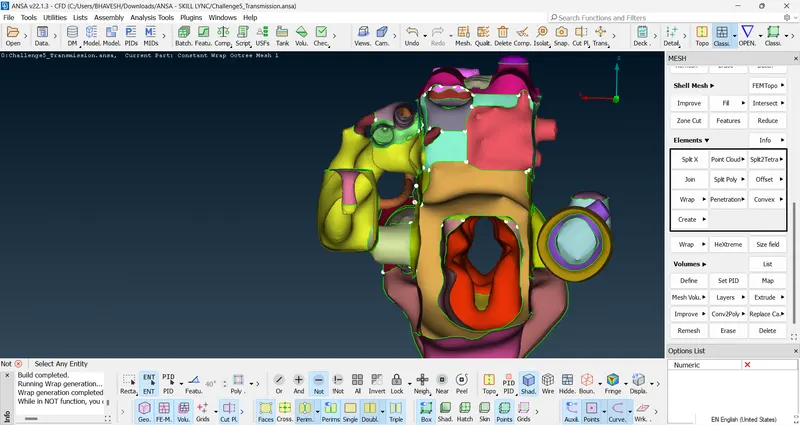
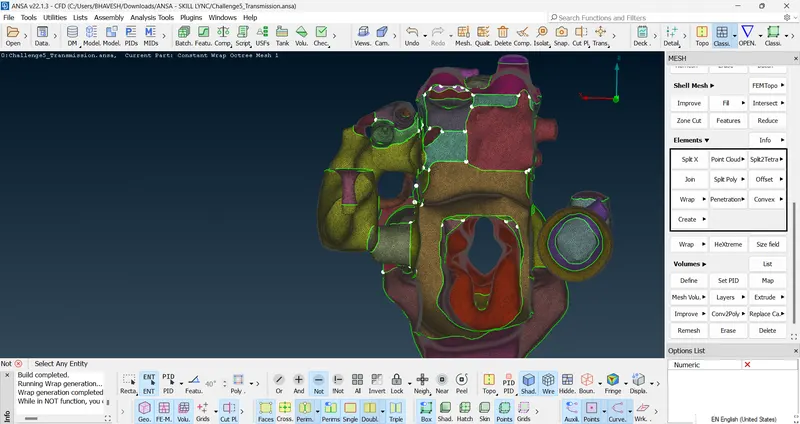
Note - Set the target length depending upon the requirement of the wrap. A good quality wrap will consume more computational time and will require a small target length, while if the concern is the computational time one should use a larger target length compromising on the quality of the wrap.
Learning Outcomes - Acquired knowledge of surface wrap on any geometry.
Result - Geometry was modified according to the given conditions and the proper surface wrap was generated.
Conclusion - A detailed report of the entire surface wrap process was mentioned.