Week 2 Challenge : Surface meshing on a Pressure valve
Objective: Check for the geometrical errors and perform Topology cleanup accordingly. Set three different target lengths as 1mm,3mm and 5mm three different cases and mesh the model.
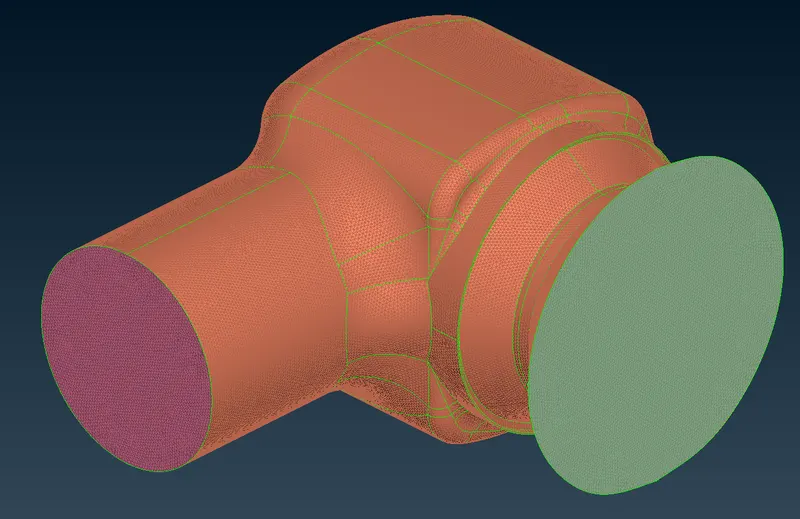
Given model:
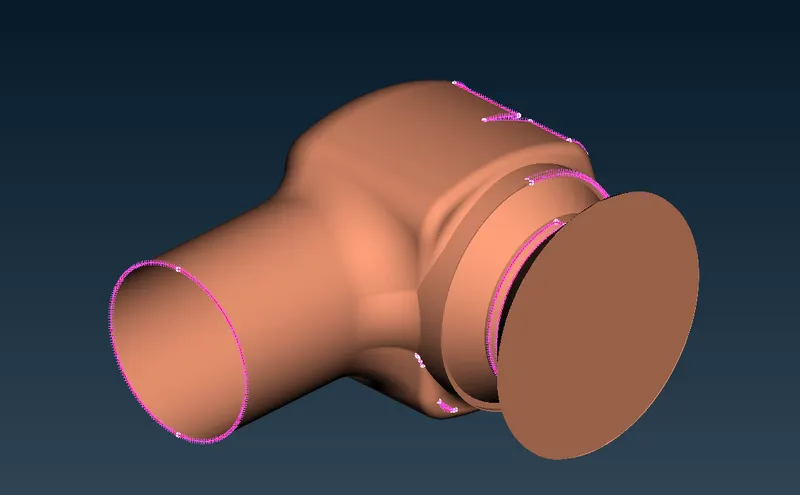
Procedure:
- Open the geometry, in topo mode go to check options, and check for geometry check.
- Enable all checks and click execute, we will see errors in the model. Fix the single cons as no geometry should have single cons using the face tool.
- After solving all errors again go for a geometry check. Ensure that your model is closed before going to the next step. Also, check that there is no close line there in the model.
- Now to add PID's go to properties and create new PID's and assign names to them.
- Now go to mesh section and assigned the mesh length.
- Assign the mesh length for three different cases and note the results.
Results:
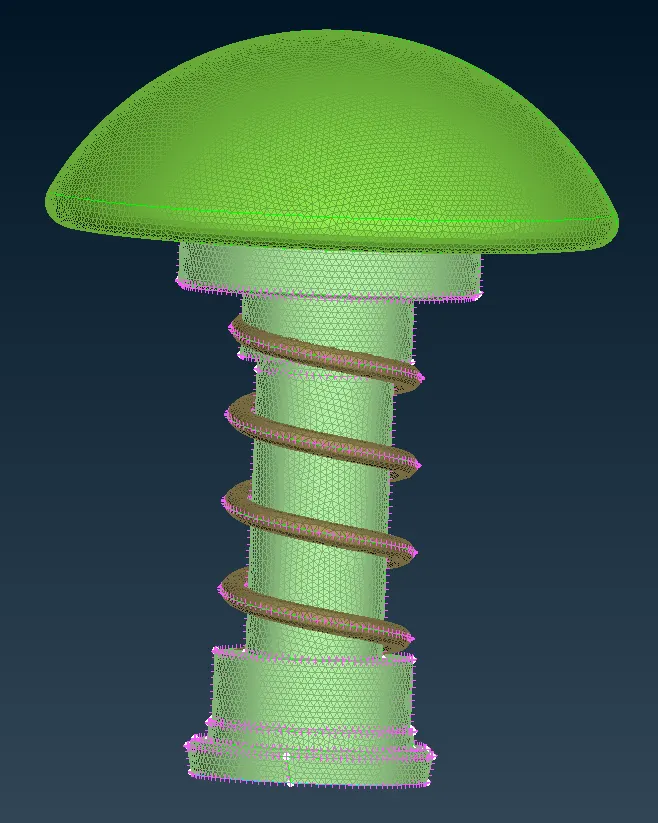
1. Target length = 5mm
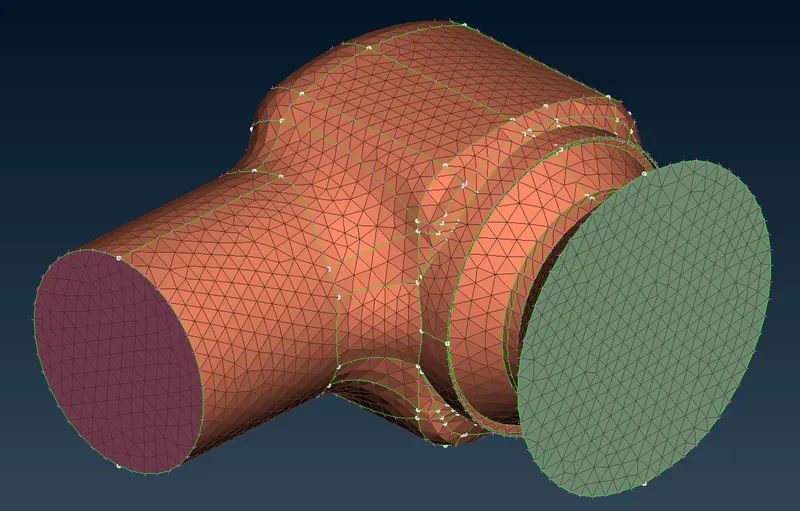
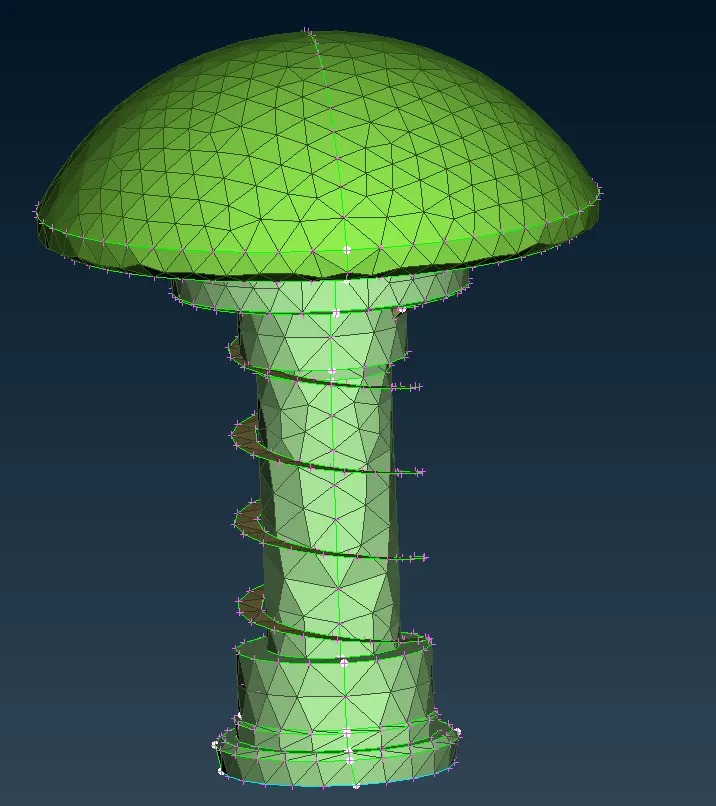
2. Target length = 3mm
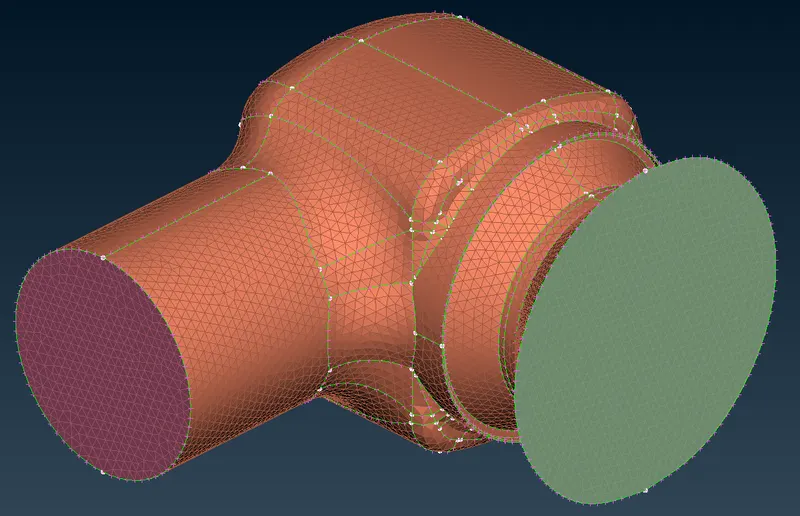
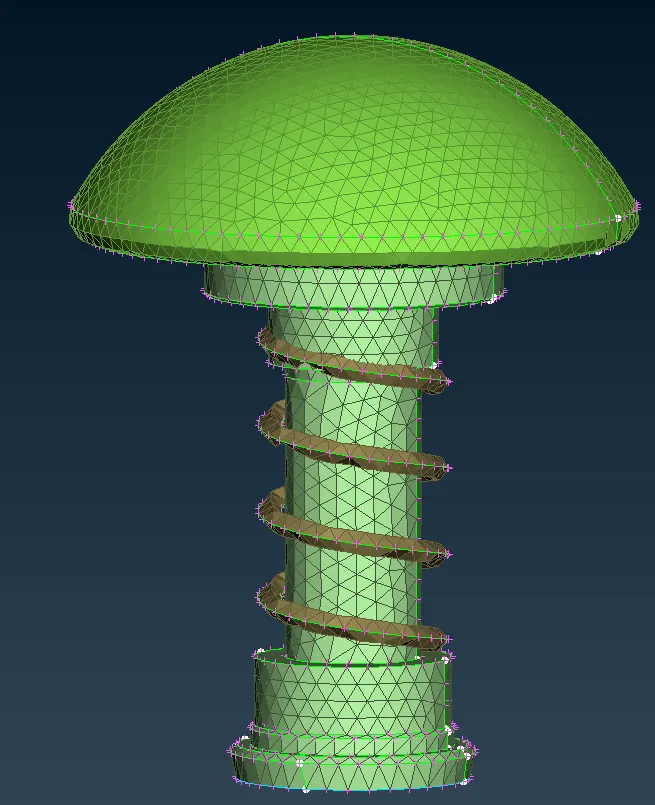
3. Target length = 1mm
Learning Outcomes:
- PID creation and PID assignment,
- Different selection techniques and visibility tools,
- Basic Topology cleanup
- Basic tools used in Surface mesh
Conlusion:
- By reducing the targent length we get more accurate surface finish especially for fillet region and edge region.
- Always choose target length according to the component,smaller the component smaller must be the target length,here for spring it was best to have 1mm target length. Its best to have different target length based on component.