Week 12:Project 2-Meshing of Rear Wheel Holder challenge
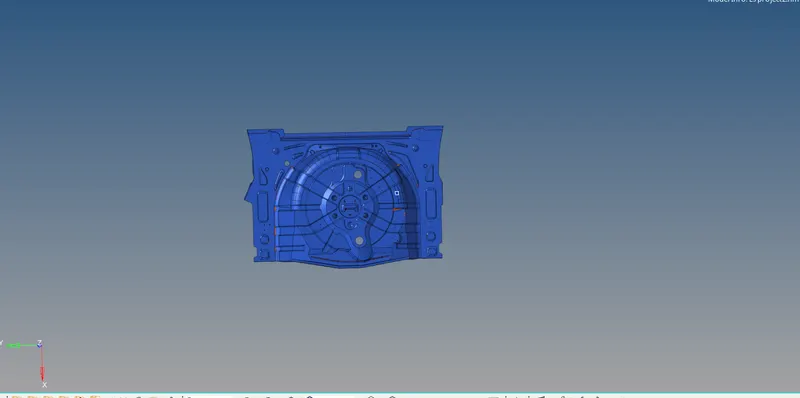
AIM:- Meshing of Rear Wheel Holder
OBJECTIVE:-
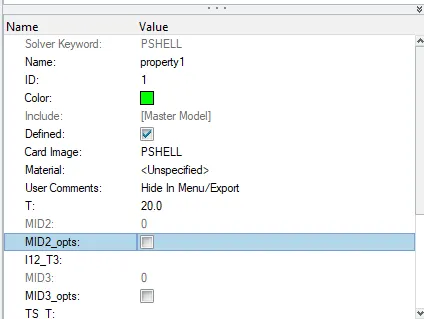
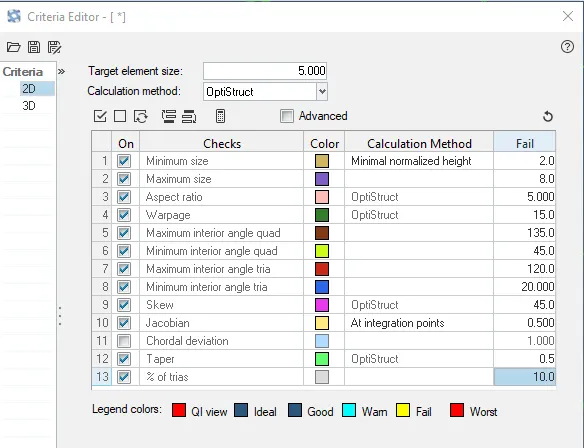
Follow the below-mentioned quality criteria, mesh the component given below and assign thickness:
Target Element Length = 5 Units
| S.N | Quality Criteria | Value |
| 1 | Aspect Ratio | 5 |
| 2 | Skewness | 45 |
| 3 | Warping | 15 |
| 4 | Taper | 0.5 |
| 5 | Min. Length | 2 Units |
| 6 | Max. Length | 8 Units |
| 7 | Min angle Quad | 45 |
| 8 | Max angle Quad | 135 |
| 9 | Min angle Tria | 20 |
| 10 | Max angle Tria | 120 |
| 10 | Tria % | 10 |
STEP:-1
The given component has beenimported into the hypermesh with Optistruct profile.
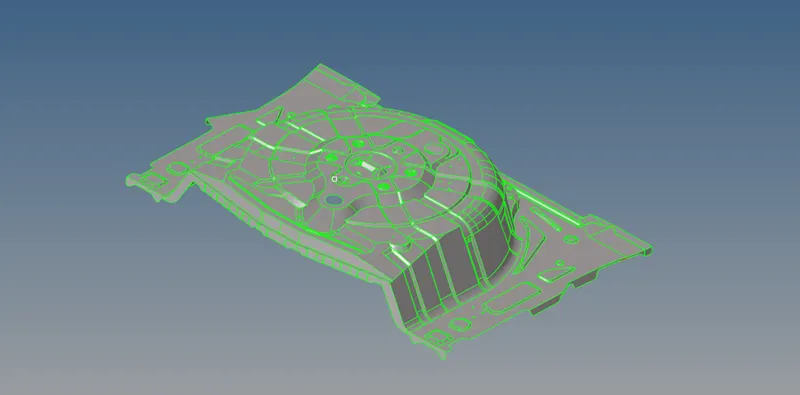
After that any solid from the surface is deleted from the components.

After geometry cleanup next ,to define the criteria file which is required by our model meshing.
Step:- 2
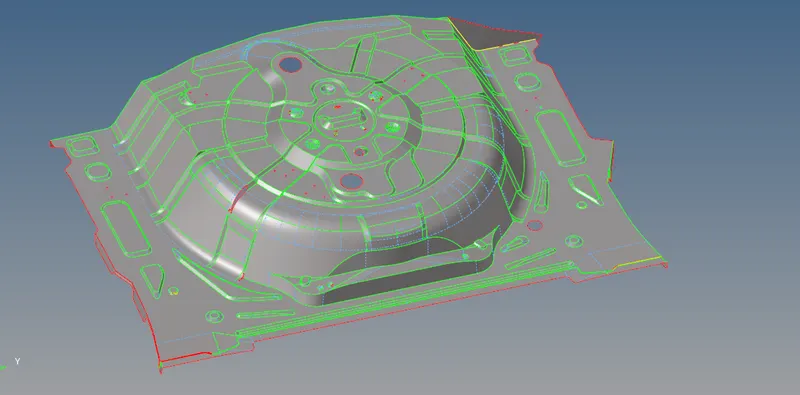
After meshing next step is generate the midsurface for meshing.
Midsurface modeling is a technique for creating a simplified shell representation of a solid model.
Midsurface modeling can reduce the computational expense of analyzing a complete solid model when a shell model with a defined thickness and fewer details is suitable for the required analysis.
Midsurface gemeration by the Geometry toolbar provided in the hypermesh.

We have selected automidsurafe option with offset+planes+sweep midsurface option present with the model.
After midsurface we get the following components.
Step:- 3
Next step is meshing the components.
Meshing is an integral part of the engineering simulation process where complex geometries are divided into simple elements that can be used as discrete local approximations of the larger domain.
The mesh influences the accuracy, convergence and speed of the simulation.
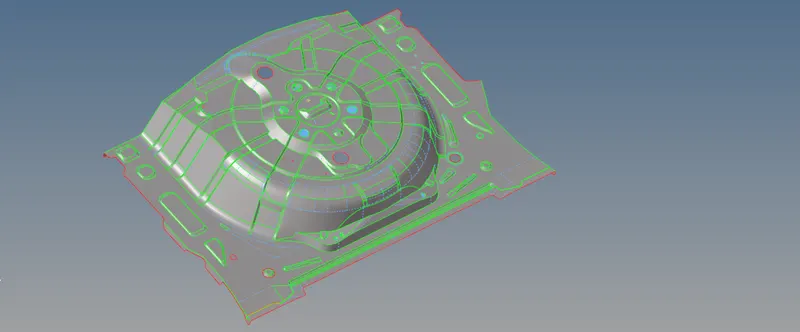
We have generated 2D mesh, for meshing.
After meshing we get the following components.
After meshing the components consists of bad elemens which doesn't meet the criteria.
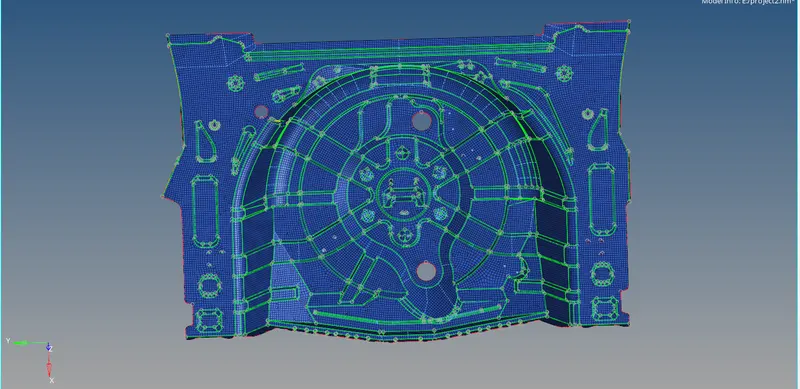
These elements need to be cleaned to get the requirement mesh criteria.
The failed elements can be fixed using the element fixing tools in the quality criteria menu.
While using the quality criteria menu the failed elements are highlighted in yellow and red colours.