Week 11 - Final project
AIM:
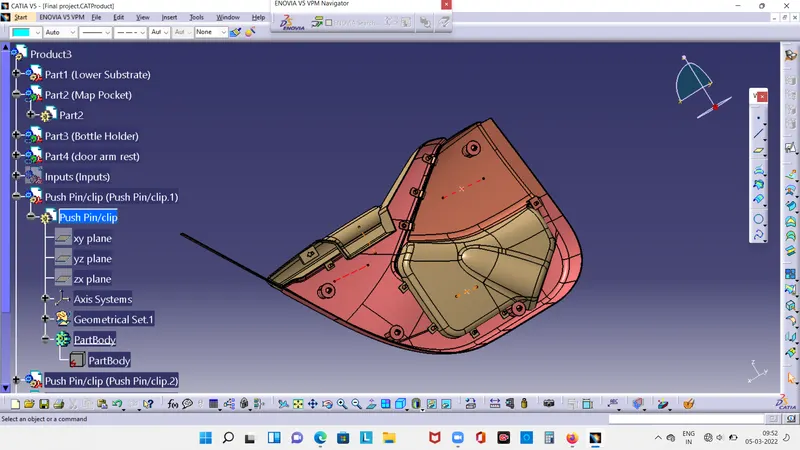
To design and development of door arm trim usung catia v5 with class A surface along with master section.
Objective:
To create thickened surfaceusing master section fo reference.
To create the mounting feature as per the guidelines and master section.
To create draft analysys with tooling axis.
Introroduction:
The door panel is the interior of the car and inner workingof the door.Generally the door panel is divided into two or more
for easy designing like arm rest, map pocket ,lower substract and bottle holder. These requires one of the toughest
requirements among the interior of the car.
Method Following In plastic design :
Tooling axis
class B surface creation
class C surface creation
closed body
draft analysis
CLASS A SURFACE OF ALL COMPONENTS
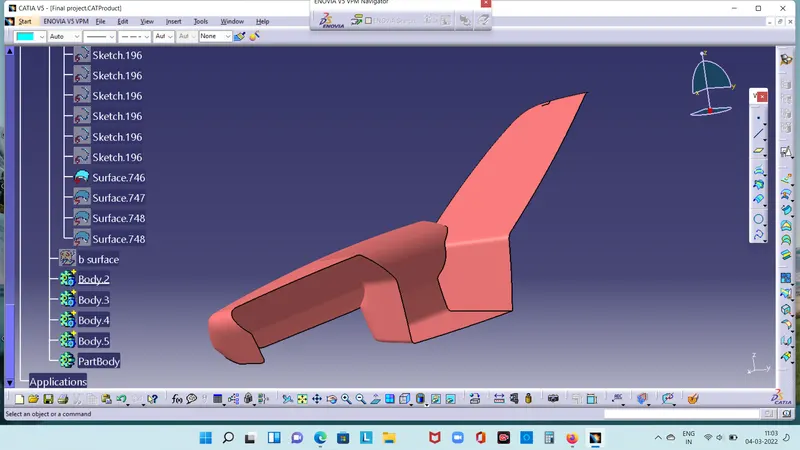
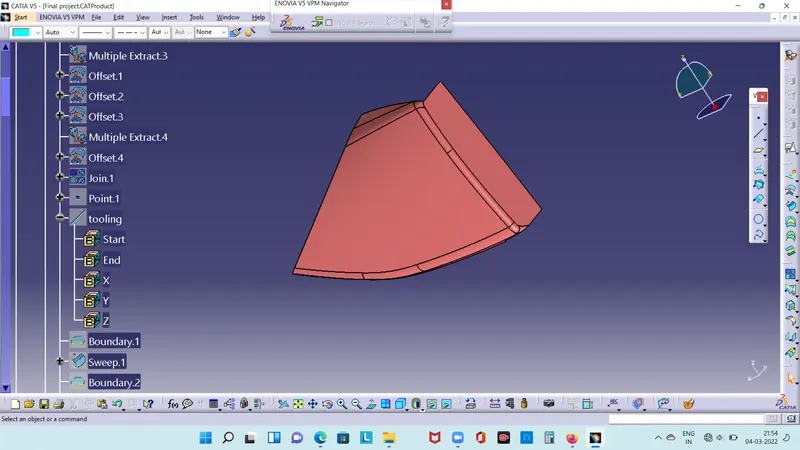
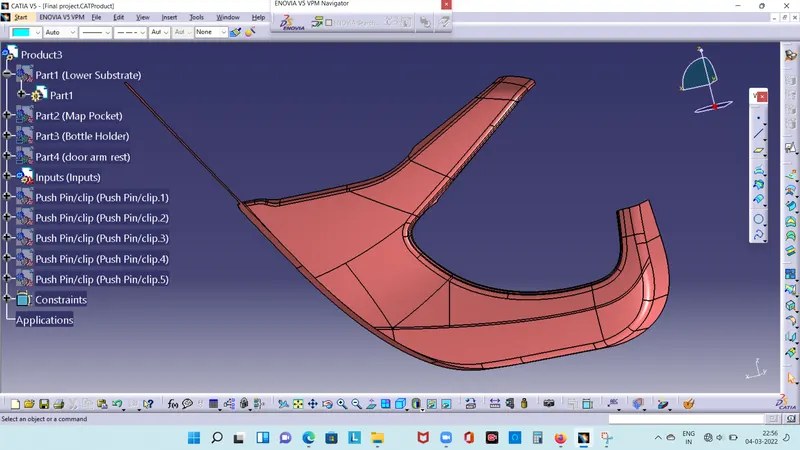
In automotive design class A surface in any set of free form surface of high efficiency and quality.Although strictly is nothing more than saying surface have curvature and tangencyalignment to ideal aesthetical reflection quality,many people interpret class A surface to have G2 or G3 curvature continuity to one another. class A surace created by the coputer aided digital applictions.class A surface models are called digital sculptors in industry.
DOOR ARM REST:
MAP POCKET:
LOWER SUBSTRATE:
BOTTLE HOLDER:
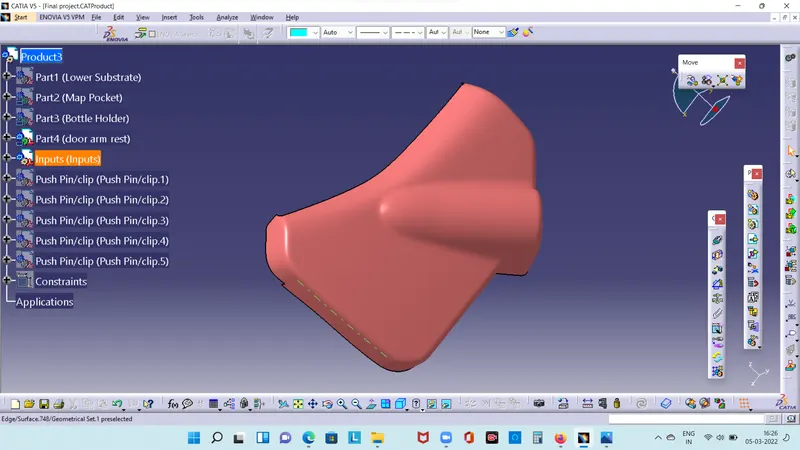
TOOLING AXIS:
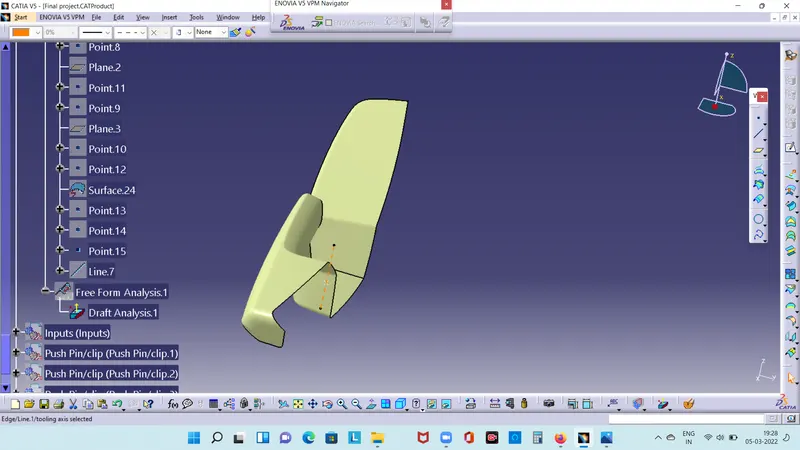
Tooling axis is nothing but the direction of moving core and cavity open and close .Design engineers workd on it analyse the class A surface and find out the best possible tooling direction keeping in mind all the draft angle with rspect to the tooling axis so that the component that can be easily ejected from the moulds.
DOOR ARM REST:
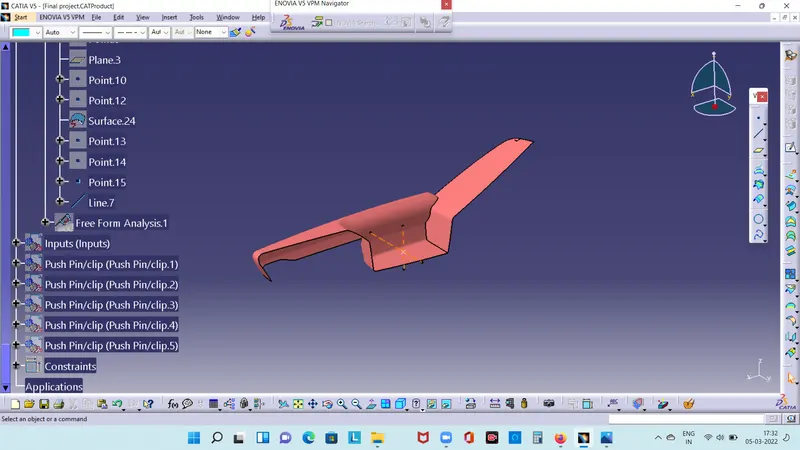
MAN POCKET:
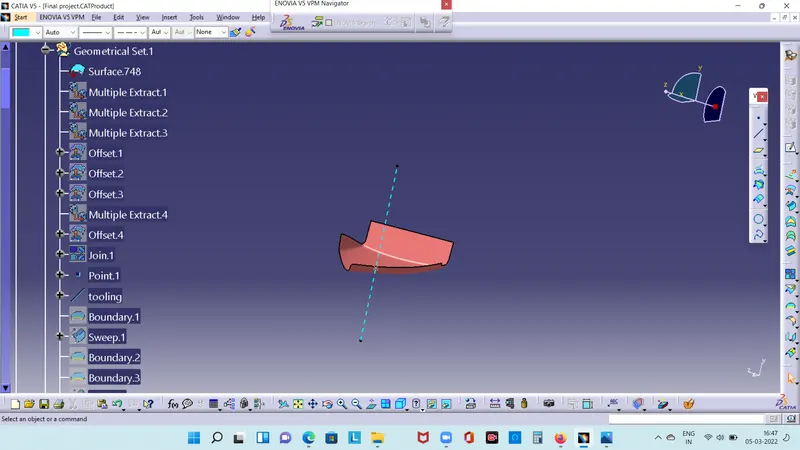
LOWER SUBSTATE:
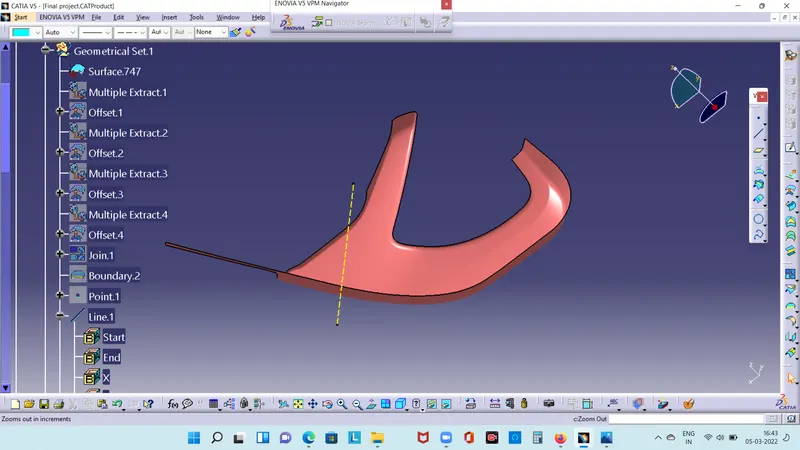
BOTTLE HOLDER:
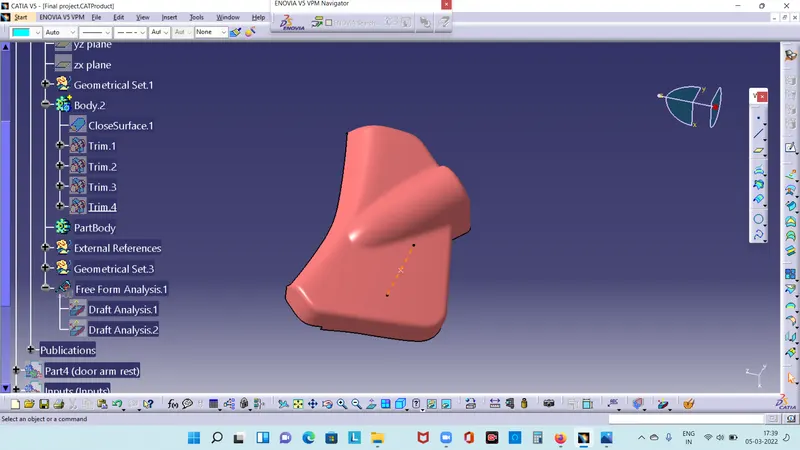
DRAFT ANALYSYSYS:
The draft analysys command enable to detect if the area easily removed. This type of analysys based on the colour ranges identifiying zones on the analysed element where the deviation from the draft direction at any point,correspond to specied values.
MAP POCKET:
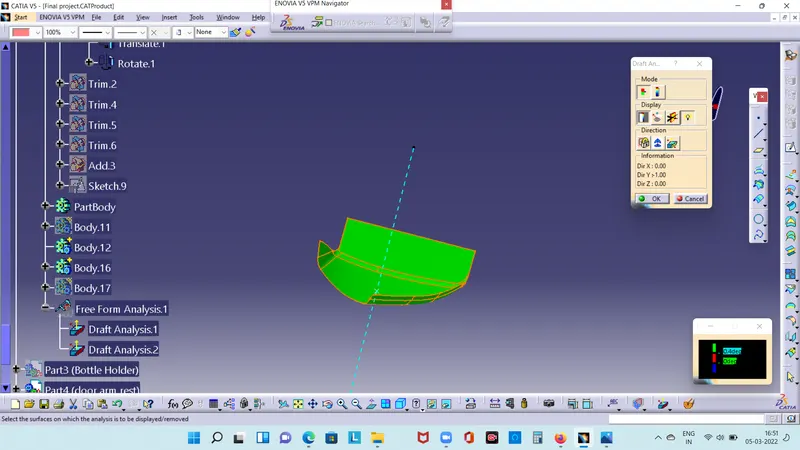
LOWER SUBSTRATE:
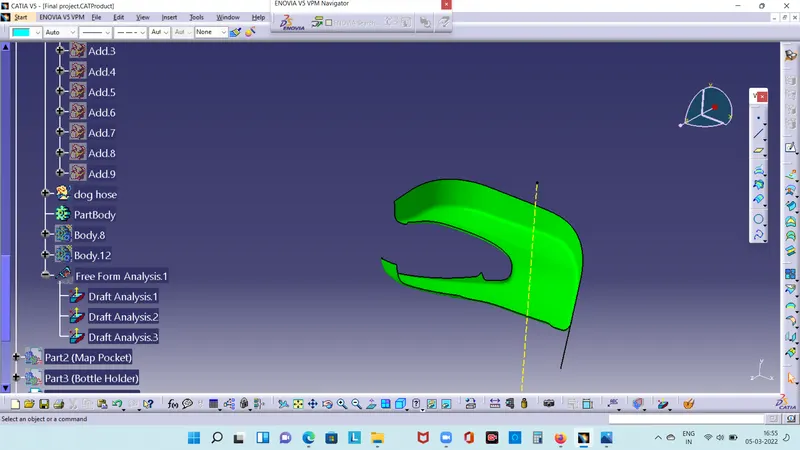
BOTTLE HOLDER:
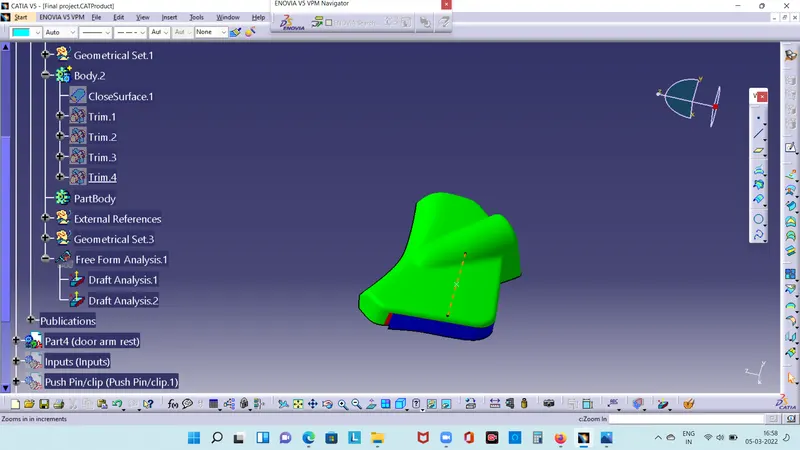
DOOR ARM REST:
CLASS B SURFACES :
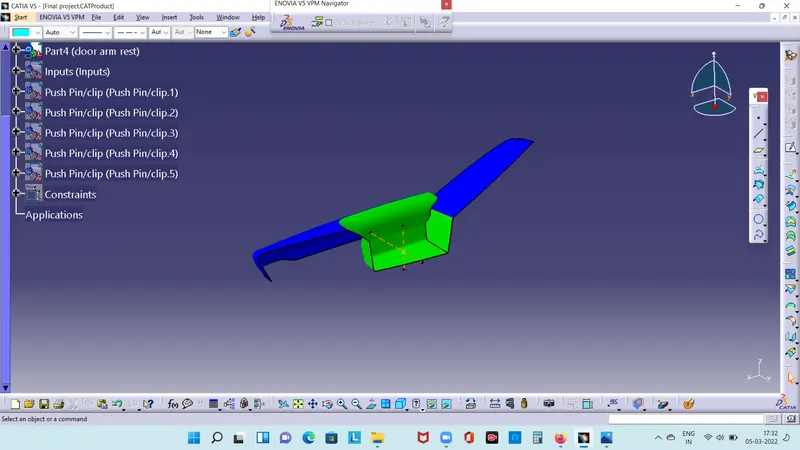
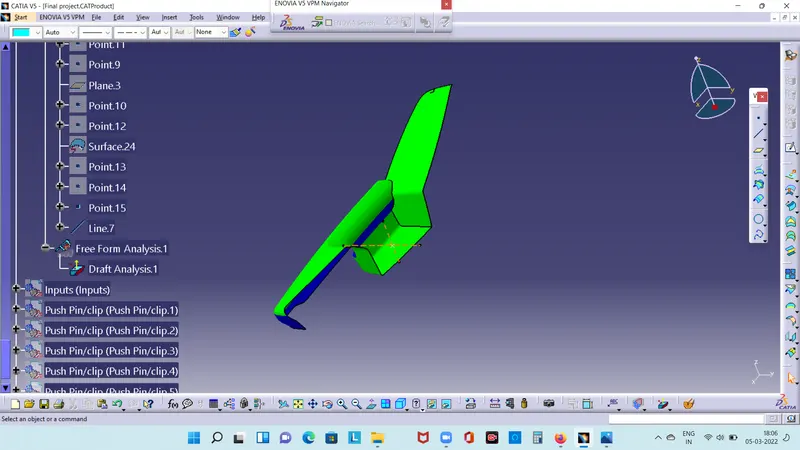
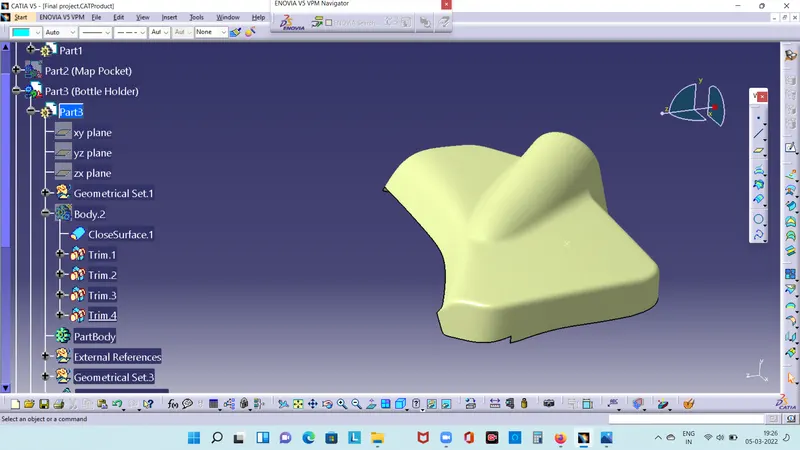
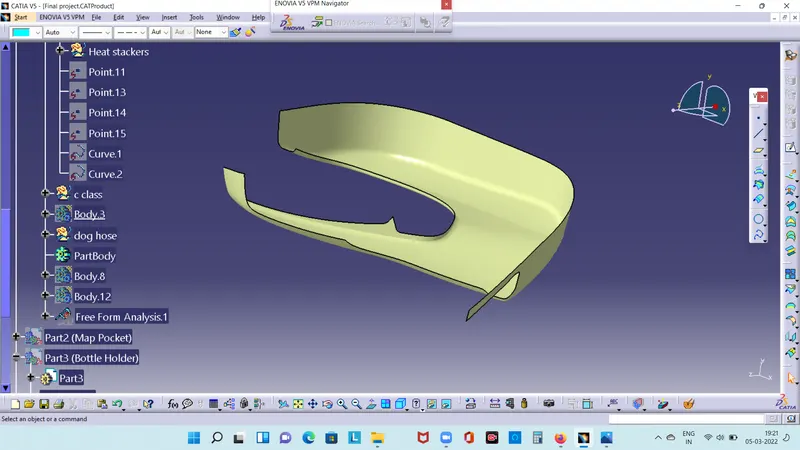
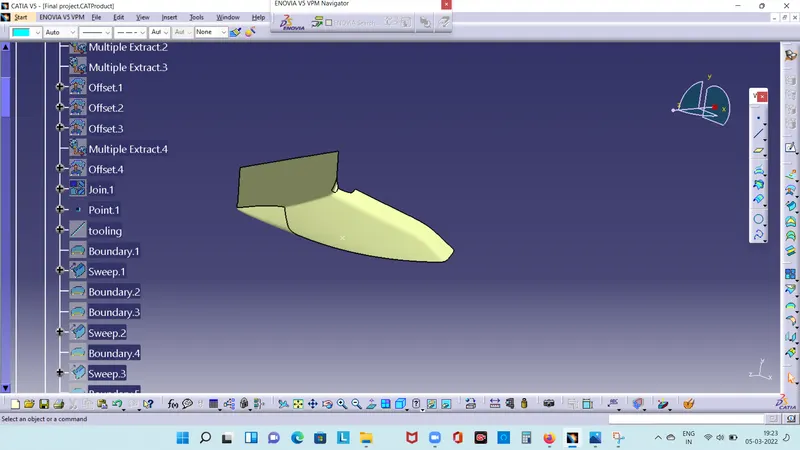
CLASS B surface includes derived surfaces created by offset operations from class A surface to define the thickness of the material. In this file it is important to link class B surfaces to define the thickness of the material.In this file it is important to link to class B surfaces geometrically to enable an adaptation to class A surfaces.
After creation of Tooling axis B surface is to be created which is nothing but the surface parallel to the A surface B surface contains all the fillets and edges which A Class surface creation.
BOTTLE HOLDER:
LOWER SUBSTRATE:
DOOR ARM REST:
MAP POCKET:
CLASS C SURFACE:
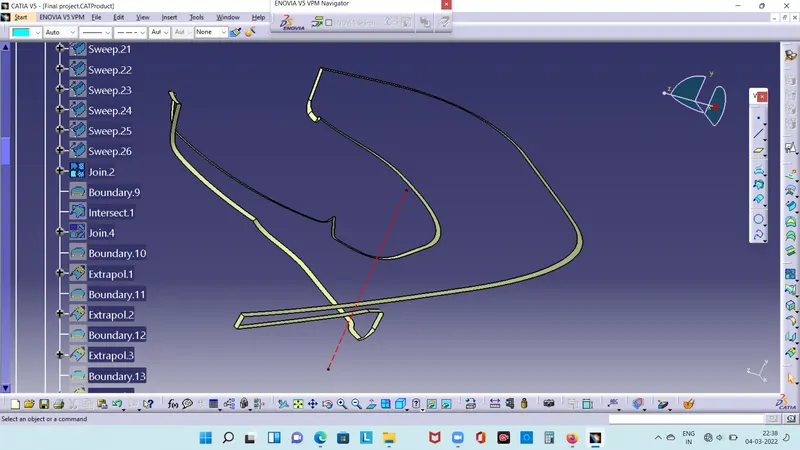
class c surface creation isswept along the boundry of class A at an angle perpendicular to the class A surface with respect to the tooling axis direction.
LOWER SUBSTRATE:
MAP POCKET:
BOTTLE HOLDER:
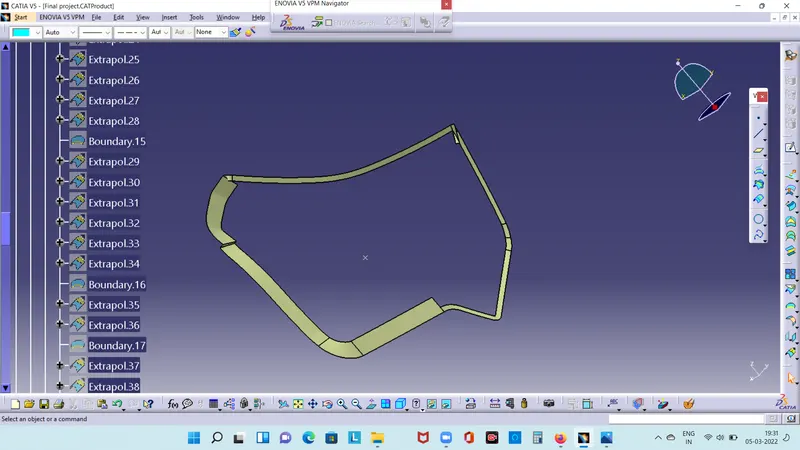
DOOR ARM REST:
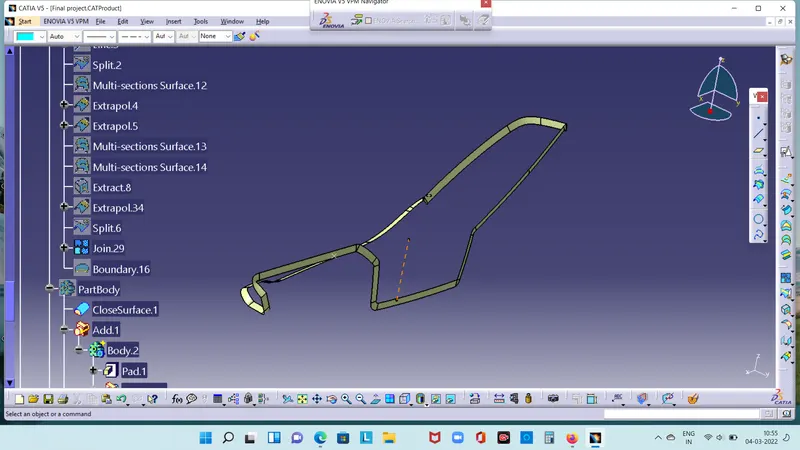
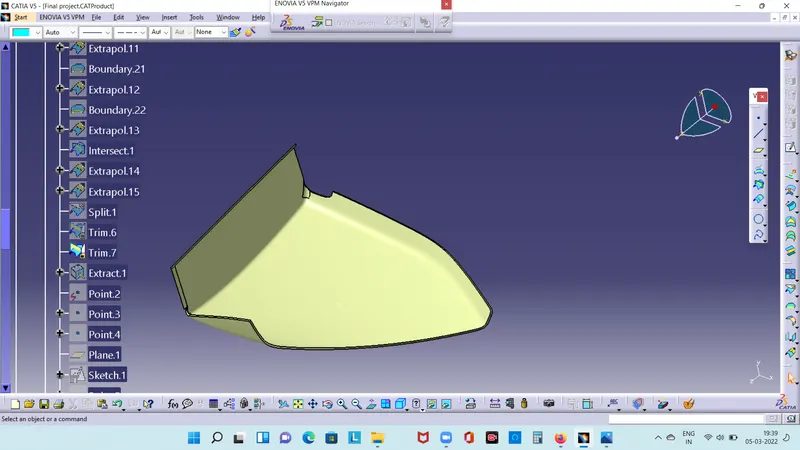
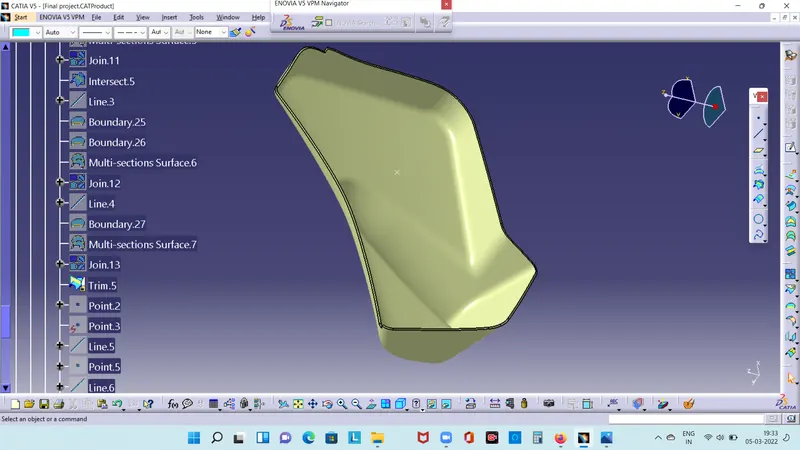
CREATE CLOSE SURFAE:
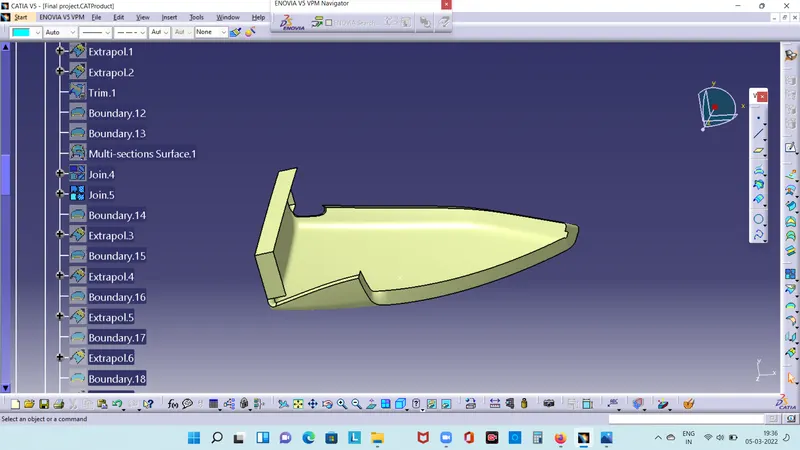
Trim all the surfaces A,B and C to mke the close surface.
DOOR ARM REST:
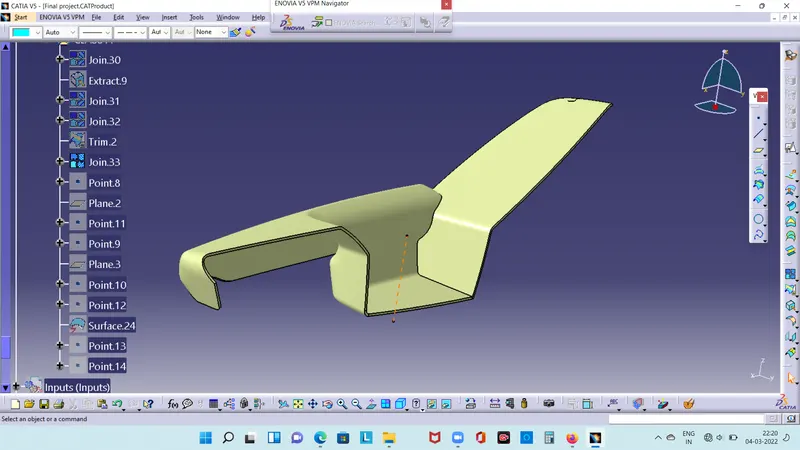
LOWER SUBSTRATE:
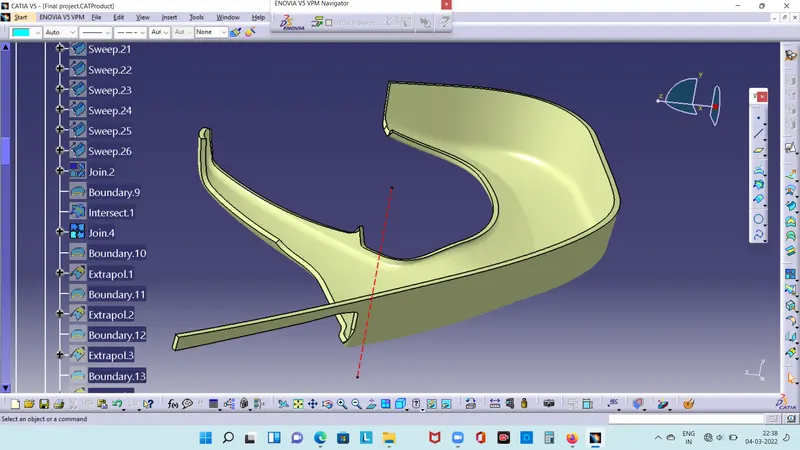
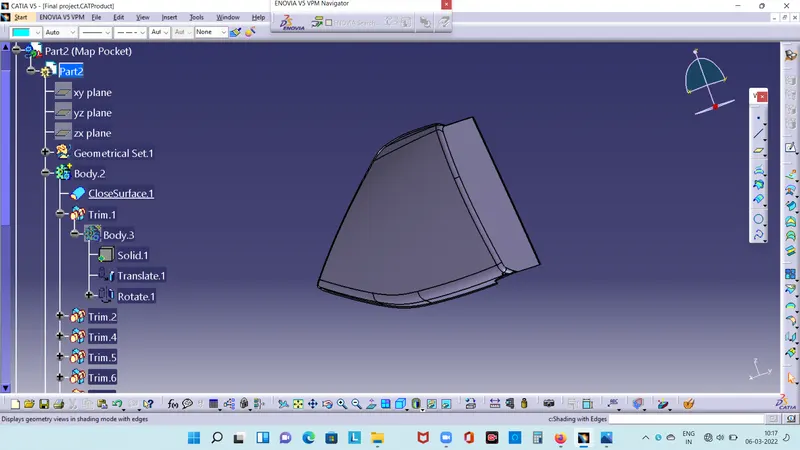
MAP POCKET:
BOTTLE HOLDER:
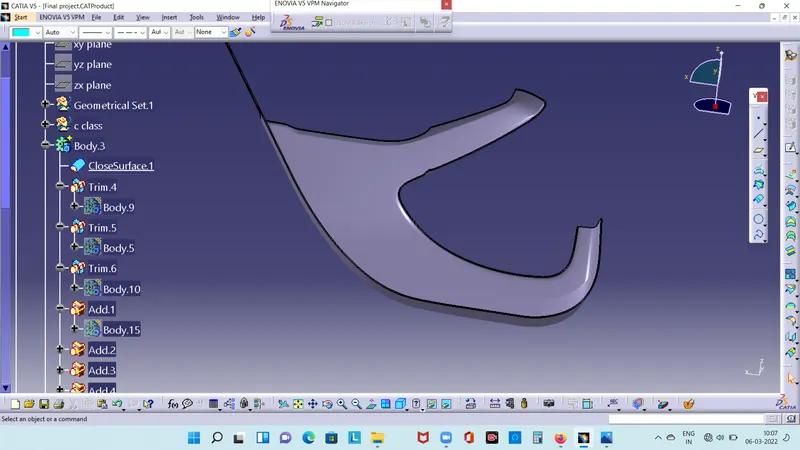
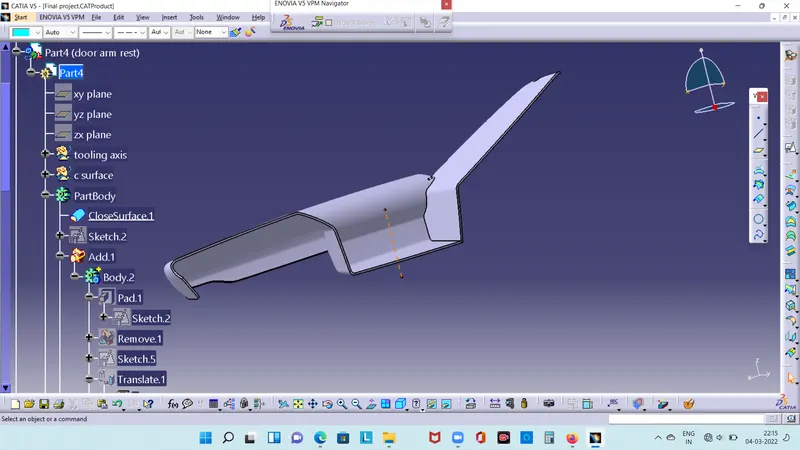
CREATE SOLID BODY:
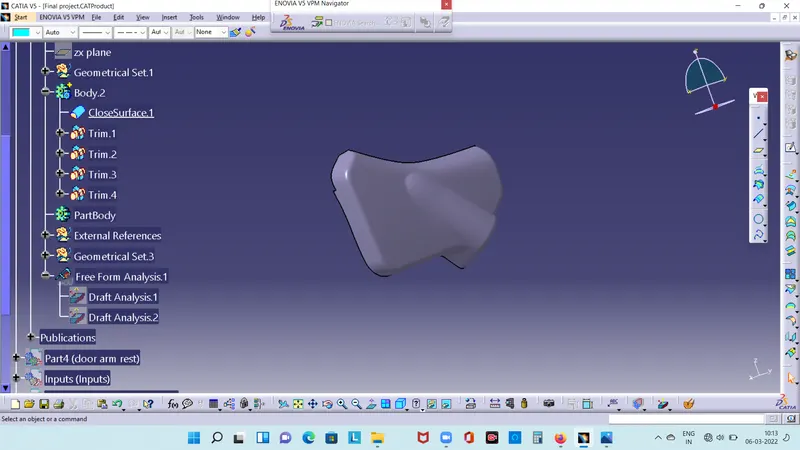
convert close body to solid body.
LOWER SUBSTRATE:
DOOR ARM REST:
BOTTLE HOLDER:
MAP POCKET:
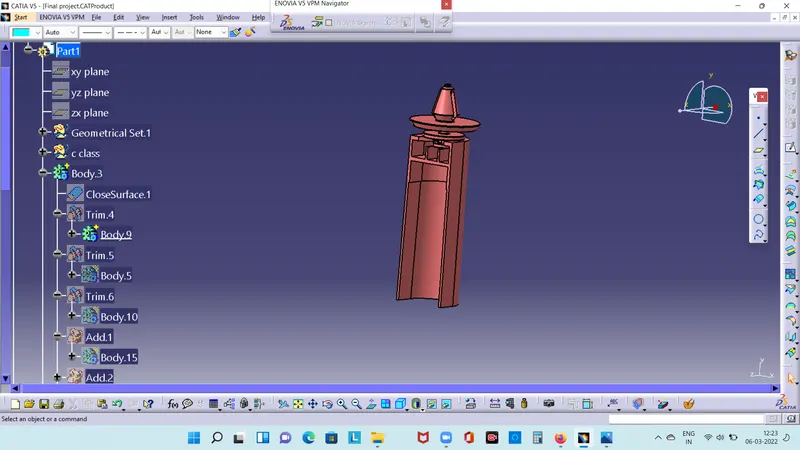
DOG HOUSE:
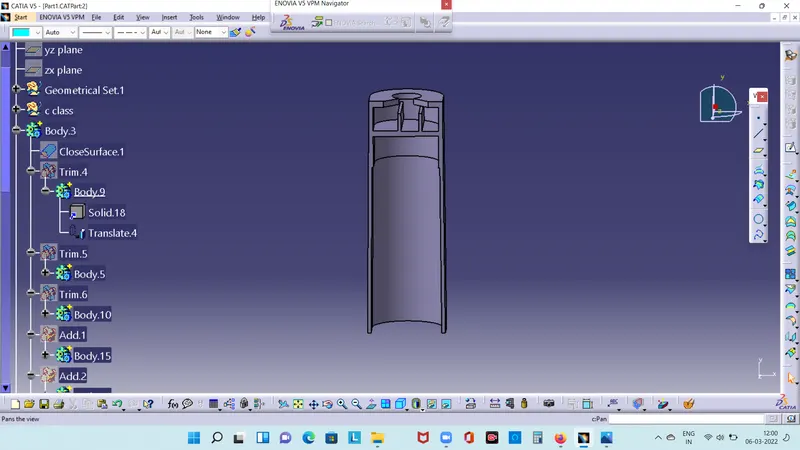
Dog house wall thickness at a interaction of the wall C should be 40% less than main wall stock.
HEAT STAKE:
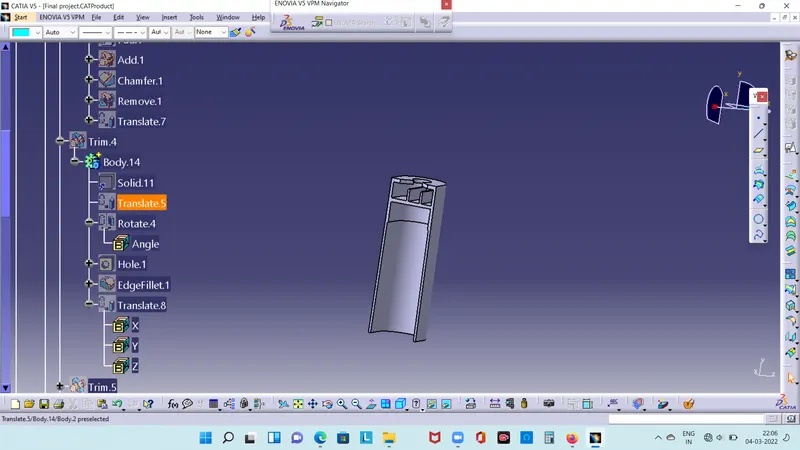
Heat stacke is a pulsed heat process tojoin two or more parts out of which one atleast is made of plstic.
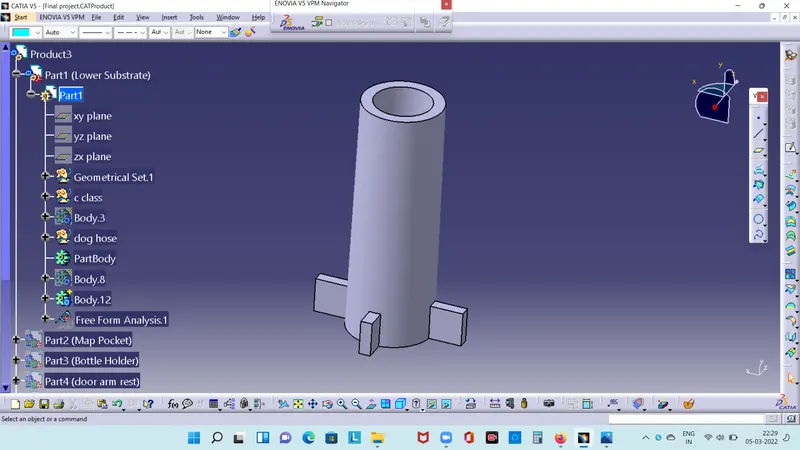
BOTTLE HOLDER WIH FLANGE:
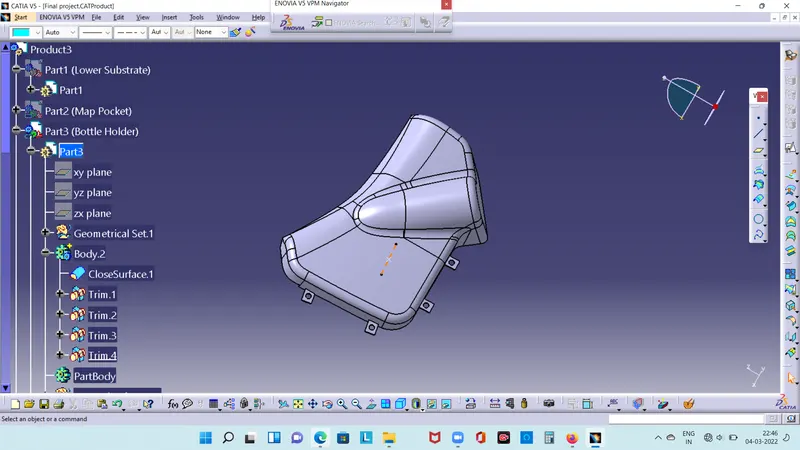
DOOR REST WITH FLNAGE:
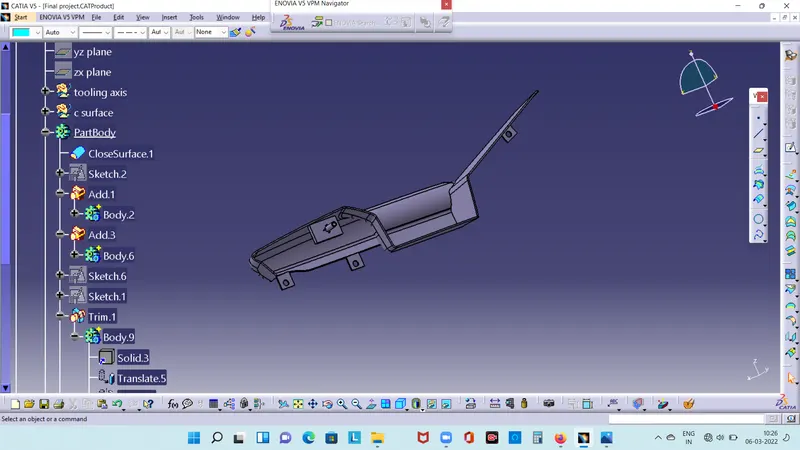
MAP POCKET FLANGE:
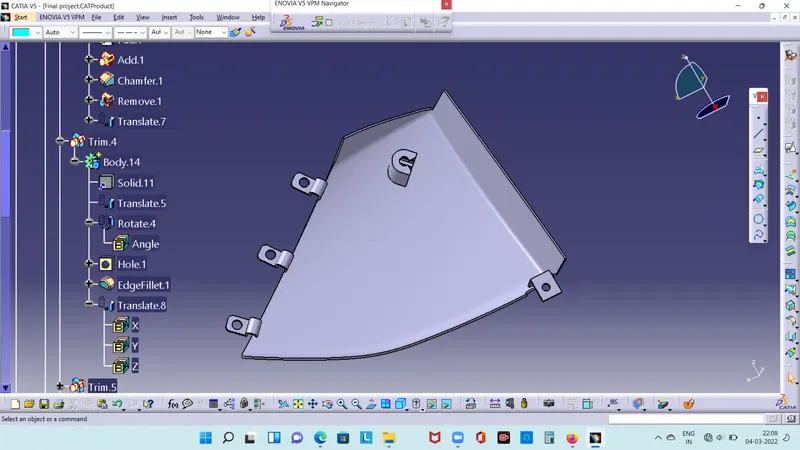
LOWER SUBSTRATE:
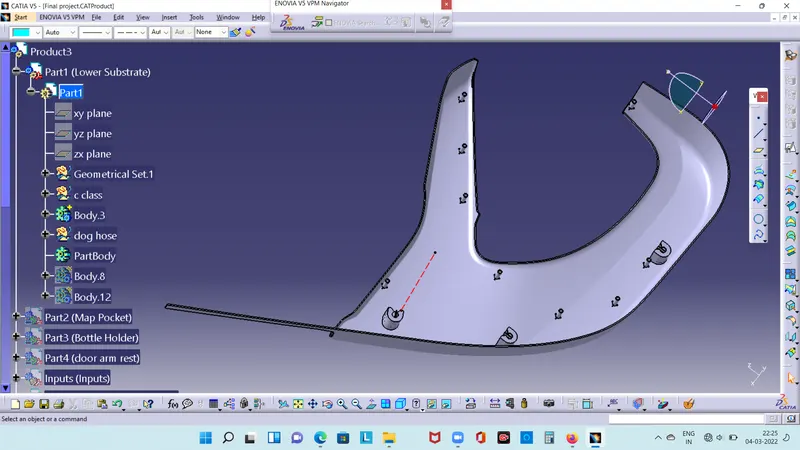
DOG HOUSE WITH BUSH PIN:
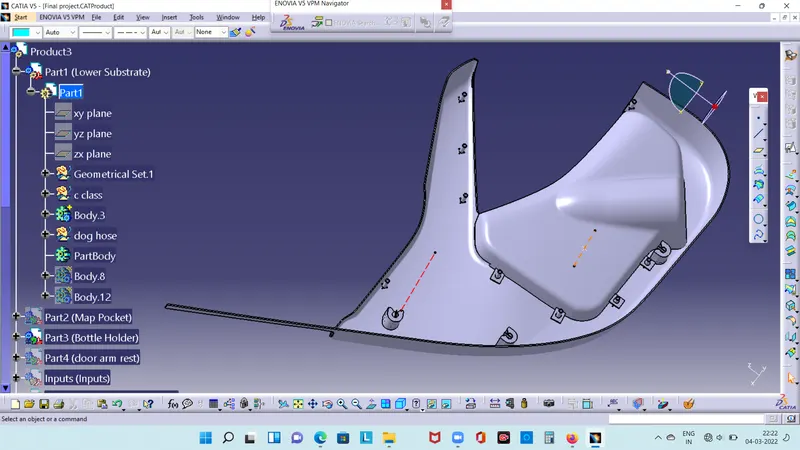
ASSEMBLE :
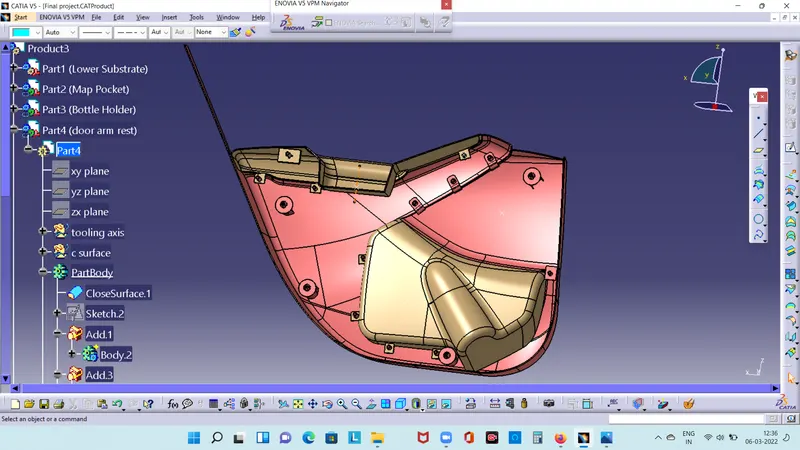
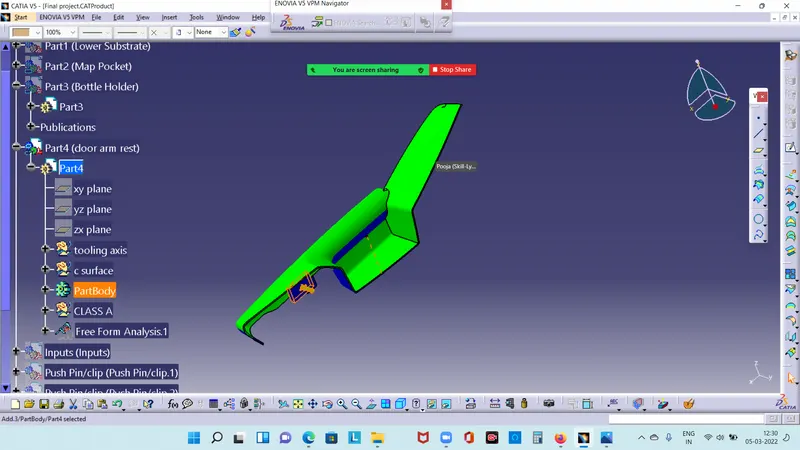
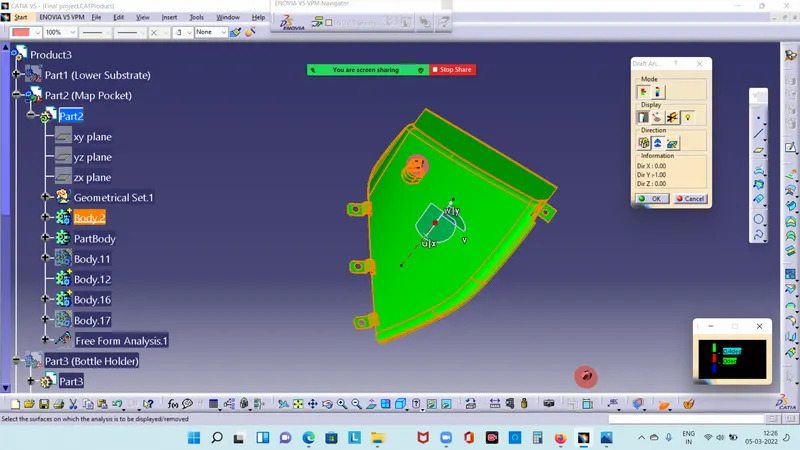
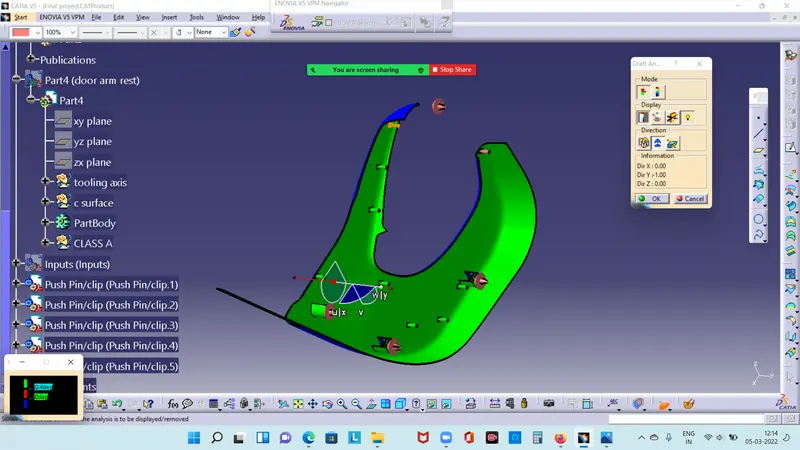
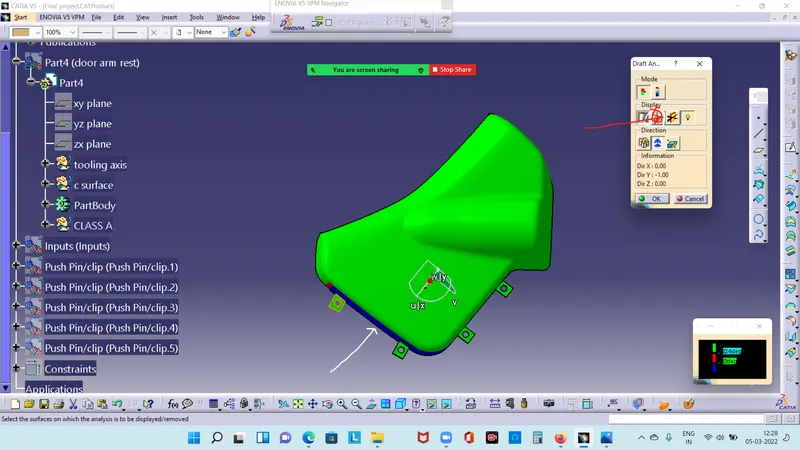
DRAFT ANALYSYS:
Draft analyse the body after the flange and dog house'
DOOR ARM REST:
MAP POCKET:
LOWER SUBSTRATE:
BOTTLE HOLDER:
result:
Finally the door trim process is created and drafted.