Hood design-Week 2
Hood design:
Commands used for designing hood:
Offset surface, offset curve, curve on face, trim sheet, law extension, datum plane, through curves, mirror geometry, thicken, examine, etc.
Steps followed:
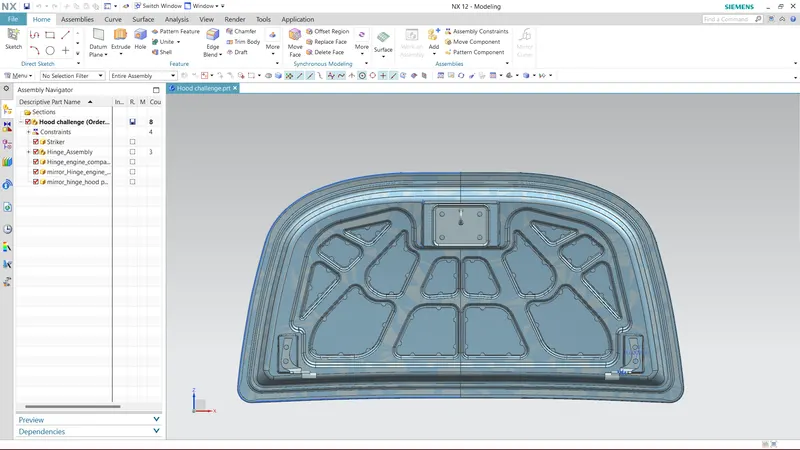
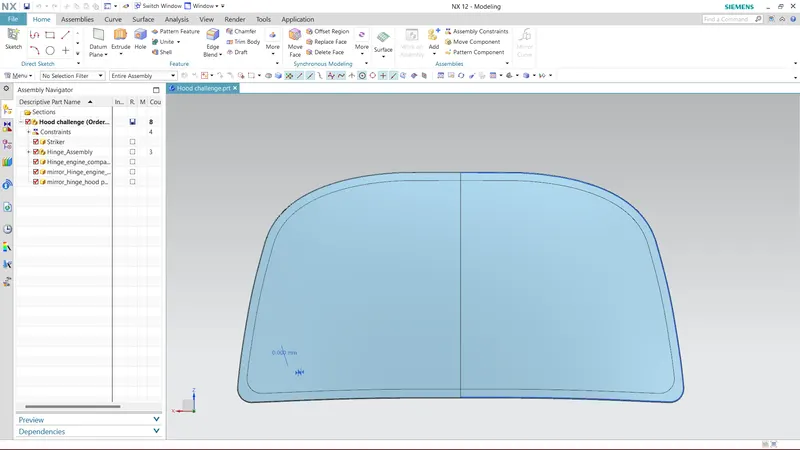
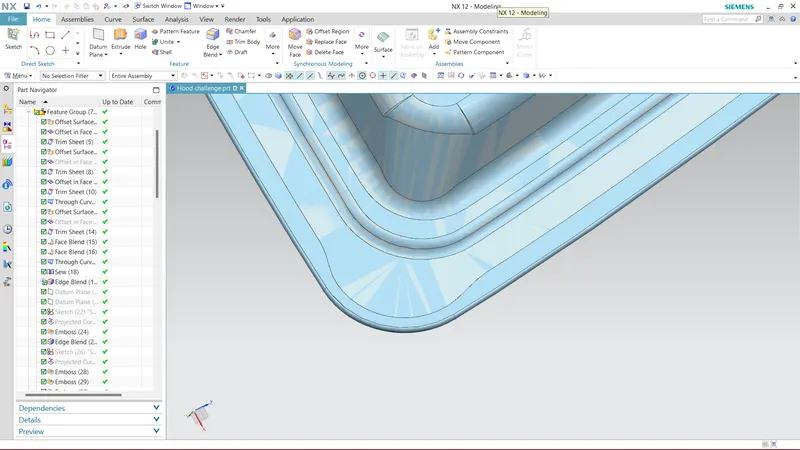
Opened outer hood part in NX, offset surface in vertical direction to 1.7 mm. Hide the parrent and offeset curves to desired dimension then trim sheet to get desrired shape then.
Again offset original/ parent surface to 4 mm in vertical direction then offeset curve to desired dimension then trim sheet to get desired shape, next join those sheets by using through curves.
Again offset original/ parent surface to 25 mm in vertical direction then apply offset curve to desired dimension then trim the sheet. join the two surfaces by through curves.
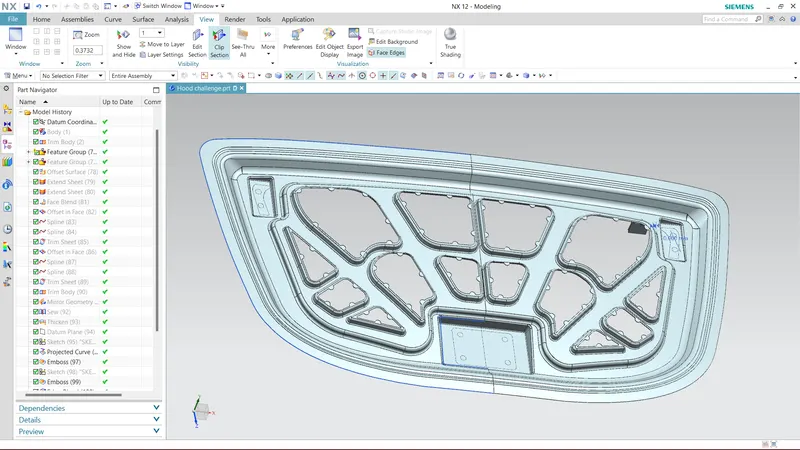
Now on inner side of inner hood panel sketch (by selecting datum plane) for an emboss( by using emboss command) of 10 mm leaving sufficient space for stricker and hinge placement. Again on the embossed surface sketch for new emboss in such a way that forces travels towards hinges and apply emboss of 10 mm. Further on these emboss generate sketch and trim the sheet so that mastick can be placed.
Mirror the geometry by using mirror geometry, apply sew command and then thicken command for thickness of .75 mm.
Apply edge blend where ever required.
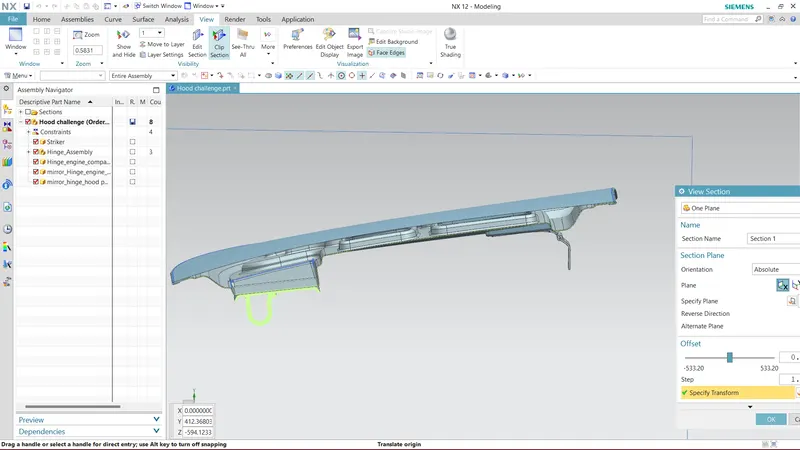
Generate hemming surface as per given dimensions, give relief area wherever required, apply thicken command for outer panel of .75 mm.
Now skectch for stricker and hinge placement emboss.
Assembel stricker and hinge assembly.
ZIP file for all part and assembly has been attached by using "Browse" option.
Below are some images of hood challenge.