Assignment 2-RADIOSS Engine File Editing & 3D Meshing Challenge
OBJECTIVE: Check the material properties of the rail component and calculate the speed of sound in steel rail=_______
2. The length of the rail is about 1000 mm.calculate the time takes for a shock wave to travel from one end of the rail to the other.
3.Time for sound to travel length of rail=______
4.Edit the engine file so that the stress wave can be monitored, moving from one end of the rail to the other during impact -this will require a termination time equal to the time it takes for the sound to travel the length of the rail(set on/RUN card)
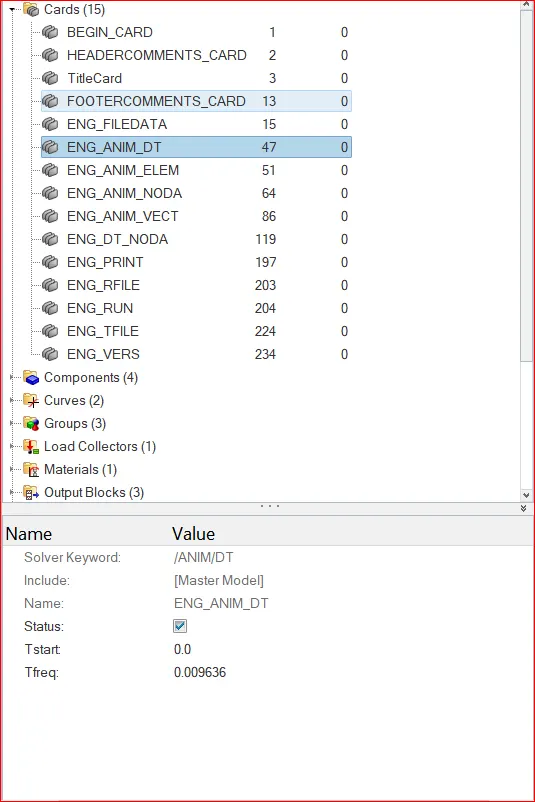
5.Set the frequency of animation output to a time that will give 20 animation steps(/ANIM/DT)
6.Change /print -10.
7.3d meshing tetra mesh and hex mesh
- Repeat class examples and, maintain the quality.
- Target tet size=5mm,hex size=10mm,tet collapse=0.15.
SOFTWARE USED: Altair -Radioss/optistruct.
ABOUT SOFTWARE: Radioss is a solver for explicit analysis. with the help of this solver we can solve real time problems like drop test, crash test etc.
1.CHECK THE MATERIAL PROPERTIES OF THE RAIL COMPONENT AND CALCULATE THE SPEED OF SOUND IN STEEL RAIL
We have to open the hypermesh and we put user profile as a Radioss/ optistruct.
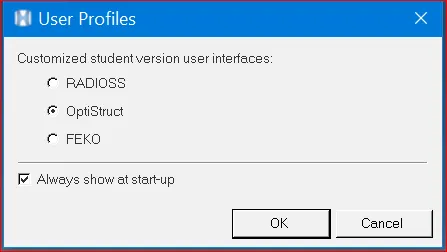
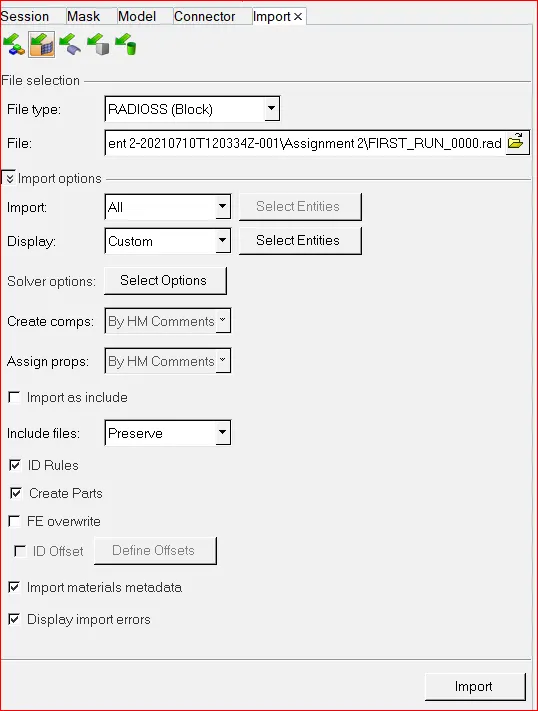
after selecting the user profile we have to open the solver deck -FIRST_RUN_0000.rad.
To check the material properites we have to open model-cards-material-steel. below figure represents the material property.
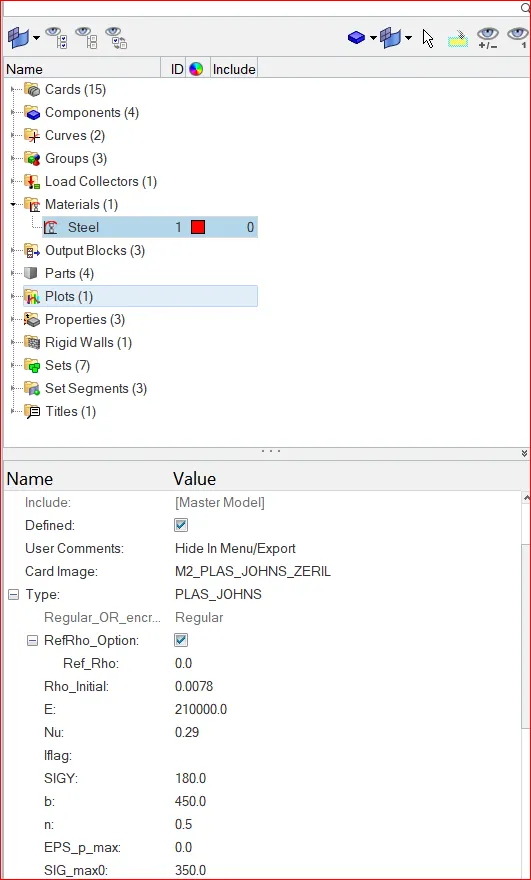
MODULUS OF ELASTICITY(E) - 210000
DENSITY(ρ) -0.0078
Nu- 0.29.
TO CALCULATE THE SPEED OF SOUND IN RAIL
SPEED OF SOUND IN THE MATERIAL (C)= √(E/ρ)
SPEED OF SOUND = √(E/ρ)= √(210000/0.0078)=5188.745m/s
2.The length of the rail is about 1000 mm.calculate the time takes for a shock wave to travel from one end of the rail to the other.
LENGTH OF THE RAIL = 1000
SPEED OF THE RAIL = DISTANCE/TIME
3.TIME TAKEN BY THE SHOCK WAVE =1000/5188.745 =0.1927ms.
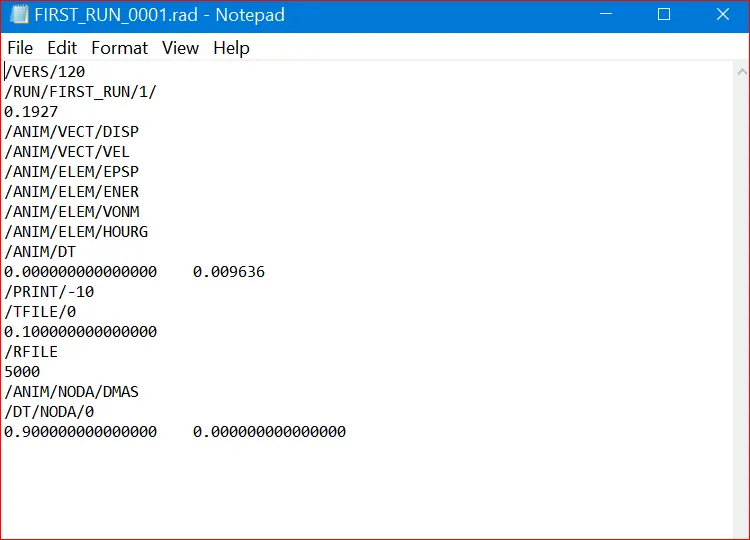
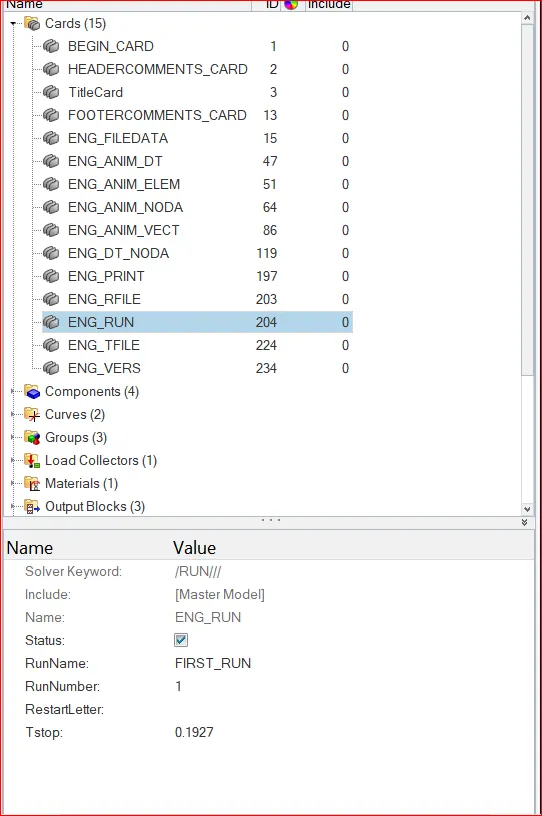
4. Edit the engine file so that the stress wave can be monitored, moving from one end of the rail to the other during impact -this will require a termination time equal to the time it takes for the sound to travel the length of the rail(set on/RUN card)
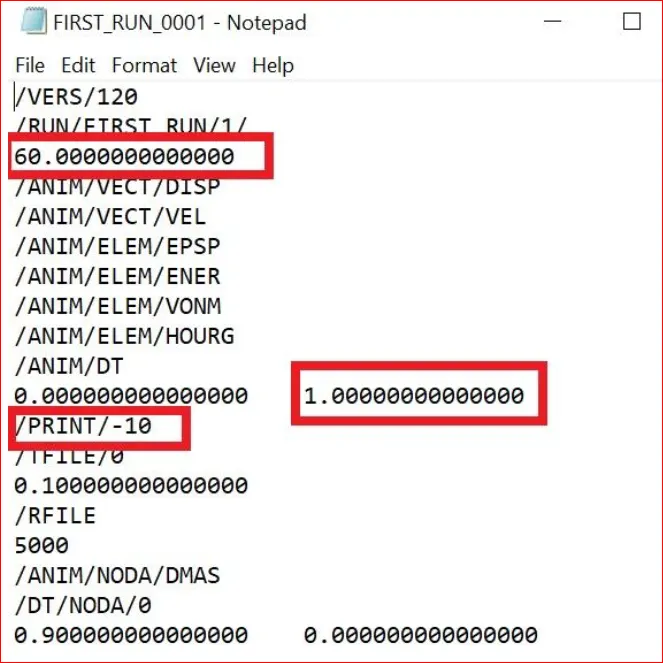
after editing of the engine file it will be like the figure below.
There is a second method in this we can edit by directly go to the engine run card and animation card.
5.Set the frequency of animation output to a time that will give 20 animation steps(/ANIM/DT)
frequency = time/no of revolutions = 0.1927/20= 0.009636.
6.Change /print -10.
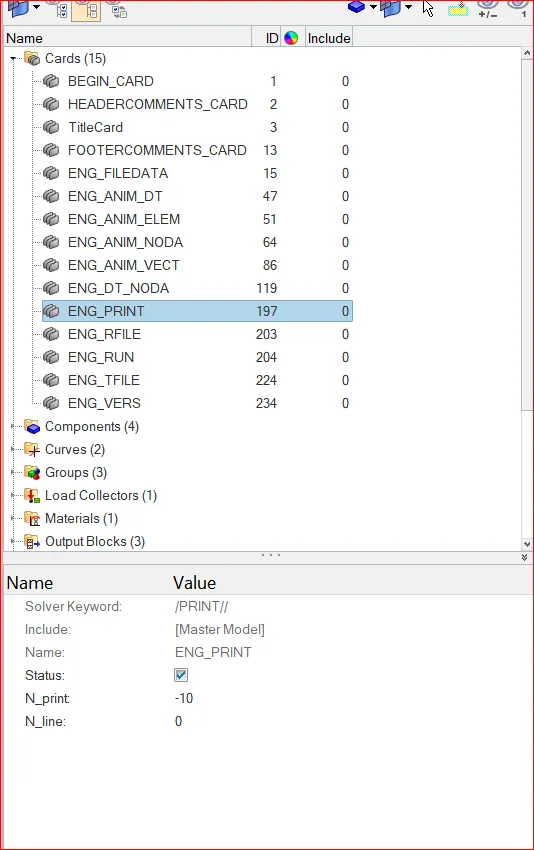
the change or print it is alredy in 10 by default there is no need to change.
7.3d meshing tetra mesh and hex mesh
- Repeat class examples and, maintain the quality.
- Target tet size=5mm,hex size=10mm,tet collapse=0.15.
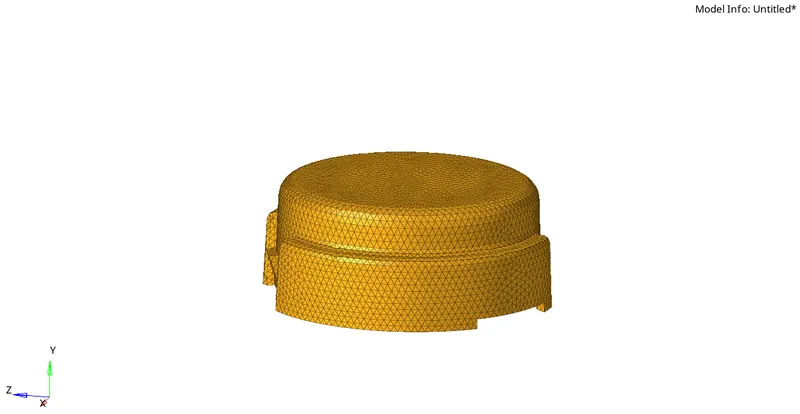
tetra meshing of a component is completed. the given tet collapse is .5. and the mesh size is 5mm.
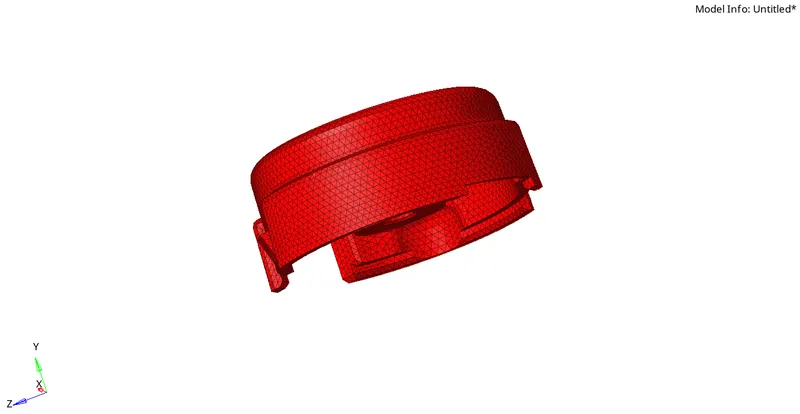
7.3d meshing tetra mesh and hex mesh
- Repeat class examples and, maintain the quality.
- Target tet size=5mm,hex size=10mm,tet collapse=0.15.
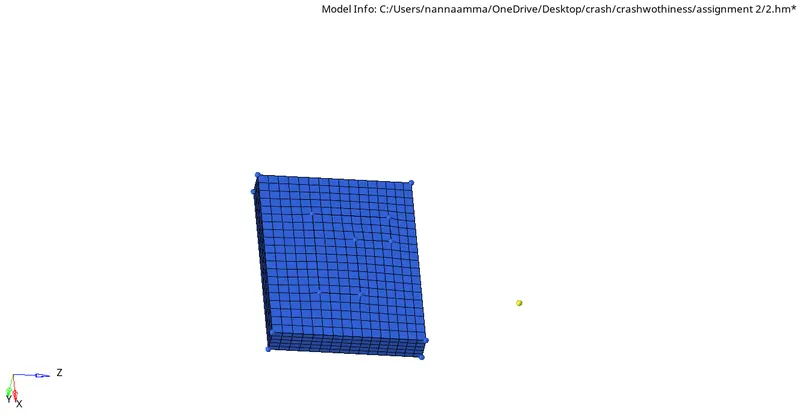
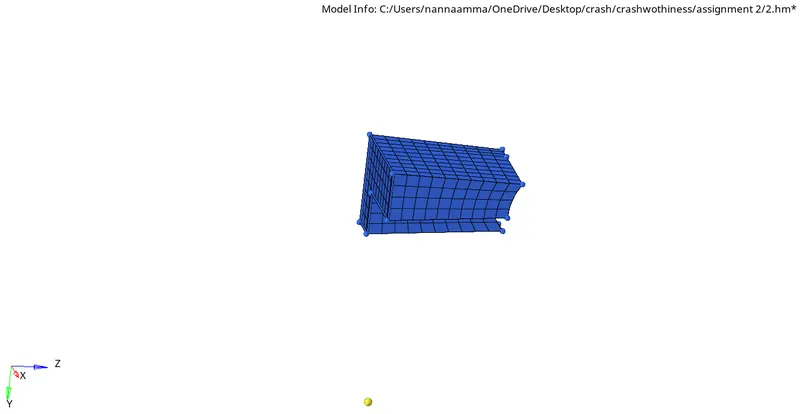
This is the base of a hexa meshing component.
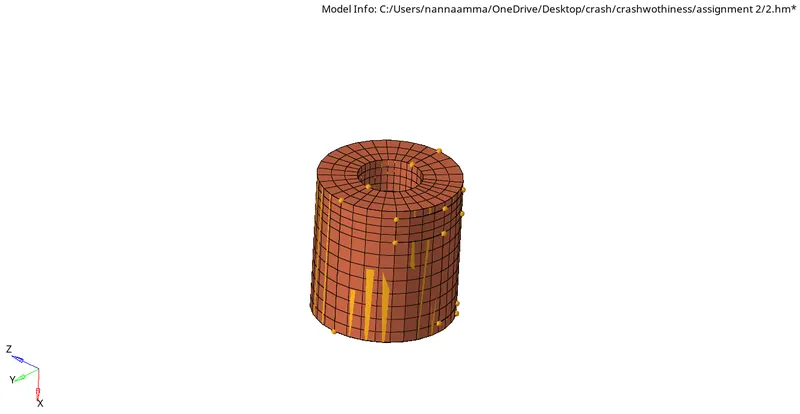
section 2 will be seen in below figure
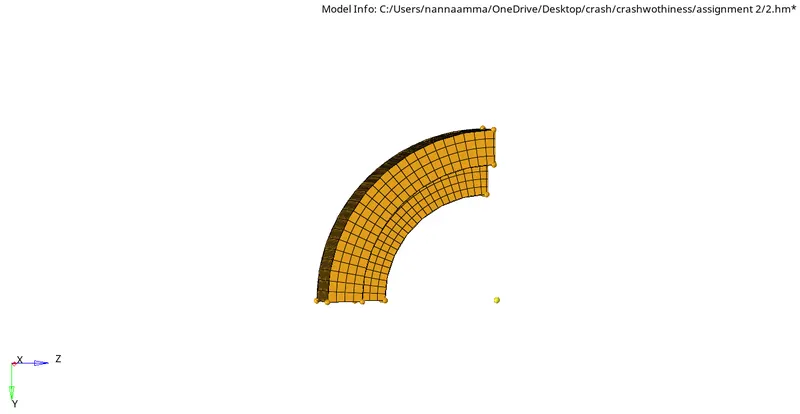
section 3
Full model
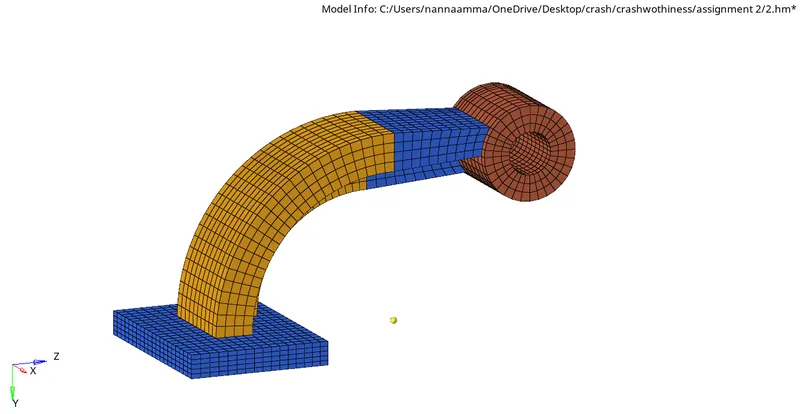
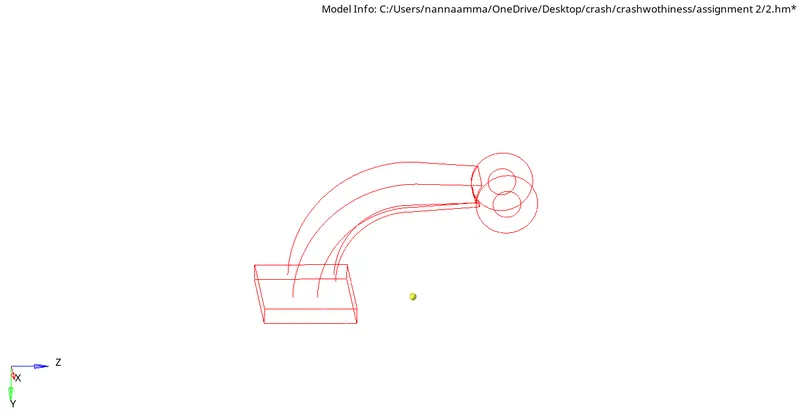
This is the hexa meshimg of a component. the mesh size is 10mm and i used the options of 2d drag, 3d line drag, solid map of general.
LEARNING OUTCOMES:
- What is the formulae for speed of sound wave
- how to calculate the time taken for speed of sound wave
- how to open and edit engine file
- how to edit animation and print cards
- how to pweform hexa mesh
- how to perform tetra mesh
- how to use linear drag
- how to use quick tetra, tetra mesh, tetra remesh, tet collapse
- how to assign the quality parameters to the mesh.