Assignment 1
I. List of Modules available in GT-SUITE:
GT-SUITE supplies a comprehensive set of component libraries that simulate the physics of fluid flow, thermal, mechanical, electrical, magnetic, chemistry, and controls. From those libraries, one can build accurate models of almost any engineering system, including vehicles, engines, drivelines, transmissions, general powertrains, and mechanical systems, hydraulics, lubrication and friction, thermal management, cooling, chemistry, after-treatment and much more.
• COOL3D
• DOE-POST
• GEM3D
• GT-ISE TOOOLBAR Navigation
• GT-POST
• GT-SpaceClaim
• Integrated Design Optimizer
• VT Design
COOL3D:
COOL3D tool allows for 3D model building and automatic export of underhood cooling module models. This 3D model later will be used for underhood thermal management flow systems that can be discretized. It provides an ability to build a model in a 3D environment so that full details of the model can be included. C00L3D can be used to build any flow system that contains only blockages, fans, heat additions, and heat exchangers.
DOE-Post:
GT-SUITE includes comprehensive tools for the Design of Experiments (DOE) creation, analysis, and optimization. Users can create a DOE matrix to perform a controlled variation of any model inputs (factors) for the purpose of analyzing and predicting model outputs (responses). Full Factorial and Latin Hypercube DOE types are available, or a custom matrix of experiments can be copied from an external source.
GEM 3D:
GEM3D is a tool that can be used to build 3D models of flow, thermal, and mechanical systems that can be discretized and made into model files for use with GT-SUITE. It provides the ability to build the model in a 3D environment so that the full details of the model can be included. It also includes sophisticated discretization logic that is able to transform the 3D model into a model file that is compatible with the GT-SUITE software. GEM3D can be used to build any system that contains components like pipes, mufflers, manifolds, air boxes, heat exchangers, underhood, cabin, batteries, crankshafts, etc.
GT-ISE (Integrated Simulation environment):
GT-ISE is the main interface where models are built, simulation settings are declared, and simulations (both single and batch) are launched. It is an environment where various components are brought into a project map and connected together linking the entire model as a whole.
GT-POST:
GT-POST is a powerful data analysis tool used to plot, view, and manipulate data generated either by a GT-SUITE simulation or by an external source. It offers a more efficient data analysis solution than standard spreadsheet software. By employing data pointers, the results viewed in GT-POST are updated automatically and immediately when a model is changed and simulation is rerun. Also, GT-POST lends itself nicely to the development of portable, user-defined templates that control how results are presented.
GT-SpaceClaim:
GT-SpaceClaim is a 3D CAD tool included with GT-SUITE. Key applications include:
Extracting the inner/fluid core (negative) of a solid model Importing and converting common CAD formats to GEM3D and COOL3D Simplifying geometry to prepare a model for simulation Building solid geometry for simulation before production CAD files are available.
Integrated Optimization:
This is a built-in optimizer that allows optimization of any combination of model inputs (factors) to maximize, minimize, or target any single or multiple model outputs (responses). Some of the applications are combustion calibration, muffler design, cranktrain design, vehicle optimization, etc.
VTDesign (Valvetrain Design tool):
VTDESIGN is a stand-alone, interactive cam/valvetrain/spring design tool supplied with GT-SUITE that may be used as a preprocessor to GT-SUITE. VTDESIGN is composed of three main features including the Cam Design feature, the Valvetrain Design feature, and the Spring Design feature. VTDESIGN is a graphical preprocessing tool for valvetrain and cam design.
II. Locating the following settings:
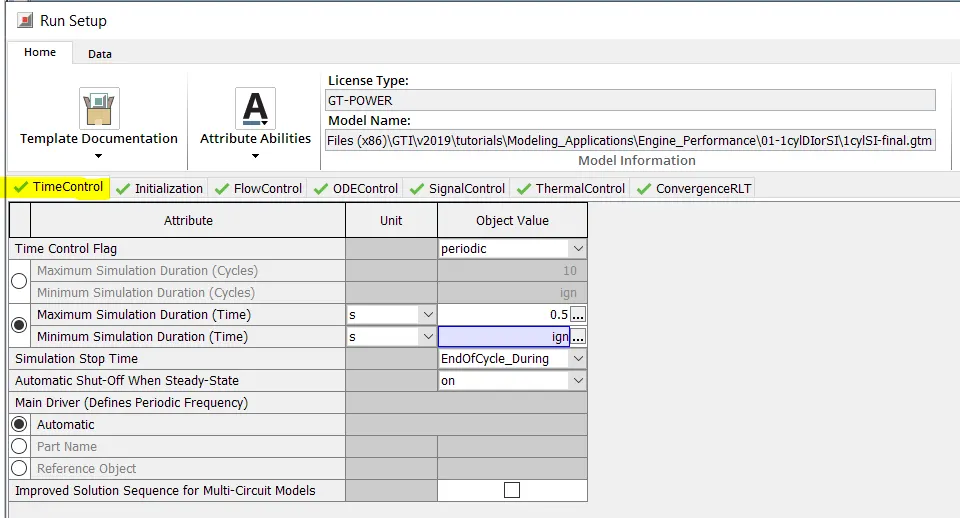
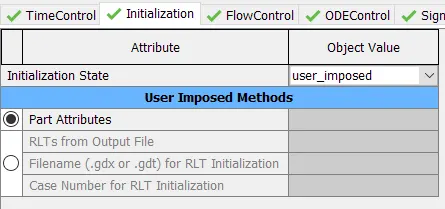
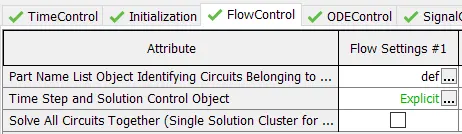
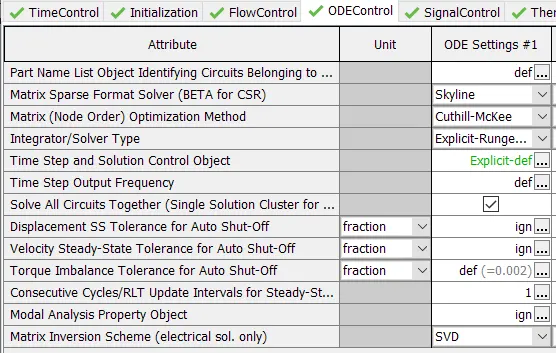
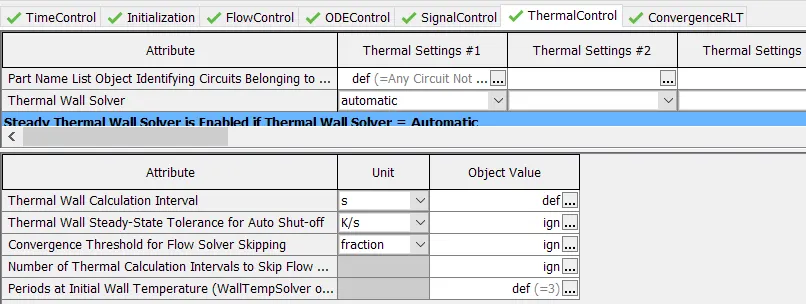
1. Time control flag
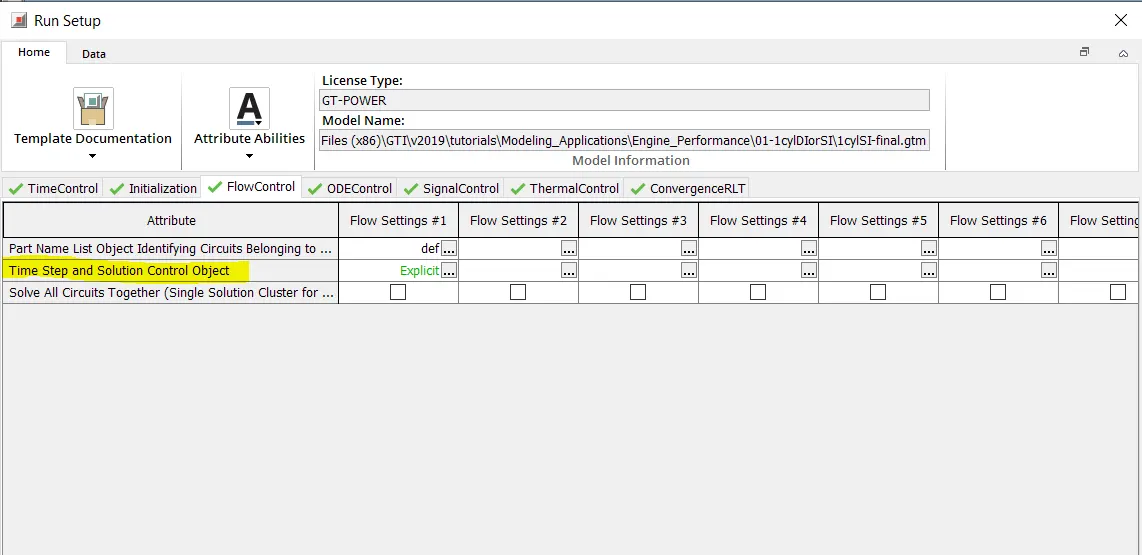
2. Time step and solution control
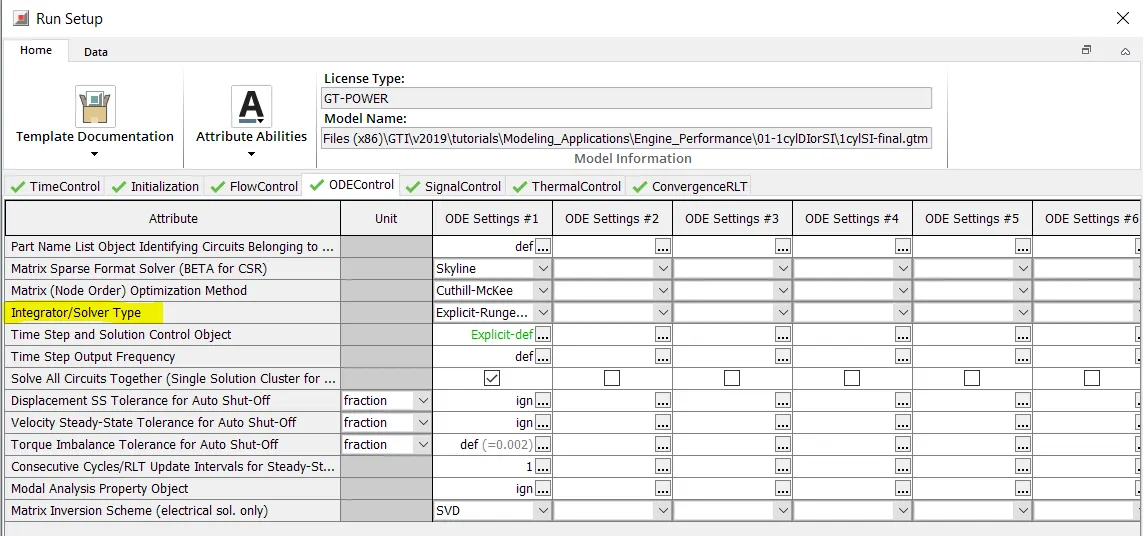
3. Integrator or solver type
III. Intercooler tutorial:
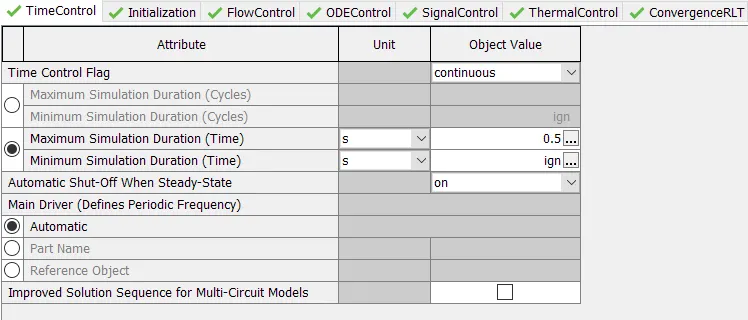
1. Run setup
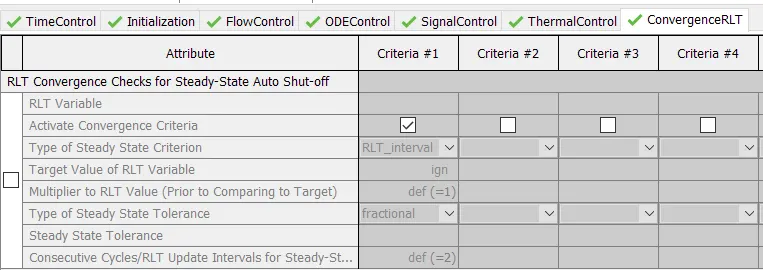
2. Advanced setup
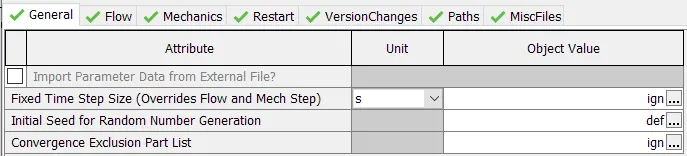
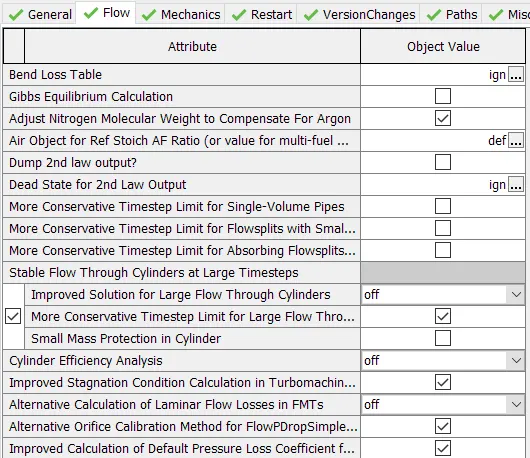
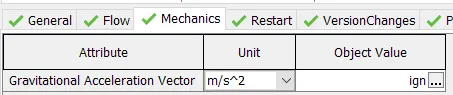
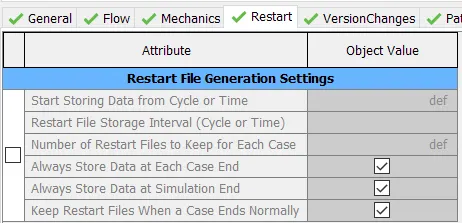
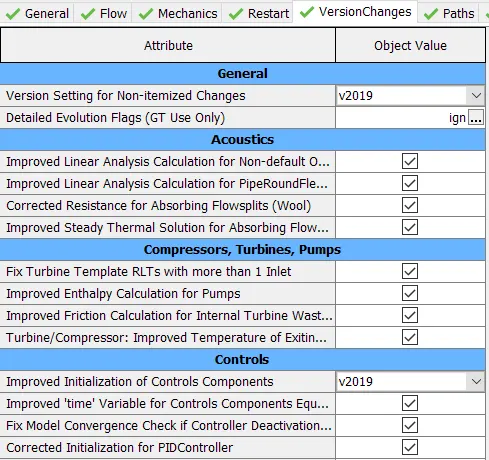
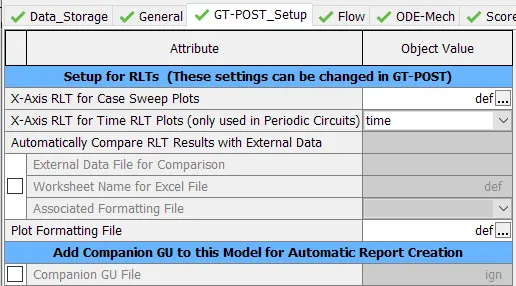
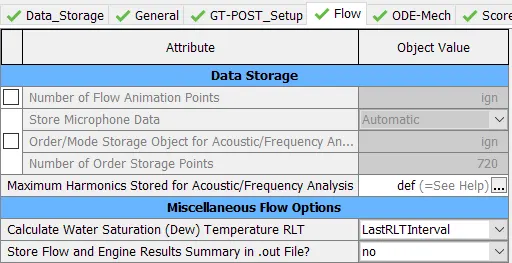
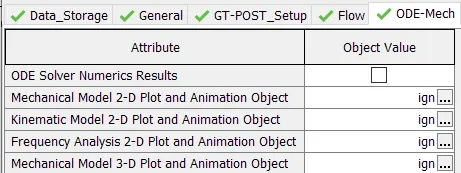
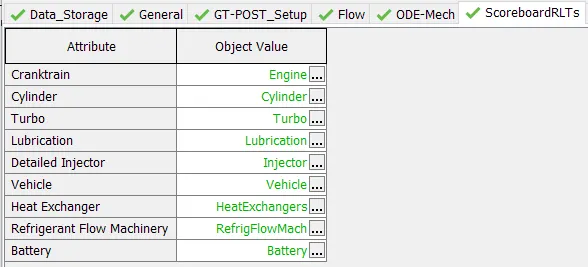
3. Plot setup:

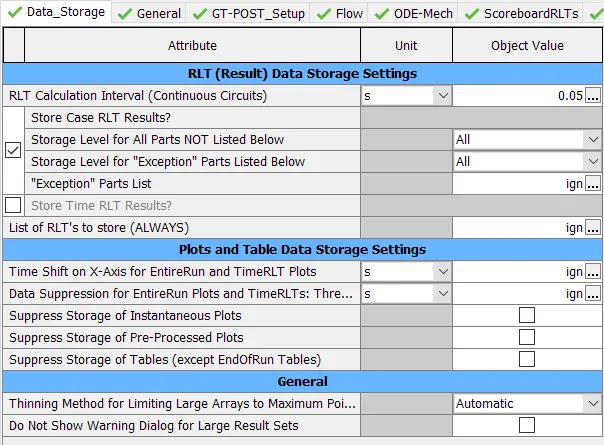
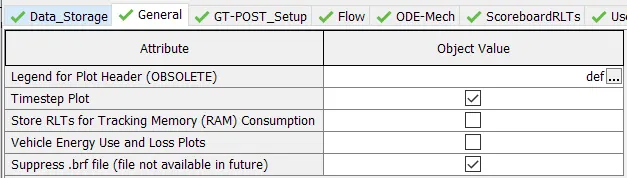
4. Output setup:
IV. Problem
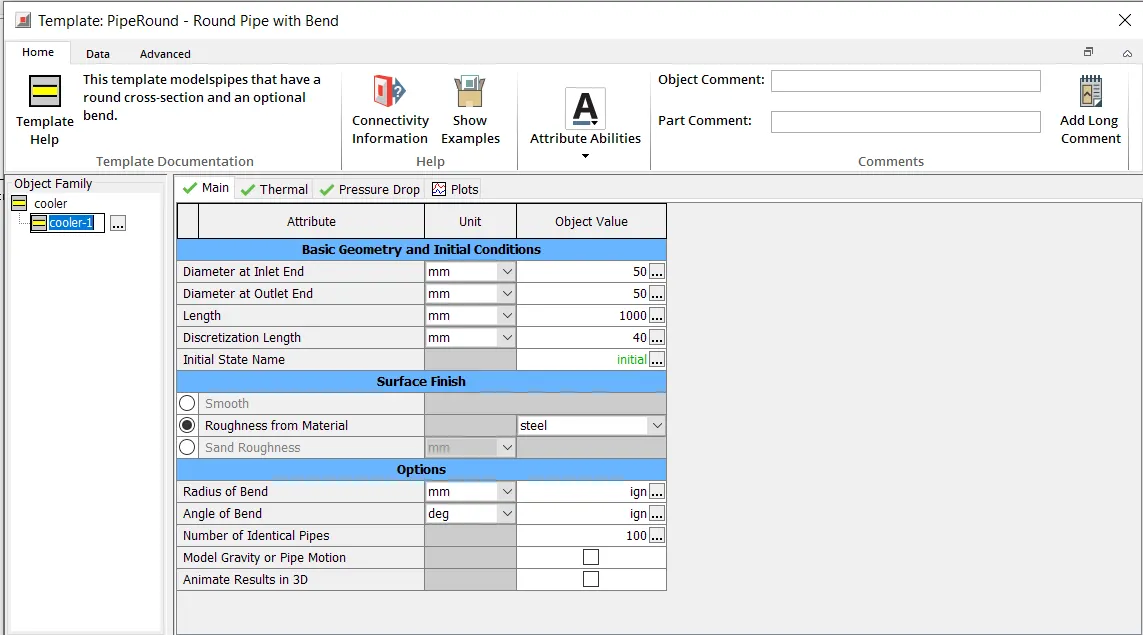
- Diameter of cooler inlet and outlet pipe= 50 mm
- Length of the CAC= 1000 mm
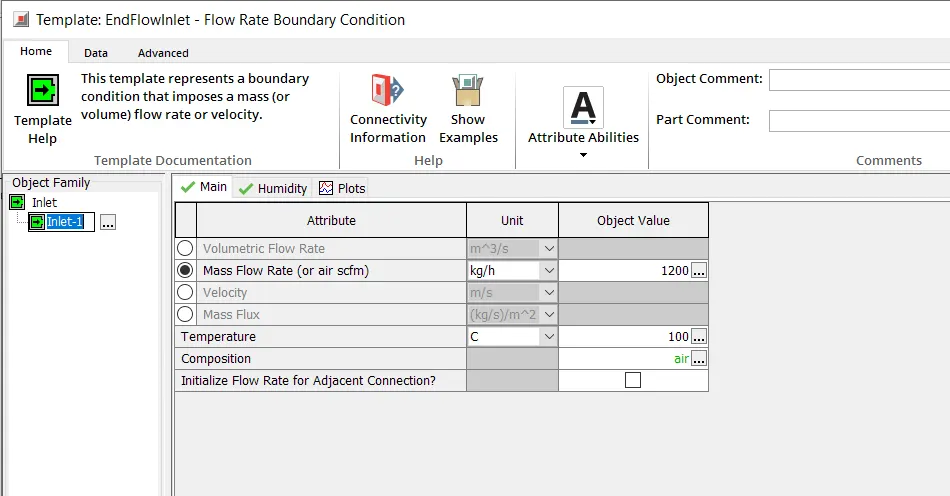
- Inlet mass flow rate = 1200 kg/ h at 100 degC
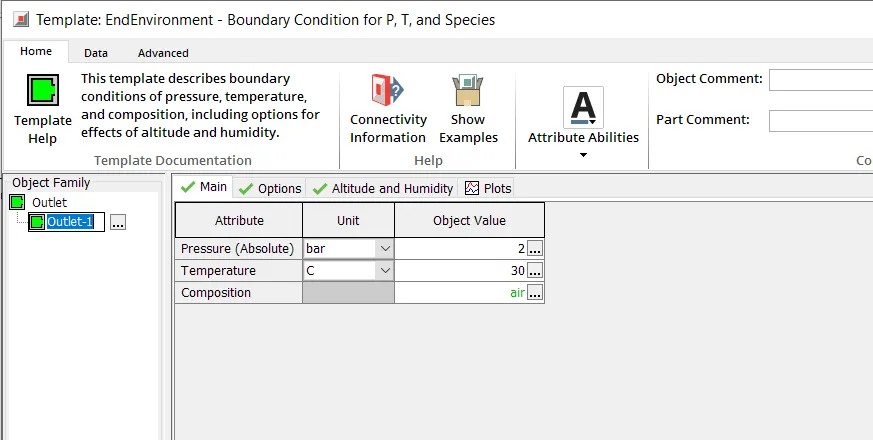
- Outlet pressure 2 bar at 30 deg C
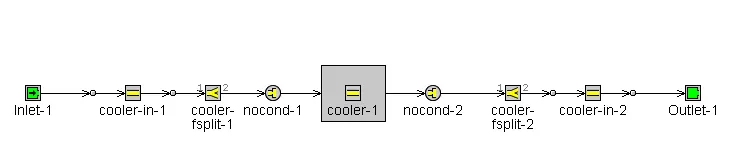
cooler:
inlet:
outlet:
results:
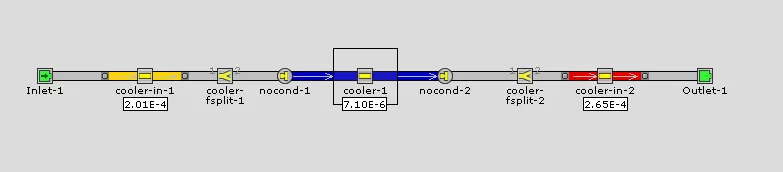
Pressure difference
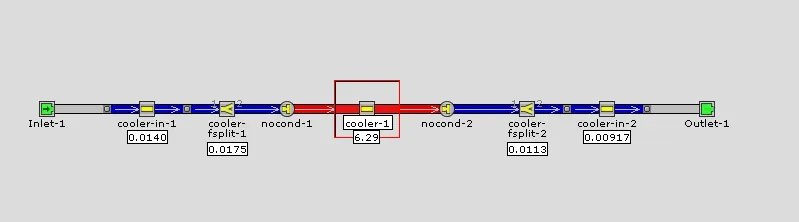
Heat transfer
values

Total heat transfer = 6.288kW
Pressure drop = 7.095e-6 bar