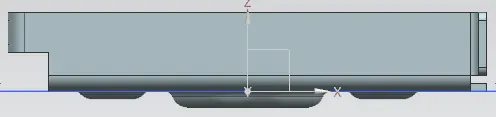
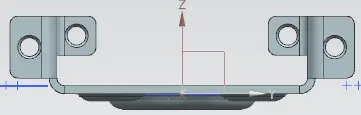
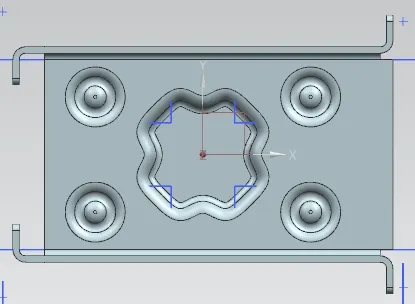
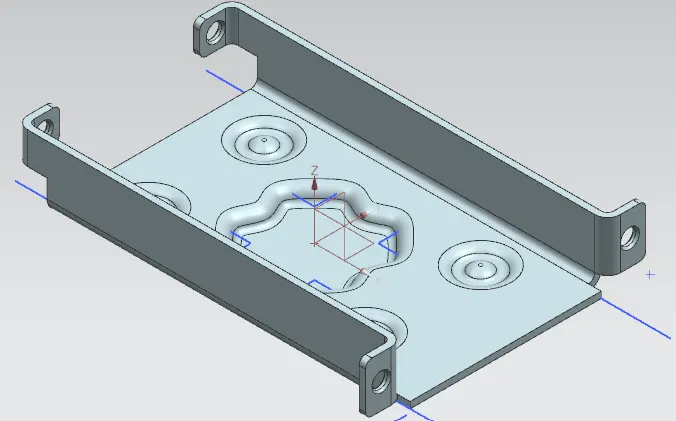
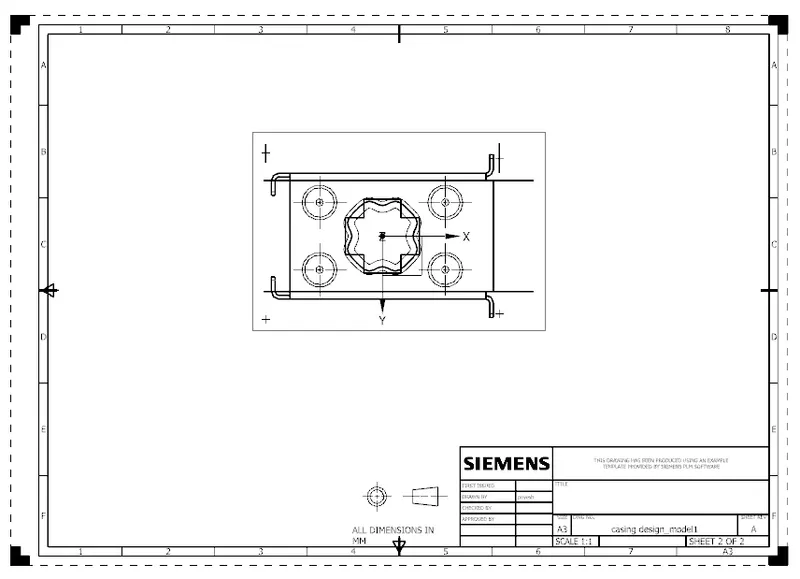
Advanced Sheet Metal Design Using NX Cad Challenge_1_Casing Design
Advanced Sheet Metal Design Using NX Cad Challenge 1 Casing Design
Title of the Project: Advanced Sheet Metal Design Using NX Cad Challenge 1 Casing Design
Objective: To design a Casing with the help of NX advance sheet metal.
Introduction:
NX Sheet Metal provides a set of tools within the NX design environment that allows for simple and fast design of sheet metal parts, dependent on their material and manufacturing process. NX sheet metal design software incorporates material and process information in sheet metal-specific modelling features: bends, flanges, tabs, cutouts, beads, dimples, louvers, corner and edge treatments, patterns and other formable features.
We can also quickly convert solid models to sheet metal components, and create sheet metal parts that enclose other components.
NX Sheet Metal-specific features such as flanges, tabs, jogs, corner conditions, and drawn cutouts & many more along with productivity enhancements such as – automatic bend reliefs.
So, in this project I am going to design a Casing by using sheet metal tools and commands.
Design methodology / approach
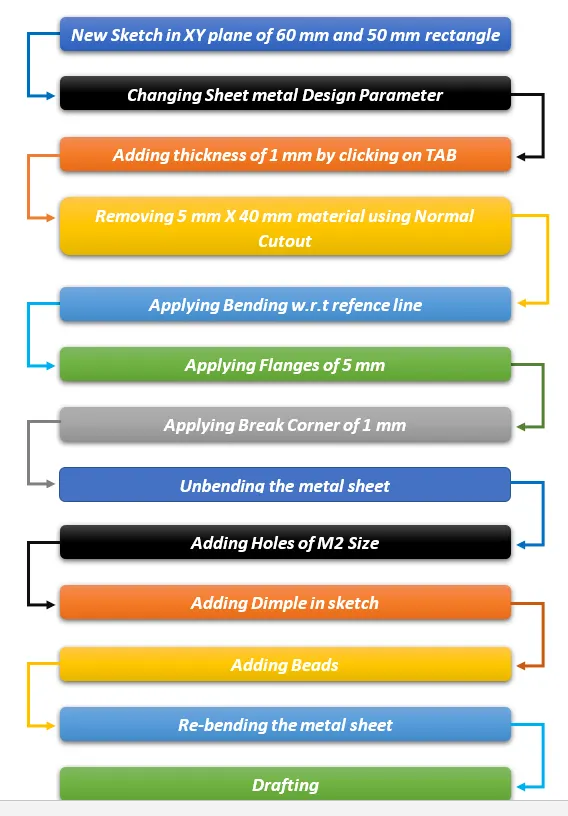
Methodology
- Tab
- Normal Cutout
- Bend
- Flange
- Break corner
- Unbend
- Dimple
- Bead
- Mirror
- Rebend
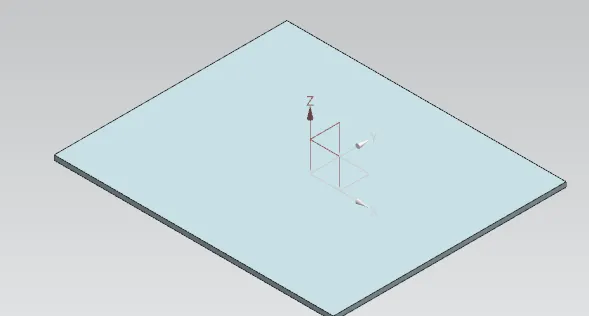
Tab
Tab is the Base feature or the exiting sketch or section.
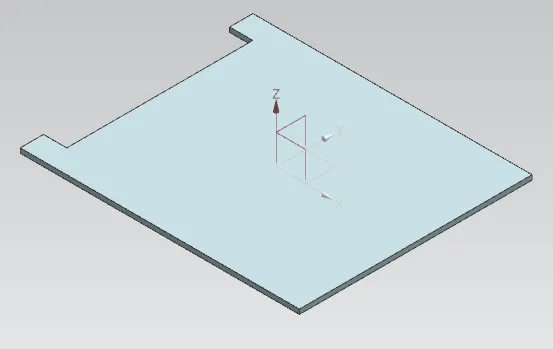
Normal Cutout
Normal Cutout command extract volumes from sheet metal by using sheet metal production principles. Cutting faces will be perpendicular to the sheet metal.
Bend
Bend command is used for bend from the base feature along a line. 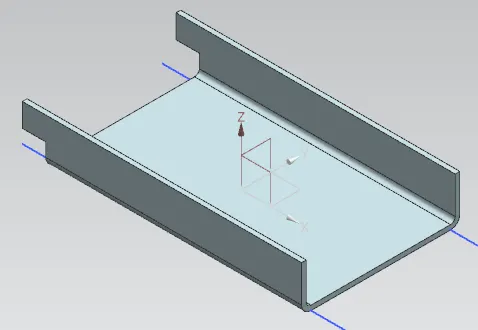
Flange
This command is used for extruding a sketch along a specified vector to form a base feature.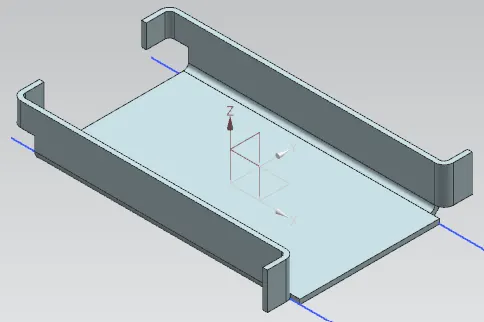
Break corner
This command is used to fillet or chamfer the sharp corners of a tab or flange. 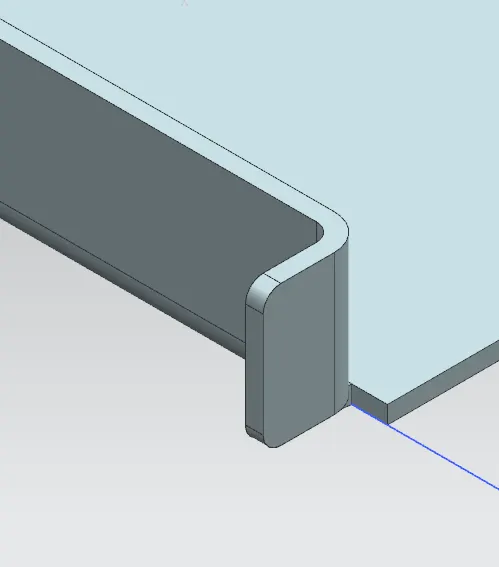
Unbend
This command is used to unbend the adjacent bends and flatten them back to tab 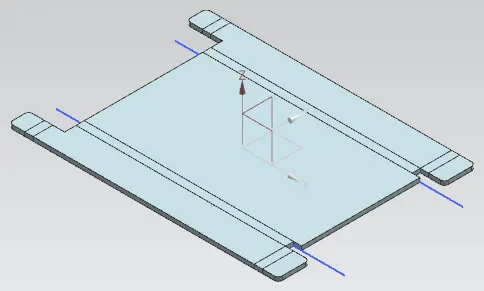
Dimple
This command is used to form a small deformation as per the sketch. 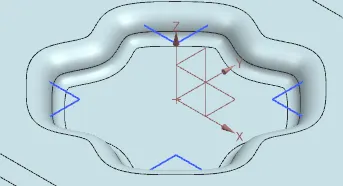
Bead
It is used for giving strength to the sheet metal. 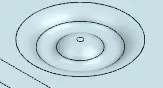
Mirror
This command is used to mirror a feature across a plane. here the features such as beads were mirrored using this tool.
Rebend
This command is used for re bend the sheet metal.
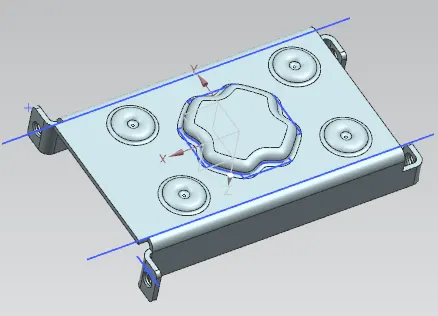
Conclusion
This being the first design in NX Cad gave me an insight the use of basic features like flange, tab, break corner, normal cutout, flange, dimple, unbend, rebend, and mirror.