Mechanical · PG program

Post Graduate Program inPost Graduate Program on Automotive BIW Design and Development

A comprehensive program on Automotive BIW using BIW design using a wide variety of tools. This program is highly suited for beginners

Duration
24 weeks
Content
92 hours
Courses
5
Projects
11
Mode
Online
Overview

What you'll
be able to do.

  • This program is designed considering the complete Life cycle of a Design Phase in an Automotive Industry.
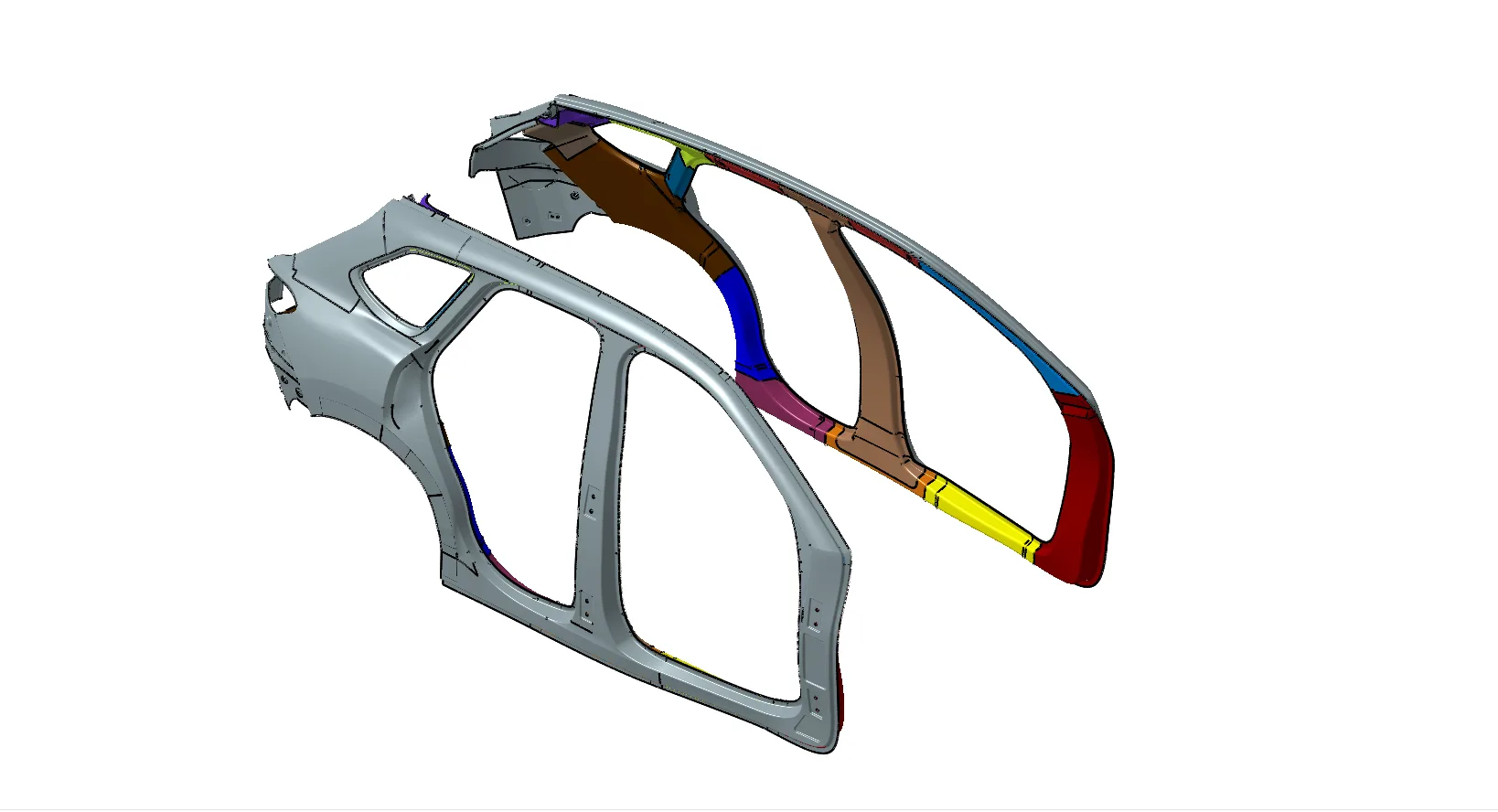
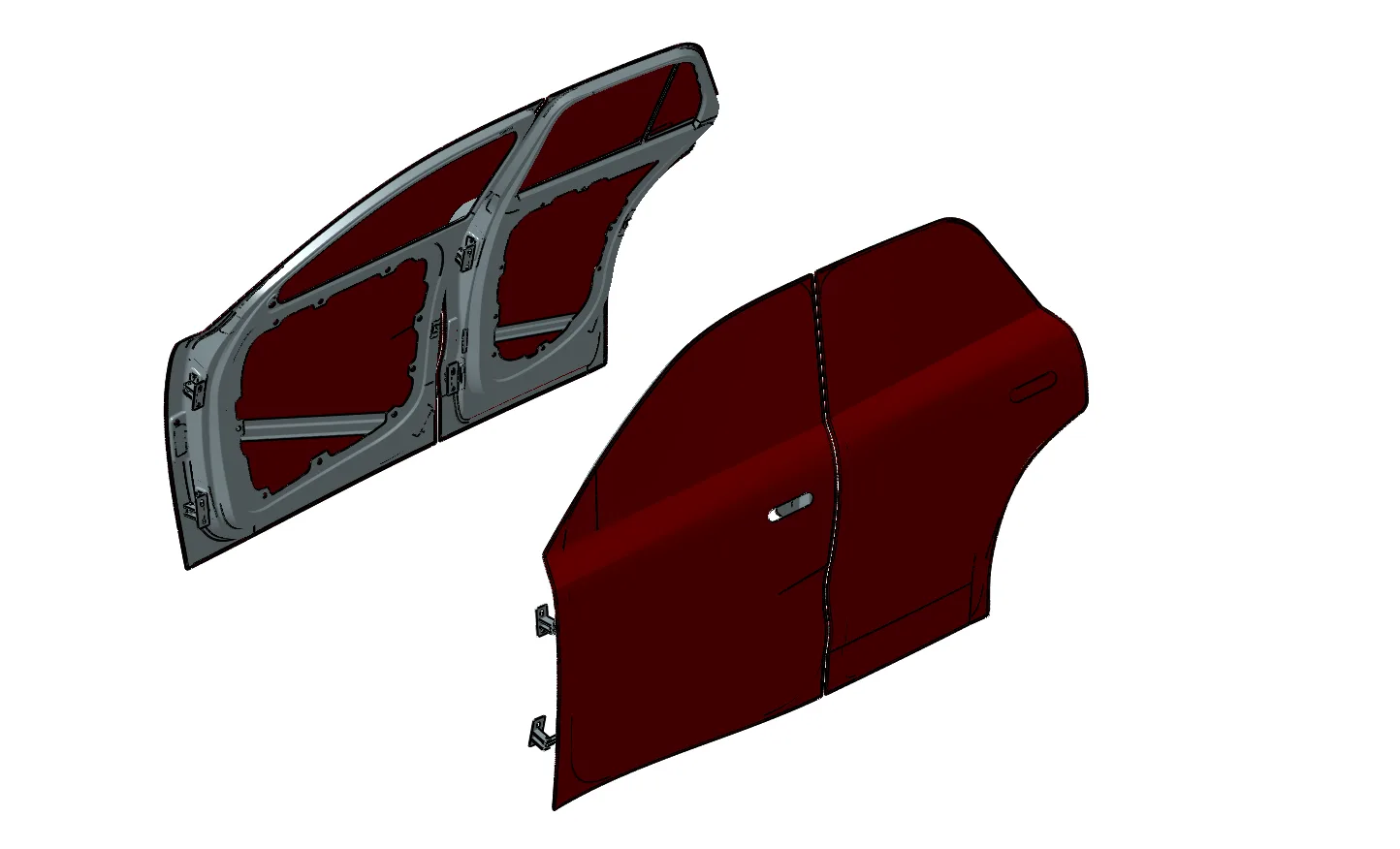
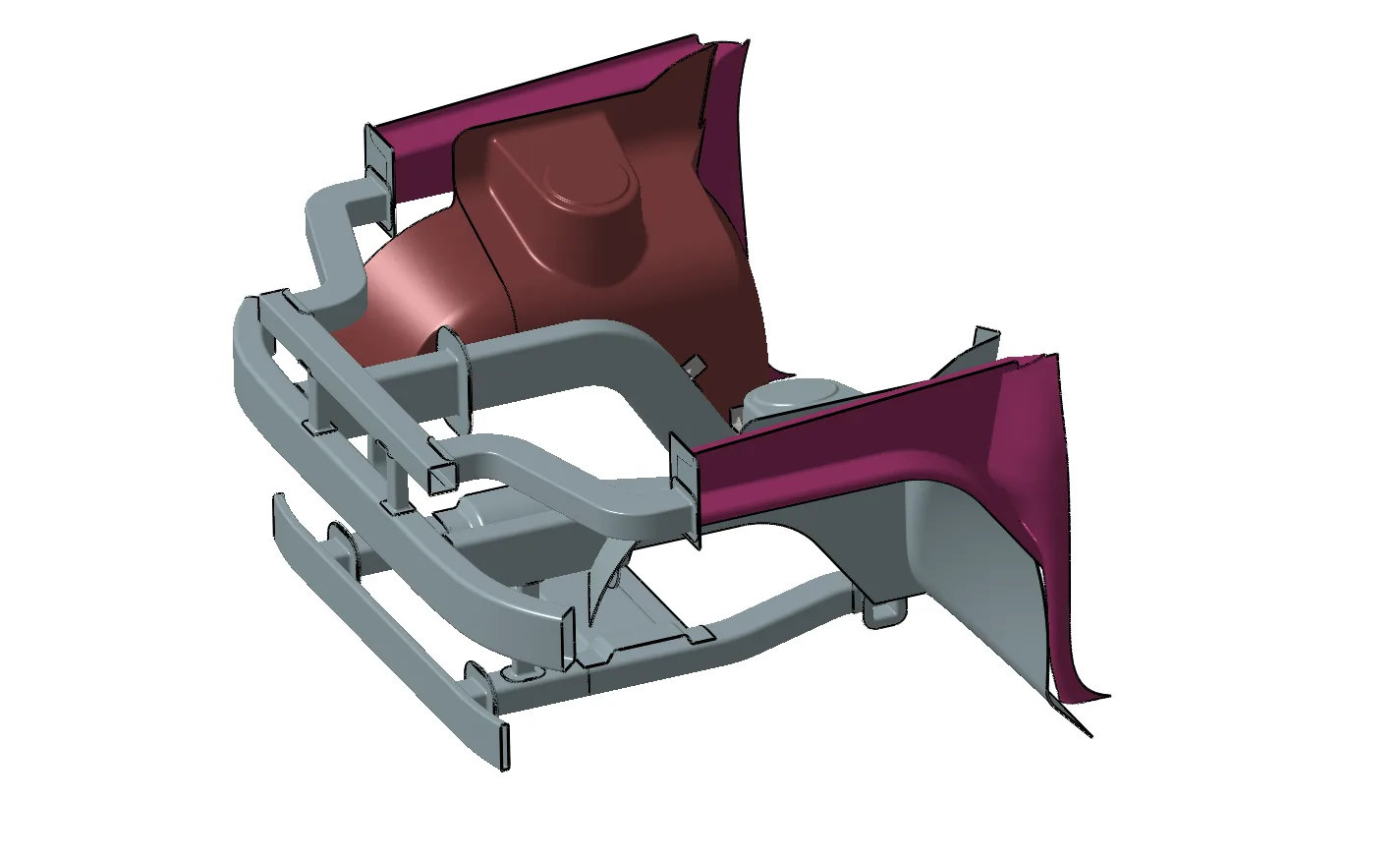
  • All the mandatory subdomains in BIW like Upper Body, Underbody, Closures, and Engine Compartment are taught in detail where all design aspects with respect to the tooling and production are covered.
  • One will be able to know the complete vehicle development process of both the digital and serial life processes.
  • The students will learn about the GUI of CATIA V5, and part modelling, surface modelling, assembly, and drafting using CATIA V5.
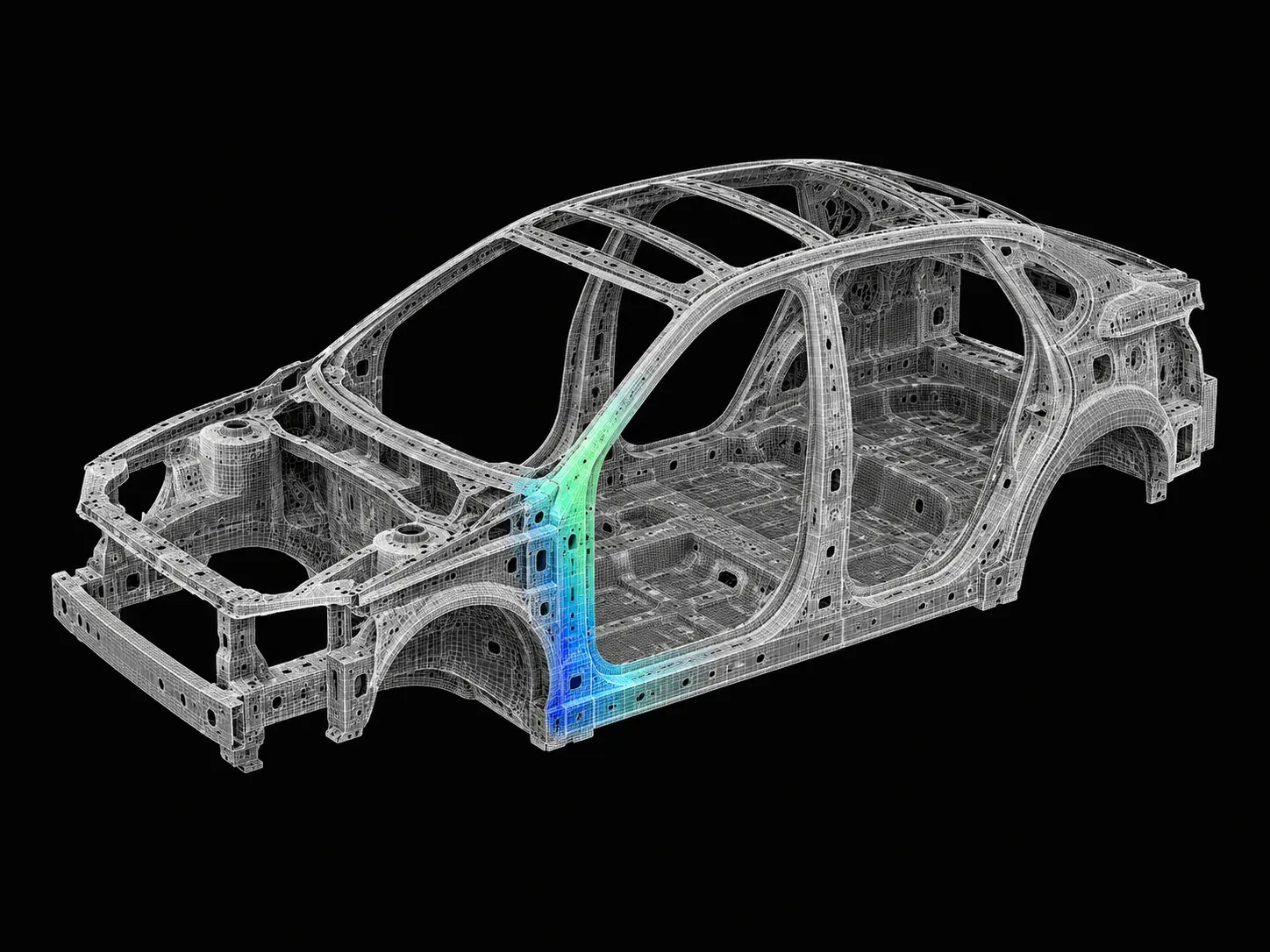
  • It provides the knowledge right from the basics of FEA applied to crashworthiness, hands-on experience with industrial tools such as HyperWorks and RADIOSS, and a look into how this is applied towards passing crashworthiness standards.

Why this program

  • You will learn about various welding processes, how to create fixtures for the given BIW components and 2D drawings for each part of the fixture.
  • You will learn the basics of FEA applied to crashworthiness and gain hands-on experience with industrial tools such as HyperWorks and RADIOSS.
  • All the mandatory subdomains in BIW like Upper Body, Underbody, Closures, and Engine Compartment are learnt in detail where all design aspects with respect to the tooling and production.
  • Job Opportunities
    • CAD/Design Engineer
    • Sheet Metal Design Engineer
    • Crash Safety Engineer
    • Safety CAE Engineer
  • Higher Education Opportunities
    • Design Engineering
    • Mechanical Engineering
    • Automobile Engineering
Tools you'll use
CATIA V5HyperMeshRadiossSiemens NX CAD
Curriculum

5 courses,
51 modules.

Get the full syllabus ↓
  1. 01Automotive BIW Design and Development Part 1 using NXCAD8 modules
    1. Vehicle ArchitectureW01
      • The various sub-assemblies of a car
      • Need for 3 zones of a car
      • Purpose of crumple and crush proof zones in a passenger car
    2. BIW MaterialsW02
      • The individual components of a passenger car
      • The various materials used for the BiW components such as
        • Steel(MS,HSS,AHSS,UHSS)
        • Aluminium
        • Magnesium Alloys
        • Carbon Composites
      • Advantages and dis-advantages of various materials
    3. Vehicle Development ProcessW03
      • The four main stages of the Vehicle development cycle.
      • Their sequence, significance and importance.
      • Car platforms
      • Tophats
    4. BenchmarkingW04
      • Important sub-stage of the Pre-Design and Development stage of the Vehicle Development Process, Benchmarking are studied
      • The aim of this process is to ascertain the design and functional features of the vehicle.
      • Two case studies are discussed and benchmarking is performed for alternate designs/products.
    5. Introduction to manufacturing processesW05
      • Stamping
      • Deep Drawing
      • Forming
    6. Design of HoodW06
      • Design Requirements
      • Functional Requirements
      • Euro NCAP Regulations
      • Gap and Flushness Requirements
      • Manufacturability
    7. Design of FenderW07
      • Design Requirements
      • Functional Requirements
      • Fender Wheel Arch requirements
      • Gap and Flushness Requirements
    8. Design of RoofW08
      • Design Requirements
      • Functional Requirements
      • Criteria for Bow roof rail positioning
      • Gap and Flushness Requirements
      • Manufacturability
  2. 02Automotive BIW Design and Development Part 2 using NXCAD7 modules
    1. Rear Door DesignW01
      • In this session, you will learn
        • Design requirements for the tailgate components
        • About functional requirements
        • Rear visibility criteria regulations
        • Rear crash regulations and requirements
        • Sealing and its function
        • Joining techniques like Hemming, spot welding, etc
        • Manufacturing Technique using a casting part
        • Gap and flushness requirements
        • Functional requirements for:
          • Hinge
          • Gas-stay/ powerlifter
    2. Side-Body DesignW02
      • In this session, you will learn
        • Class-A surface correction
        • Extracting reference surfaces
        • Upper rail flange designing
        • A-pillar Designing:
          • A-Pillar lower
          • A-pillar middle
        • Quarter panel designing
        • B-pillar designing
        • Sill-mounting region designing
        • Gas-stay retraction unit designing
        • Rear-bumper designing
        • Tail lamp Flange creation
      • Side-body inner panel assembly
        • A-pillar inner panel assembly:
          • A-pillar upper inner panel
          • A-pillar lower inner panel
        • Lower inner panel assembly:
          • Lower middle inner panel
          • Lower front inner panel
          • Lower rear inner panel
        • Upper inner panel assembly:
          • Upper rear inner panel
          • Upper rear front inner panel
          • Upper front inner panel
        • B-pillar inner panel assembly:
          • B-pillar inner panel
          • B-pillar upper reinforcement inner panel
          • B-pillar Lower reinforcement inner panel
        • C-pillar inner panel assembly:
          • C-pillar inner panel.
        • Rear inner panel assembly:
          • Rear inner panel 1.
          • Rear inner panel 2.
          • Rear inner panel 3.
        • Brace roof rail inner panel assembly:
          • Brace roof rail inner panel
    3. Side Door DesignW03
      • In this session, you will learn
        • Features and function of side door
        • Side door architecture
        • Special cases
        • Latch and striker position mechanism
        • Two approaches to position hinges
        • Side door module
        • The considerations to prevent snow cuffing
    4. Forming process: Rubber Parts Design and DevelopmentW04
      • In this session, you will learn
        • Functions of rubber parts
        • Types of rubber parts
        • Production process of rubber parts
    5. Dash Frame Floor Tunnel design (DFFT Design)W05
      • In this session, you will learn
        • Various parts, possible design variations, and joining methods for the floor
        • About the characteristics of the dash panel
        • Frame integration into the floor assembly and force resolution
        • Tunnel design variations and their functionality
    6. Joining ElementW06
      • In this session, you will learn
        • Basics of joining elements
        • Various types of joining elements
          • Spot welding
          • Arc welding and its types
          • Clinching
    7. Engine CompartmentW07
      • In this session, you will learn
        • Engine Compartment structure
          • Main chassis structure
          • Suspension mounting
          • Front bumper assembly
          • Fender side mounting
          • Lower chassis structure
          • Lower engine mount
          • Joining methodology
        • Design considerations for each part
        • Manufacturing constraints
  3. 03Automotive BIW Fixture Design using CATIA V510 modules
    1. Introduction to BIW-FixtureW01
      • In this session, you will learn
        • Definition of BIW, Jigs, & Fixture
        • BIW-Nomenclature
        • Types of Fixtures & their applications
        • BIW stations & their uses
        • Basic terminologies
    2. BIW-Fixture BasicsW02
      • In this session, you will learn
        • Project activities
        • Different welding processes
        • 3-2-1 Principle
        • Body planes
    3. Pre-Design ProcessesW03
      • In this session, you will learn
        • Design methodology
        • Structuring a design tree
        • Different types of fixture units
    4. Units Design-1W04
      • In this session, you will learn
        • Different types of Pin Unit Design
        • Different types of Clamp Unit Design
        • Different types of Rest Unit Design
    5. Units Design-2W05
      • In this session, you will learn
        • Dump Unit Design
        • Slide Unit Design
        • Base Unit Design
    6. Finishing of the designW06
      • In this session, you will learn
        • 3D-finish
        • Rough locators
        • Pneumatic routing
        • Valve banks & selection
        • Gun study
        • Sensors & selection
    7. 2D-Detailing Basics W07
      • In this session, you will learn
        • Drawing templates
        • Angles of projection
        • Basic GD&T used in fixturing
        • Scaling & views
        • Various detailing patterns
    8. 2D-Detailing W08
      • In this session, you will learn
        • Key Sheet detailing
        • Unit detailing
        • Child parts detailing
    9. 2D-Detailing - Child Part & BOMW09
      • In this session, you will learn
        • Child parts detailing
        • Material selection
        • BOM Preparation
    10. Documentations, Sequence Sheet & Process SheetsW10
      • In this session, you will learn
        • Creation of BOM sheets
        • Creation of BOP sheets
  4. 04Crashworthiness Analysis using HyperMesh and Radioss14 modules
    1. Basics of Crashworthiness Physics, FEA Concepts and CAE ProcessW01
      • In the first module you will learn about different types of analysis, the difference between implicit and explicit analysis, different non-linearities and, along with this, you will also bust the myth that ‘strong structure equates safe structure" by teaching you about:
        • Meaning of crash safety for a vehicle.
        • The Law of conservation of energy is applied to a car crash.
        • Basic concepts of FEA, such as linear-nonlinear, static-dynamic, implicit-explicit analysis, their differences, and the guidelines on how to choose a method for a given FEA problem are explained.
    2. Introduction to HyperMeshW02
      • HyperMesh is one of the most popular Finite Element Preprocessor used to generate meshes
      • of complex models. In this module, you will learn the GUI of HyperMesh, various elements available in FEA like 1D, 2D, and 3D elements, how to choose the element depending on the geometry by covering topics such as:
        • Overview of Pre-Processors and their importance in FEA Processes
        • Primary introduction to GUI of HyperMesh, toolbars, and basic operations
    3. Geometry Editing in HyperMeshW03
      • Learning to mesh geometries is an important step in performing FEA. Therefore, we will extensively cover the topic by which the students can understand, geometry clean up, tools available for geometry cleanups,
        • Using an edited geometry to generate a mid-surface and an appropriate 2D mesh with regards to mesh flow, trias, and mesh size, by various methods.
        • Using the geometry tools to clean up the distorted geometry.
    4. Meshing – 1D, 2D & 3D and Mesh Quality CheckW04
      • In this section, you will learn about 1D, 2D, and 3D meshing, what mesh quality is and how to improve it, before exporting the meshed model to the specific solver.
        • Using an edited geometry to generate a mid-surface and an appropriate 2D mesh with regards to mesh flow, trias, and mesh size, by various methods
        • Using the geometry to create a 3D mesh using various methods.
        • Meaning of mesh quality and ways to control and improve it
        • Types of 1D elements, their specifications, and creation
        • Exporting a meshed model from HyperMesh in the specified solver format
    5. Introduction to RadiossW05
      • In this section, you will learn what an explicit solver is, what an engine file and a starter file are, and their significance, as well as what an out file is and how to read this out file.
        • Overview of Radioss: An Explicit FEA Solver for Crashworthiness
        • Essential Radioss input files, their significance, and format
        • An overview of output files and their significance
    6. Element Properties and MaterialsW06
      • In this section, you will learn about the various element formulations available for different types of elements in the Radioss and their applications, how to assign thickness to the component, and also various parameters available in the property card and their significance.
        Similarly, you will also learn about the various material cards available in Radioss and their use cases along with their failure criteria.
        • Application of thickness and dimensional properties, integration points for 1D, 2D, and 3D elements
        • Study and application of concepts such as material intrinsic properties, failure criteria, non-linearity, plasticity, and hyper-elasticity into a material model.
    7. HyperCrash, HyperView and HyperGraphW07
      • In this section, you will learn about a new application that was developed by Altair exclusively to set up crash simulations, and along with this, you will be learning the GUI of Hypercrash. You will also be introduced to Hyperview and HyperGraph, where you will learn how to post-process the simulation results.
        • An Introduction to HyperCrash, a specialized preprocessor for Radioss
        • Introduction to HyperView and HyperGraph as post-processing tools in the FEA process
    8. Interface (Contact) ModellingW08
      • Interface modeling will be a complex topic that you can find in any solver. Here you will learn what contact is and how it works, what the different parameters you need to look into while defining a contact in a model are, and what the different types of contacts are and their use cases.
        • Concepts of an interface between given components, penalty formulation method, contact stiffness, gap, penetration, interference, and tied interfaces
        • Creation of various types of interfaces and removing any errors or interferences
    9. Boundary Conditions SetupW09
      • In this section, you will learn how to set up a proper boundary condition for any given simulation, what the different types of loading conditions are, and the different types of joints available in Radioss
        • Setup of static and dynamic loading conditions such as velocity, acceleration, a constraint on degree of freedom, rigid walls, spot welds, and seam welds.
    10. Simulation ControlW10
      • In this section, you will learn about the concept of the time step and how it can be optimized to increase the speed of the simulation, and also the concept of mass scaling. You will also understand the various control cards available in Radioss and their use cases.
        • Control of simulation in terms of the time step, accuracy, run time, types of outputs
    11. Checks and DebugsW11
      • In this section, you will learn the various checks you should do before running the simulation and also how to debug a simulation along with its approach.
        • Using diagnostic methods, check for and debug any errors in the model.
    12. Airbag and its Modelling in FEAW12
      • In this section, you will exclusively learn about the physics of an airbag in crash scenarios and how to model them in Radioss. You will be learning about two types of airbags (with vent and without vent).
        • The concept of an airbag in FEA, its modeling methods and challenges with an example
    13. Occupant Injury CriteriaW13
      • In this section, you will learn how the injury criteria are calculated in the actual crash test environment and how they affect the rating of the vehicle. You will also learn about the dummy standards that are used in crash testing.
        • Various occupant injury criteria are currently being considered while determining the crashworthiness and safety performance of a car.
    14. Crashworthiness StandardsW14
      • In this section, you will learn about the standards followed in different ENCAPs
        • The basic elements of the most popular crashworthiness standards, the criteria used to determine crashworthiness performance, and methods to measure this in the FEA model are all studied.
  5. 05Gap and Flushness in Automotive Body Design using CATIA V512 modules
    1. Fundamental AspectsW01
      • Product Design Procedure
      • Section Book
      • Why we set Gaps and Flushnesses
      • Understand and Interpreting Engineering Drawings
      • General Tolerances
    2. Geometric ToleranceW02
      • What is Geometric Tolerancing
      • Introduce Symbols and their Meanings
      • Introduce Feature Frame
      • Develop a Datum
      • Create a Datum
    3. Most Usable Tolerances in Sheet Metal DesignW03
      • Form Tolerance
      • Profile Tolerance
      • Location Tolerances
      • Material Condition
    4. Vehicle Components TolerancesW04
      • Overview of the Vehicle Exterior Parts
      • Common Tolerancing of Vehicle Parts
      • What are the Common Tolerance Values of Different Areas
    5. Master ControlsW05
      • Master Control Points
      • Master Control Surfaces
      • Matching Surfaces
      • How to Show these References on the Drawing
    6. Processing ToleranceW06
      • Purpose for Making out Processing Tolerance
      • Scope to Adopt Processing Tolerance
      • The Definition of Terminology
      • The Condition to Decide Processing Tolerance
      • The Method to Calculate Tolerance
      • The Standard to Establish Processing Tolerance
    7. Processing Tolerance ExamplesW07
      • Hood / Fender
      • Fender / Front Door
      • Front Pillar / Door Frame
      • Front Door / Rear Door
      • Door / Side Frame
      • Design Targets and Benchmarking
    8. Stack Up AnalysisW08
      • Tolerance Analysis Techniques
      • Basic Tolerance for Stack Up
      • Tolerance Analysis for Each Case
      • HSG Lamp Stack Up
    9. Stack Up Analysis of PillarsW09
      • A-Pillar Stack Up Analysis
      • B-Pillar Stack Up Analysis
    10. Stack Up Analysis of Side Body ExteriorW10
      • Summary Result
      • Stack-up Analysis on Side Panel Out Steps
    11. Assembly DrawingW11
      • Illustration of Stack Up on Drawing
      • Provide an Assembly Drawing
      • Show the Stack up on Drawing
    12. ConclusionW12
      • Provide Gap and Flushness Drawing
      • Procedure for Amending the Errors
      • The Most Reputable Software and How it Works
Industry projects

11 projects
you'll ship.

Our projects are designed by experts in the industry to reflect industry standards. By working through our projects, Learners will gain a practical understanding of what they will take on at a larger-scale in the industry. In total, there are 11 Projects that are available in this program.

Designing a Robot Welding Fixture
Automotive BIW Fixture Design using CATIA V5

Designing a Robot Welding Fixture

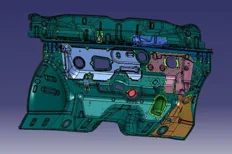
In this project, the students will be working on the design and development of a robotic welding fixture. Here, the students will create the assembly and child-part drawings for th…
Designing a Manual Welding Fixture
Automotive BIW Fixture Design using CATIA V5

Designing a Manual Welding Fixture

In this project, the students will be working on the design and development of a manual welding fixture. The students will also create the assembly and child-part drawings for the …

Frontal Crash of a NEON Dodge Model in FMVSS Regulation
Crashworthiness Analysis using HyperMesh and Radioss

Frontal Crash of a NEON Dodge Model in FMVSS Regulation

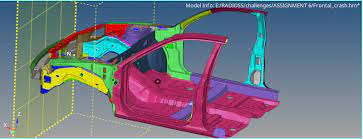
In this project, the students will set up the case for the frontal crash of a NEON Dodge Model. They will also simulate the results and prepare a report for the same.

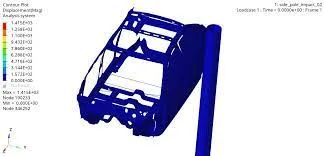
Side Pole Impact Analysis of NEON Dodge Model in FMVSS Regulation
Crashworthiness Analysis using HyperMesh and Radioss

Side Pole Impact Analysis of NEON Dodge Model in FMVSS Regulation

In this project, the student will set up the case for the side crash of the NEON Dodge Model and analyse the side pole impact from the results.

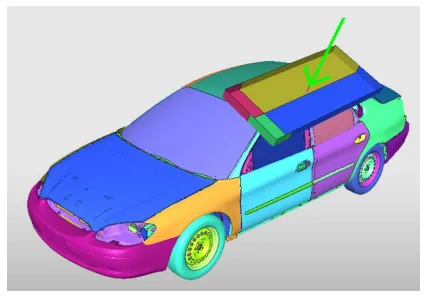
Roof Crush Analysis of a NEON Doge Model in FMVSS Regulation
Crashworthiness Analysis using HyperMesh and Radioss

Roof Crush Analysis of a NEON Doge Model in FMVSS Regulation

In this project, you will set up the case for the roof crash. You'll also analyse the results and report it.

Design of Hood
Automotive BIW Design and Development Part 1 using NXCAD

Design of Hood

During this project work, the students will design the inner and outer panels of the hood, as well as the necessary reinforcements, in accordance with the master sections provided …

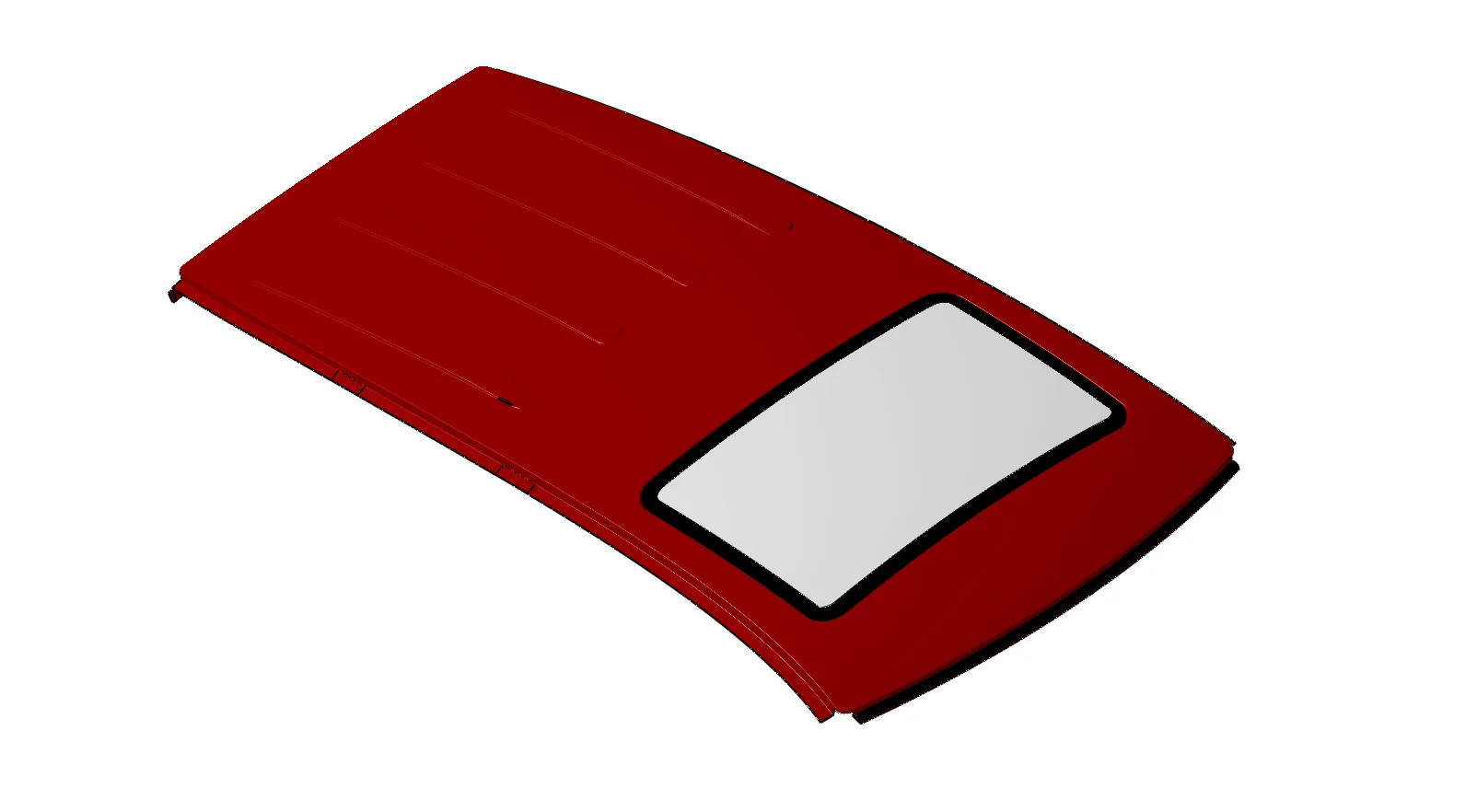
Design of Roof
Automotive BIW Design and Development Part 1 using NXCAD

Design of Roof

In this project, the students will learn how to design the roof using NX CAD. They will design the roof based on the safety criteria followed in the industry.

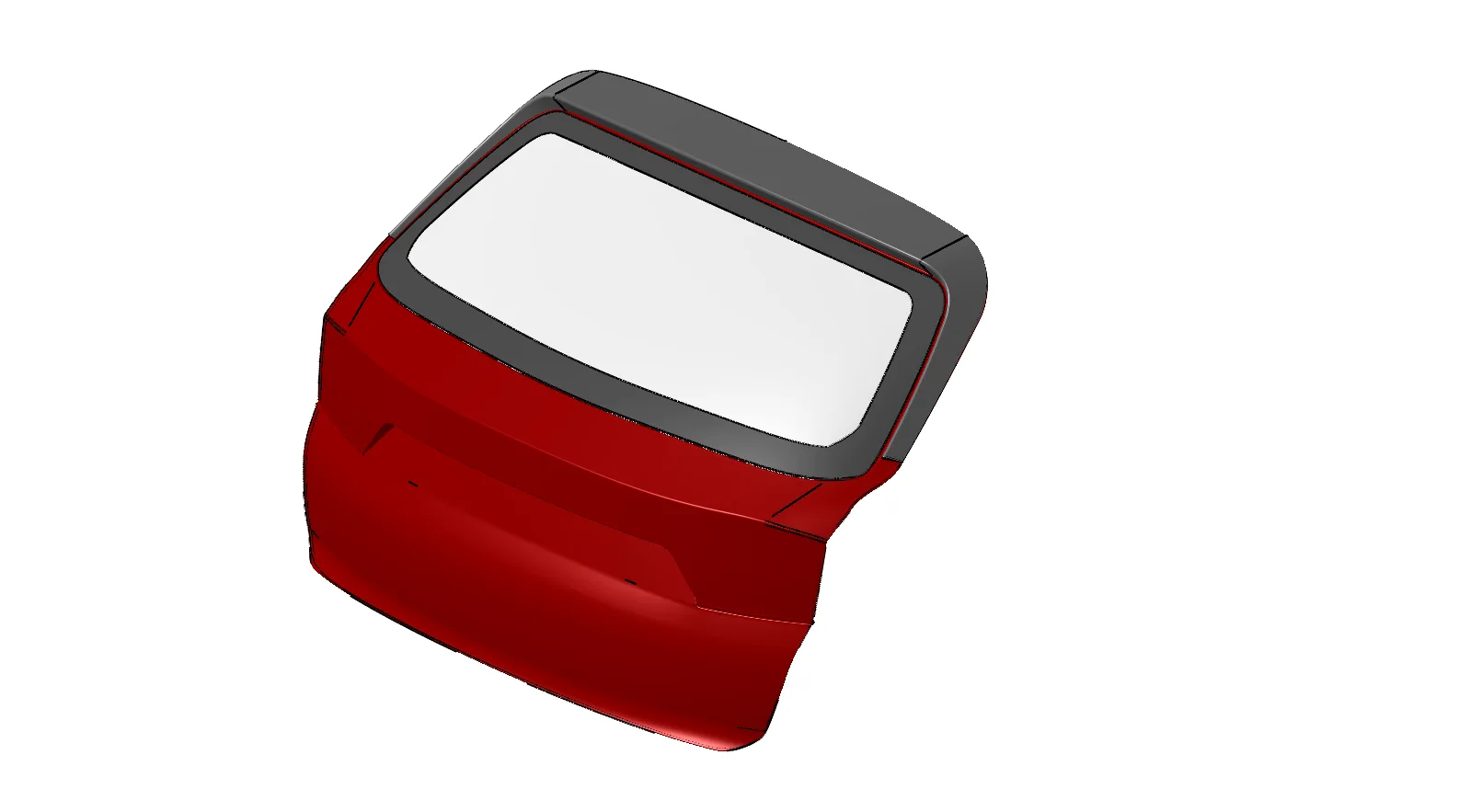
Design of Rear Door
Automotive BIW Design and Development Part 2 using NXCAD

Design of Rear Door

In this project, the students will design the inner and outer panels of the rear door. The inner panels should be designed in such a way that the outer upper and outer lower panels…

Design of Side Body
Automotive BIW Design and Development Part 2 using NXCAD

Design of Side Body

In this project, the students will design the Inner and Outer panels of the side body based on the data extracted from the class A surface. During the project work, they will desig…

Design of Side Door
Automotive BIW Design and Development Part 2 using NXCAD

Design of Side Door

In this project, students will be asked to design the inner and outer panels of the side door with the necessary reinforcement and mounting requirements for interior trims.

Design of Engine Compartment
Automotive BIW Design and Development Part 2 using NXCAD

Design of Engine Compartment

In this project, students will have to design the engine compartment. The design should be based on the given reference.

Fee

One fee.
Everything included.

Become job ready with our comprehensive industry focused curriculum for freshers & early career professionals

Premium
₹2,75,000
Inclusive of all chargesEMI from ₹14,375/month
  • Career Service Assurance
  • Personalized Career Services Mentorship
  • 1 Year Access
  • Personalized Page
  • Live Individual & Group Sessions
  • Personalized & Hands-On
  • Job-Oriented Industry Relevant Curriculum
Check eligibility →
FAQ

Questions,
answered.

Who can take up the Post Graduate Program on Automotive BIW Design and Development?

Students and graduates of mechanical engineering and related streams of engineering can take up this course. If you are interested in designing BIW, you can pursue this course.

Is the Post Graduate Program on Automotive BIW Design and Development an online program?

Yes, this course is a 100% online program.

What is the duration of this program?

This course is an eight-month program covering all the basic to advanced level concepts of Automotive BIW Design.

Is there any certificate for completing this course?

Yes, after completion, you will be given a course completion certificate. The top 5% of the scorers will be given a merit certificate alongside the course completion certificate.

Is there any technical support for this course online?

Yes, you can clear your queries with email and forum support. If you have opted for the Pro or Premium program, you will additionally receive individual video support and group video support.

Can you tell me more about Skill-Lync?

Skill-Lync is among India’s leading EdTech platforms dedicated to transforming engineering education. We equip young engineers with the latest skill sets and cutting-edge tools in new-age technologies.

The brainchild of two engineers from Chennai, Skill-Lync, is on a mission to bridge the skill gap between aspiring professionals and the industry’s demands through job-oriented courses.

Next step

Not sure it's
the right fit?

A counsellor will walk you through the syllabus, projects and fee options — and tell you honestly if another course suits you better.

Get the syllabus + a call back

We'll email the full syllabus and call within one working day.

By submitting you agree to our Terms and Privacy Policy.

Call usEnquire
Talk to a career counsellor

Talk to a career counsellor

Free 20-minute call. We'll map the right course to where you want to work.

By submitting you agree to our Terms and Privacy Policy.