DussehraFestive scholarship on Skill-Lync courses, this week onlyFestive scholarship is openOffer ends Wed, 21 Oct, 11:59 pm IST.
Dussehra 2026

Start your next chapter this Dussehra

Tell us where you want to work. A counsellor will match you to the right course and confirm the festive scholarship you qualify for.

  • Festive scholarship on course fees, confirmed on your call
  • Free 20-minute call to map the right course to your goal
  • Real industry projects and placement support with every course

Offer ends Wed, 21 Oct, 11:59 pm IST

3,905 engineers placed since 2019 · 1,277 hiring companies

By submitting you agree to our Terms and Privacy Policy.

You're on the list

Browse courses
Mechanical · Course

Automotive Class A surfacing using ALIAS

A comprehensive course on Automotive Class A Surfacing using Alias Software by Autodesk. This course is highly suited for beginners

Duration
12 weeks
Content
21 hours
Projects
3
Mode
Online
Overview

What you'll
be able to do.

  • In this course, you will learn more about how to use ALIAS and design surfaces of automobiles.
  • This course includes all the knowledge that is required for the students to make a place in the industry.
  • Students will be introduced to the terminology used in the automotive surfacing process.
  • The course will provide profound knowledge, strategies, and workflows necessary to create an efficient automotive Class-A surfacing process of the highest standard with all the parameters as per the industrial requirement.
Tools you'll use
Autodesk Alias
Curriculum

12 modules,
built with industry.

Get the full syllabus ↓
  1. 01Automotive Class A surfacing using ALIAS12 modules
    1. Digital Design Foundation 1, Curves Introduction & Why Use CurvesW01
      • In this session, you will learn
        • Introduction to ALIAS
        • What is Design? About CAID/CAD Design
        • User interface and Navigation Tools
        • Basic Object Selection and viewing
        • Importing Sketches as images or canvases
        • Working with layers
        • Introduction to curve tools. Basics, U’s & V’s, spans.
        • Create Symmetrical Curves
        • Transform Curves, Creating Curve Fillets, Curve Sections and offset curves
    2. Digital Design Foundation 2 & Building and Controlling Simple GeometryW02
      • In this session, you will learn
        • Controlling Geometry, Mirroring, Grouping, and Duplicating Objects
        • Object Lister, CV Sculpting, and Concept Sculpting
    3. Digital Design Foundation 3, Surface Editing & Introduction to Different Continuities W03
      • In this session, you will learn
        • Surface toolbar, edit and shade
        • Difference Between Surfaces and Solids
        • Surfaces from Boundaries
        • Bezier Surfaces
        • Nurbs & Slab Modeling
        • What are Parent Surfaces?
          • Primary Surfaces
          • Secondary Surfaces
        • Sharp Surface Models
        • Primary Fillets and Blends
        • Secondary Fillets and Blends
        • Chord Fillet and Radius Fillet
        • Trimming, Creating Curves on Surfaces
        • Trimming Surfaces, Intersect Surfaces, Filleting Surfaces
        • Adding Variable Radius Fillets
        • G0 - Positional
        • G1 - Tangent
        • G-2 - Curvature
        • G-3 - Curvature
    4. Workflow 1: Concept ModelingW04
      • In this session, you will learn
        • Introduction to Concept Modelling
        • Introduction to Construction Options
        • Dimensions
        • Overlay Canvasses for Design and Presentation
        • Building with Curves & Surface Tools
        • Modelling Approaches and Surface Distribution
        • Working Accurately
    5. Workflow 2: Concept ModellingW05
      • In this session, you will learn
        • Overlay Canvass for Design
        • Surface Understanding by Three-quarter Views
        • Building with Curves & Surface Patching
        • Modelling Approaches and Surface Distribution
    6. Workflow 3: Concept ModellingW06
      • In this session, you will learn
        • Component design
        • Hypothetical surfaces to create patch layout
        • Work more on the Creative side: Imagine the surfaces
    7. Workflow 4: Concept ModellingW07
      • In this session, you will learn
        • Component design
        • Hypothetical surfaces to create patch layout
        • Work more on the Creative side: Imagine the surfaces
    8. Workflow 5: Concept ModellingW08
      • In this session, you will learn
        • Surfaces, patches, and layout
        • The idea of how to divide surfaces
        • Building techniques, and where to start
        • Make your way up to the top
        • Parent Patches- Foundation
    9. Technical Surfacing (A- Class Knowledge)W09
      • In this session, you will learn
        • Introduction to Technical Surfacing
        • Surface Evaluation - Reflection Lines
        • Surface Evaluation - Cross Sections & Comb Plots
        • Construction Tolerances between Surface Patches
        • Transform CV - Fine-Tuning Control Points
        • Working with Trimmed Edges - Fit Curve & Align Project
    10. Class B Surfaces ModellingW10
      • In this session, you will learn
        • A well-thought patch construction
        • Patches with proper CV layout
        • Proper passing of positional, tangent, and curvature surfaces
        • Properly evaluated surfaces
        • Making way up to Class-A Model
    11. Reverse EngineeringW11
      • In this session, you will learn
        • Introduction to Reverse Engineering
        • Working with Mesh Data
        • Working with Sections
        • Creating a Surface onto a Mesh
        • Analyzing and Displaying Deviation
        • Reference Manager for Handling Large Data Sets
    12. Presenting Your DesignW12
      • In this session, you will learn
        • Rendering in ALIAS
        • Hardware Rendering, Shades, Lighting and Environments
        • Creating Image Files
Industry projects

3 projects
you'll ship.

Our projects are designed by experts in the industry to reflect industry standards. By working through our projects, Learners will gain a practical understanding of what they will take on at a larger-scale in the industry. In total, there are 3 Projects that are available in this program.

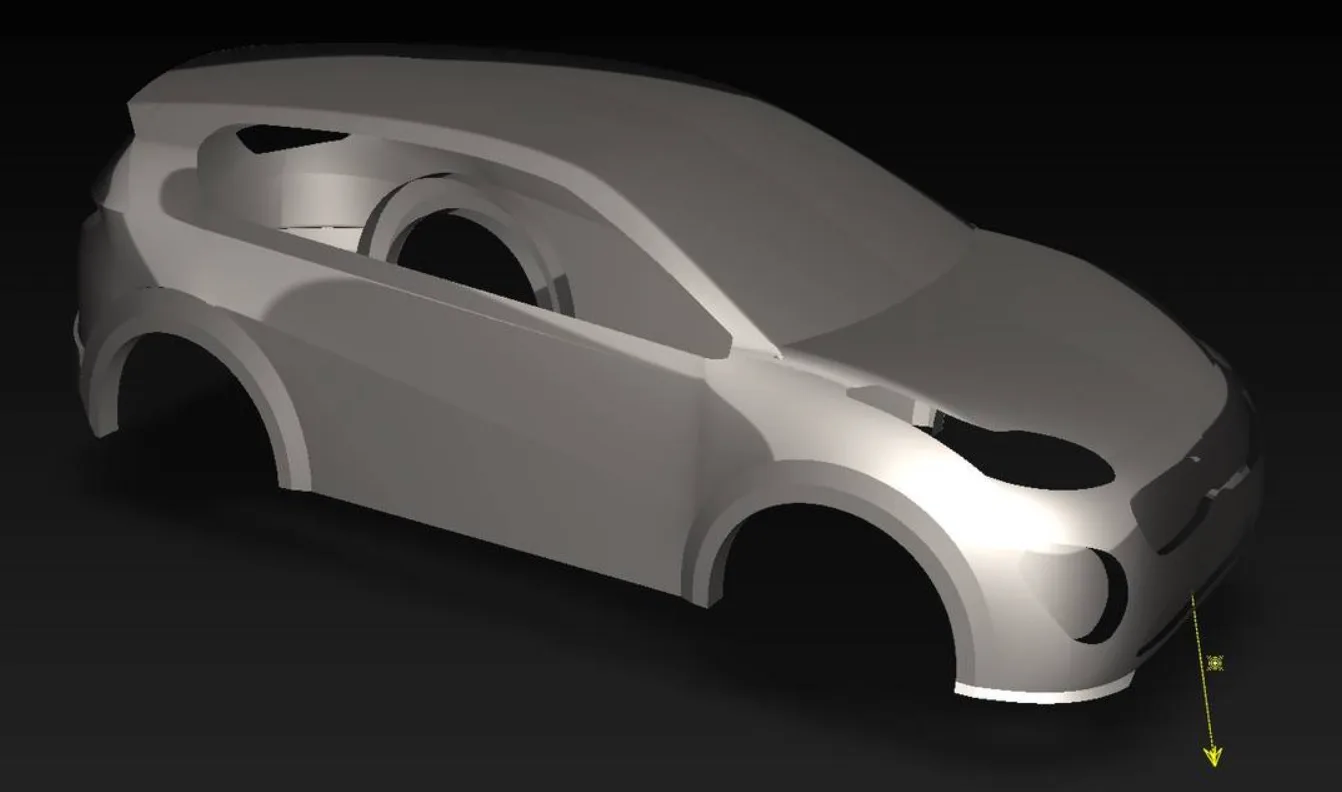
Technical Surfacing of Kia Sportage

Technical Surfacing of Kia Sportage

Model a Kia Sportage car from the given blueprint. Prepare the CAS volume surface with the terminologies covered.
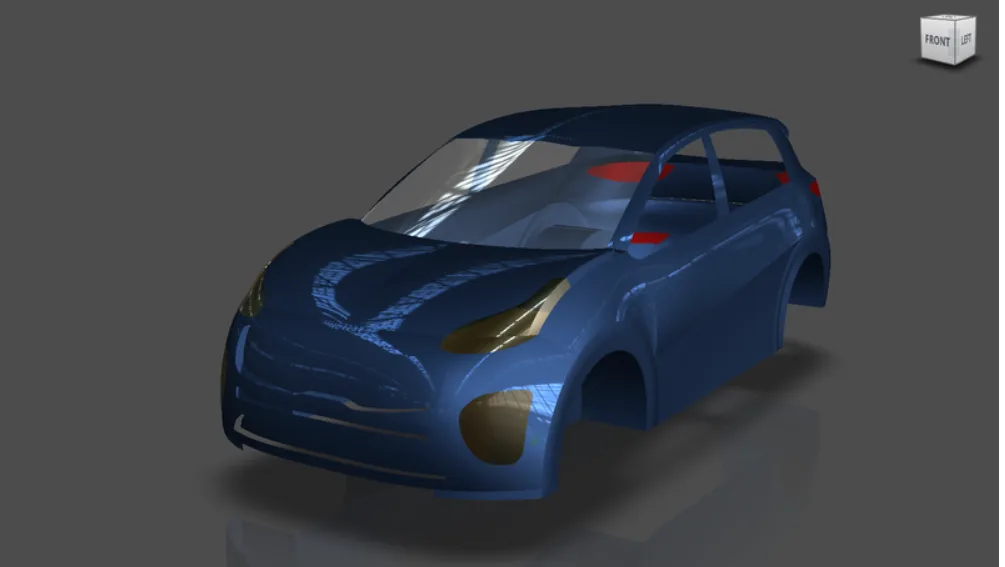
Rendering of Styling Surfaces

Rendering of Styling Surfaces

In this project, the students will render the styling surfaces. They will be asked to apply the render tools and options to represent the concept models in a better way.
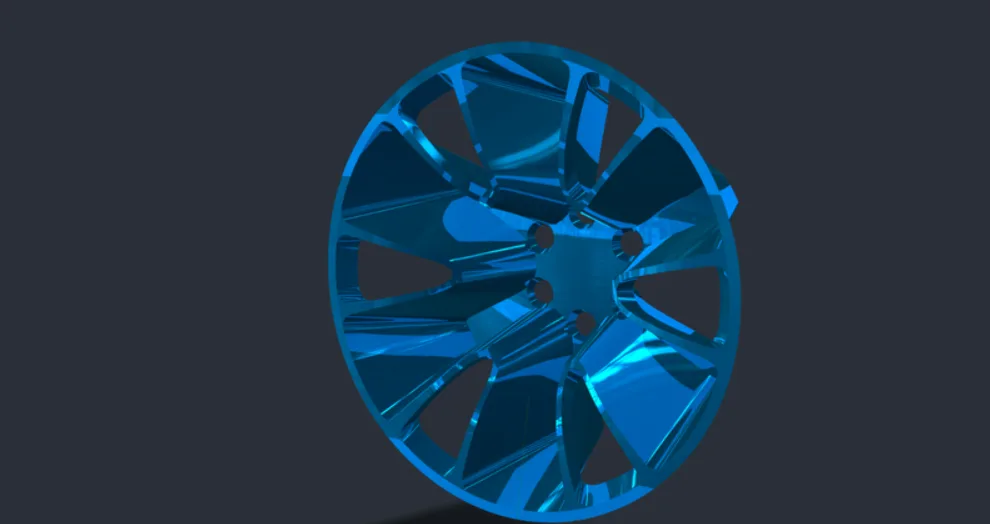
Concept Modelling of Alloy Wheels

Concept Modelling of Alloy Wheels

In this project, the students will model alloy wheels. They will be performing concept modelling of Class A surfaces for Alloy Wheels with the help of given blueprints in the inter…

Fee

One fee.
Everything included.

Become job ready with our comprehensive industry focused curriculum for freshers & early career professionals

Premium
₹40,000
Inclusive of all charges
  • 1 Year Access
  • Personalized Page
  • Live Individual & Group Sessions
  • Personalized & Hands-On
  • Job-Oriented Industry Relevant Curriculum
Check eligibility →
FAQ

Questions,
answered.

Who can take up this automotive mechanical engineering course?

Students and graduates with a technical background in mechanical engineering or automotive engineering can opt for this course.

Is this an online automotive engineering course?

Yes, this is a 100% online course.

What is Class A surfacing?

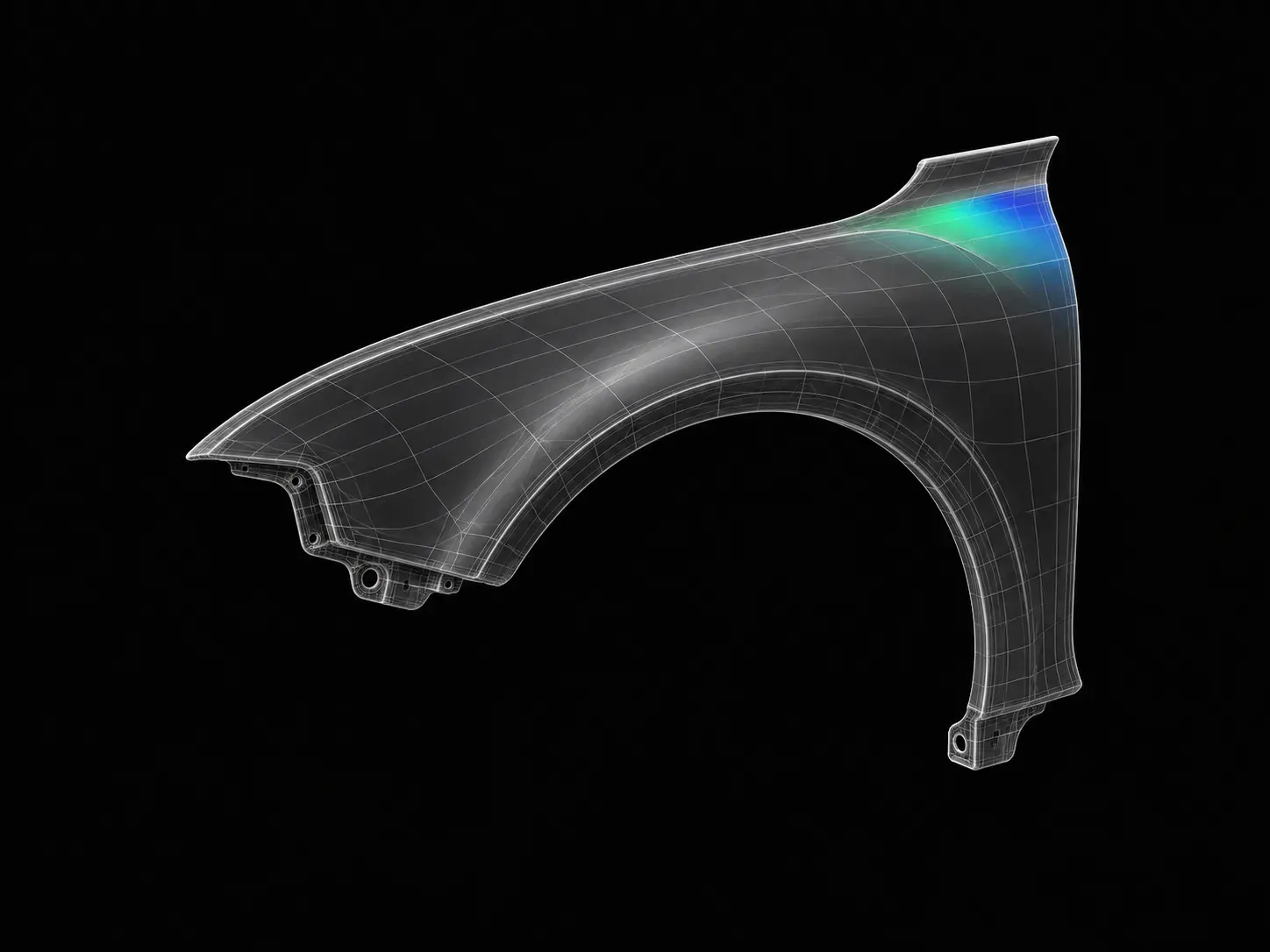
A part of design engineering where the emphasis is placed on creative aspects and involves the design of customer-facing parts of a product, like a fender or bumper of a car or the plastic case of a mobile phone.

What is the fee for this automotive online course?

The fee structure is flexible, and you can choose a plan that suits you. The basic plan would give you two months of access, the pro plan would give you four months of access, and the premium plan would give you lifetime access.

How much can a machine learning engineer earn?

According to Glassdoor, the average salary of an engineer with training in Class A surfacing can earn anywhere between 2,50,000 - 4,25,000 pa. After completing this course, you can also earn this average pay, and you can expect more once you become an experienced professional.

Is there any certificate for completing this automotive mechanical engineering course?

Yes, After completing this automotive engineering course, you shall be given a course completion certificate. The top 5% of the scorers will be given a merit certificate alongside the course completion certificate.

Is there any technical support available for the students in this automotive engineering course?

Yes, you can clear your queries with email and forum support.

Next step

Not sure it's
the right fit?

A counsellor will walk you through the syllabus, projects and fee options — and tell you honestly if another course suits you better.

Get the syllabus + a call back

We'll email the full syllabus and call within one working day.

By submitting you agree to our Terms and Privacy Policy.

Call usEnquire

Talk to a career counsellor

Free 20-minute call. We'll map the right course to where you want to work.

By submitting you agree to our Terms and Privacy Policy.