Week 8 - Challenge 5 - Core & Cavity Design
CORE AND CAVITY BLOCKS
INTRODUCTION
Core and Cavity blocks are used produced to plastic components. They are used in the molding process.
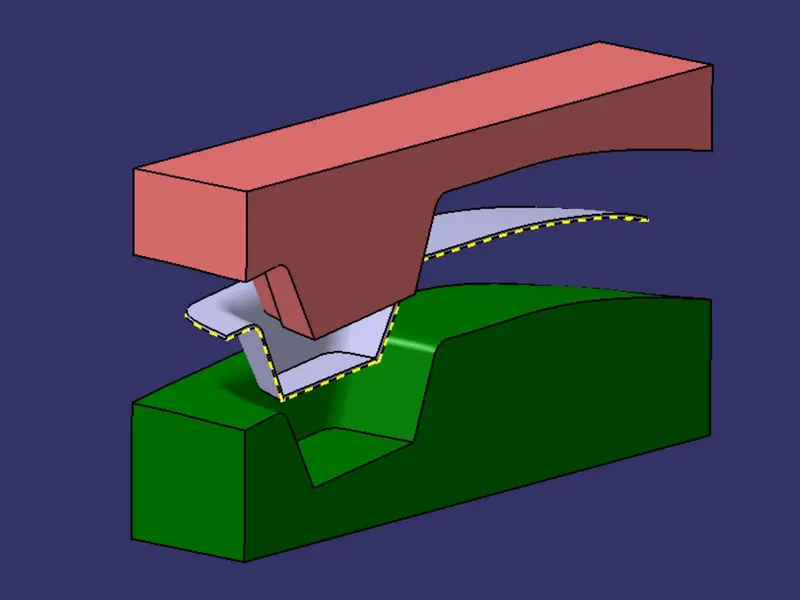
The core is the male part which forms the internal shape of molding. The cavity is the female part which forms external shape of molding. Core and cavity blocks are precast concrete block that contains a core or cavity.
OBJECTIVE
To create the core and cavity blocks for the switch bezel designed and also to creating a parting surface and parting line.
METHODOLOGY
First we locate the tooling axis of the component.
Then we decide which surfaces would be suitable for core and which for cavity, then according we will make the core and cavity mould with respect to the tooling axis.
This will also ensure that we get the parting line and parting surface.
DESCRIPTION
Core and Cavity Blocks-
The core is the male part which forms the internal shape of molding. The cavity is the female part which forms external shape of molding. Core and cavity blocks are precast concrete block that contains a core or cavity.
Parting line-
A 'parting line' is the line of separation on the plastic part where the two halves of the plastic injection mold meet.
Parting surface-
A parting surface is a surface that separates the mold block into two parts – the core and the cavity.
Tool Axis-
For creating the tooling axis we first visually inspect it and Z direction is better for tooling axis. Now to get a proper axis we first create a point on the base on the switch bezel and then insert sketch. We create another axis system on the point.
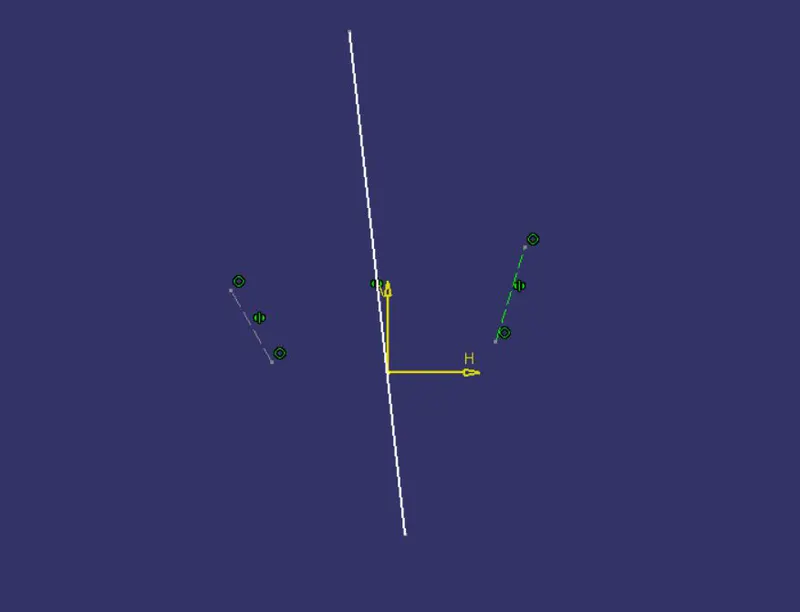
From the X direction we will use the intersection tool to intersect the class A surface and the YZ plane and then will create two lines which are almost parallel to the Z axis and then will bisect the two lines to get a mean line. This would be the axis along X direction.
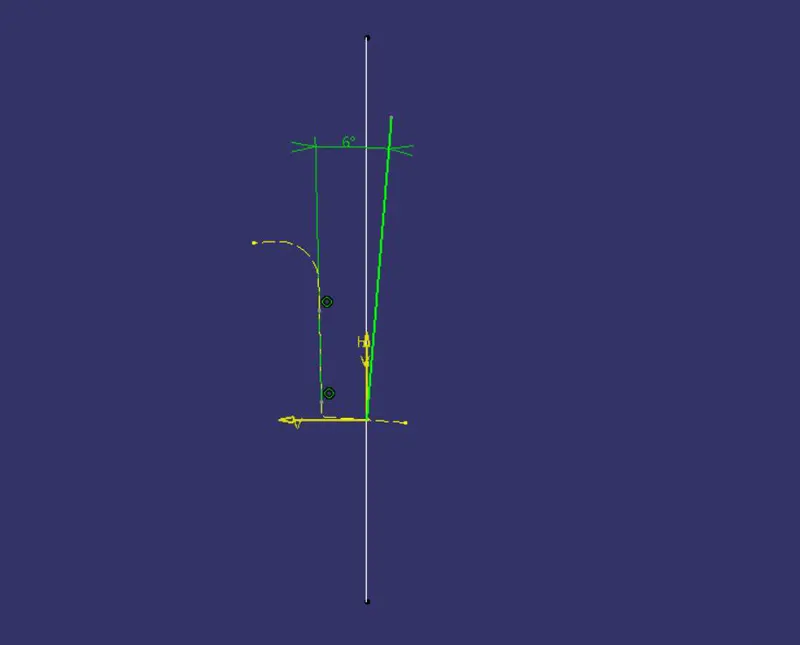
From the Y direction also we will use the intersection tool to intersect the class A surface and the ZX plane and since there is only one surface which is almost parallel to Z, we will create another line which will be at 6° from the other, since the minimum draft angle should be at least 3°. And that line would the axis along Y direction.
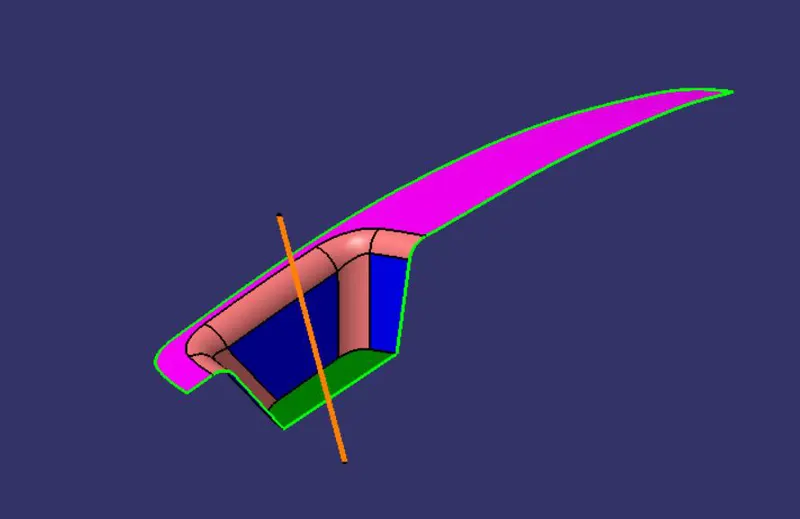
Then we will bisect both lines from the sketches and the mean line which we get is the tooling axis of the component.
Draft analysis of the component -
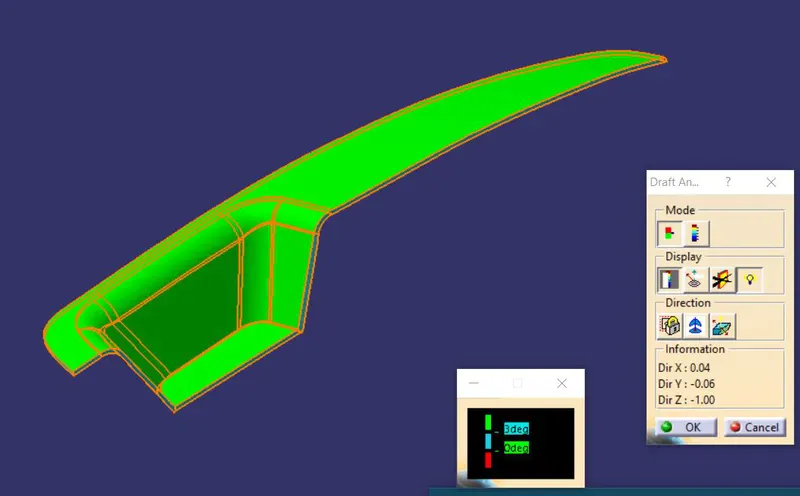
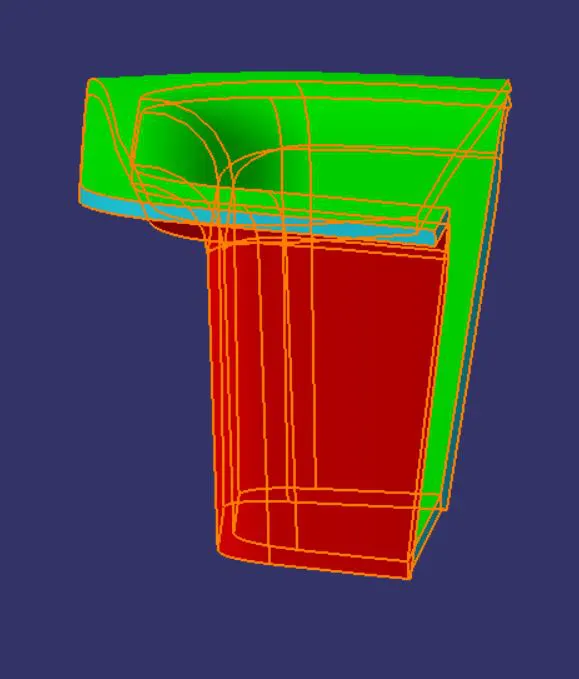
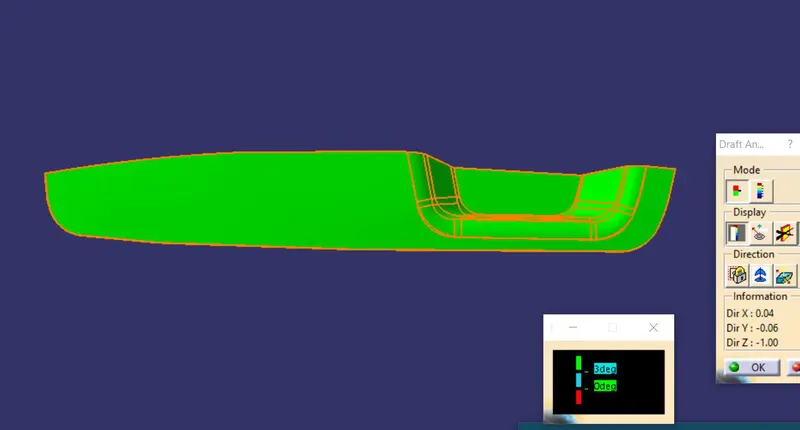
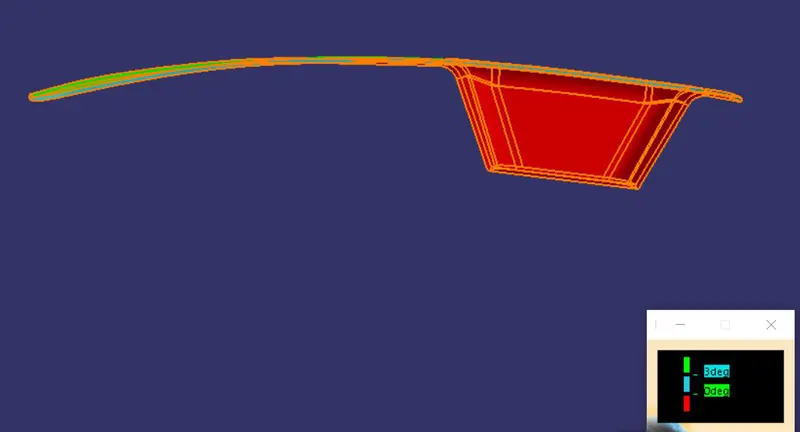
After creating a tool axis we do the draft analysis. Before drafting we have to make sure that in the view mode it is selected to the materials.
After selecting the feature draft analysis tool we drag the compass from its position to the tool axis. Then lock the compass. After that select anywhere on the component and it will give you the result.
We change the minimum draft for the component to 3°.
We can use the running point option to check the angle of the component.
We can even modify the colour according to our preference.
For the solid component also we will follow the same steps as we did for the class A surface.
Core and Cavity Block-
We take the switch bezel component for creating the core and cavity block.
The first thing we do is decide which surface of the component will go in the core block and which will go for the cavity block. Upon visually inspecting we come to the conclusion that the upper surface of the switch bezel i.e. the class A and the side surface which is the class C will go for the core block.
Core block-
We first use to extrapolate tool to extend the outer surface of the Class A surface. Then we use the Class C surface and trim it with the class A surface. We unhide the B surface too and then trim it with the remaining surface.
This surface which we get will be the parting surface with the component area.
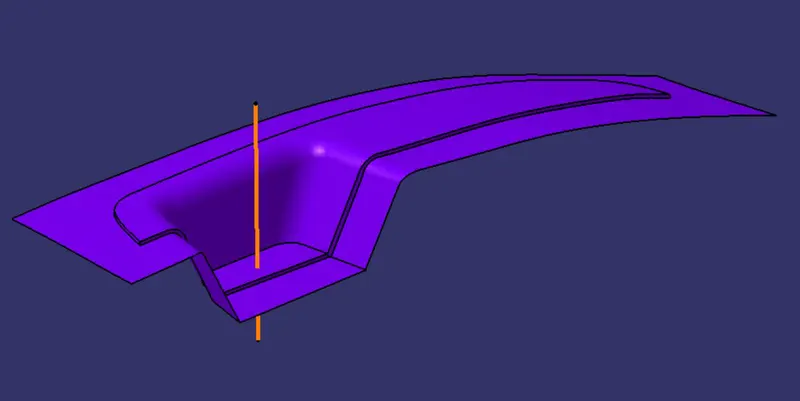
Then on the XY plane we draw a rectangle accordingly in which the main surface should fit to make a block. Then we extrude the surface on both the direction with respect to the tooling axis. Then trim the extruded surface with the previous surface.
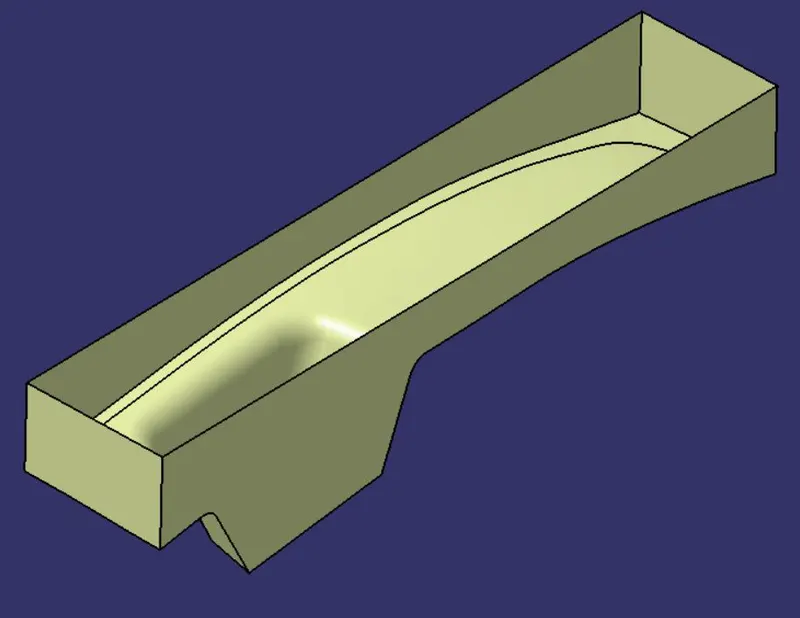
Close the other end of the surface using fill and then join all the surfaces which will give us the closed surface.
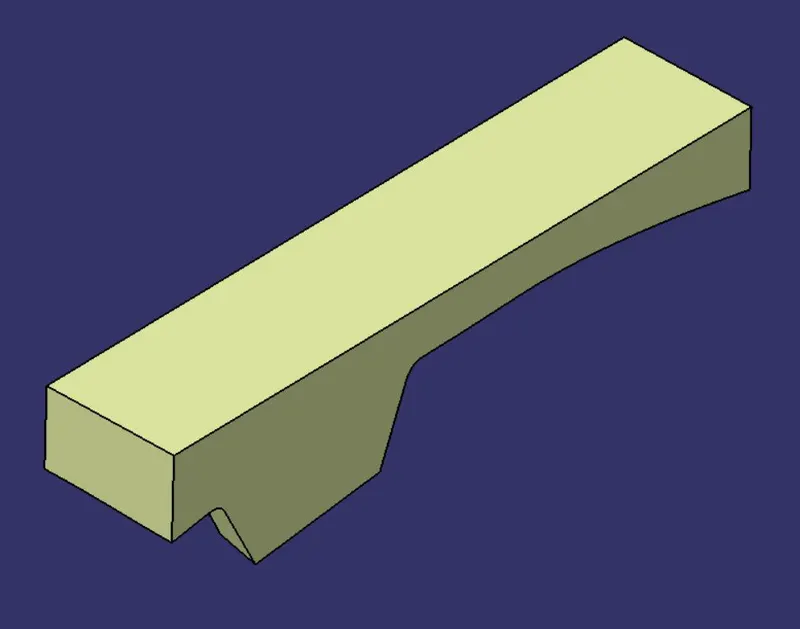
And then in the part body workbench use the closed surface tool to make a solid component.
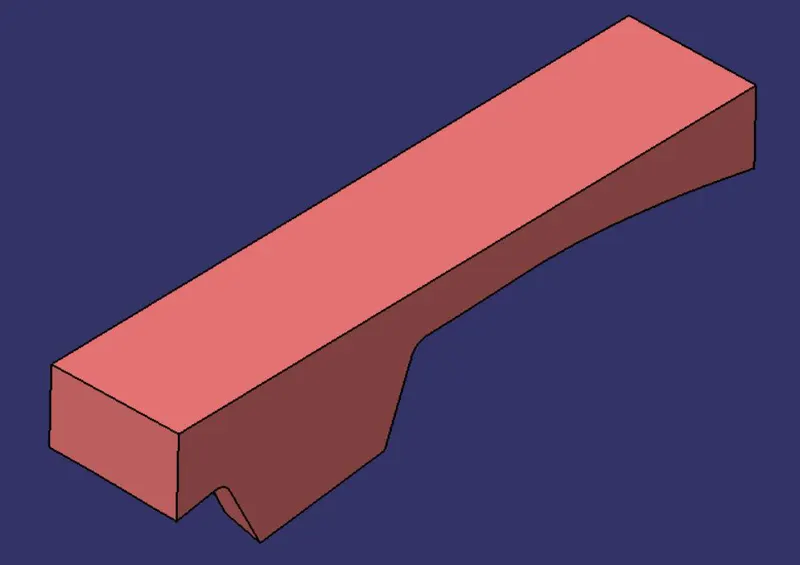
This will be the core block of the component.
We check if everything is proper using the intersection tool. We intersect the YZ plane with the component, the core block and the parting surface.
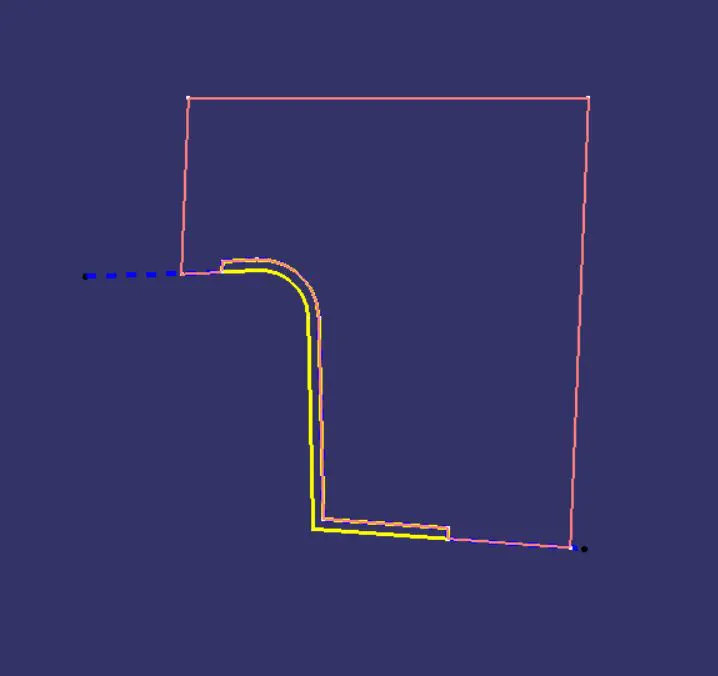
Cavity block-
With the sketch made before will again extrude it with the tooling axis and then trim it with the B surface and then close the other end of the block using fill option. Then we join all the surface to form a closed surface.
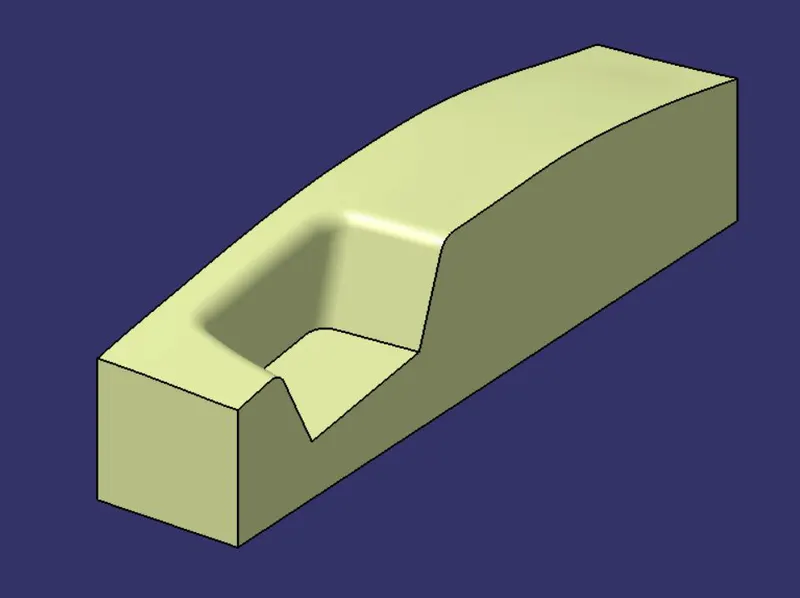
Then in the part body workbench use the closed surface tool to make a solid component.
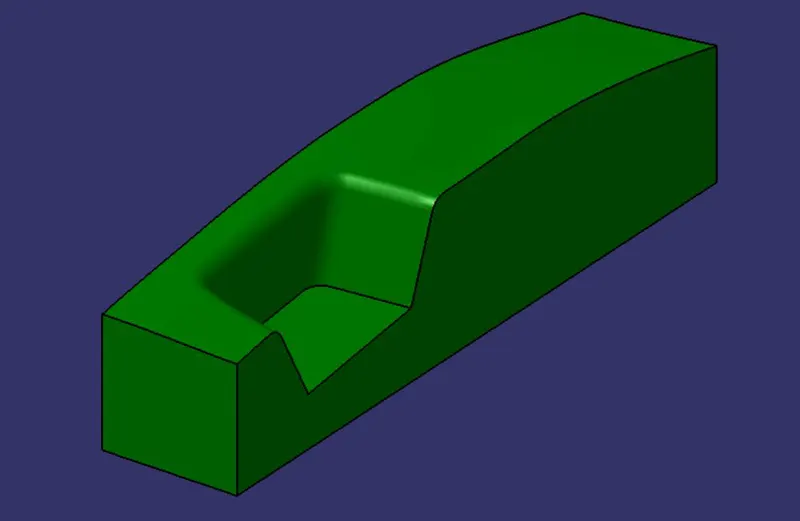
This will be the Cavity block of the component.
We can again check if everything is proper using the intersection tool. We intersect the YZ plane with the component, core and cavity block and the parting surface.
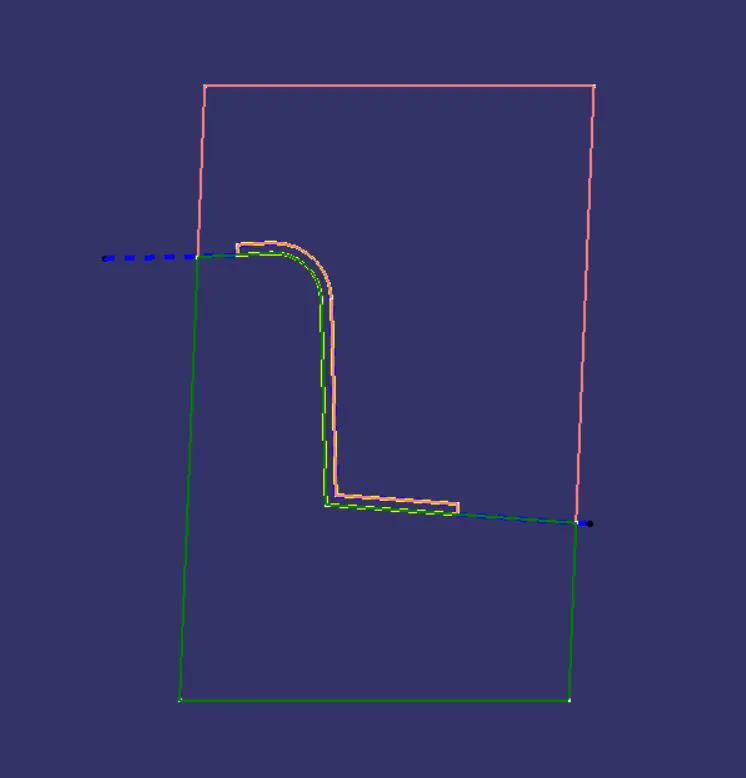
Parting line-
The parting line lower edge of the component since that is the region which separates the two blocks. To get the parting line we intersect the class B surface with the class A and C trim surface. The intersection line which we get is the parting line.

Parting surface-
The surface which separates the two block is called the parting surface. We get the parting surface when we use the split command and split the parting surface with component area with the parting line and what we get is parting surface.
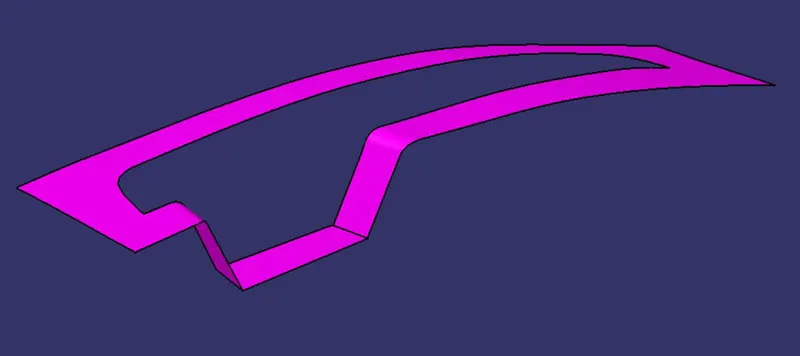
Then to show the blocks properly we use the translate tool to move the core and cavity block upwards and downwards respectively with respect to the tooling axis.
CONCLUSION
With the help of this project we got to learn about creating the core and cavity bocks and creating parting surface and parting line for the given component.