Week 1: Channel flow simulation using CONVERGE CFD
Aim: To set up channel flow simulation in converge studio in three different mesh sizes 1) 2e-4 2) 1.5e-4 3) 1e-4 and analyze the results
Procedure:
- To Create geometry:
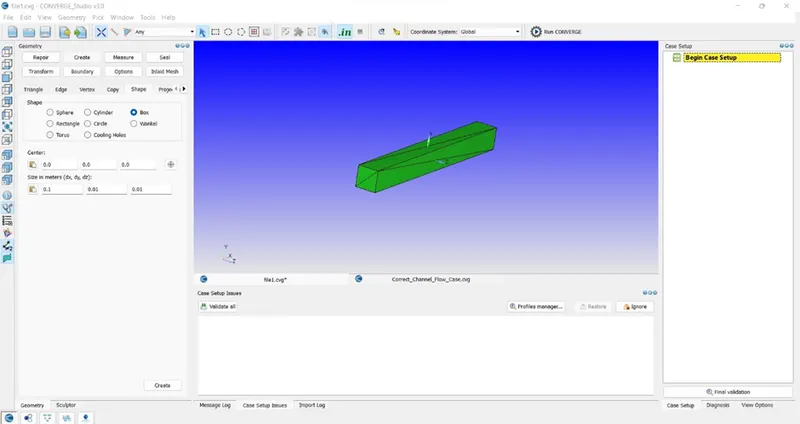
- Open converge studio to start a new project. Create geometry using Create>Shape>Box specify the dimensions and position of the box.
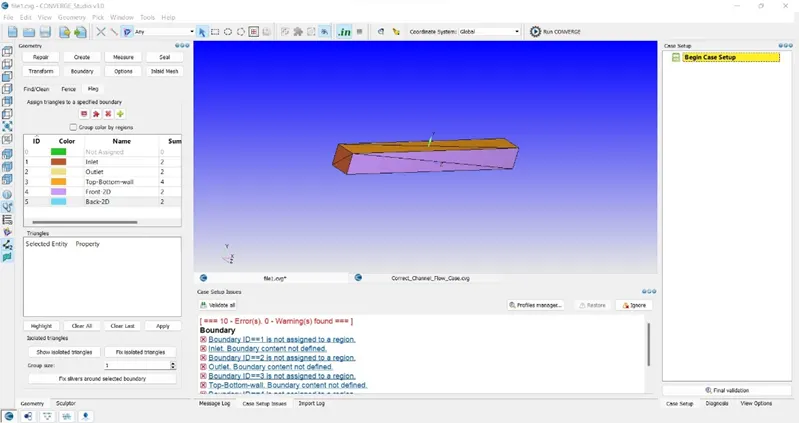
- To assign boundaries to the geometry click on the Boundary click + to add boundaries assign the boundaries to faces as inlet, outlet, top-bottom-wall, front2D, back2D. After selecting and entering the boundary name click apply to assign the boundary to that face.
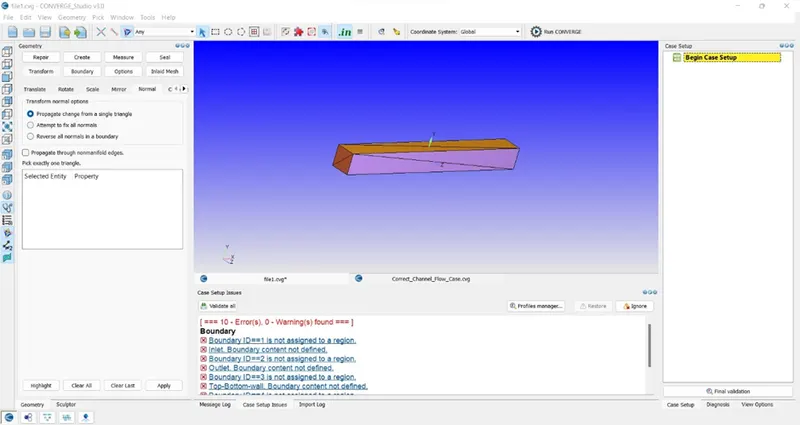
3. Flip the orientation of normal of the triangles pointing inside the box as fluid will be flowing through the box. Click Transform>Normal propagate change from a single triangle. Select one of the triangles from the geometry and click apply.
- Case Set up:
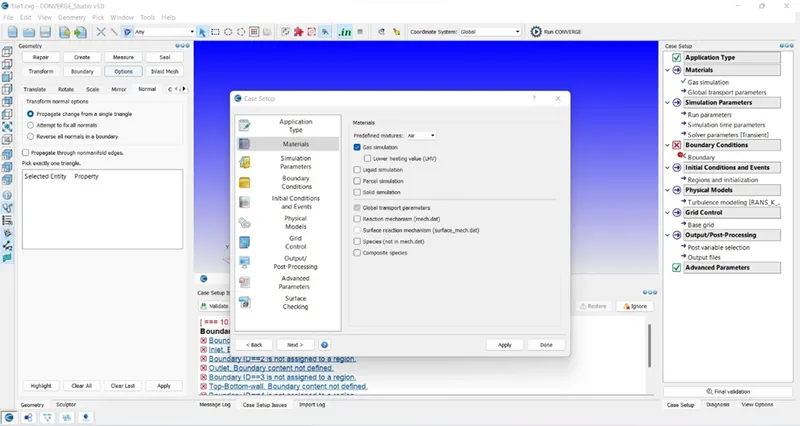
- Click on the begin case set up to start case set up select application type as time-based. Select material for the simulation select predefined mixture as air and uncheck reaction mechanism as we are setting simple channel flow so there will not be any reaction.
2. Do not change the global transport parameter. Use a steady-state solver for the simulation in misc. uncheck used shared memory and check steady state monitor.
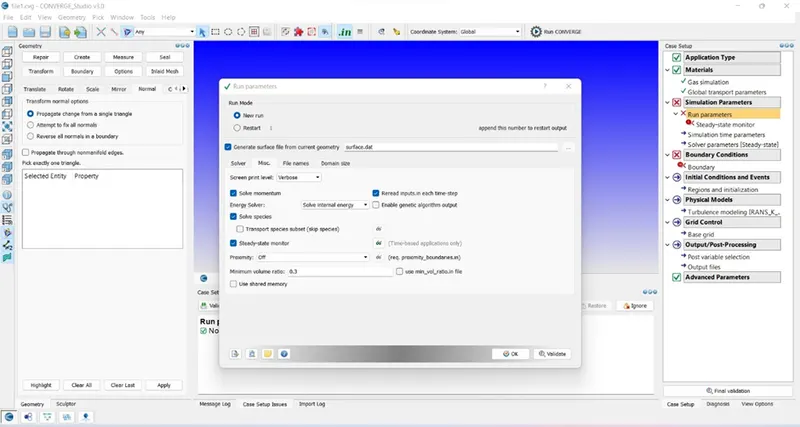
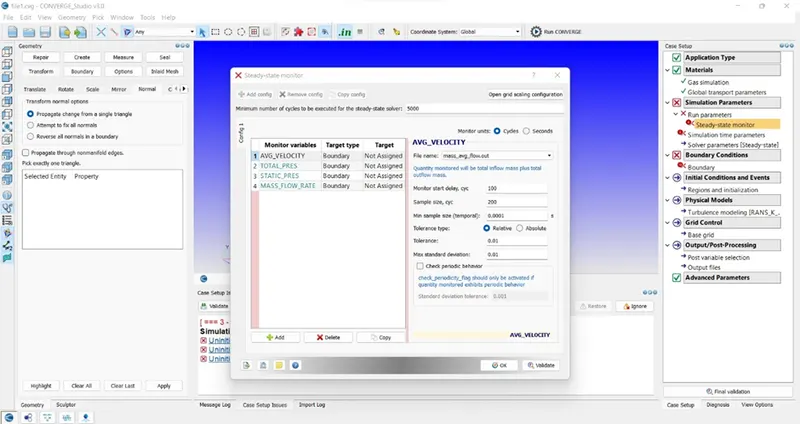
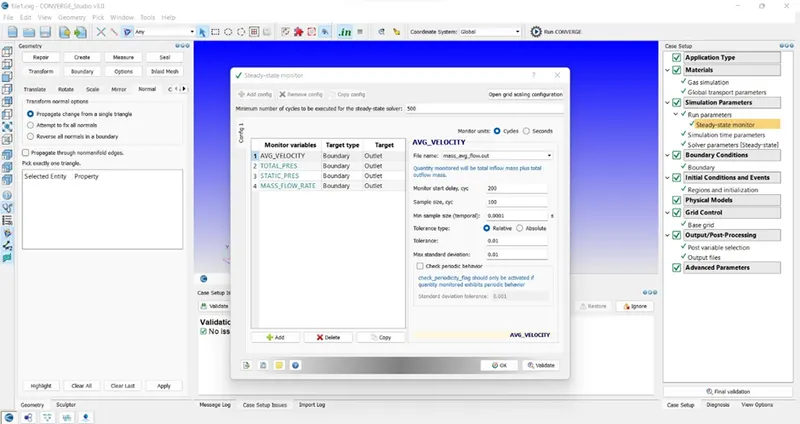
3. In steady state monitor select monitor variables according to requirement and select target type as a boundary. Enter the minimum number of cycles to be executed to be 5000 so the simulation can run until 5000 cycles even if the solution are converged before that.
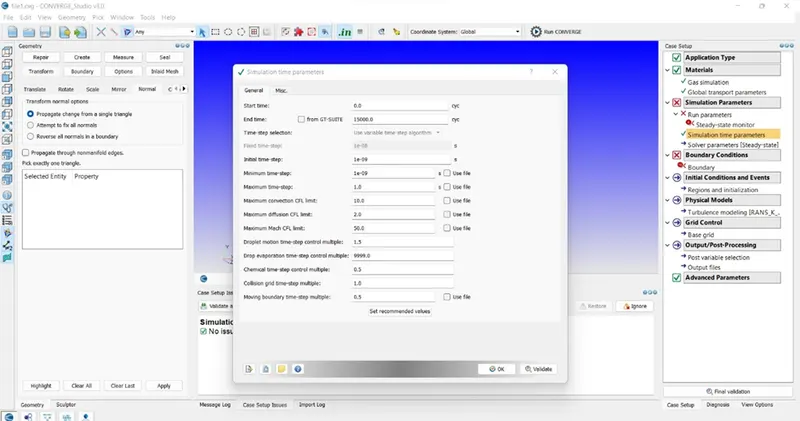
4. In simulation time parameters enter values of simulation start time 0 cycles and end time to be 15000. Initial and minimum time step to be 1e-9sec and maximum time step to be 1 sec.
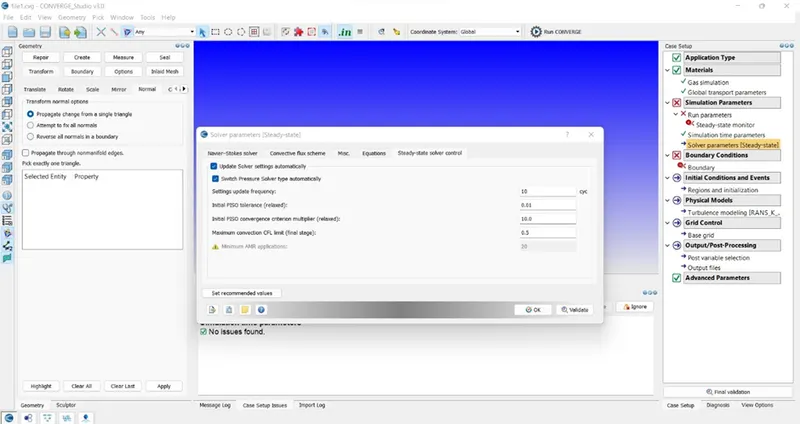
5. In solver parameters select solver type as density based solver and under equation tab in pressure select preconditioner as none instead of SOR and in steady state solver control enter value of maximum convection CFL limit to be 0.5 instead of 10.
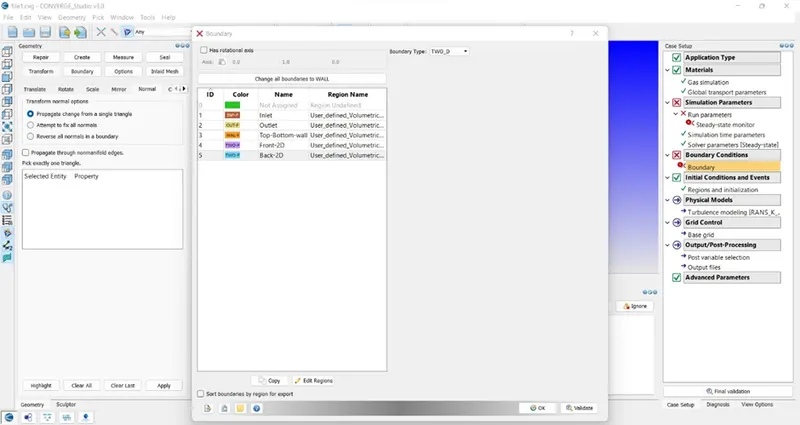
6. In boundary assign boundaries to the inlet, outlet, and walls as
Inlet – Inflow P=100001Pa T=300K
Outlet -Outflow P=100000Pa T=300K
Top-Bottom-Walls – Wall
Front-2D, Back-2D -TWO_D
Click on edit regions to add a region
6. In physical modeling uncheck turbulence modelling.
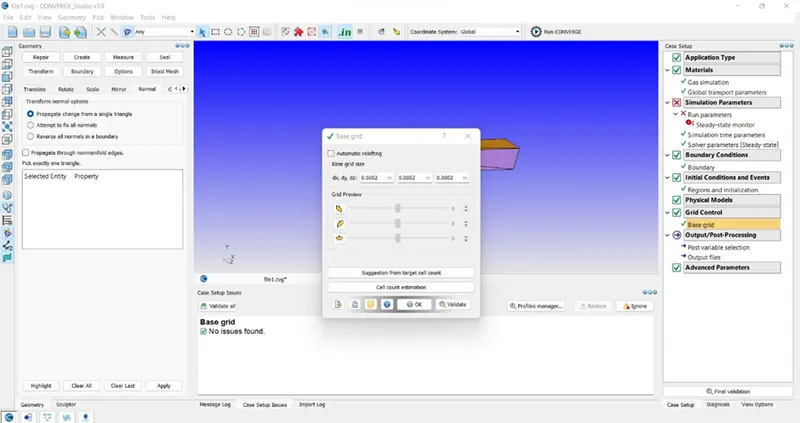
7. In base grid enter size of grid to be 2e-4 for x, y, z direction.
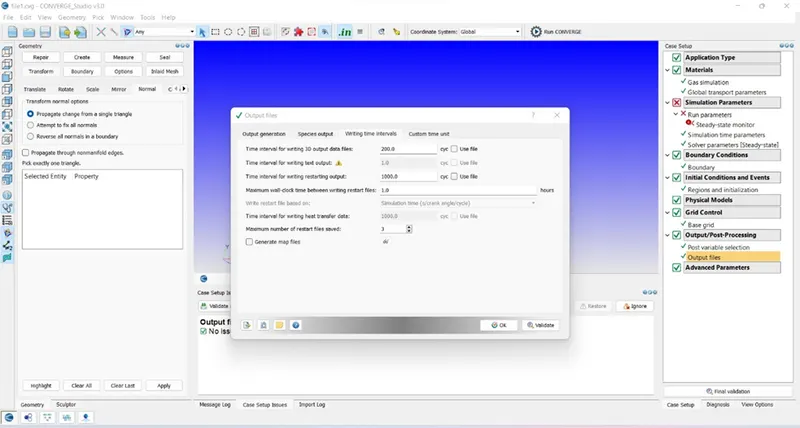
8. In output files time interval of writing output 3D files to be 200 cycles, so the solver will dump output file after every 200 cycles.
9. In steady state solver monitor select target to be output.
10. In materials check on species an add species O2and N2.
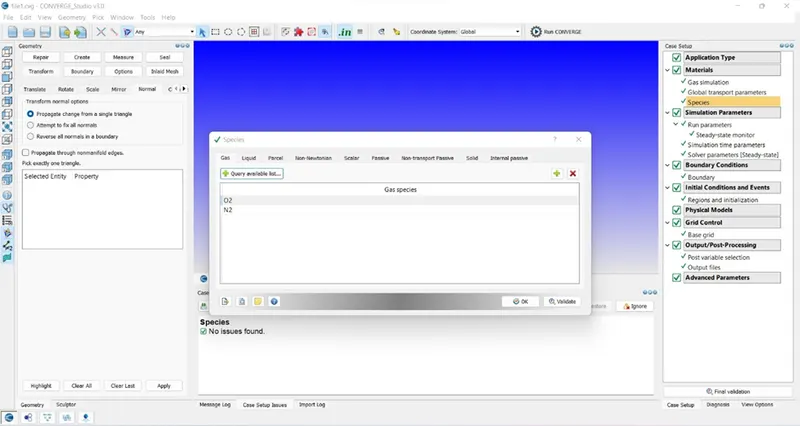
11.After completion of the case set up click on final validation to check for errors.
12.Export input files for processing in Cygwin.
- Processing input files:
- Copy and paste licence.lic and mpiexec.exe file in the folder of input files
- Open Cygwin browse to input files folder
- Enter the following commands
mpiexec.exe -n 6 “C:\Program Files\Convergent_Science\CONVERGE\3.0.16\bin\intelmpi\converge.exe” restricted
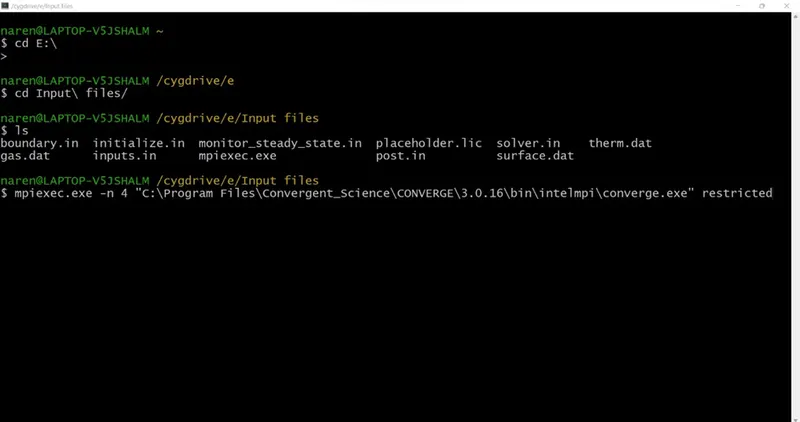
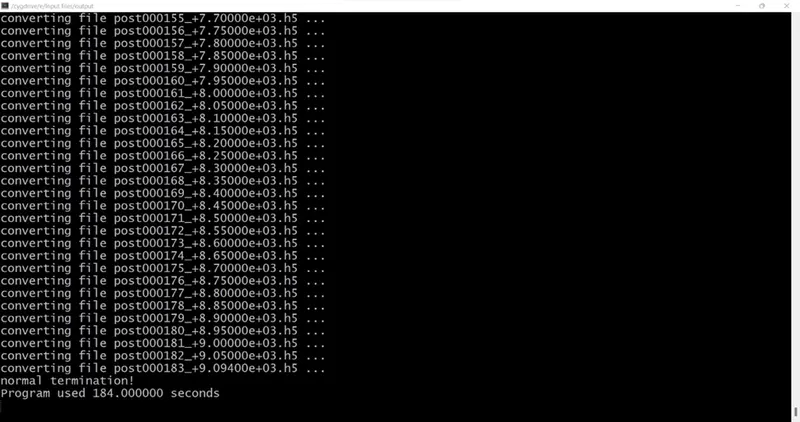
3. After completion of the process
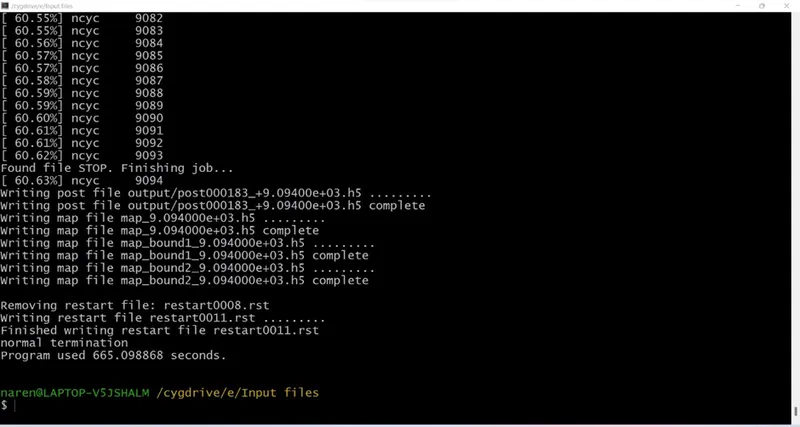
5. Copy and paste post_convert file in output folder.
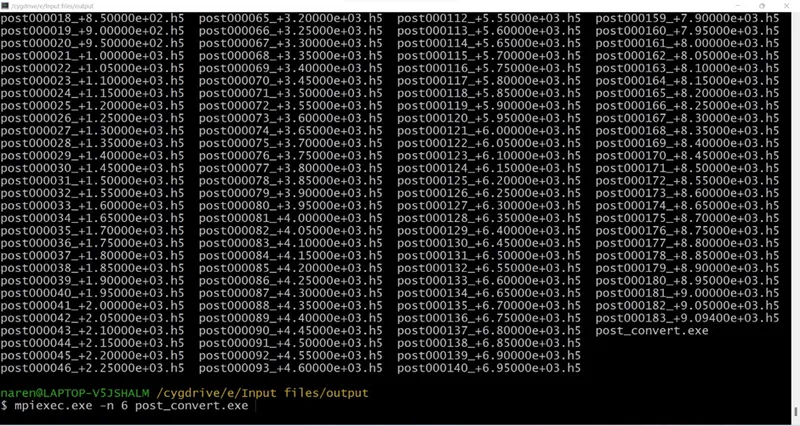
6. Enter Name for the case selection
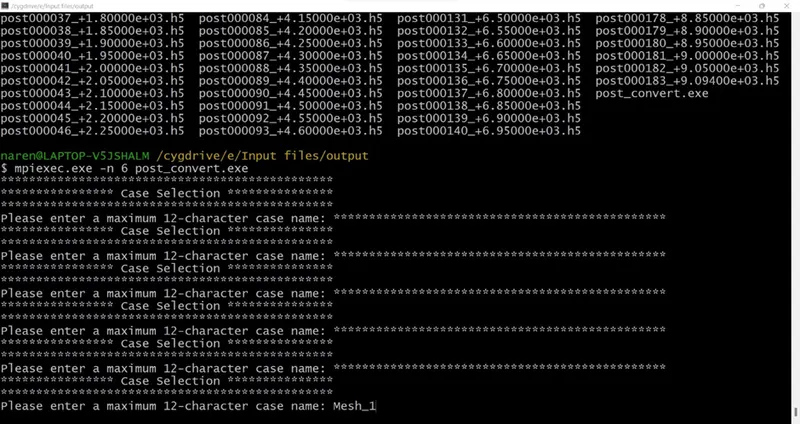
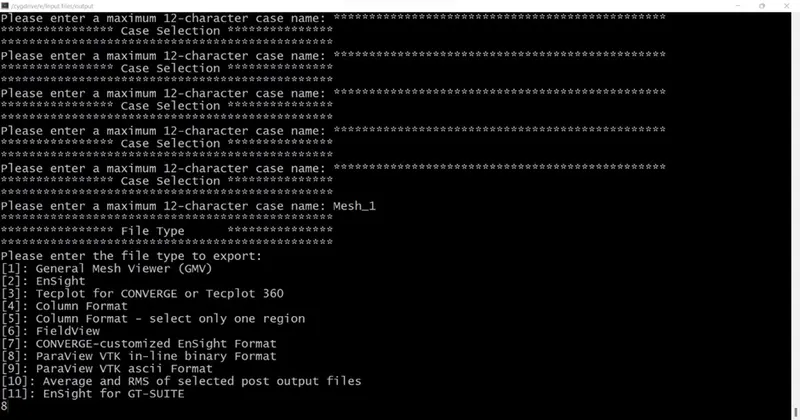
7. Enter file type to export as Paraview VTK in-line binary format
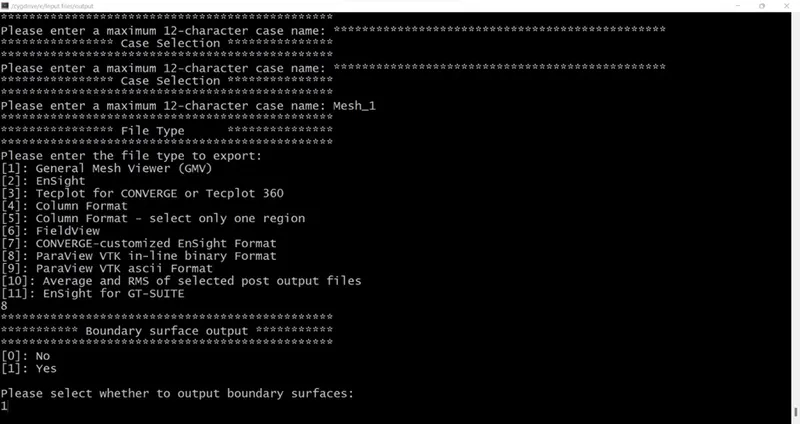
8. Select yes to put boundary surface output
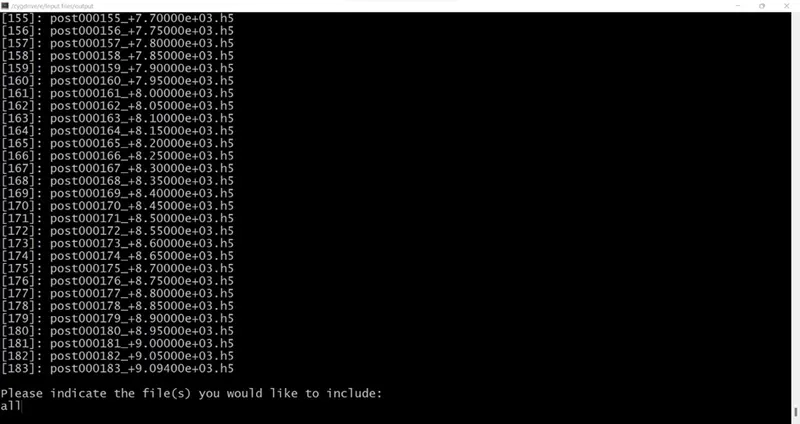
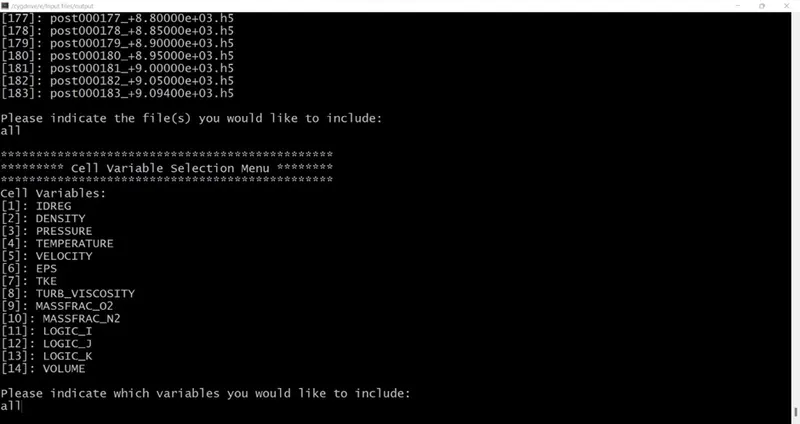
9. Include all file for post processing.
10. Include all cell variables
- Post-processing:
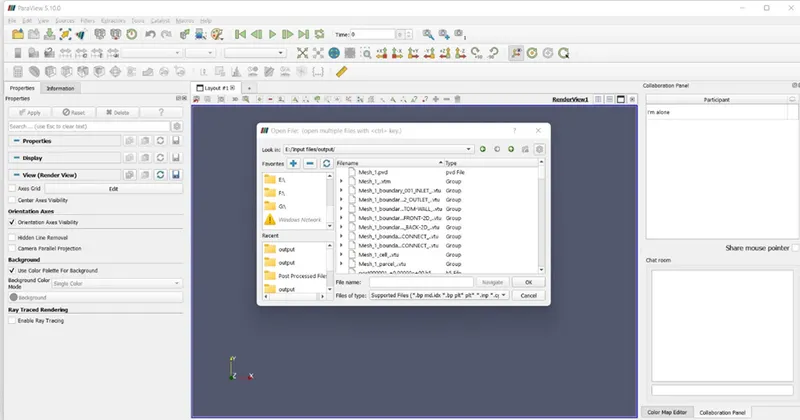
- Open Paraview for post processing and open folder named output and open file with extension .vtm and click apply.
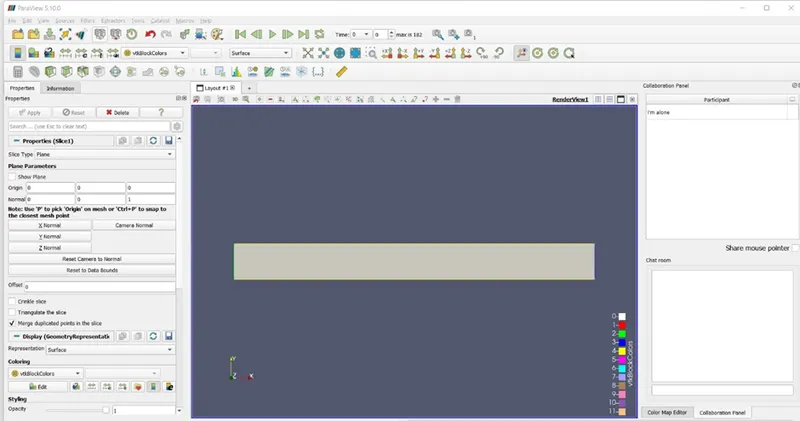
2. Click on slice and along Z normal uncheck triangulate slice and show plane
3. Select velocity click play and check on visibility change
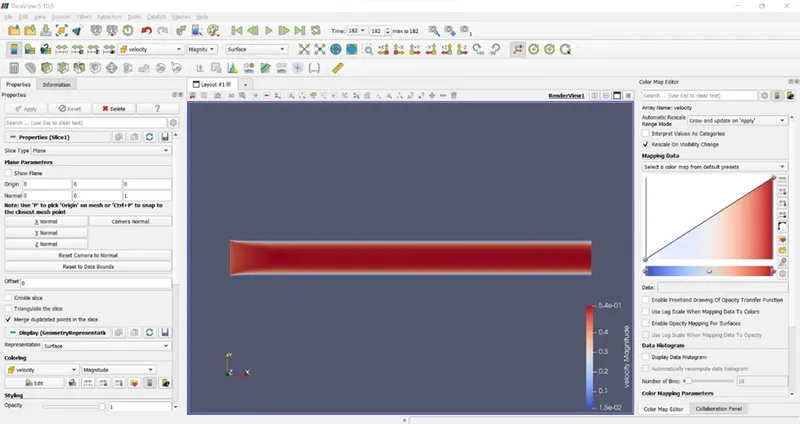
Result:
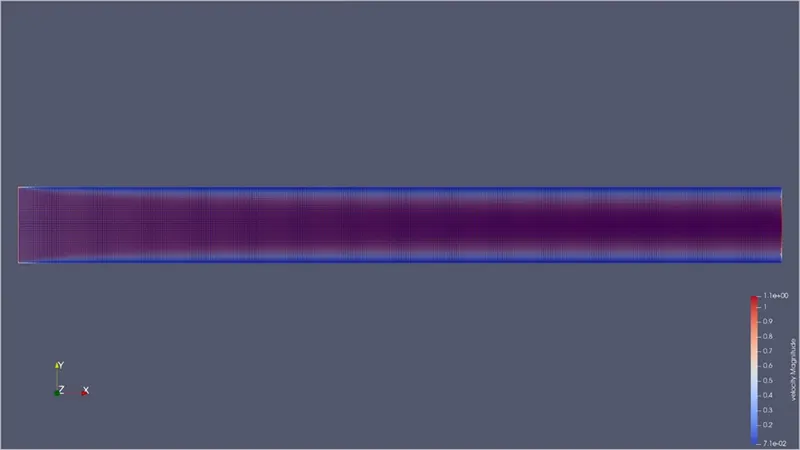
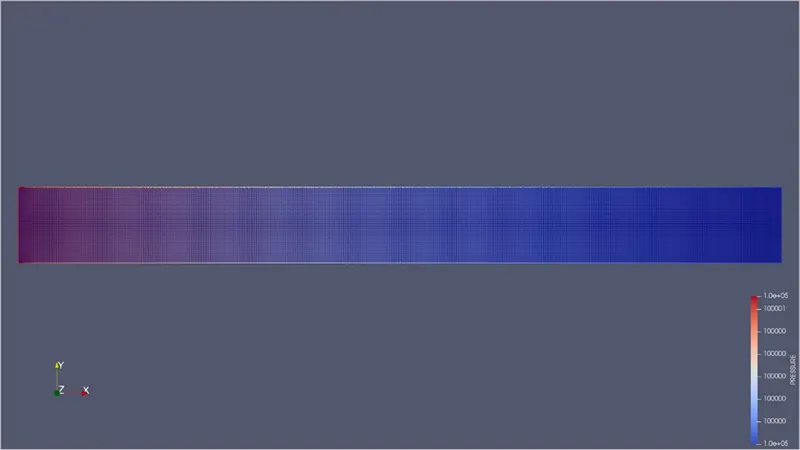
- Mesh1 dx=2e-4m dy=2e-4m dz=2e-4m
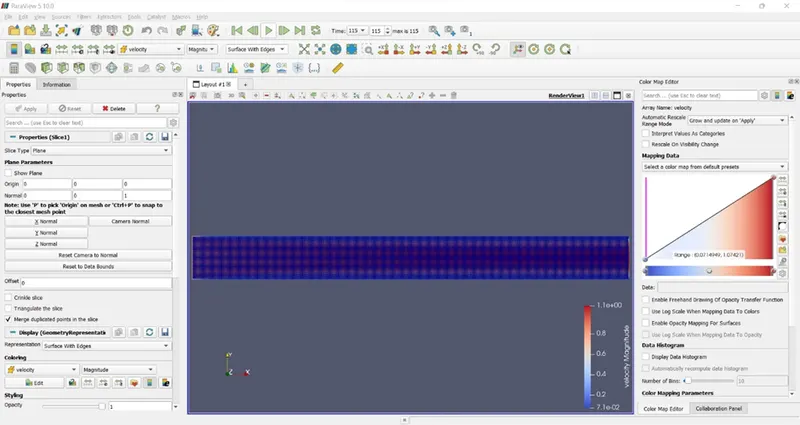
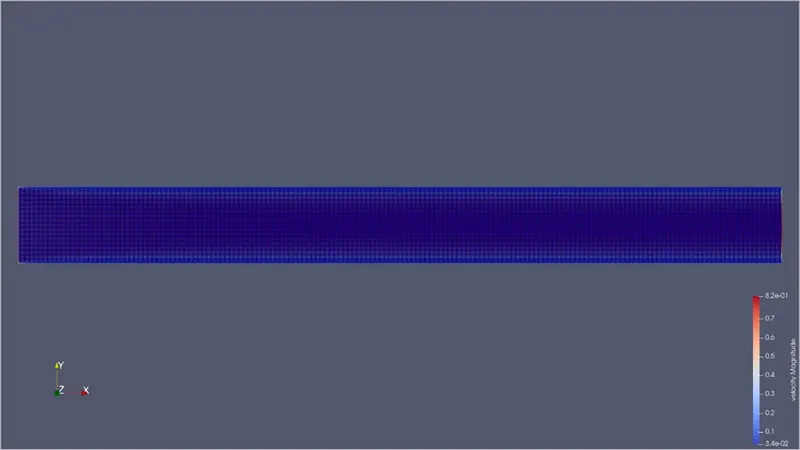
Velocity Contour :
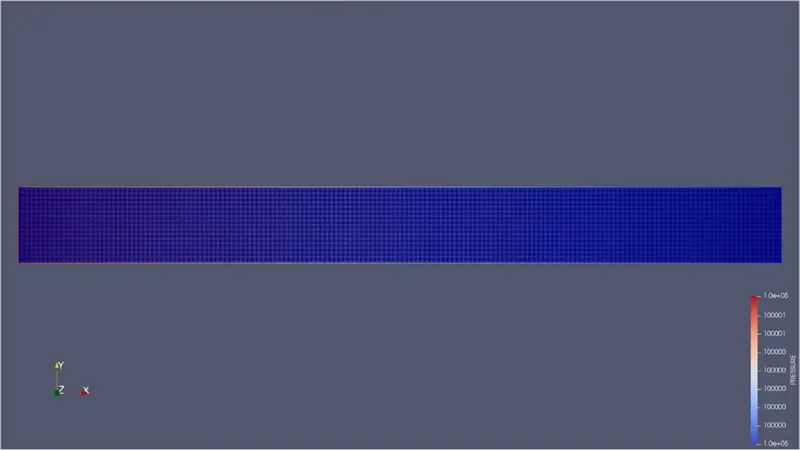
Pressure Contour:
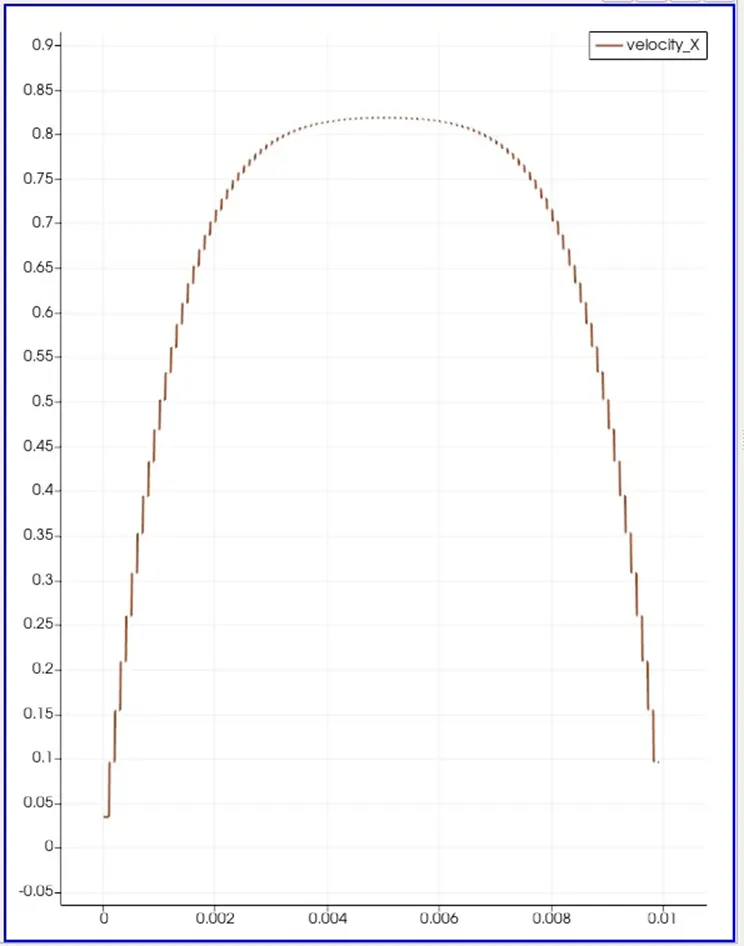
Velocity Profile :
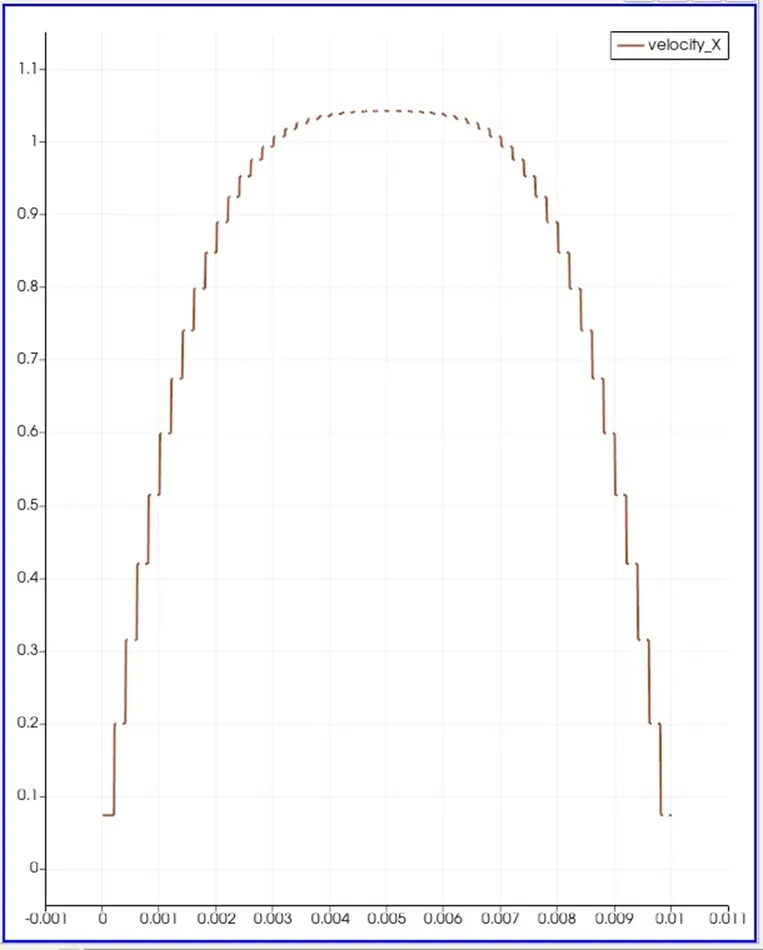
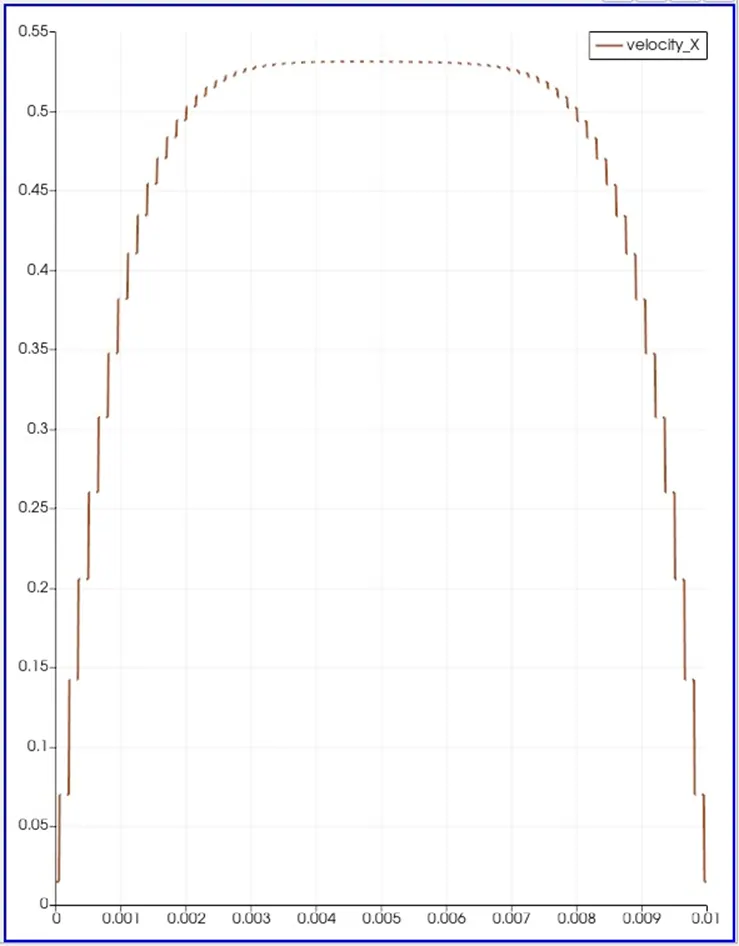
Velocity profile is parabolic , at the walls the due to friction velocity of the fluid is zero as we move towards the center of channel velocity is maximum
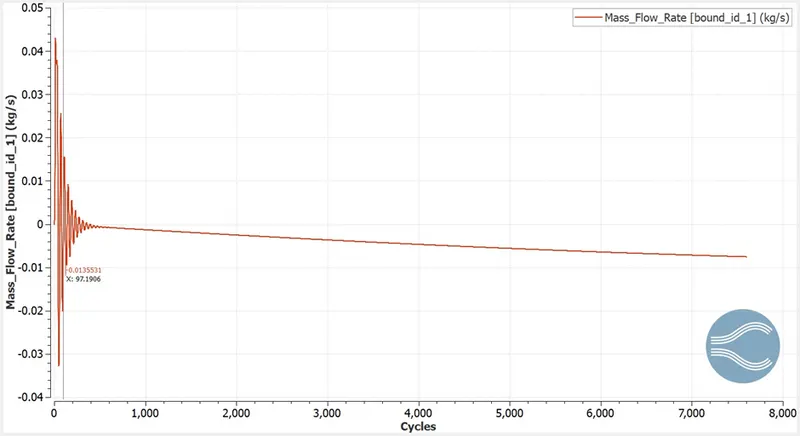
Mass Flow Rate:
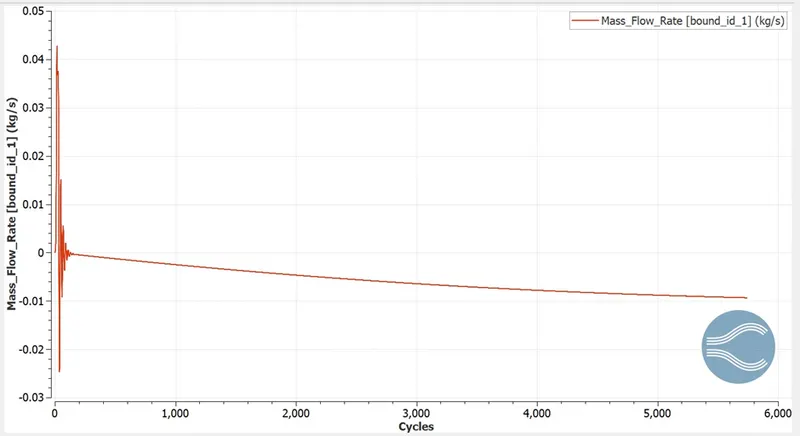
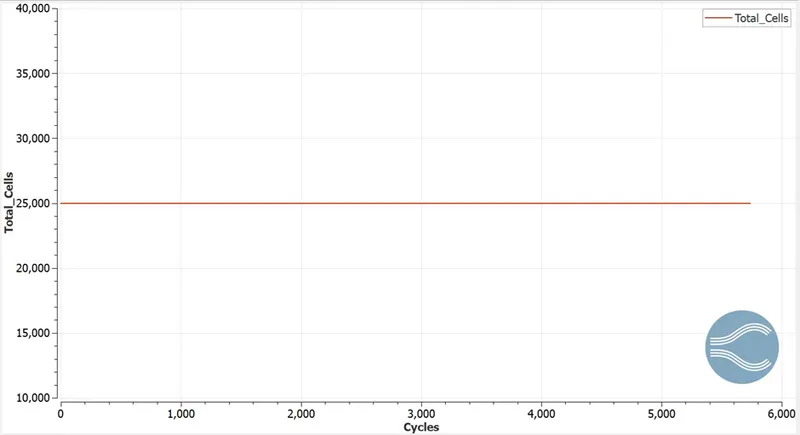
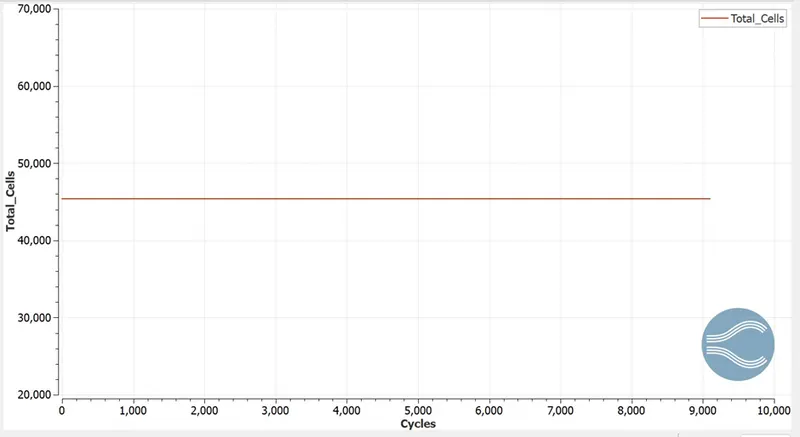
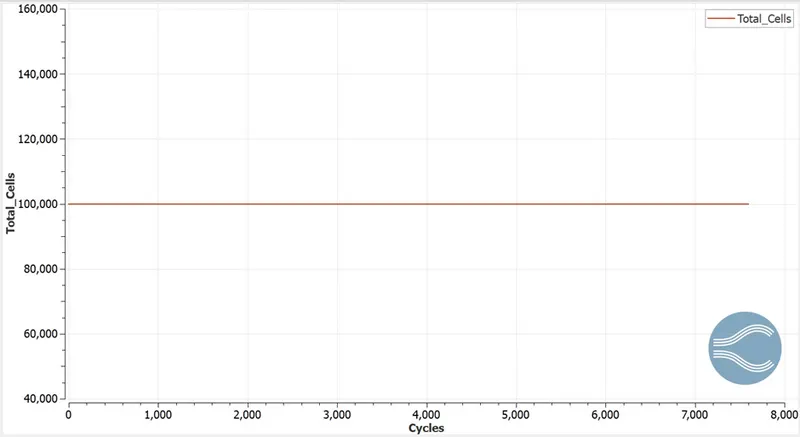
Total cell count:
- Mesh2 dx=1.5e-4m dy=1.5e-4m dz=1e-4m
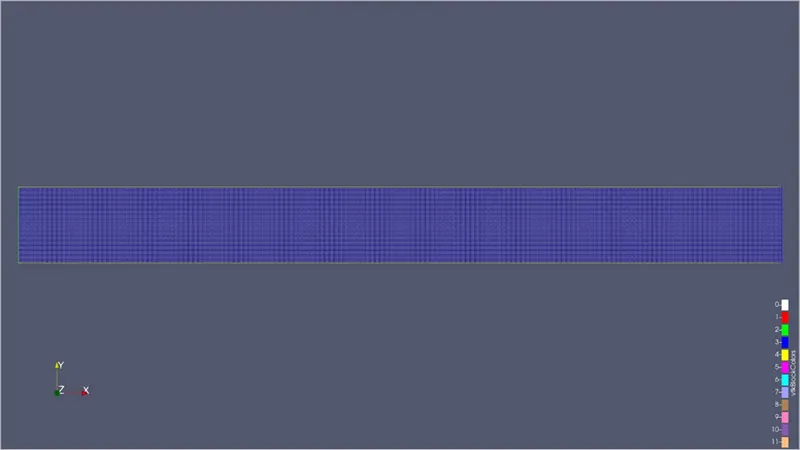
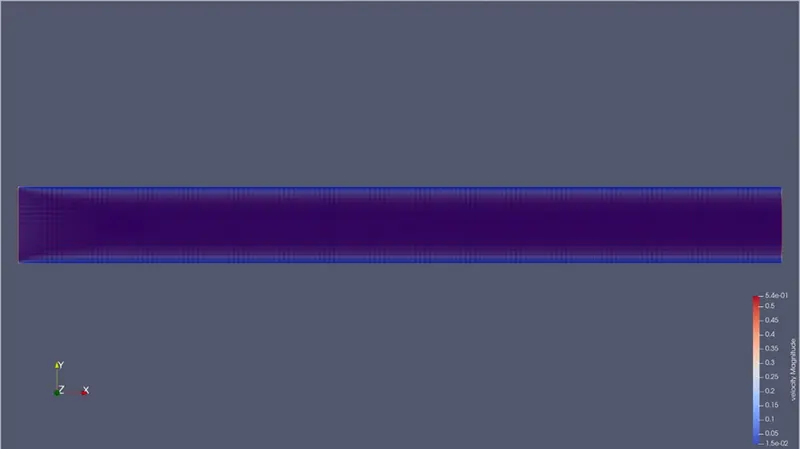
Velocity Contour:
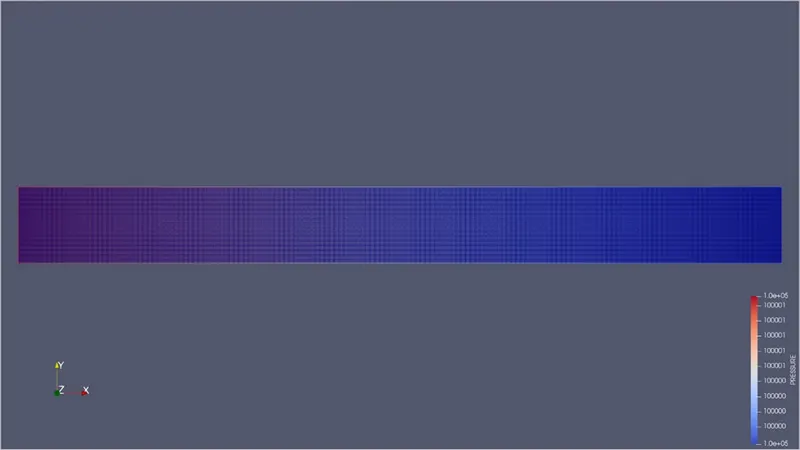
Pressure Contour:
Velocity Profile:
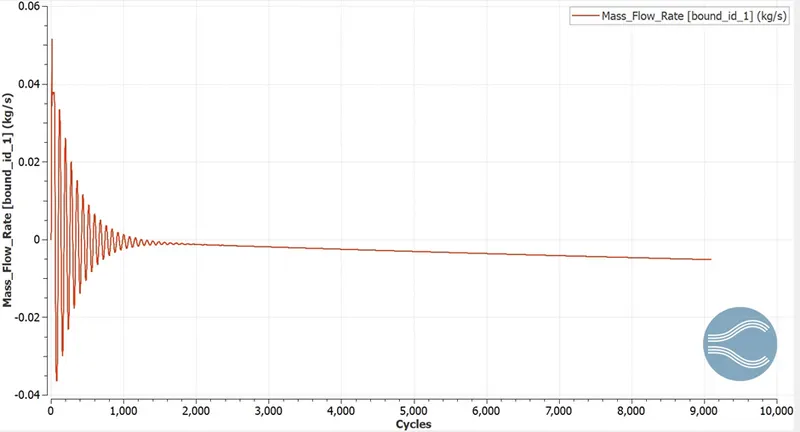
Mass Flow Rate:
Total Cell Count:
- dx=1e-4m dy=1em-4 dz= 1e-4m
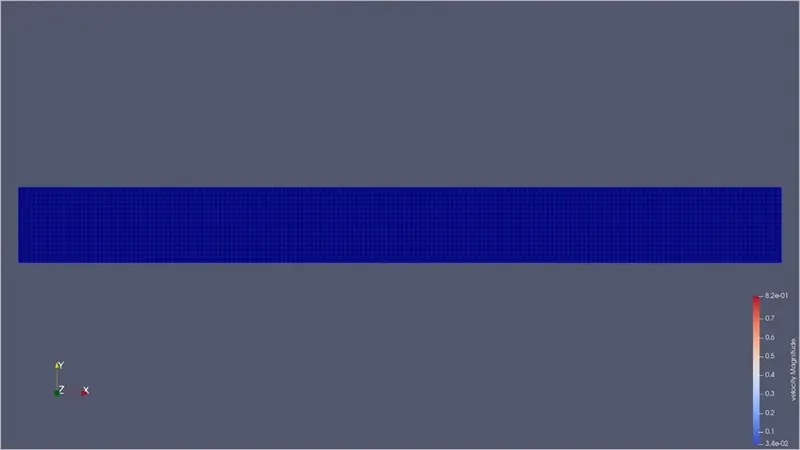
Velocity contour:
Pressure Contour:
Velocity Profile:
Mass Flow Rate:
Total cell count:
Youtube Video Link: