DESIGN OF YATCH AND PHOTOREALISTIC RENDERING
OBJECTIVE
- This is a project of yacht design. And I believe by working on a complex design such as a yacht I can learn more techniques and methodology which can help to improve my tool skill on the surface and solid modeling.
INTRODUCTION
- It is about designing a product I guess all are familiar with a design it is about making a virtual product by using the software.
It is more important in the modern production method. Via designing a product, we can give an aesthetic property, we can do a simulation and analysis of the product. There are more benefits.
- Peoples have their own dream to do something in their life for me it is always designing a product which helps people to do their work.
For making those kinds of products I should have a relevant skill set and experience in order to succeed.
- I believe working on a real-time product will help me to understand how it is going to be done. Especially designing a crucial product like a yacht. At this time we are going to working on an attractive seaway product that is nothing else but a yacht. By using Solidworks 2020.
- In this project, we are going to focusing on surface modeling rather than a solid model.
In the end, I believe I will have good exposure to solid and surface modeling. So, let’s dive in.
DESIGN APPROACH/ METHODOLOGY
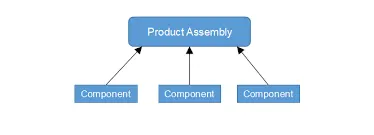
- Here again, we are going to use a bottom-up approach to design our product.
bottom-up approach
- Bottom-up approaches are all about designing a part first after successful completion then these all parts are assembled in the assembly layout.
- Parts are assembled with each other by using matting conditions. Here we are using surfaces for most of the parts. This is how we are going to design a product.
process flow direction
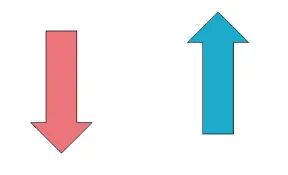
Top-down bottom up
FLOW DIAGRAM
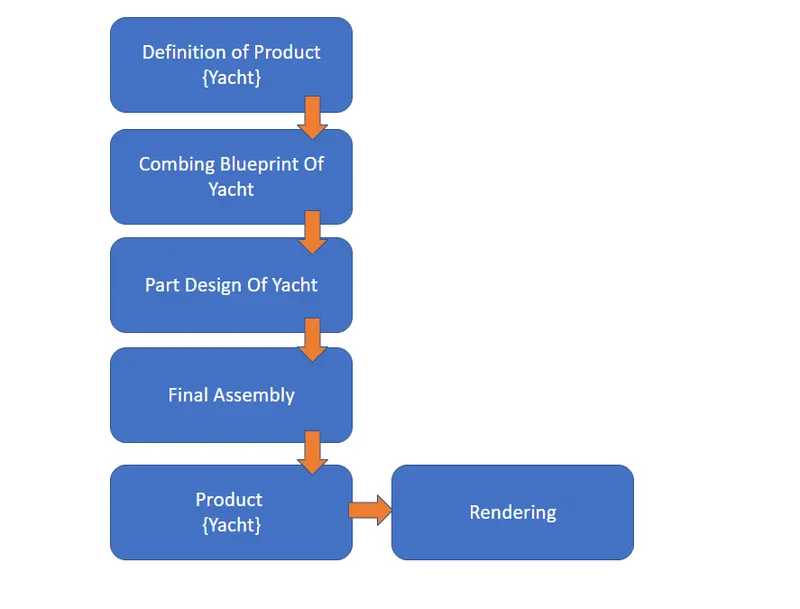
Definition Of Product
Here our product will be a yacht. in the first section, we will be considering the dimension and basic outlook of the yacht. in my case, I downloaded the blueprint of the yacht provided to me. these are the primary details to get started to design the yacht.
Combining Blueprint Of Yacht
We just got different views of the yacht blueprints. now it is time to arrange front, back, top, bottom, and side views into the SOLIDWORKS interface by using the insert sketch command. this method will help us to design our products effectively.
Part Design
Our project which is the yacht has so many smaller parts. with all together it will be called a yacht. parts like radar,superstructure, hull, propeller, and a lot. in the part design section we will design each part one by one.
Final Assembly
This is a final phase where all the parts of the yacht are assembled using different constrained commands at the end of this section we will have our final yacht.
Product
Finally, our product which is the yacht is ready to add aesthetic to look good.
Rendering
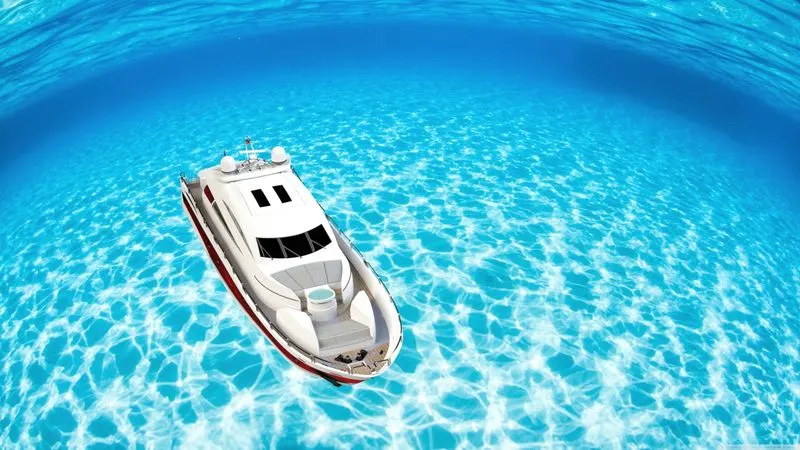
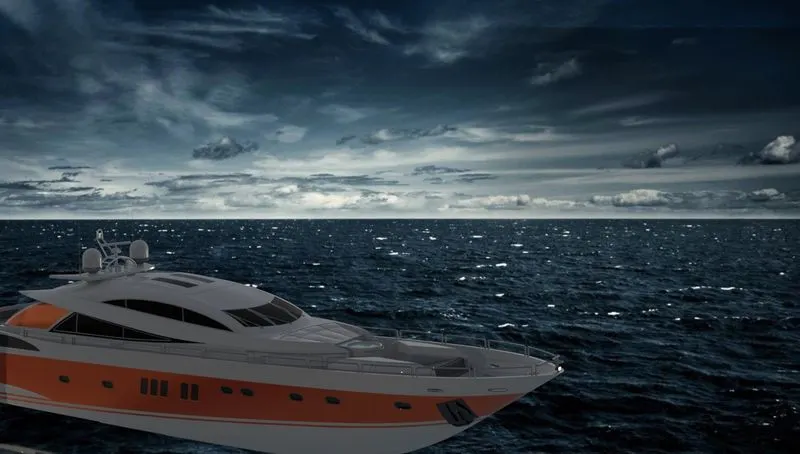
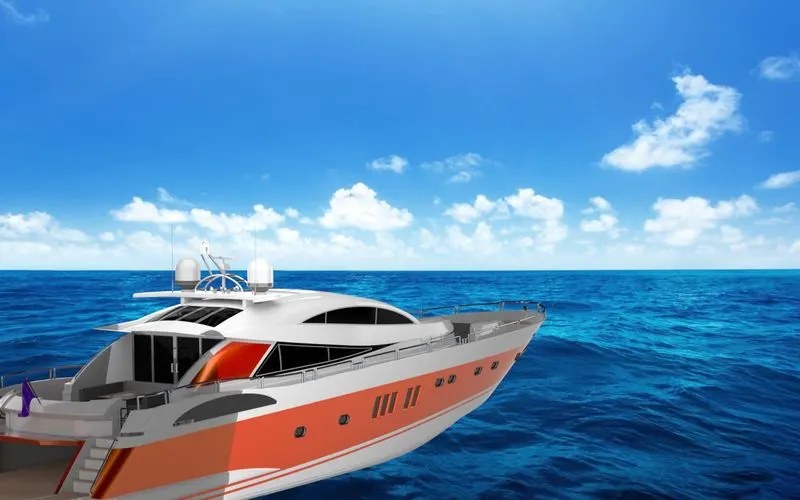
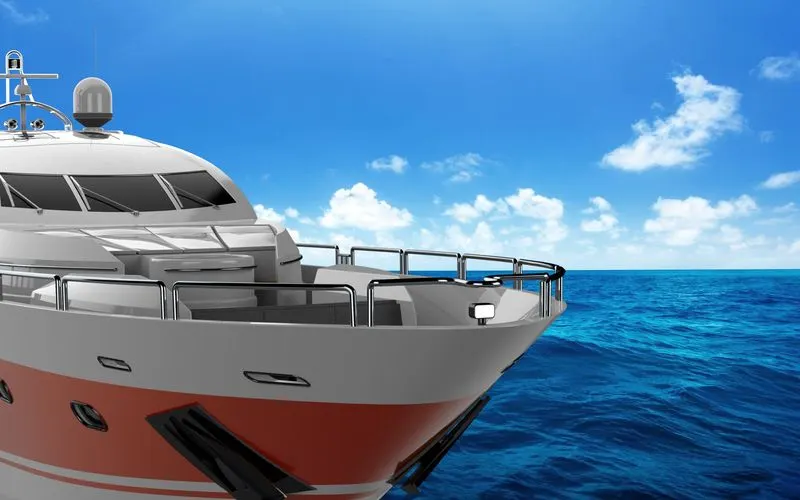
This is the additional section rendering which means basically creating a photorealistic view of the yacht. technically Solidworks assembly file into an image file. I used Solidworks visualize to do a rendering.
- These are the steps that I literally followed for designing a yacht let's take a look into a part description. now take a look at the part and assembly description. in the below section I'm going to share which is what are the tools and features that I have used to design a yacht.
PART DESCRIPTION
NAME OF THE PARTS
1.Radar
2.Propeller
3.Blueprint
4.Radarmast
5.Hull
6.Front seat
7.Middle seat
8.Rear seat
9.garage door
10.Superstructure
- These are the top ten parts that are attached to become a complete yacht in the further we will discuss a description of each part individually.
BASIC SURFACE TOOLS DETAILS
1. TRIM SURFACE
the trim surface used to trim a surface part by selecting a trim tool. the trim tool can be a line or a surface but it should be intersecting with a surface that we intend to cut.
2. KNIT SURFACE
the knit surface used to merge surface bodies together just like a combine option in solid feature.
3. SWEPT SURFACE
The swept surface gives you the tools to drag a given profile along a path to create a shape. we can use guide curves if we want.
4. LOFT SURFACE
Loft Surfaces are surfaces generated by multiple 3D Curves or existing edges creating a smooth tangency between the selected curves. Match Points are created between each selection denoting the orientation and path of the loft surface.
5. FILLED SURFACE
The Filled Surface feature constructs a surface patch with any number of sides, within a boundary defined by existing model edges, sketches, or curves, including composite curves. You can use this feature to construct a surface to fill a gap in a model.
6. SURFACE OFFSET
Offset surface command is used to offset a surface or face. Selecting a surface to offset will generate an IntelliShape offset surface that is defined by the originating surface.
these are some surface tools frequently used in surface design.
1.RADAR
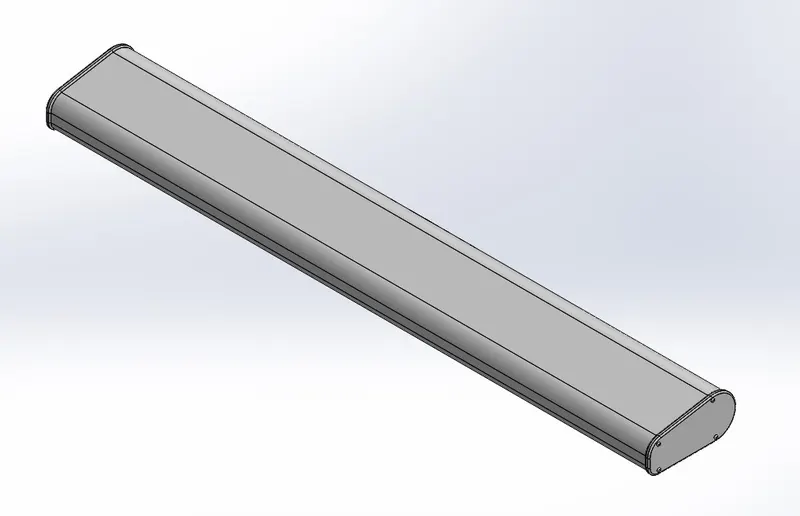
TOOLS AND FEATURE USED
- Line
- Rectangle
- Extrude base
- Extrude cut
- Fillet
- Sketch tool
- Mirror
2.PROPELLER
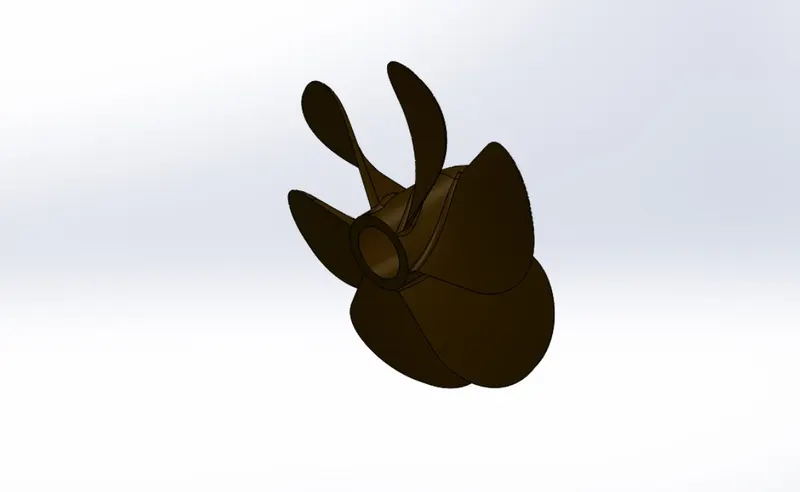
TOOLS AND FEATURE USED
- Circle
- Line
- Spline
- Fillet
- Revolved
- Extrude base
- Extrude cut
- Circular pattern
3.BLUEPRINT
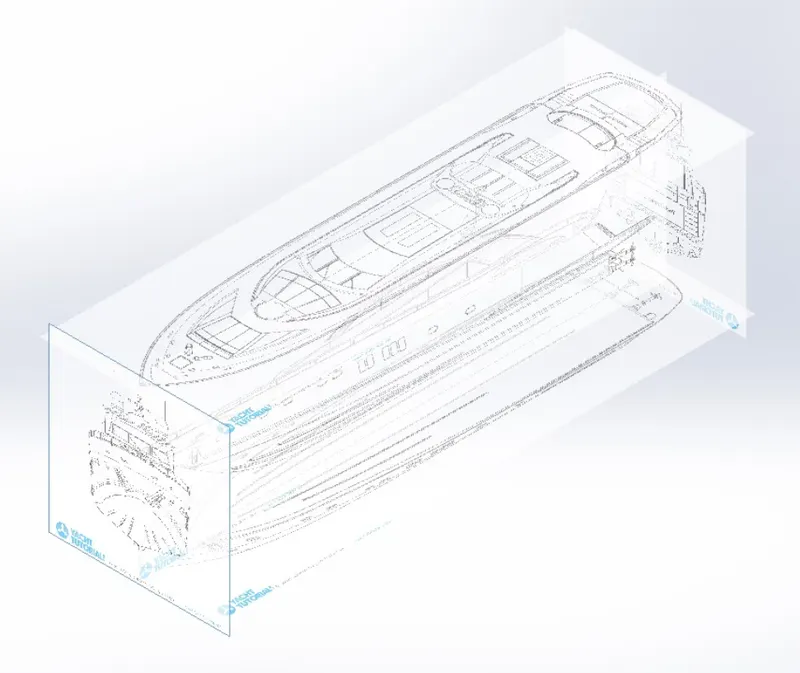
Here we have set up a blueprint of the yacht by applying some values of scale set.
4.RADARMAST
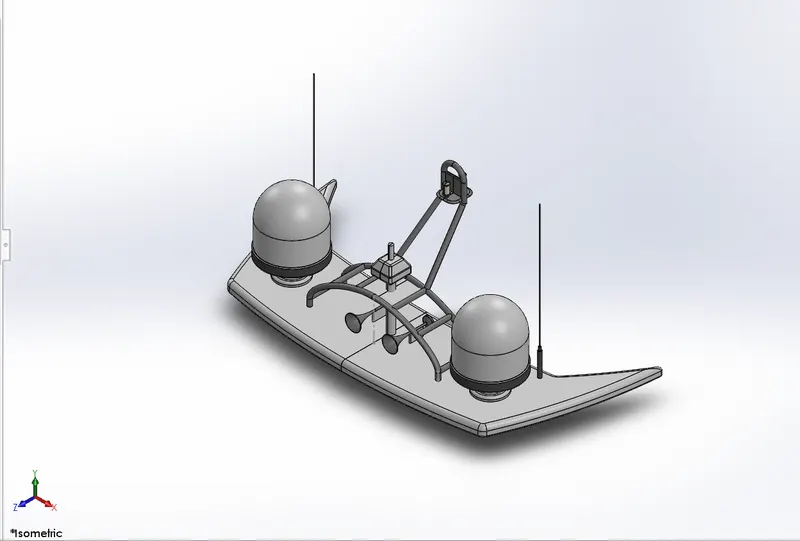
TOOLS AND FEATURE USED
- Line
- Spline
- Rectangle
- Projected curves
- Circle
- Extruded base
- Extruded cut
- Sweep base
- Shell
- Mirror
- Fillet
- Chamfer
5. HULL
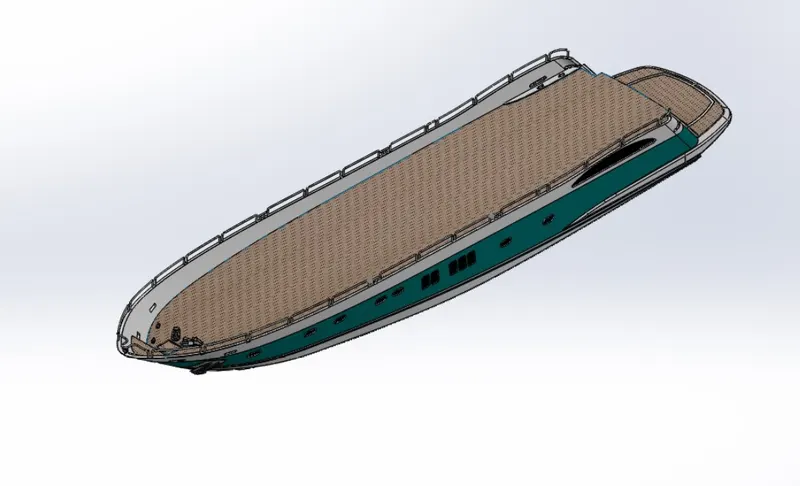
TOOLS AND FEATURE USED
- Line
- Spline
- Circle
- Projected curves
- Rectangle
- Elliptical
- Extrude base
- Extrude cut
- Sweep base/ surface sweep
- Trim
- Mirror
- Linear pattern
- Helix and angle
- Convert entities
- Offset entities
- Fillet
- Chamfer
- Surface loft
- Surface fill
- Surface offset
- Knit
- 3d line
- trim
6.FRONT SEAT
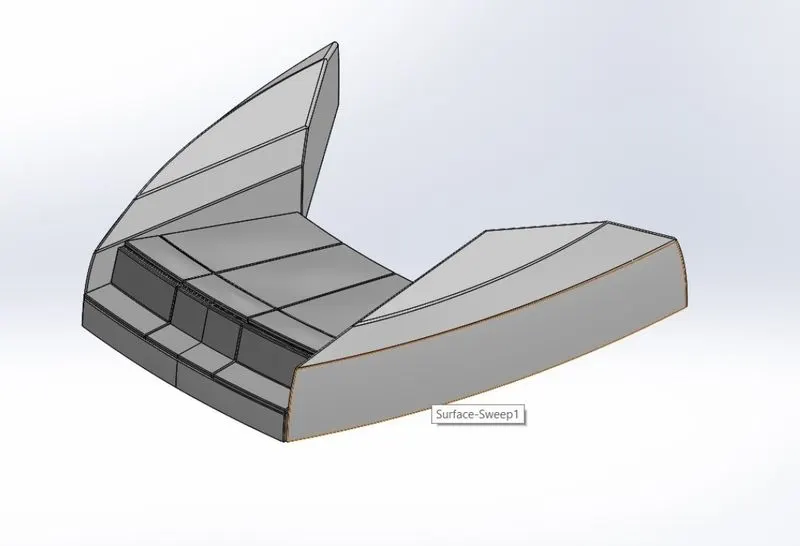
TOOLS AND FEATURE USED
- Line
- Spline
- Rectangle
- Extrude base
- Extrude cut
- Surface fill
- Surface sweep
- Knit
- Fillet
- Chamfer
- Mirror
7.MIDDLE SEAT
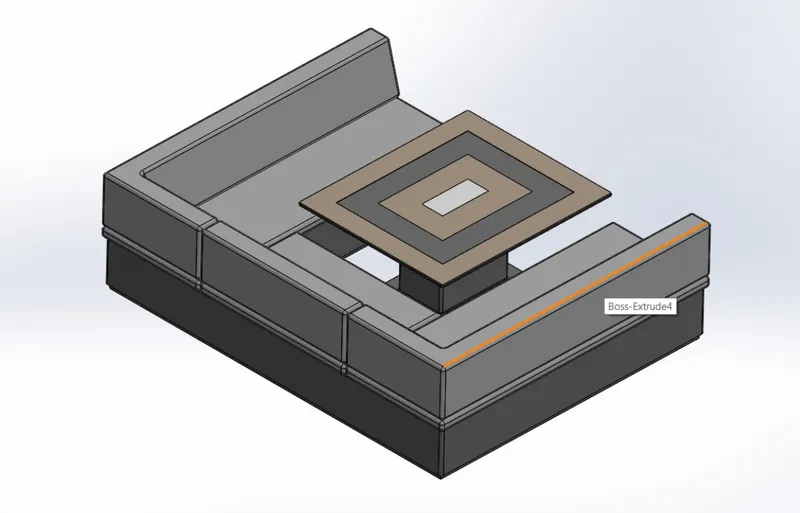
TOOLS AND FEATURE USED
- Line
- Rectangle
- Spline
- Extrude base
- Extrude cut
- Fillet
- Chamfer
- Mirror
- Convert entities
- Offset entities
8.REAR SEAT
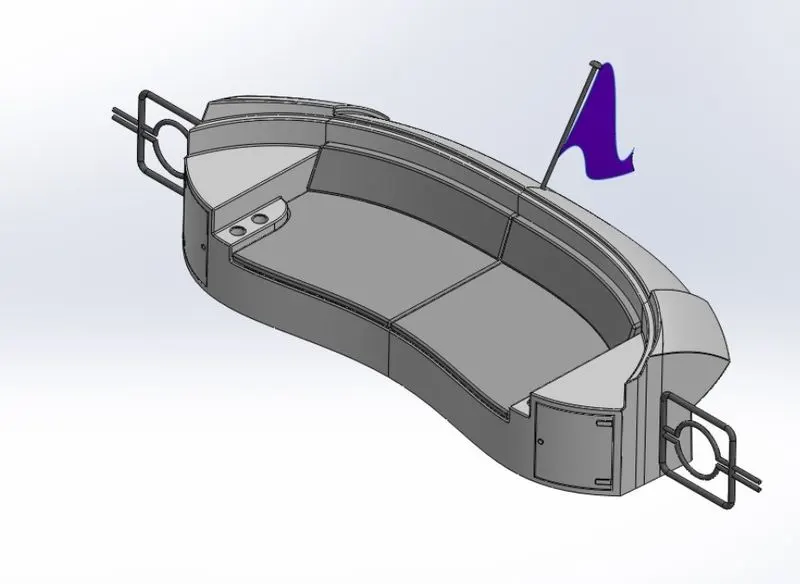
TOOLS AND FEATURE USED
- Line
- Rectangle
- Circle
- Spline
- Extrude base
- Extrude cut
- Sweep
- Fillet
- Chamfer
- 3D sketch
- Mirror
- Revolved
9.GARAGE DOOR
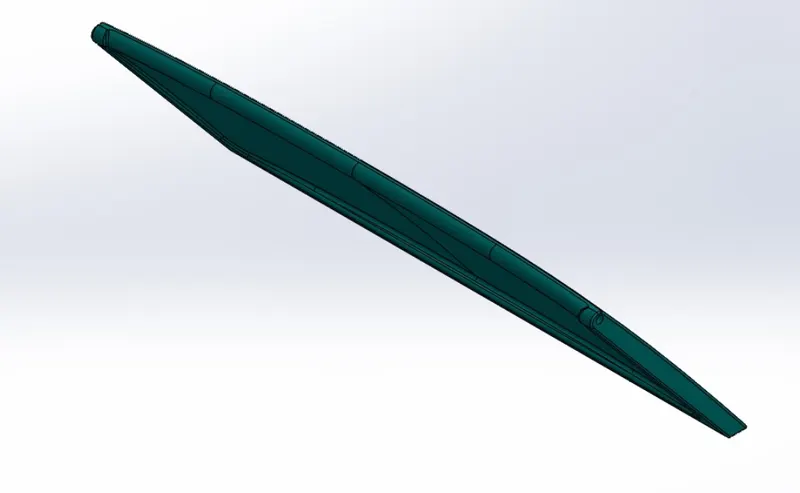
TOOLS AND FEATURE USED
- Line
- Rectangle
- Text
- Extrude cut
- Extrude base
- Fillet
- Chamfer
- SUPERSTRUCTURE OF YACHT
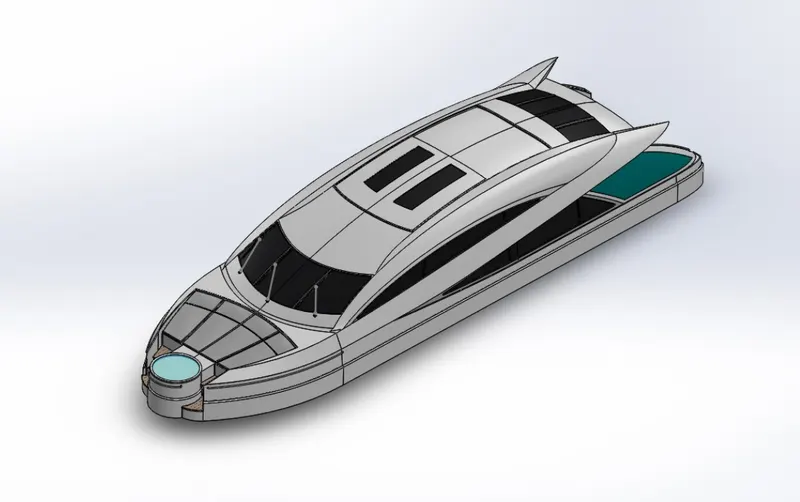
TOOLS AND FEATURE USED
- Line
- Spline
- Rectangle
- Circle
- Convert entities
- Offset entities
- Surface fill
- Surface sweep
- Surface extrudes
- Ruled surface
- Knit
- Sweep base
- Split
- Mirror
- Extrude base
- Extrude cut
- 3D sketches
- Trim surface
- And etc.
ASSEMBLY OF YACHT
As I mentioned before we have created a component individually now it is time to assemble all of the parts together.
We can assemble a part together by automatic surface relation which we already made or else by Applying manual relation.
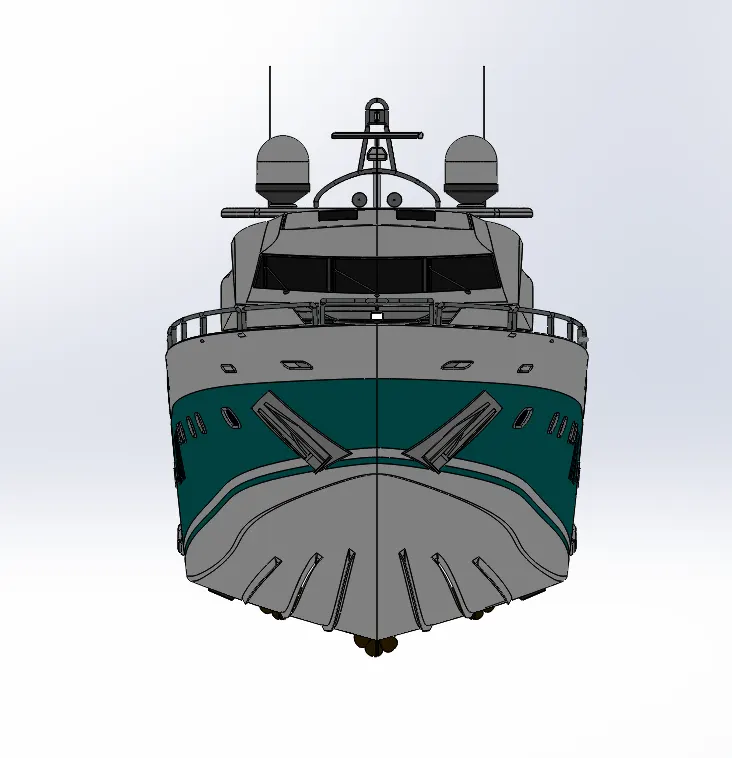
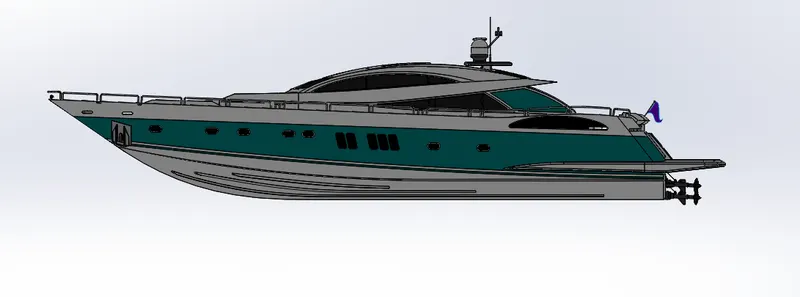
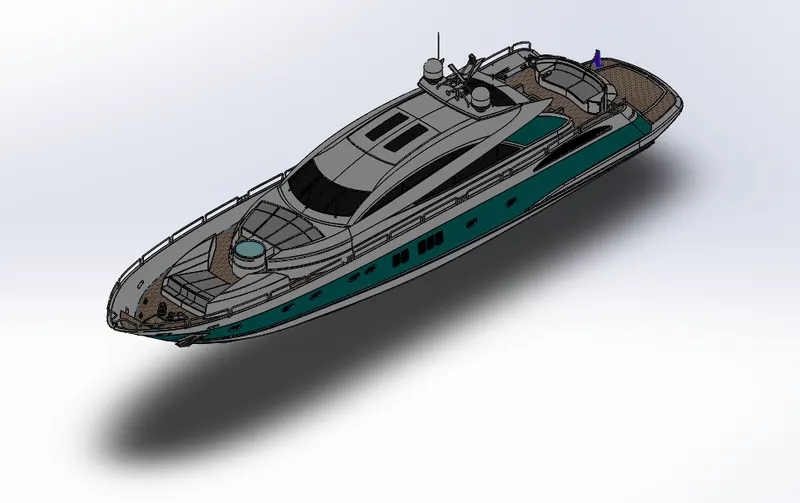
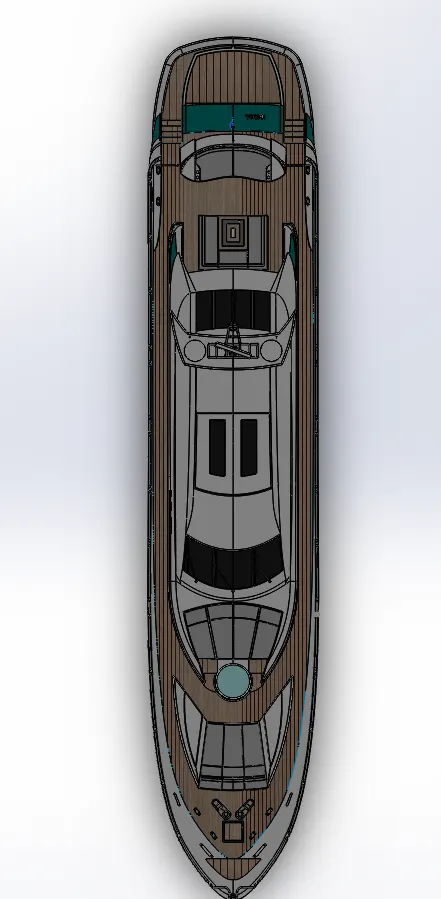
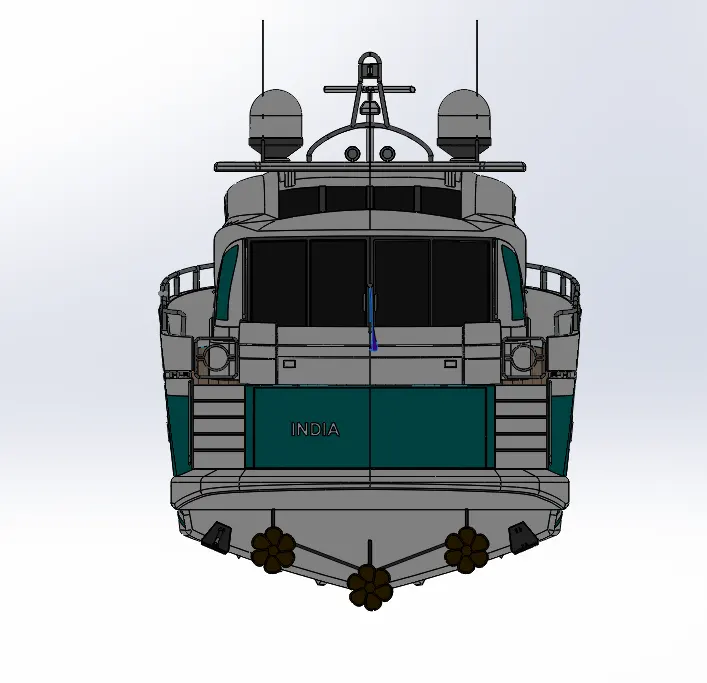
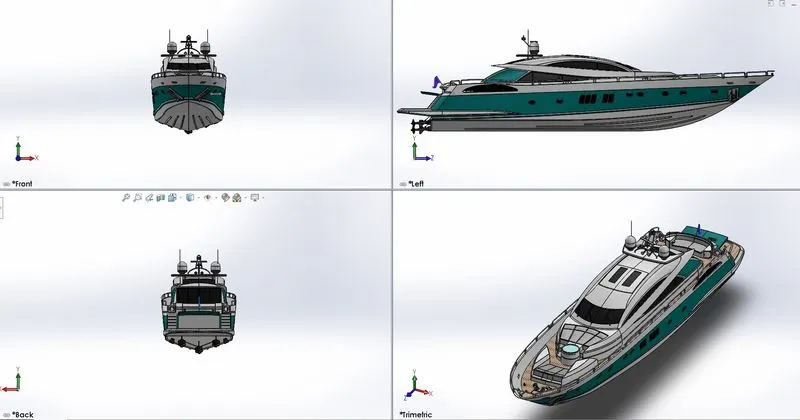
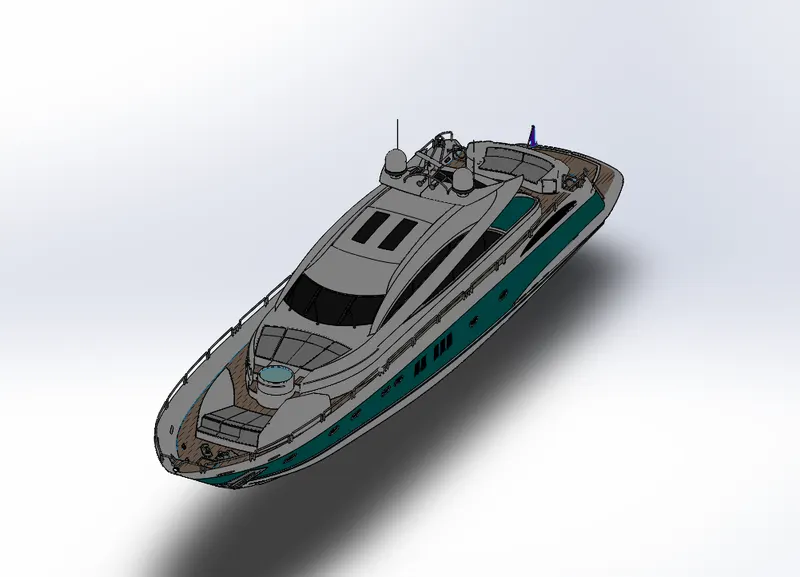
FINAL ASSEMBLY PIC SURFACE
FRONT VIEW
RIGHT SIDE VIEW
ISOMETRIC VIEW
TOP VIEW
BACKSIDE VIEW
COMBINE PICTURE
TRIMETRIC CARTOON EDITION
RENDERED IMAGES
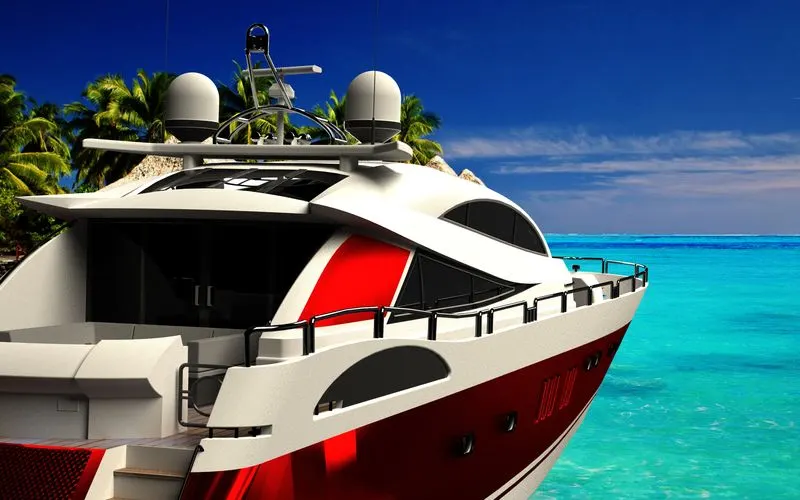
CONCLUSION
- Finally, I have designed an American yacht with help of my support engineer. in this process, I have successfully learned plenty of techniques to creating solid and surface modeling.