Wiring harness routing & packaging Rules Week 3 Challenge
* First of all download the file from source and open it in CATIA V5 part design create point both entry and exit point.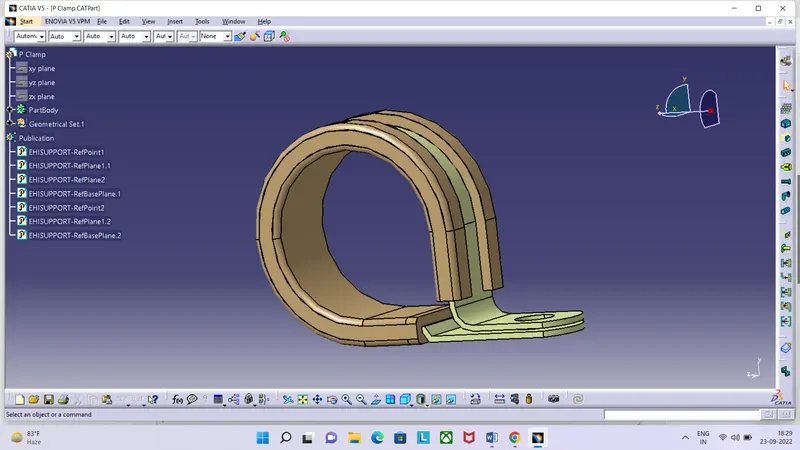
Create plane at both point and also base plane, go to electrical part design
Define part as support part, define both side with select plane and after all planes and point hide its and save this part.
* Download given file from question and open it in CATIA V5 create a point at mating surface of backshell in part design,
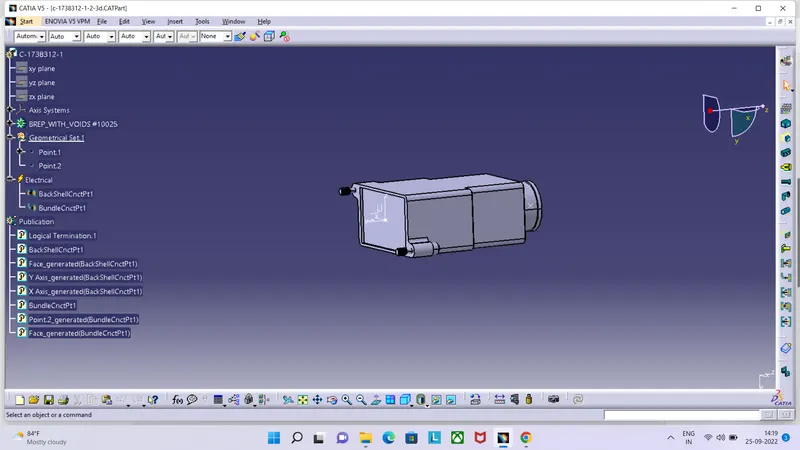
provides its axis system like provides to the connector and create point at bundle entry point of backshell and save this file.
go to the electrical part design and select define backshell commond and define it, Define backshell connection point and bundle entry connection point and save this part.
* Go to the file-new-part create new part enter its name -ok, go to electrical part design commond select the define protection part commond and click on part body then open pop-up window select in type as corrugated tube put inner diameter then put thickness of tube and bending radius of tubes then click ok and save it.
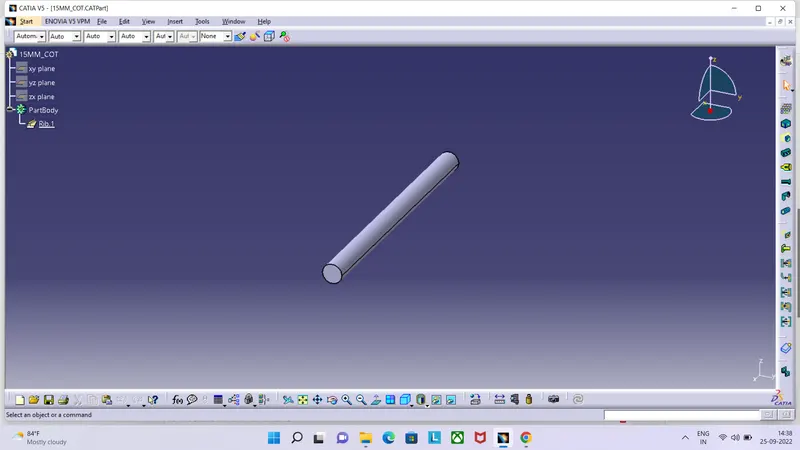
Create new catalog :- file - new - catalog document - ok select add family commond give its name as "slit cot" and put in type "conduit" and save catalog. Then the store created part in newly catalog with select commond store device and select catolog and select family and save it.