Wiring harness design in CATIA V5 - 3D modeling Week 5 & 6 Challenge
*First of all download the connectors from given link and define its electrically and save in connectors catalog in electrical part design.
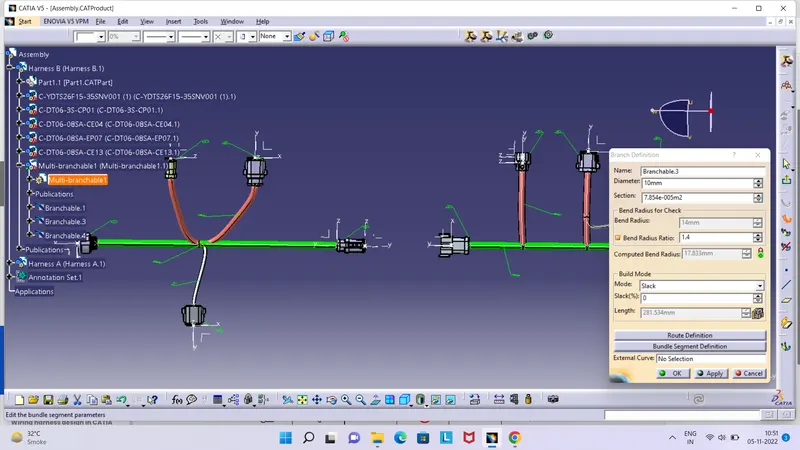
*Arrange all the connectors as per layout harness B and harness A in mechanical assembly design, then go to the electrical harness assembly and route the bundle with all connectors and colur it.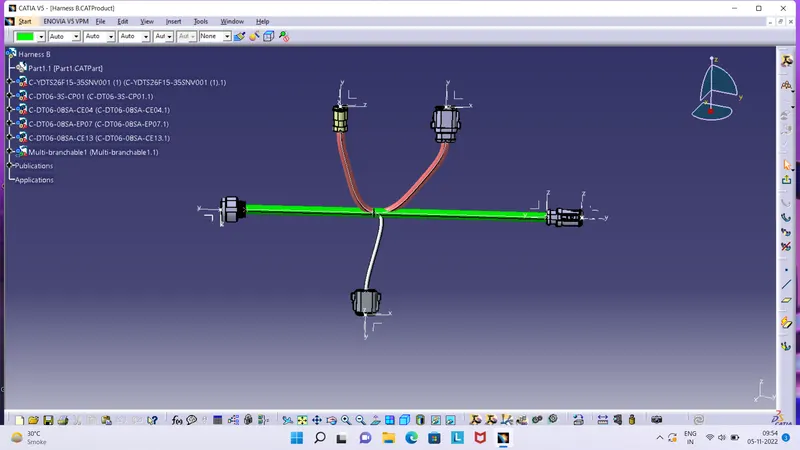
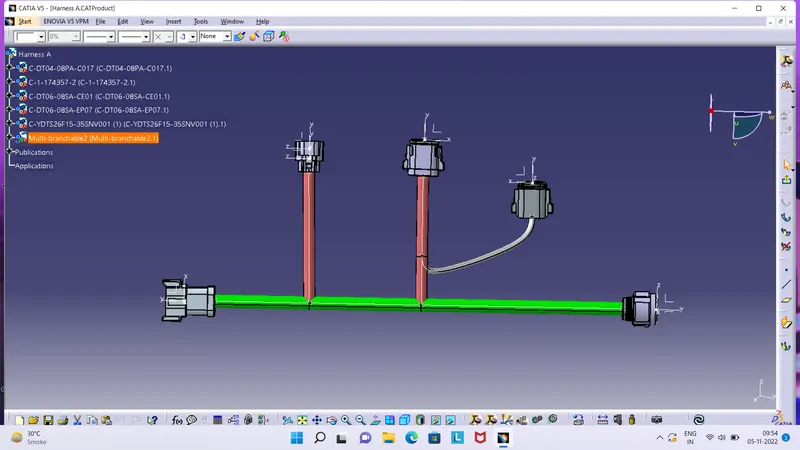
*Connect the Harness B and Harness A in onother product then check bundle connection and give all the connectors and bundles anotation.
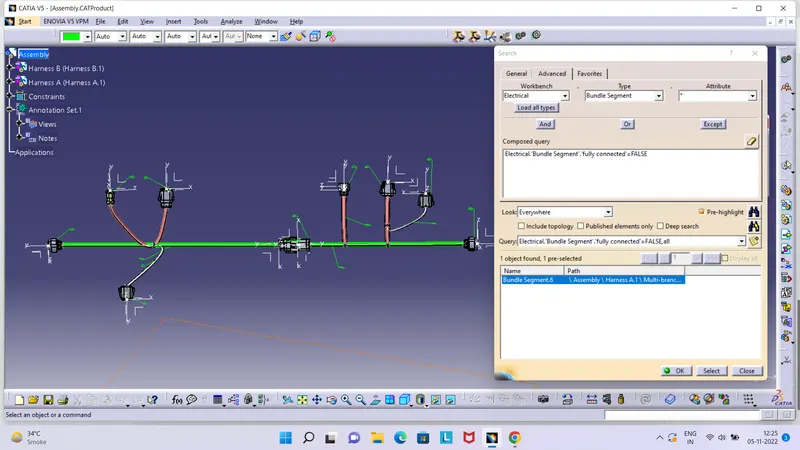
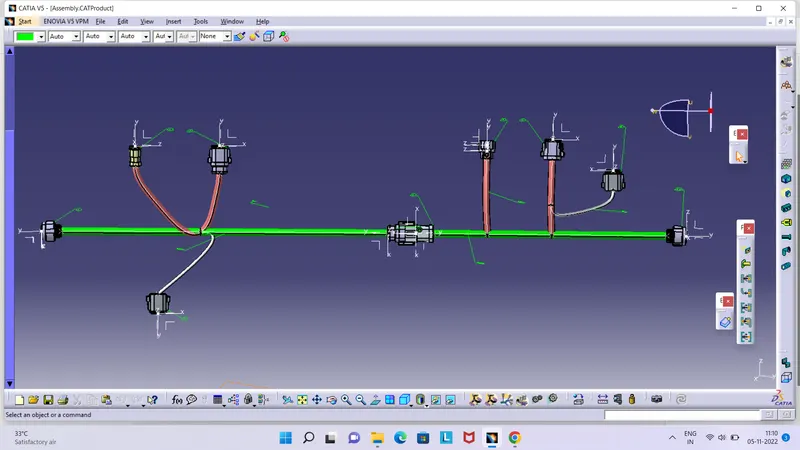
*Check the bundle warning no run the yellow lights on branchable tree and no red line shows on the bundle.
*Then convert the CATproduct into a CATpart in IGS format.