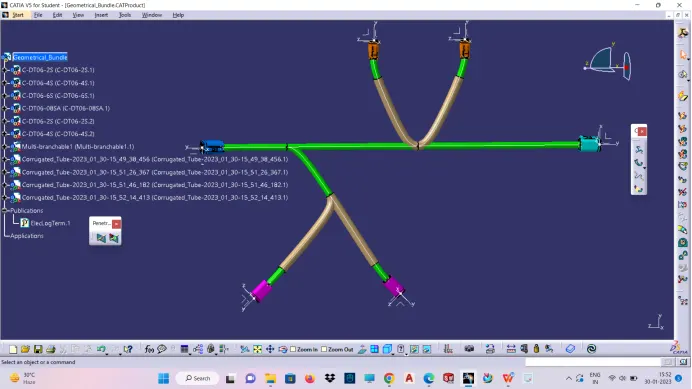
Wiring harness design in CATIA V5 - 3D modeling Week 4 Challenge
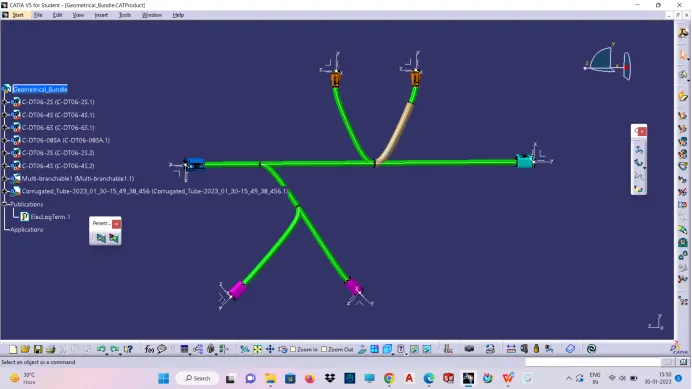
Q1. Route the following harness layout in Electrical workbench. Make assumption for harness bundle diameters. Use Following connectors as shown in layout diagram.
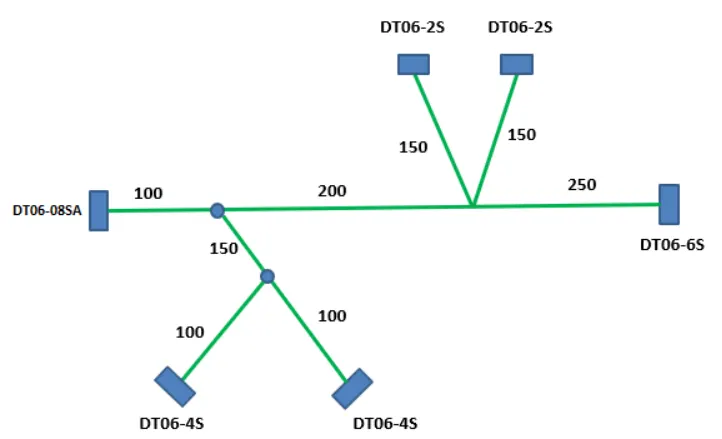
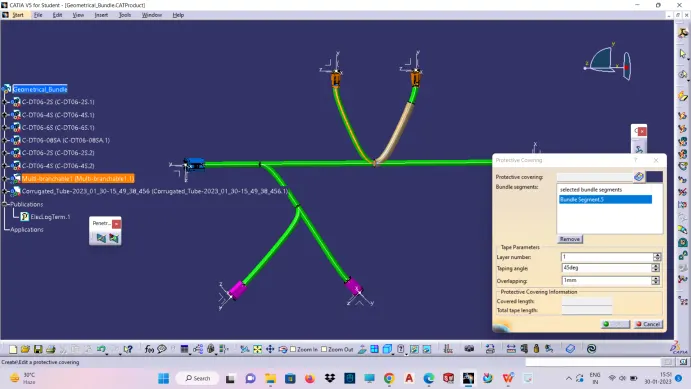
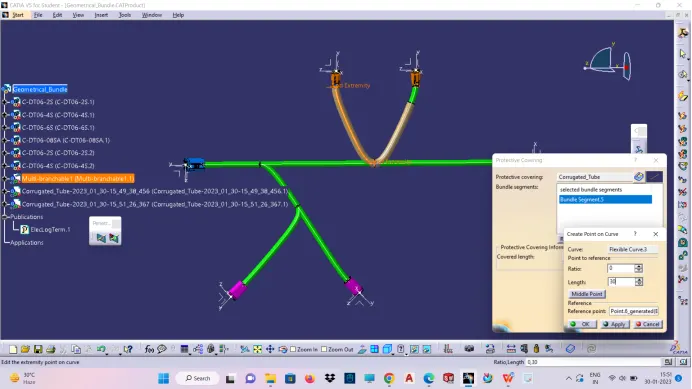
Add protective coverings e covering on all branches connected to DT06-2S & DT06-4S connectors. Keep end extremity at 30mm (from connectors end)
STEPS:
- Download the given part file from the TE website of given part
- Define the electrical properties to each connector, by the given below method
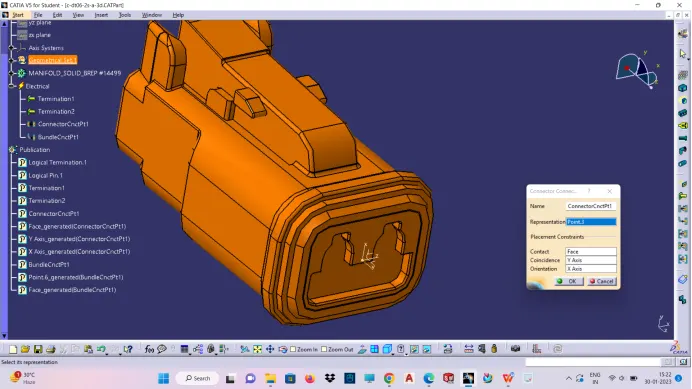
- Defining connector connection point at the first meeting face at pin mating side
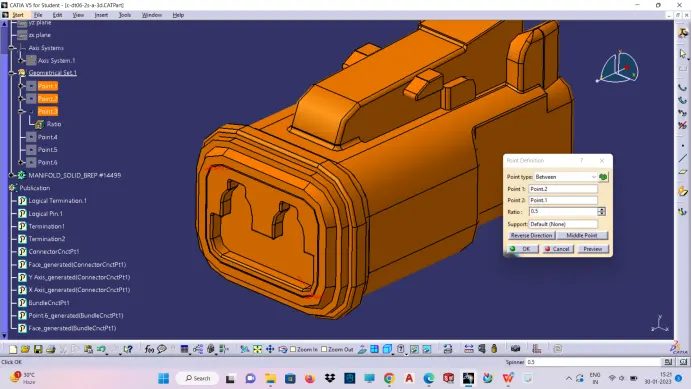
- Create axis system at the connection point created
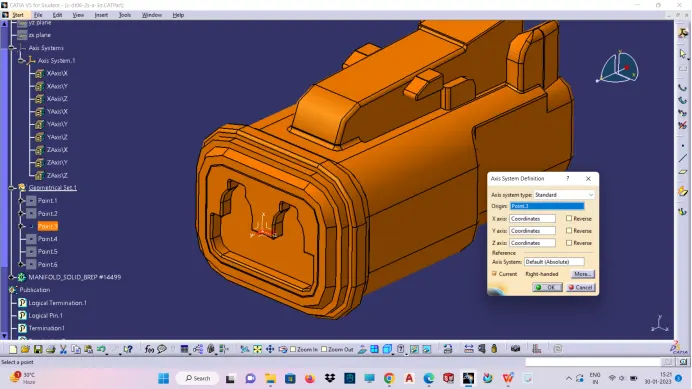
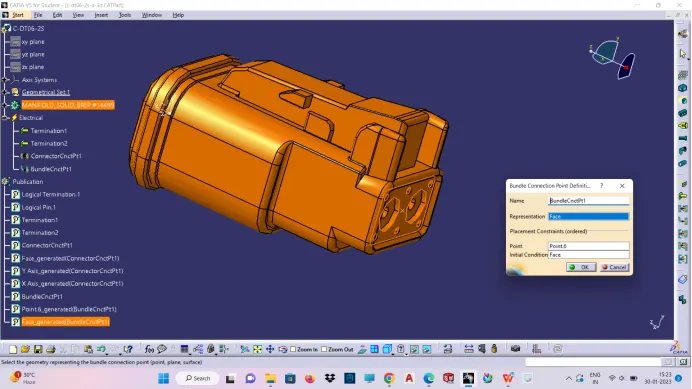
- Create bundle connection point
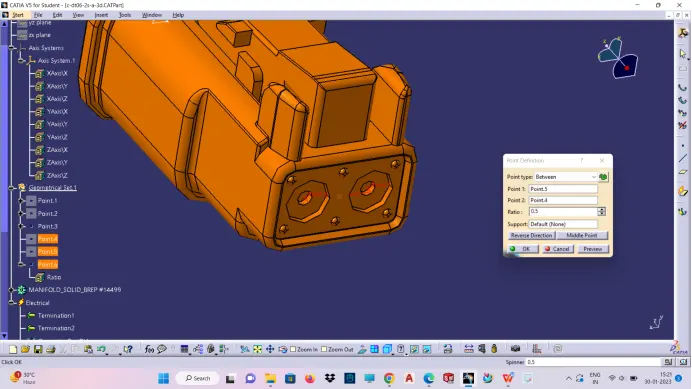
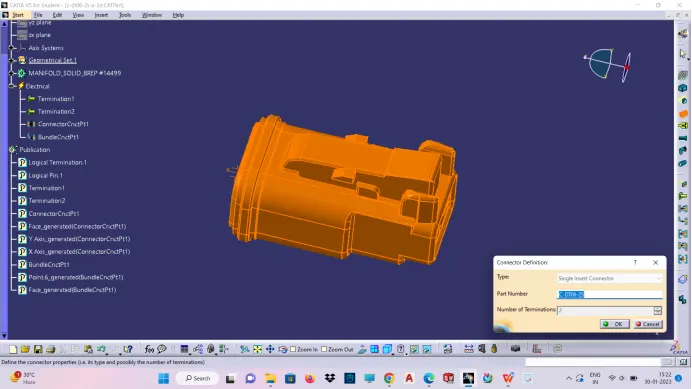
- Defining connector as electrical part in the electrical part workbench
- Define connector connection point
- Define bundle connection point
- Create electrical product workbench and insert all the connectors from already created catalog then manipulate each part with respect to given drawing by using compass or move command.create main trunk/bundle for two main connector.
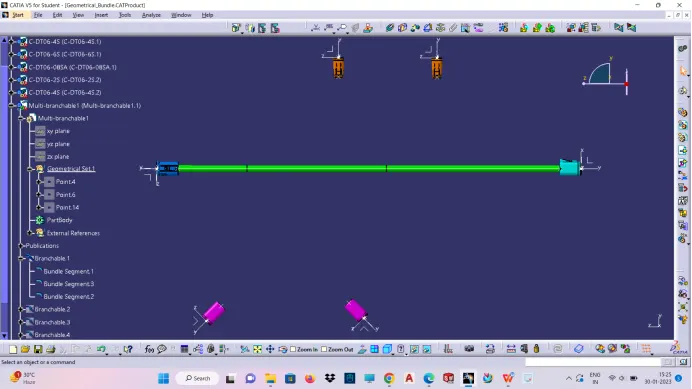
- Similarly ,create bundle to connect each connector from the main bundle by add branch point command,by double clicking multi branch-able
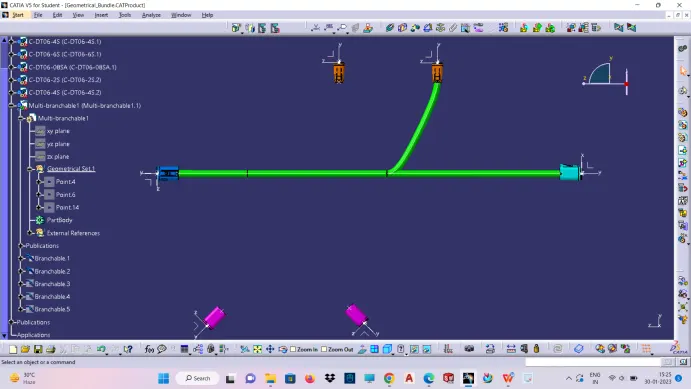
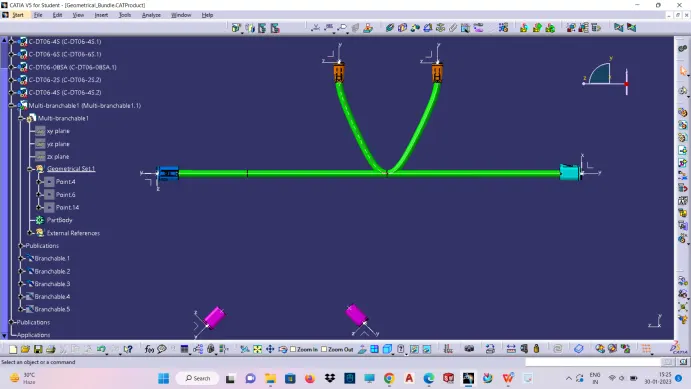
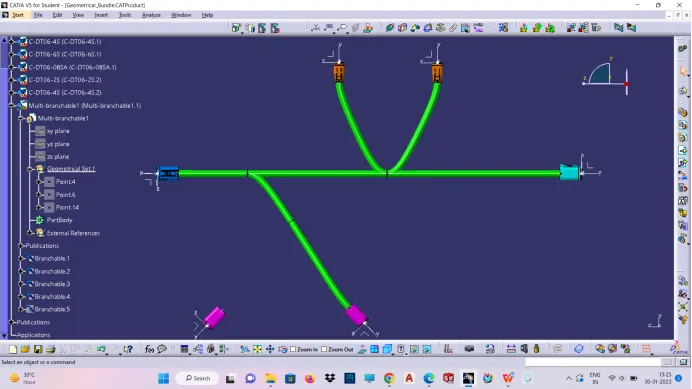
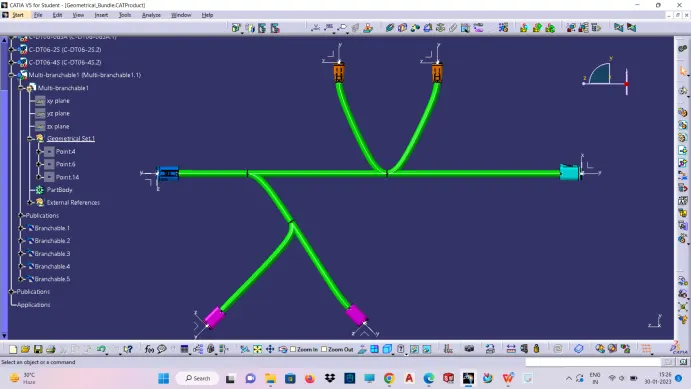
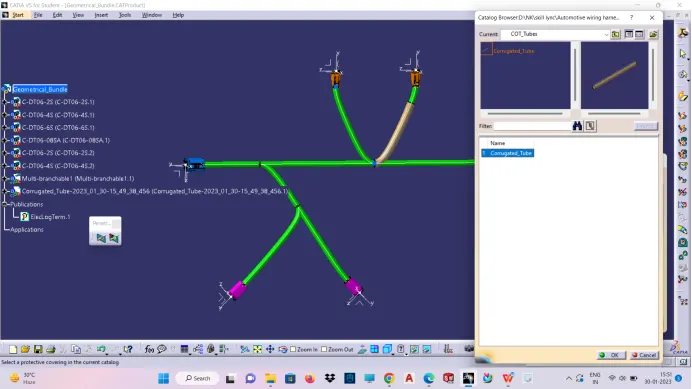
- Similarly add protective covering for the four connector ,by the already created corrugated catalog contain many varieties of corrugated tube