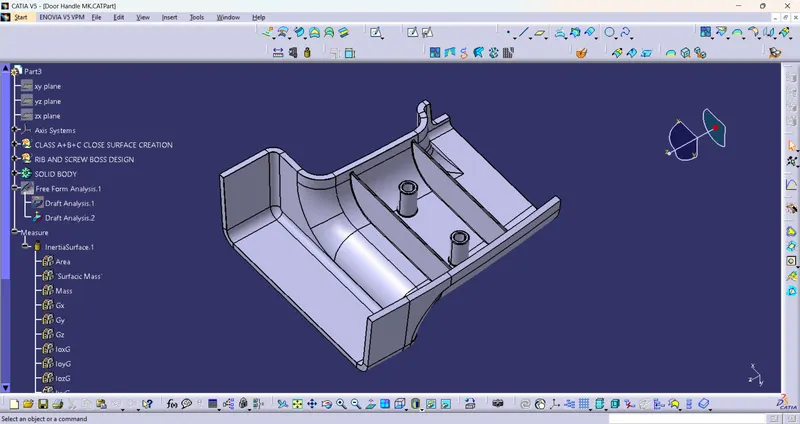
Week 9 - Attachment Feature Creation (Ribs & Screw Boss) - Challenge 1
Dear sir,
Please Find the Attached Work file For Week 9 (Ribs and screw Boss creation)
Title:- Creation of Door handle With Fitting Arrangement
Tools:- 1) Input class A feature
2) Thickness of part
3) Fitting Details (Screw size, Type of attachment, Placement, And Location of part in assembly where it will be fitted)
4) CAD Software (Catia V5)
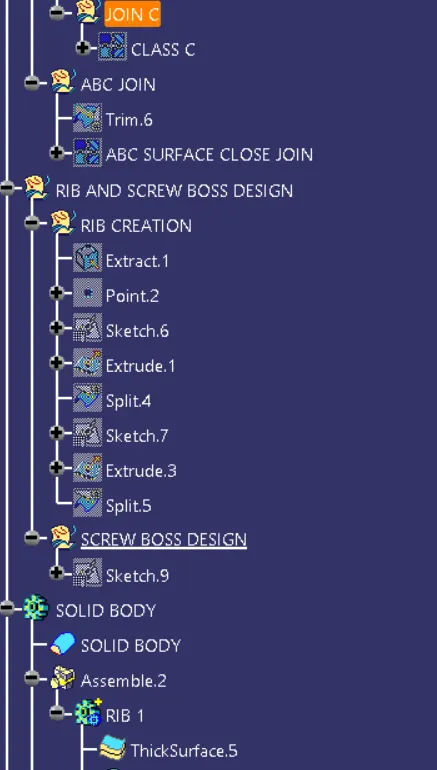
Procedure:- 1) Create a Tree Flow chart for making a Complete solid Part
I) Get Input as Class A surface
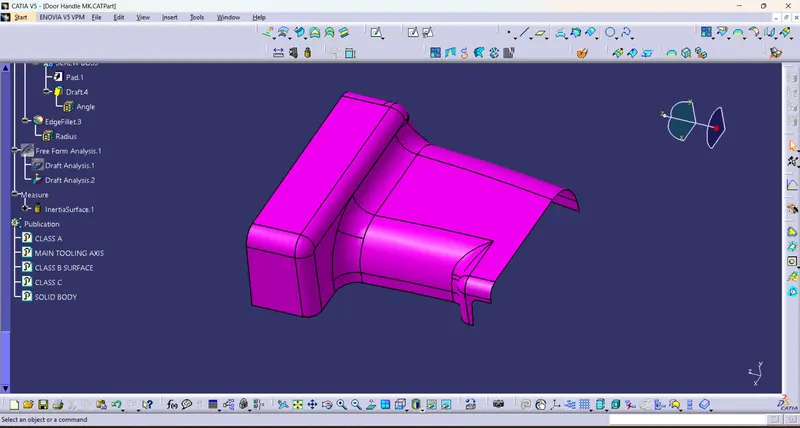
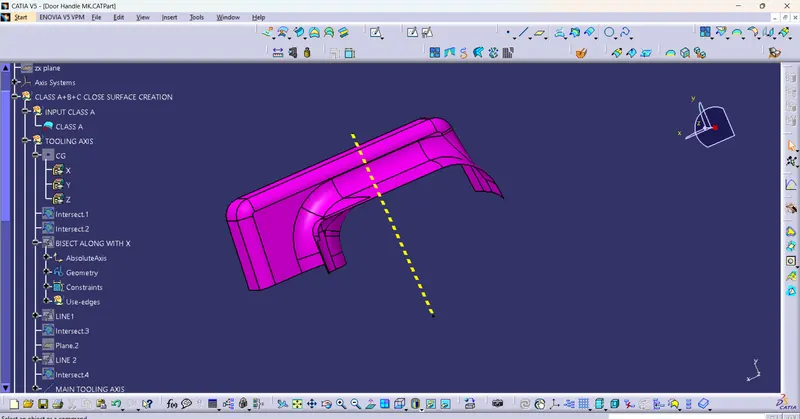
II) Create the Main tooling axis By using the appropriate Method
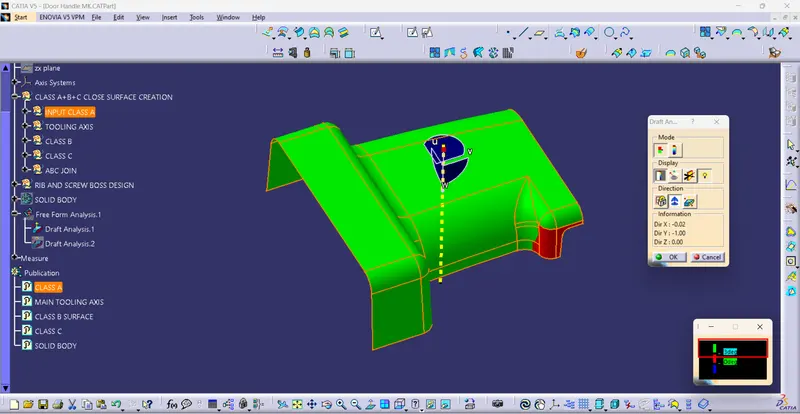
III) Perform Draft analysis on Class A surface
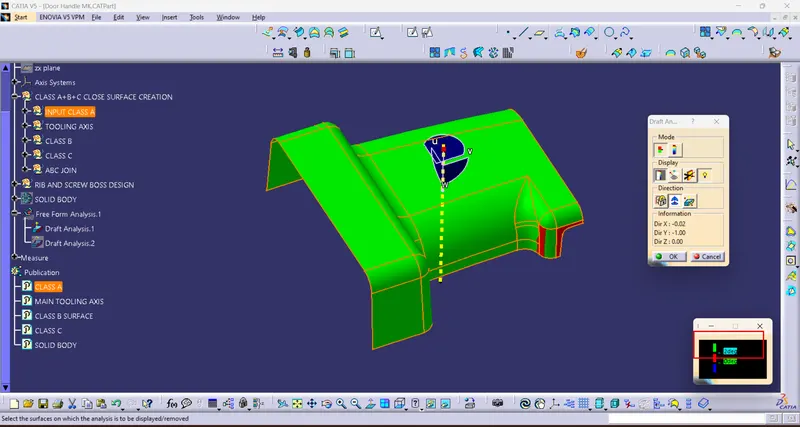
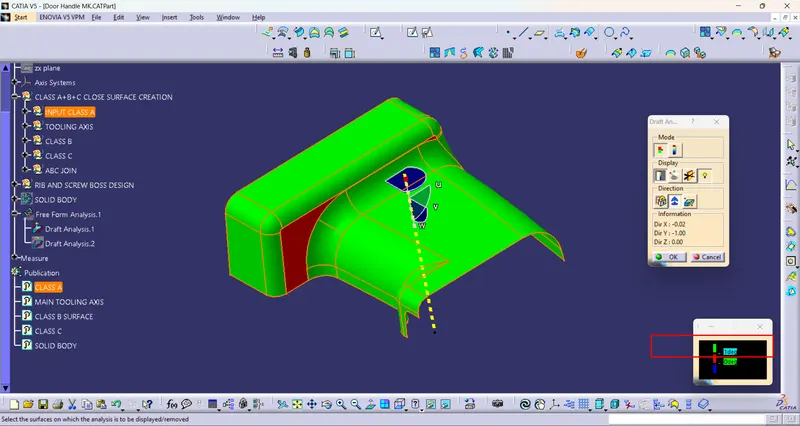
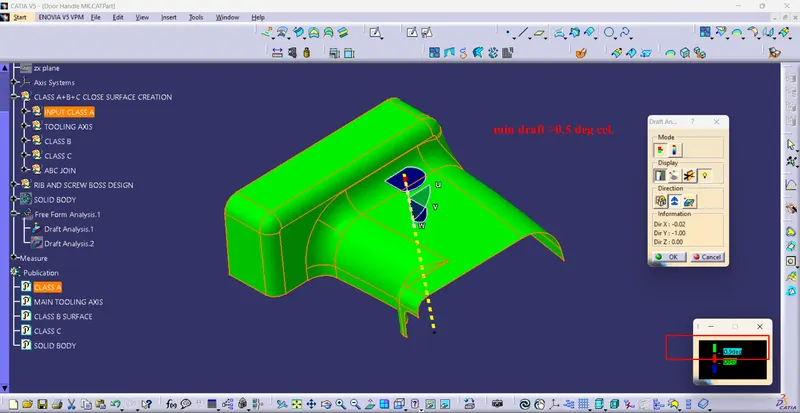
IV) Create a Class B surface
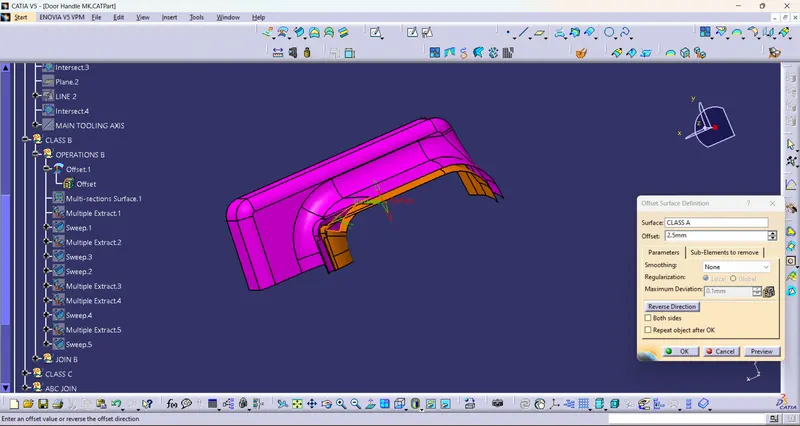
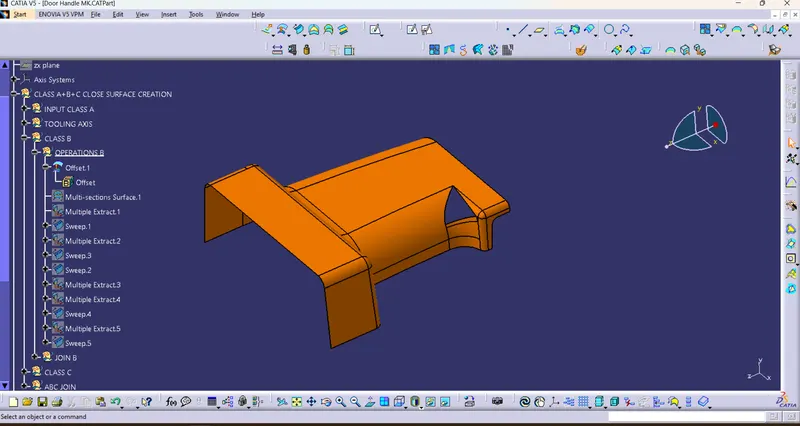
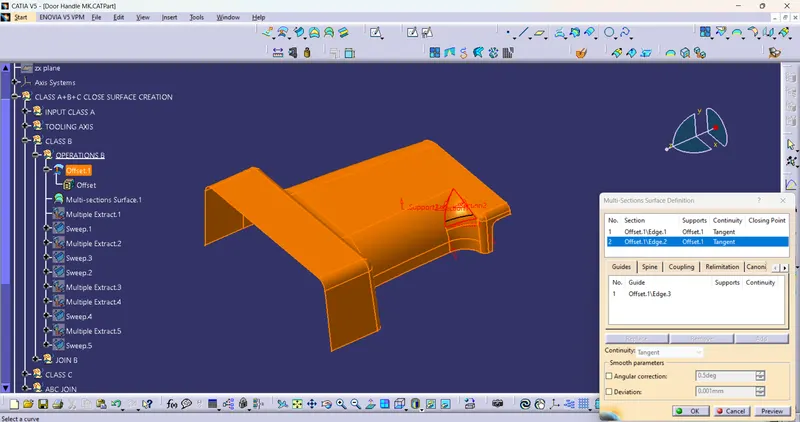
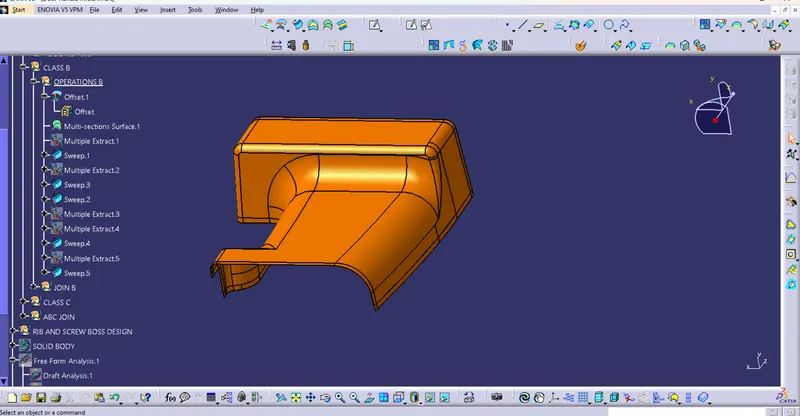
V) Create a Class C surface
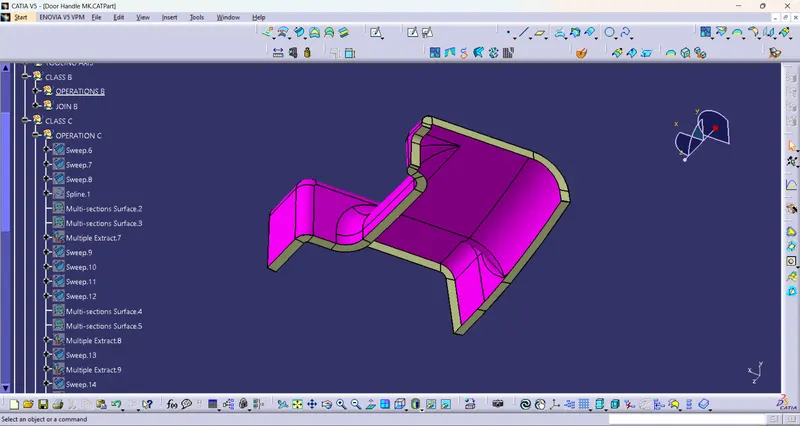
VI) Close all A, B, and C surfaces and make a Close Surface Feature
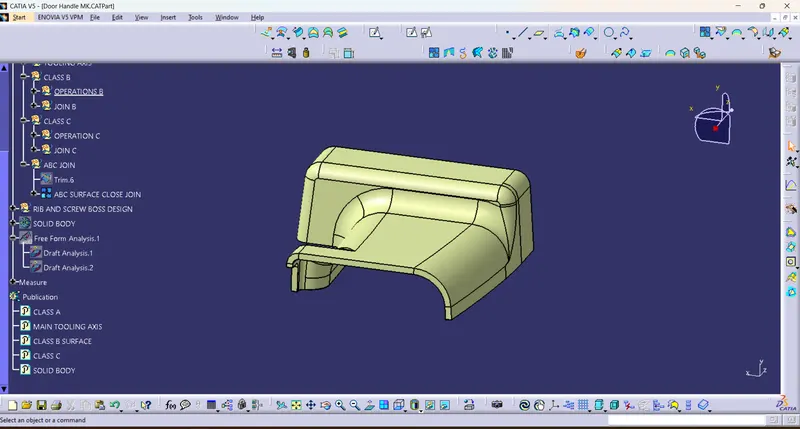
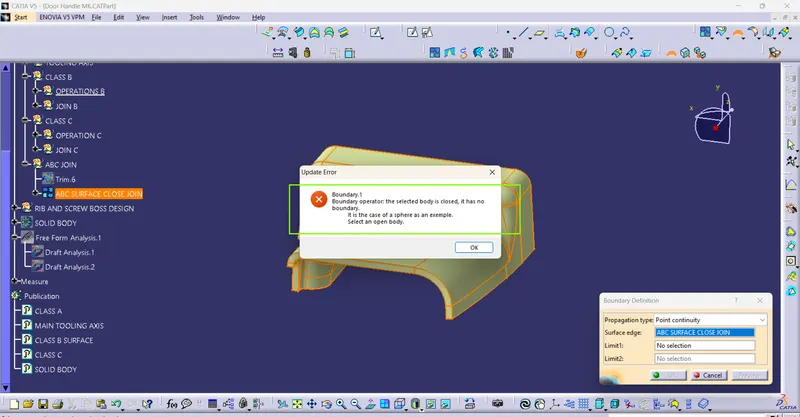
VII) Create solid Feature From Close surfaces
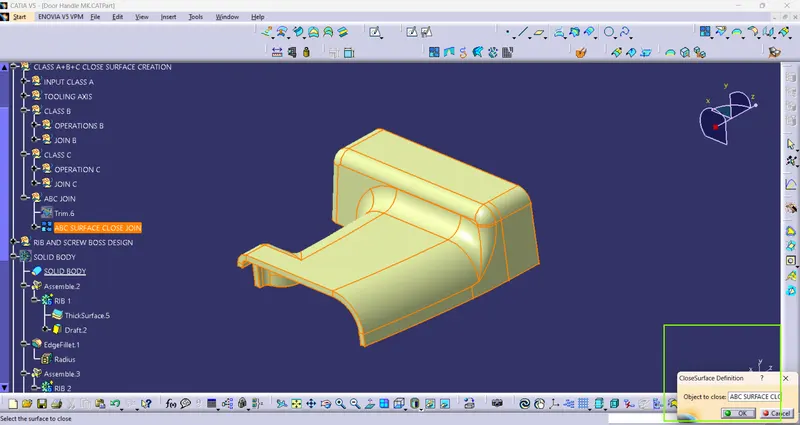
VIII) Create Ribs and Screw Bosses
A) Ribs Creation
a) choose a Plane where the Boss feature or fittings will be located
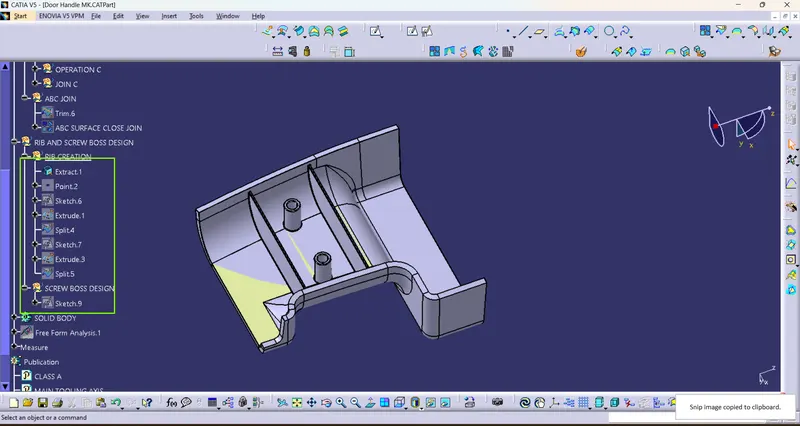
b) Create Base Sketch For Ribs and Form an Extrude Surface
c) Perform trim Operation if required
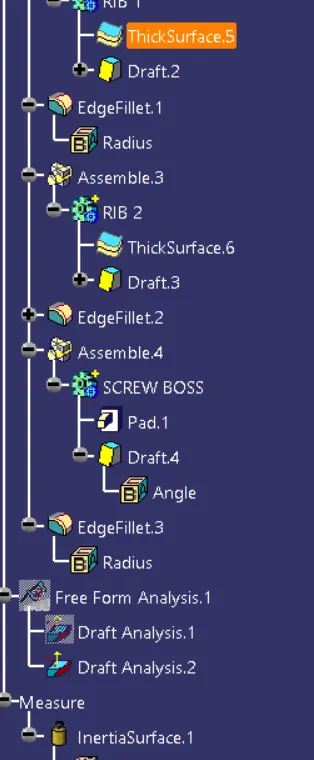
d) Create a Solid feature from the Thicksurface feature from Part design in Catia
e) Give Draft To Required surfaces
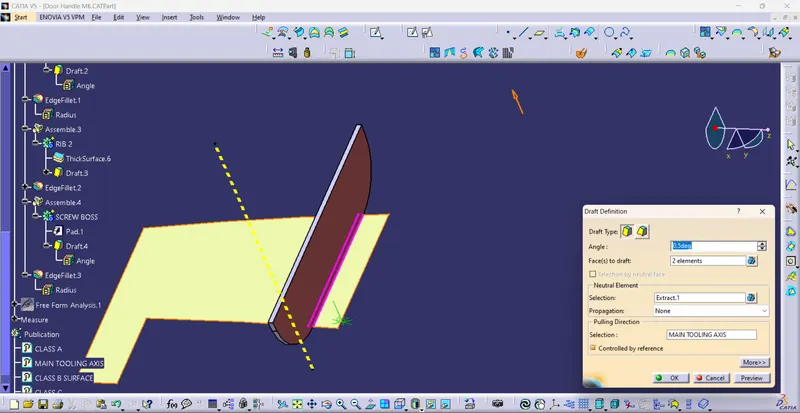
f) assembled both Bodies together
g) Give Fillets (Radius) to Avoid Sharp Corners
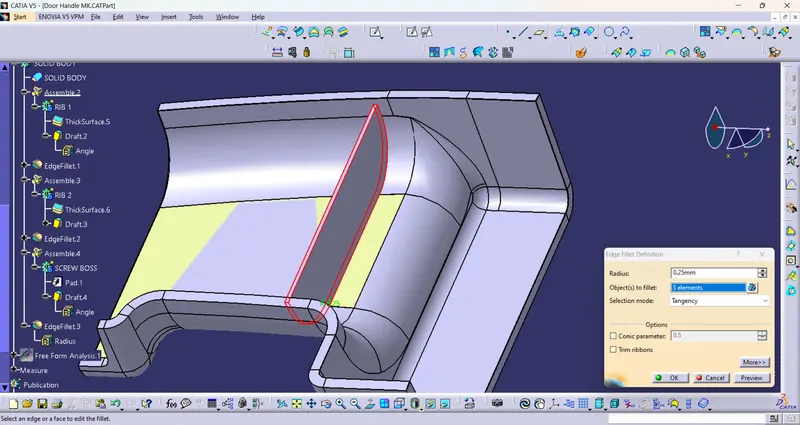
B) Screw Boss creation
a) choose a Plane where the Screw Boss feature or fittings will be located
b) Create Base Sketch For Screw bosses (Inner Dia should match Screw size and Outer dia should maintain rib thickness)
d) Create a Solid feature from the PAD feature from Part design in Catia
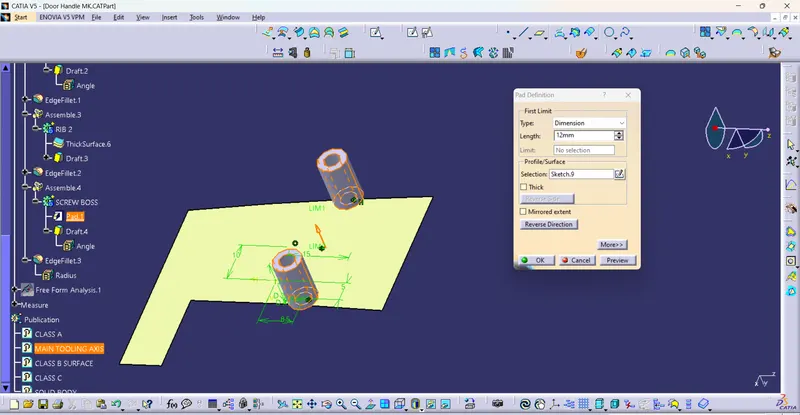
e) Give Draft To Required surfaces
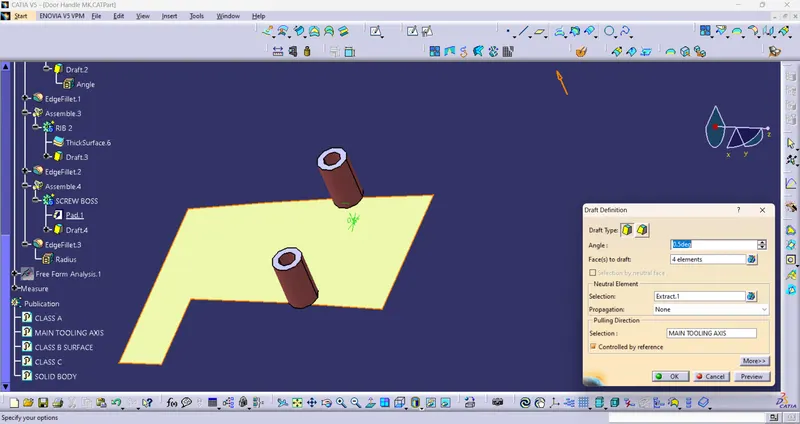
f) assembled both Bodies together
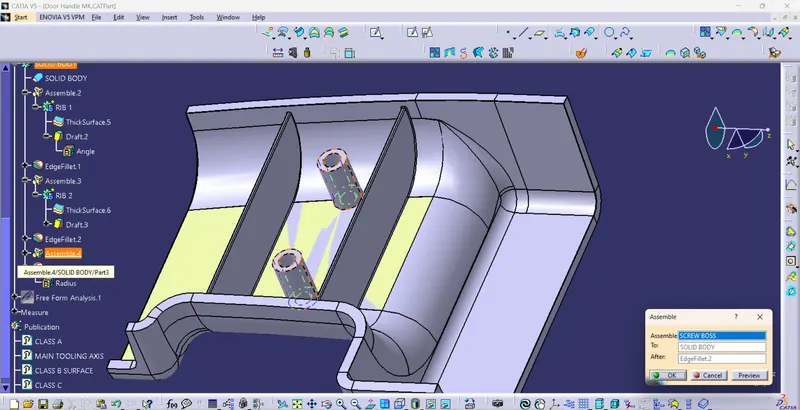
g) Give Fillets (Radius) to Avoid Sharp Corners
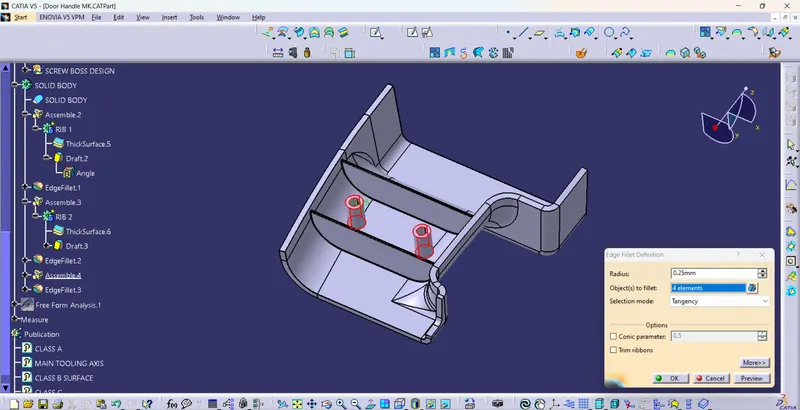
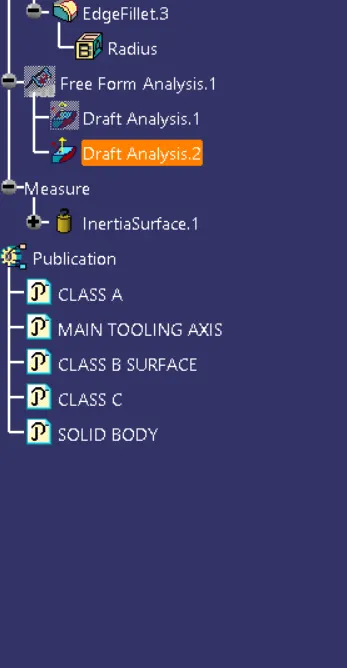
IX) Perform Draft analysis on the Body
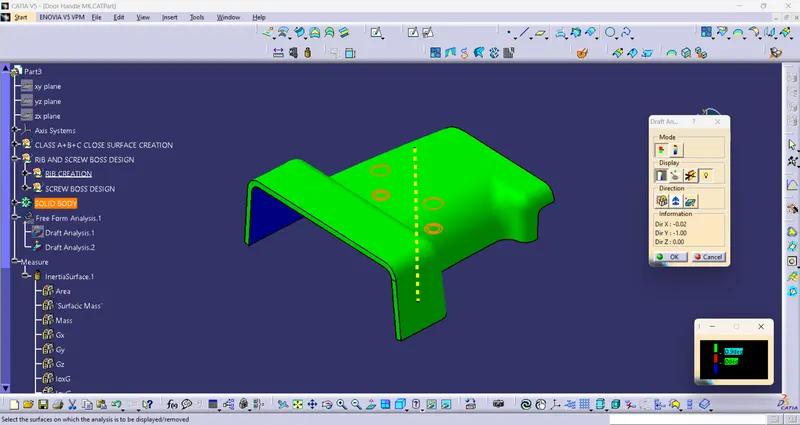
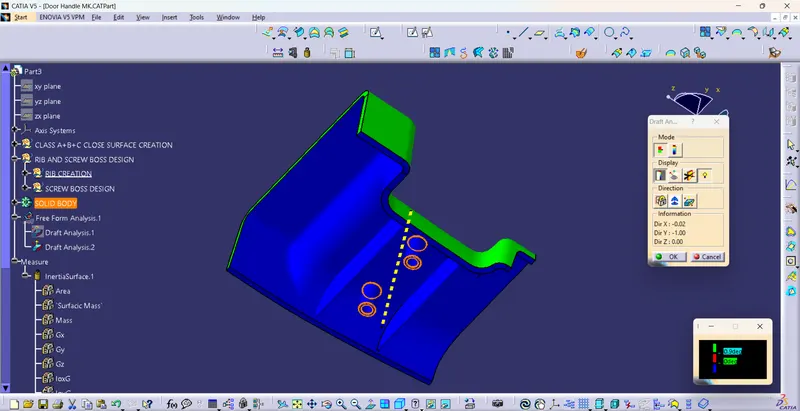
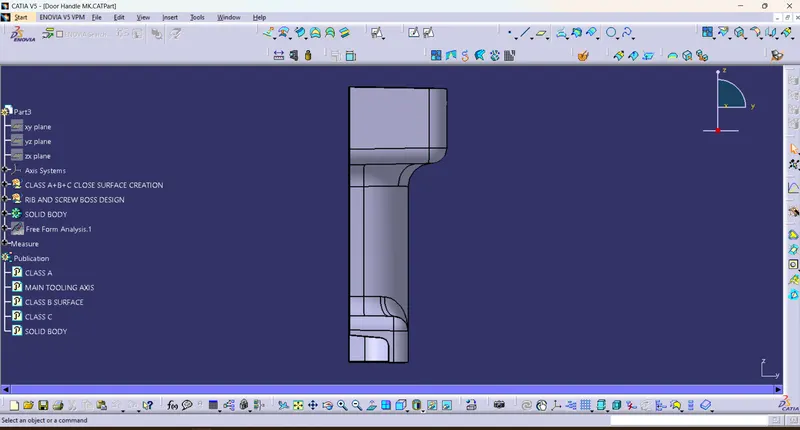
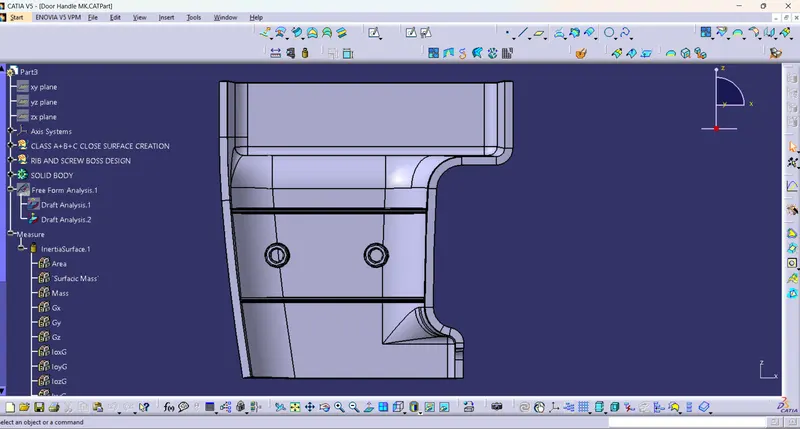
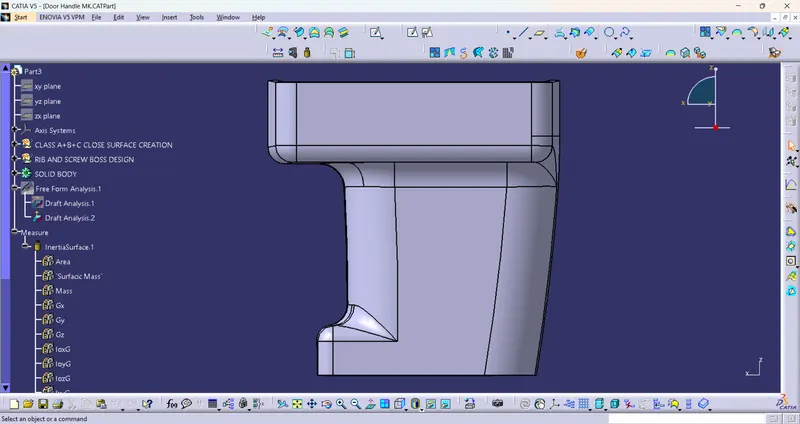
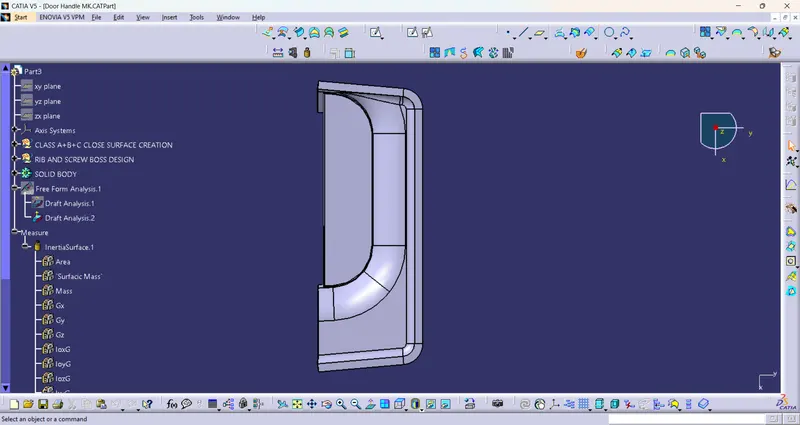
CATIA Part File Details
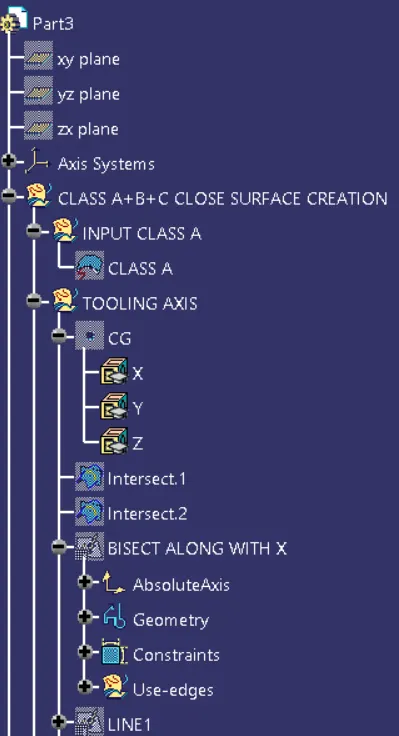
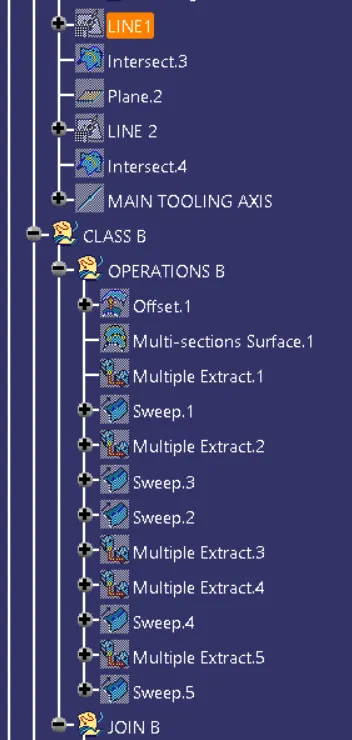
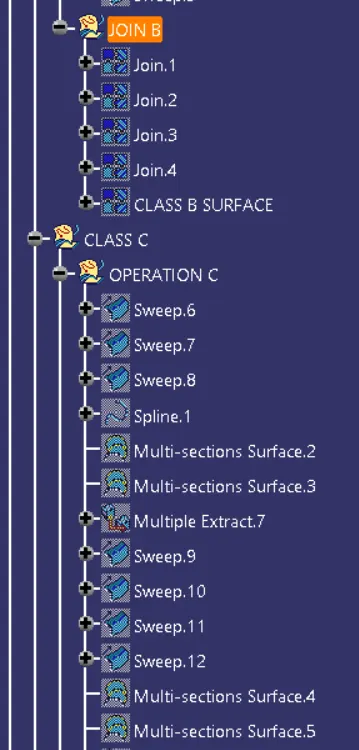
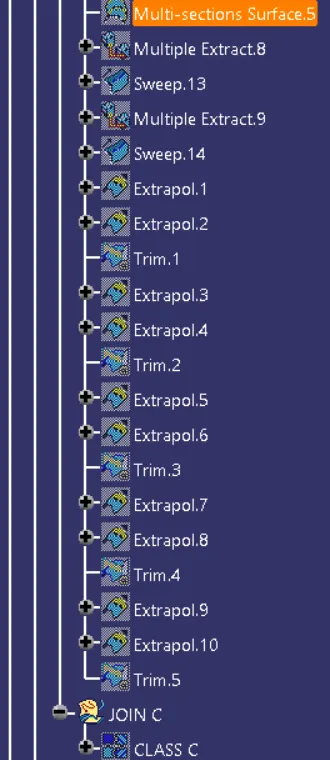
1) Feature tree
2) FV, ISO, and SV