Photo Realistic Rendering
Journey of Solidworks With Chopper
Objective:-
The objective of the Project is to Come with Effective Part Modelling by SolidWorks, learning of features and SolidWorks commands with respect to the understanding of design and development concepts
Introduction:-
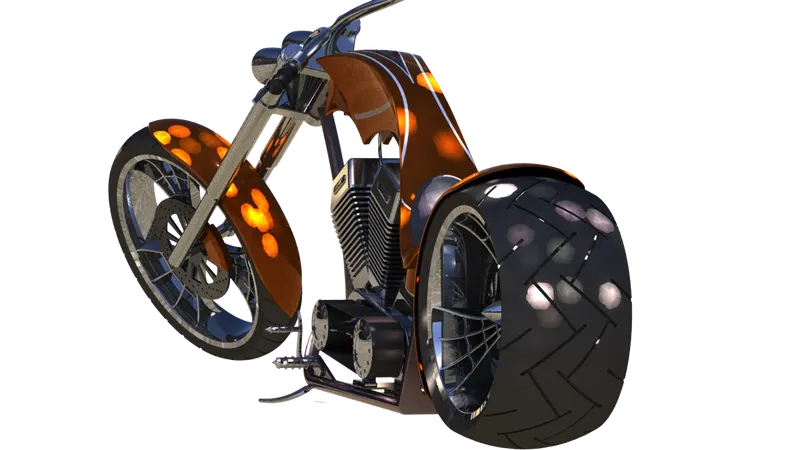
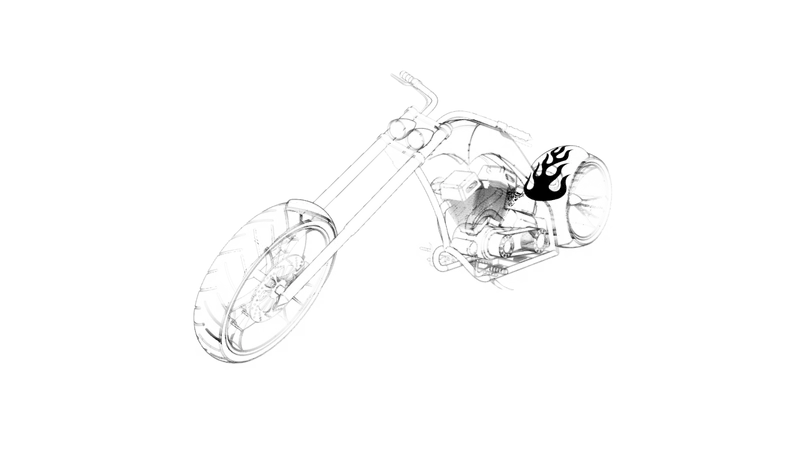
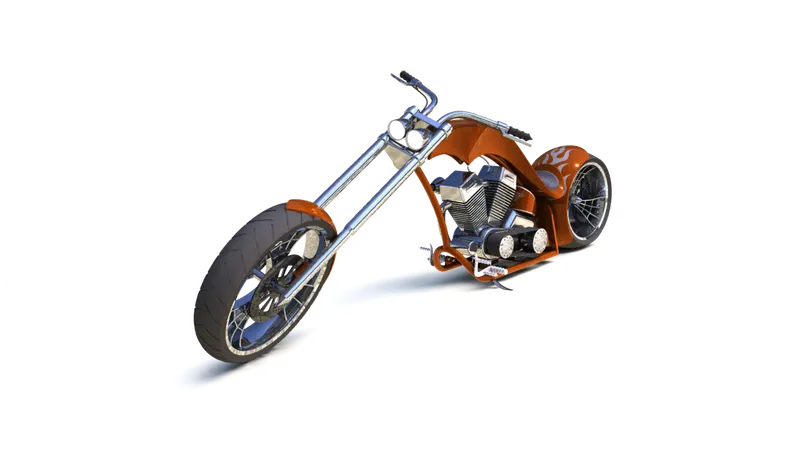
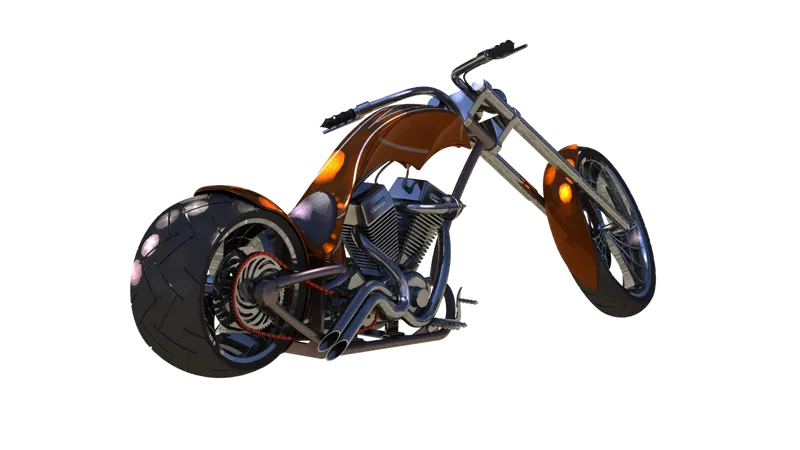
Solidworks is industry use software, it took a lot of interest and creativity with appropriate knowledge to design models with a set of additional activities. the designed model is basically to understood basic sketching and 3d features of the software. the tools covered in this design are features, sketching, assembly, photo 360, surfacing, direct editing, appearance, and Solidworks visualization.
Part Modelling of components which include fully defined sketches and visuals with 3d features. it includes some effective methods where we can create complex shapes very easily. A list of chopper components is mention below.
|
Front-wheel |
Front Fender |
Front Fork |
Chasis |
Engine |
kickstand |
stand |
|
Transmission Belt |
Rear Wheel |
Chain |
Gas tank |
Oil tank |
Rare Fender |
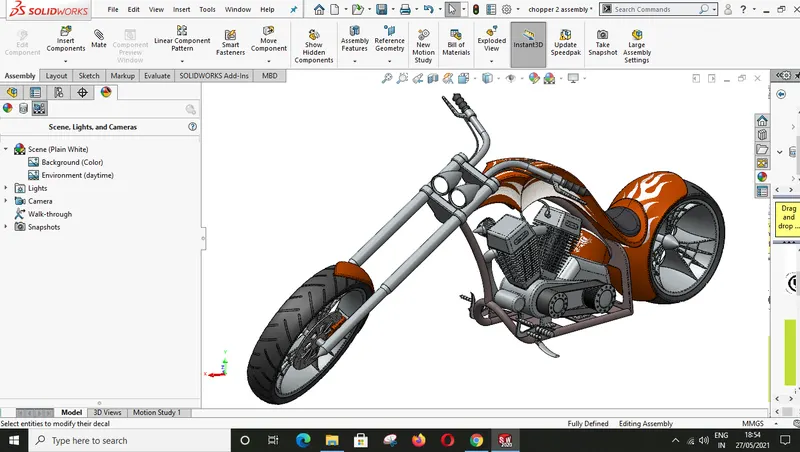
Assembly Model |
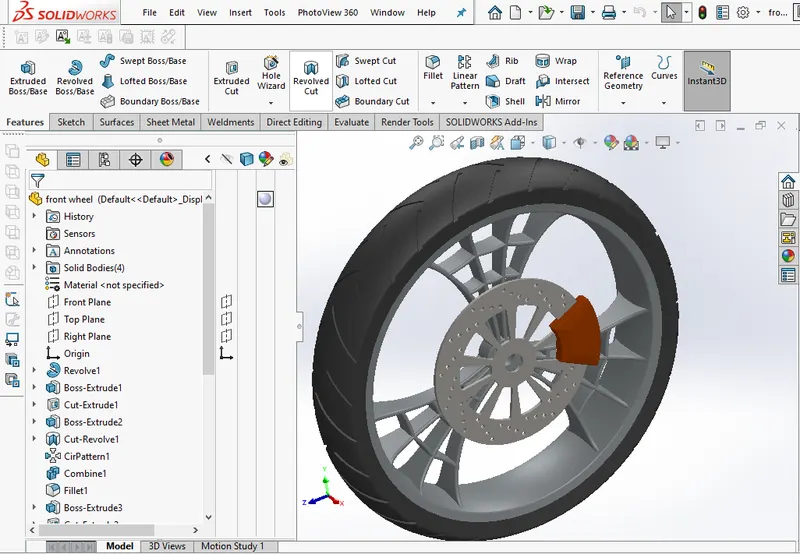
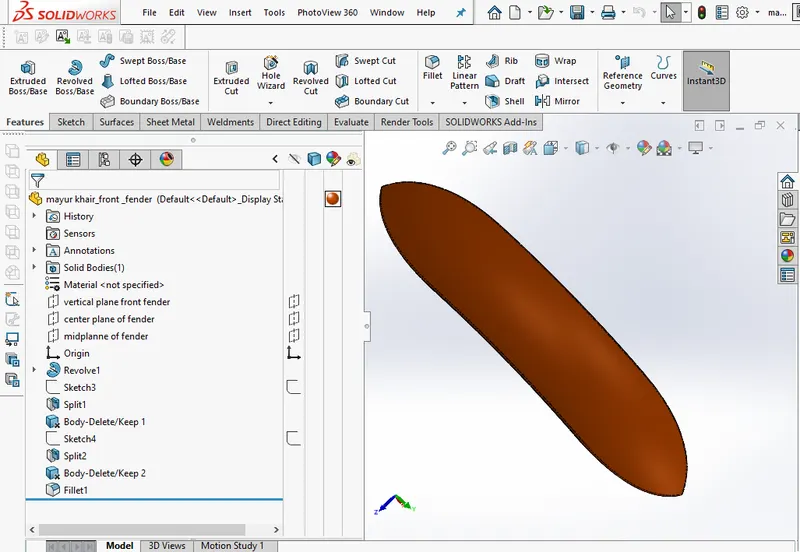
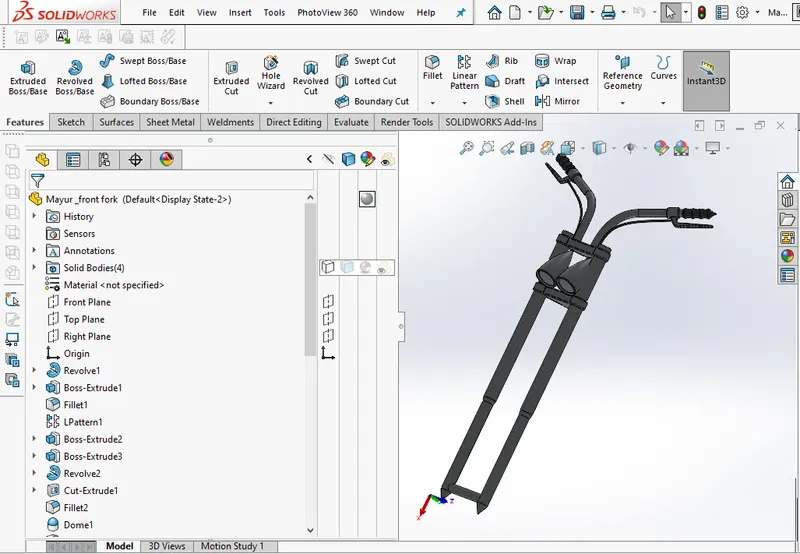
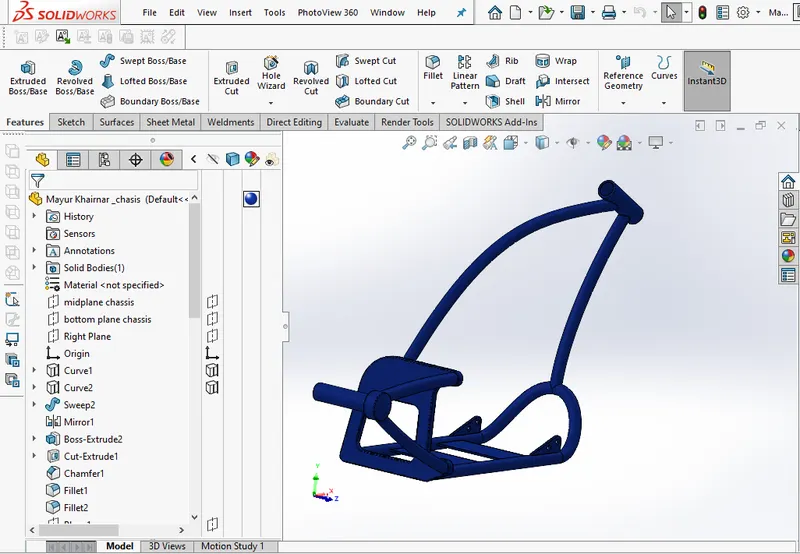
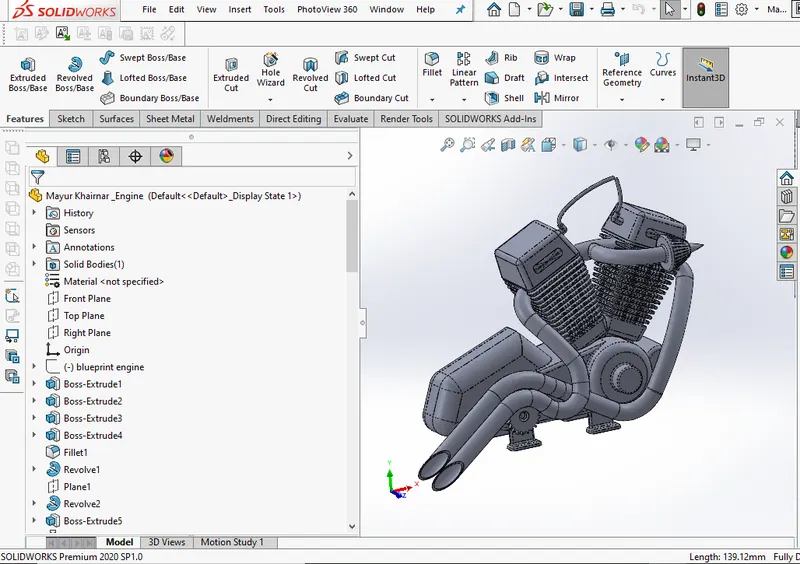
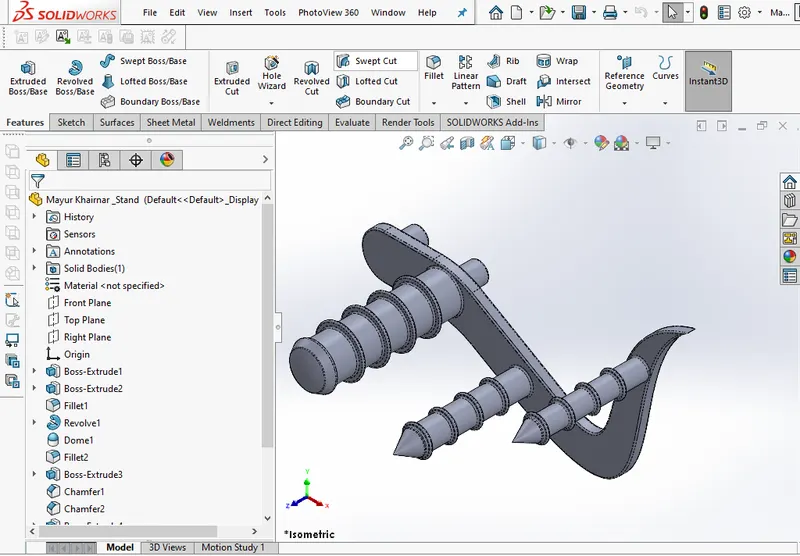
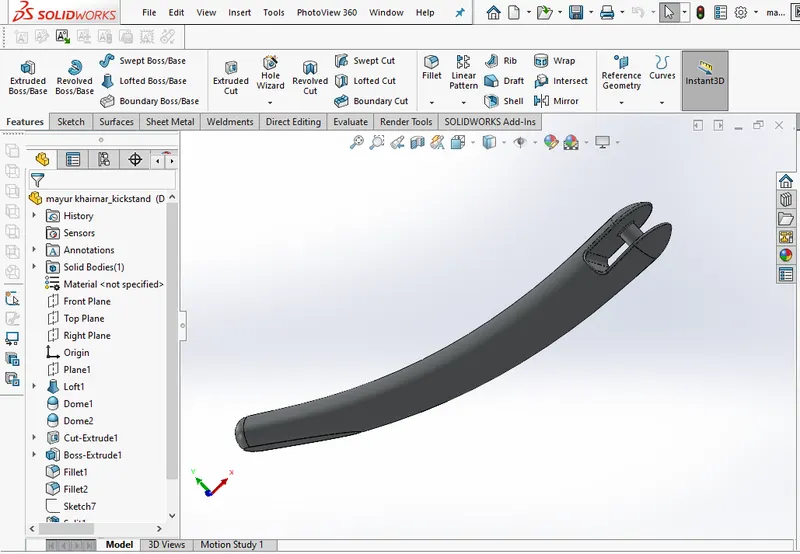
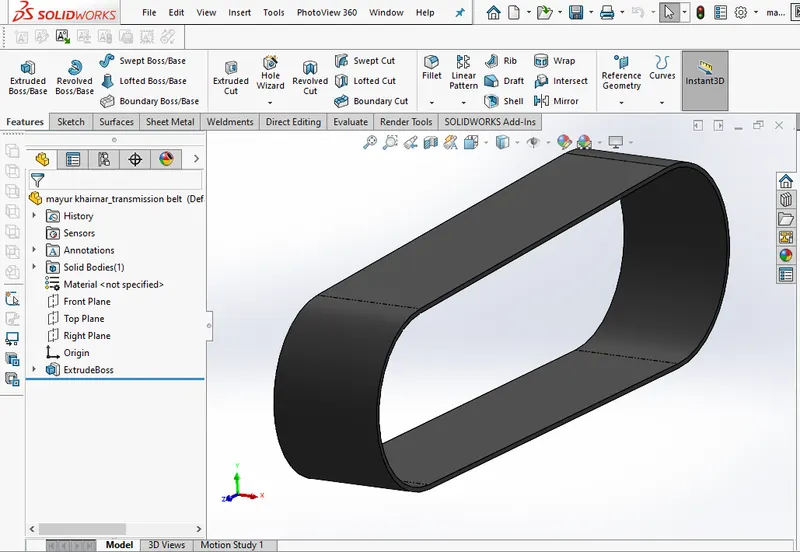
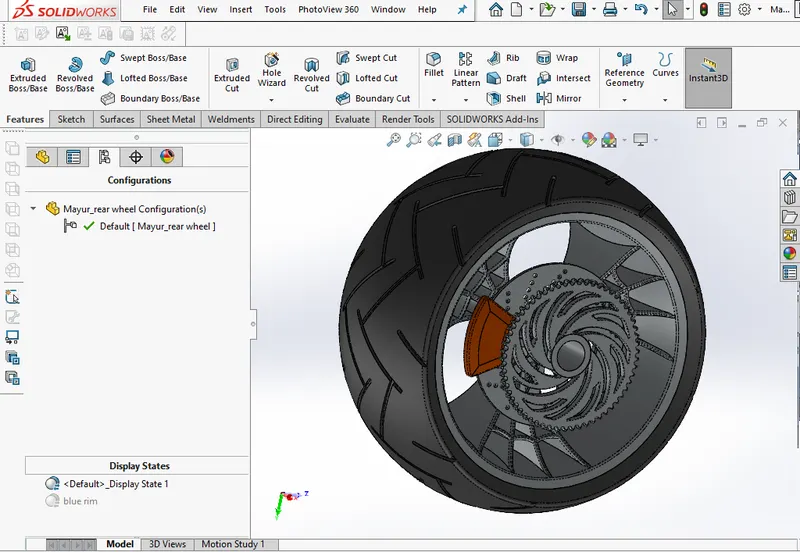
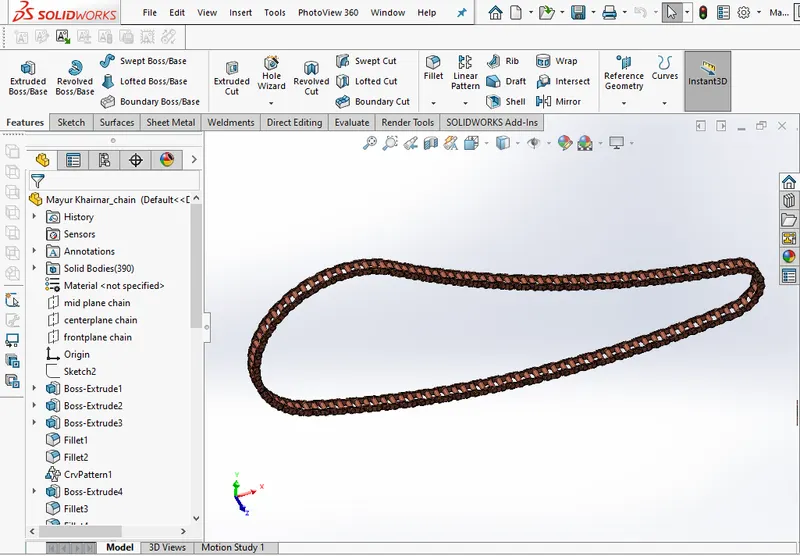
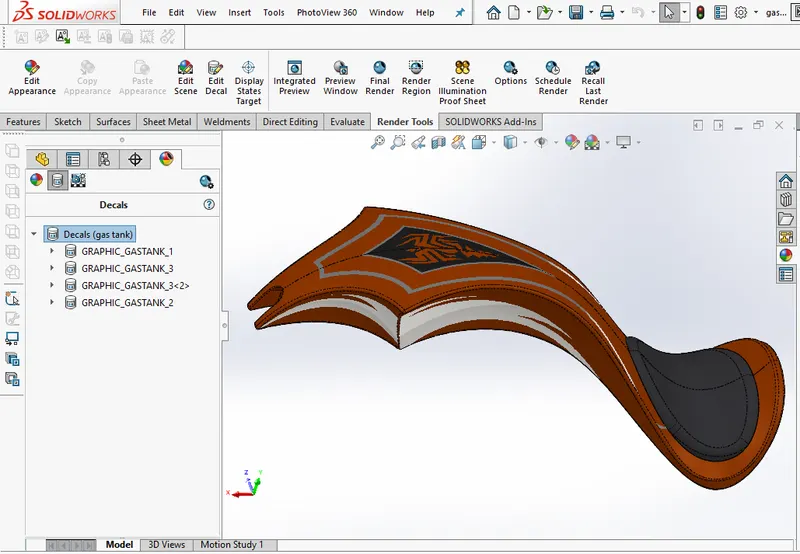
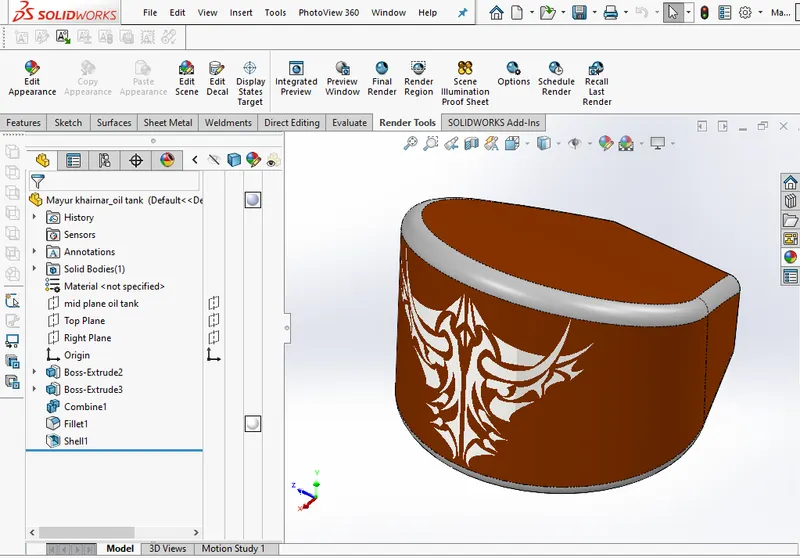
Methodology:-
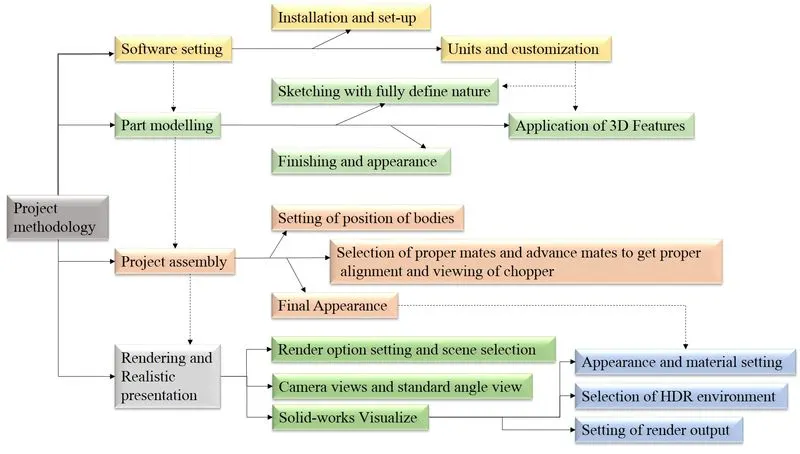
The project is going through three phases Software installation, Part Modelling And Presentation. all these phases are needed to do any project effectively and we can add some more phases in the design procedure to complete our design with all technical as well as client aspects.
software installation is done by downloading a required version of Solidworks with plugins and after installation, some customization will help to reduce time wastage and do modeling past. template, user keys, shortcut keys, and repetitive command setting, etc.
Part Modelling is the basic Solidworks step to get the desired model, basic sketches and proper application of commands help to create the best components which allow direct mating so we can achieve the assembled model in minimum mates, all the Solidworks skills are used in part modeling while playing with curves, all this complex projected curves, multi-body design is covered during the part modeling phase.
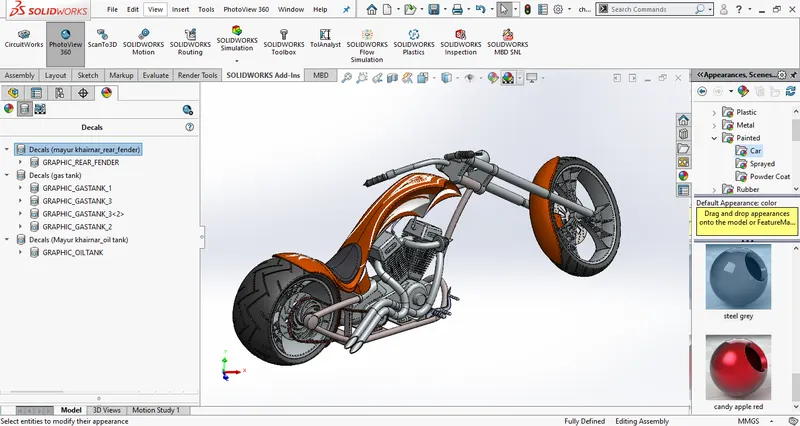
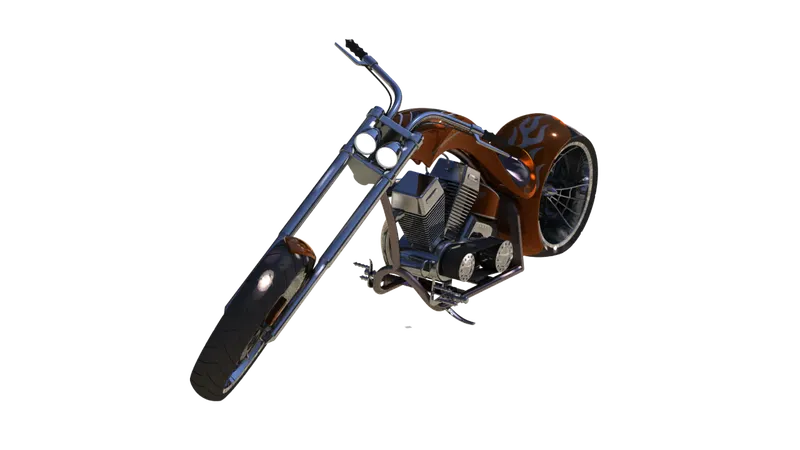
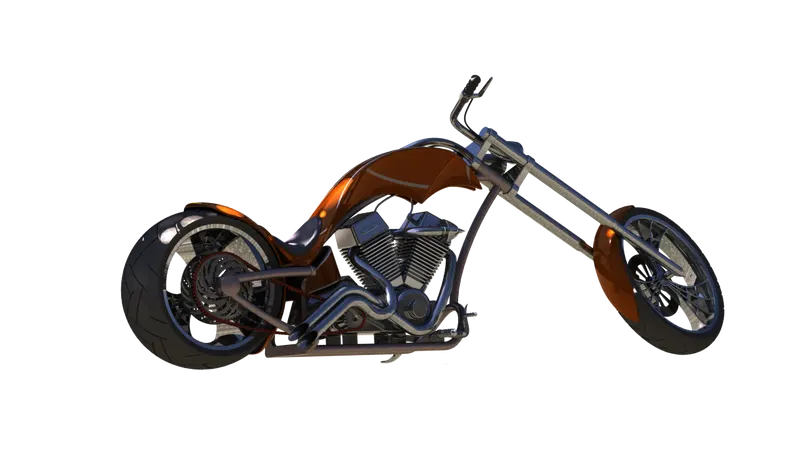
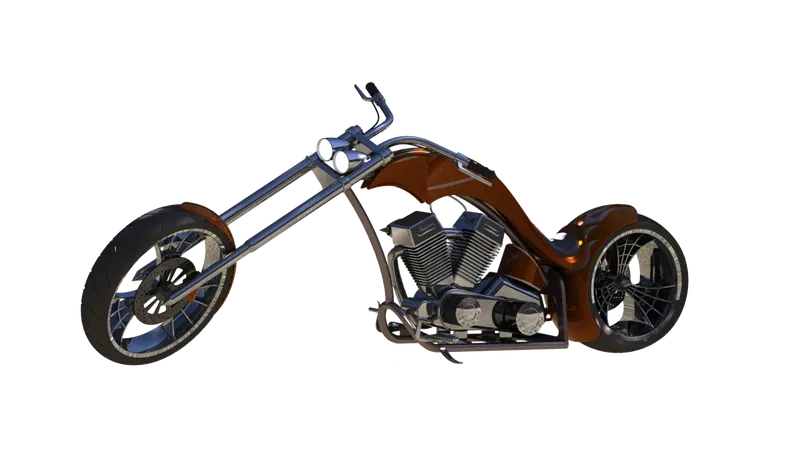
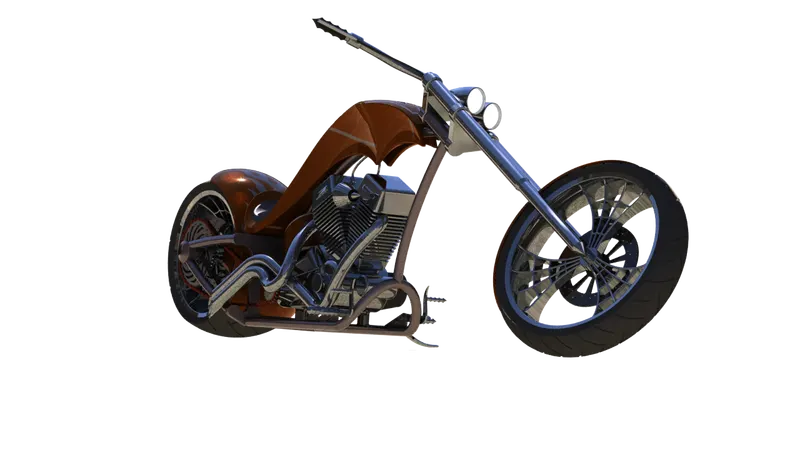
Assembly is the main part of Solidworks where all components are linked together to form a single product, in chopper total of 13 components are used to make this assembled model. standard mates and advance mates allow us to form linkage in between components.
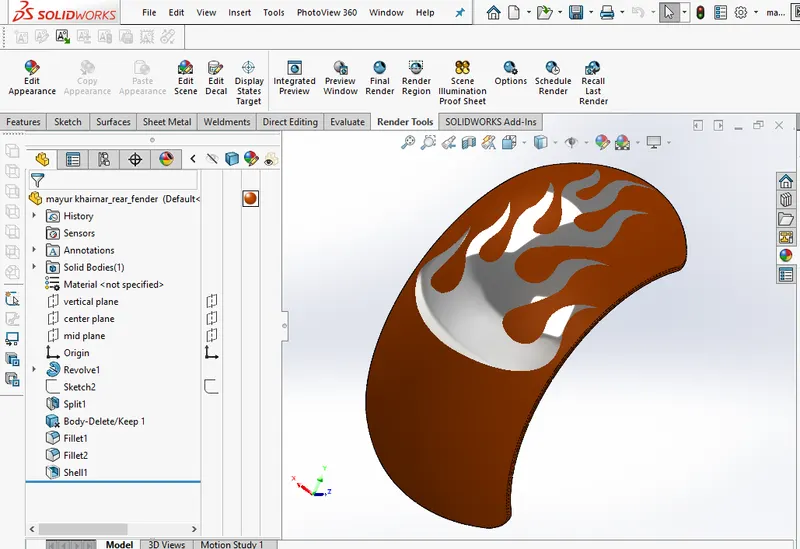
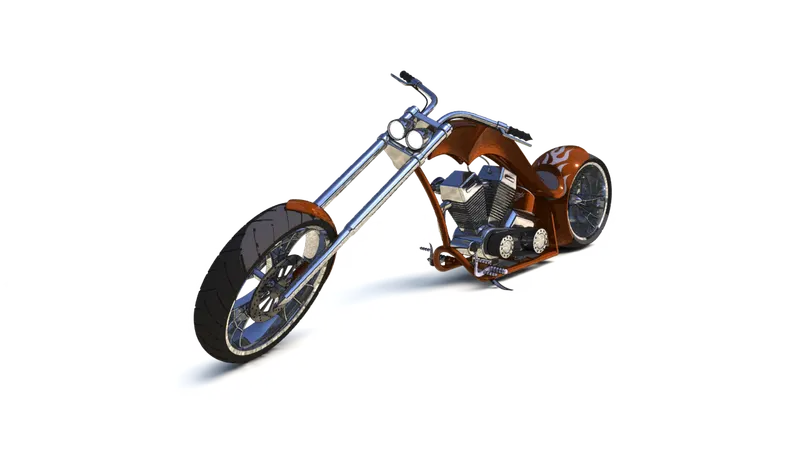
photorealistic setup in Solidworks rendering option and also done in Solidworks visualize which is an external plugin of software to enhance rendering and presentation.
Description:-
The Overall project deals with learning concepts of software commands and its different usage. A list of commands is mentioned below.
1. Sketch tools (lines, splines, circles, offset entities, mirror, fillet, smart dimensions, etc.)
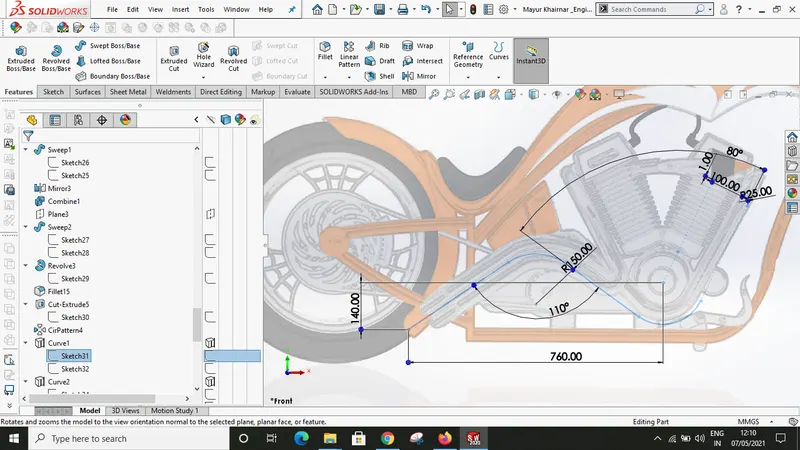
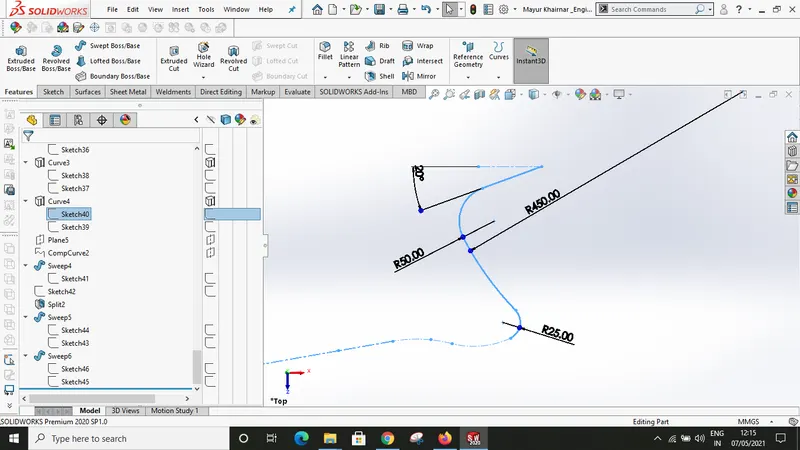
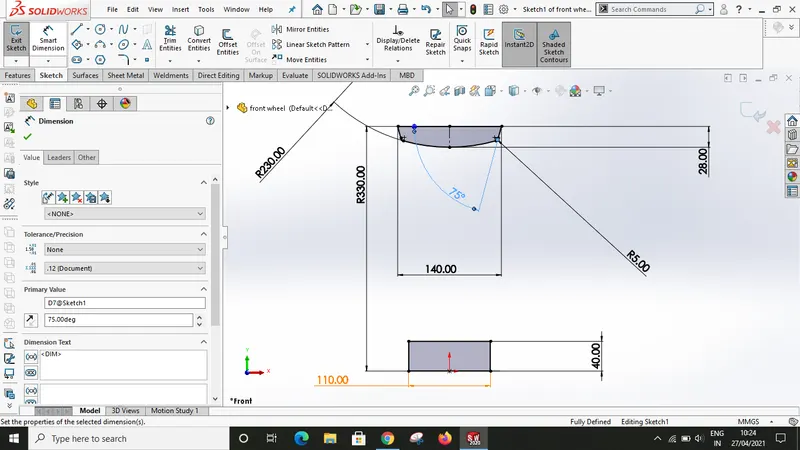
2. Feature tools (extrude, swept boss/base, Revolve Boss/Base, fillet, circular pattern, planes, curves, shell, etc.)
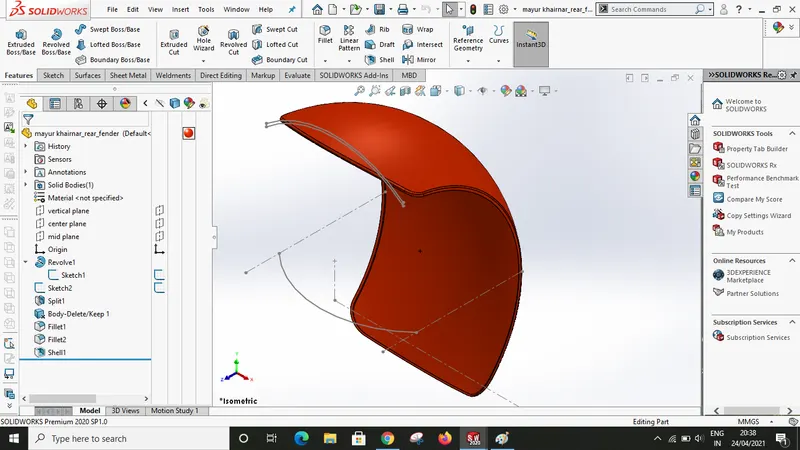
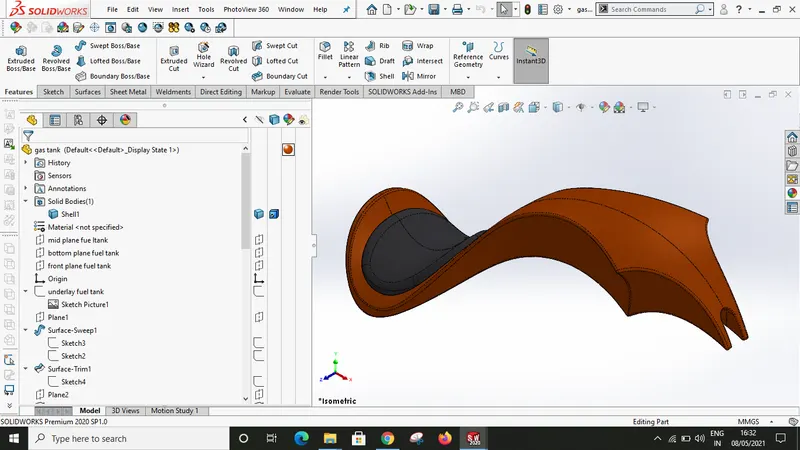
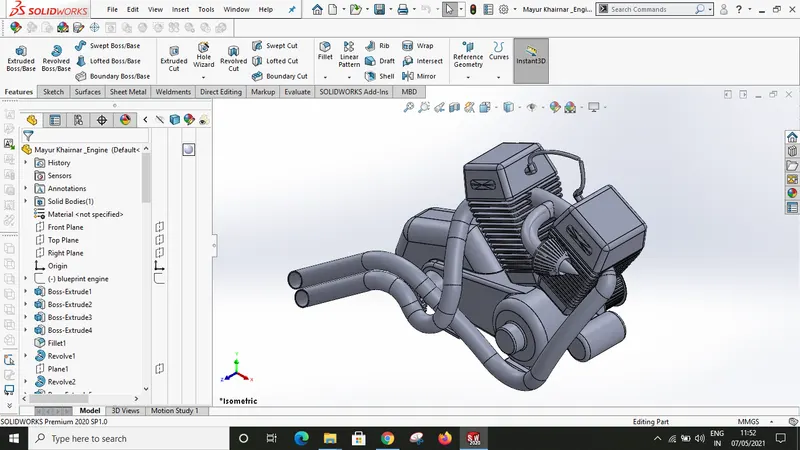
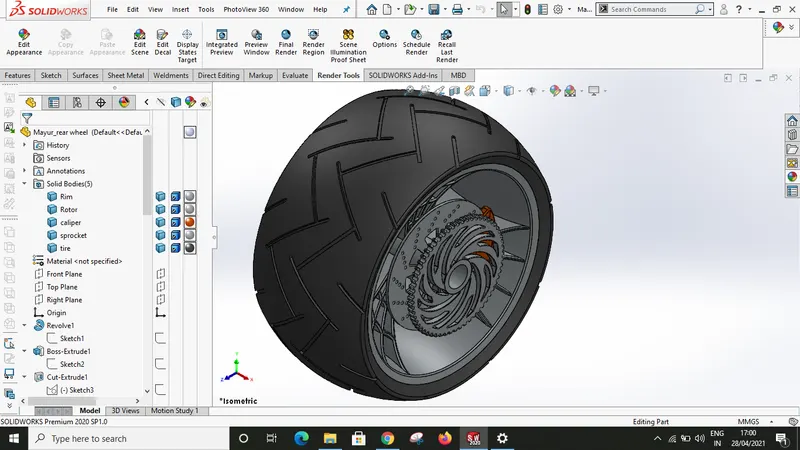
3. Surface (extrude surface, trim, knit, solid body, boundary surface, swept surface, dome, etc.)
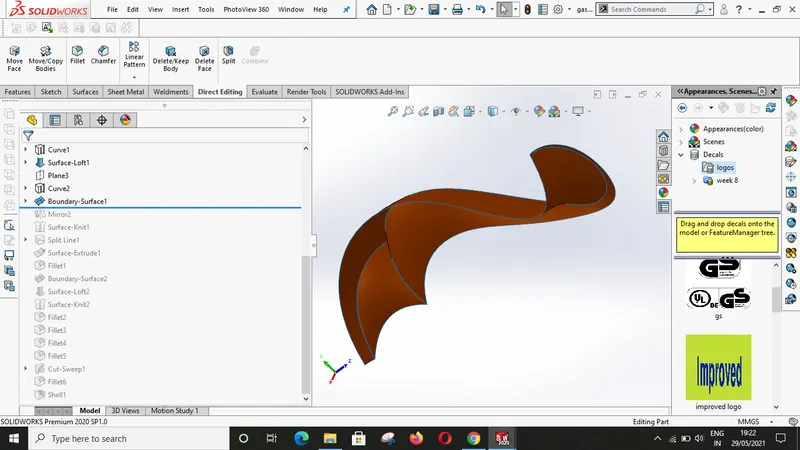
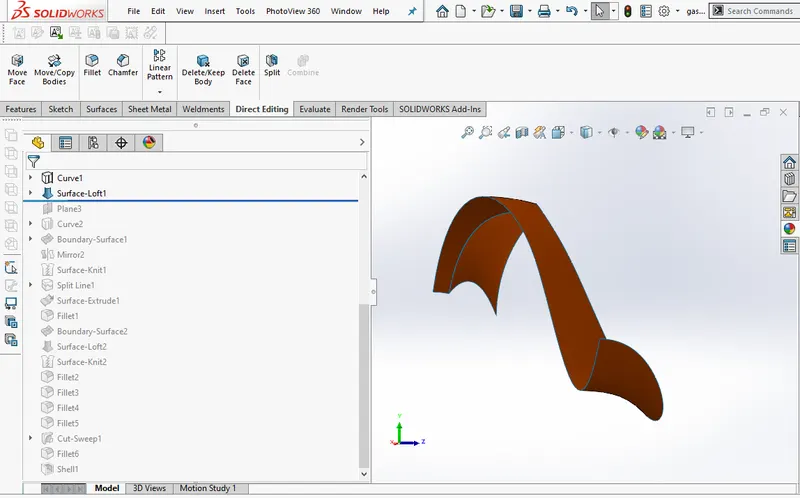
4. Direct editing (split, combine, etc.)
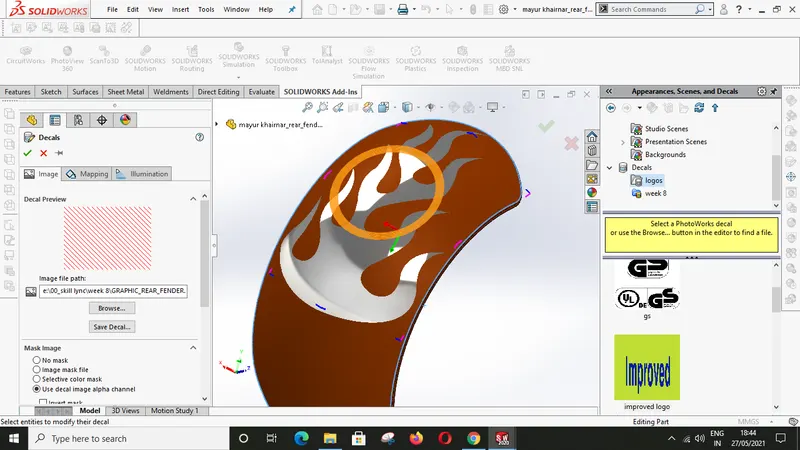
5. Photoview360 (final render, integrated preview, options, edit decals, edit appearance, render reign, schedule render, cam setting, light setting, etc.)
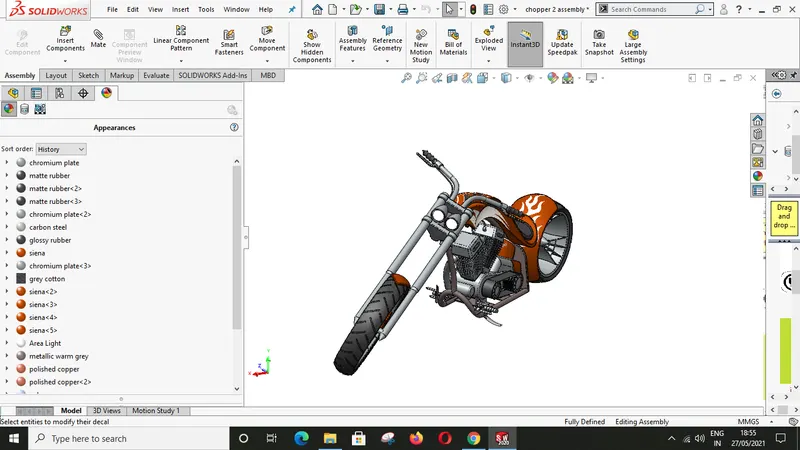
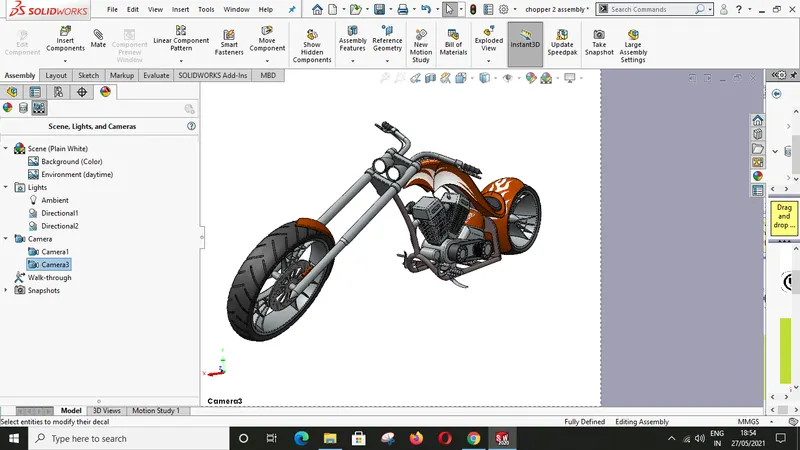
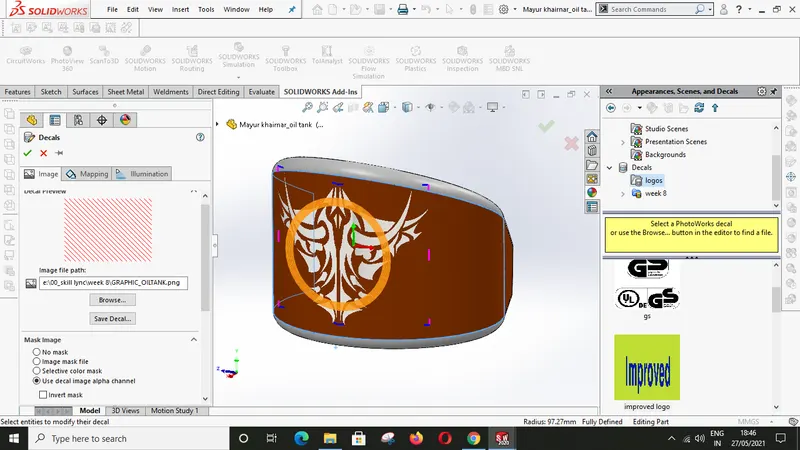
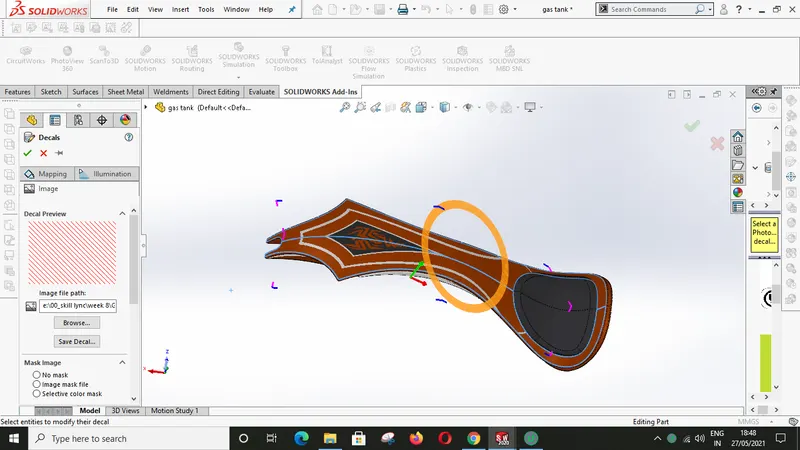
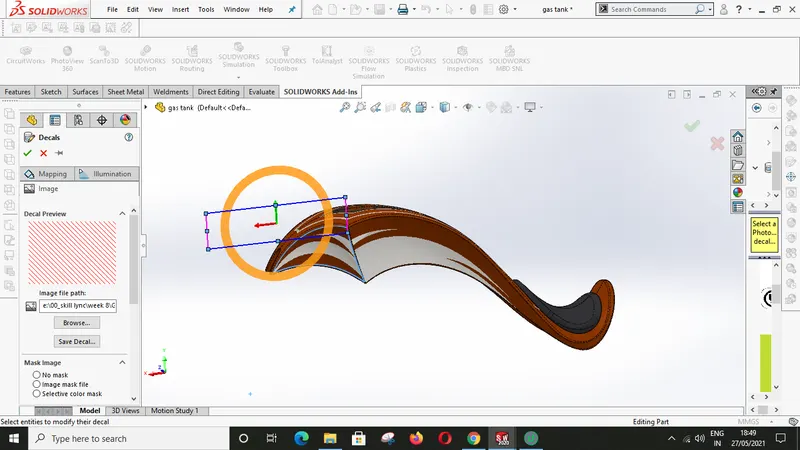
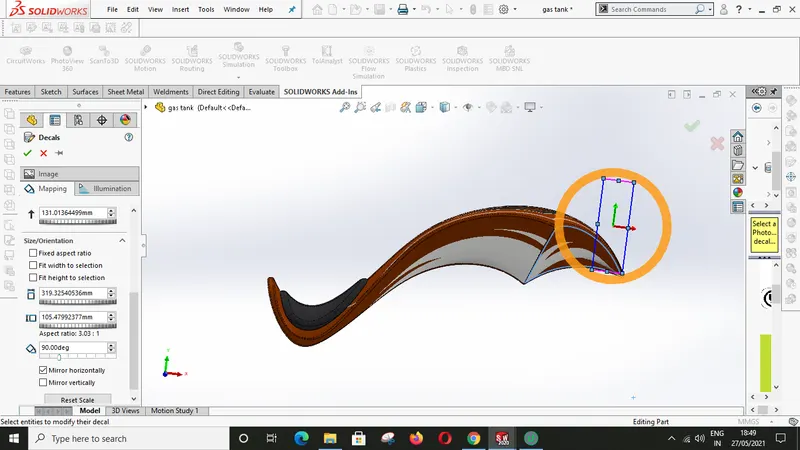
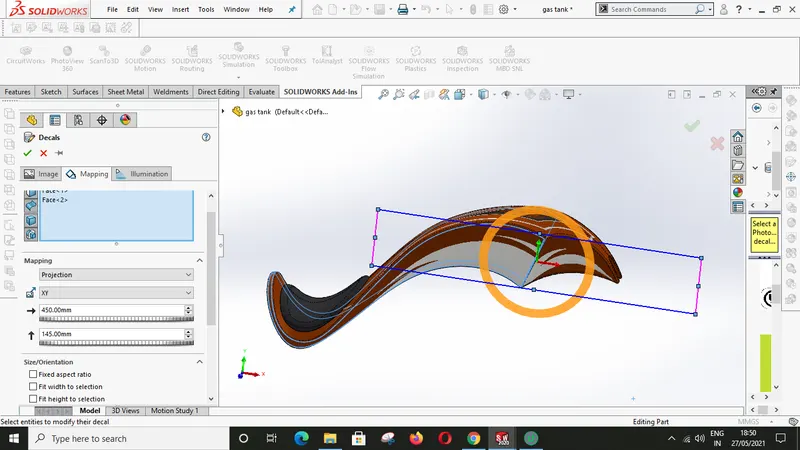
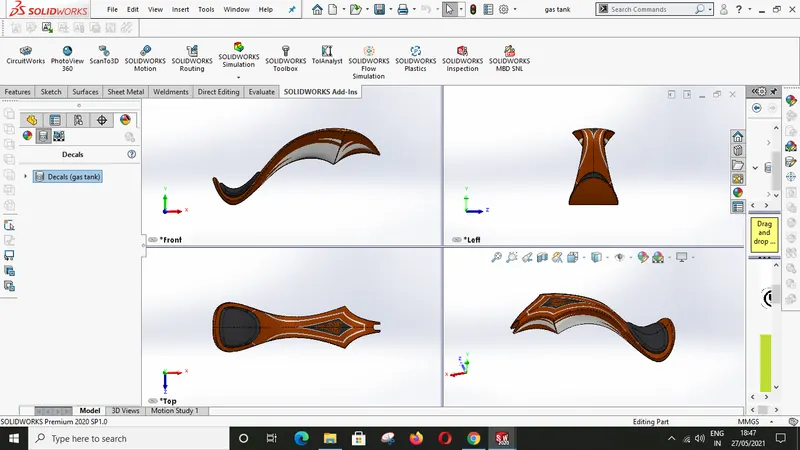
6. Assembly (standard mates, advance mates, mirror, insert component)
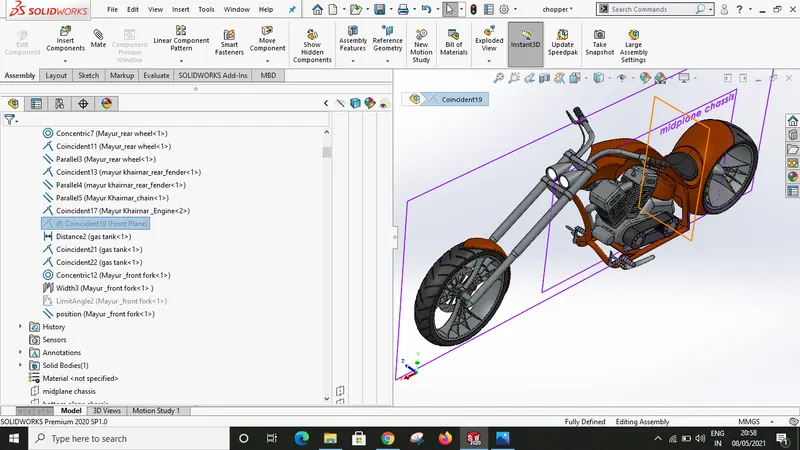
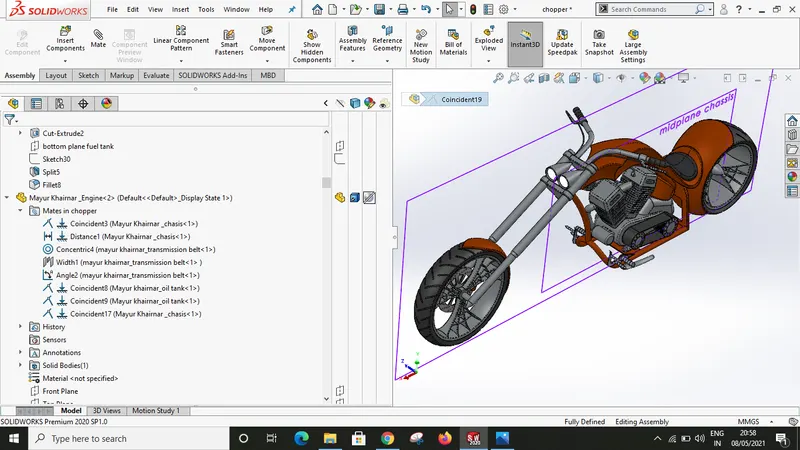
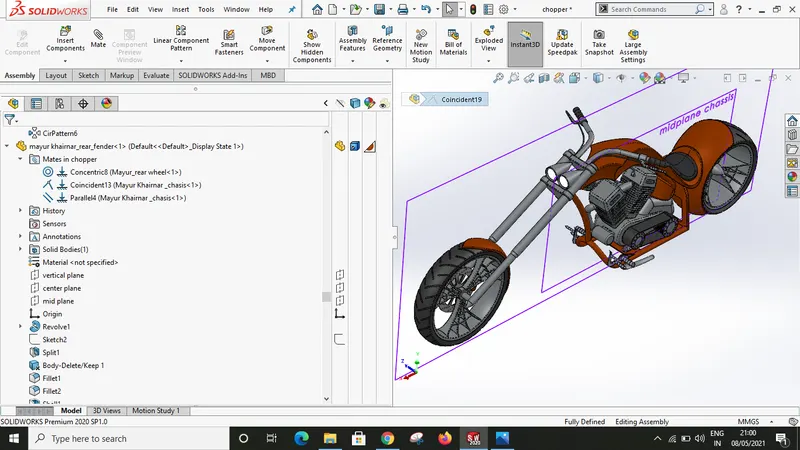
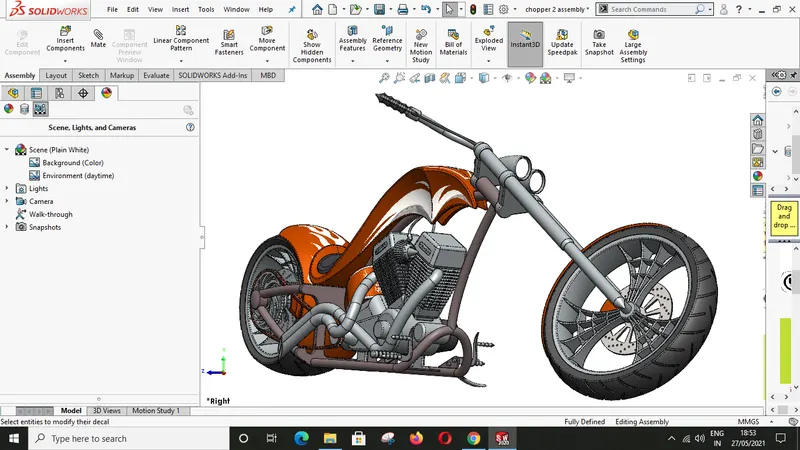
7. Solidworks visualize (Hdr Environment, import project, appearance, output tools, back lets)
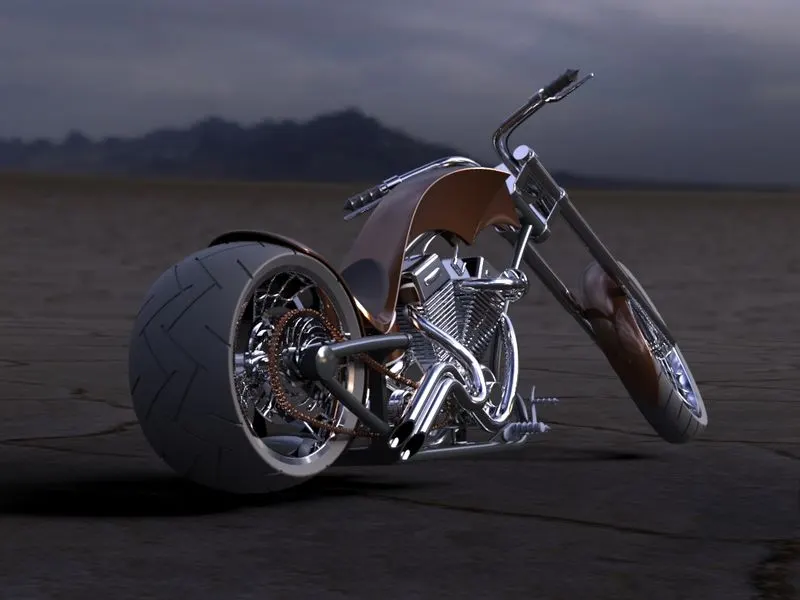
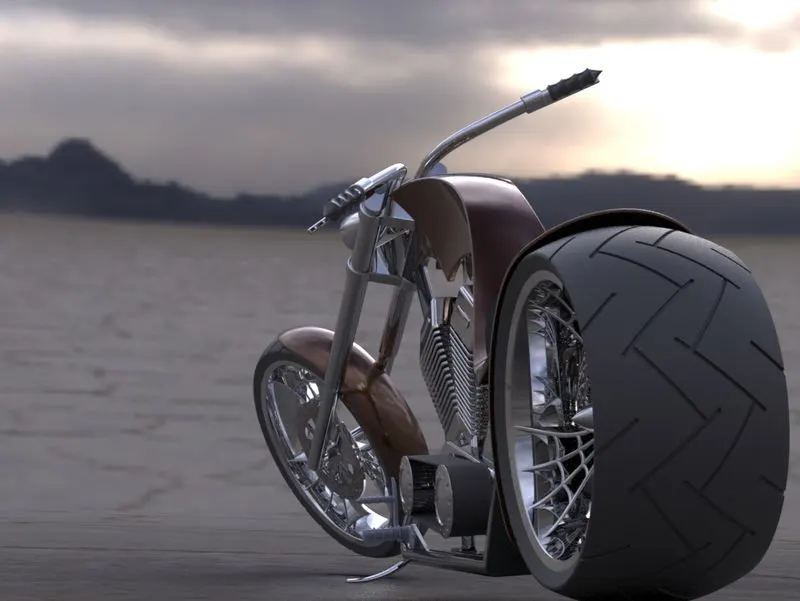
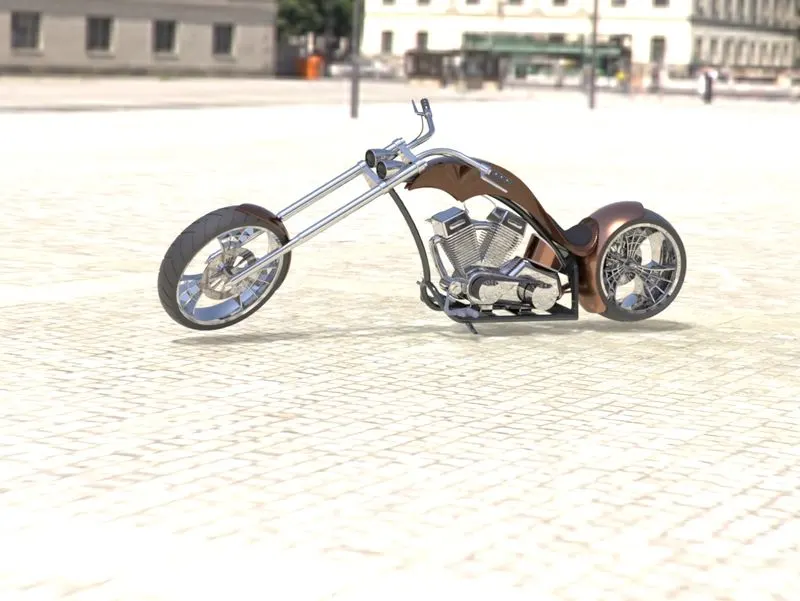
8. Tool pallets:- configurations, toolbox, library, custom options, documents, etc.
Assembled model views:-
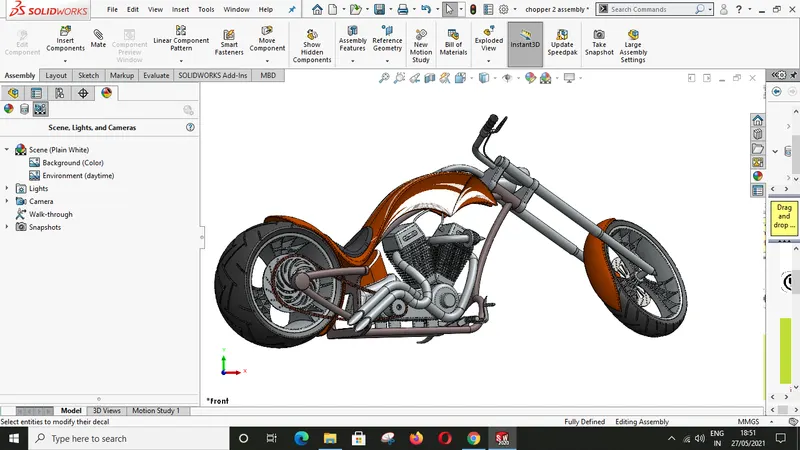
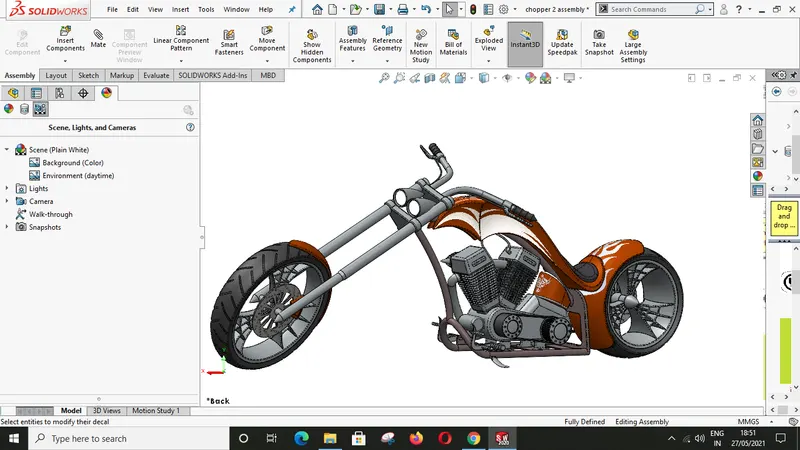
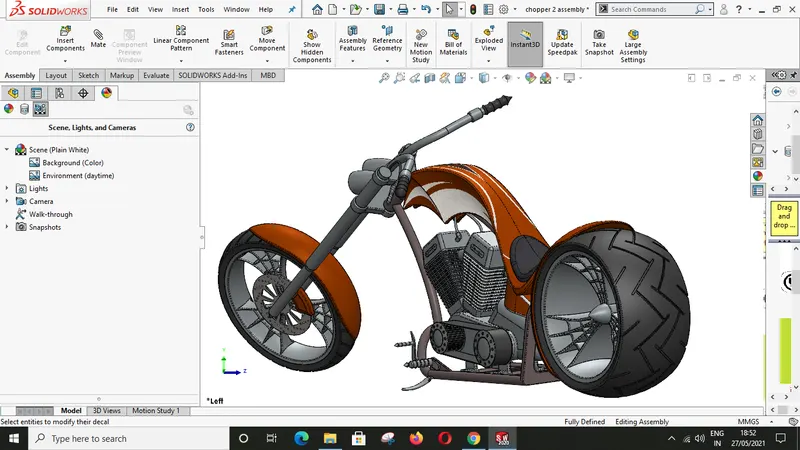
Conclusion:- Project's primary aim is get introducing Solidworks commands and basic features to get any complex part done in software where it can build confidence to design any 3d model. The targeted part of any product is the final presentation, the initial introduction of Solidworks visualize will help to learn more commands. part modeling tools some extra time if system configuration is not sufficient during rendering.
My Learnings:- I learn so many newer commands and get introduce to extra applications or options in commands, like configuration, cam setting, render setting, Solidworks visualize, Projected curves, surfaces. and this course helps me to get connected with Solidworks continuously.