Week 8 - Challenge 3 - Coin Holder Design
Dear sir,
Please find Coin Holder Design Challange Files Below,
Title:- Coin Holder Part Creation
INDEX
A. Surface Development
1. Input As Class A surface Draft Analysis
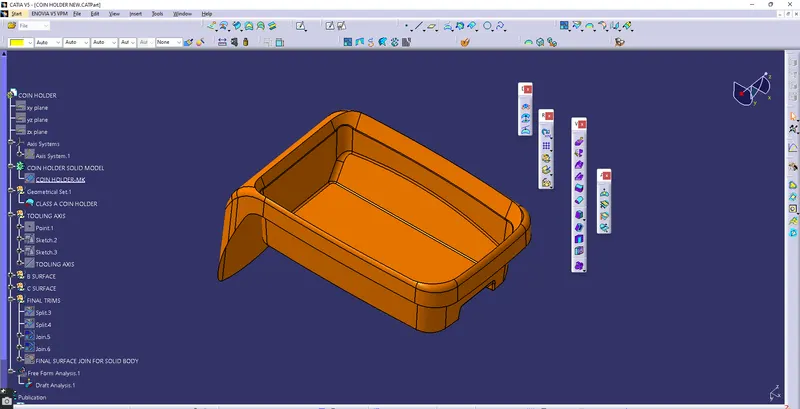
1.1 Nomenclature of Class A Surface
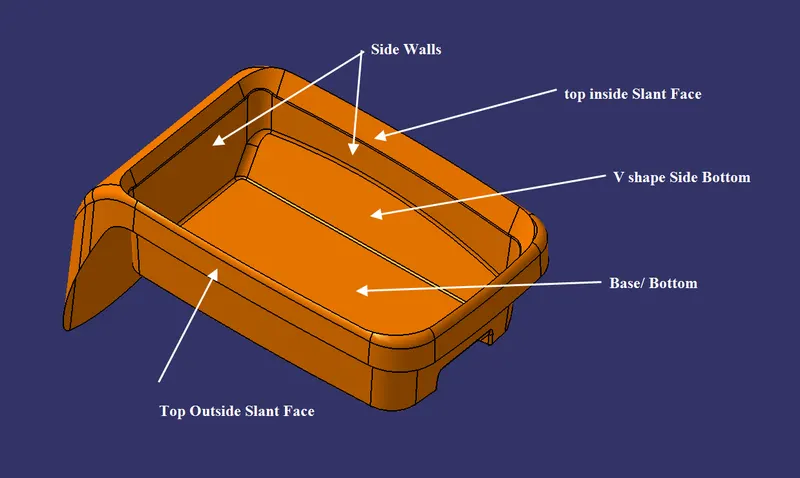
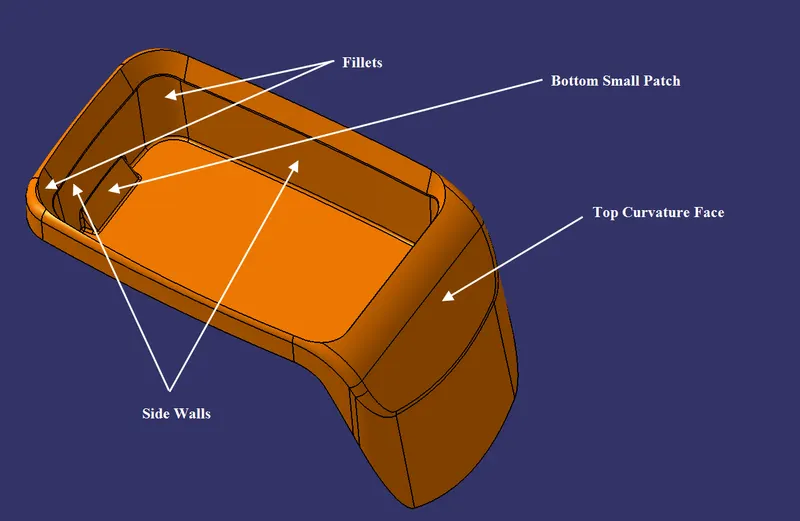
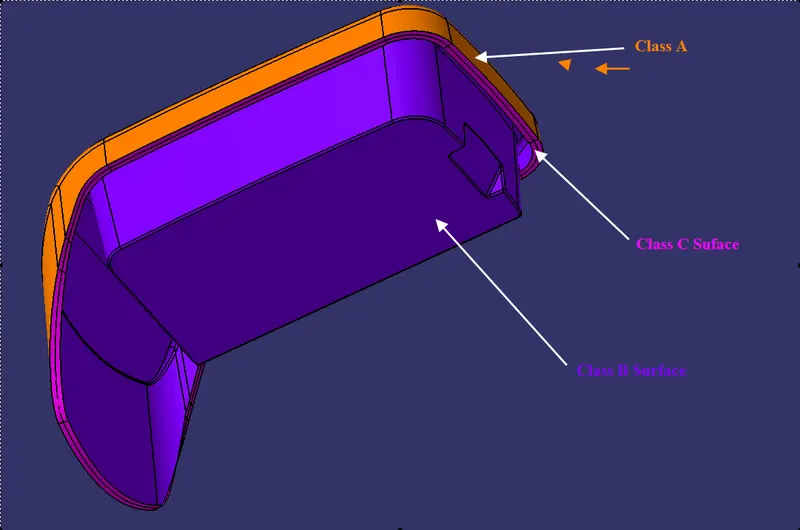
1.2 Tooling axis creation
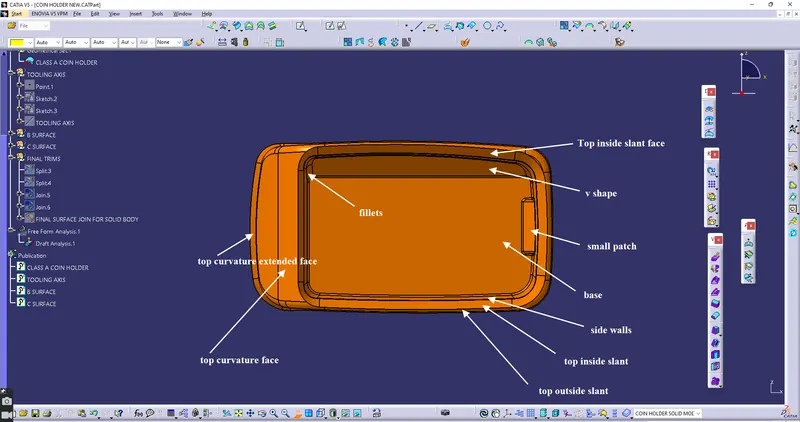
Creating Tooling axis From Center of Base Surface and MAximum Face View From Normal View. Keep Class A Normal to all Axis And Look For Maximum Face Area.
XY Axis
ZX Axis
ZY Axis
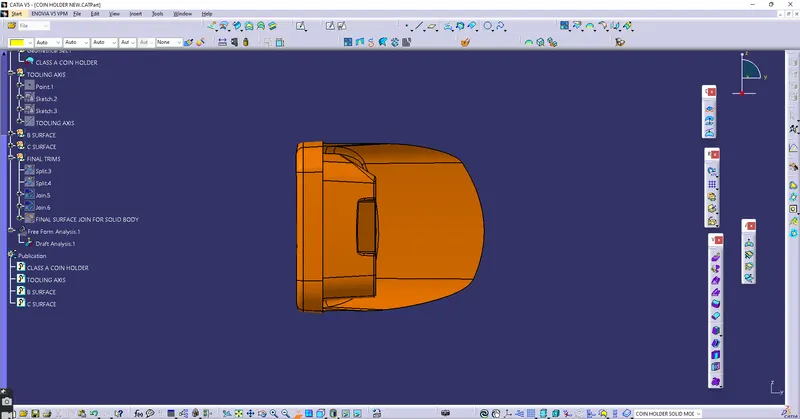
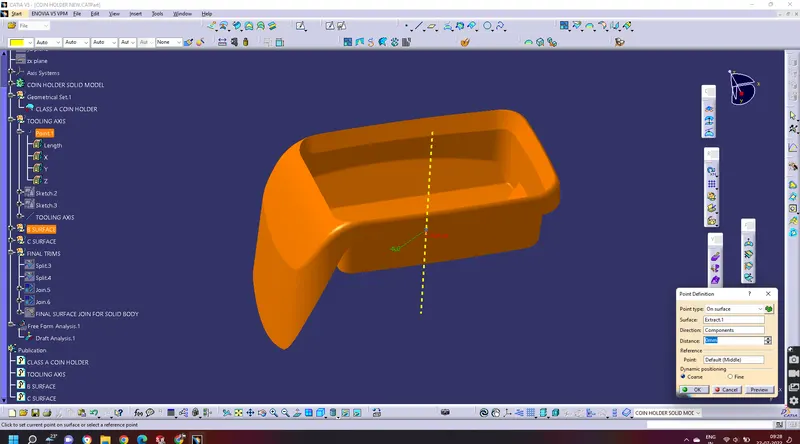
As Per the above Images, MAximum Faces are Visible in ZX Plane, It means We have to Prepare a Tooling axis That is Normal To the ZX plane or Bottom Surface As Both are Parallel. Create An Point 0 mm Distance of Base of The Class A. and Take line Normal To Base surface name it as Toolinbg axis.
1.3 Draft analysis setting of Class A
Analysis > Featured Based Analysis > Select compass drag and drop to the Tooling axis Shown in the image
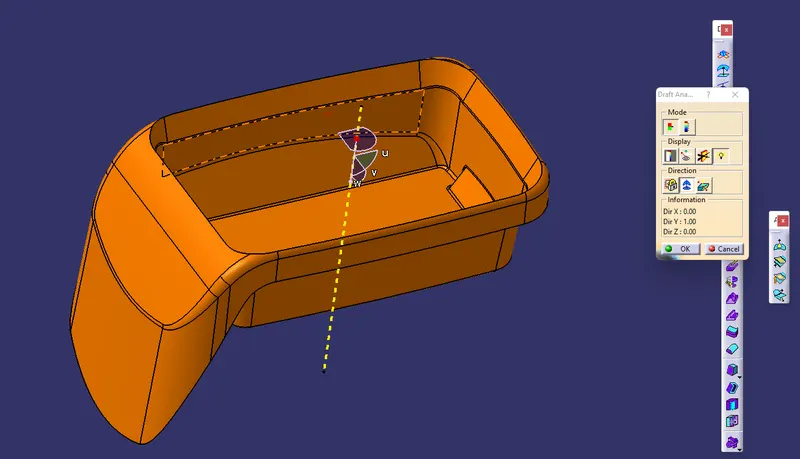
click on the surface to get Results
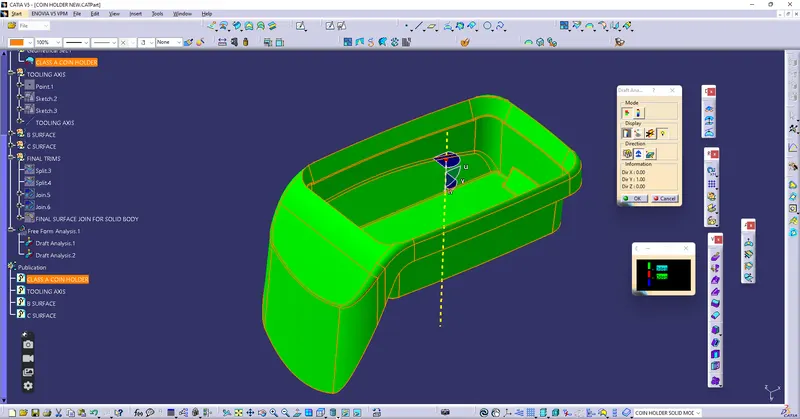
1.4 Results
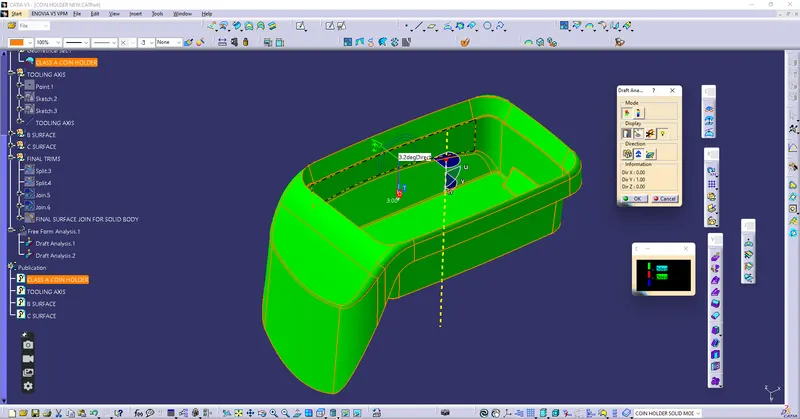
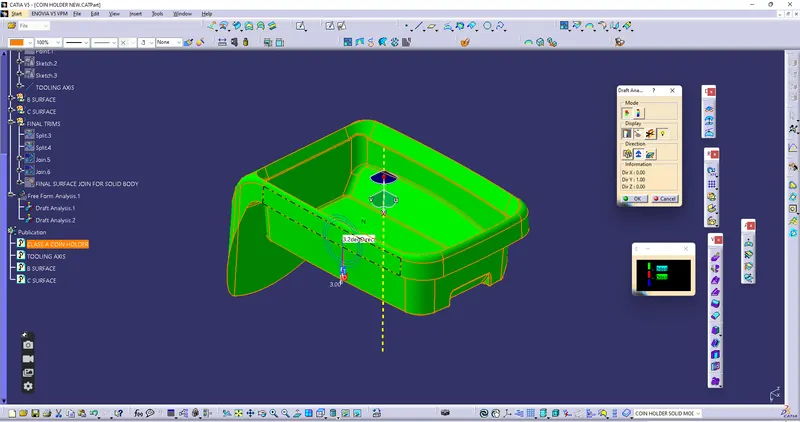
Class A surface Passed In Draft Analysis As per Selected tooling axis. images shown below approx draft angle is 3.2 deg. cel. our minimum draft is 3 deg. cel. Ensure all walls will not be damaged during molding/casting in the Tooling axis direction.
2. Creation of B surface
2.1 Base Creation
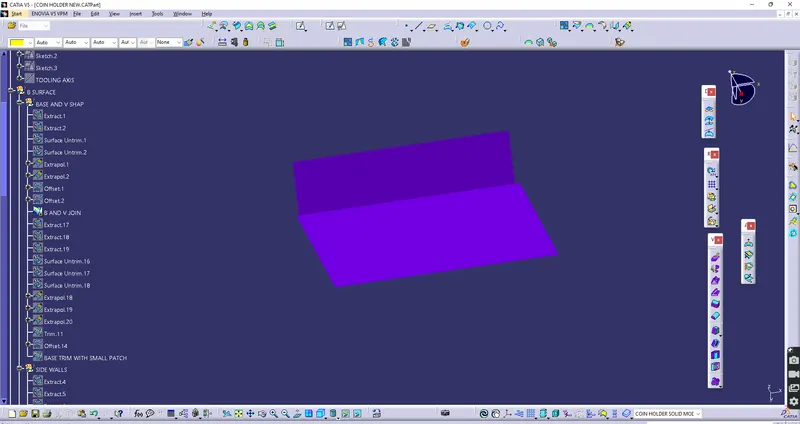
2.2 Sidewall With Bottom V Shape
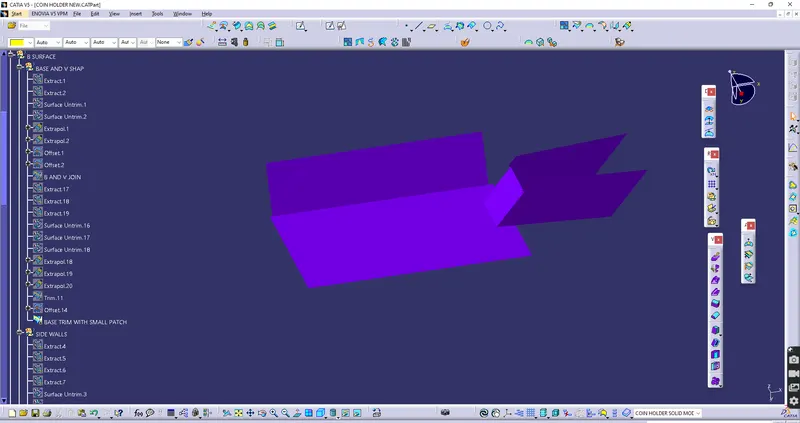
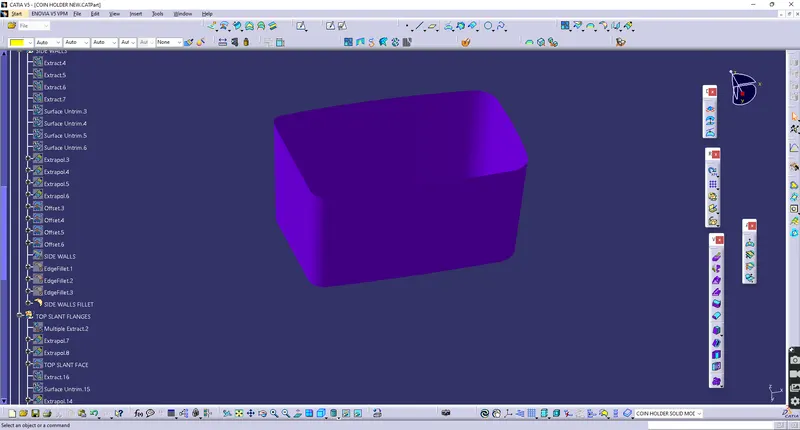
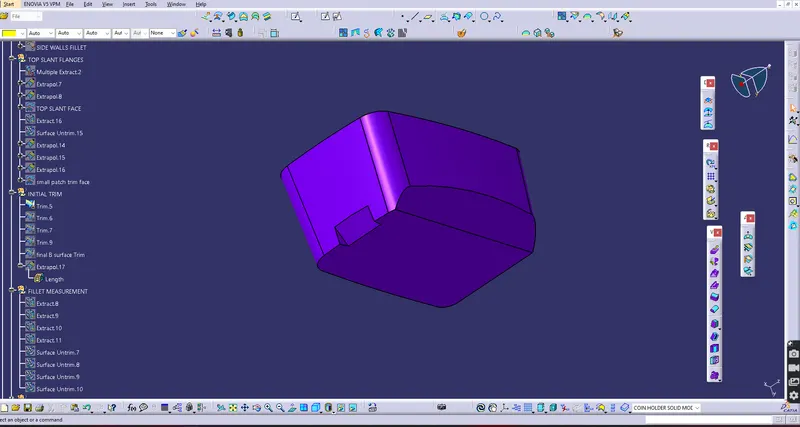
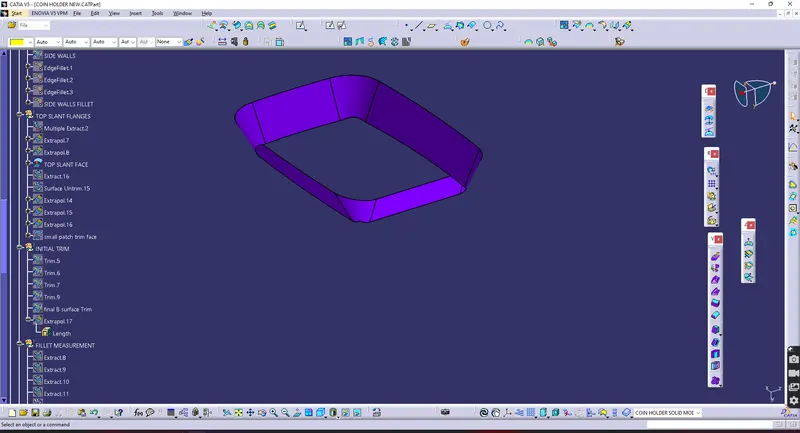
2.3 Top INSIDE Slant Faces
2.4 Outside Top Slat Faces
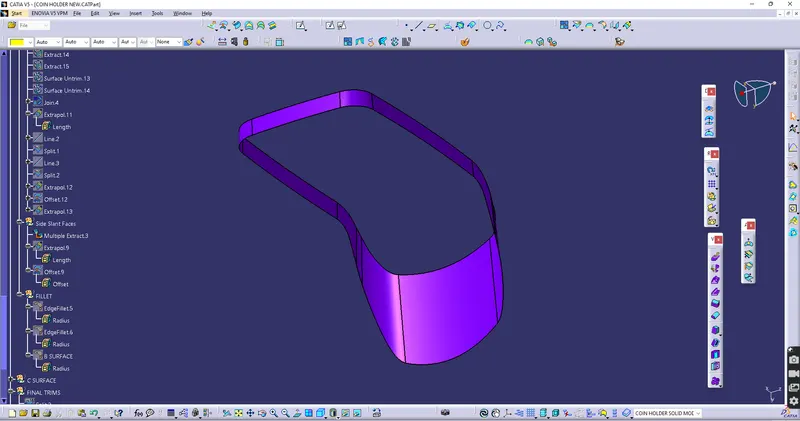
2.5 Top Curvature Face
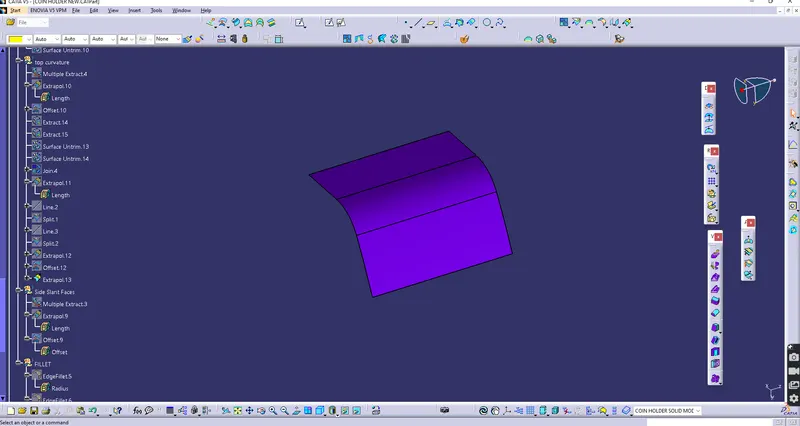
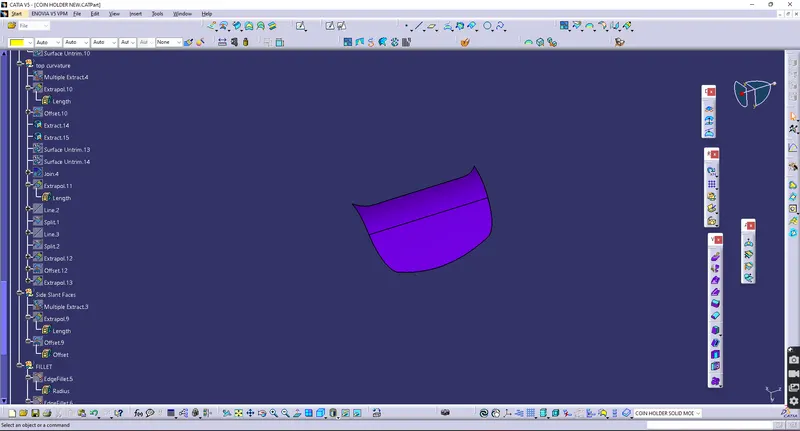
2.6 Fillets
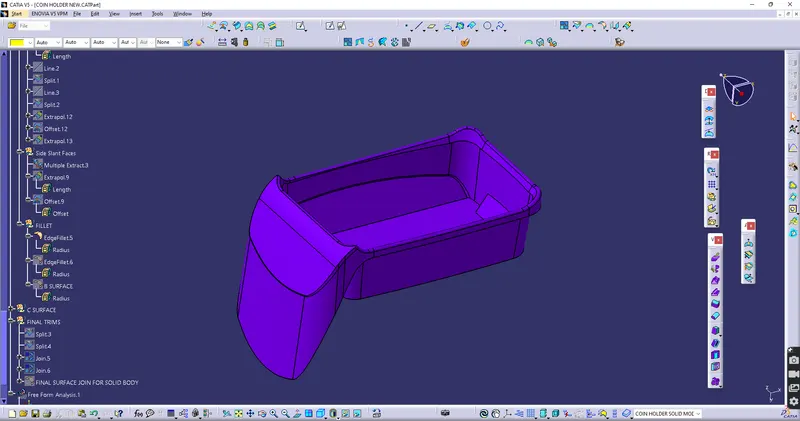
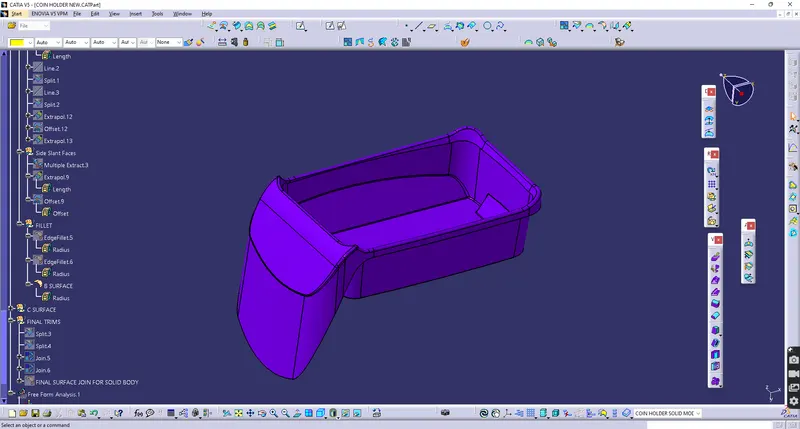
3. Creation of C surface
3.1 Creating Face Boundry
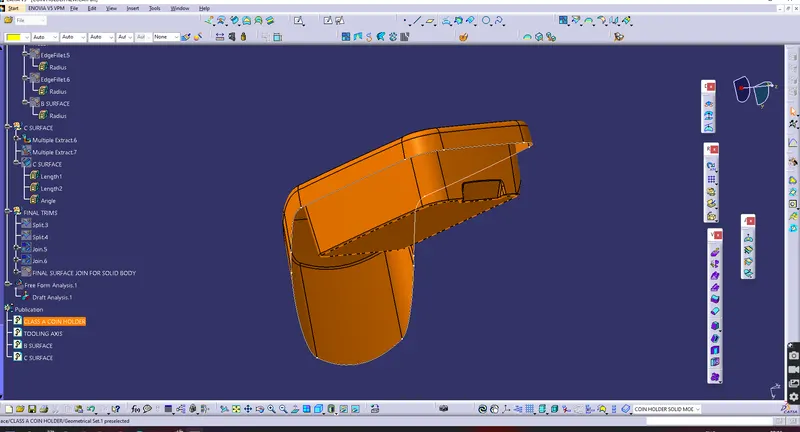
3.2 Creating the surface by using Sweep Command
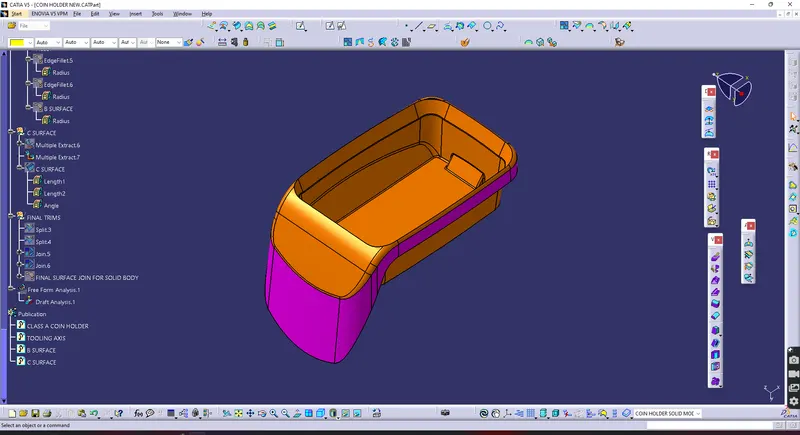
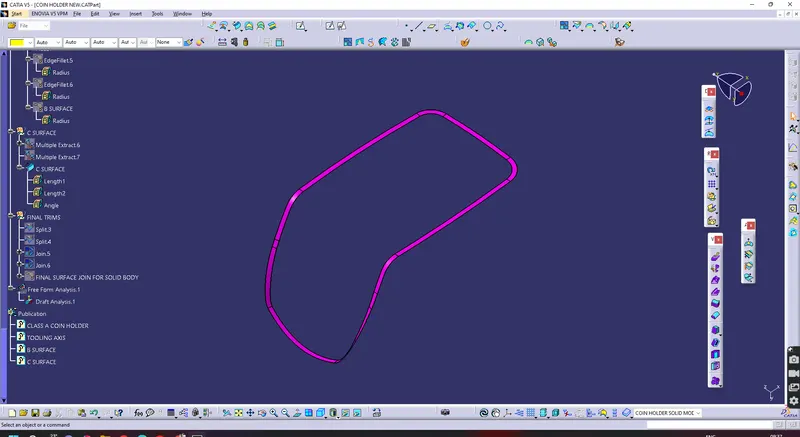
4. Close Surface Creation
4.1 Join Class B and Class C
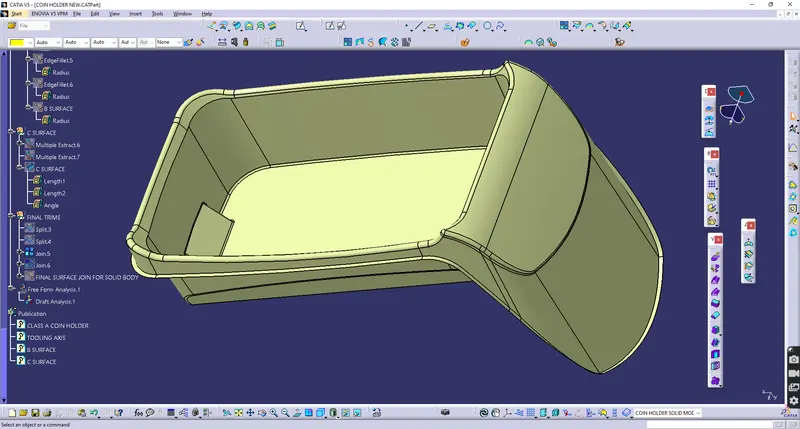
4.2 Join Class A with (B+ C) Join surface
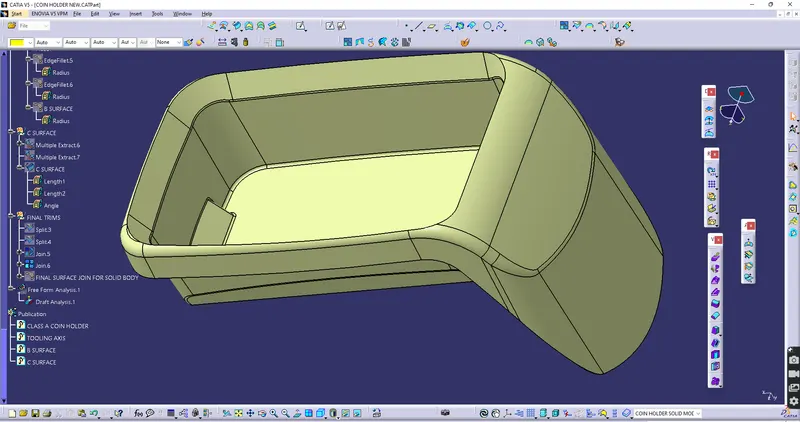
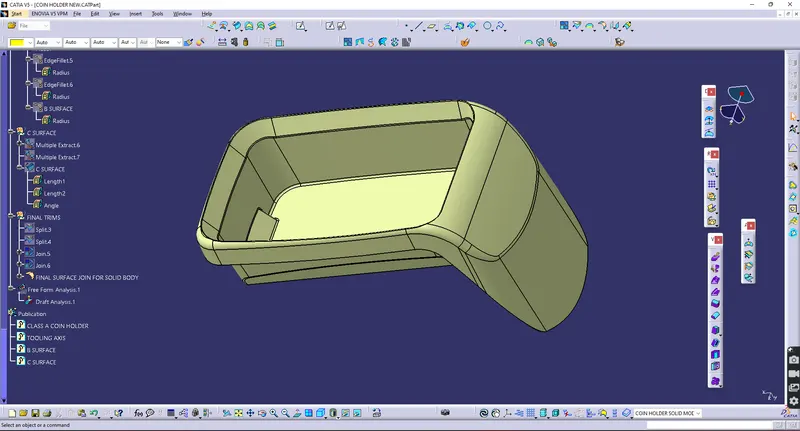
B. Creating Solid Body
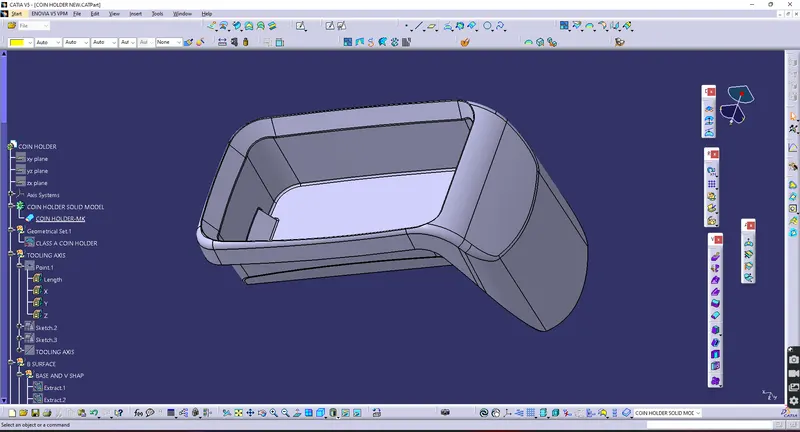
1. Draft analysis on Complete Solid Body
1.1 settings of Draft analysis
Analysis > Featured Based Analysis > Select compass drag and drop to the Tooling axis Shown in the image
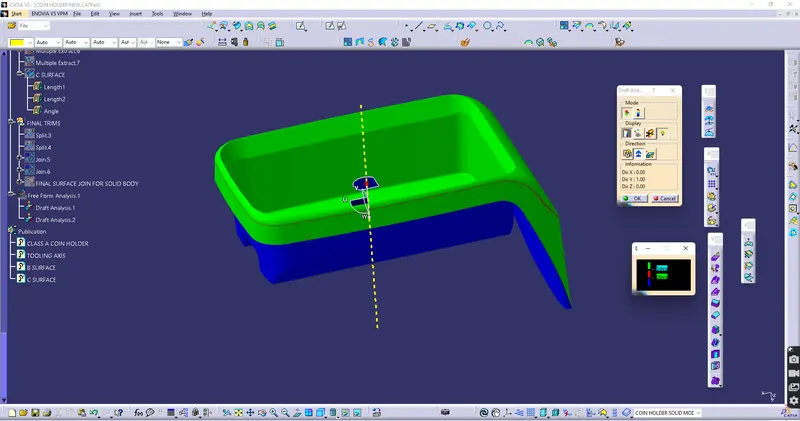
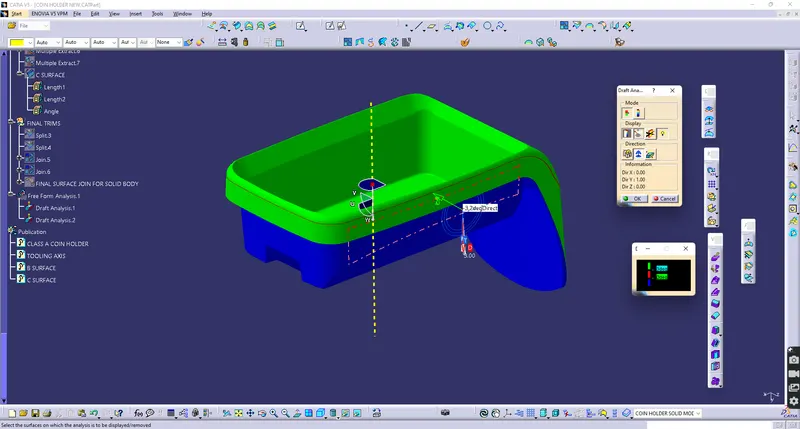
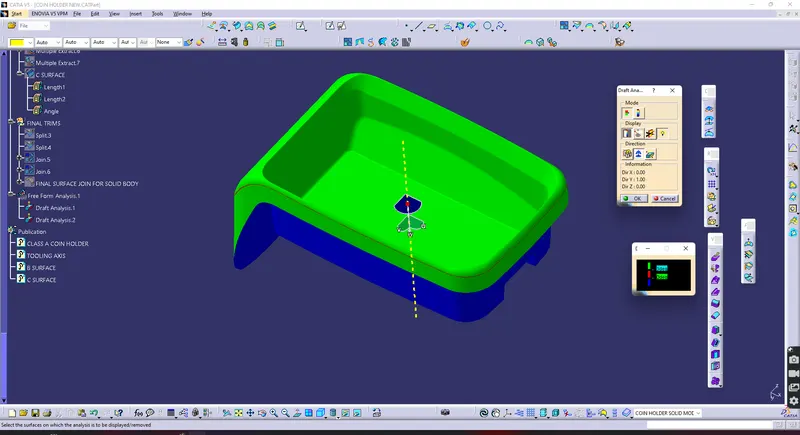
1.2 Draft analysis result on complete Solid Body
Solid model In Draft Analysis As per the Selected tooling axis is passed.
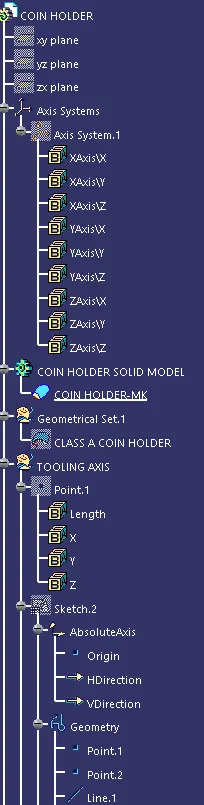
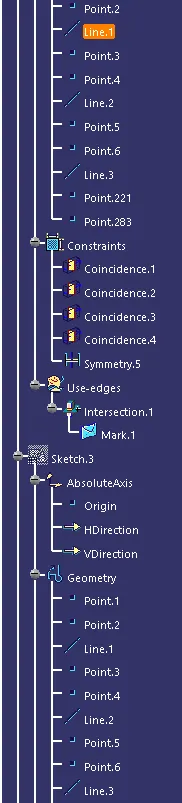
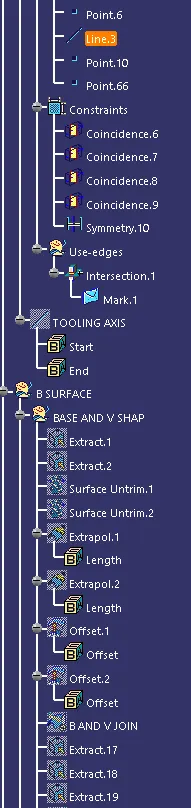
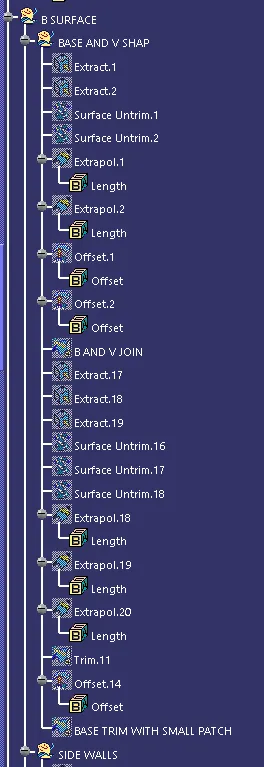
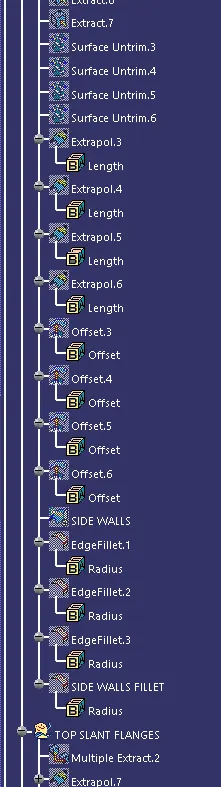
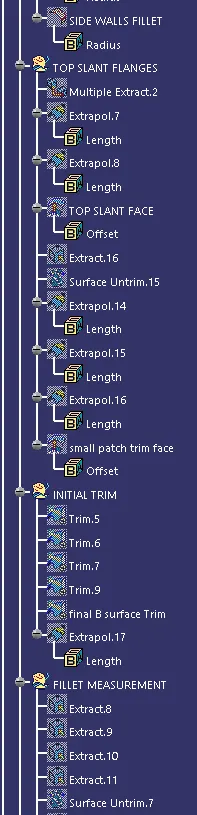
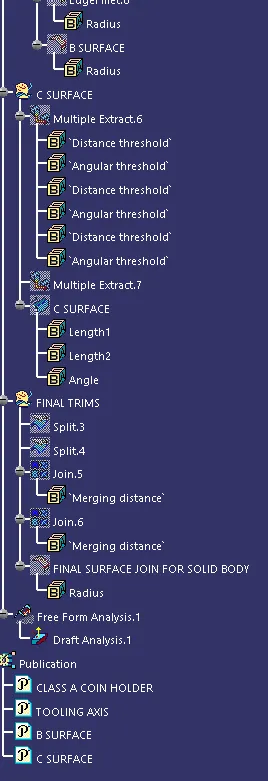
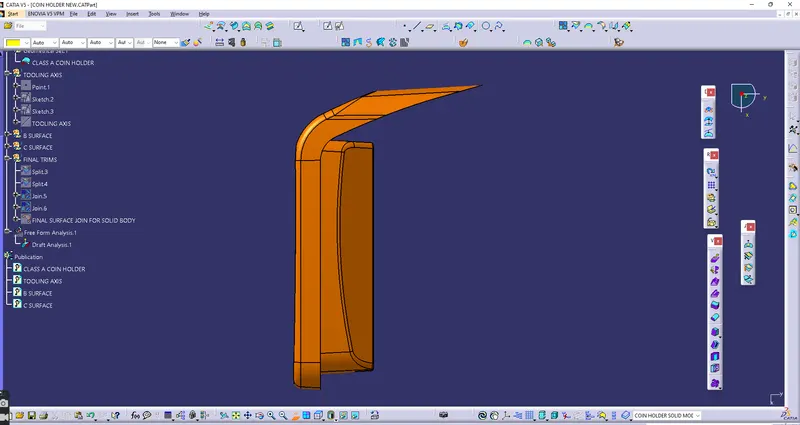
C. Feature tree for coin Holder