Week 8 - Challenge 6 - Core & Cavity Design
Dear sir
Please Find Week 8 challenge 6 Core and Cavity Design.
Title:- Design Core and Cavity For Switch Bezzle Part
Tools:- CAD Software (CATIA V5)
Procedure:-
A) Design a Solid Body of Part
i) Input Class A surface
ii) Create a Class B surface
iii) Create a Class C surface
iv) Join ABC Surface and Create Solid Part From it
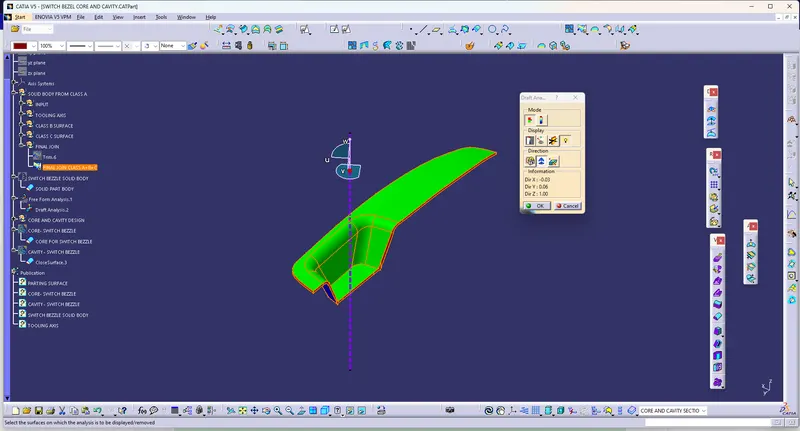
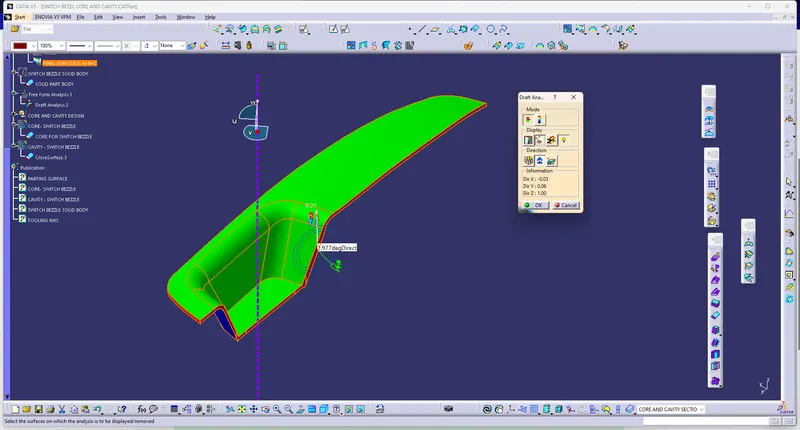
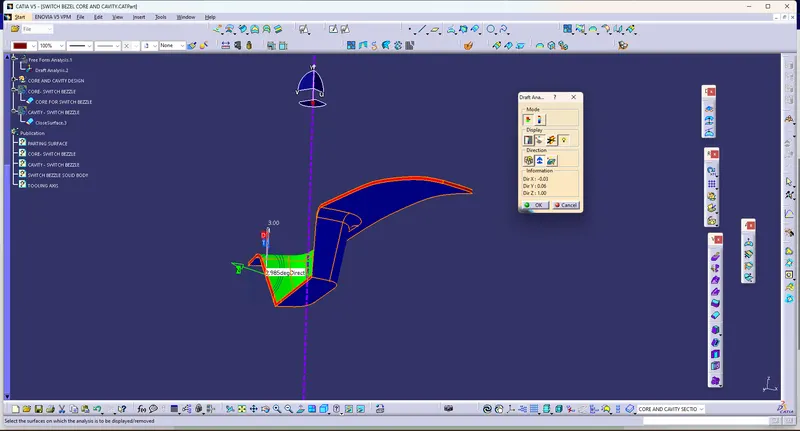
v) Perform Draft analysis on Solid Part
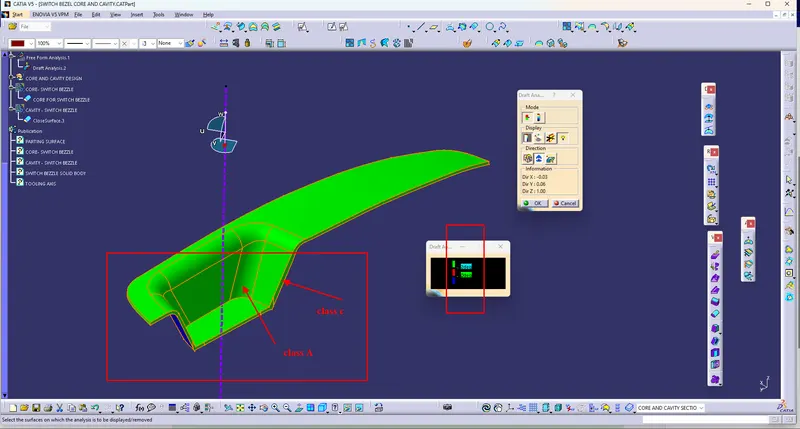
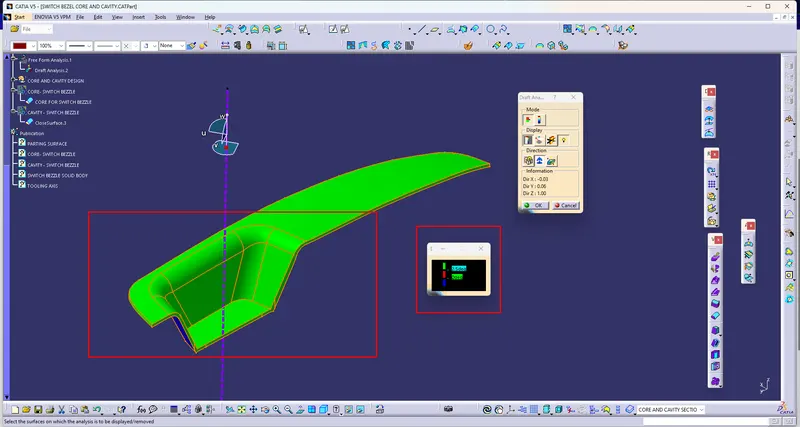
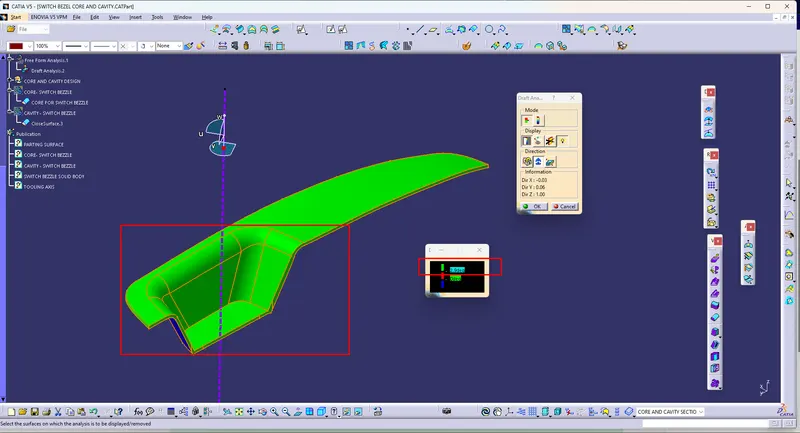
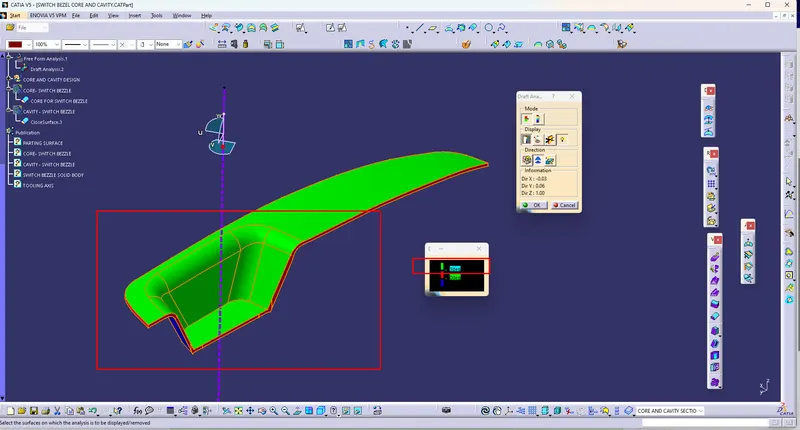
B) Understand Parting surface
i) Parting surface is the surface in between Core and Cavity, it separates core and cavity.
ii) By understanding the Draft analysis core and Cavity Will be decided as per the result.
" In switch Bezzle we understand Class A and Class C surfaces are in draft degree so we should consider both surfaces in Core Creation"
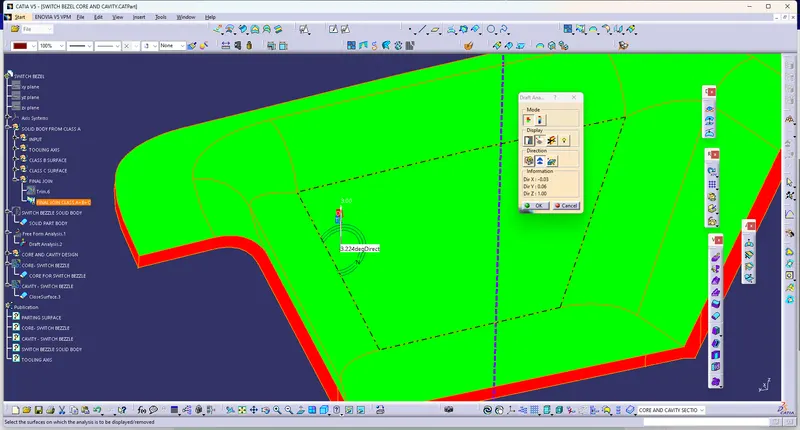
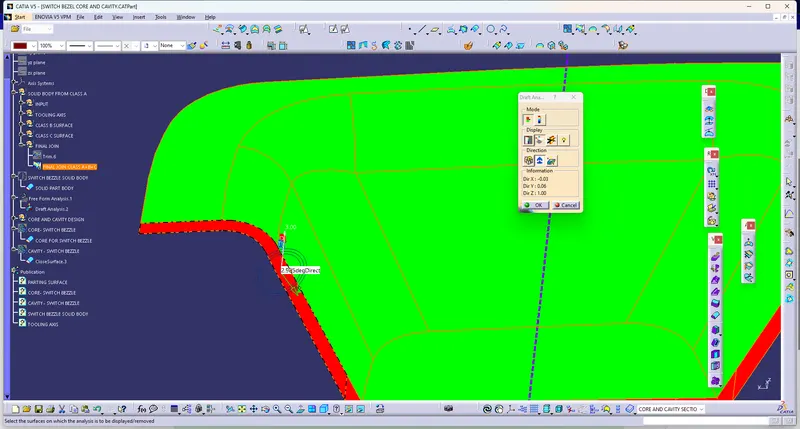
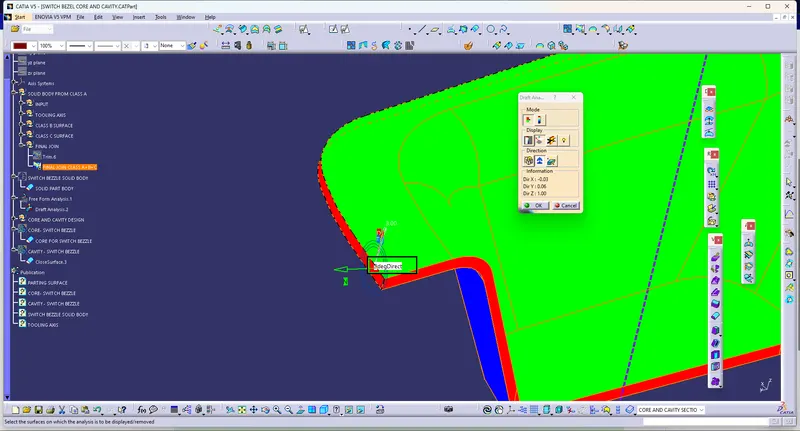
iii) Along with the Core and Cavity Selection boundary is Decided on Part then We can create a parting surface from it.
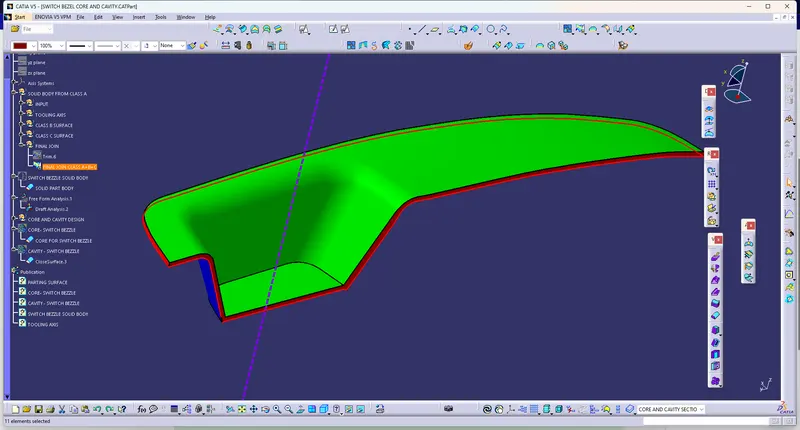
" In Swith Bezzle Parting surface will be gone from Class c and Class b intersection, Core will be designed by including Class A and Class C, for Cavity Class B, will be used."
iv) Create a Parting surface with appropriate Operations.
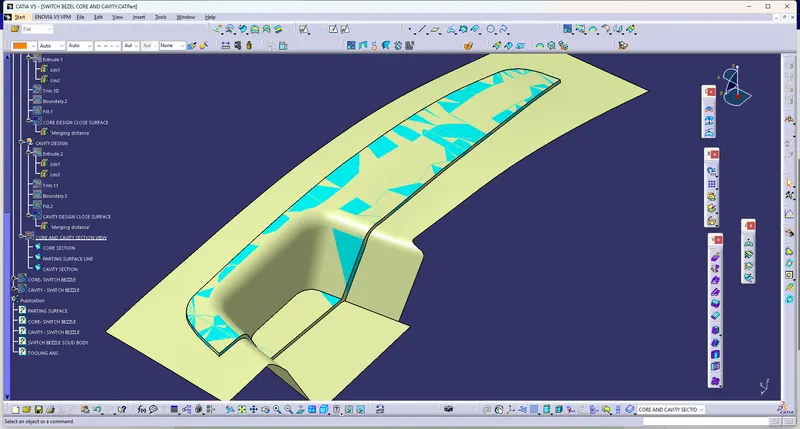
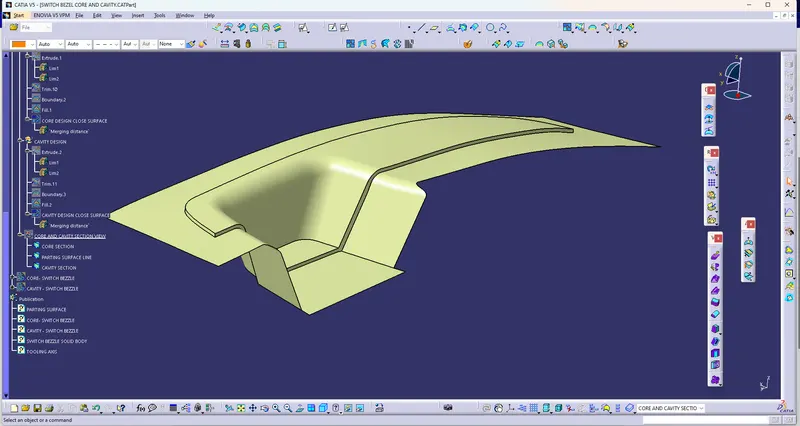
v) Check Parting surface is correct or not
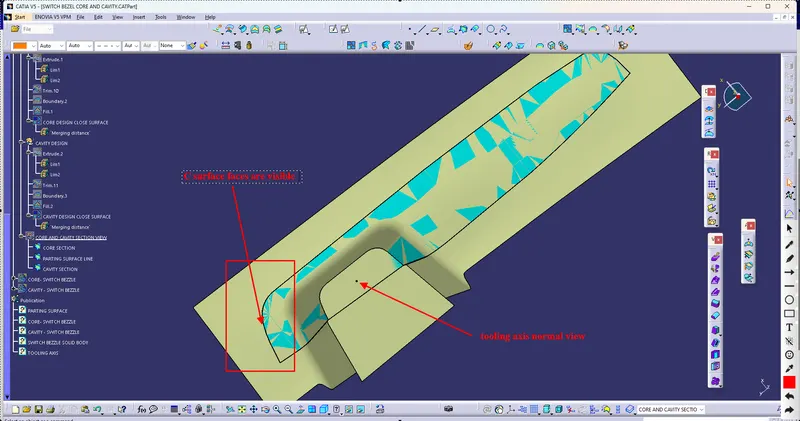
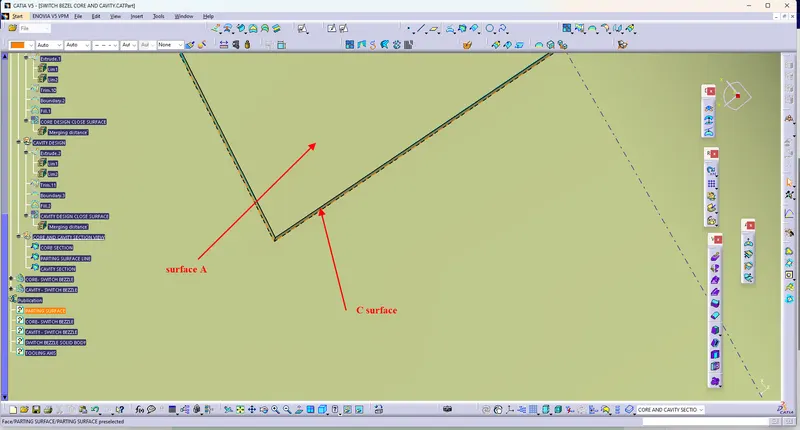
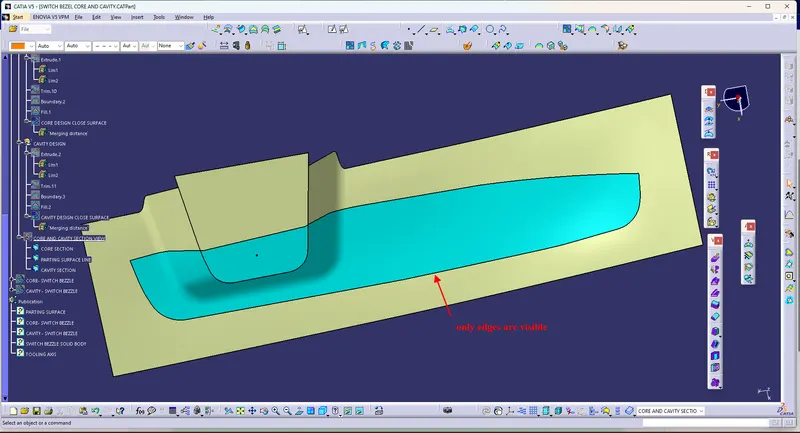
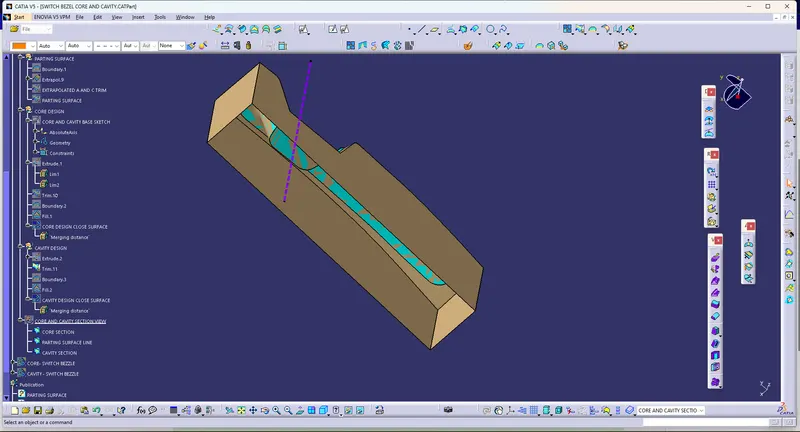
C) Create a Core Close surface
i) Create base Sketch on Plane normal to Tooling axis, extrude along with the direction of tooling axis.
ii) trim with parting surface and use fill operation to close the top part
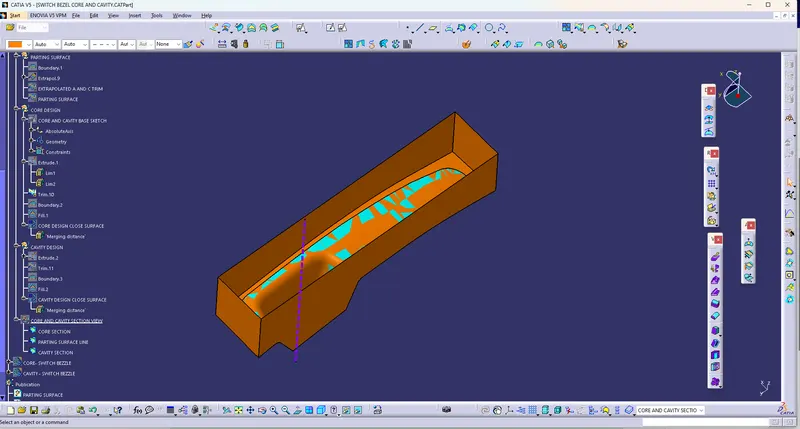
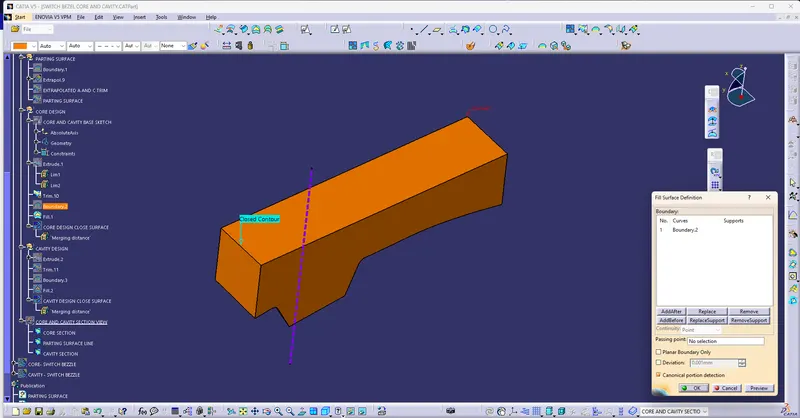
D) Create a Core Solid Body
i) Create a Solid body from a close surface.
E) Create a Cavity Close surface
i) Create base Sketch on Plane normal to Tooling axis, extrude along with the direction of tooling axis.
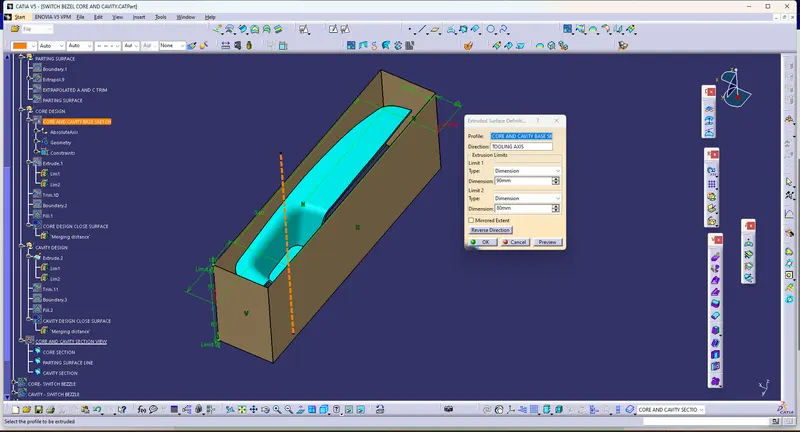
ii) trim with parting surface and use fill operation to close the top part
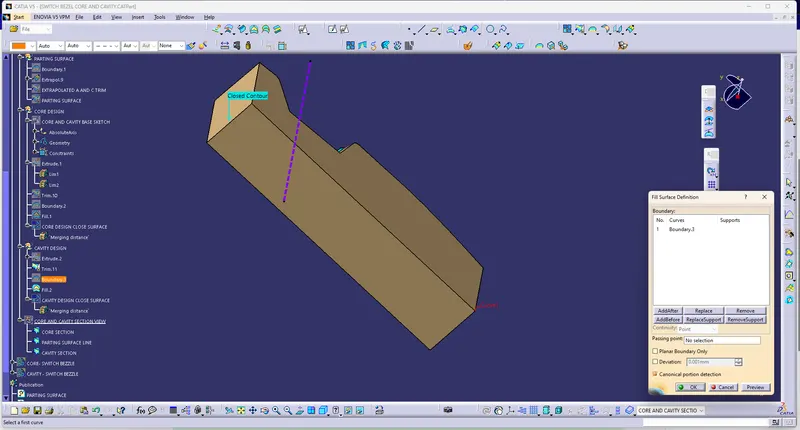
F) Create a Cavity Solid Body
i) Create a Solid body from a close surface.
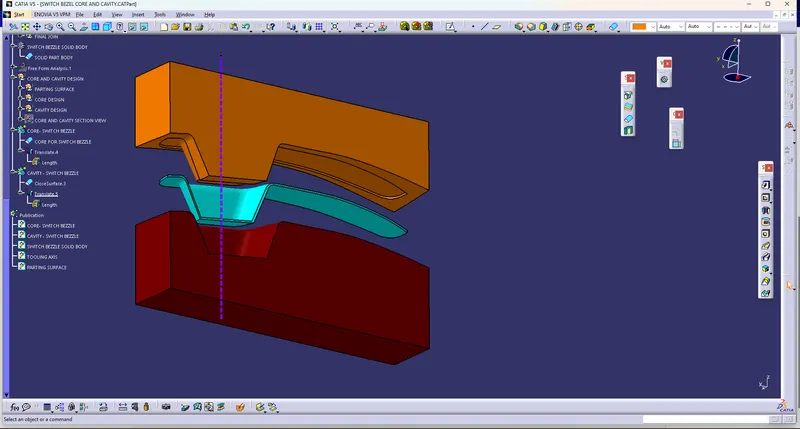
G) Check Core and cavity With section command weather inner empty section if formed according to our Designed part
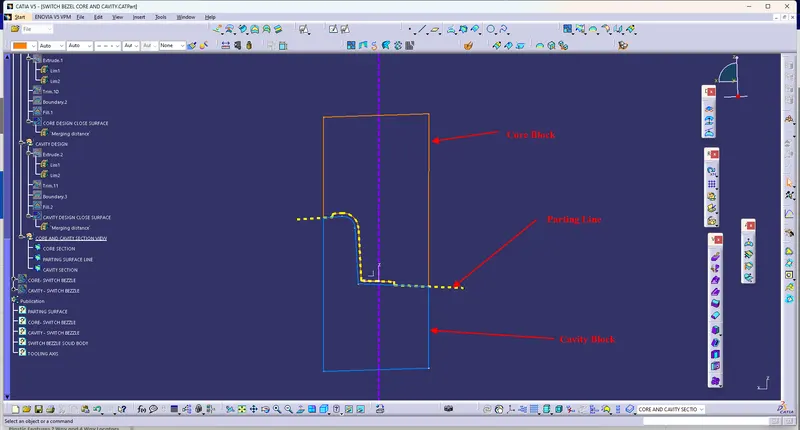
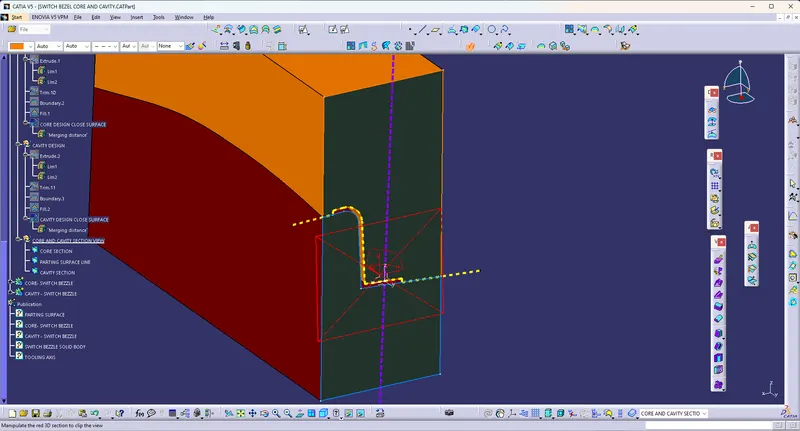
Catia WorkSpace
A) Feature tree structure
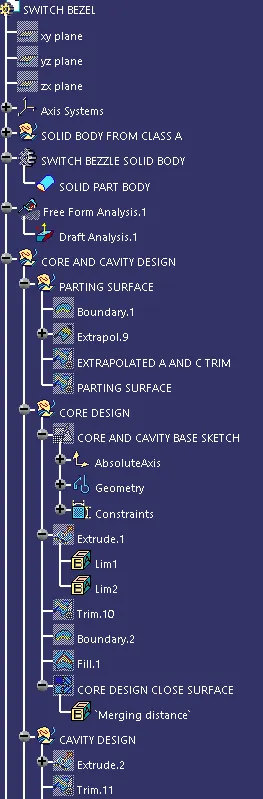
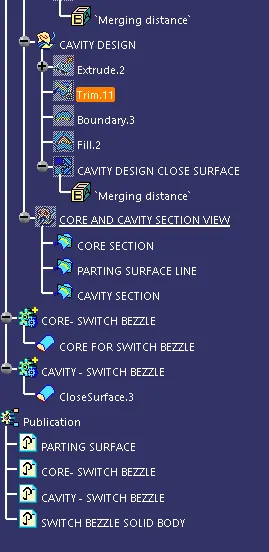
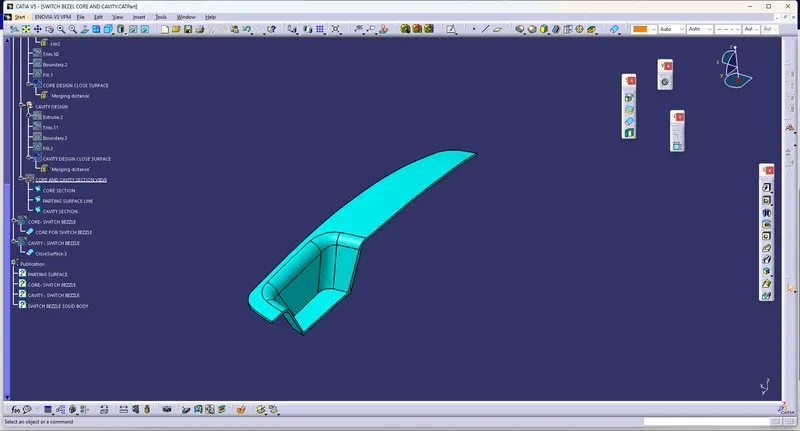
B) Core and Cavity Blocks
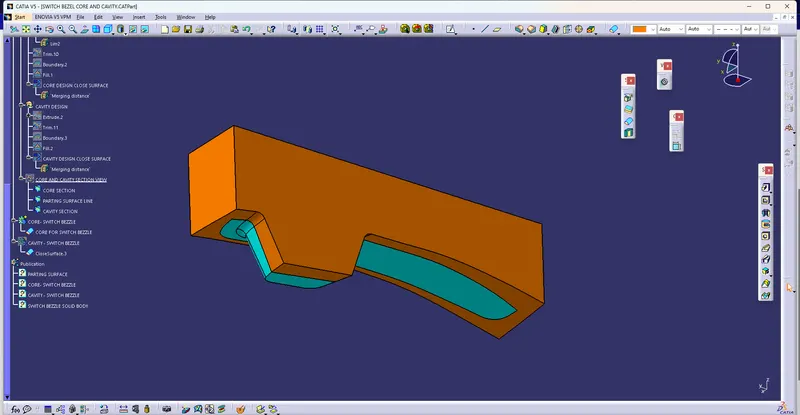
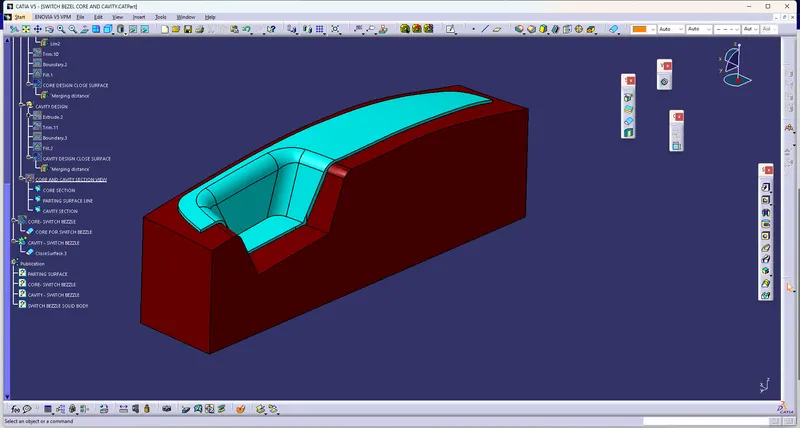
C) Core and Cavity Motion along with Tooling axis direction