Week 8 - Challenge 5 - Door Trim Lower
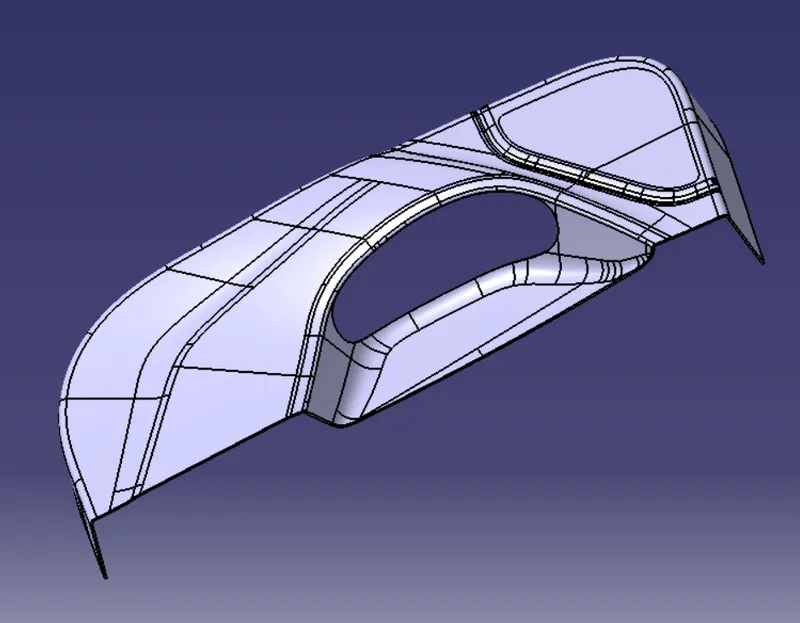
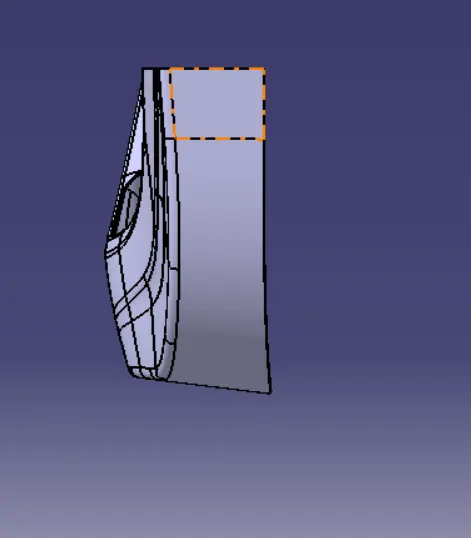
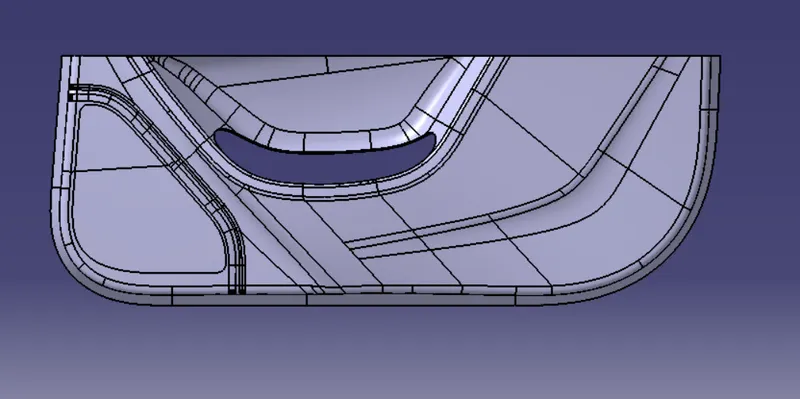
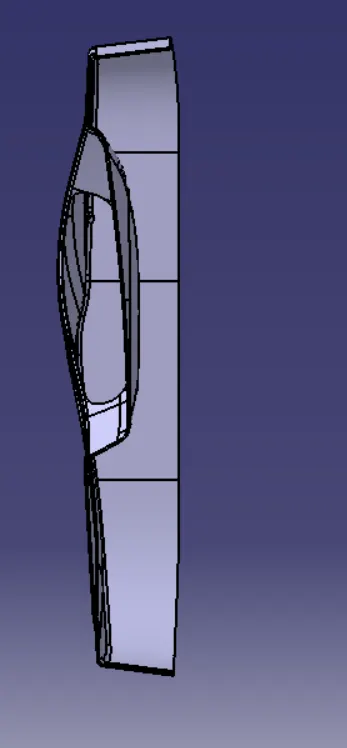
REPORT FOR DOOR TRIM LOWER
FEASABILITY CHECK:- For the given class A surface first we have to check the given surface is feasabile or not . If it is feasable proceed for next step if not join it as a single surface .
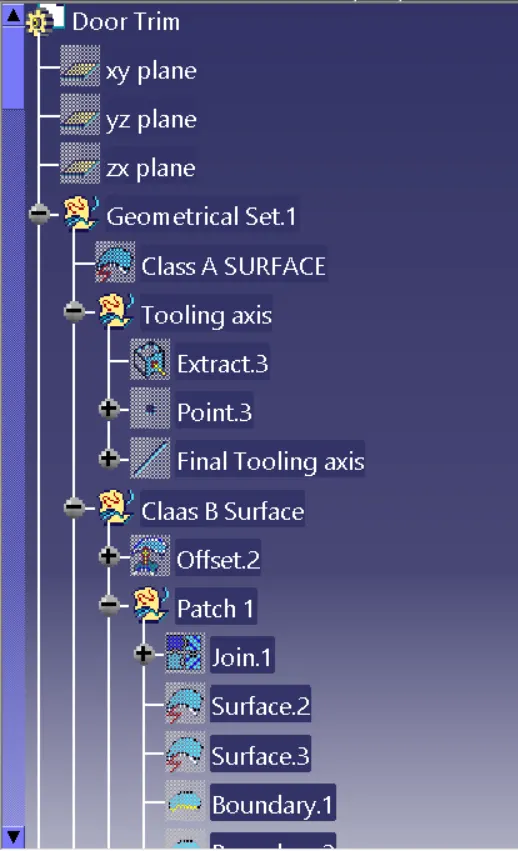
CREATION OF TOOLING AXIS :- For the given class A surface check for the plane surface and extract it .Then create a point on the palne surface and by using point direction create a line on the surface (core and cavity direction).
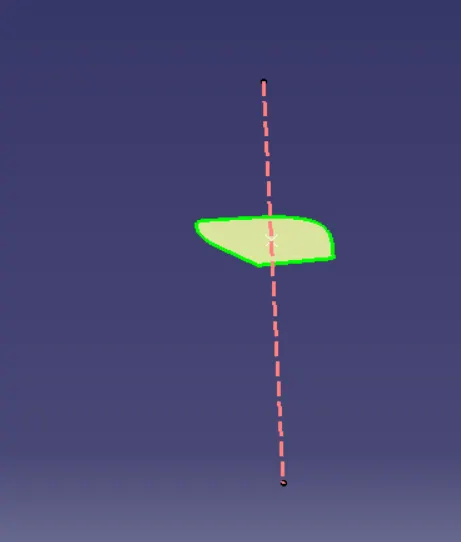
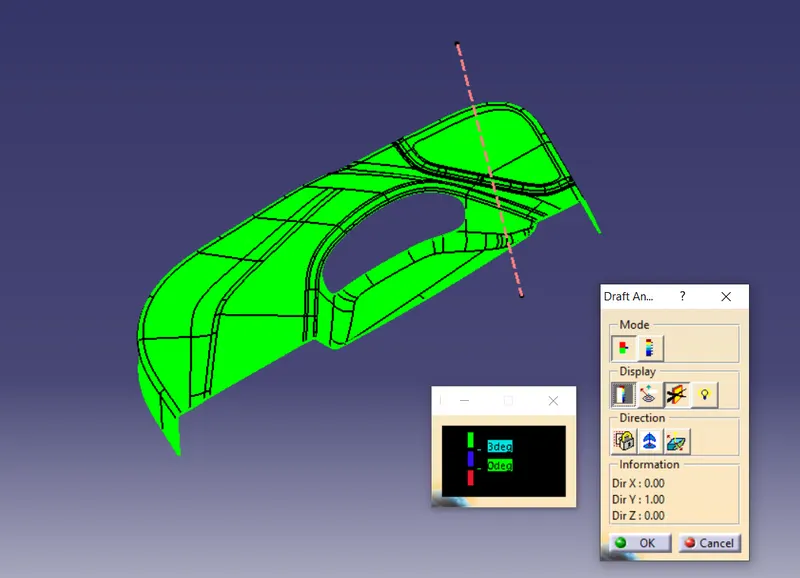
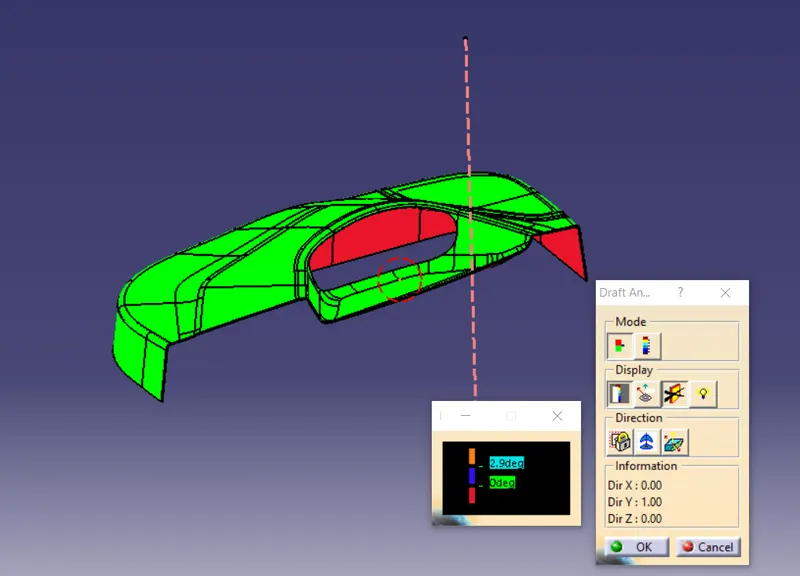
DRAFT ANALYSIS FOR CLASS A SURFACE:- Go to insert -->Analysis --> Feature draft analysis.
Move the compass on the tooling axis and then click on the compass then select the surface to be drafted.Now it shows the colours on the required surface.
ClASS B SURFACE CREATION:- Select the given class A surface and offset it for the gven thickness(2.5mm).Then extract all the patches with out fillets .
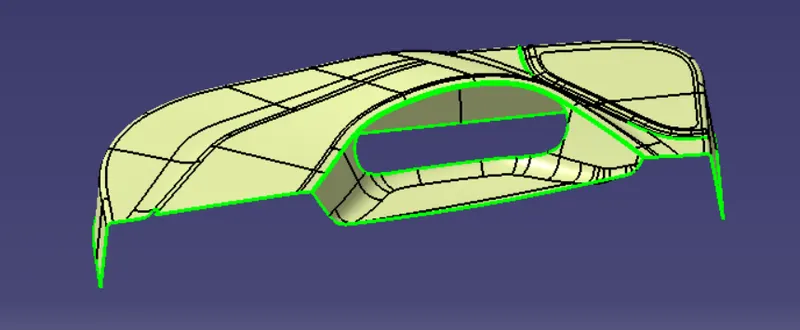
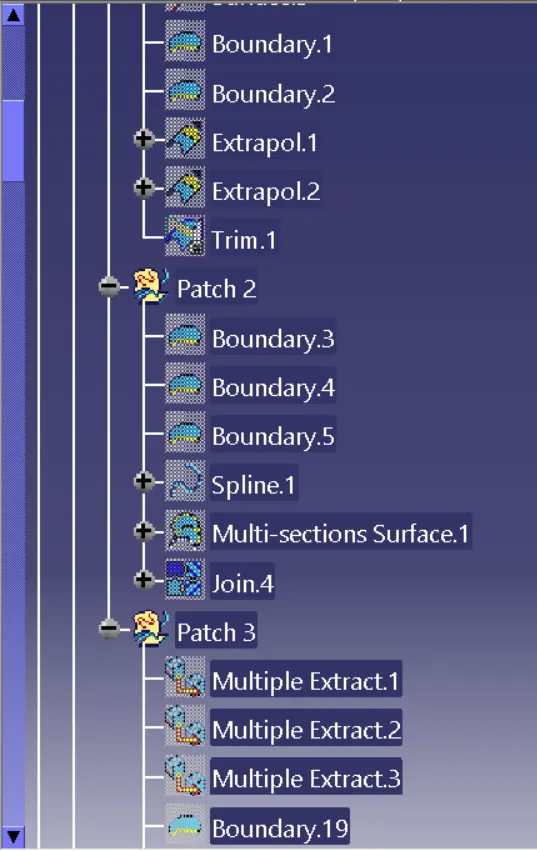
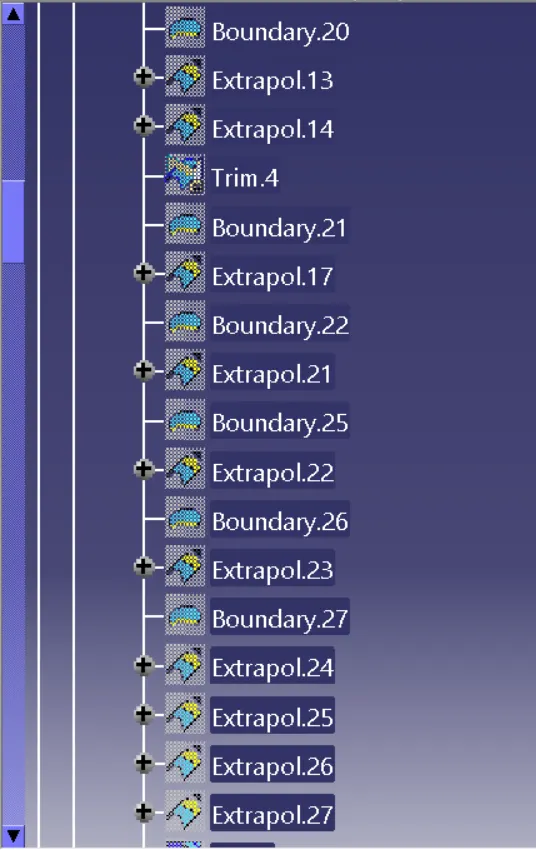
Go for multiple extract and select the requred patch portion and then hide the offset part and extrapolate the surface and perform trim.now by measuring fillet value give the required fillets.
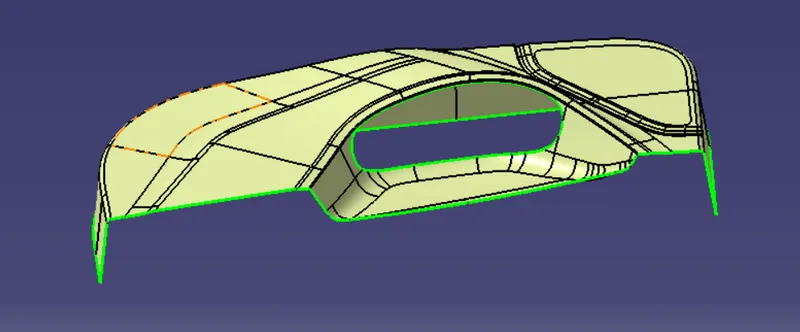
Now the Final class B surface is created.
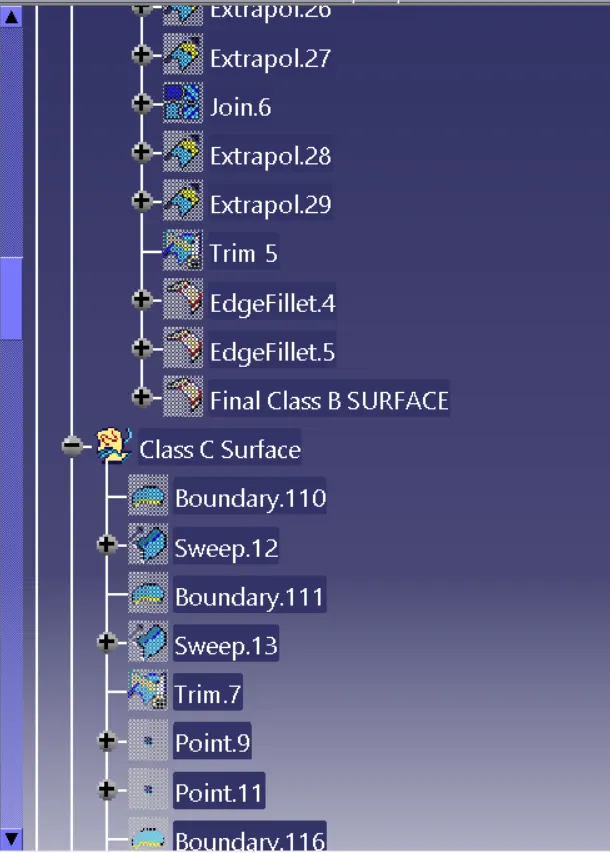
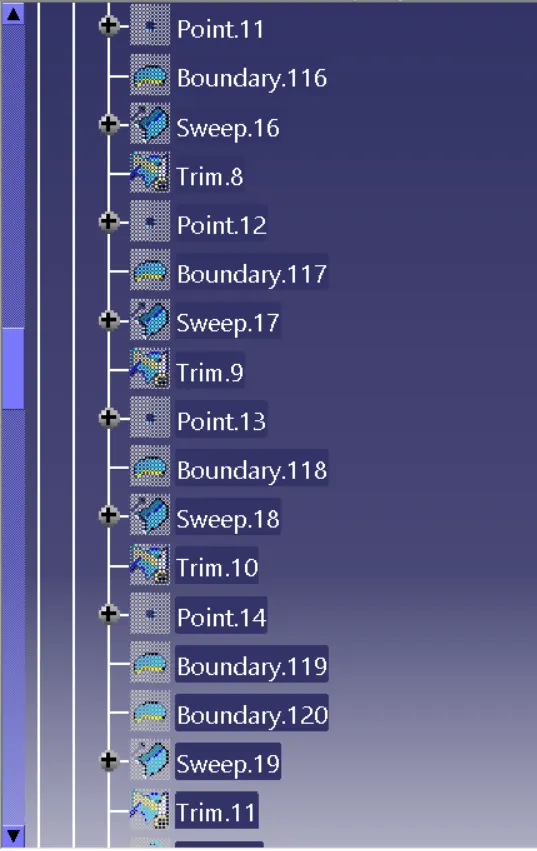
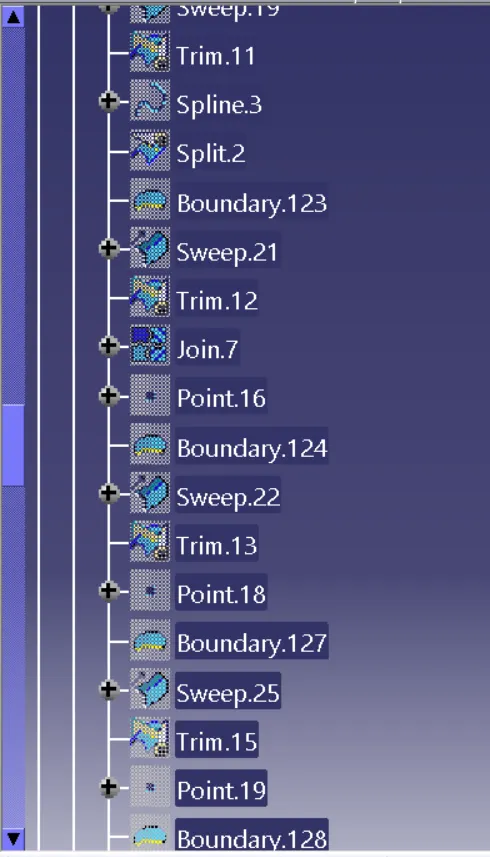
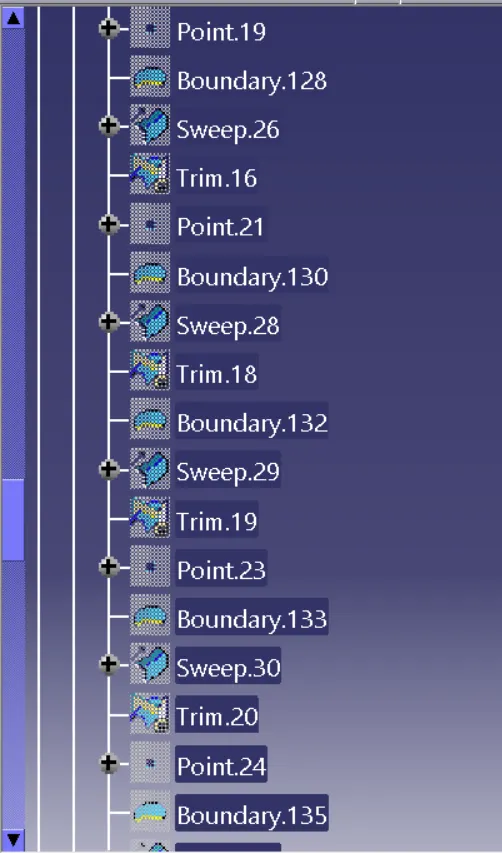
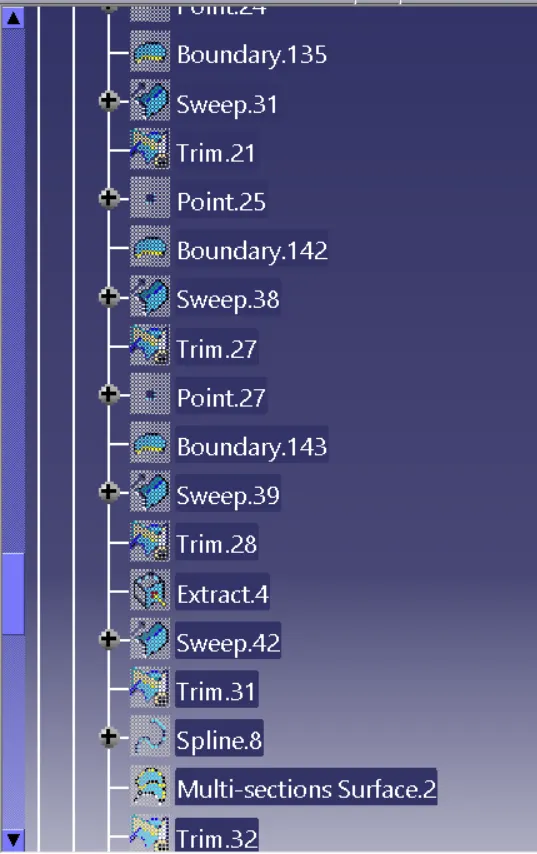
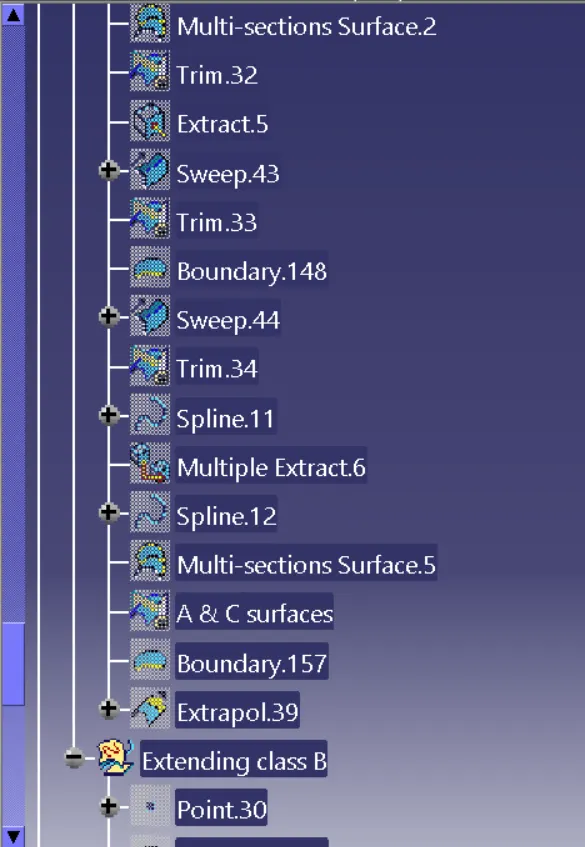
CREATION OF CLASS C SURFACE:- By the reference of class A surface create the boundary and then perform the sweep operation as draft angle as 3deg which clears by the tooling axis.For remaining surface use by reference surface as 90deg. Now join the class A and class C surface as together.
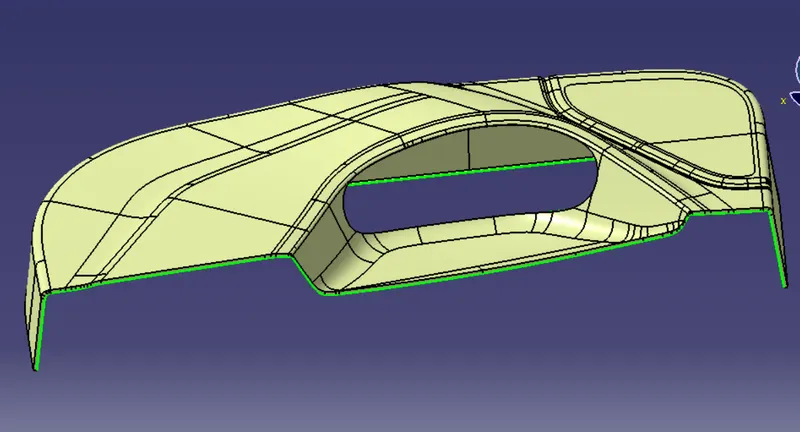
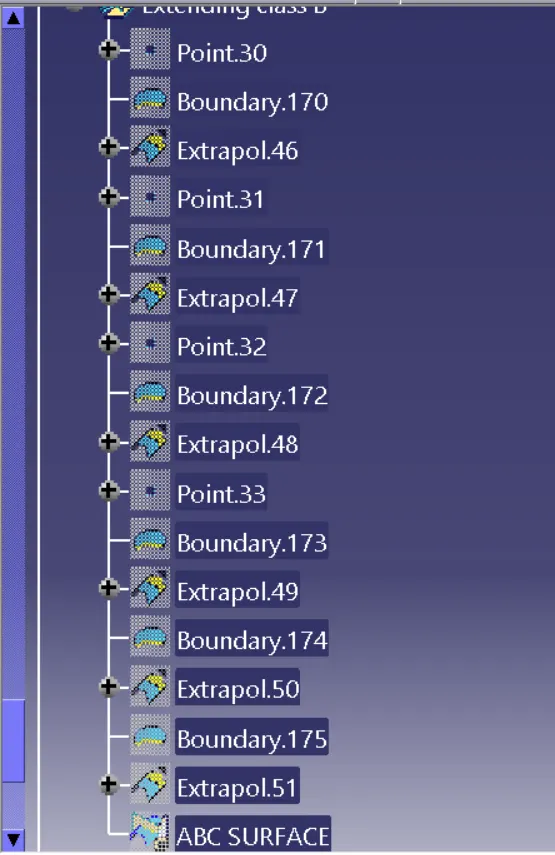
JOINING ABC SURFACES:- Now extrapolate the class B surface so that it intersects with the class AC and then by using trim select AC and B surfacces to join together.
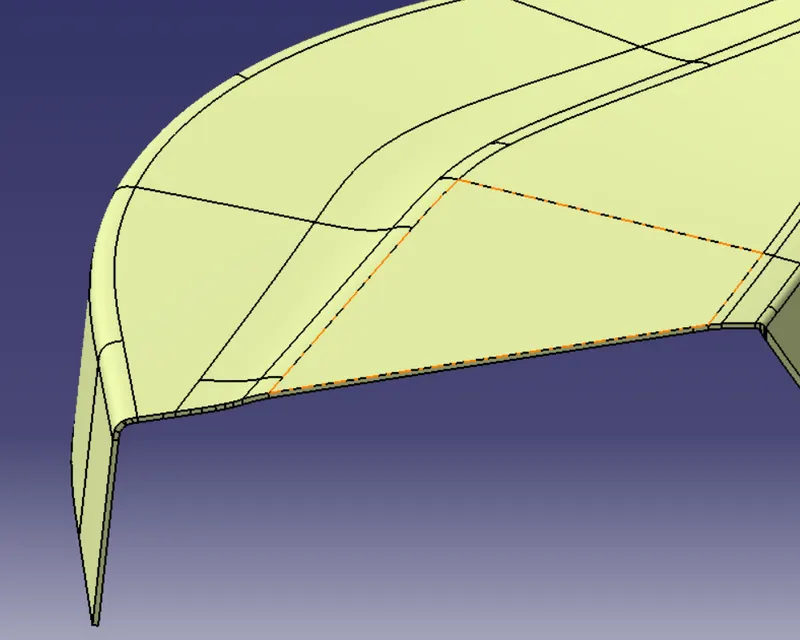
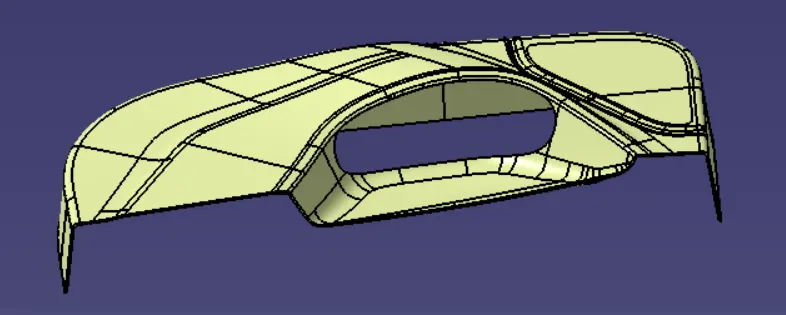
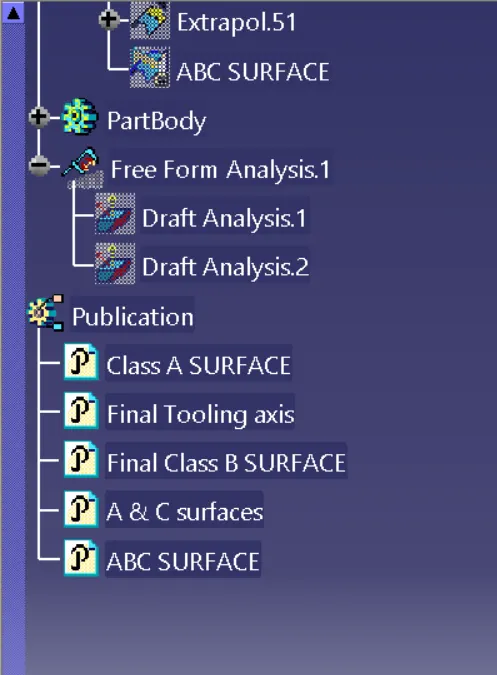
PART BODY:- Now go to part work bench then select the close surafce option and then select the ABC surface now the solid model is created.
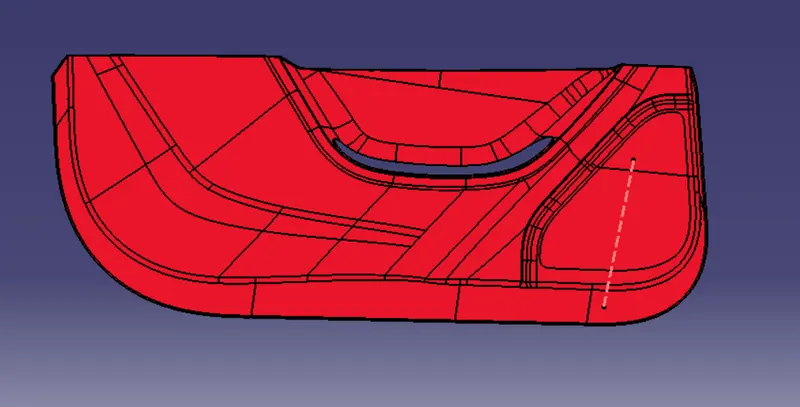
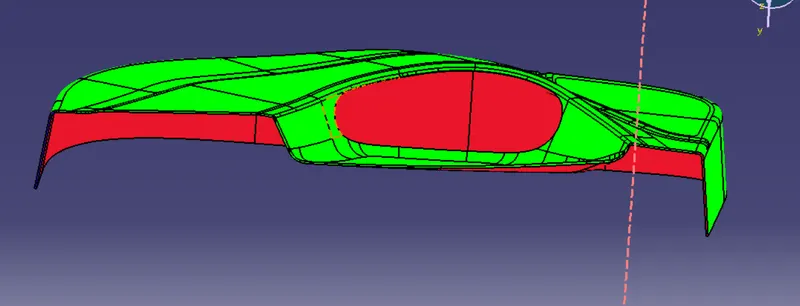
CREATION OF DRAFT ANALYSIS ON SOLID BODY:- Go to insert -->analysis -->feature draft analysis.
move the compass on the tooling axis and select the solid model now the difeerenct colours represent the different angles on the solid part.
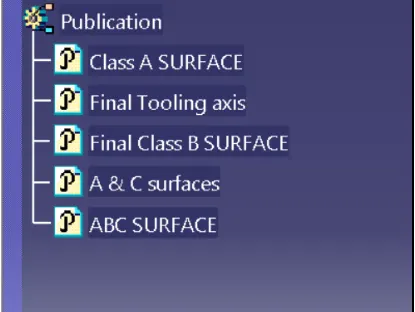
PUBLICATIONS:- IT is used to easiliy hide and unhide the surfaces .Go to tools -->publications-->select the required parts.