Week 8 - Challenge 4 - Bumper
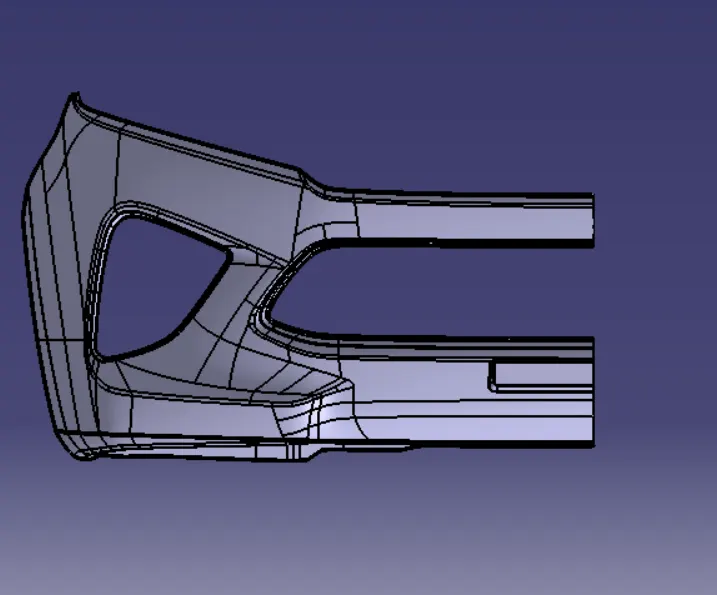
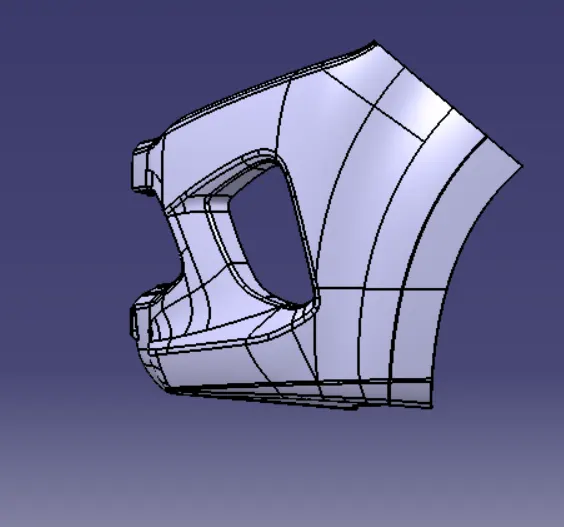
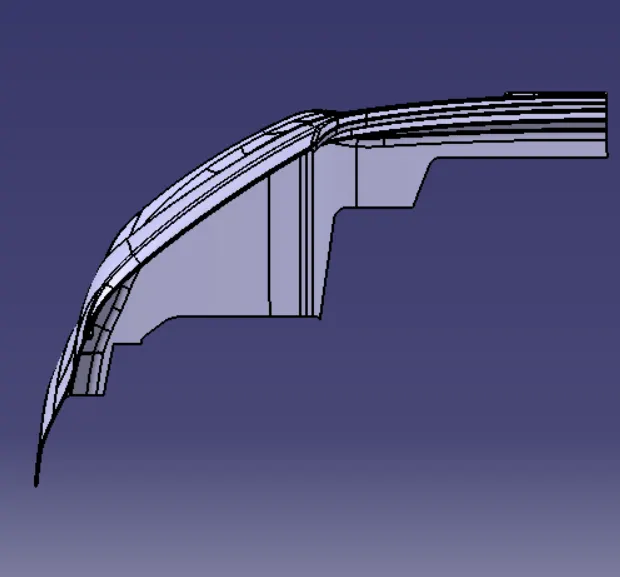
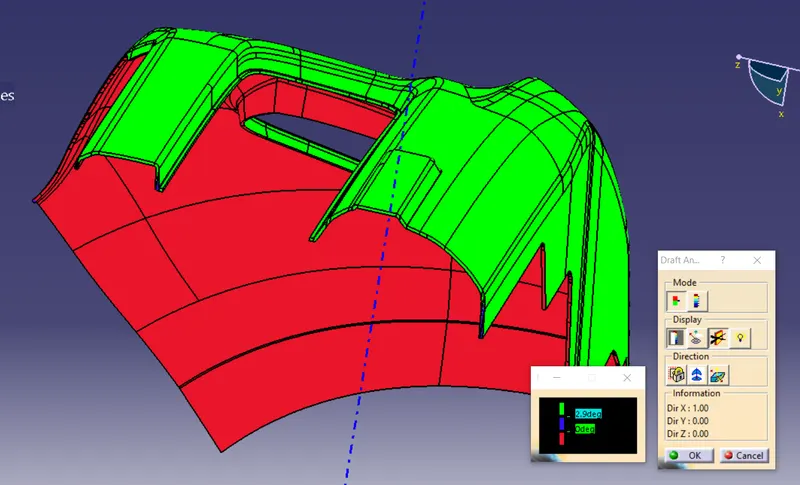
REPORT FOR BUMPER
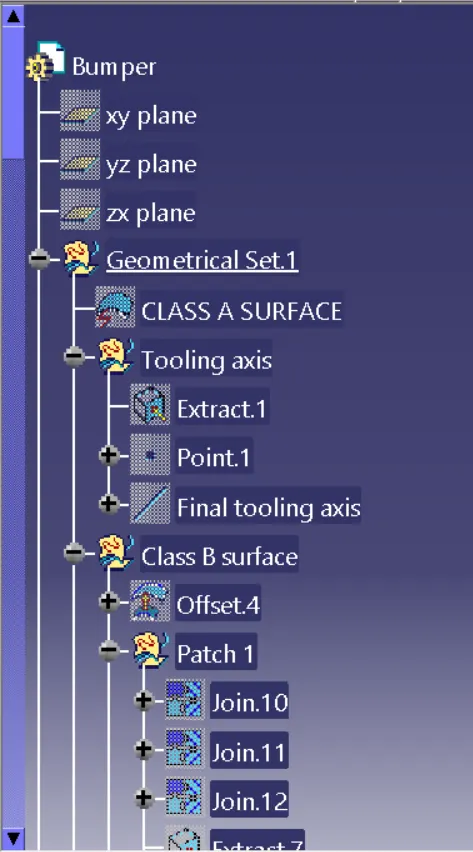
FEASABILITY CHECK :- In the given class A surface first we have to check if any unjoined surfaces are present are not if present in the given model then we have to join the surfaces to make it as single surface .Now the model is feasable to design.
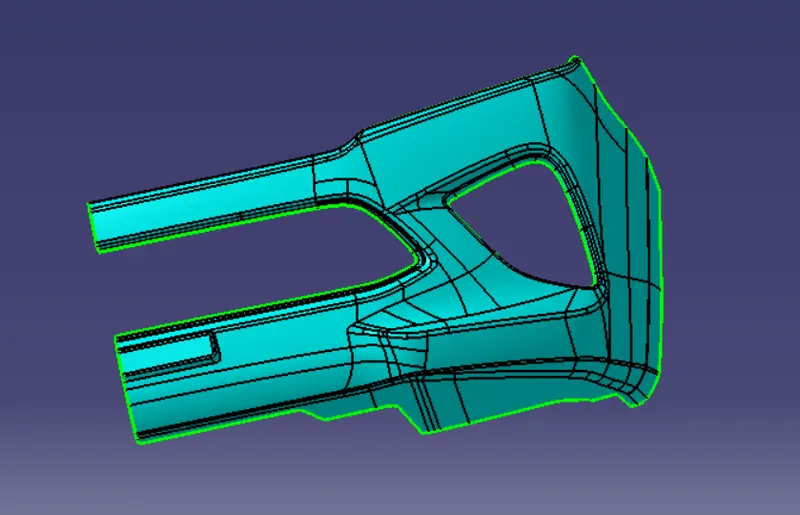
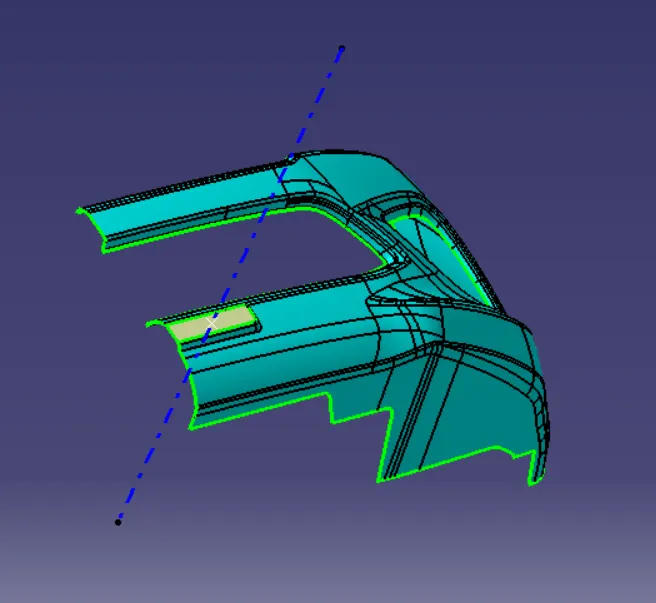
TOOLING AXIS CREATION:- For the tooling axis creation pick the plane surface (Number plate surface) and create a line normal to surface.
extract -->create point -->select line -->point direction.
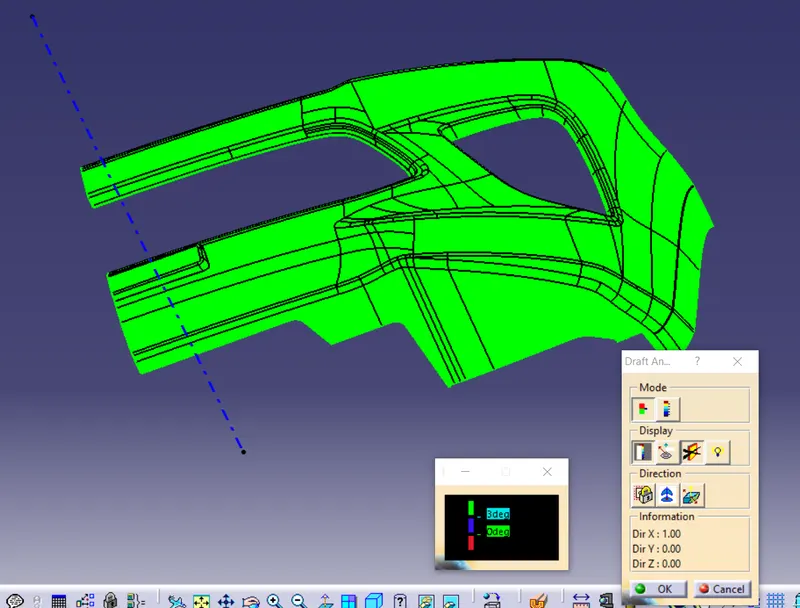
DRAFT ANALYSIS FOR CLASS A SURAFCE:- For the draft analysis goto insert -->Analysis-->Feature draft analysis.
drag the compass and place it on the tooling axis and select compass option -->now select the suface to be drafted .
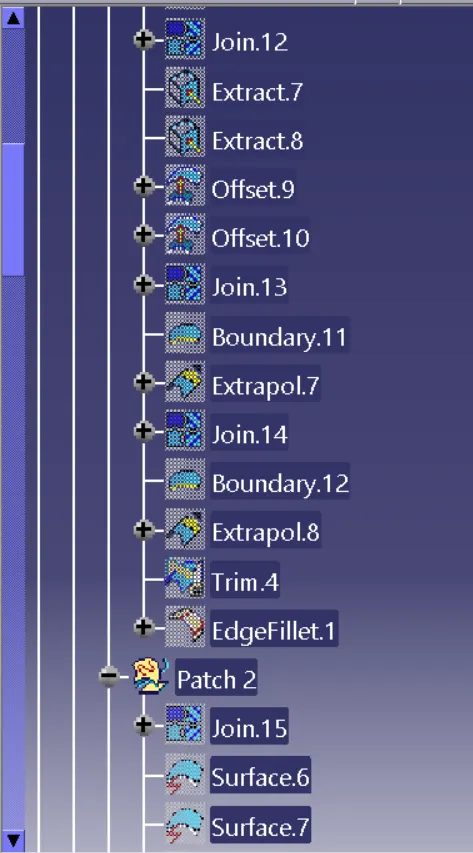
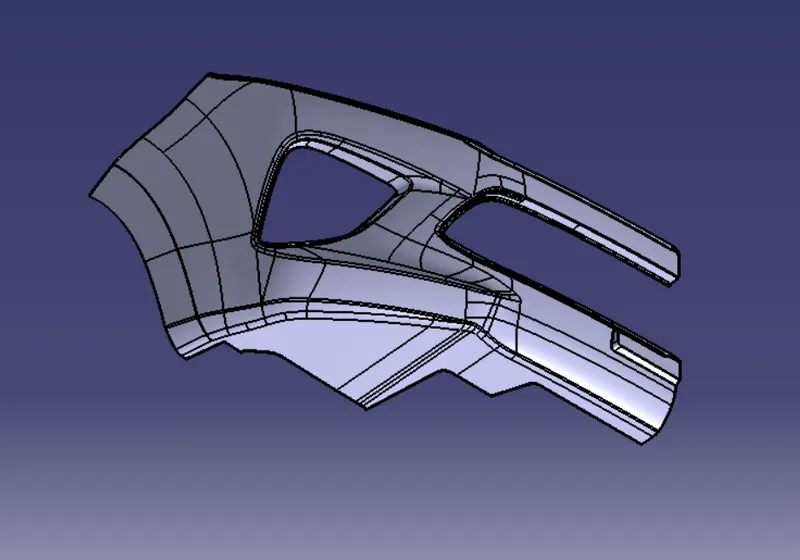
CREATION OF CLASS B SURFACE :- the given bumper model is not easy to make each and every surface extraction and time consuming is more.So we offset the model for the given thickness(3mm) and done the filleted patches .
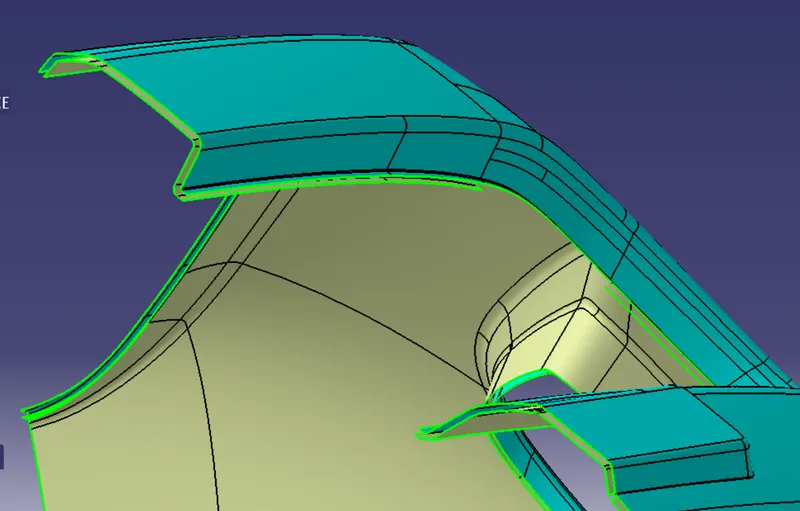
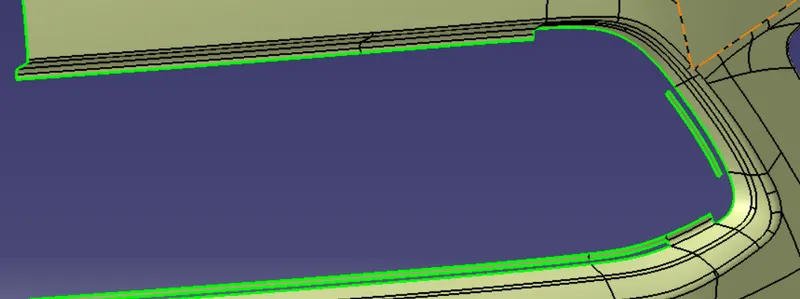
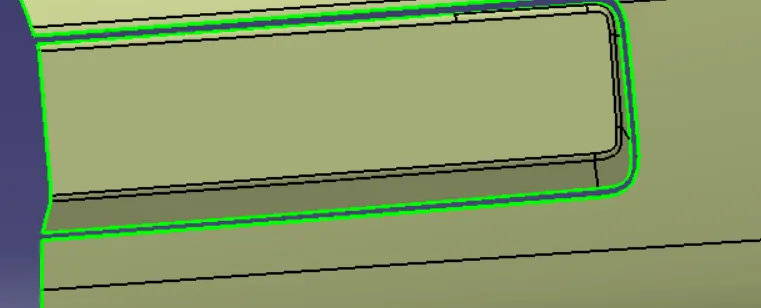
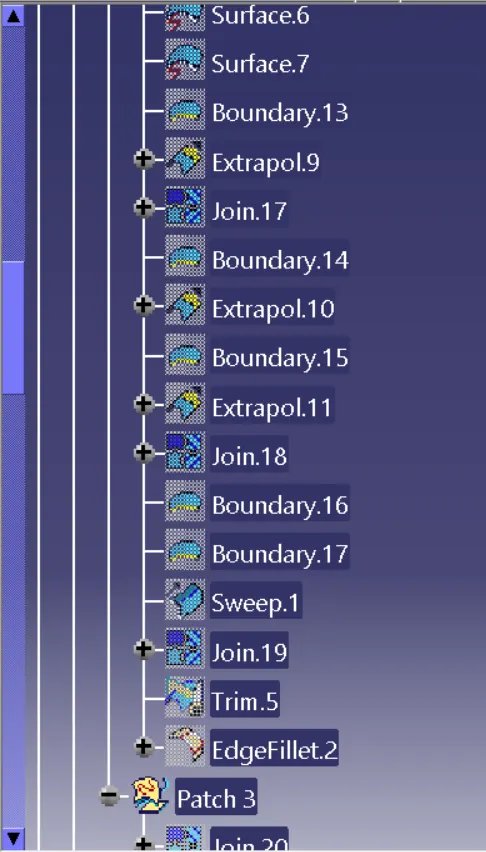
In the patched region we removed the unwanted fillet region -->extrapolated the side walls and joined -->now the fillet is aplied for the patches .
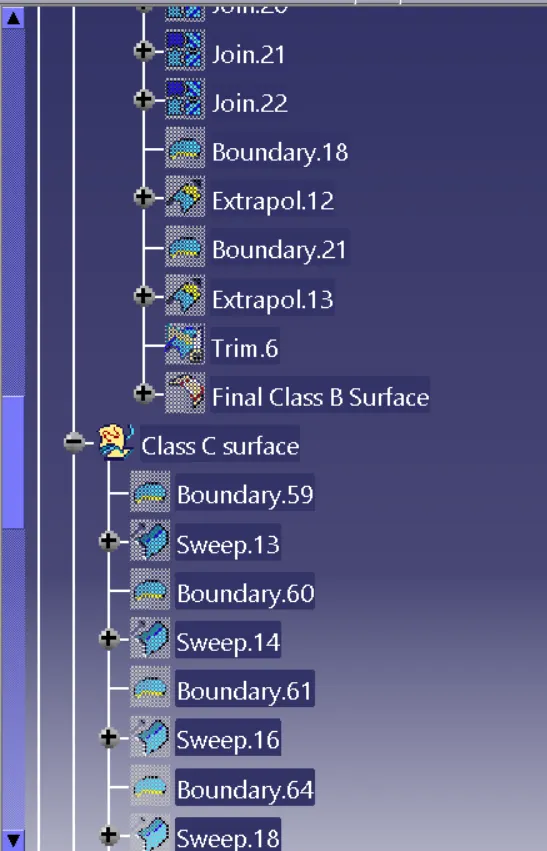
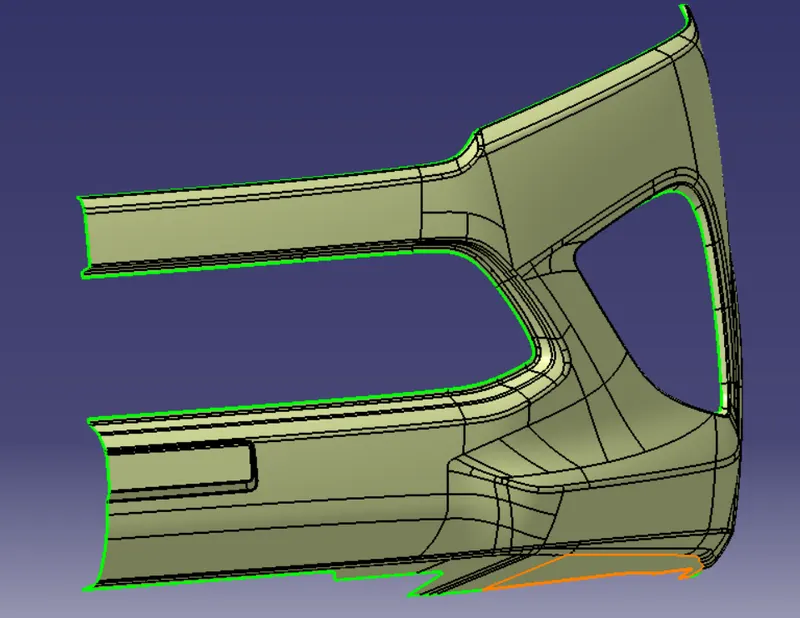 Now the final class B surface is created and trimed to join the surfaces to make as single.
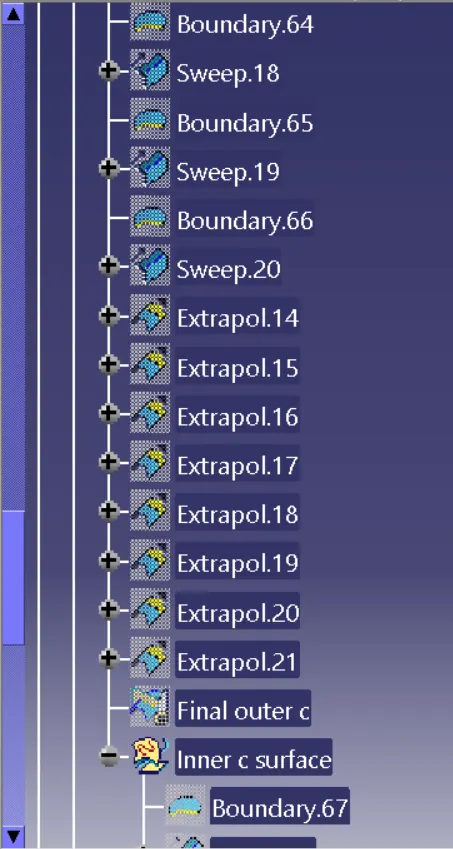
CREATION OF CLASS C SURFACE:- Now create the boundary for the class A surface and make the sweep.
sweep is created based on the tooling axis for the front suface used the draft as 3 deg.
for the side sufaces sweep is used by taking reference surface.
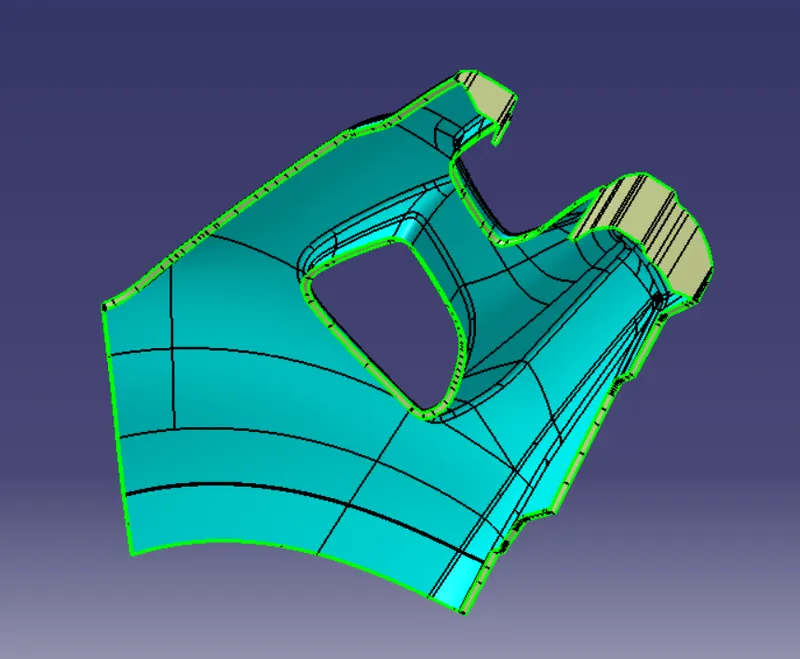
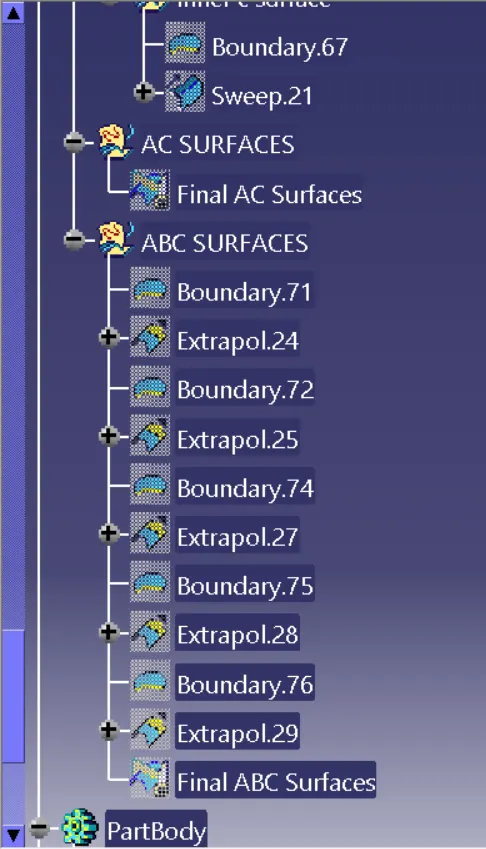
JOIN AC SURFACES :-
Now the class A and class C surfaces are joined together to make as one surface .
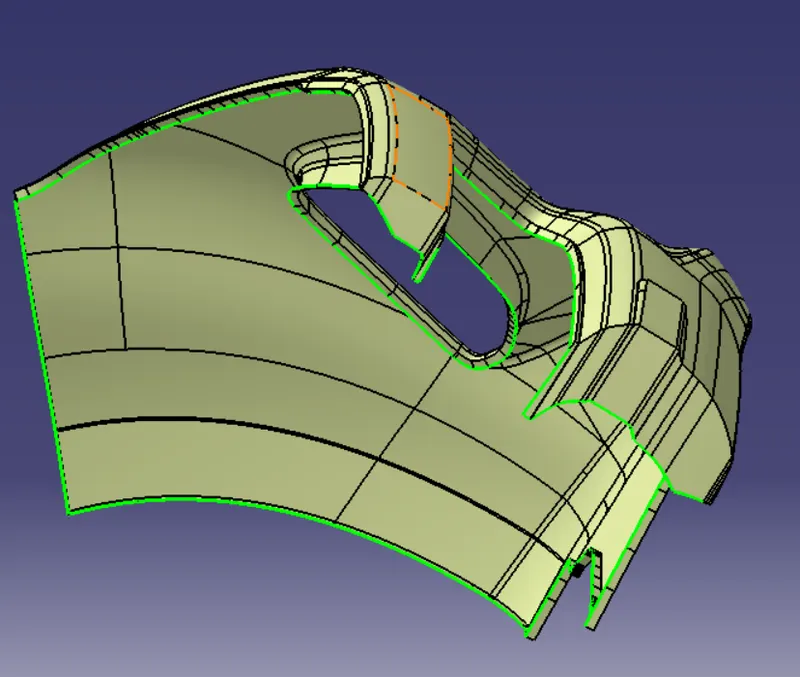
JOIN ABC SURFACES AND CREATING CLOSED SURFACE (SOLID):-
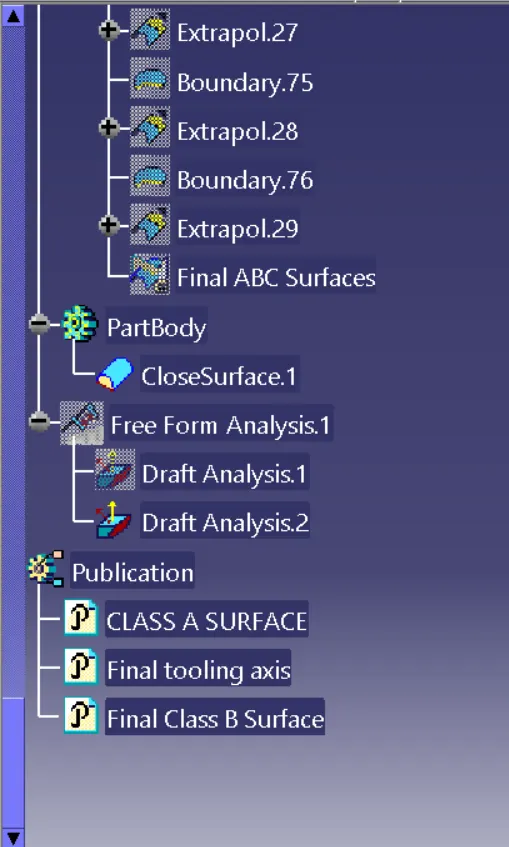
Now join both AC and B surface together and go to part workbench select closed surface option -->select the ABC surface.
DRAFT ANALYSIS FOR SOLID MODEL :-
Now go to insert -->Analysis -->Feature draft analysis and select the solid body .
after creating the draft analysis the colours on model shows the draft angle .
PUBLICATIONS :-
Publications are used to hide and unhide the sufaces of model so that it is easier than selecting and deselecting the surfaces in the tree itself.
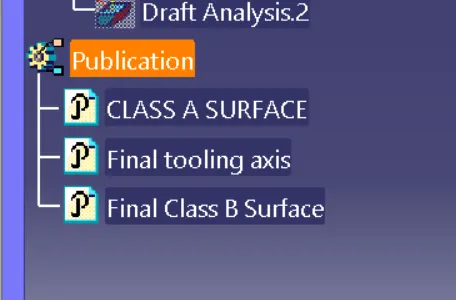 go to tools select publications and now select the required portion in the tree .