Week 8 - Challenge 2 - Switch Bezel Design
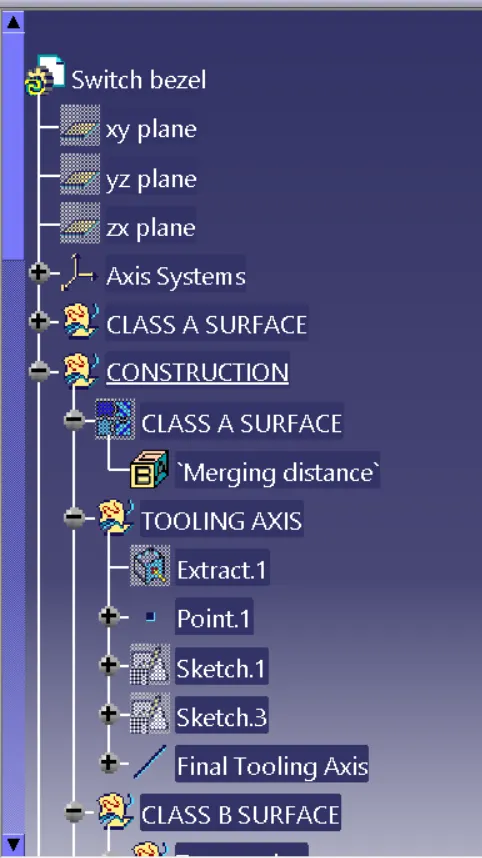
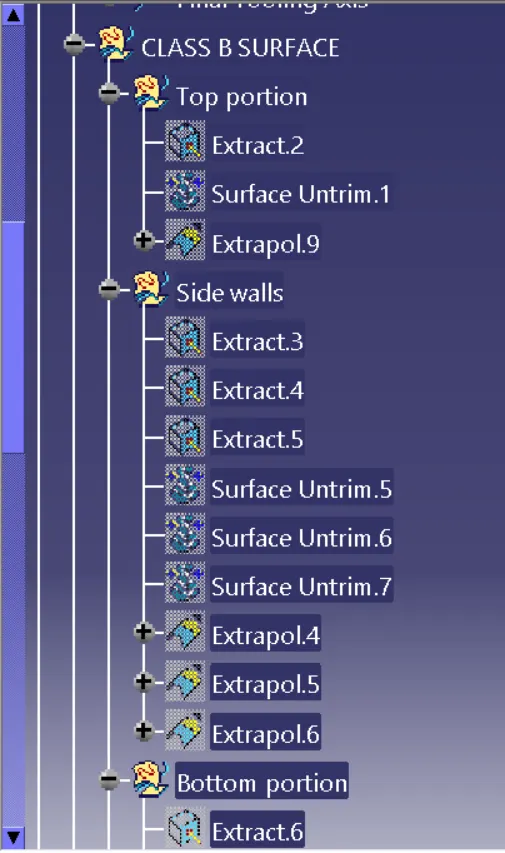
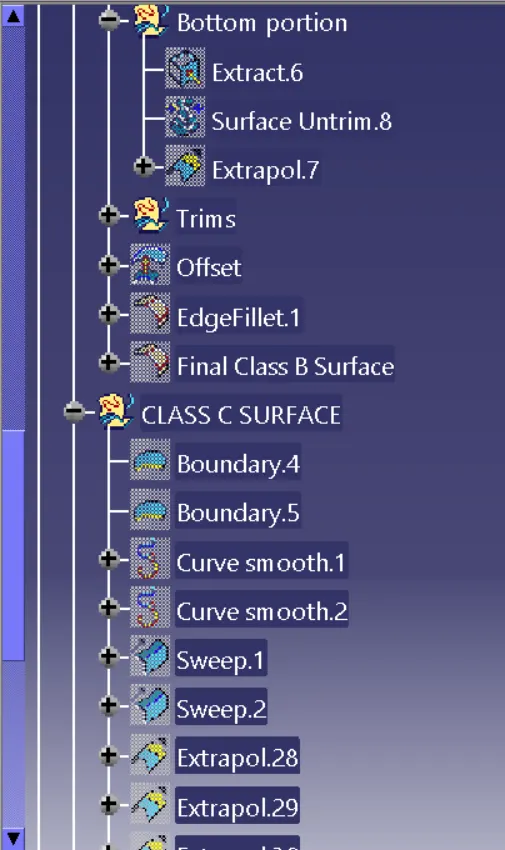
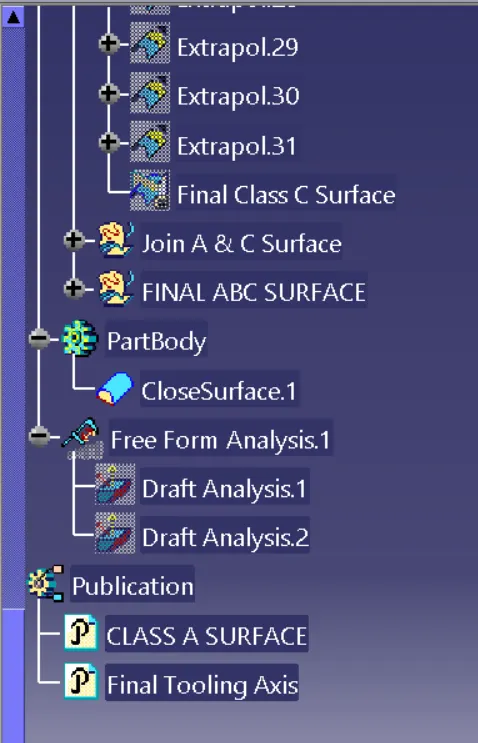
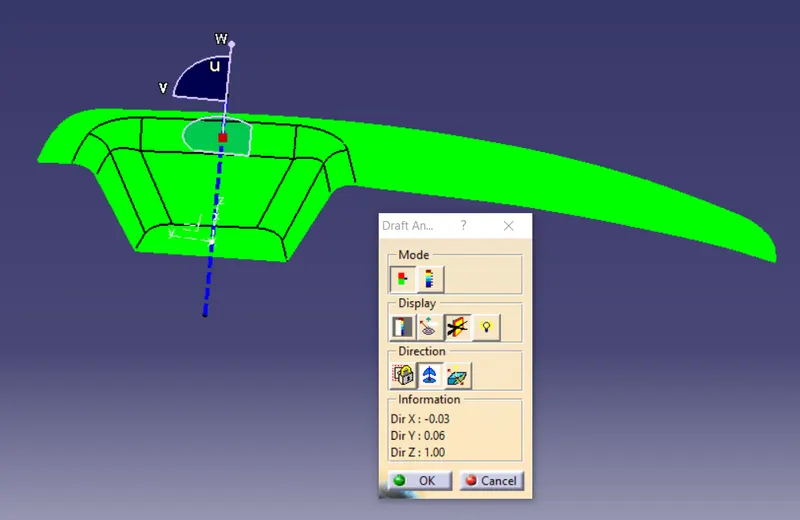
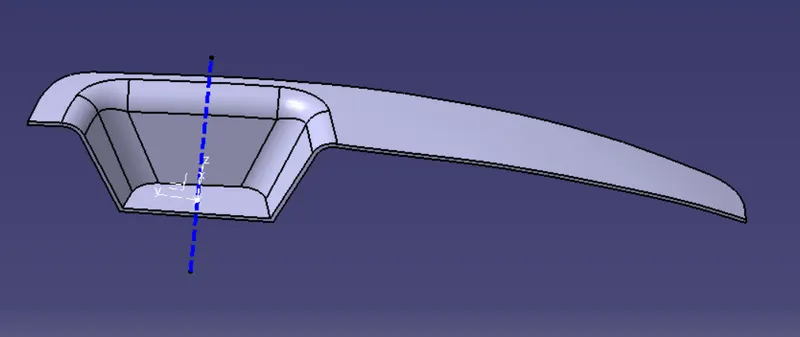
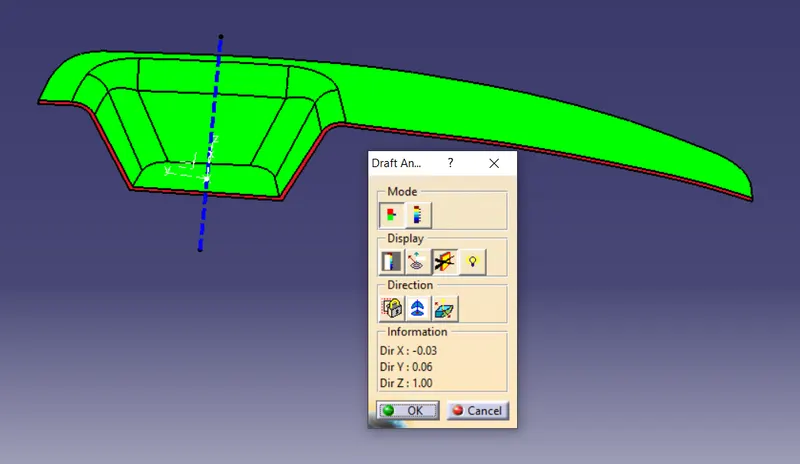
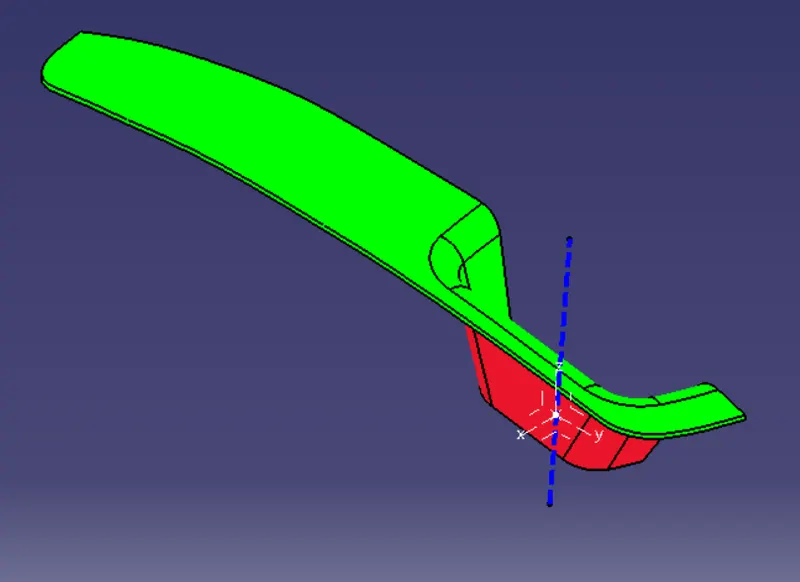
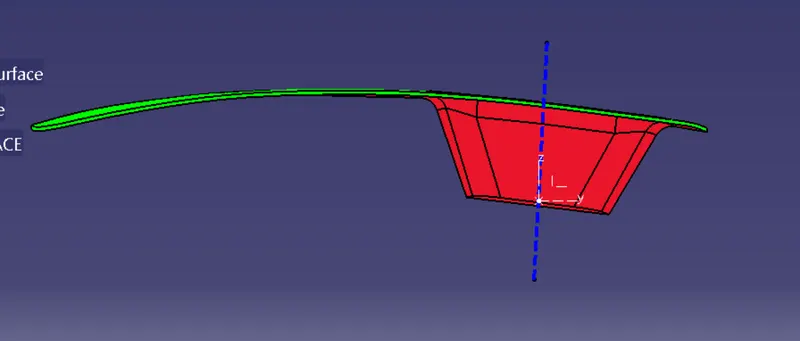
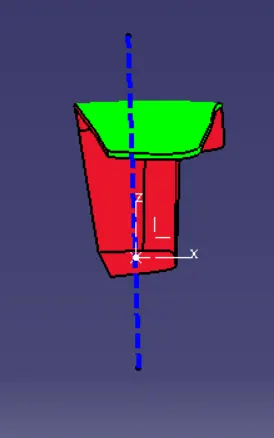
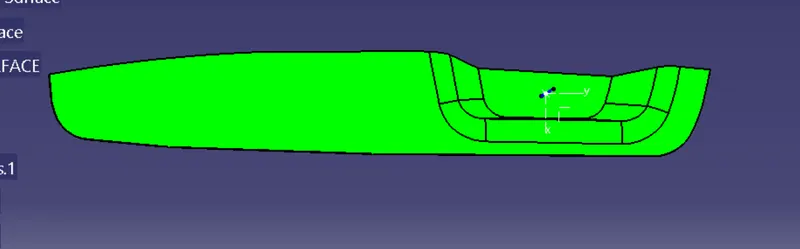
- REPORT FOR CREATING TOOLING AXIS & DRAFT ANALYSIS ON CLASS A:- For creating a tooling axis on class a firstly check the given class A is feasable or not and then make a point on surface to create tooling axis .By selecting the line create the tooing axis on given class A surface. After the creation of tooling axis select the customized view and select material mode on then make the draft analysis by taking the compass on tooling axis.Always select the material mode on for doing draft analysis.
- BISECTING METHOD :- Bisecting method is used when the given class A surface is having an angled surfaces(not in straight angle)for this we have to take the intersecting surface of given class A surface then we have to create the bisecting line for that portion of side planes.After creating the same for the next portion for that two lines create the bisecting line for them that is the final bisecting line which is used for creation of drafting analysis.