Week 8 - Challenge 1 - Base Bracket Design
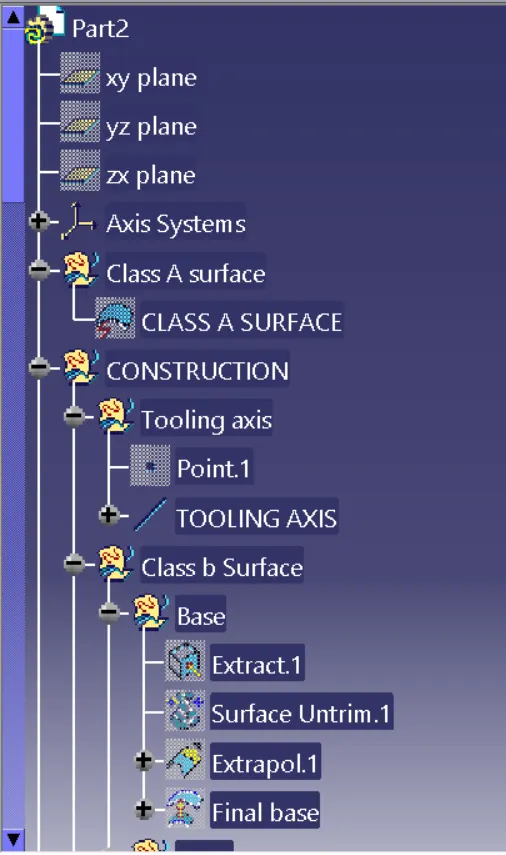
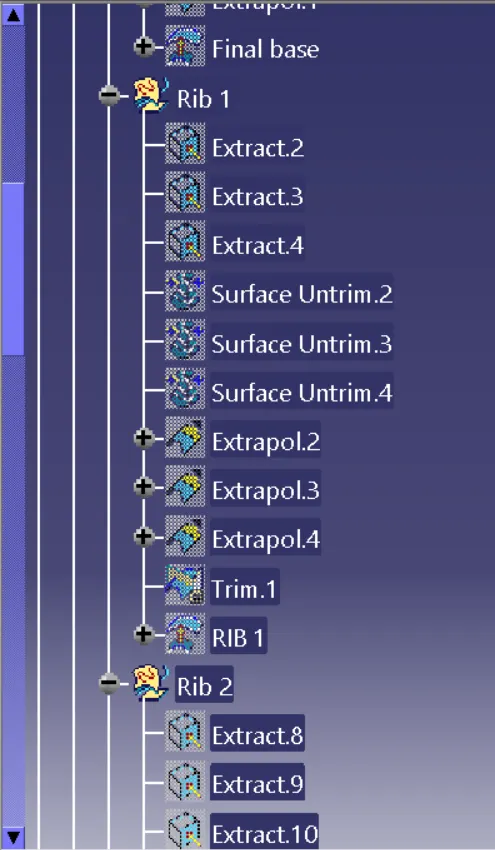
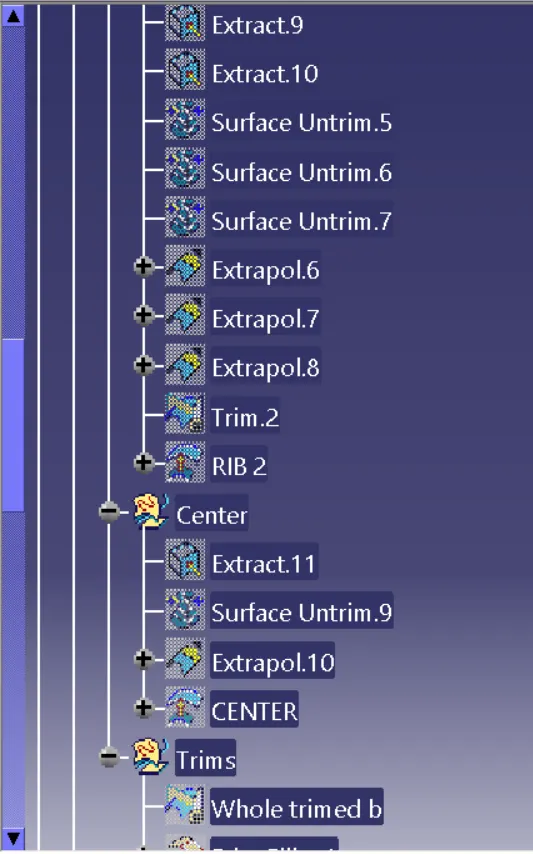
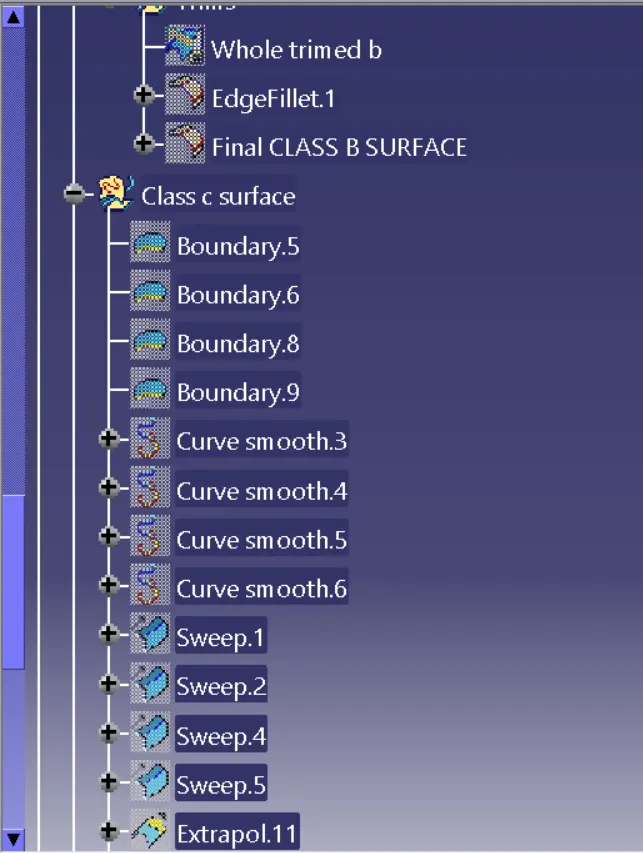
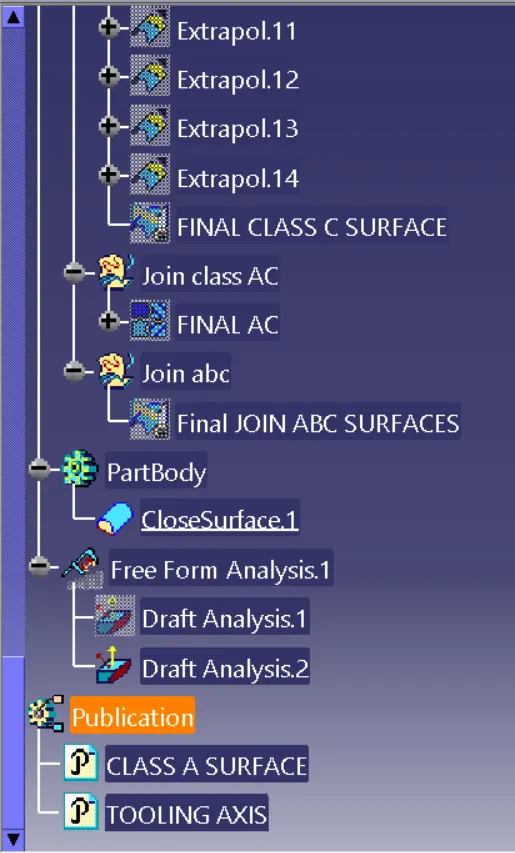
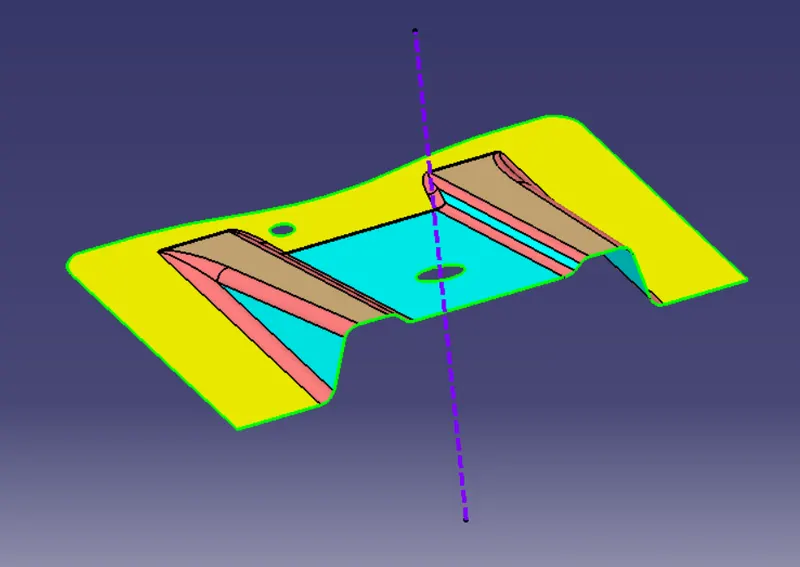
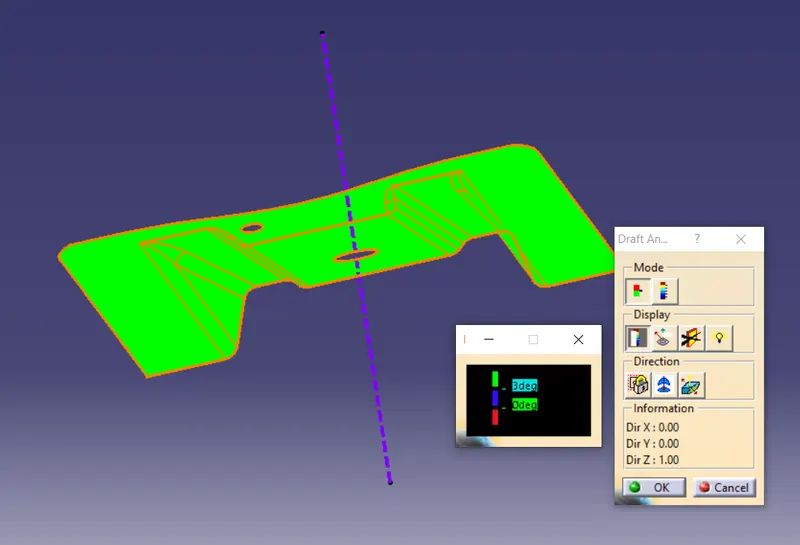
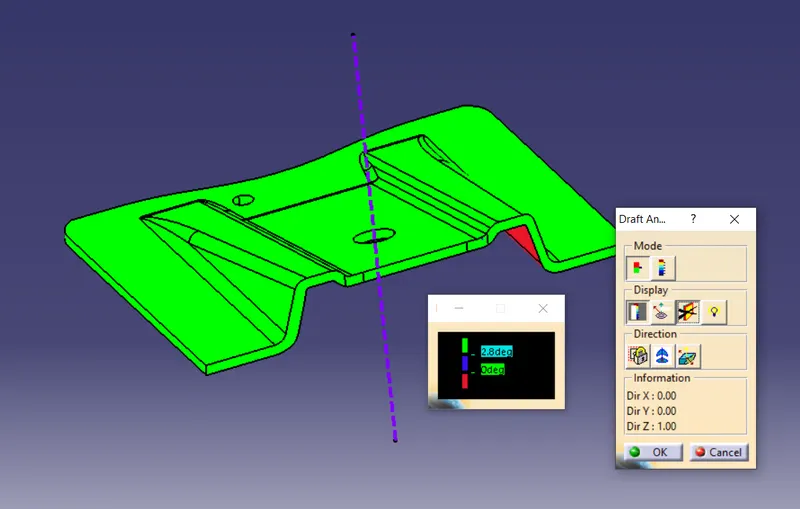
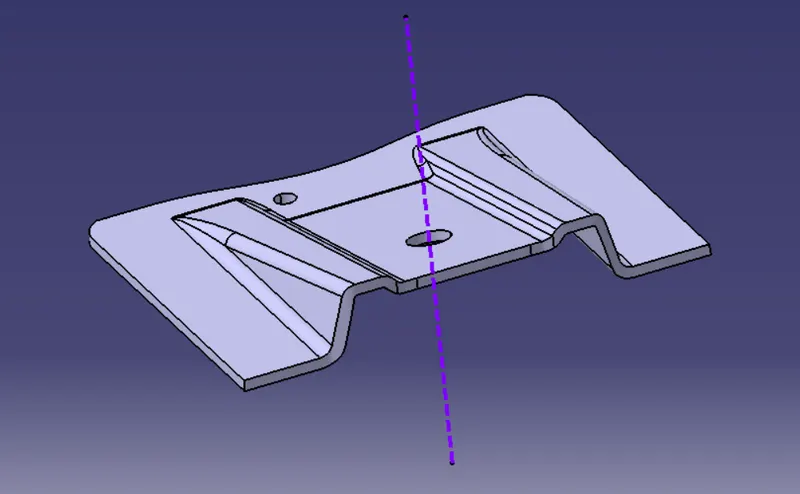
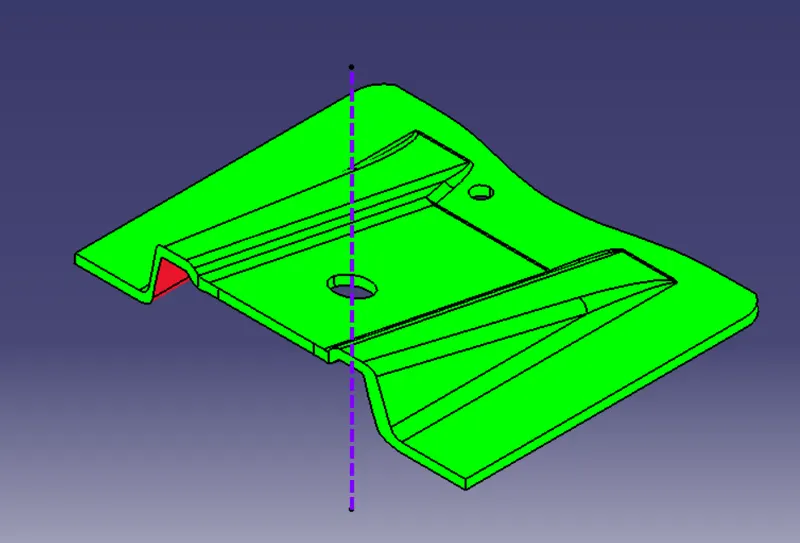
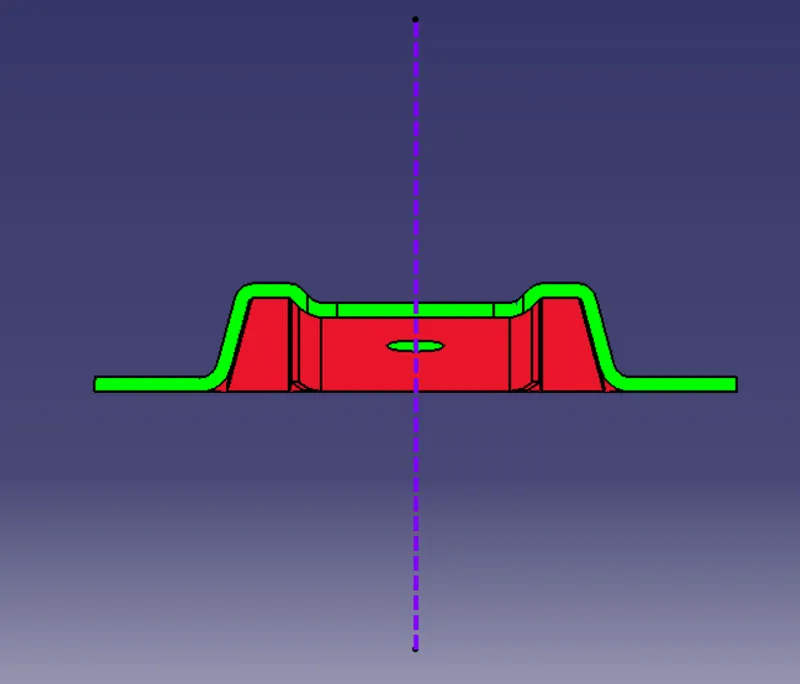
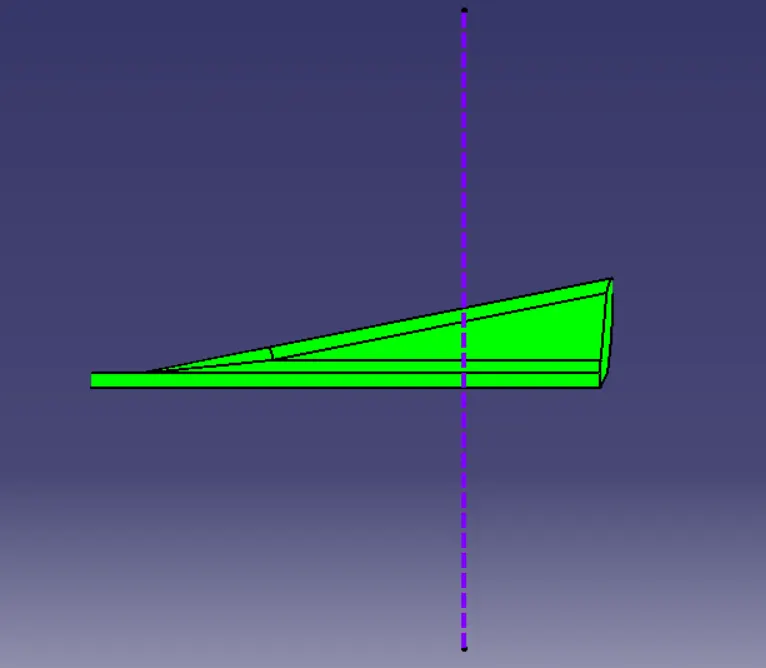
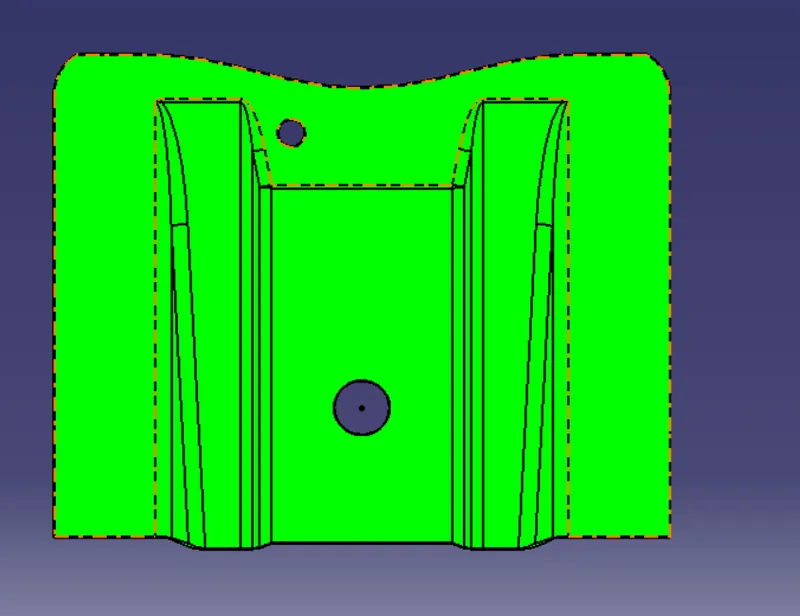
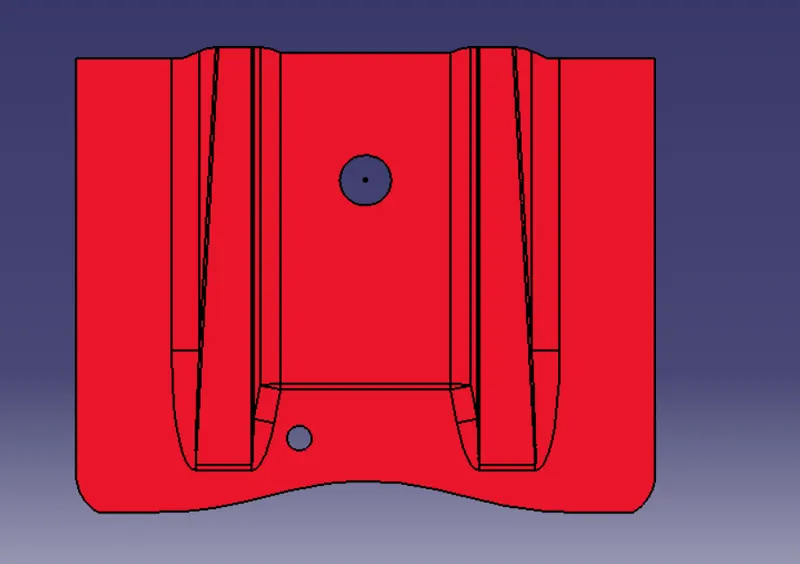
- REPORT :- In order to creating the tooling axis for given Class A Surface first we need to check whether the given class a surface is feasable are not then we have to create tooling axis according to requirement of the surface{standard mode/normal mode/bisecting method}.After creating tooling axis we have to create draft analysis for this the first thing should be maintain in the material mode then click on the insertion tab-->go to Analysis option-->then click on featutre draft analysis.now the draft analysis box is displayed now click on the compass option then move the curser to the compass point and place the compass on the tooling axis and click on the surface to be drafted so that we can make the draft analysis for the given class A surface.
- For the Plastic closed component the draft analysis is made as we made for the class A surface so that after performing the analysis we get colour varients on the closed component.
- Tooling axis for bisecting method :- firstly create a plane on the component then go for the intersection option so that the intersected portion is highlated for that portion now the tooling axis is created perpendicularly so that the tooling axis is perpendicuar to the required component.