Week 7 Challenge - Assembly Workbench
REPORT FOR ASSEMBLY WORKBENCH
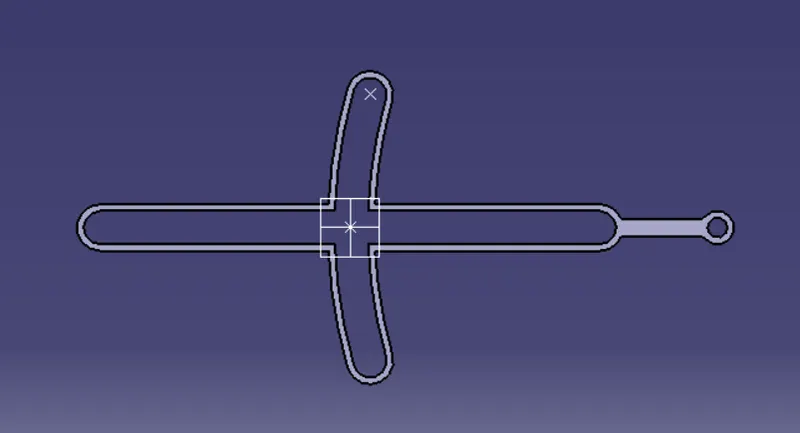
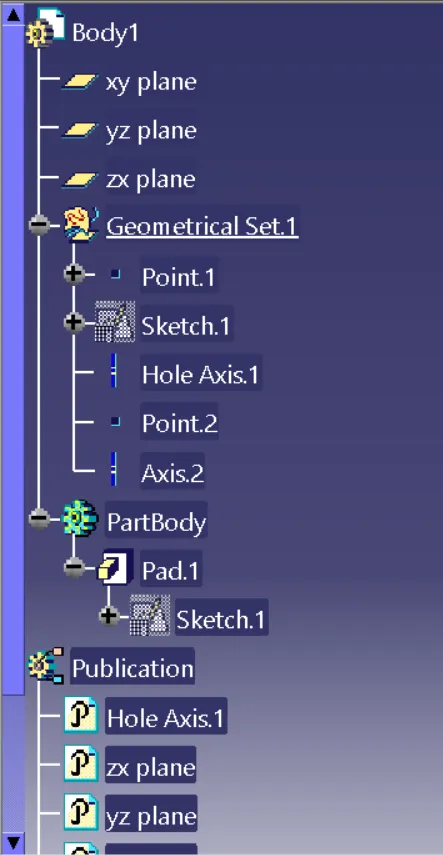
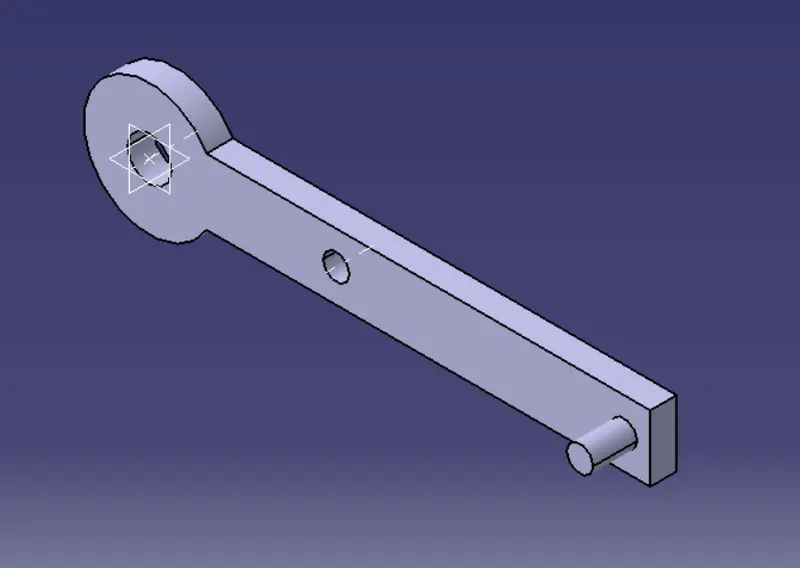
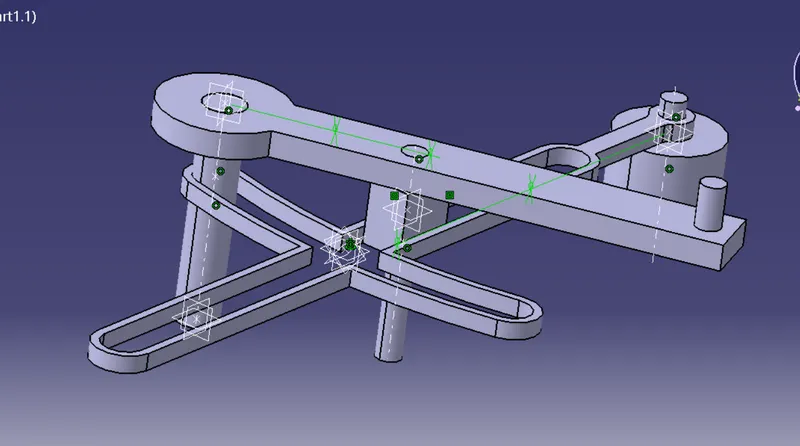
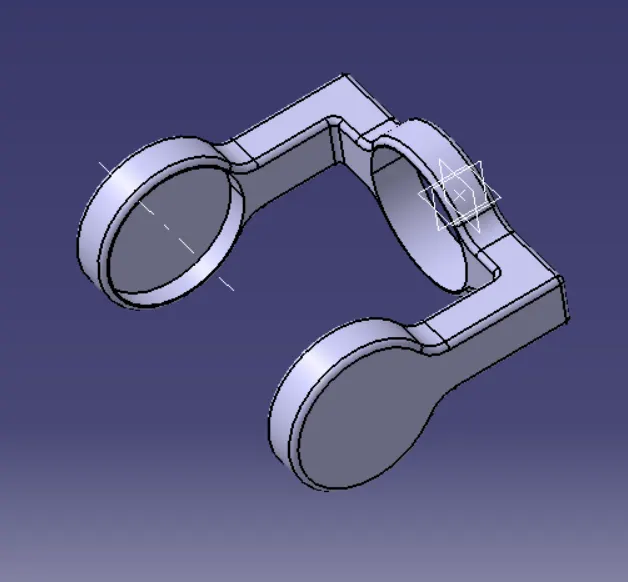
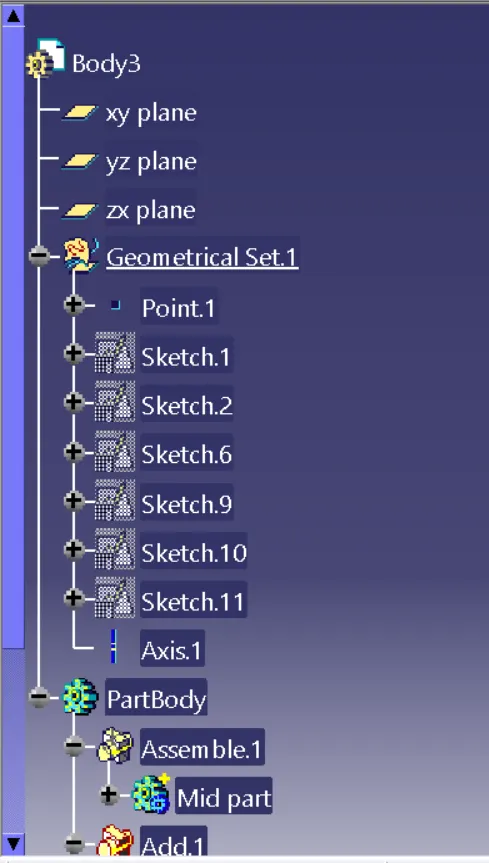
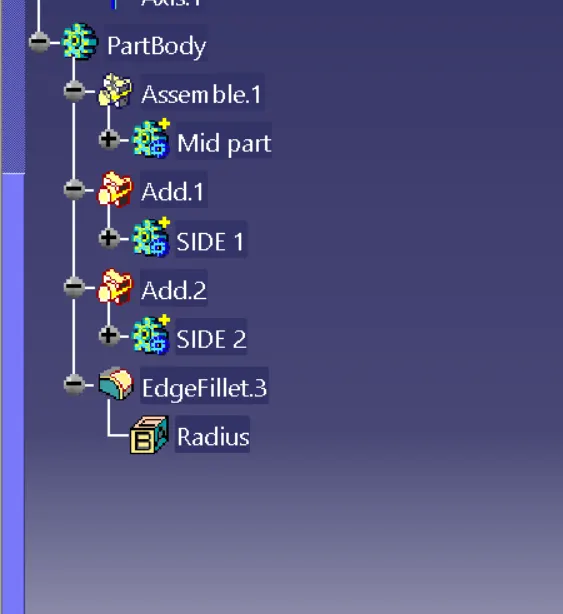
1.QUICK RETURN MECHANISM:- In this work bench first i had created the given 2D drawings to 3D drawings by creating them as differnt part models in part work bench.
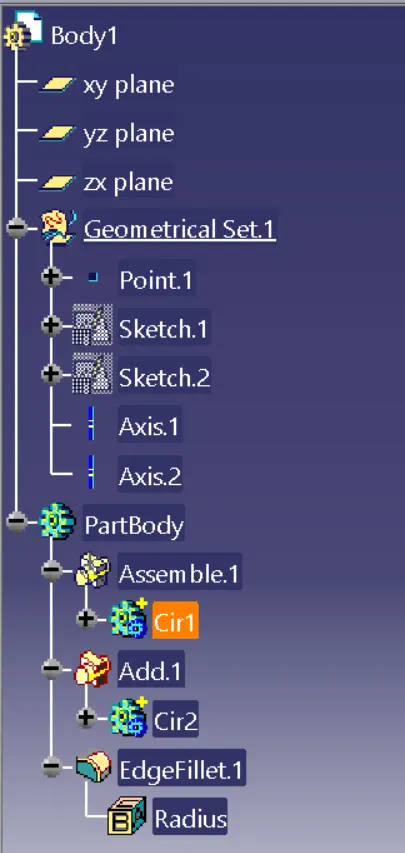
BODY 1:- 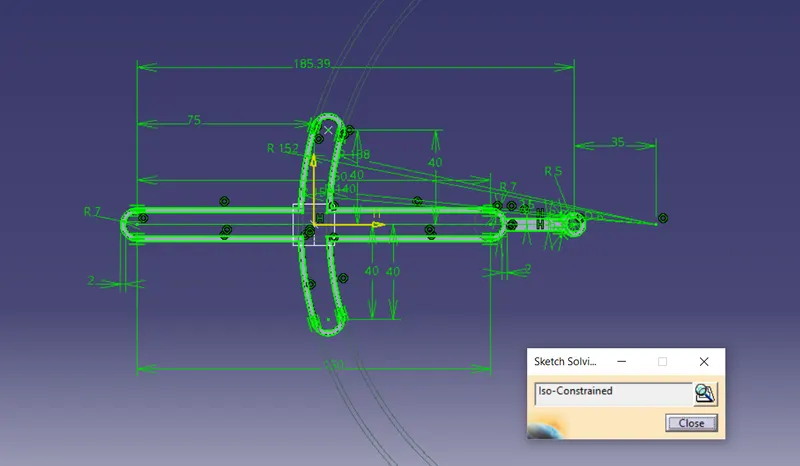
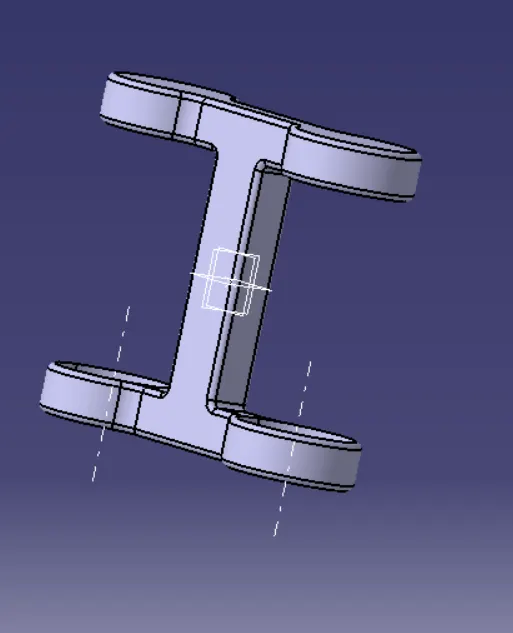
BODY 2:- 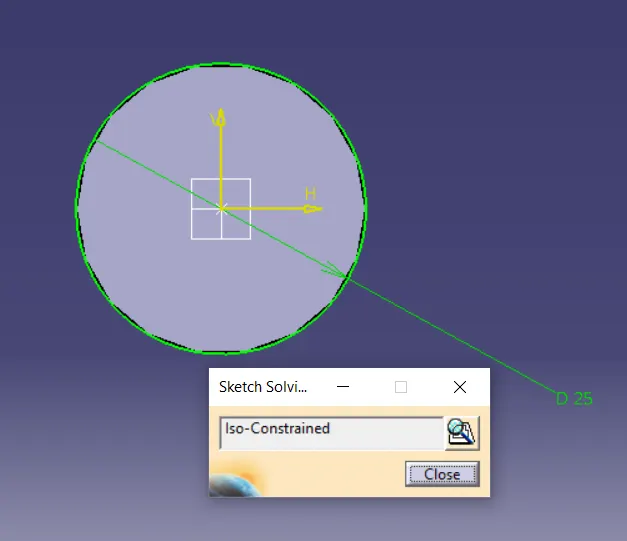
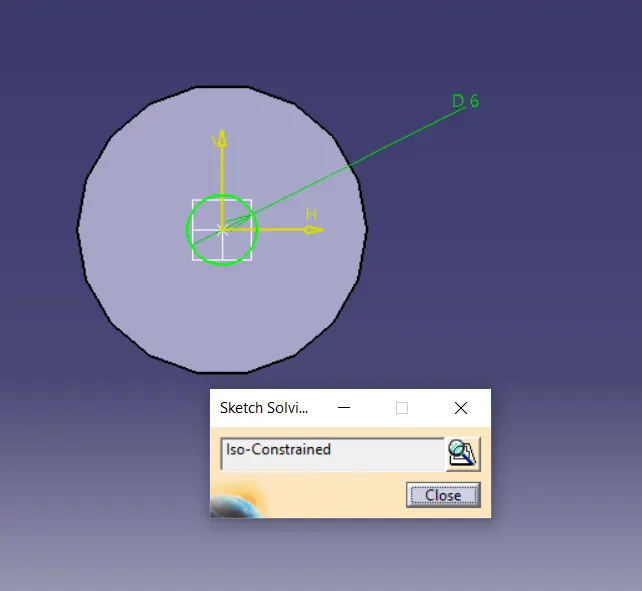
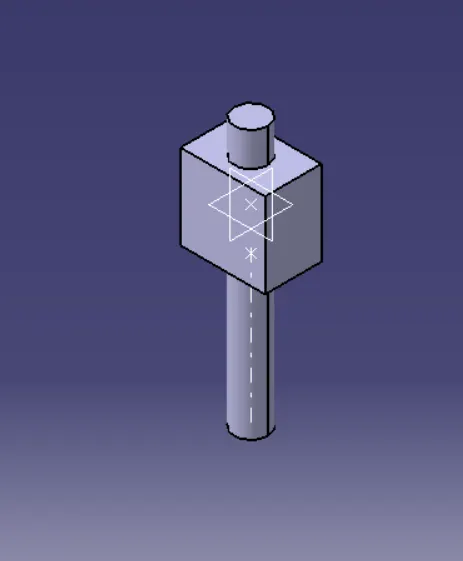
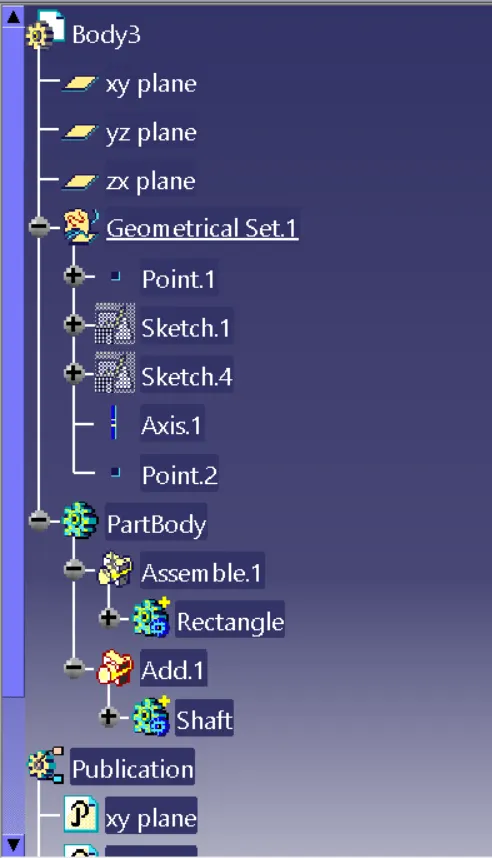
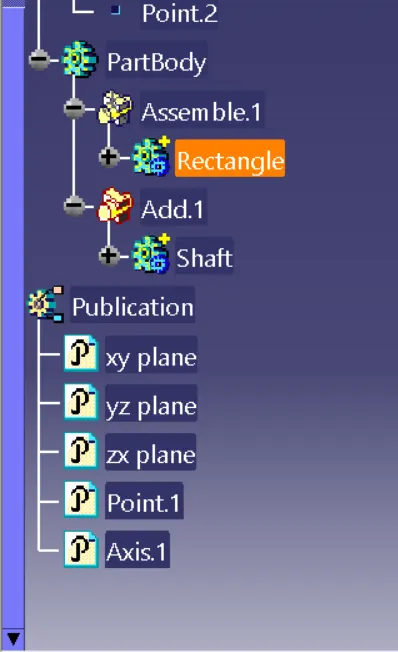
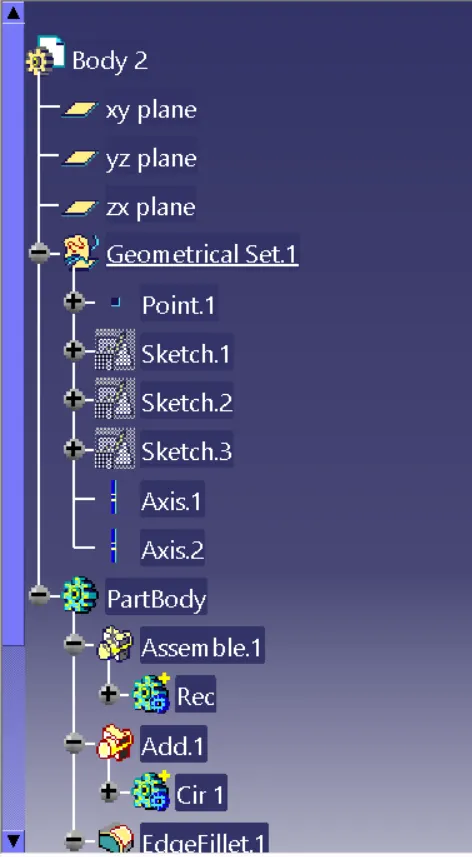
BODY 3:- 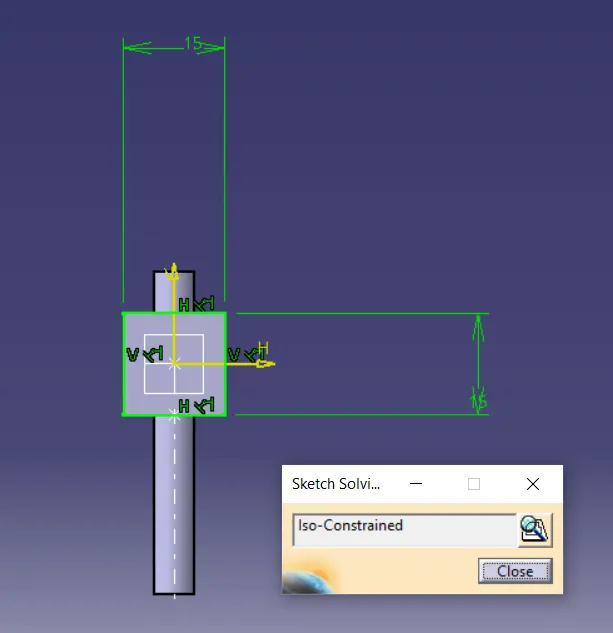
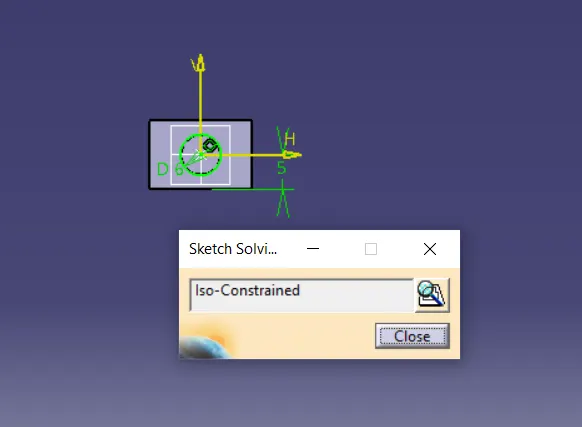
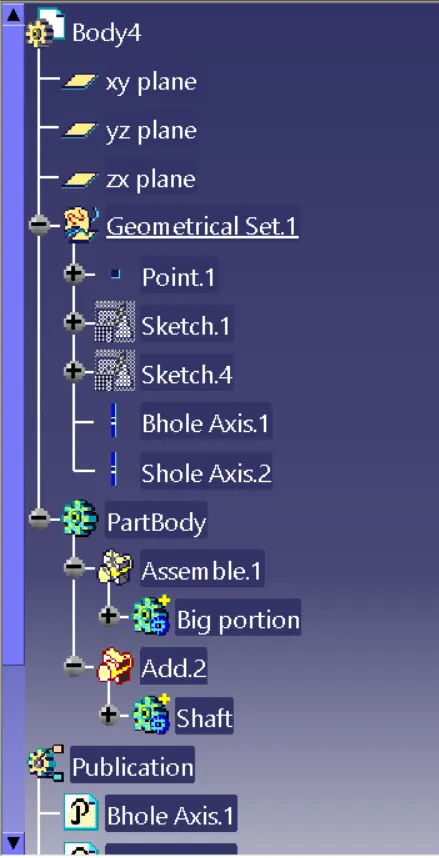
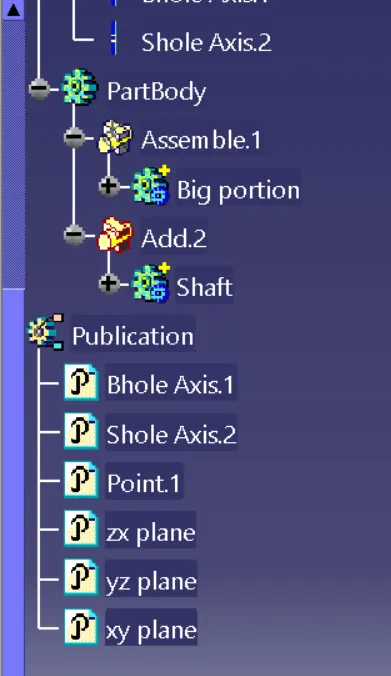
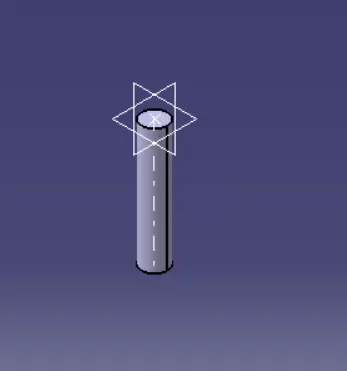
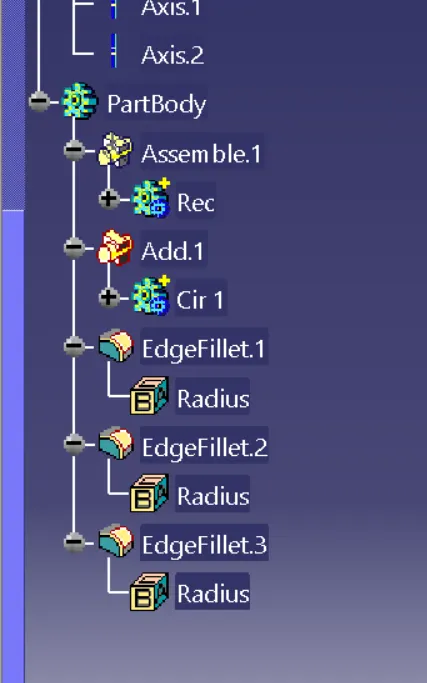
BODY 4:- 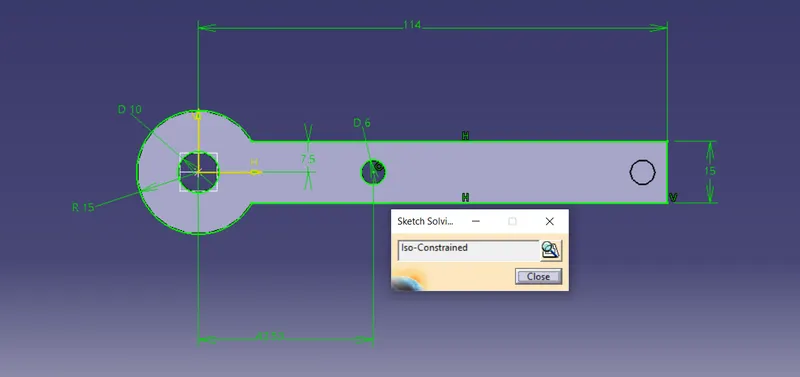
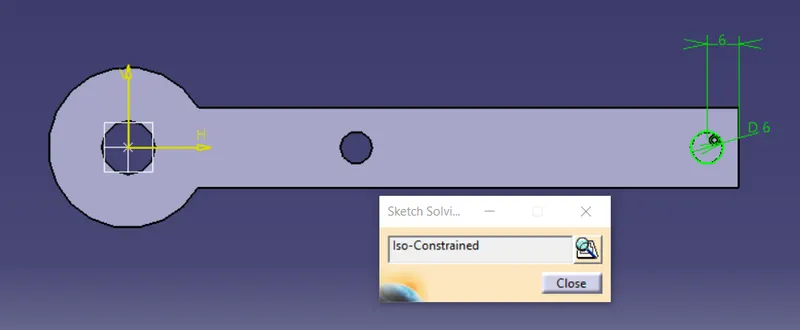
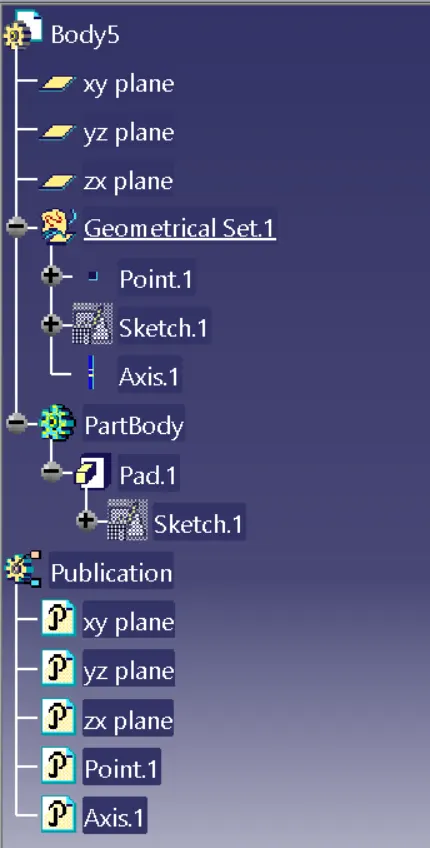
BODY 5:- 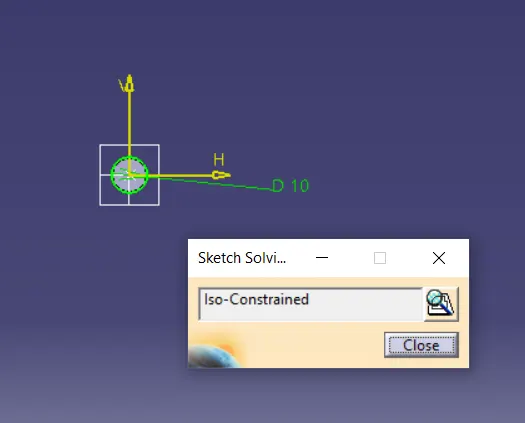
After creation of part bodies open the assembly workbench (start-->mechanical wb-->assembly wb) and then create the refference part (axis and point) to make them assemble at one point .Then select existing component in product tool bar and select required produt in tree so that the component is added in that repeat the procedure for the remaing parts .Now move the parts so that it is easy to select them for constraining.
GIVING CONSTRAINTS TO ASSEMBLE THE PARTS :
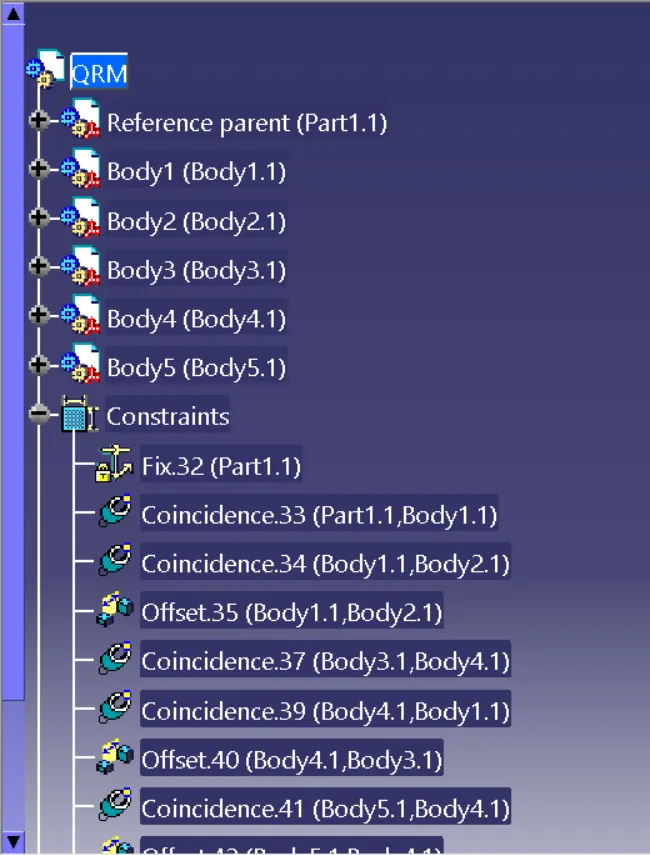
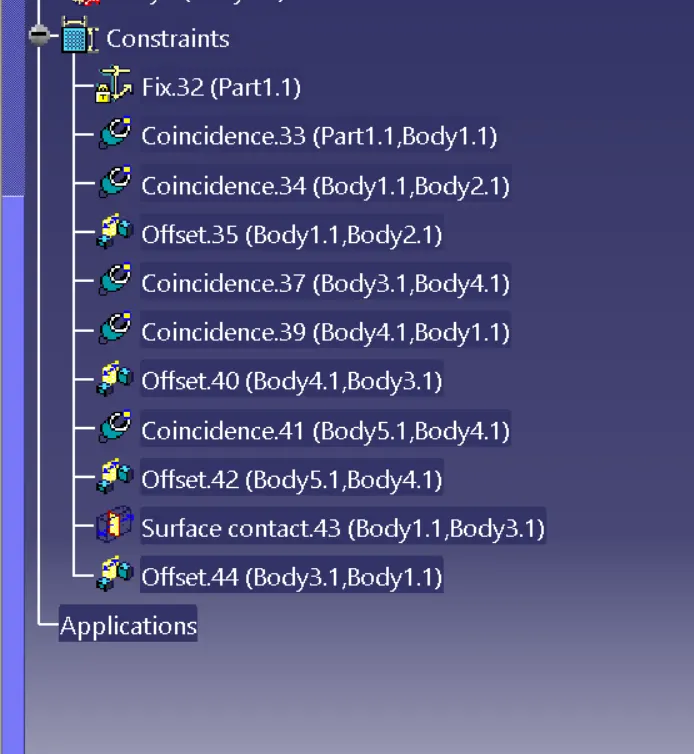
STEP1:- Now use the fix constraint and select the reference part so that there degree of freedom is locked in all directions.
STEP2:-Now select the first part body origin and reference origin by using coincidence constraint.
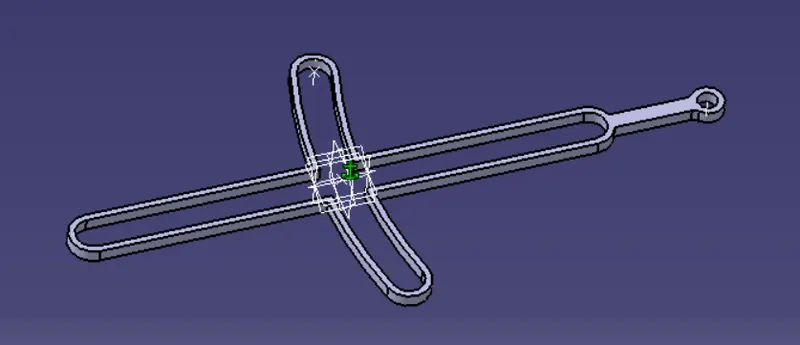
STEP3:- BY selecting the body 2 origin and body 1 origin select the coincidence constraint and then offset the distance to join the both surfaces.
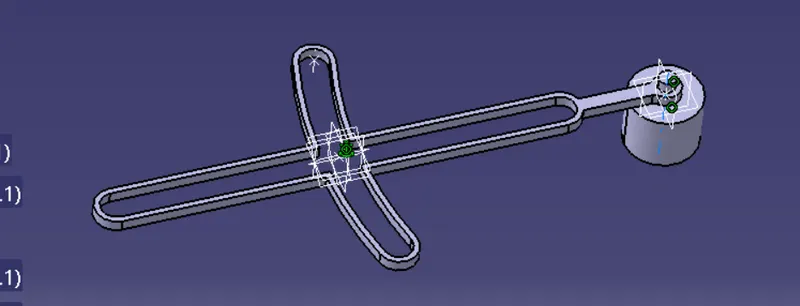
STEP4:- by selecting body 3 and reference origin coincide the bodies and then select the surface contact contraint so that the surfaces are connected to each other .
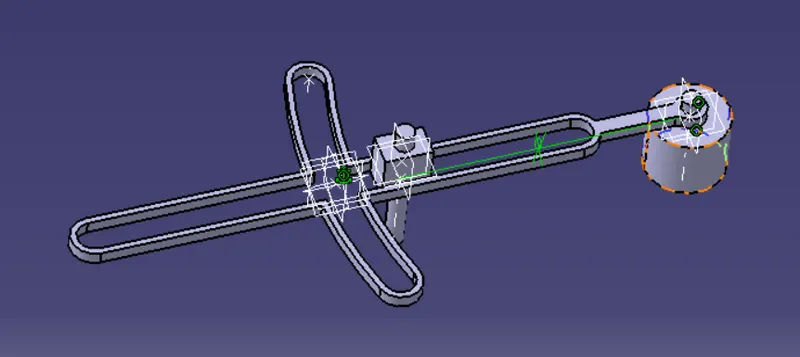
STEP5:- Now select the body 4 and body 1 axis select the coincidence constraint and give the reduired offset distance btw them.
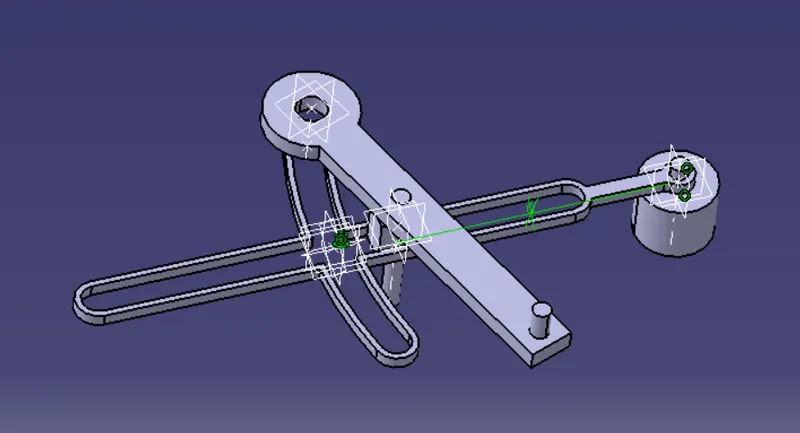
STEP6:- now select the body 5 and body 4 and make them coincidence and offseted the distance.
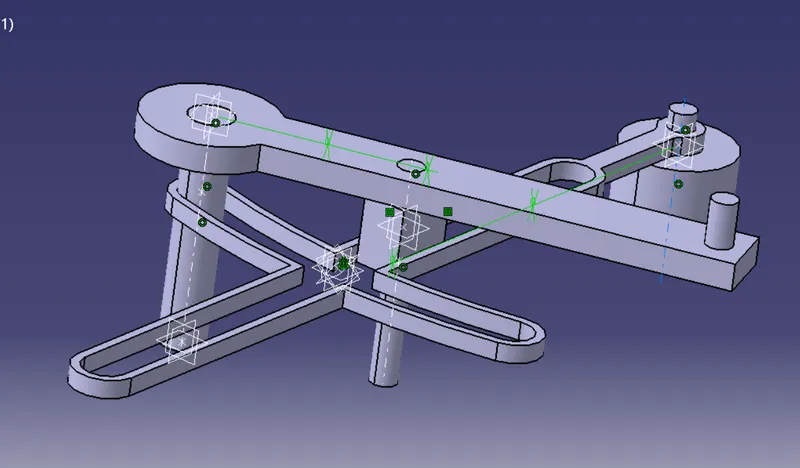
Now check with the manipulation by selecting with costraints so that if any body is not assemble to make the body assemble and save the assemble body.
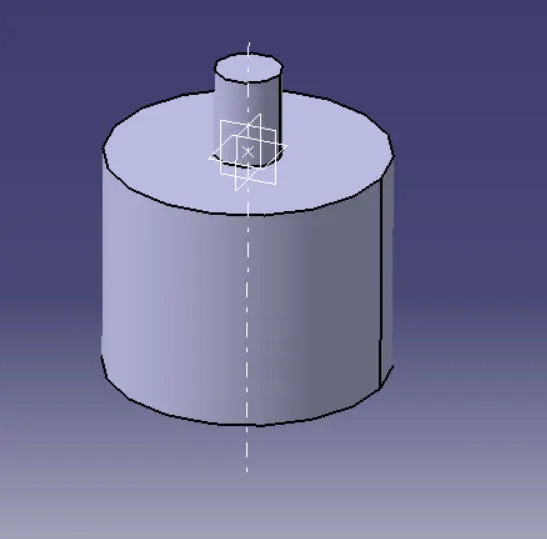
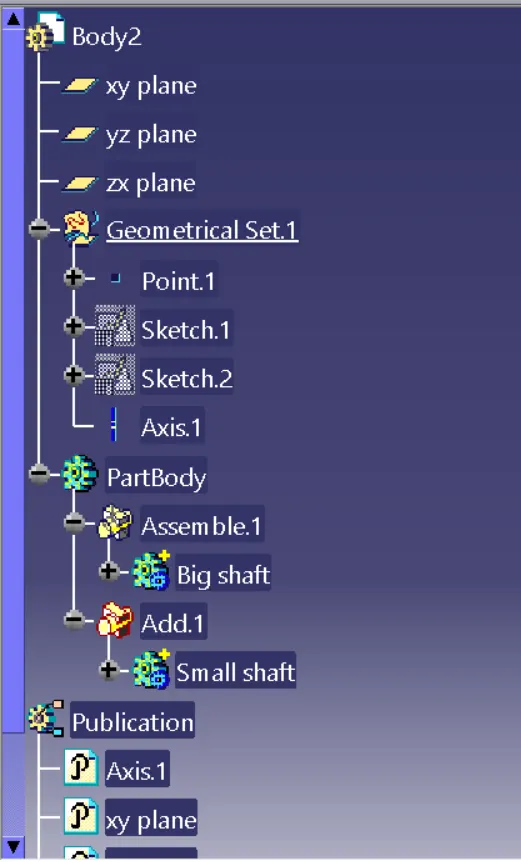
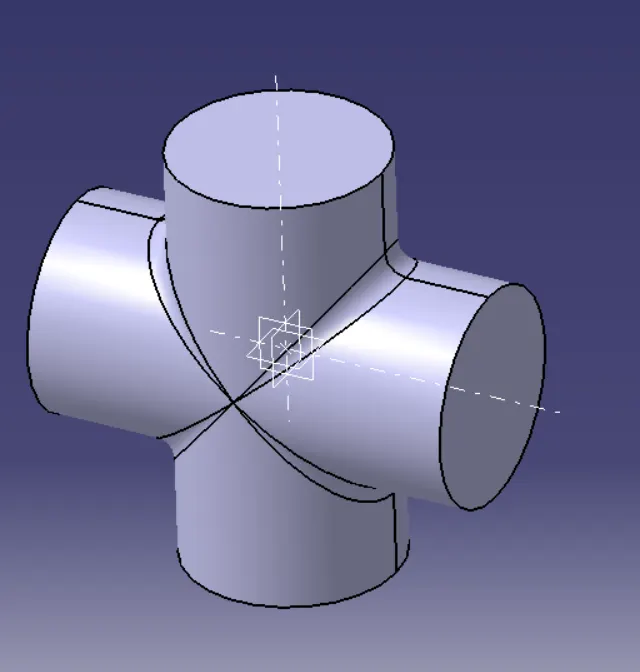
2.CV JOINT:- In this work bench first i had created the given 2D drawings to 3D drawings by creating them as differnt part models in part work bench.
BODY1:- 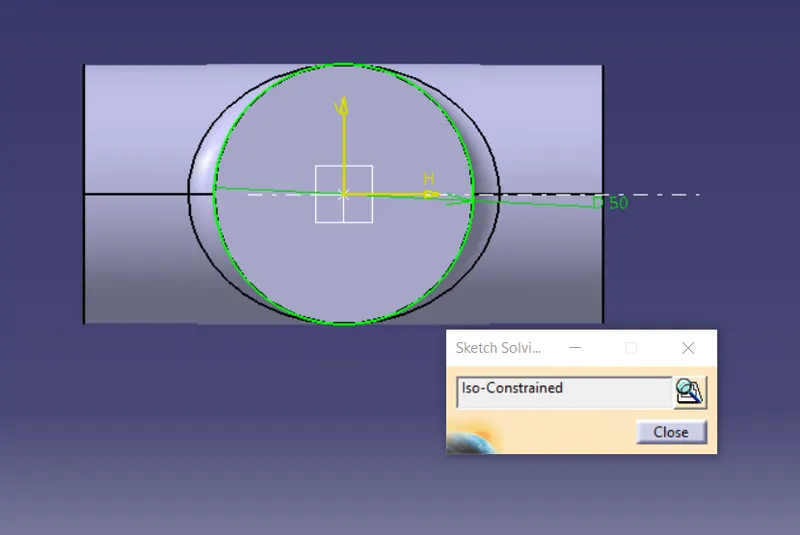
BODY2:- 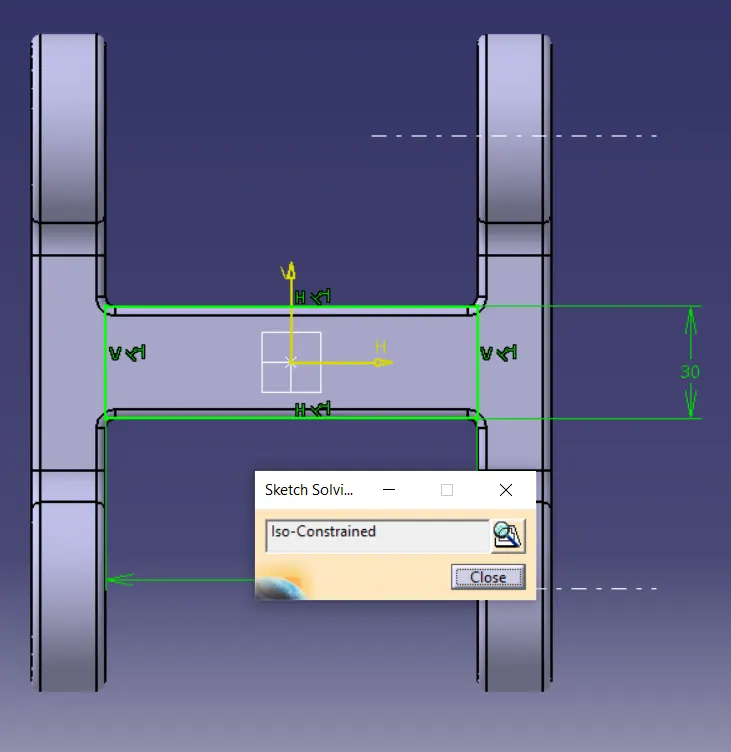
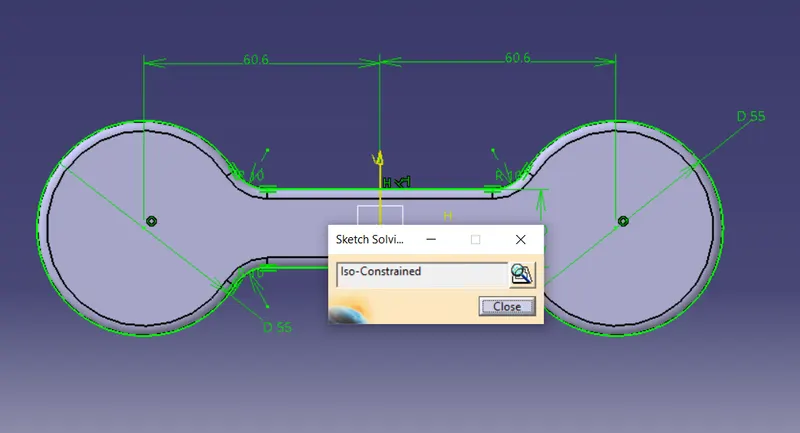
BODY3:- 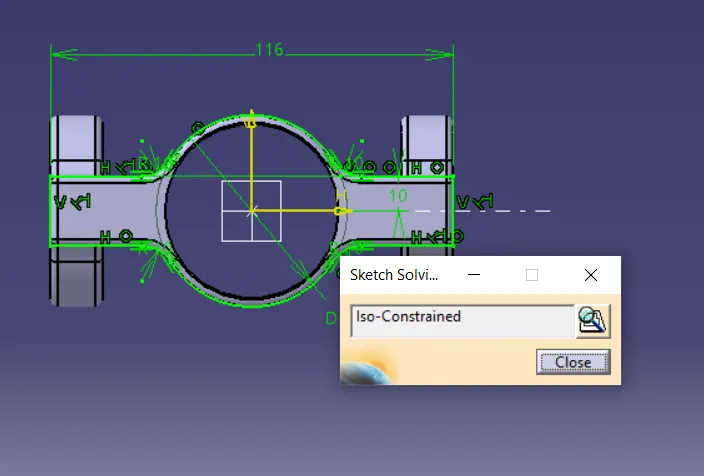
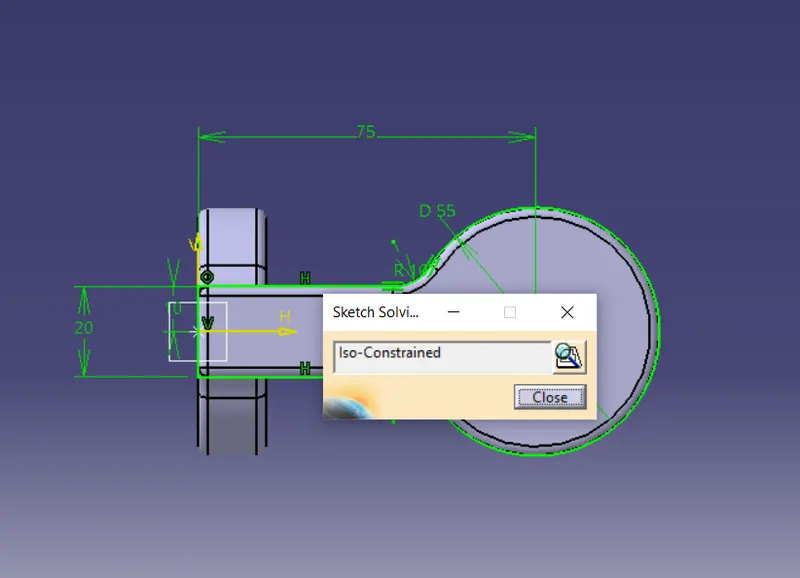
After creation of part bodies open the assembly workbench (start-->mechanical wb-->assembly wb) and then create the refference part (axis and point) to make them assemble at one point .Then select existing component in product tool bar and select required produt in tree so that the component is added in that repeat the procedure for the remaing parts .Now move the parts so that it is easy to select them for constraining.
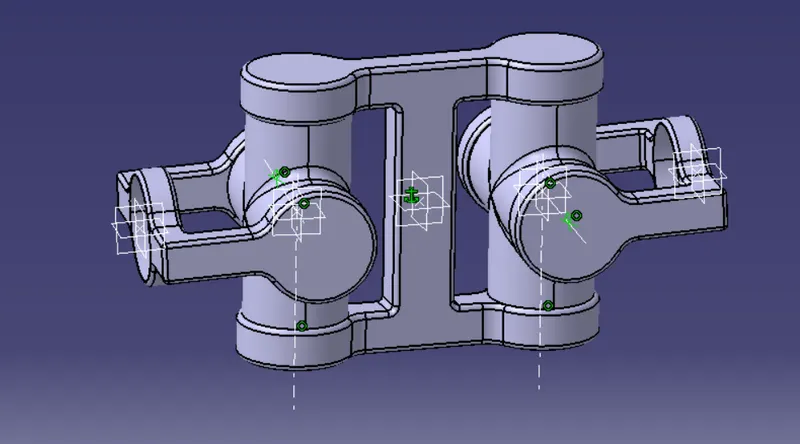
GIVING CONSTRAINTS TO ASSEMBLE THE PARTS :
STEP1:- Now use the fix constraint and select the reference part so that there degree of freedom is locked in all directions.
STEP2:-Now select the first part body 2 origin and reference origin by using coincidence constraint.
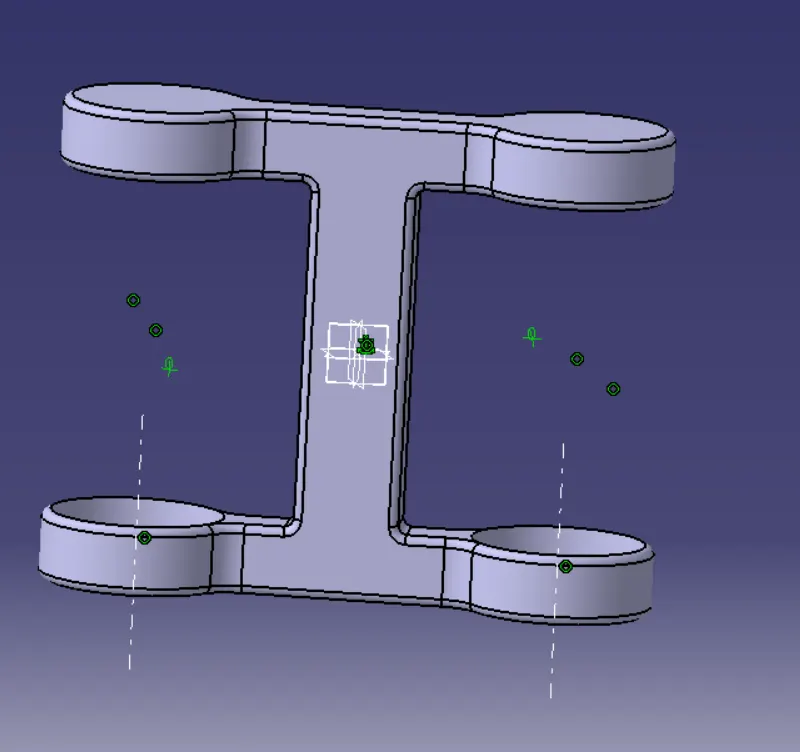
STEP3:- NOW select the body 1 axis and body 2 axis make them coincidence.
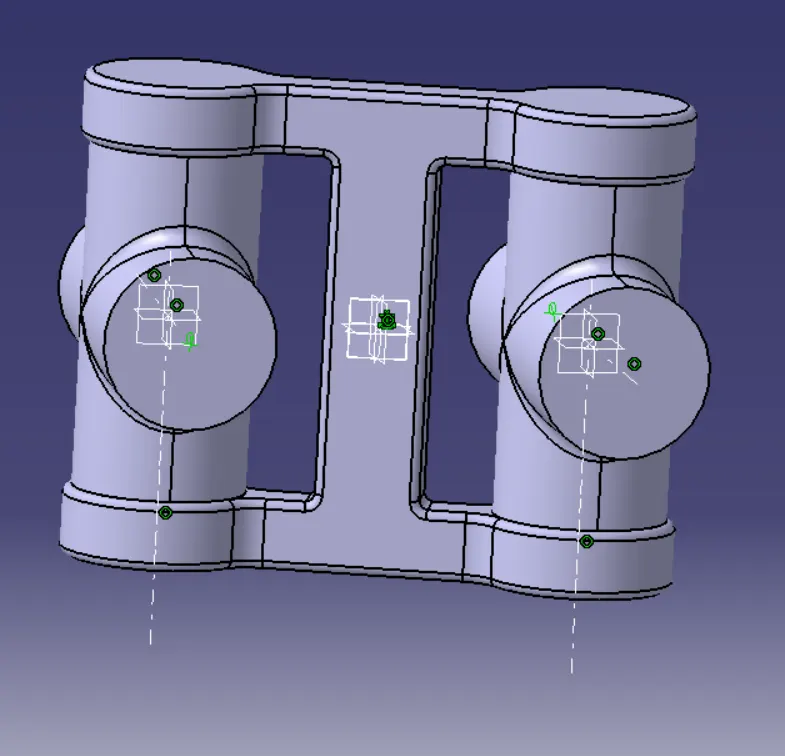
STEP4:- now select the body3 axis and body 1 axis and make them coincidence.
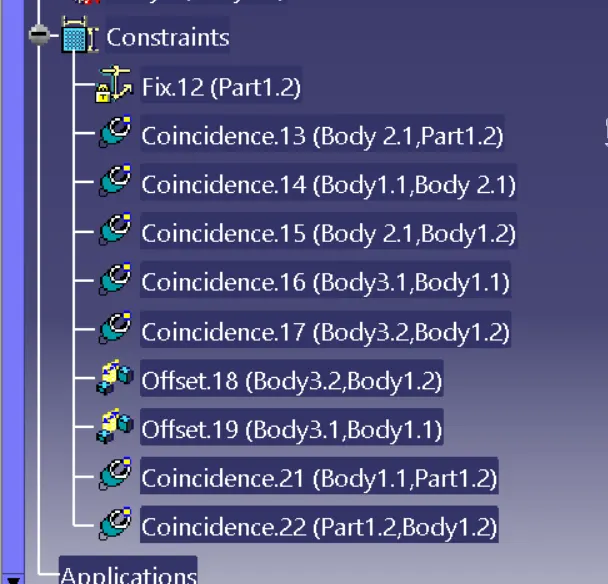
Now check with the manipulation by selecting with costraints so that if any body is not assemble to make the body assemble and save the assemble body.