Car Side door mesh generation
Objective: The objective for the project is to Extract the midsurface, cleanup the geometry, 2D mesh the component and quality check for the elements.
About the component: The component is the side door of a car with all the mountings and the accessories.
Procedure:
1. Open the side door edited.hm file in hyperworks
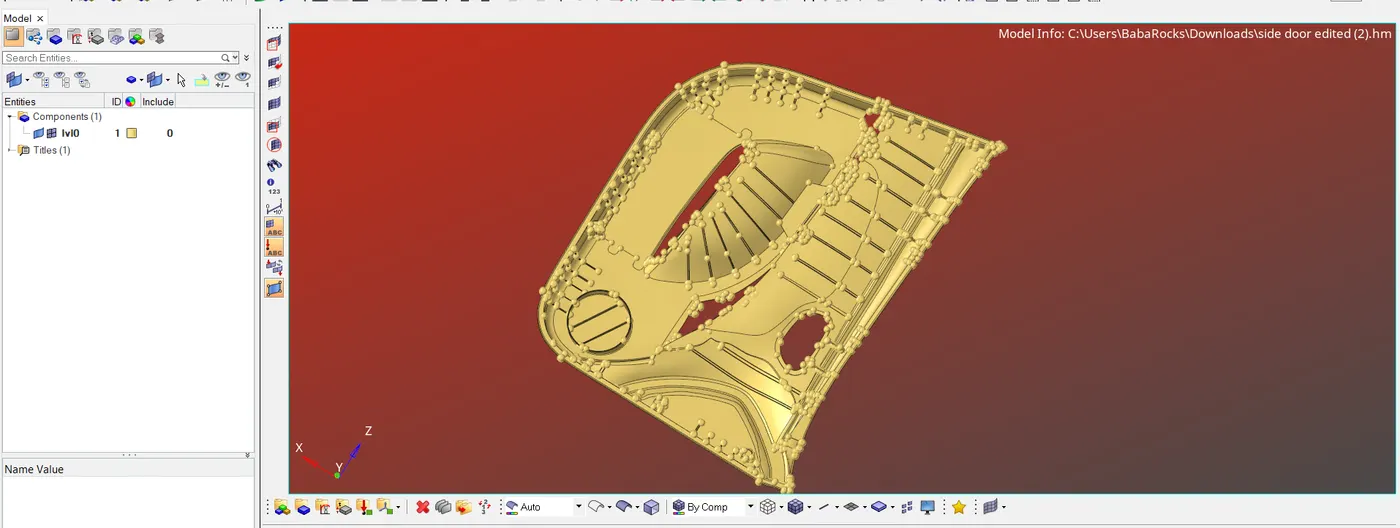
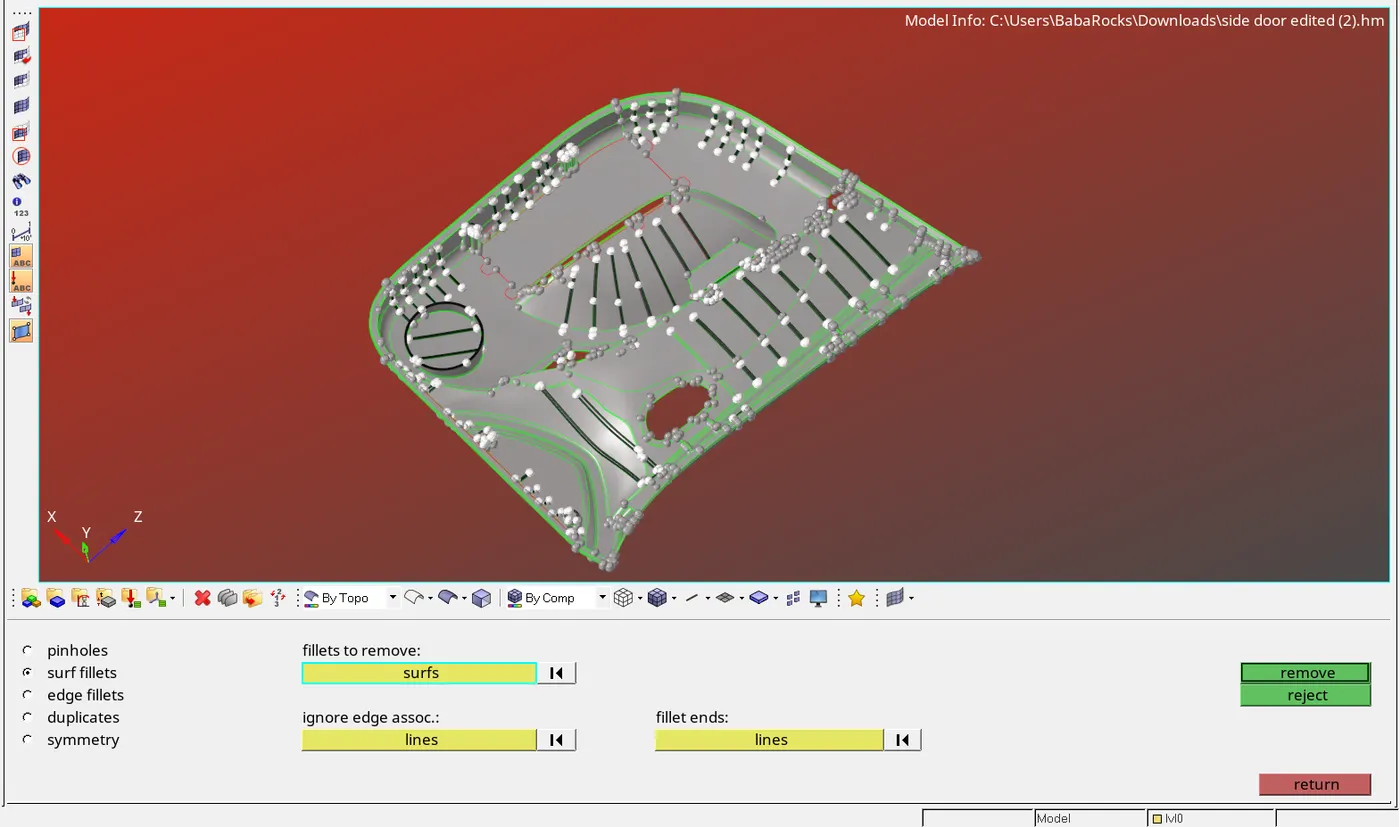
2. Search for the surface fillet and defeature the fillet of eadius less than 2unit
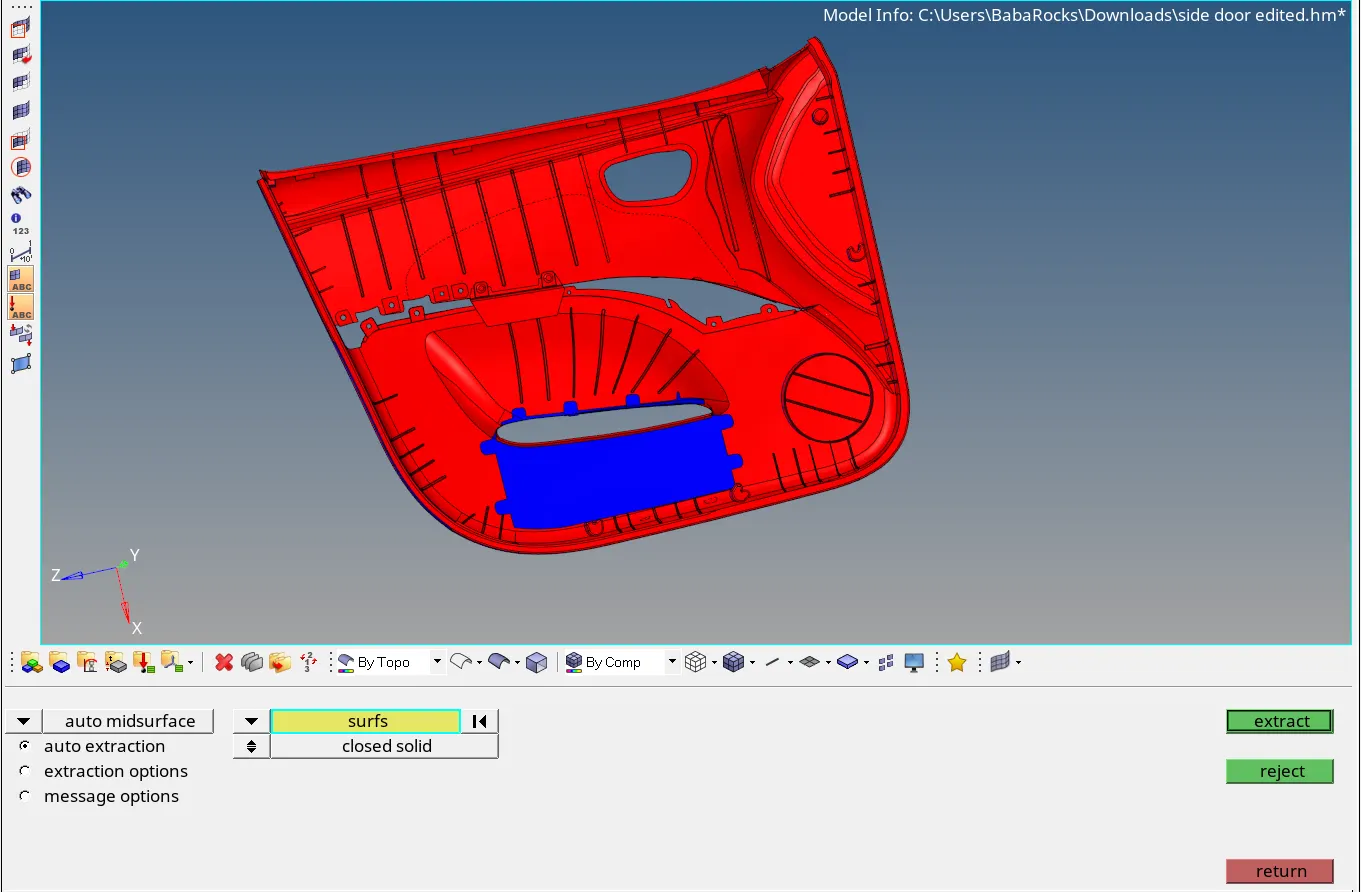
3. Extract the midsurface using auto mid-surface also offset surfaces to create mid surface for the surfaces which fail to created mid-surface
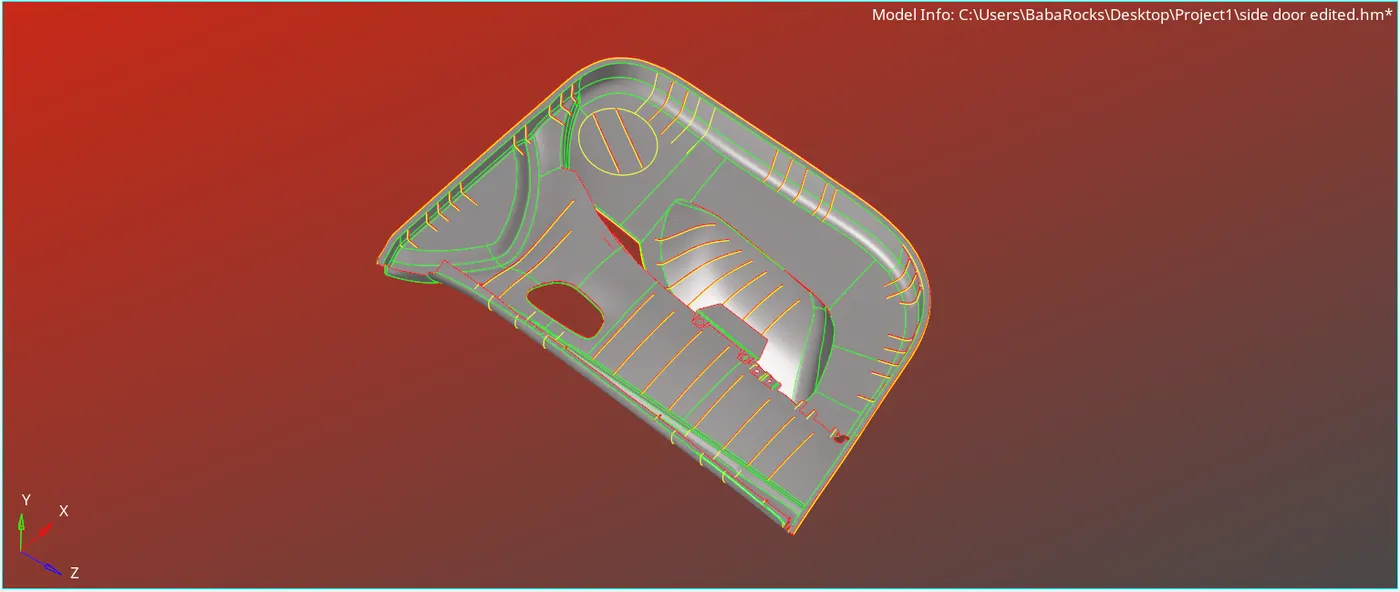
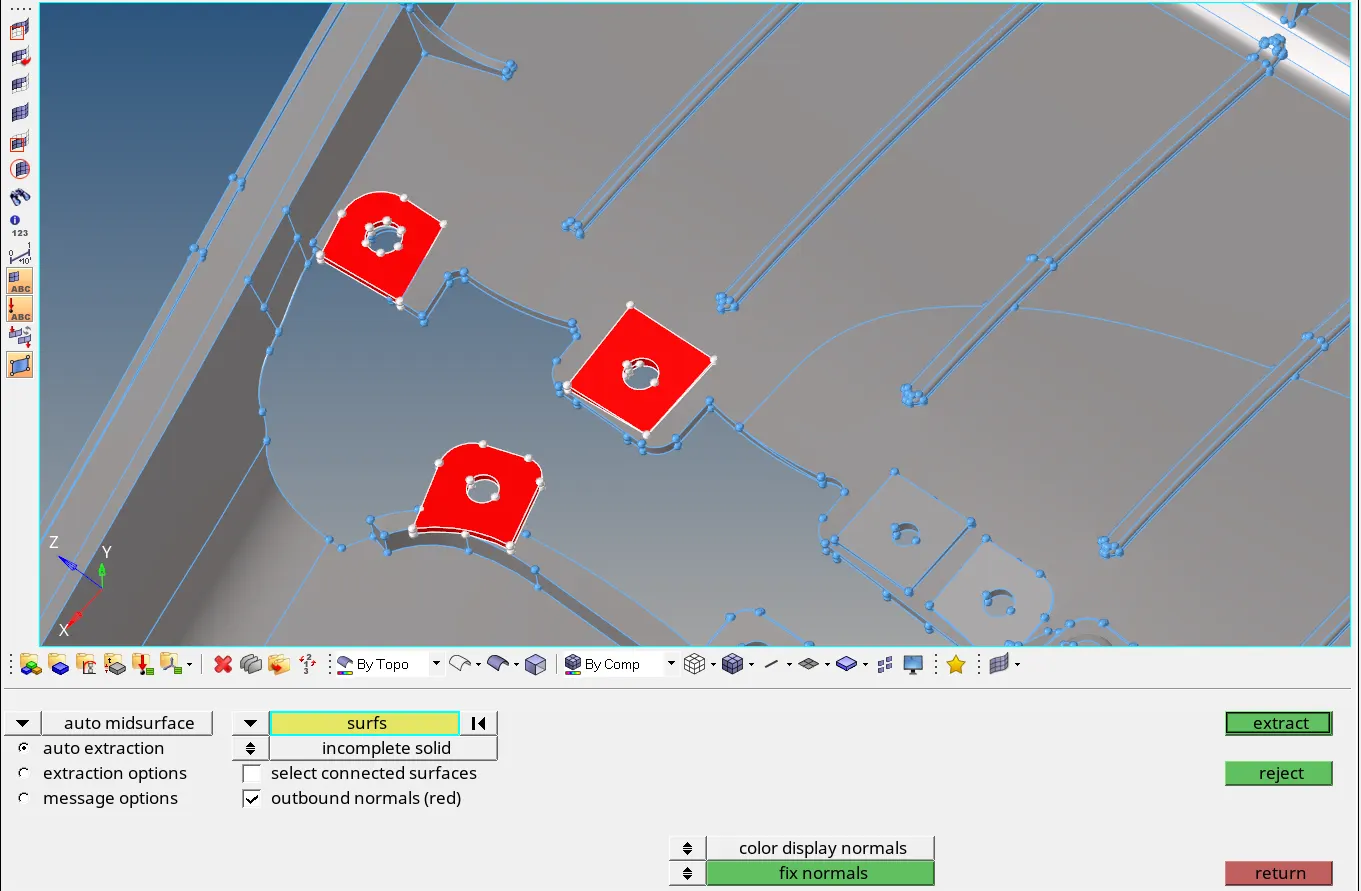
4. Clean the mid-surface using quick edit menu and surface trim options

5. Start meshing the mid-surface using 2D- automesh option
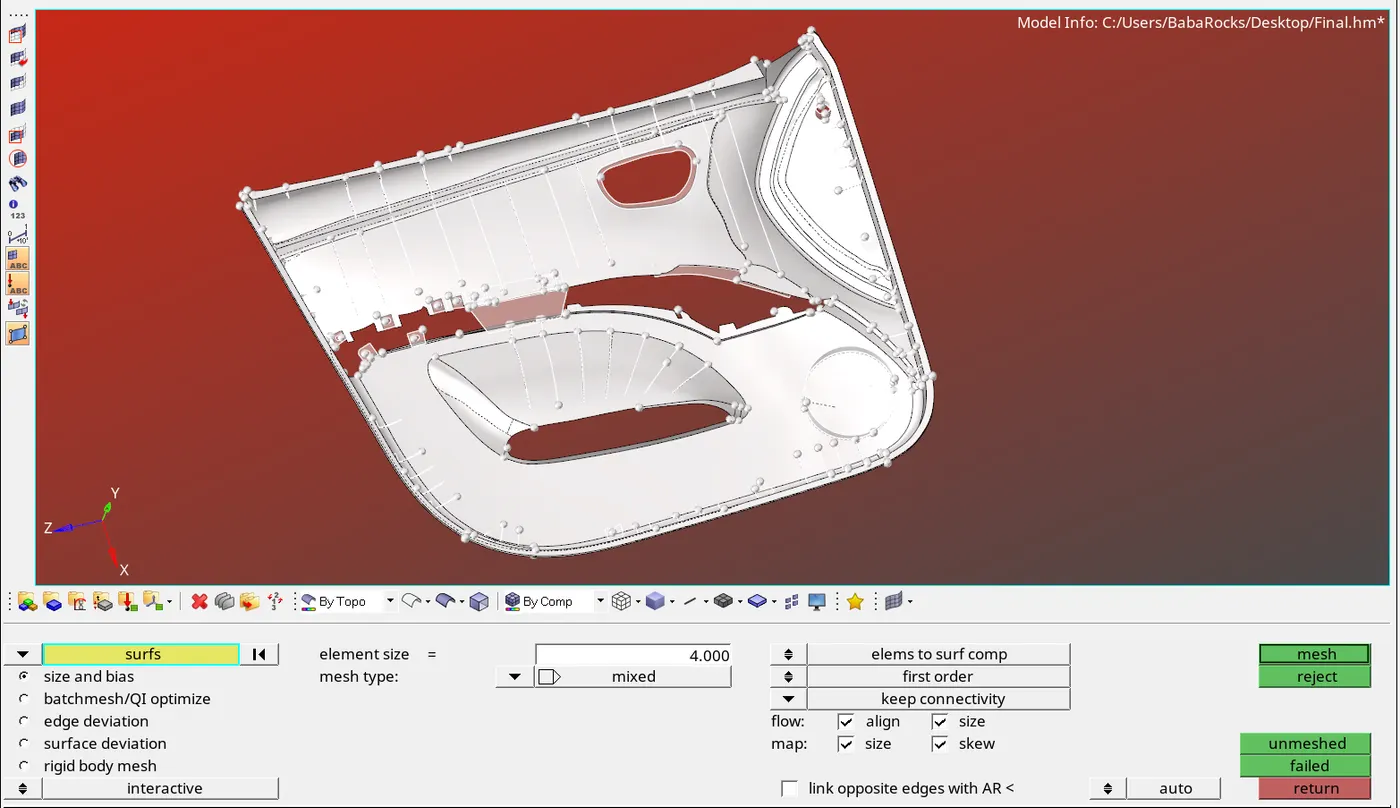
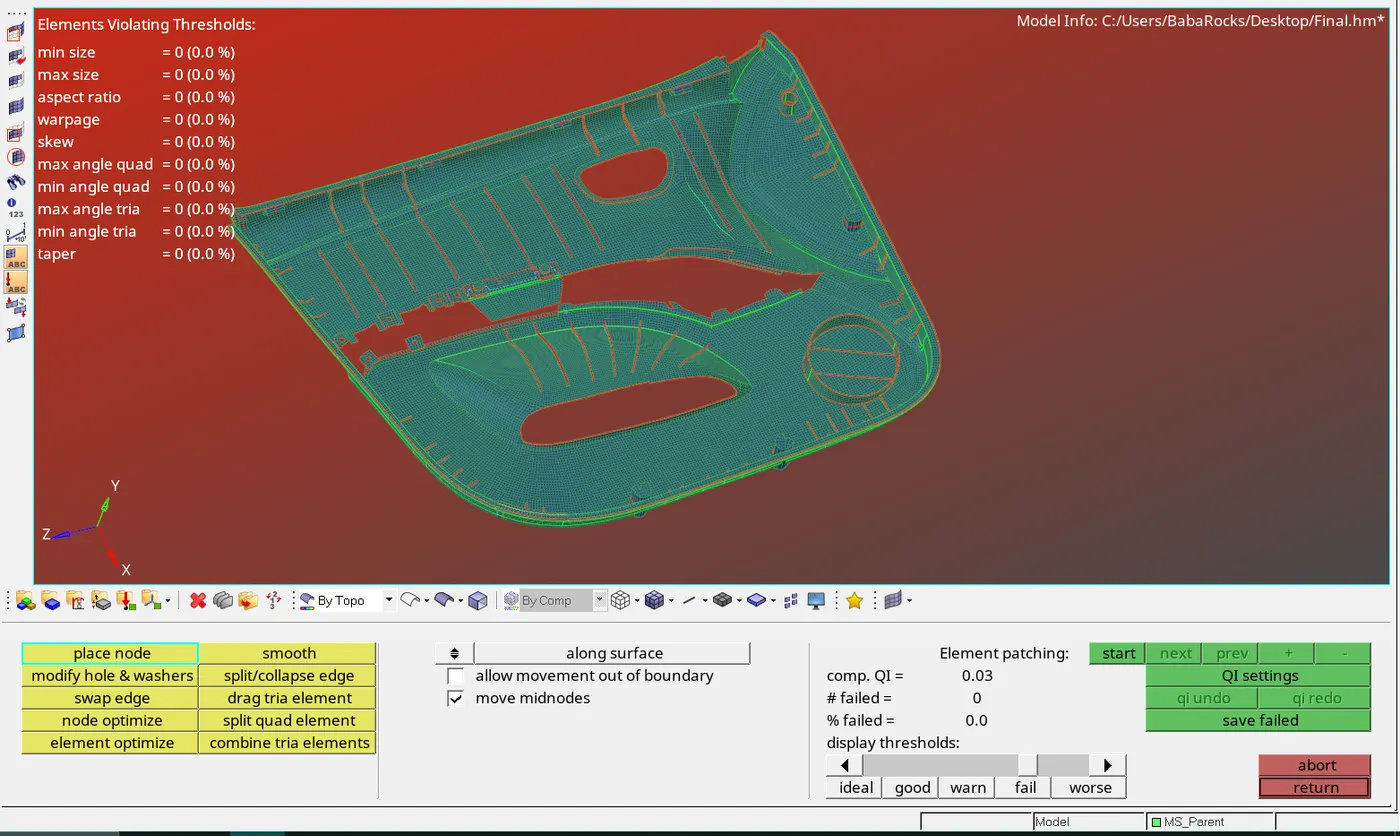
6. Set the mesh quality criteria
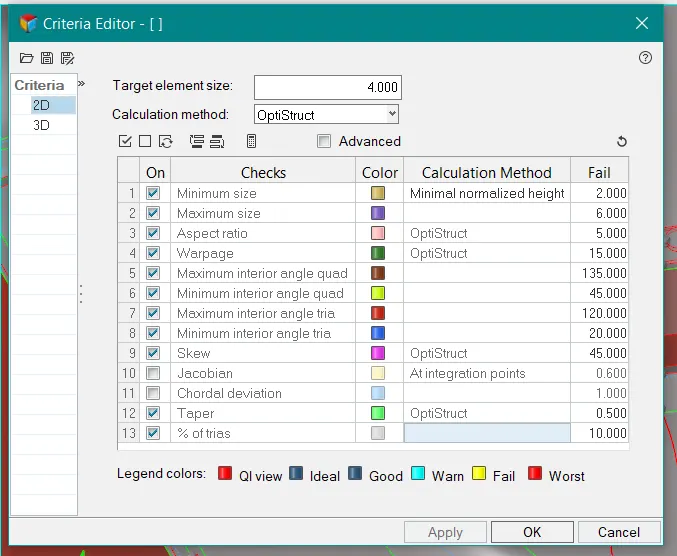
7. Check for faiing elements
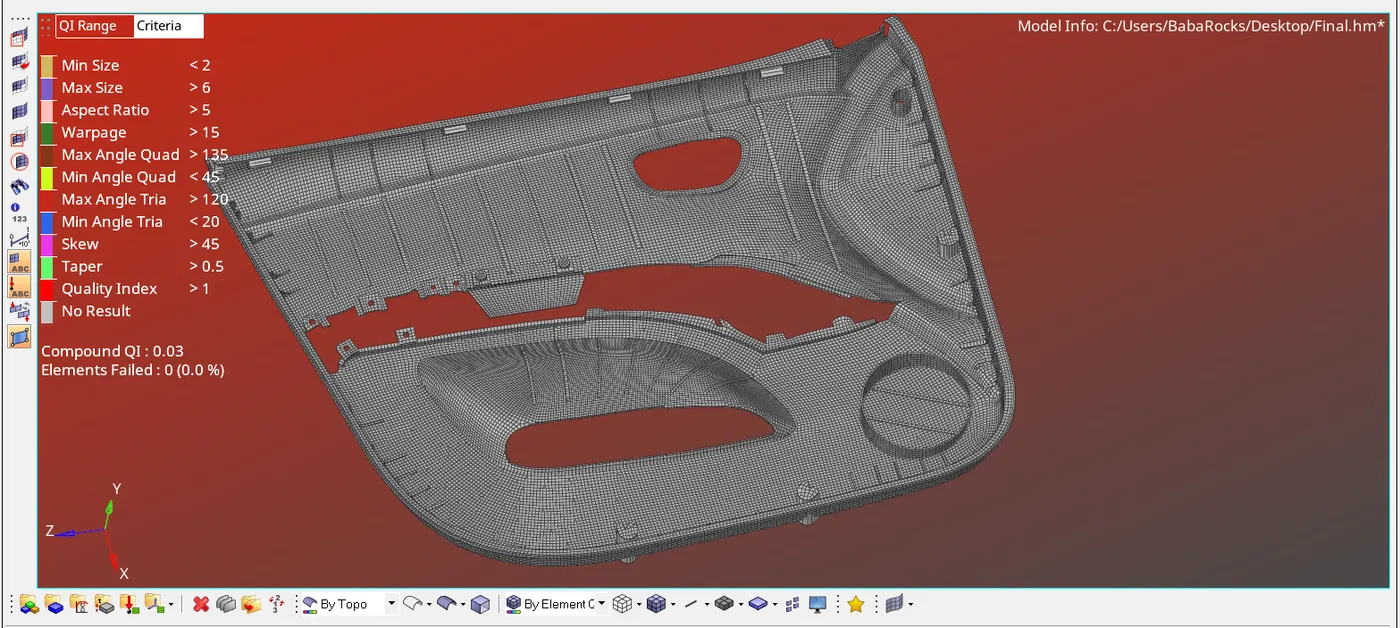
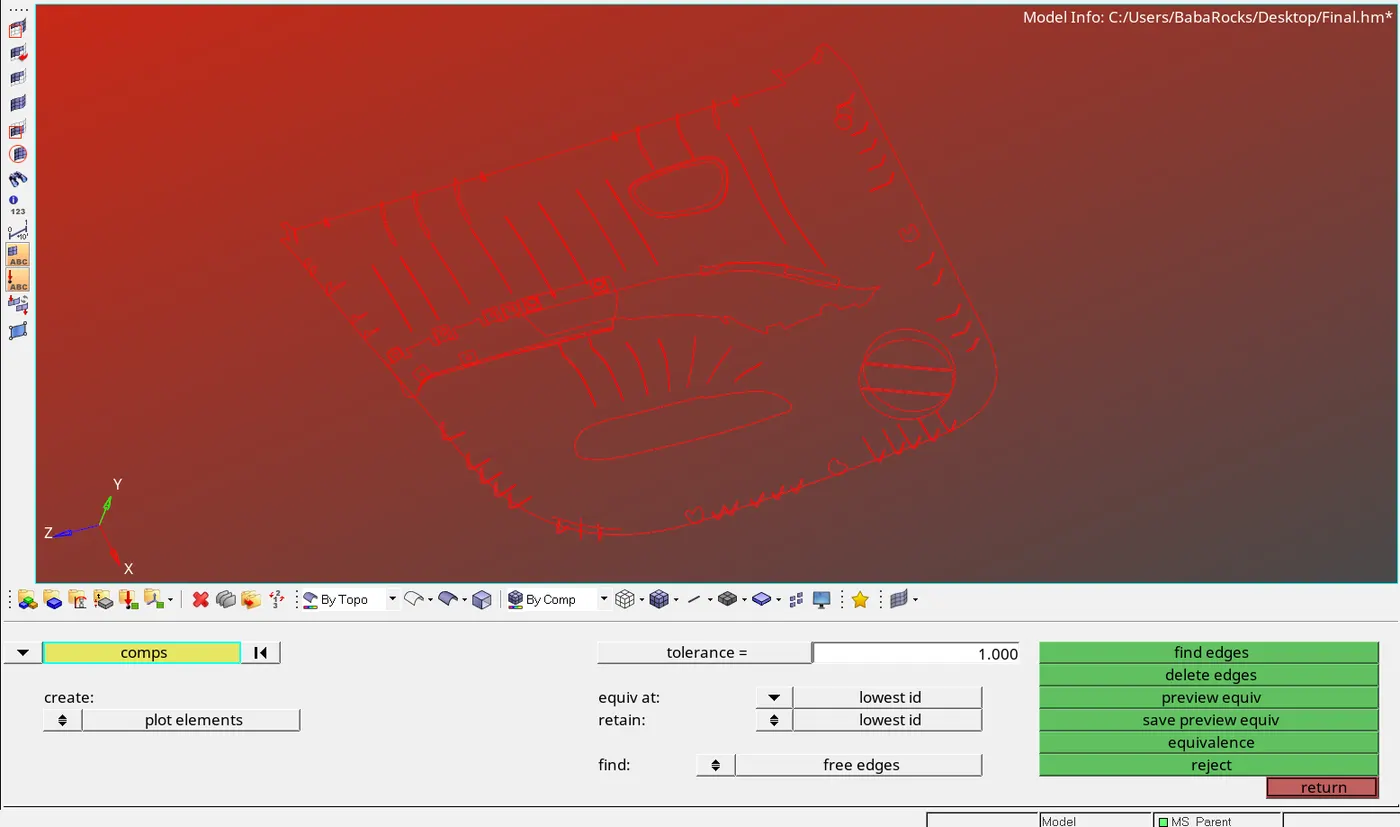
8. searching for freeedge in between the elements
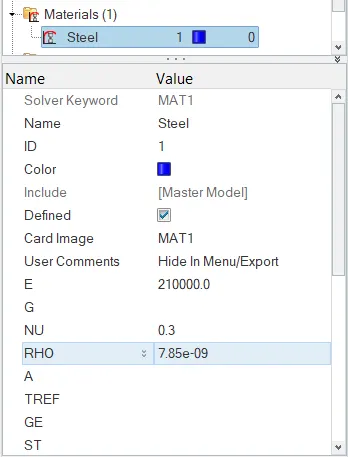
9. Now create a material, say steel
10.As the different surfaces in the model have different thicknesses, different properties were created as assigned thickness
Note: This was done in a successive way of creating property, assigning property, and immediately organising these elements to specific components
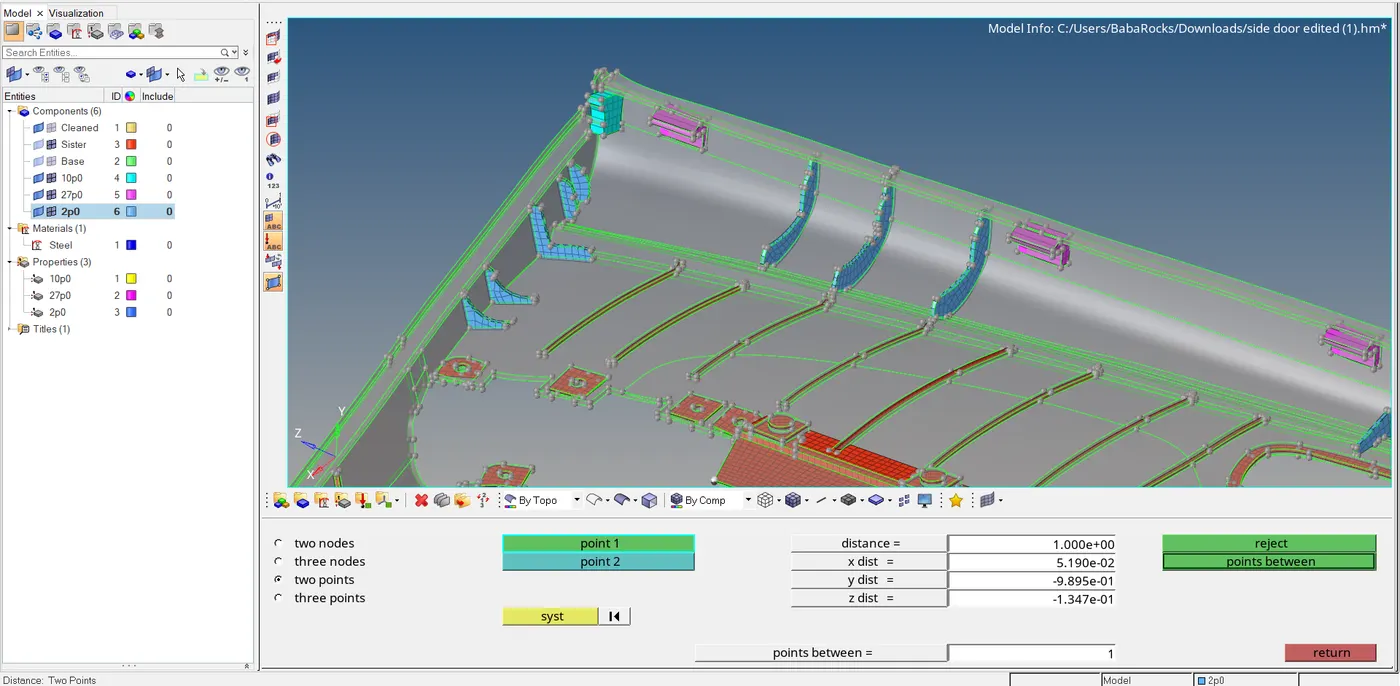
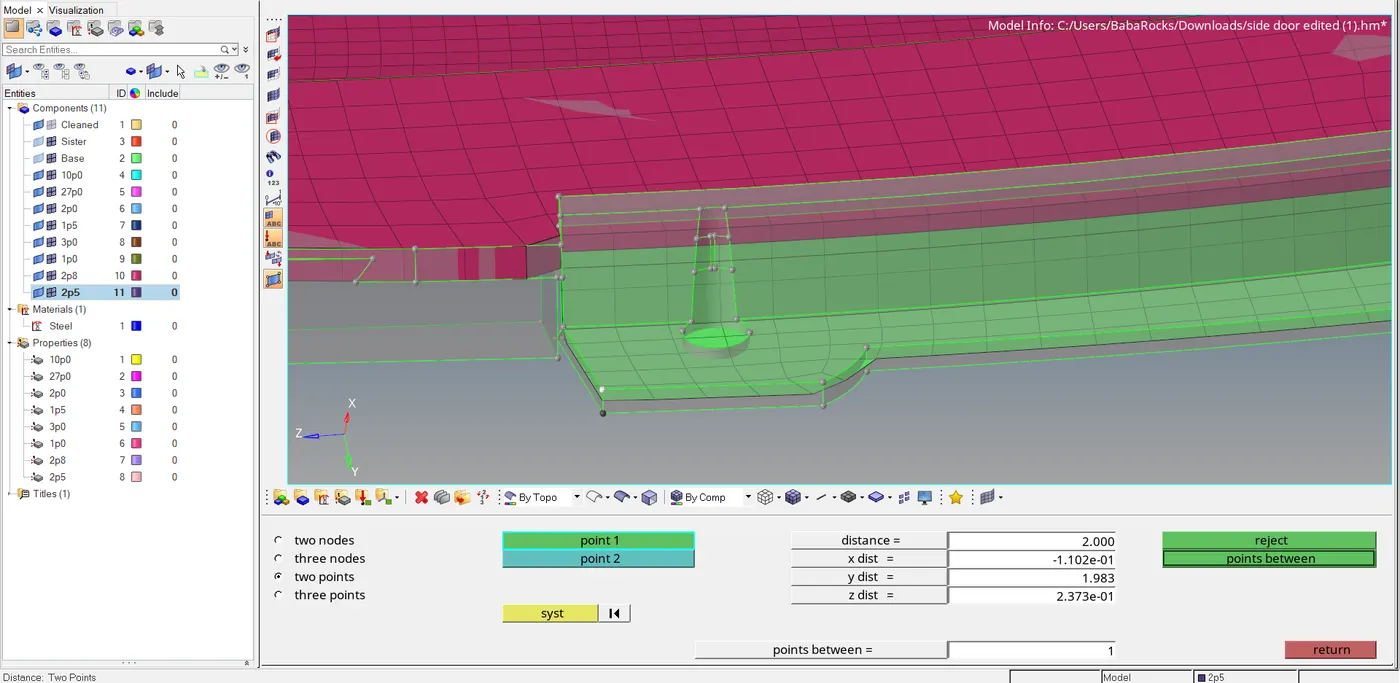
11. Final Model
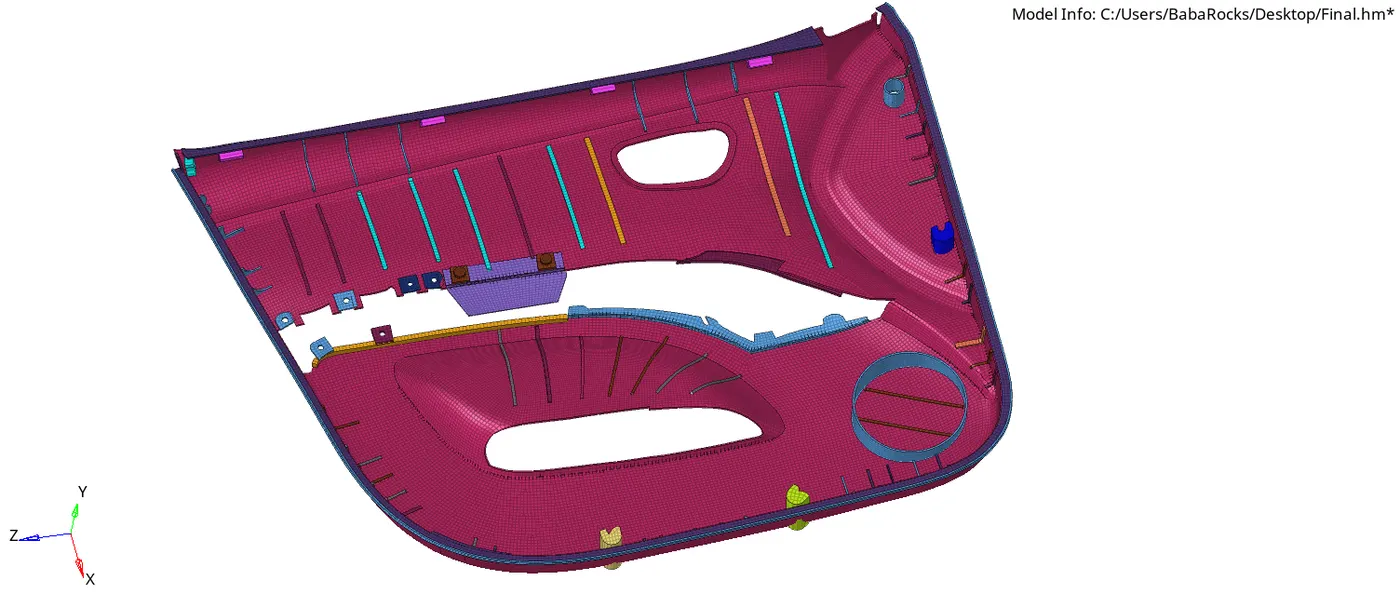
2D Detailed element representation
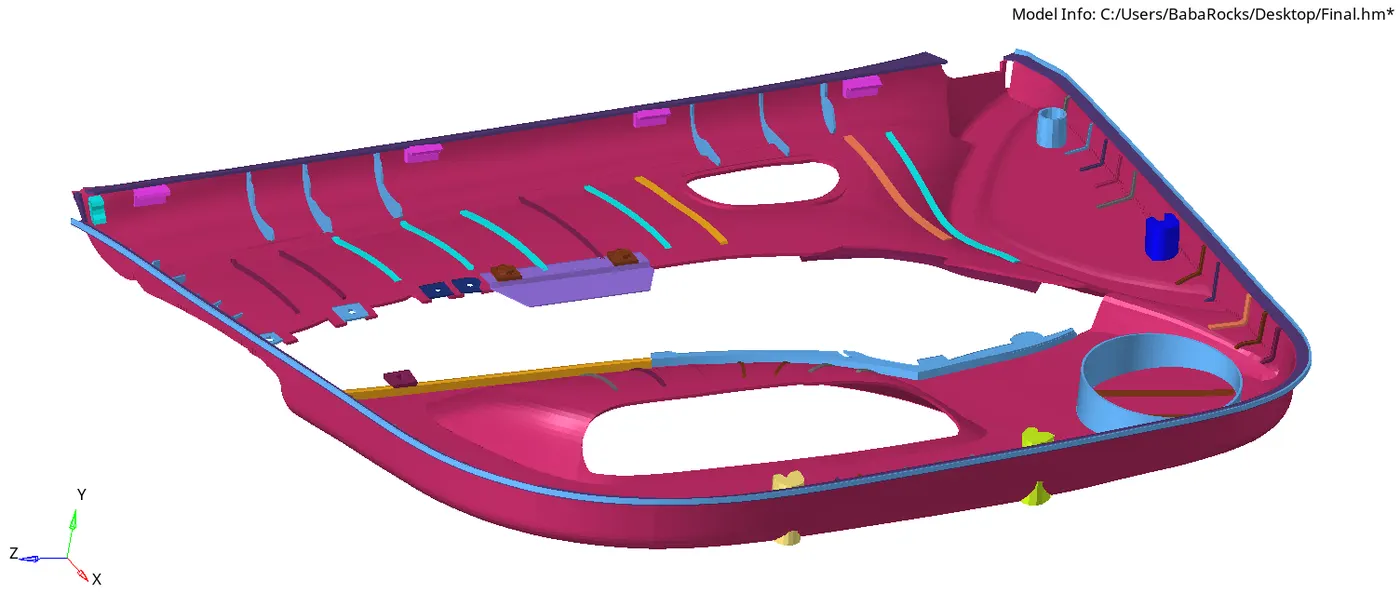
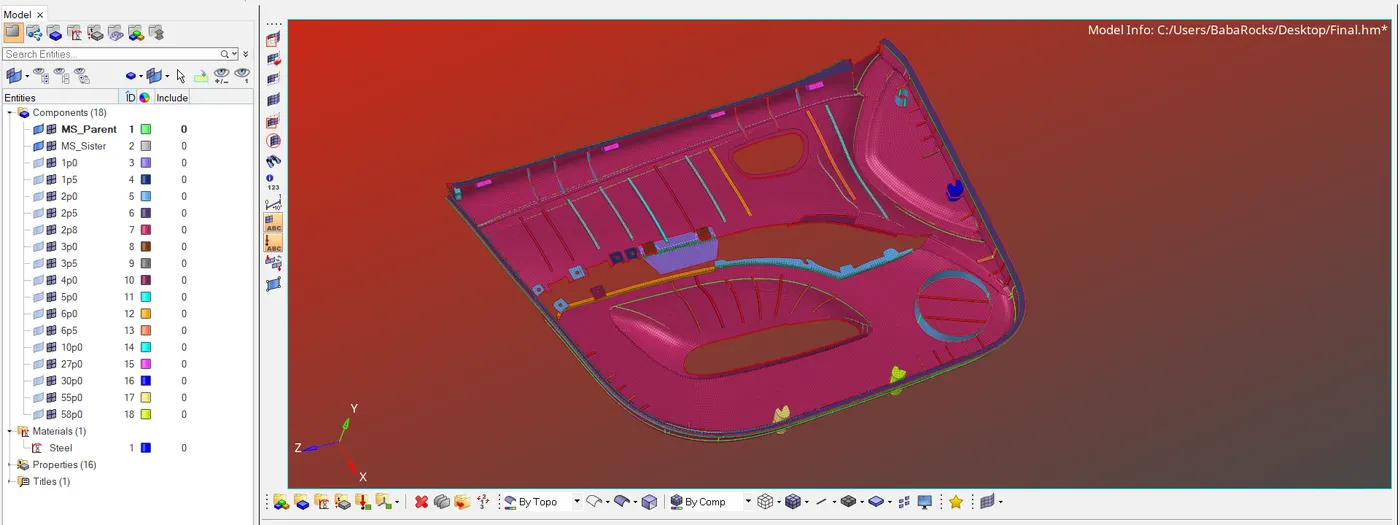
Conclusion: The model was meshed and the elements passed all the quality criterias.
Project file link: https://drive.google.com/file/d/1gDQhfe0MMtCbKg2l92cA6nVK3ozFZJ14/view?usp=sharing