Project - 2 - Meshing on the suspension Assembly
AIM:For the given assembly, check for the geometrical errors and mesh with the given element Quality criteria. After meshing the component the thickness has to be assigned for mid surfaces. Use tetra elements to model non-uniform thickness components. Also, use Appropriate connections to connect the component.Use PBAR elements to model the
suspension spring. At last perform the Symmetry command to reflect the half-finished model to the other side.
procedure :
- import the model in the ansa
- assign the con resolution to 1
- use topo and orient if needed
- check for geometric error.
for tires and rim
- use the solid structural mesh for rim and tire in mesh parameters and set the quality criteria as given
- set the cons resolution to 6.5 mm for the given model
- use the advance, spot and free mesh algorithm for generating 2d mesh
- clean the failing using various options available in classic mesh 3d module
- define volume after performing geometric check
- use tetra mesh rapid to generate the volumetric mesh
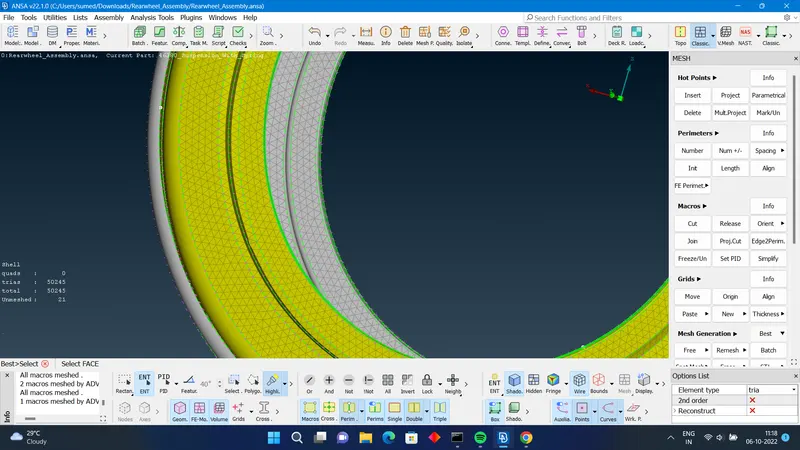
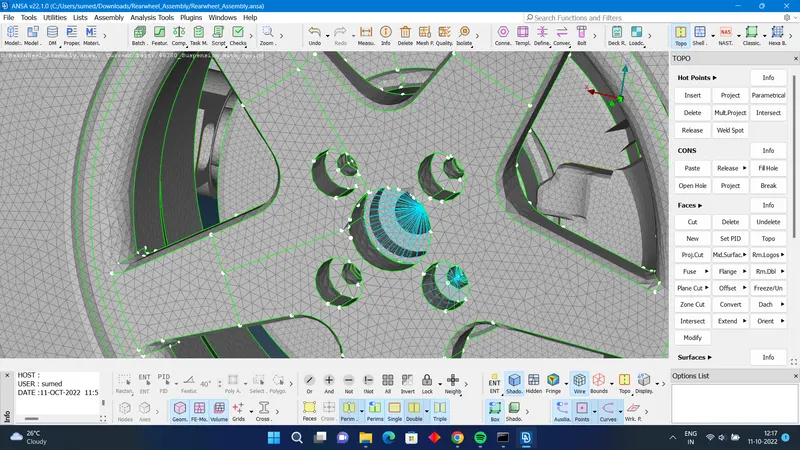
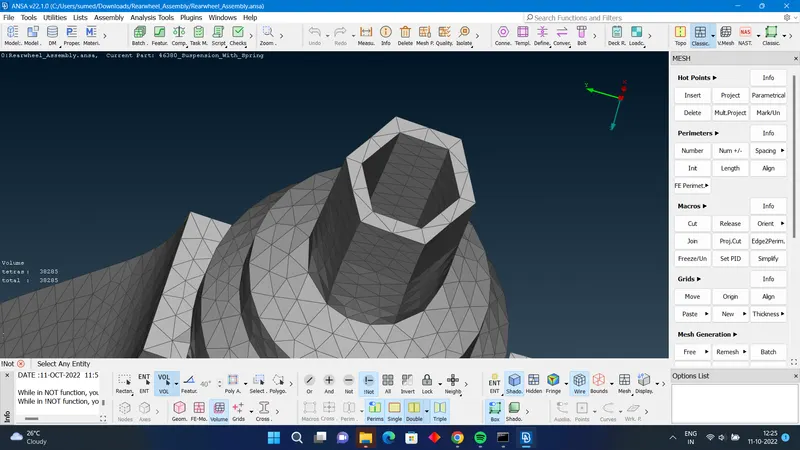
for other solid components
- isolate all other components
- set cons resolution to ideal element size
- use solid structural mesh in mesh parameters
- use advance , spot and free mesh algorithm to capture fe
- use different options in classic mesh to improve mesh quality
- define volume and use tetra rapid for volumetric mesh generation
- use improve for the elements failing for the quality
for sheet metal component
- use the casting method to generate the model
- use align manager id necesarry
- define different property id for different sheet metal components
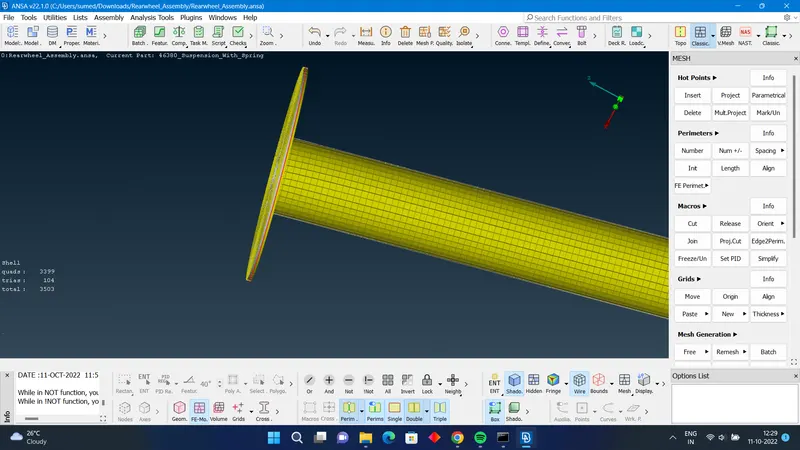
- for spring
- isolate the springs
- using curves middle in topo module , create the curve
- using curves connect multi, connect the curve
- using points cog create the 3D point
- use c bar element in nastran deck to difine spring as bar element .
- define the area and point of orientation
- dont 3d mesh the spring
- in presentation parameters turn on line elements cross section.
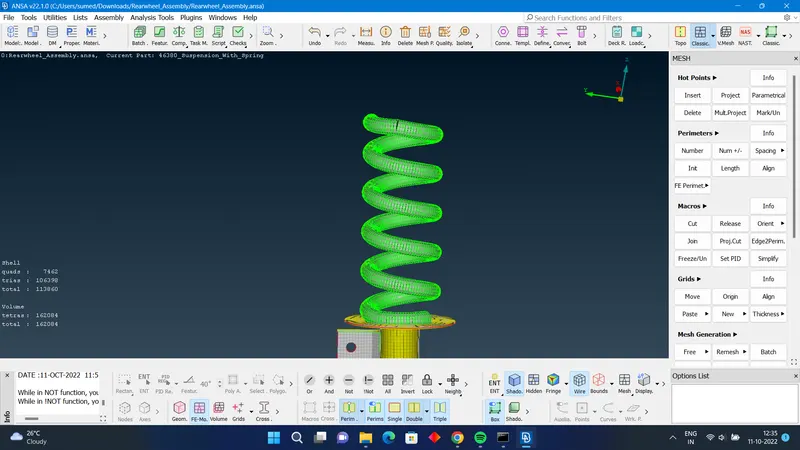
connection
- use rbe 2 many nodes and single nodes where ever required
- use seam and spot weld definition wererer required
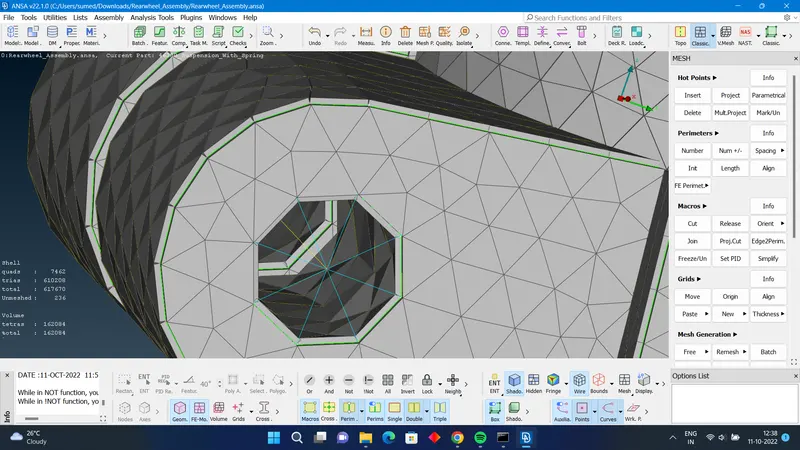
result : all the parts have been modelled and connected
outcome :In this project i have used the complete tool lineup in ANSA, and all the aspect of pre processing has been taught and aquired by me.