Week 8-3D Tetra Meshing Challenge
AIM:
- Create a Teramesh for Housing component with the following quality criteria.
TetraMesh Generation Method: 2D to 3D Conversion
Elements sizes: Min- 2 Units, Target- 5 Units, Max- 7 Units
Tet collapse: 0.15
- For the given model, Create a 3D Tetramesh with the following quality criteria.
TetraMesh Generation Method: Quick Tetra Mesh/ Volume Tetra Mesh
Target Element size: 3 Units.
Tet Collapse: 0.15
Procedure:
for 1st model
quality criteria:
Elements sizes: Min- 2 Units, Target- 5 Units, Max- 7 Units
Tet collapse: 0.15
- import the model from import deck
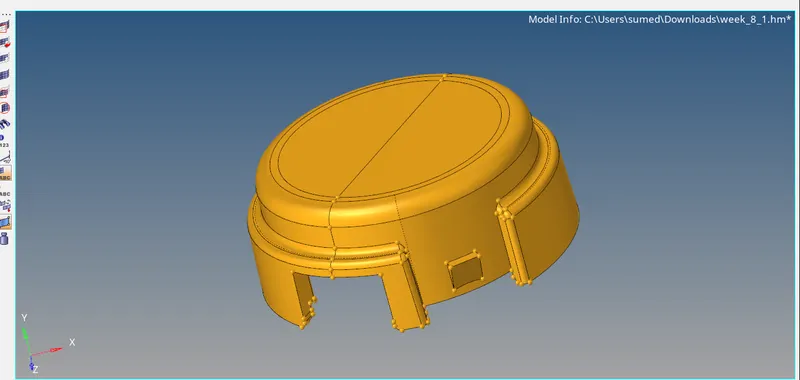
- delete the solids by pressing f2-->solids
- it have two components
- clean the geometry
- mesh the two components using given quality criteria

- now clear the quality issues using element cleanup and other tools.
- go to 3d--> tetramesh--> elements

- check for tet collapse .
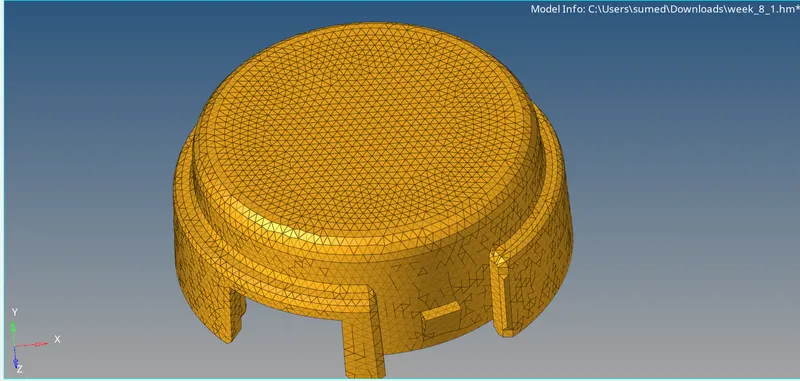
- 2d elements
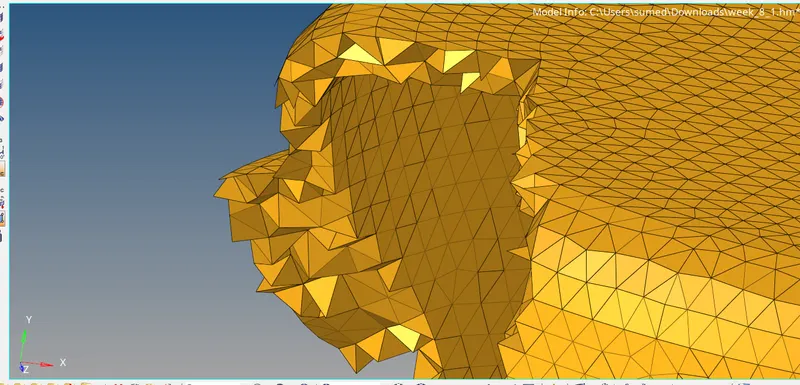
- tetra elements.
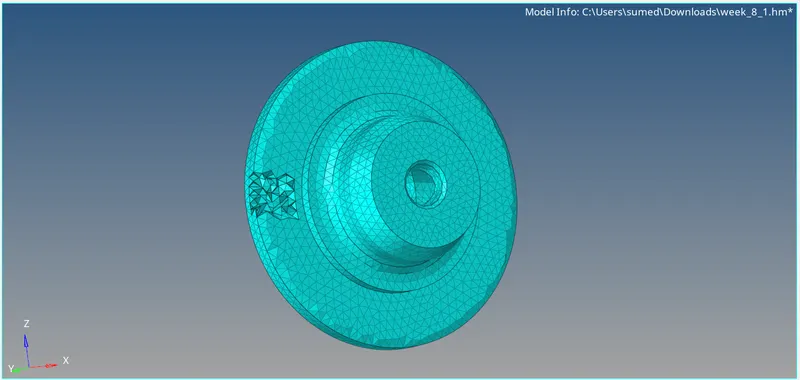
MODEL 2
- Import the model
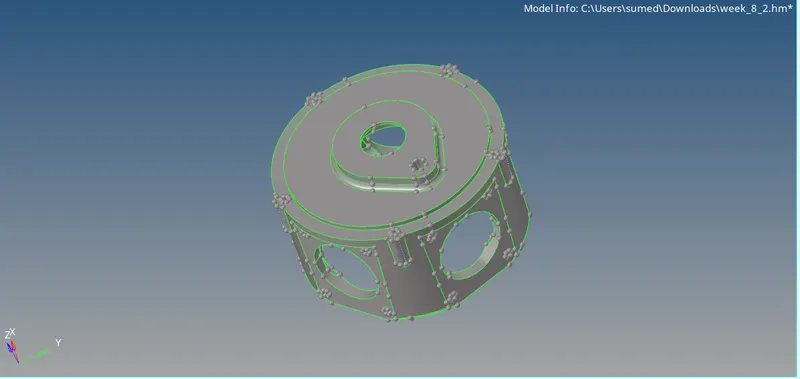
- go to utilities--> geometry/mesh --> quick tetra mesh.
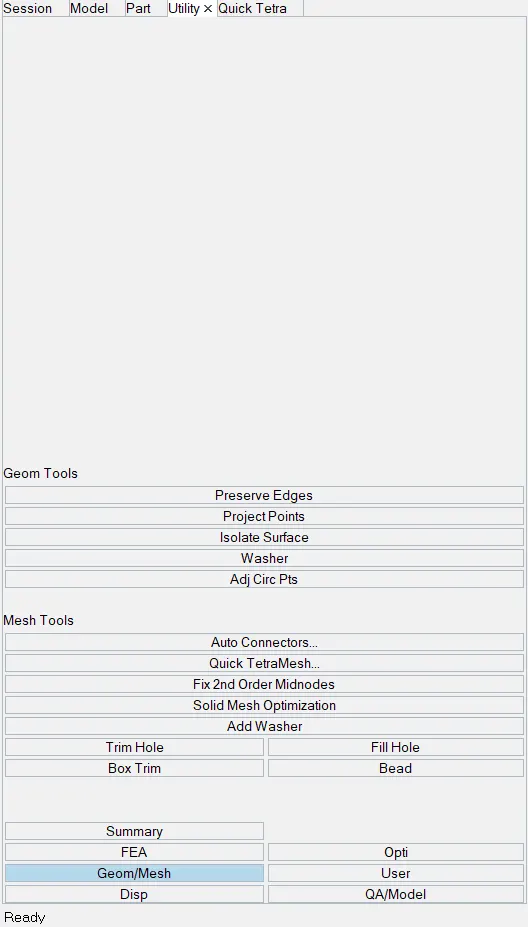
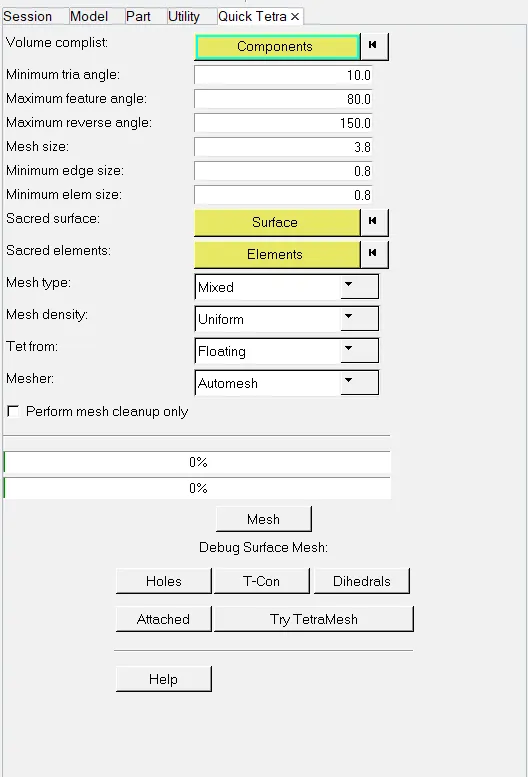
- fill the values, mesh type as trias and genrate the ,mesh
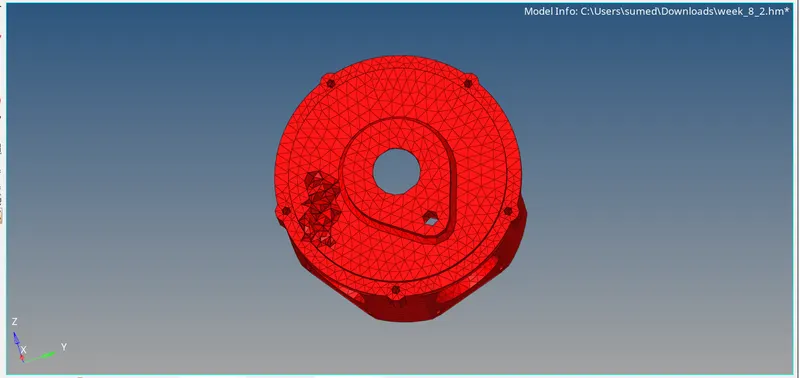
CONSLUSION:- by this challenge we learnt different way of generating tetra elements in the model.