Week 6-Meshing of Hood Challenge
AIM: Follow the below-mentioned quality criteria, mesh the component given below and assign thickness:
Target Element Length = 5 Units
| S.N | Quality Criteria | Value |
| 1 | Aspect Ratio | 5 |
| 2 | Skewness | 45 |
| 3 | Warping | 15 |
| 4 | Taper | 0.5 |
| 5 | Min. Length | 2 Units |
| 6 | Max. Length | 8 Units |
| 7 | Min angle Quad | 45 |
| 8 | Max angle Quad | 135 |
| 9 | Min angle Tria | 20 |
| 10 | Max angle Tria | 120 |
| 10 | Tria % | 10 |
PROCEDURE:
- Import the cad model in hyperrmesh.
- there will be 4 parts and 4 components
- open each component one by one and delete there solids of the component.
- set view mode to topo.
- extract midsurface using mid surface option.

- after mid-surface extraction, go to auto cleanup.

- after doing auto cleanup go to 2d auto mesh. set criteria in the criteria file setting.
- mesh the component with the target element size given in question.

- use rebuild mesh and quit edit and edge edit tool as and when reuired.
- use the smooth option to smooth the mesh flow
LATCH MECHANISM:
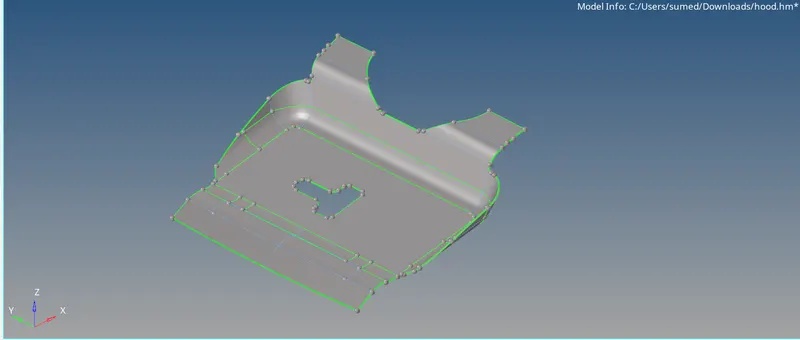
- after mid surface extraction.
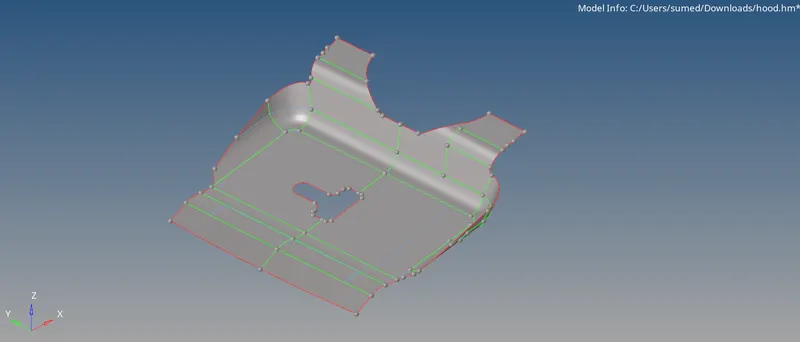
- split the mid suraface using surace edit -->trim with surface/plane
- mesh only half for the symmetrical part and for the unsymmetrical part mesh completely.
- after doing half part got to tools mask the unsymmetrical part . and using tools --> reflect , reflect the elements in the respective direction.
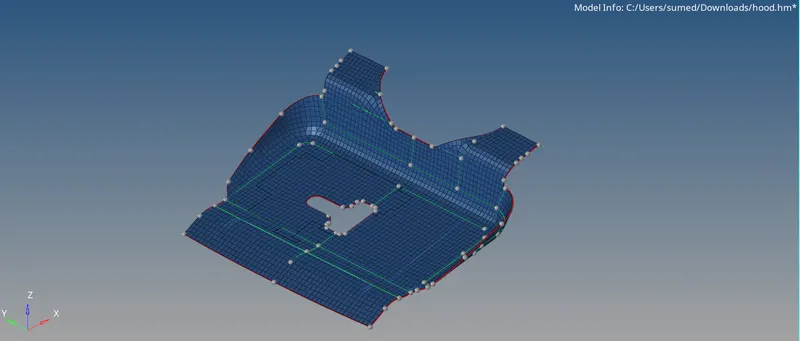
- after reflection go to tool-->edges--> preview equivalence-->equivalence. give tolerance

- after this refected mesh will be joined .
- create the prorety as per thickness and assign it.
INNER PANNEL
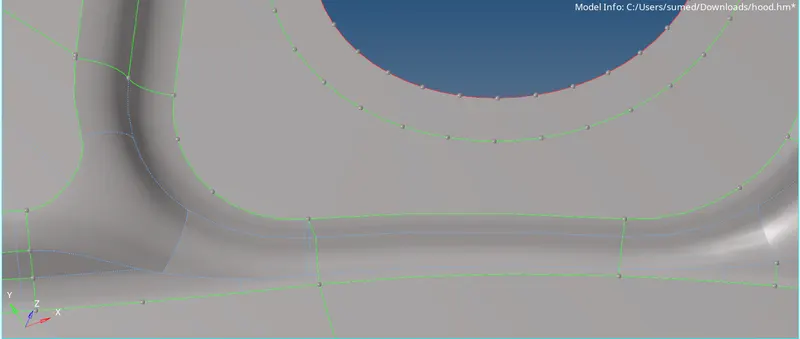
- for getting good flow suppress these edges.
- and connect using node to node .
- inner panel after meshing
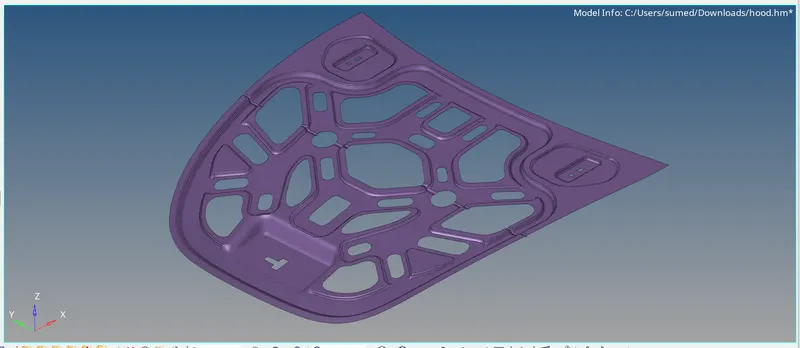
HOOD
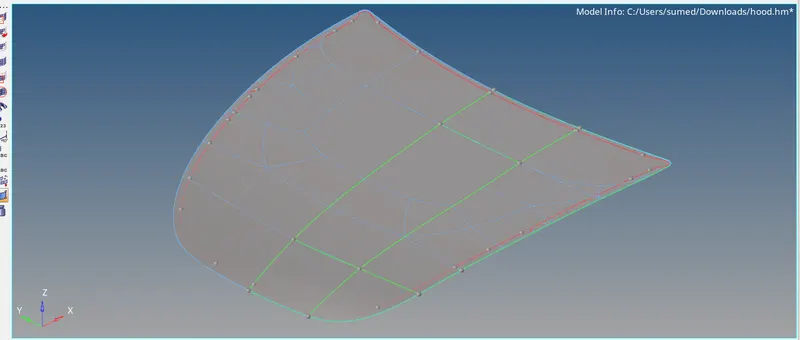
- before meshing
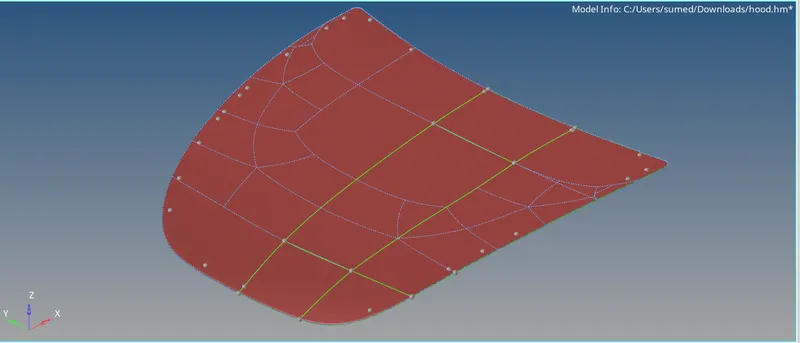
- after meshing.
CONCLUSION: By doing this challange we have learned how to mesh sheet metal component using hypermesh.