Project 1
Aim:
To create a project as per the question by using Primavera P6
Procedure:
Step 1:
1) Open Enterprise tab
2) Select OBS
3) Click add and add the new obs as Project Manager
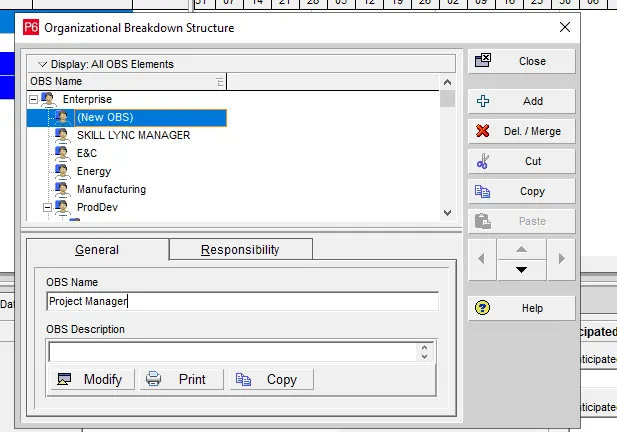
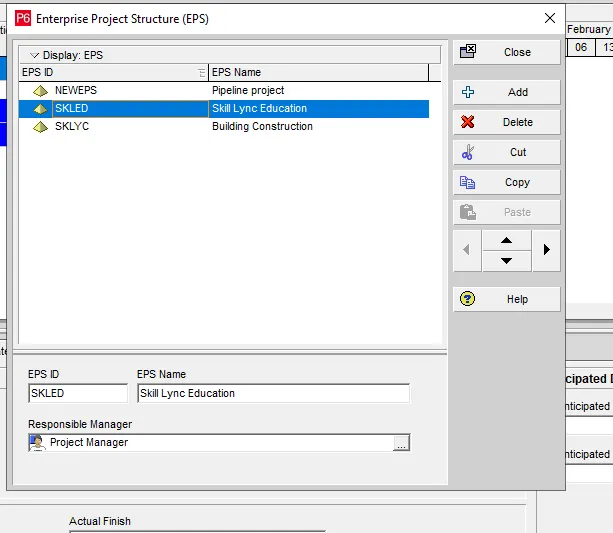
Step 2:
1) Click Enterpriset tab
2) Choose EPS and click add
3) Rename the eps as Skill lync education
4) Assign OBS as Project manager
5) Click ok
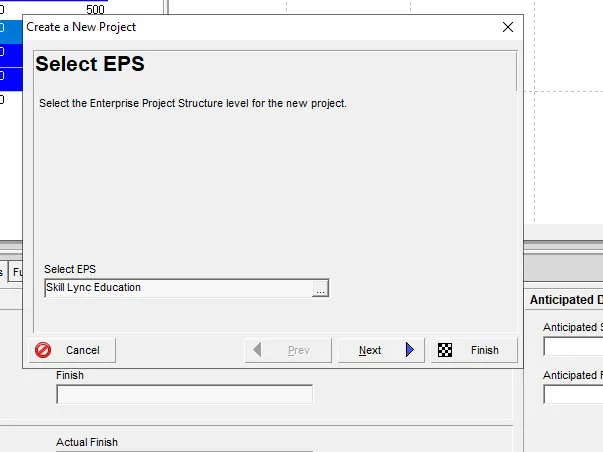
Step 3:
1) click + button on right side of the screen
2) Select eps as Skill lync Education
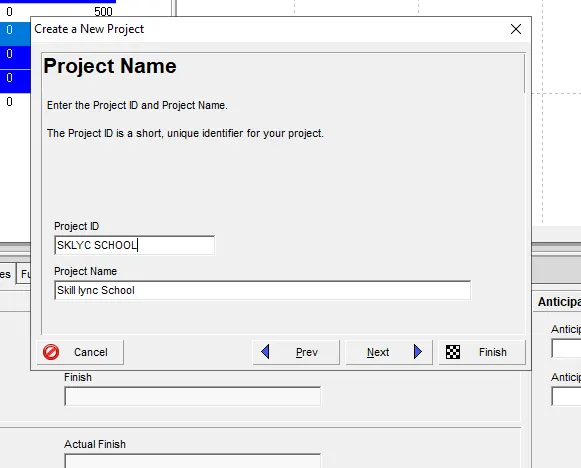
Step 4:
1) On the next step rename the project name
2) Click next
Step 5:
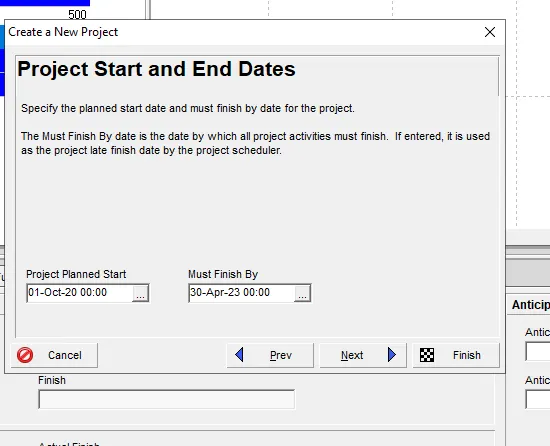
1) Choose the start and finish date as mentioned in the question
2) Click next
Step 6:
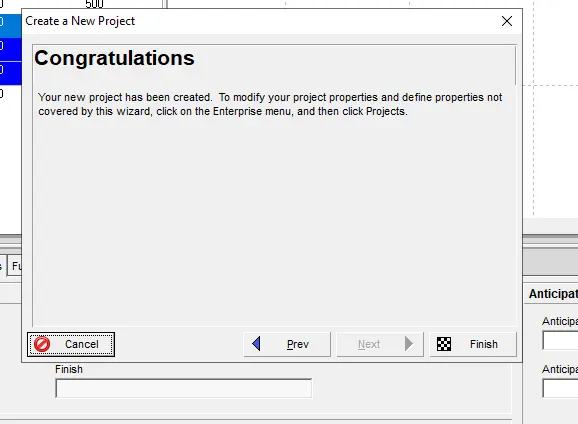
1) Hence project has been added successfully
Step 8:
1) Click the new project and right click
2) Choose new project
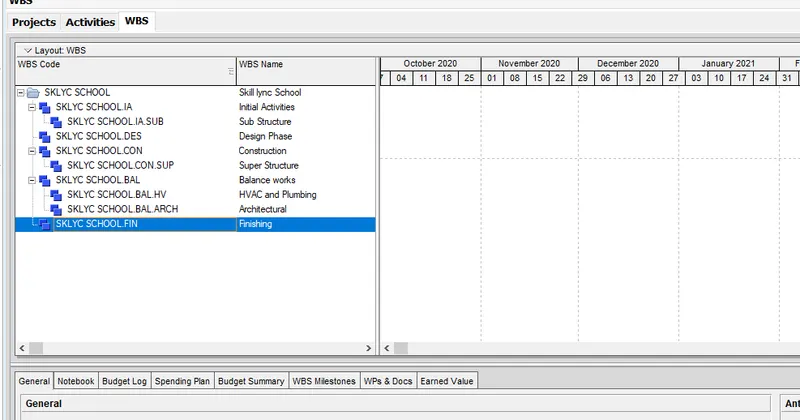
3) Click WBS and add suitable wbs as mentioned in the question
4) Click Ok
Step 9:
1) Click the activity tab
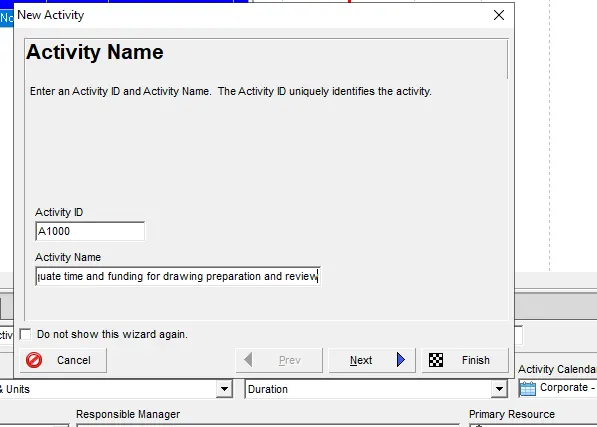
2) Click + button on right side of the screen
3) Provide the activity name and its code
4) click next
Step 10:
1) Choose the suitable WBS and click next
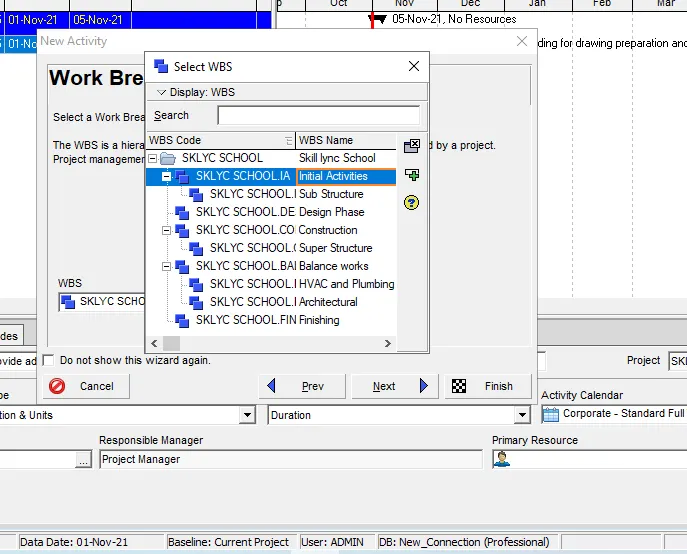
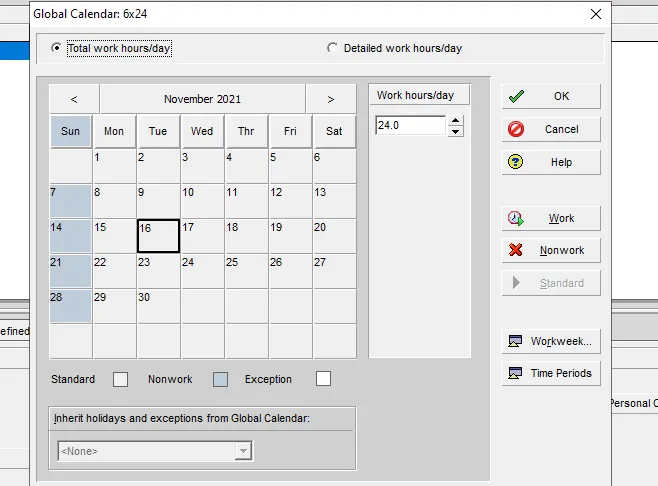
Step 11:
1) Choose the calender from tools tab
2) Set the work hours will be 24x6
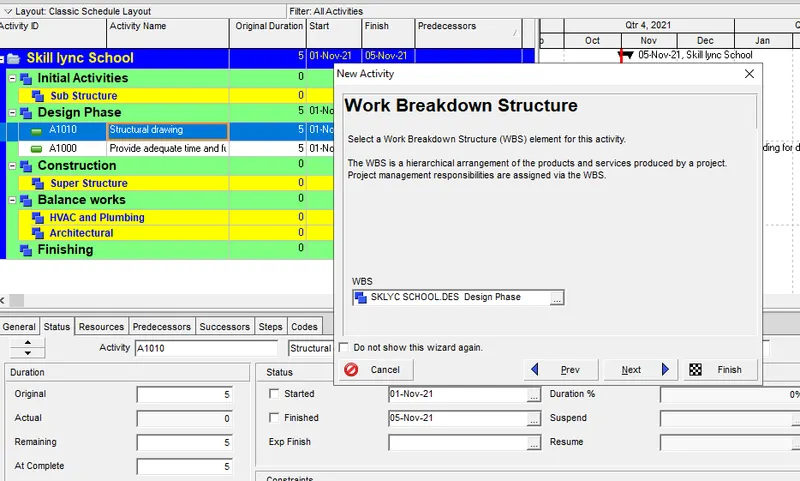
Step 12:
1) Click Activity tab
2) Click + button on rightside of the screen
3) Add the activity
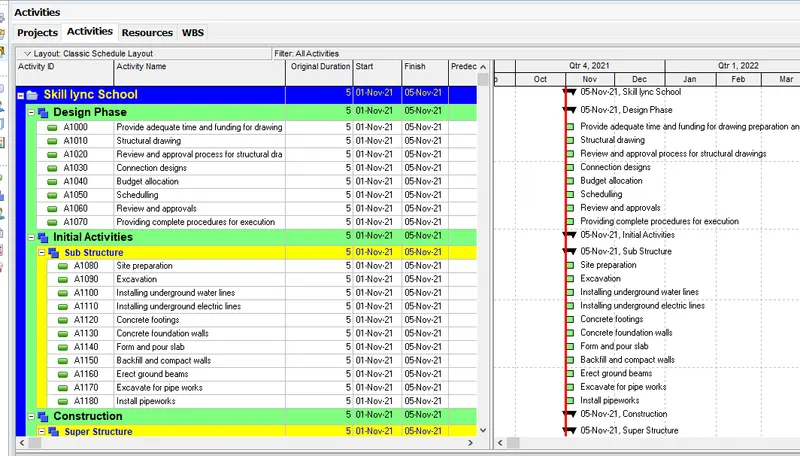
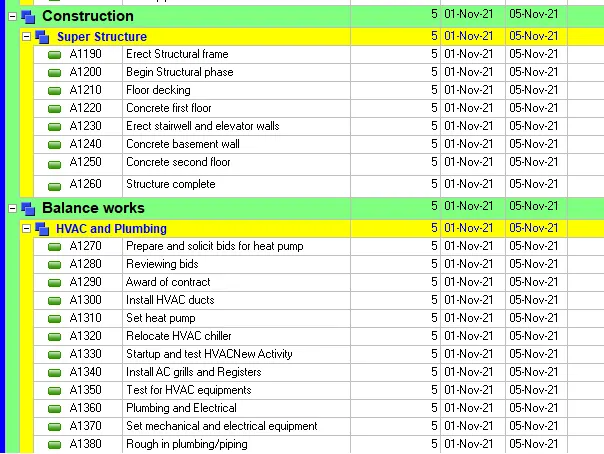
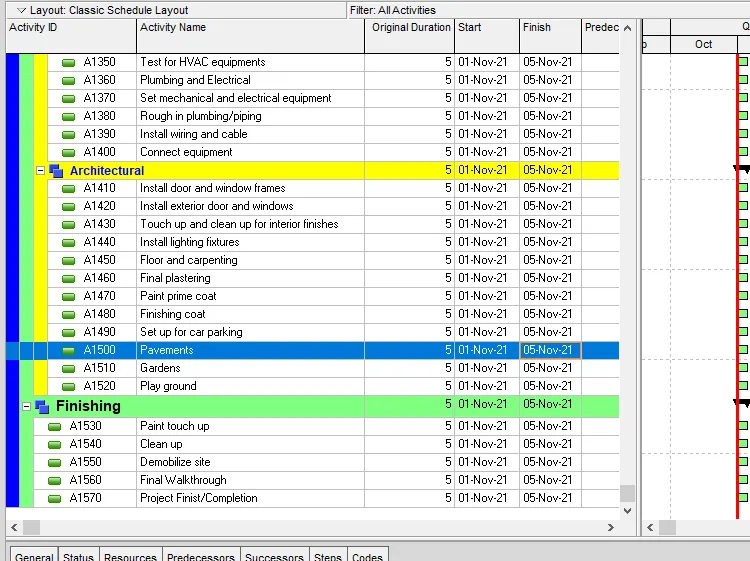
Step 13:
Hence all the activities has been added successfully in the activity tab
Step 14:
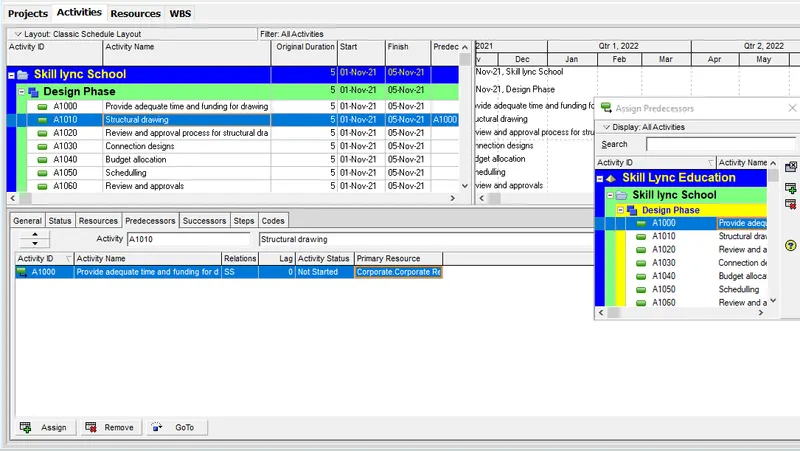
1) click each of the activity
2) Under the predeccesor/successor choose suitable relationshiop of each activity
Step 15:
1) Assigning of Predeccessor/Successor has been done successfully
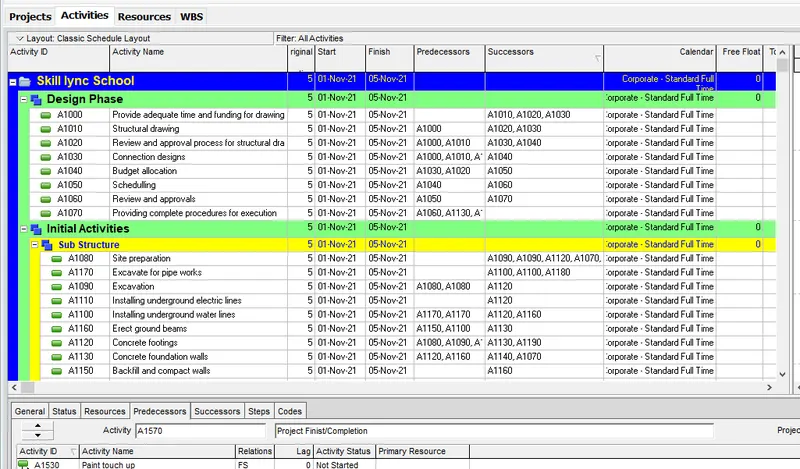
Step 16:
1) Start and end date of the project has been added successfully
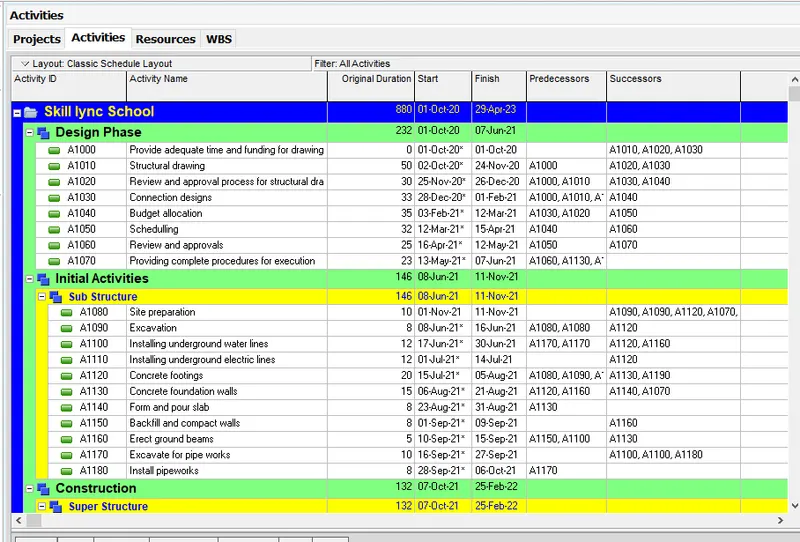
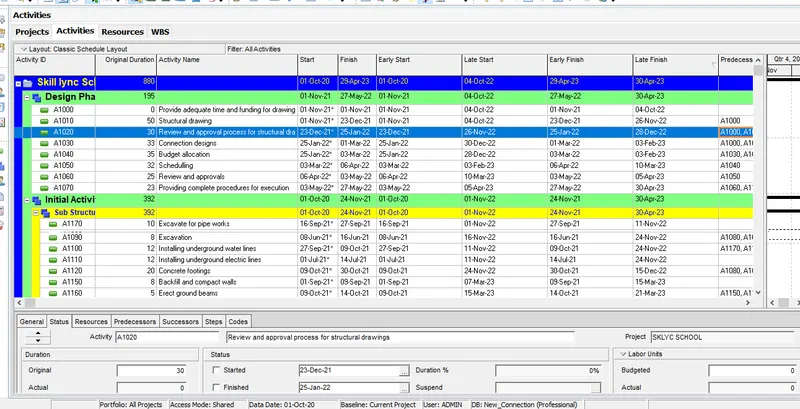
Step 17:
1) Click Schedule tool on top of the tool bar
2) Select schedule option
3) Hence Early/Late start and finish has been determined successfully
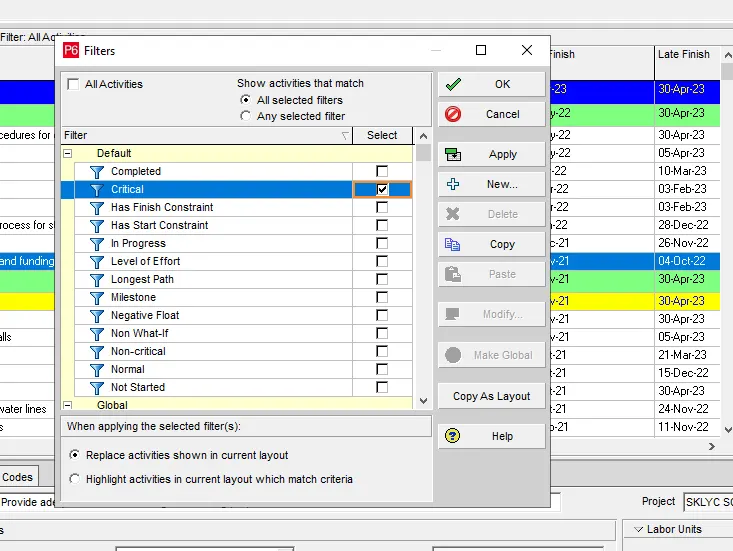
Step 18:
1) Click filter option
2) Choose Critical activity
3) And see the list of critical activity from the project
 .
.
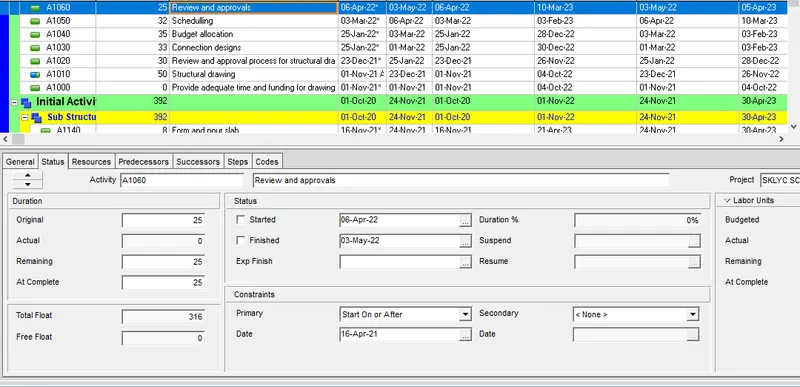
Step 19:
1) Constraints has been added using bottom tool for minimum 2 activity
Step 20:
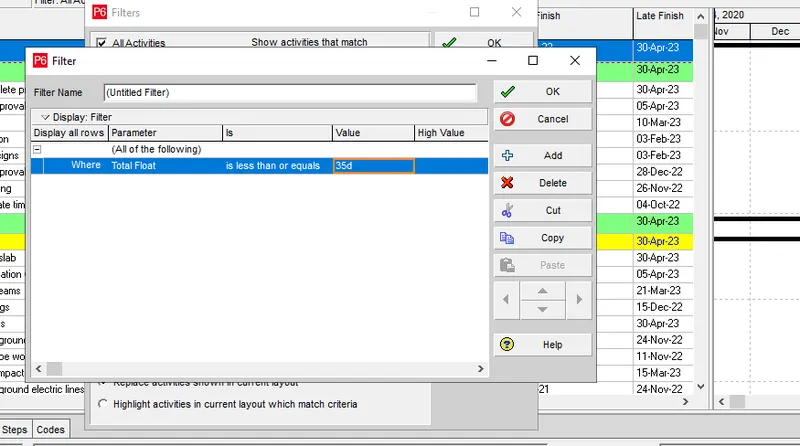
1) Click filter option
2) Choose new and select list of float should not less than 35 days
3) Select ok
Step 21:
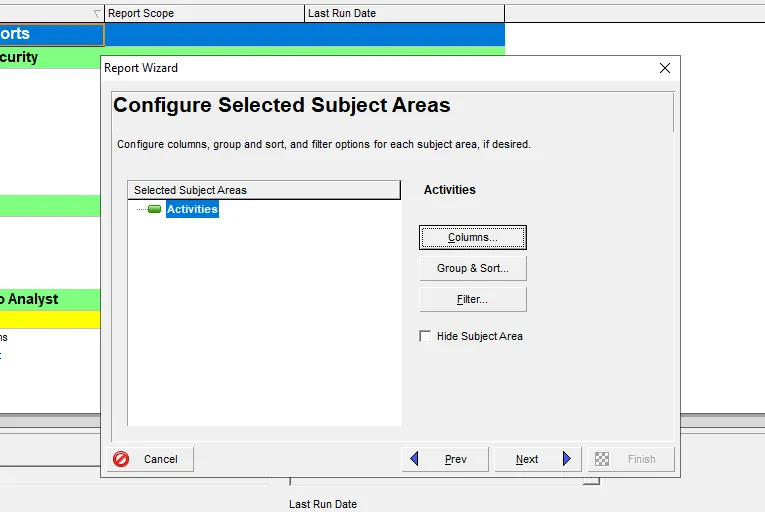
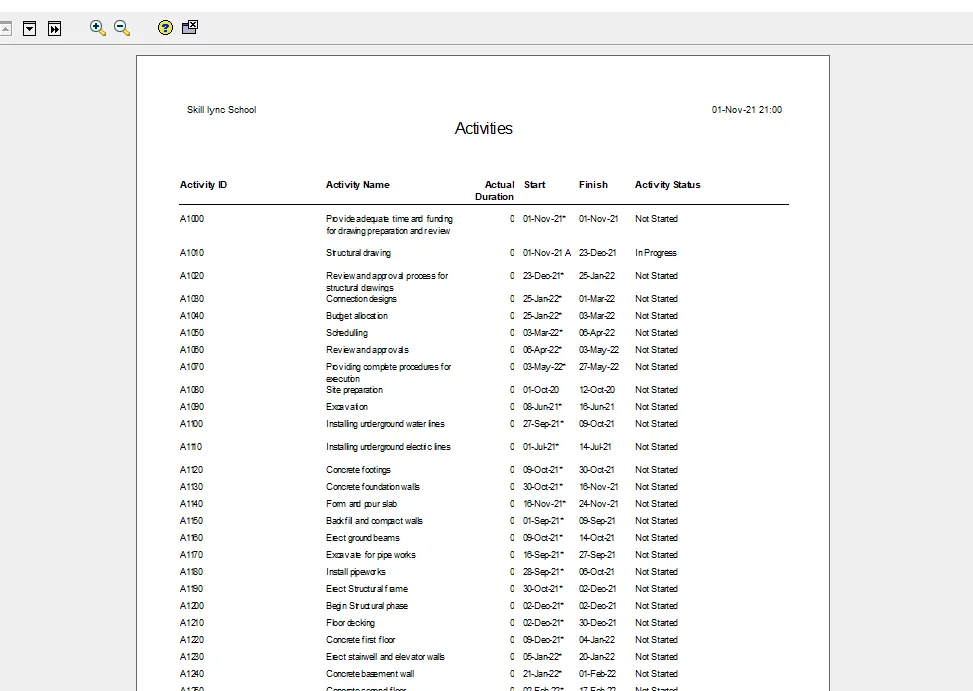
1) Go to tools tab and select reports
2) Choose the columns and modify it
3) Generate the report of the project
- Suhas B UHai bro