Advanced Sheet Metal Design Using NX Cad Challenge_1_Casing Design
OBJECTIVE:
Design casing in sheet metal workbench using nx cad.
INTRODUCTION:
Casing may refer to an enclosing shell, tube or surrounding material. it may also refer as
• Casing borehole, metal tube used during the drilling of a well
Casing molding, decorative molding surrounding door or window openings • Casing sausage, thin covering holding the food contents of sausage.
DESIGN APPROCH:
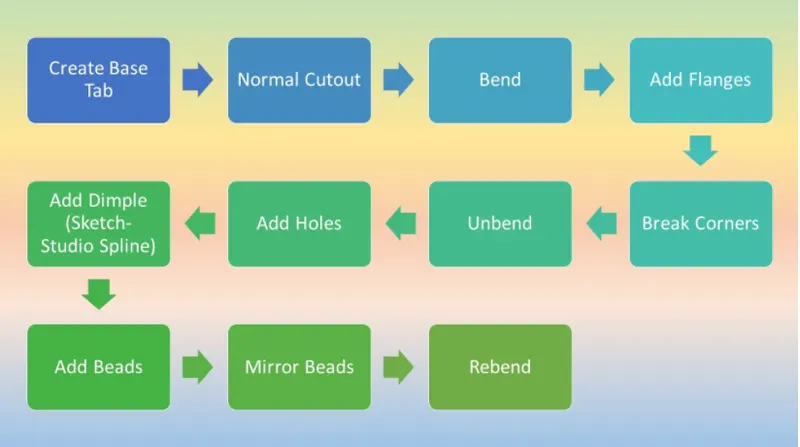
COMMAND USED
Features used
Sketch-A sketch is a 2D profile and can be extruded, revolved, or swept along a path to construct features
2) Tab - Creates a base feature by extruding a sketch along a vector by a thickness value, or adds material to a
planar face.
3)Bend - Bend feature is used to part of the flat tab into the flange. It uses a sketch that includes bend lines. Bend can be created entier de of the bend line.
4) Flange - Flange feature is used to create an extended portion or bend to the selected edge.
5)Break Corner - This feature is used to smoothen the harmful corner of the sheet.
blownowbal
6) Unbend-This feature is used to flatten the sheet metal part for further design operations.
7) Hole-This feature adds holes to the sheet metal part.
8) Dimple-This command is Use to lift an area of the model inside a sketch that simulates a stamping tool
9) Bead - The bead is like a raised rib in the sheet metal panel. It requires that you have at least one sheet metal panel in the active part as well as an open or closed-loop sketch.
10) Rebend-Rebend feature is used to get the original bend shape after performing forming operations like a dimple, bead 11) Flatt Pattern - This feature is used to create an instance of the flat shape and size of the sheet metal that required to create the final part.
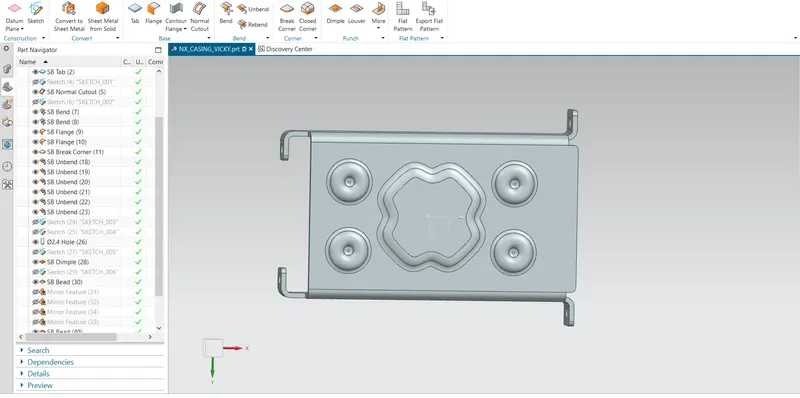
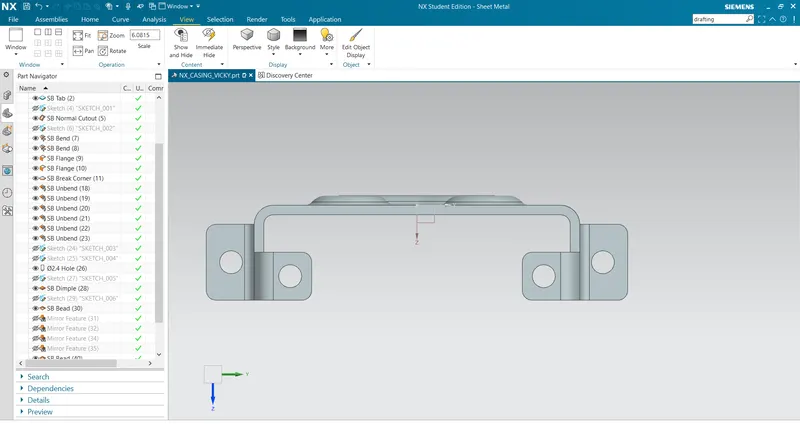
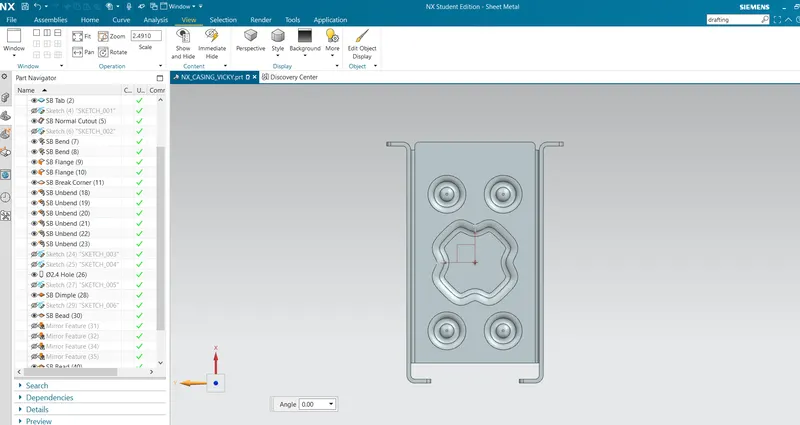
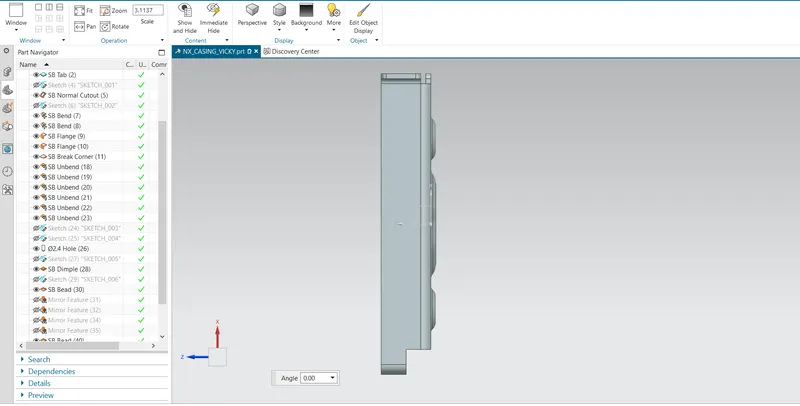
SCREEN SHOT
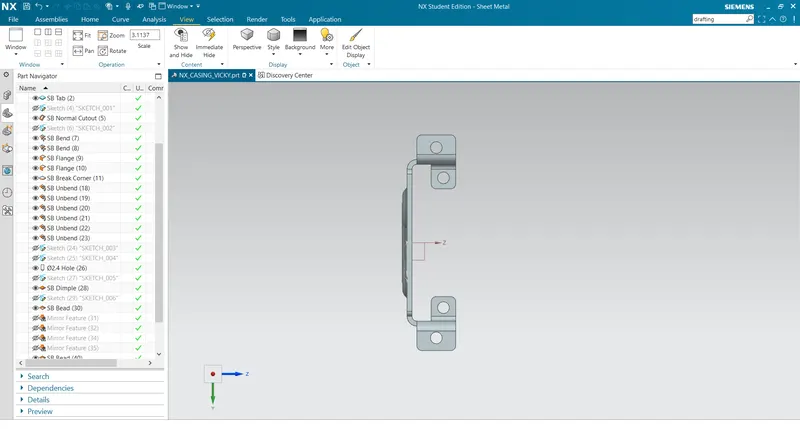
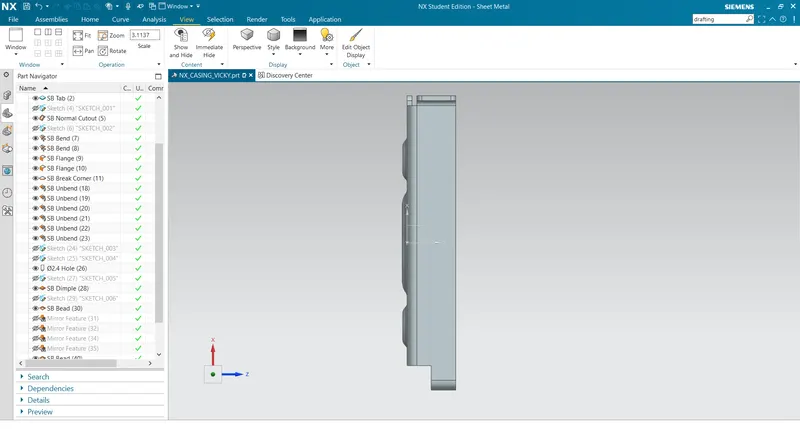
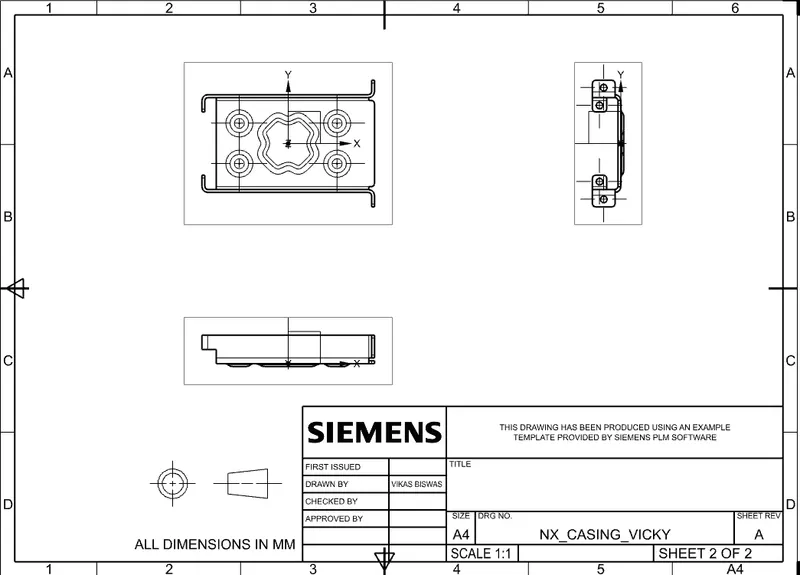
DRAFTING
Conclusion
The casing was designed and the drawings were successfully displayed in this project report. The model was designed and the drawings were created using Siemens NX.