Week 9 - Attachment Feature Creation - Challenge 1
Aim
To create an out featured rib on the centre console coin holder.
Procedure
Firstly open the coin holder using the open command
Rib
To create a rib first extract the base surface of the coin holder.
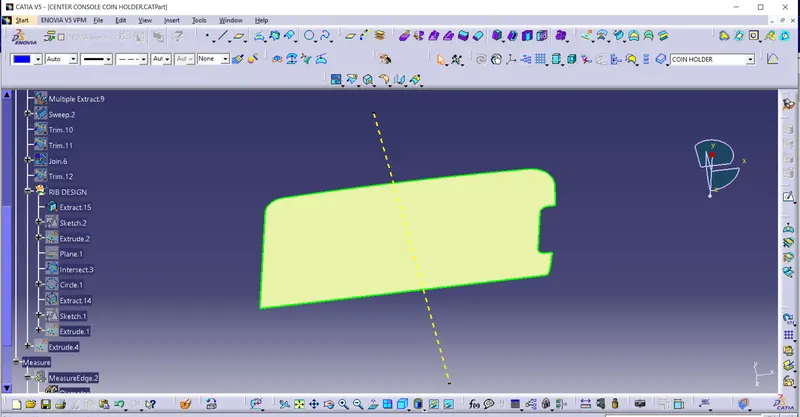
Create a positioning sketch draw a line, constraint it and define it as an output feature.
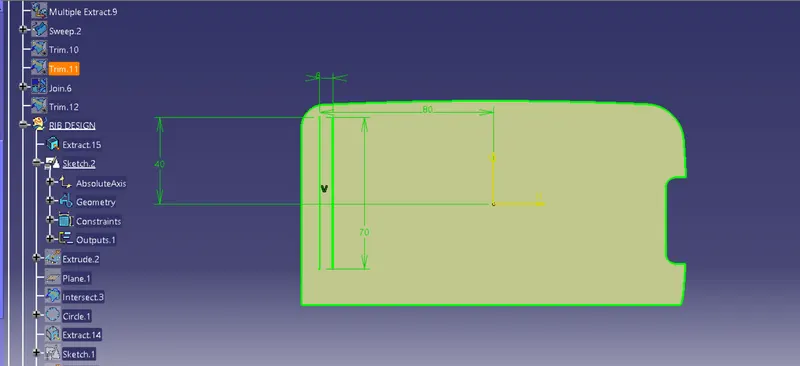
Extrude the output line using extrude command.
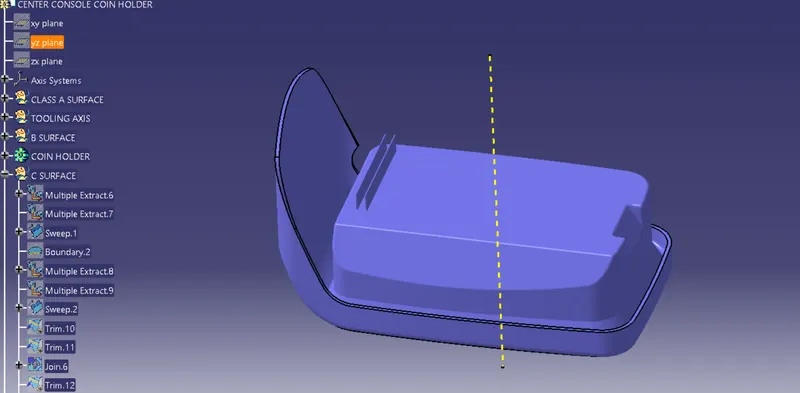 Go to part design create a part body and assign thickness to the extruded line.
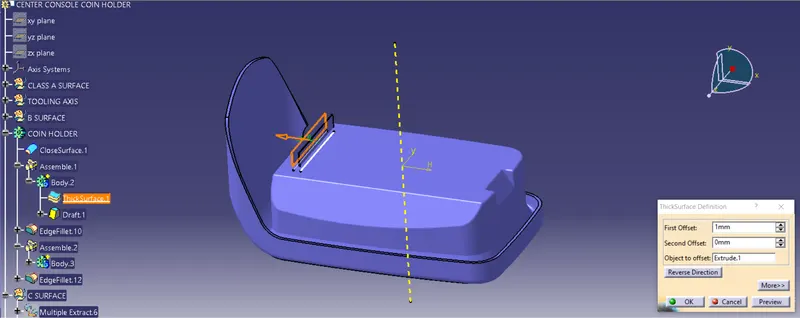
Draft the thicken rib with an angle of 0.5
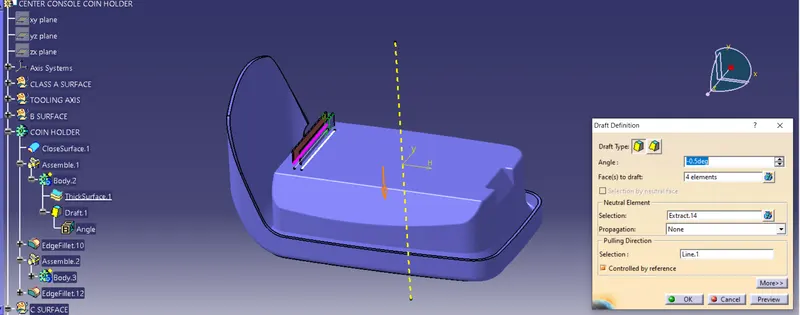
After drafting, measure that the top surface is greater than 0.75mm.
Now give the fillets to the edges of 0.25mm all sides.
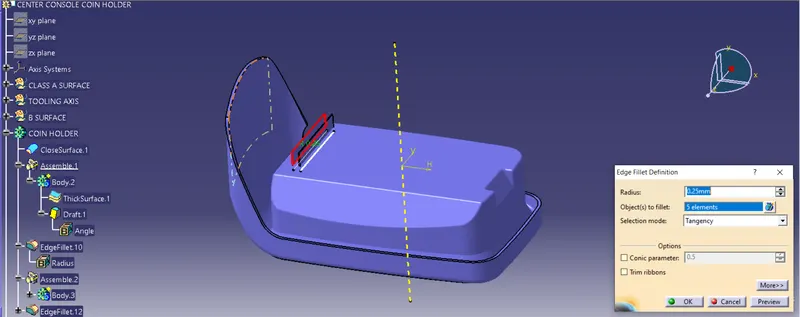
Assemble the rib body with coin holder.
Simillarly create another rib with a distance of 2:1 ratio the created rib.
Search
Using formula
Y/X-2 (as per preference from the video)
Height of rib Y-12.5
Distance between ribs X=?
X-12.5/2
Y=6.25
Now create an intersection using a YX plane to determine the rib root thickness.
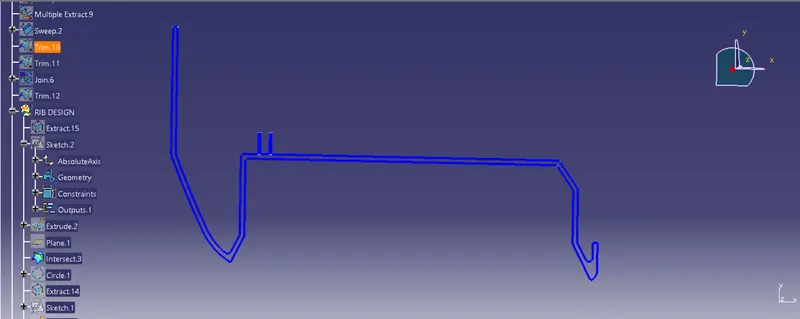
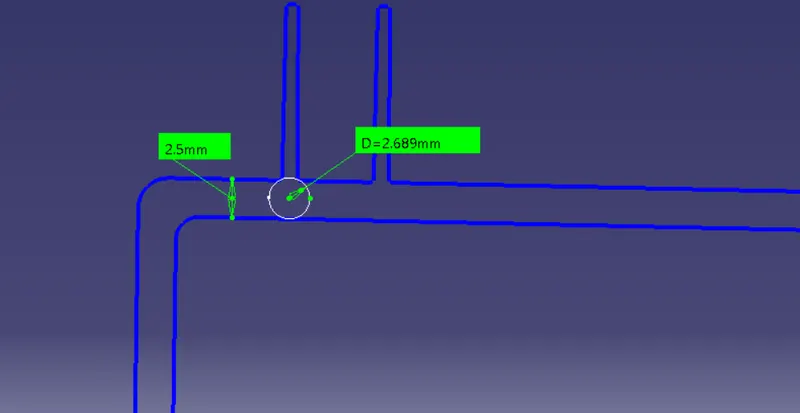
Create a tritangent circle by selection the extracted curves and line.
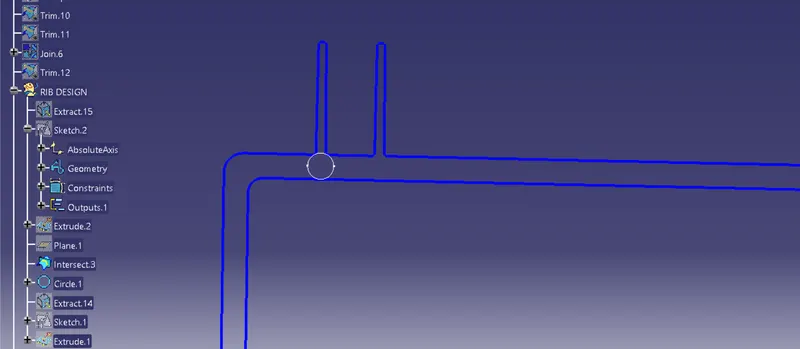
By using measuring tool measure the distance ,height and thickness.
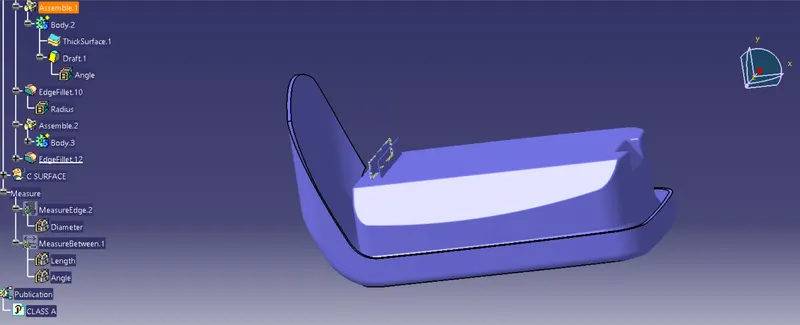
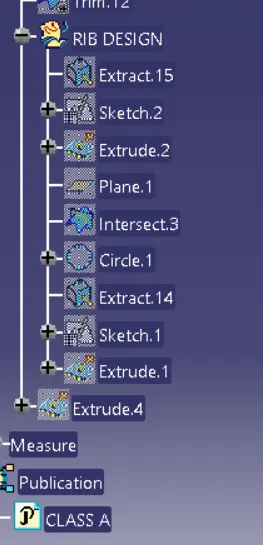
Design tree structure