YACHT MODELLING
OBJECTIVE
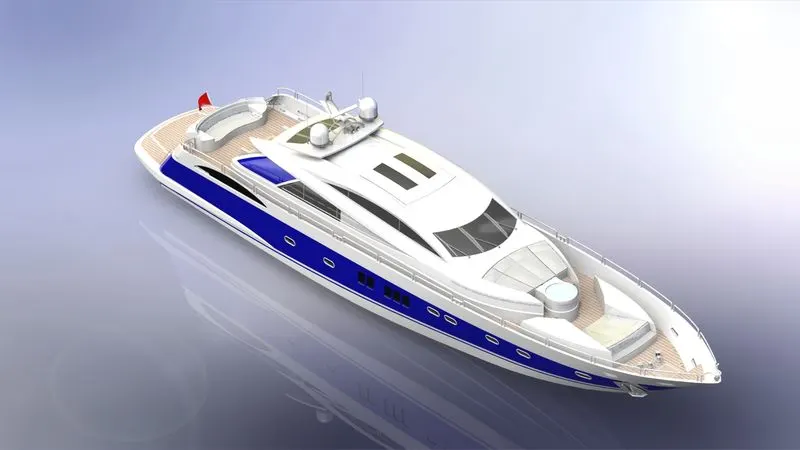
To Model the all the parts of American Yacht and assembling them to create an fully assembled American Yacht and render it to get a realistic appearance.
INTRODUCTION
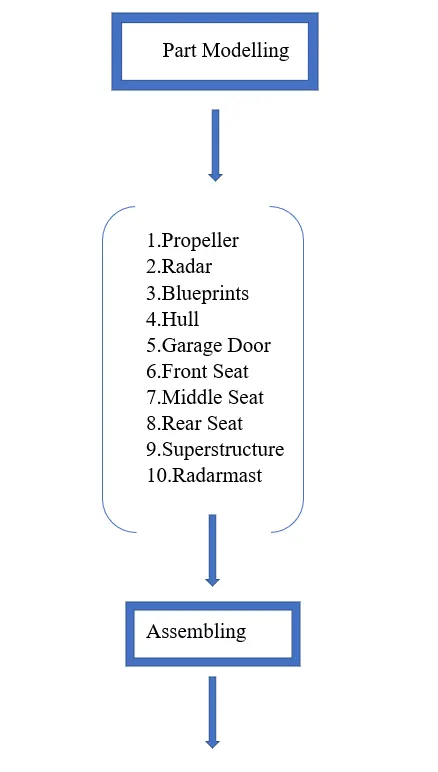
By using solidwords 3D modelling software, the American Yacht is going to be modelled, assembled and rendered. In this project various types of features and options in solidworks going to be used. For rendering solidworks photoview 360 is used.
DESIGN METHODOLOGY
DESCRIPTION
Feature Definition
- Projected Curves – It is an 3D curve which is created by combining the two 2D curves.
- Composite Curves – It is used to combine the two curves.
- Surface Sweep – it sweeps a Surface along the open or closed path.
- Surface Trim – It trims where a surface intersects another surface, sketch or plane.
- Surface Loft – it creates a lofted surface between two or more sketches.
- Boundary Surface – It creates a surface between two sketches that can be tangent, curvature in all directions.
- Surface knit – It combines two or more adjacent, non-intersecting surface into single surface.
- Surface extrude – It extrudes a sketch in one or two directions to create a surface
- Surface Offset - It offsets the surfaces with one or more contiguos faces. It creates offset surfaces with gap.
- Surface Fill - It patches the surfaces within the boundary defined by the edges, sketches and curves.
- Surface Extend - It extends one or more edges or faces on a surface based on end conditions and extention types.
- Ruled Surface - It inserts the ruled surface in a specified direction from the edges.
- Delete Face - It deletes the selected face.
- Helix/Spiral - It adds helix or spiral curves from the sketched circle.
- Thin Extrude - It is an type of extrude where the open contour is extruded with the value of thickness
- Boss Extrude – tool used to extrude the 2D sketch into 3D Model
- Fillet – to avoid the sharp edges
- Loft – Used to Combine two different sketches to make it 3D Model
- Dome – applied to face to convert it into spherical or Elliptical Shape
- Cut Extrude – to remove the material from the extruded part
- Revolve – to convert the sketch to body by revolving the sketch about axis
- Split – to remove or separate one model into two like 1 sphere to 2 semi sphere or 1 semi sphere
- Split Line - It projects the sketch to a curved or planar surfaces creating multiple separate faces.
- Split Entities - It splits the sketch entity into two entities by adding split point.
- Shell – to remove the inner material from solid body to make it as shell
- Circular Pattern – to copy the feature/body and pasting it number of times in circular manner with a radius Value about a point.
- Combine – to combine the two or more solid bodies into single solid body.
- Chamfer – to convert the one sharp edge into two sharp edges with distance-distance or distance -angle dimensions
- Linear Pattern – to copy the feature/solid body and pasting in linear directions with number of instances.
- Trim – is the tool used to remove the unwanted sketch when two entities are merged.
- Offset – is the tool used to offset any sketch entities at required distance.
- Cut Revolve- to remove the material from the solid body by revolving the sketch about the axis
- Move/Copy – Moves or Copies the Solidbody about plane.
- Sweep – it sweeps a closed profile along the open or closed path to create a solid body.
- 3D Sketch - A 3D sketch is non-planar. It is has 6 Degrees of Freedom. It can be used to guide the sweep or loft in 3D.
- Mirror - It mirrors faces, features and bodies about the plane or the planar face.
PART MODELLING
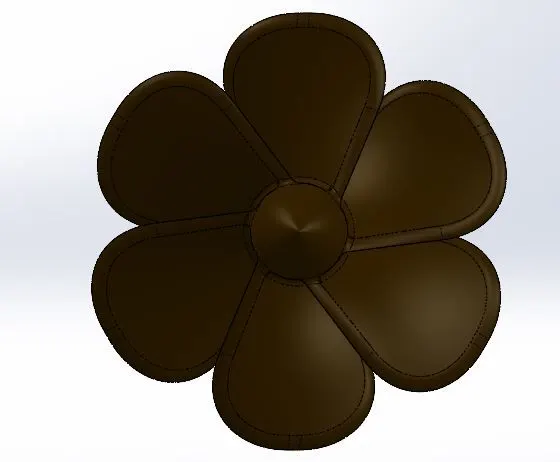
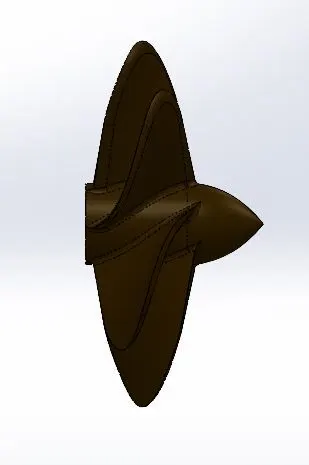
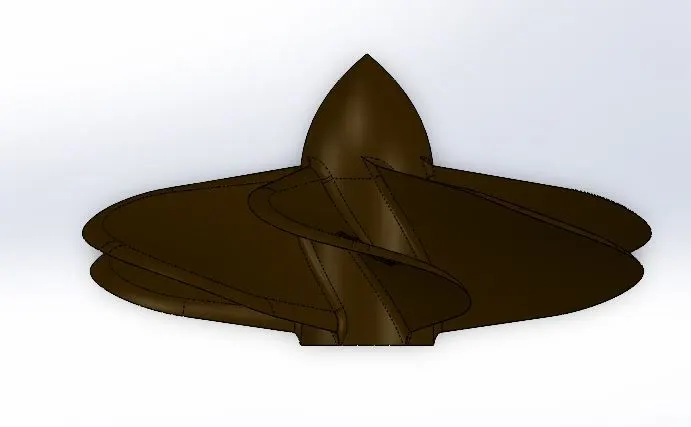
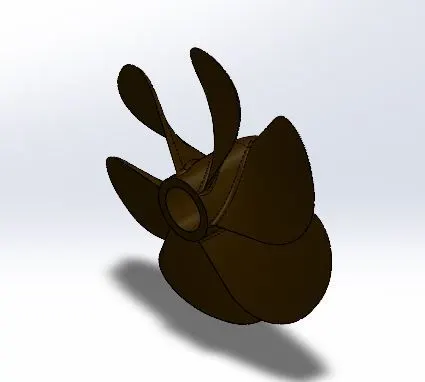
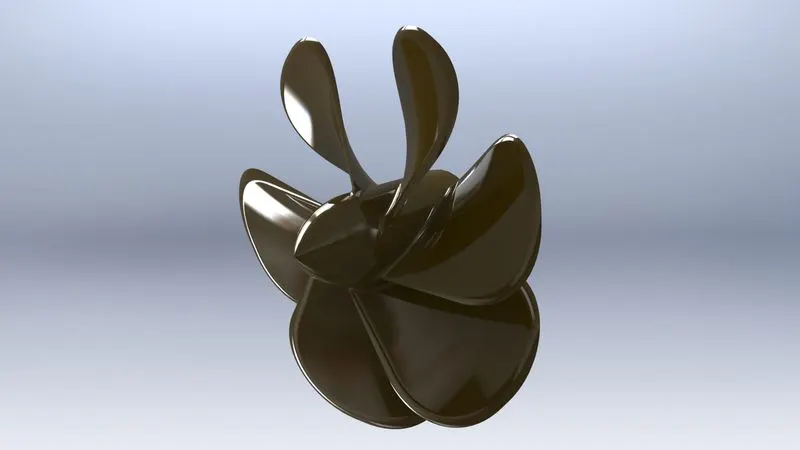
1.Propeller
Propeller is a mechanical device used to propell the yacht by converting the rotational force into linear thrust.
Features used:
- Revovlve
- Loft
- Fillet
- Cut Extrude
- Circular Pattern
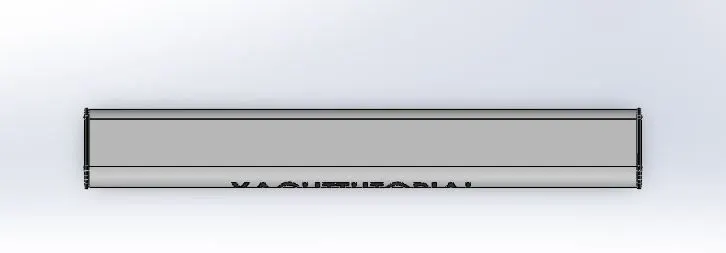
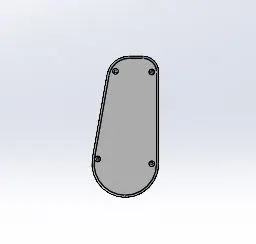
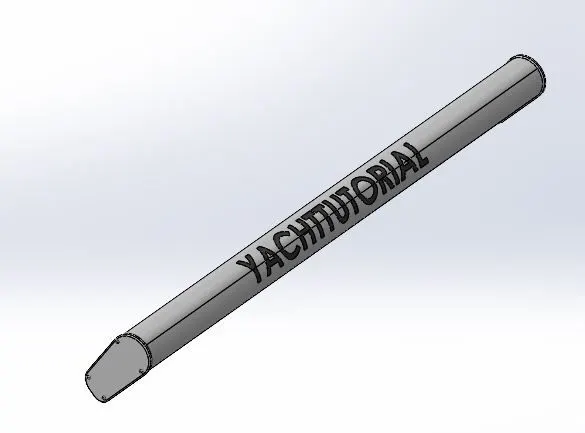
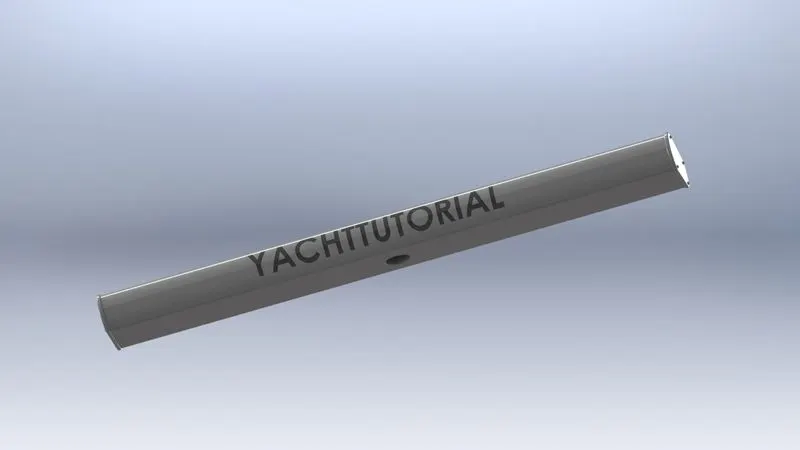
2. Radar
Radar is used to detect other ships and land obstacles and to avoid collison and to navigate at sea. They are electronic navigation instruments that use a rotating antenna to sweep a narrow beam of microwaves around the water surface surrounding the ship to the horizon, detecting targets by microwaves reflected from them, generating a picture of the ship's surroundings.
Features Used:
- Split Line
- Fillet
- Cut Extrude
- Mirror
- Sketch Pattern
- Boss Extrude
3. Blueprints
Blueprints are not the 3D part. It is used to understand the parts location easily by means of images. So various views like front view,top view are inserted togethr to form yacht assembly with image itself.
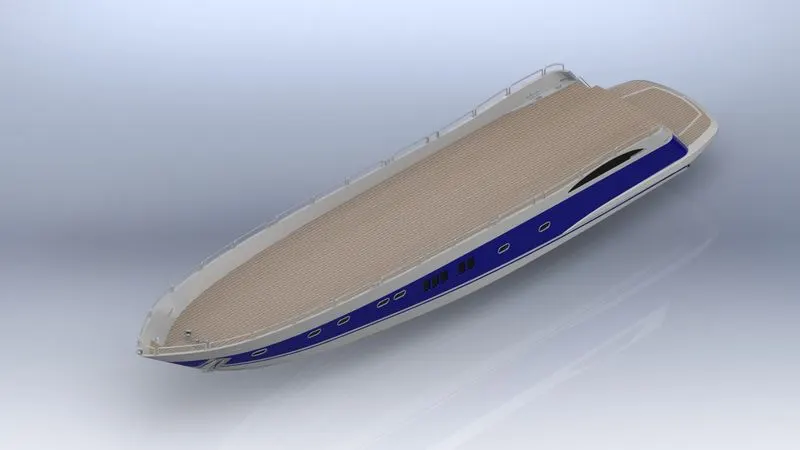
4. Hull
It is the bone of the Yacht. The hull of a ship is the most notable structural entity of the ship. To define the hull, it can be said that it is the watertight enclosure of the ship, which protects the cargo, machinery, and accommodation spaces of the ship from the weather, flooding, and structural damage.
Features Used:
- Projected Curve
- Surface Loft
- Surface Trim
- Surface Loft
- Surface Extrude
- Knit Surface
- Boundary Surface
- Surface Fill
- Shell
- Boss Extrude
- Cut Extrude
- Fillet
- Chamfer
- Sweep
- Revolve
- Dome
- Helix/Spiral
- Linear Pattern
- Thin Extrude
- 3D Sketch
- Mirror
- Combine
- Split
- Offest Surface
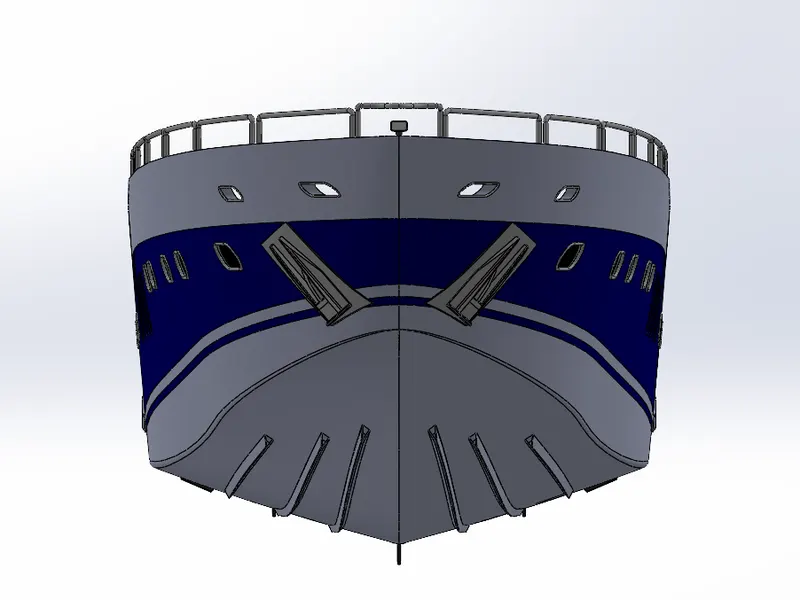
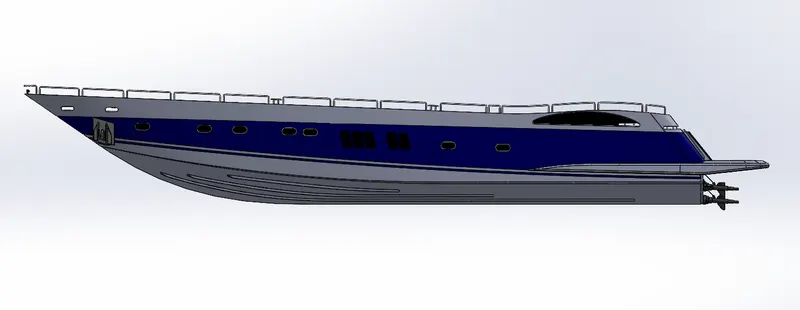
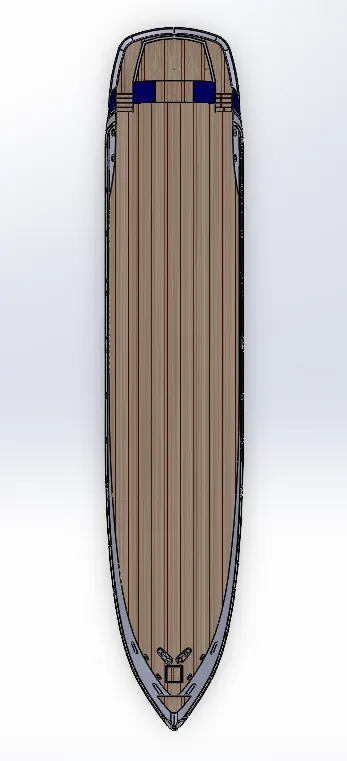
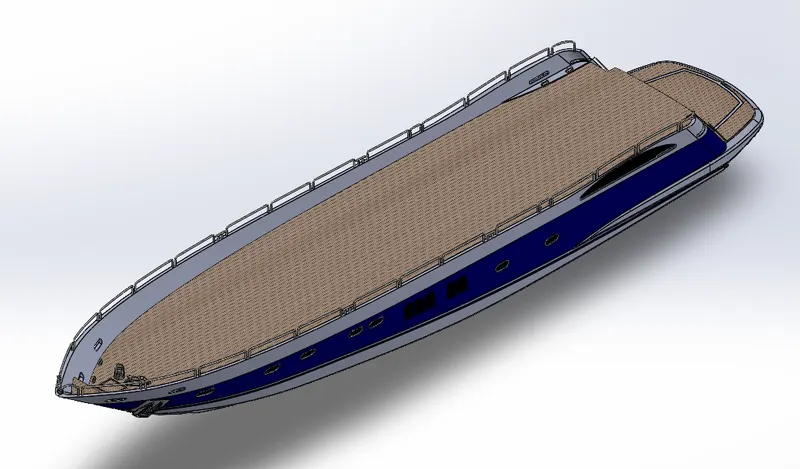
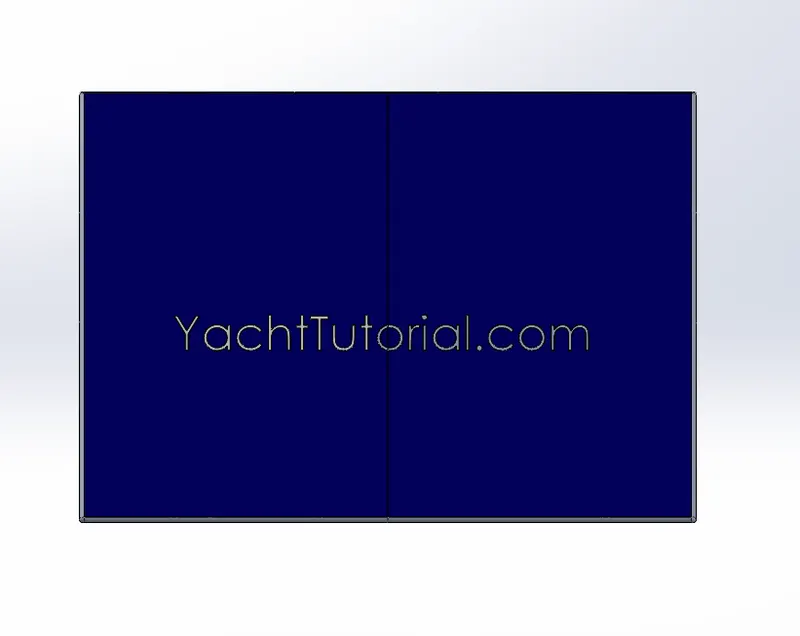
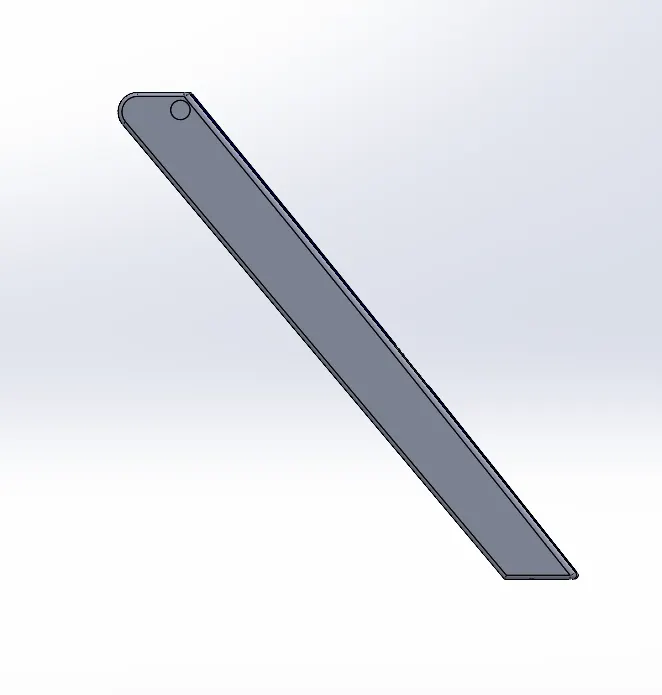
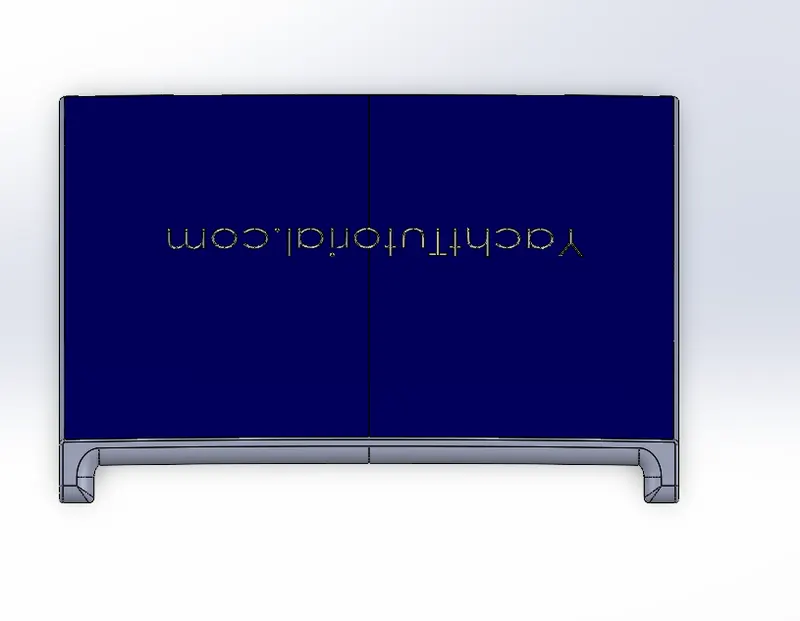
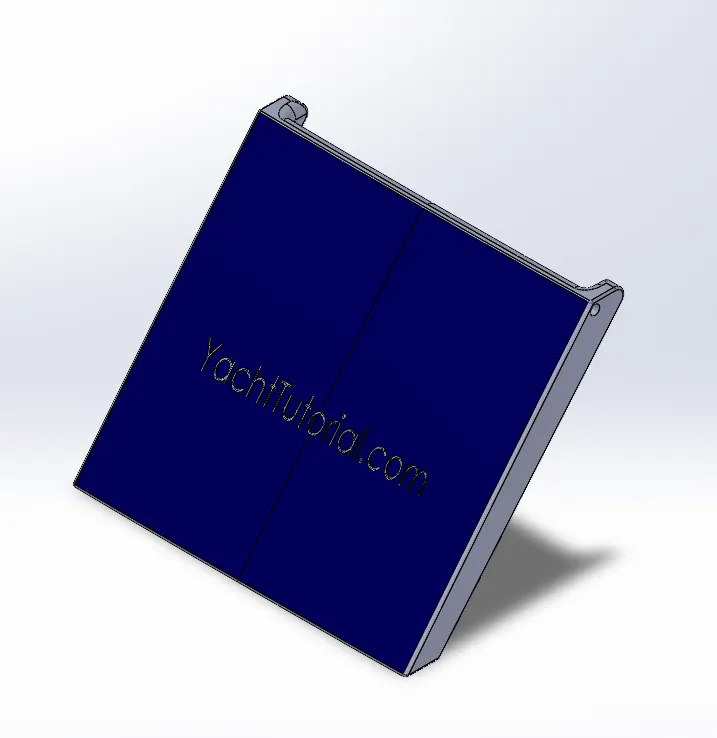
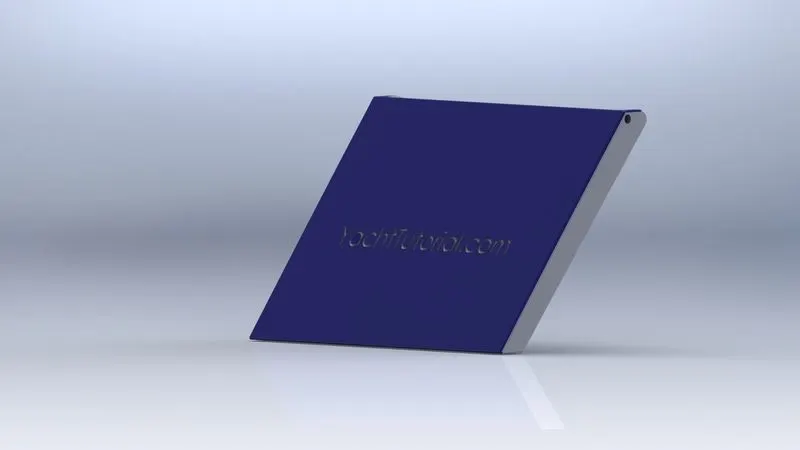
5. Garage Door
It is the door of the Garage of the yacht.
Features Used:
- Insert Part
- Cut Extrude
- Shell
- Fillet
- Mirror
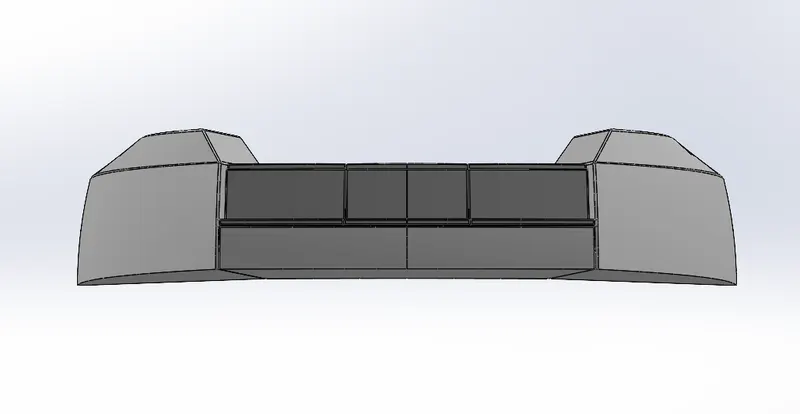
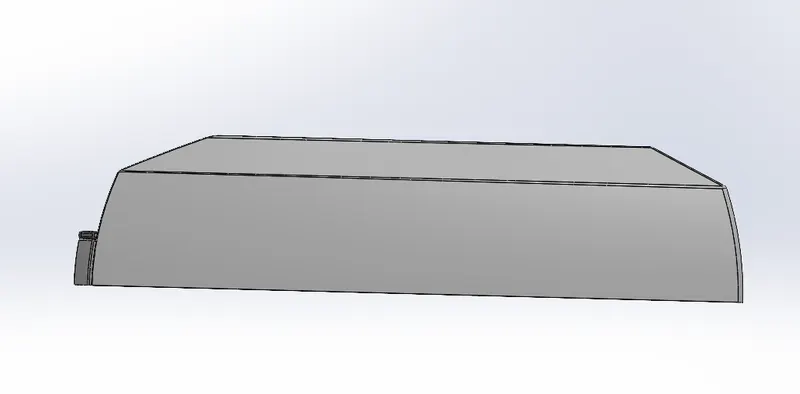
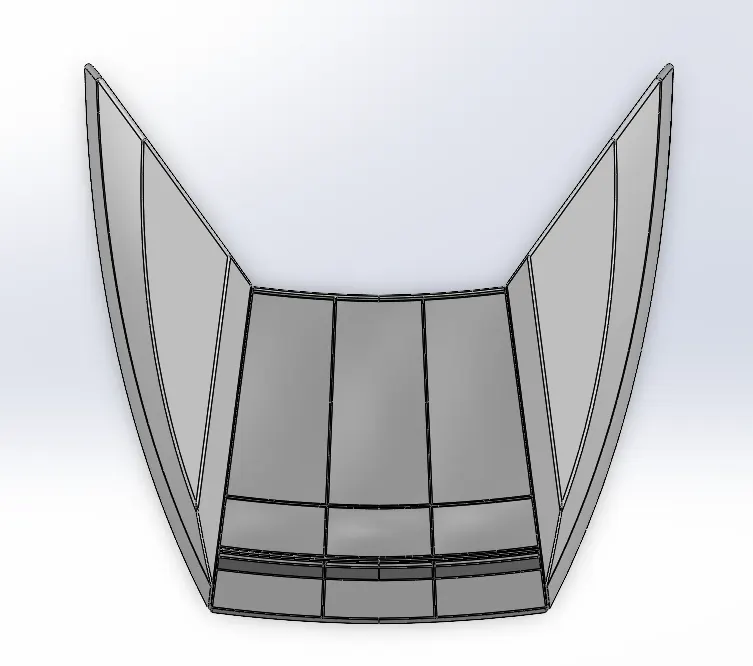
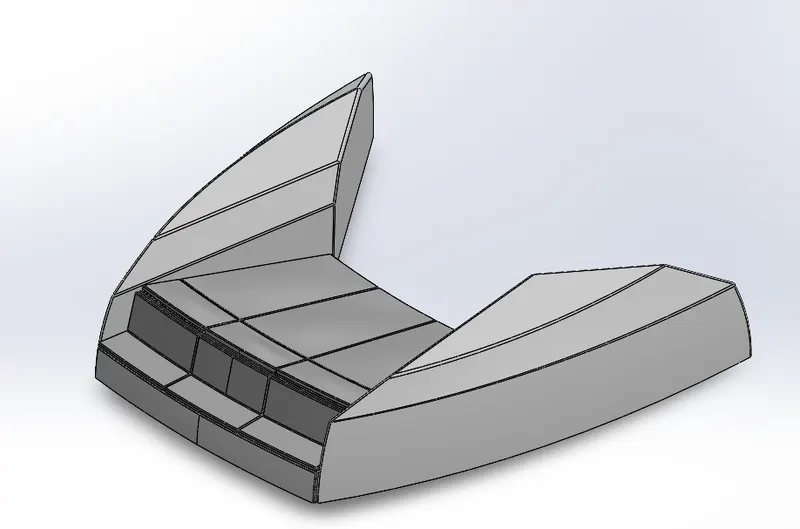
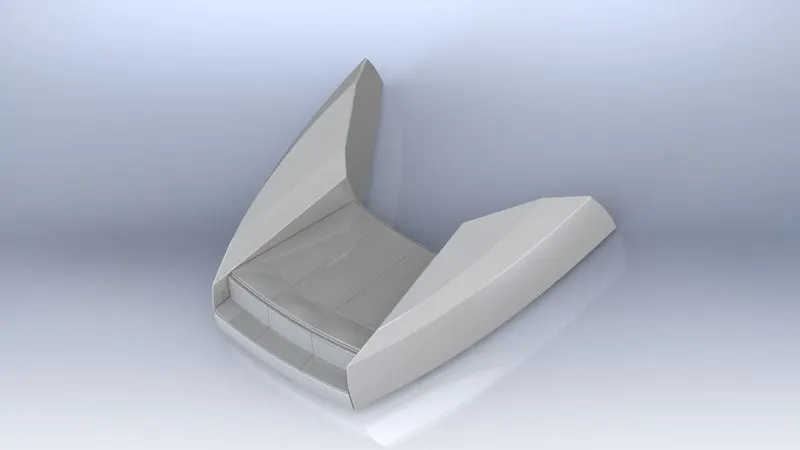
6. Front Seat
It is the seat located at the front of yacht.
Features Used:
- Insert part
- Surface sweep
- Surface Extrude
- Surface Trim
- Surface Fill
- Surface Loft
- Surface Knit
- Chamfer
- Revolve
- Cut Extrude
- Fillet
- Mirror
- Dome
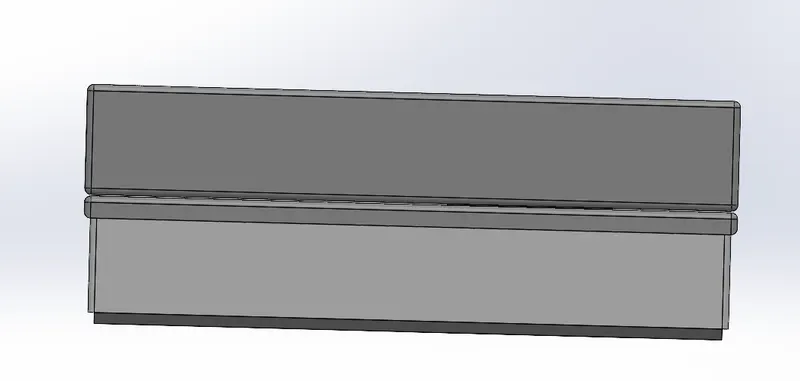
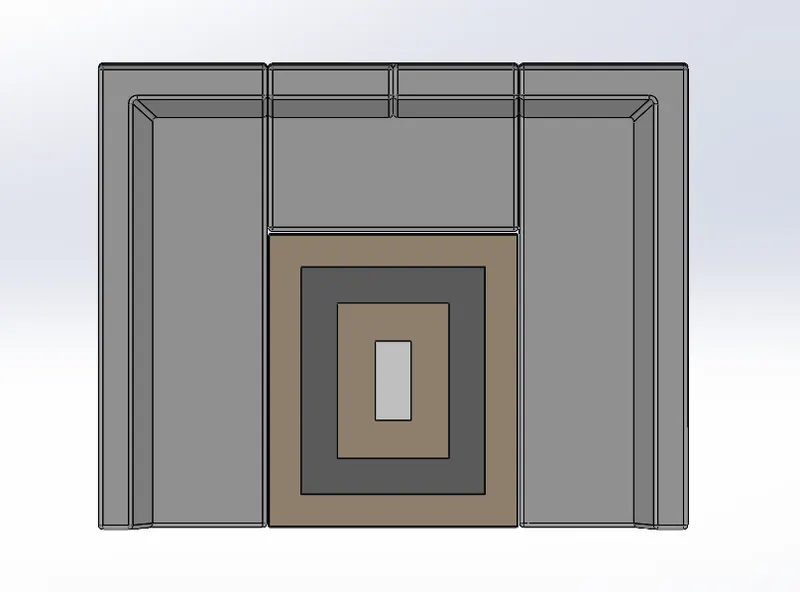
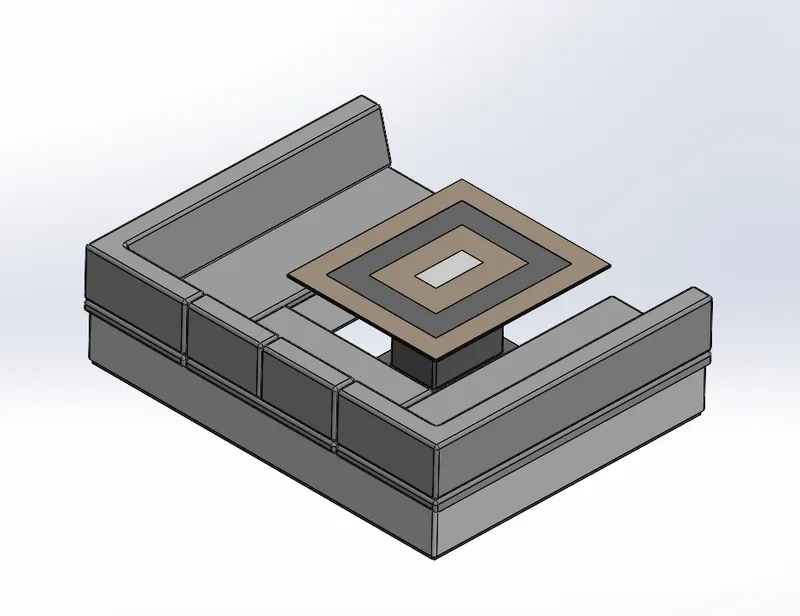
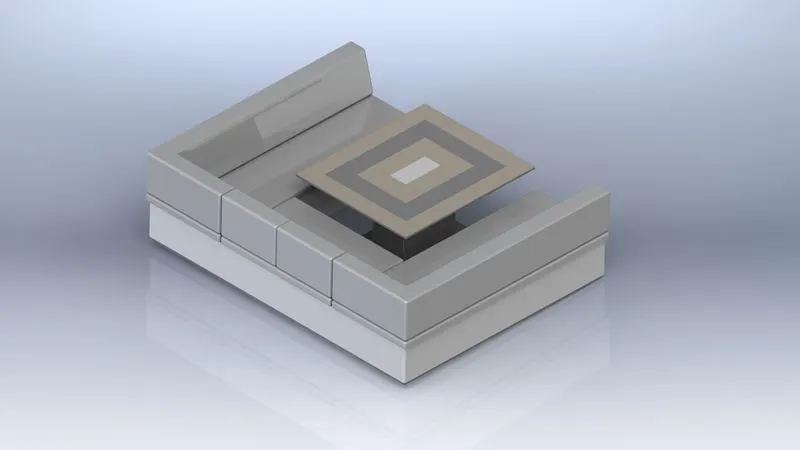
7. Middle Seat
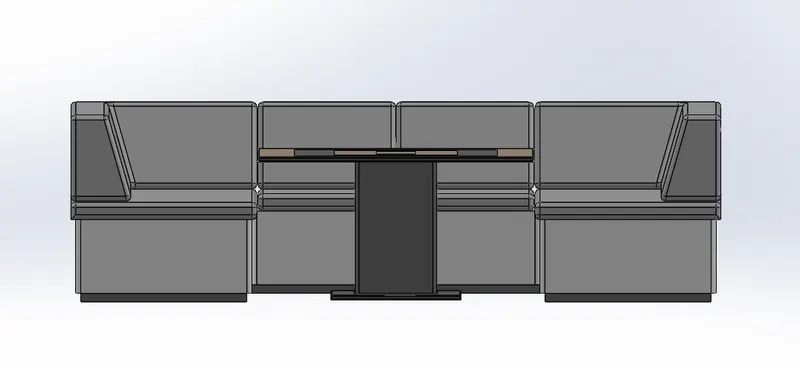
It is the seat loacted at the middle of the yacht.
Features Used:
- Insert part
- Boss Extrude
- Chamfer
- Fillet
- Mirror
- Cut Extrude
8. Rear Seat
It is the seat located at the backside of the Yacht.
Features Used:
- Insert part
- Surface sweep
- Surface offset
- Surface trim
- Ruled Surface
- Knit surface
- Surface Extend
- Surface Extrude
- Surface Loft
- 3D sketch
- Boss Extrude
- Cut Extrude
- Combine
- Chamfer
- Fillet
- Sweep
- Mirror
- Revolve
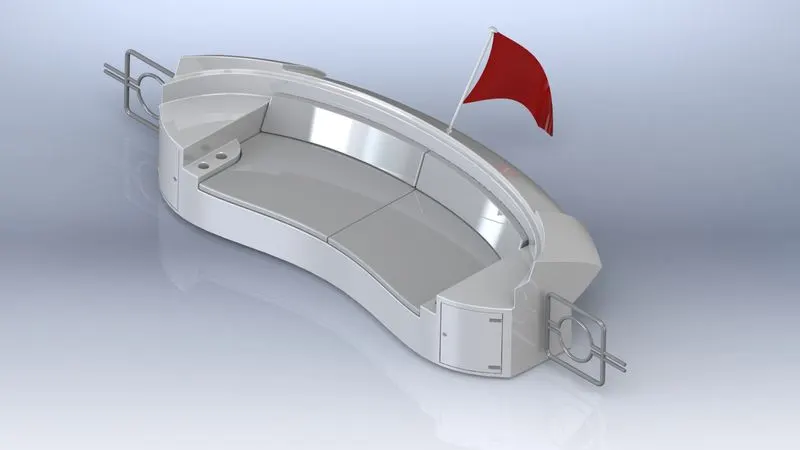
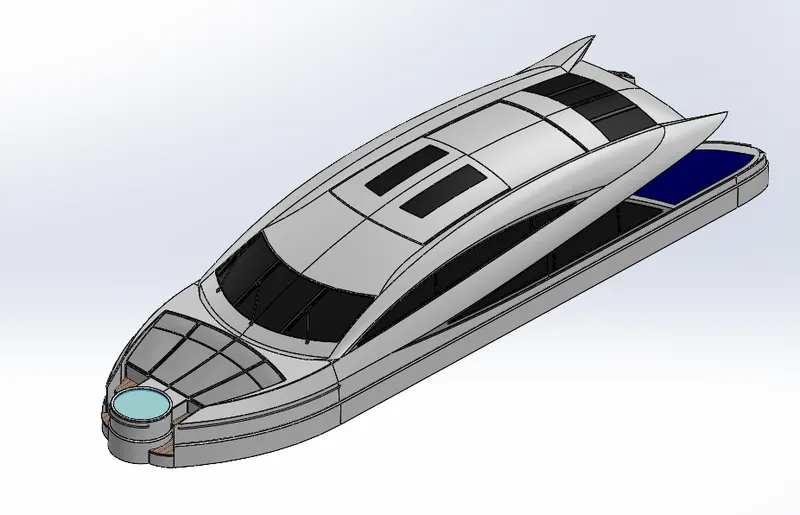
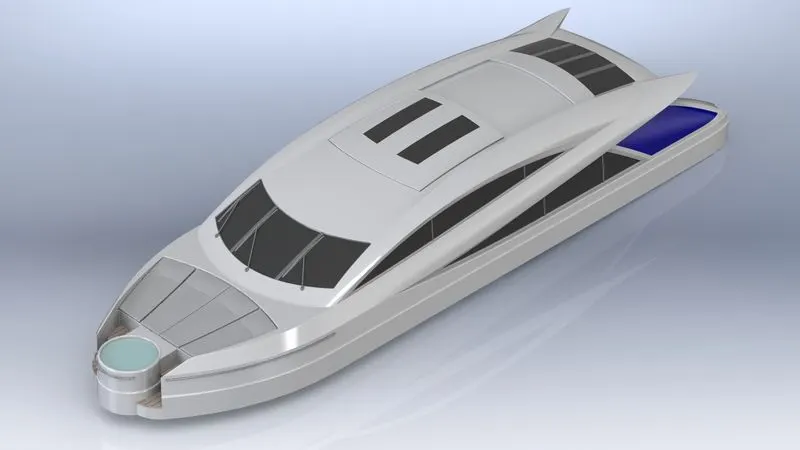
9. Superstructure
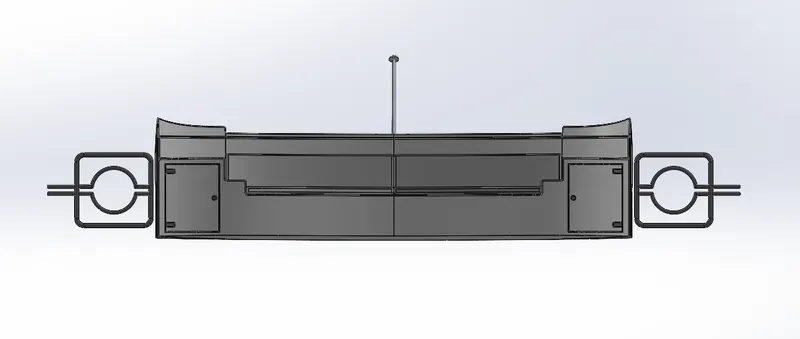
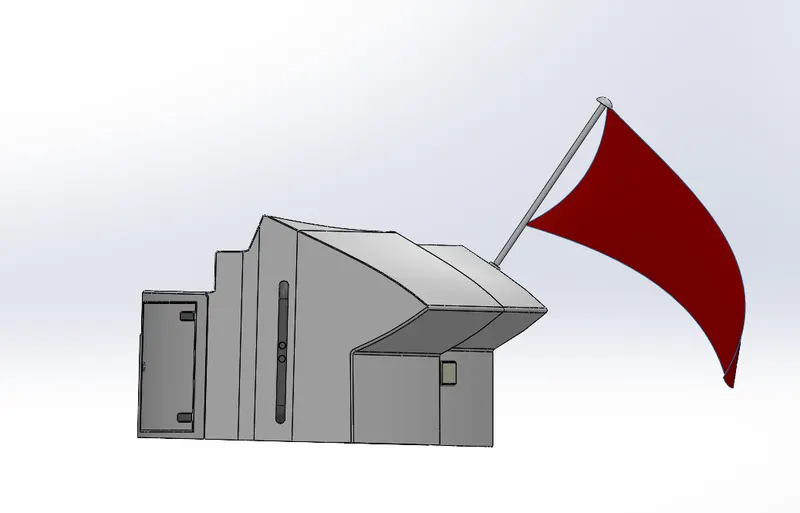
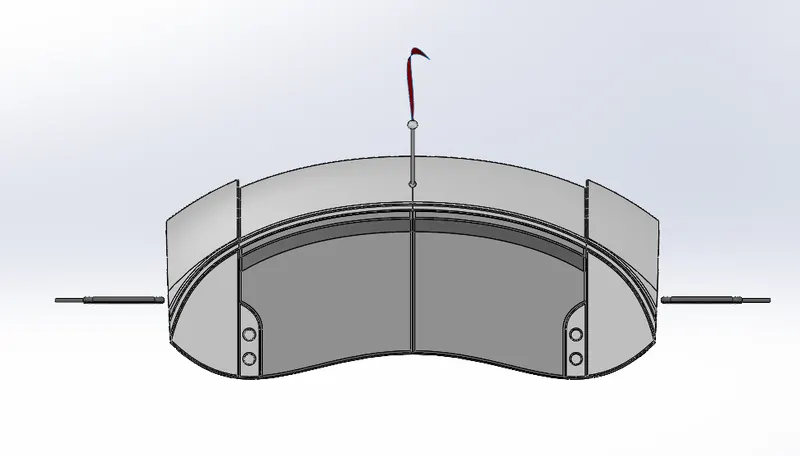
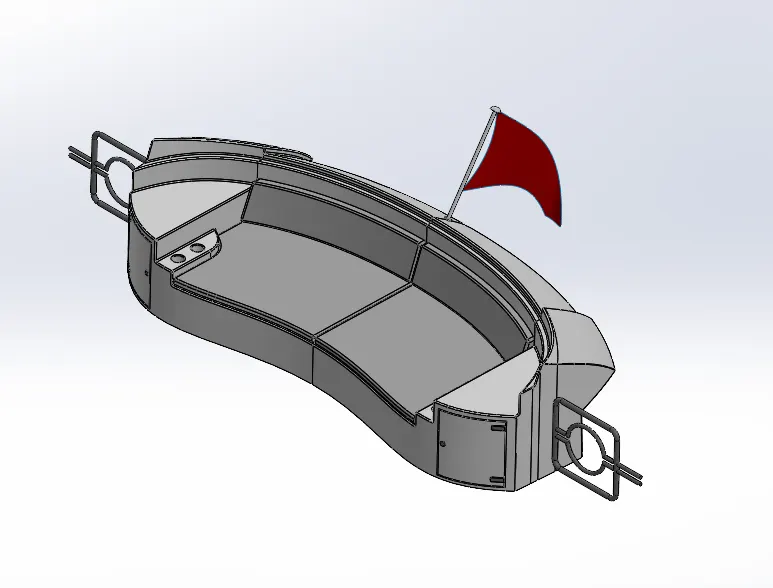
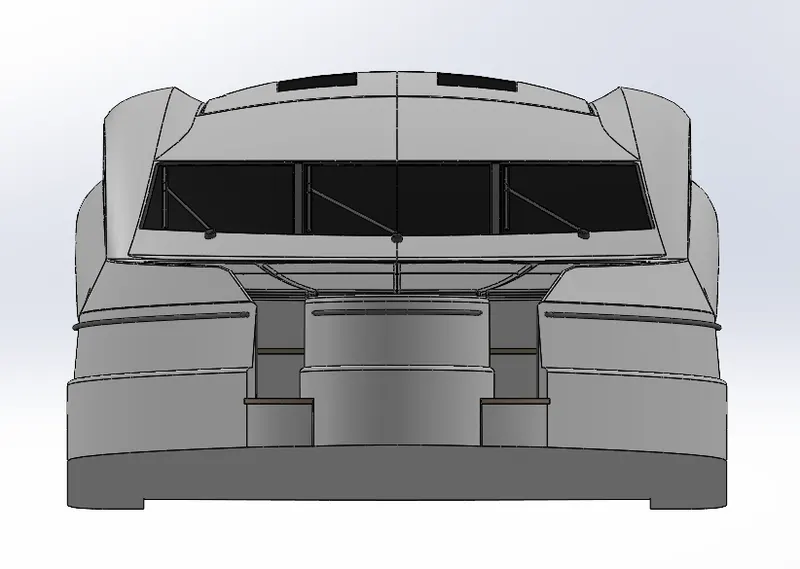
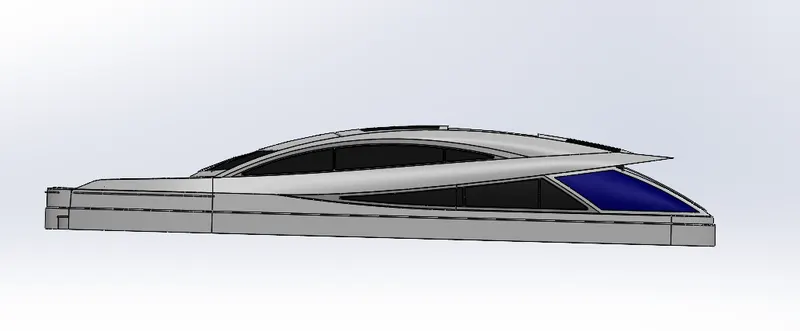
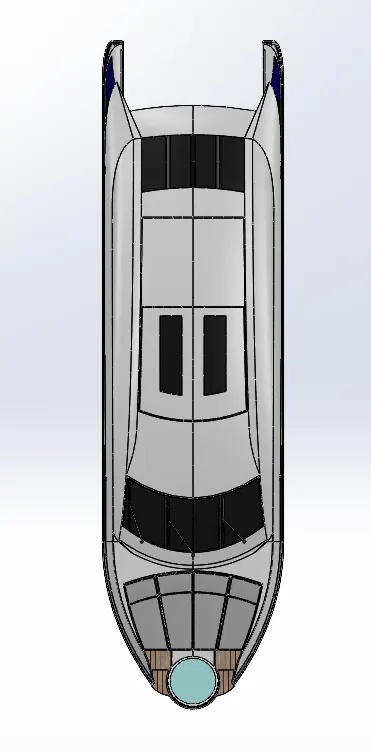
Superstructure consists of the parts of the ship or a boat, including sailboats, fishing boats, passenger ships, and submarines, that project above her main deck.
Featrures Used:
- Insert part
- Surface Extrude
- Surface Sweep
- 3D sketch
- Surface Knit
- Fillet
- Ruled Surface
- Surface trim
- Projected Curve
- Surface Loft
- Surface Fill
- Surface Extend
- Delete Face
- Cut Extrude
- Boss Extrude
- Dome
- Sweep
- Thin Extrude
- Split Line
- Split Entity
- Mirror
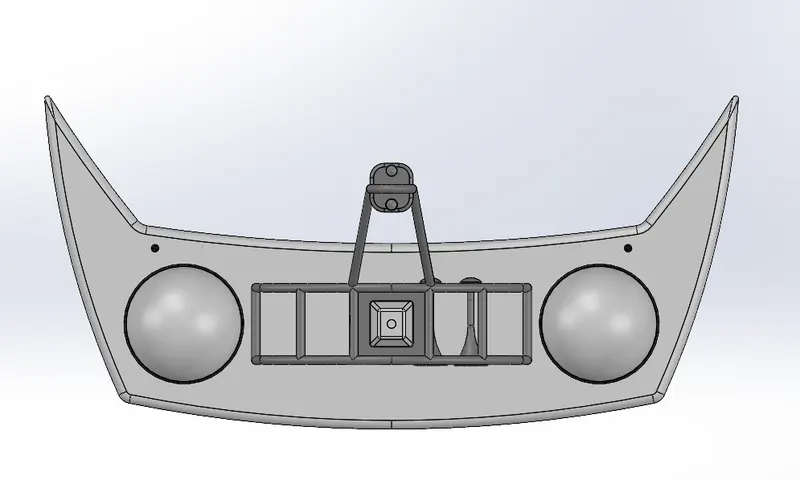
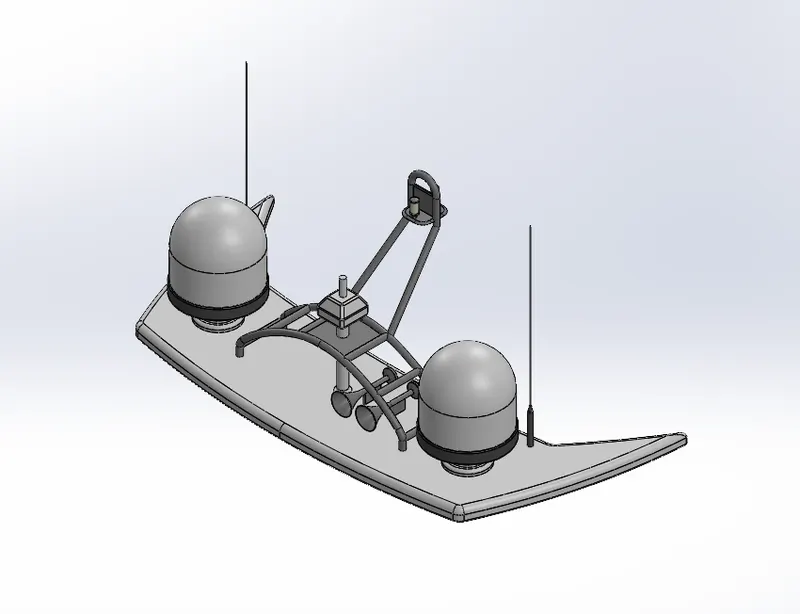
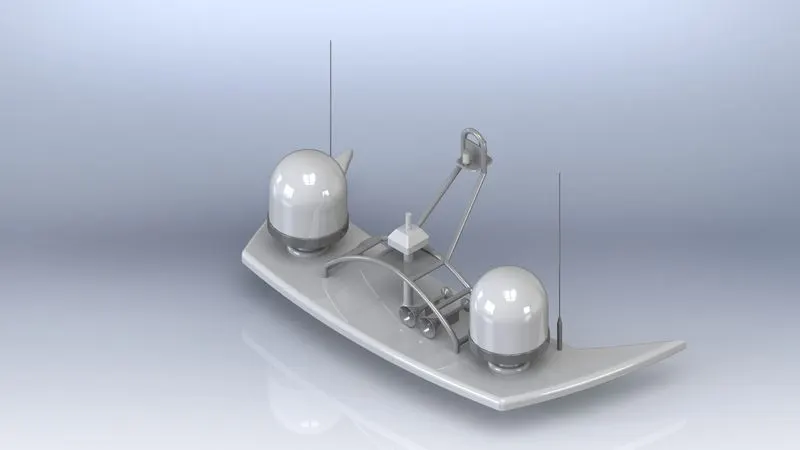
10. Radarmast
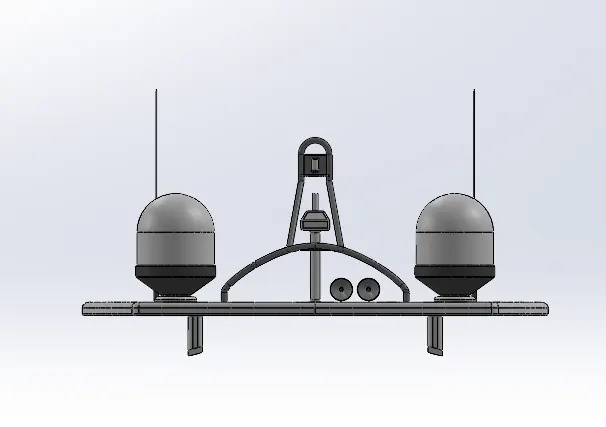
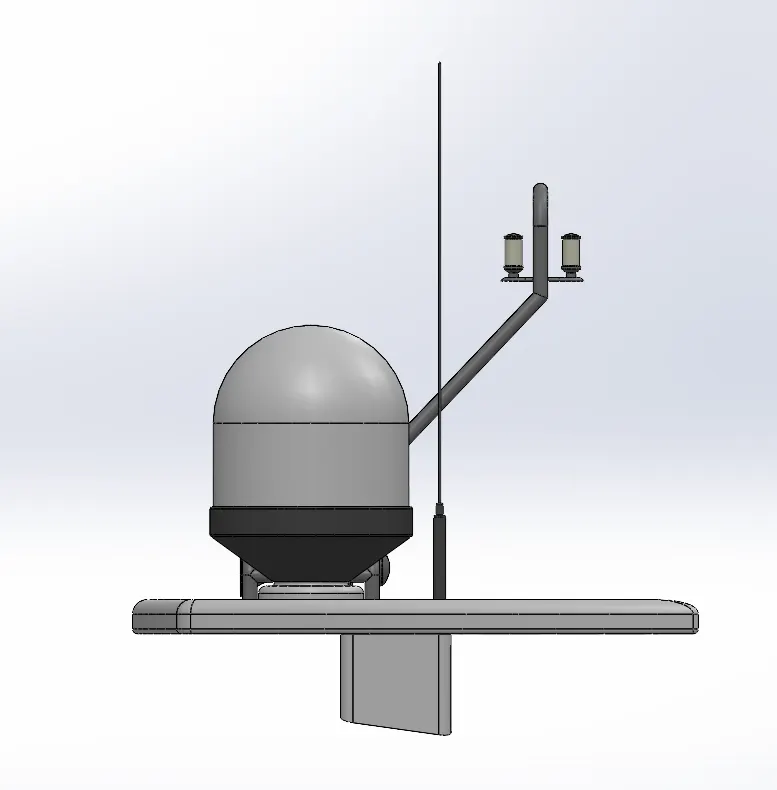
Radar is mounted on the radarmast. It contains all the electronic items of the radar and sends the signal.
Features Used:
- Insert part
- Boss extrude
- Fillet
- Revolve
- Sweep
- Mirror
- Projected curve
- chamfer
- Dome
- Shell
ASSEMBLY
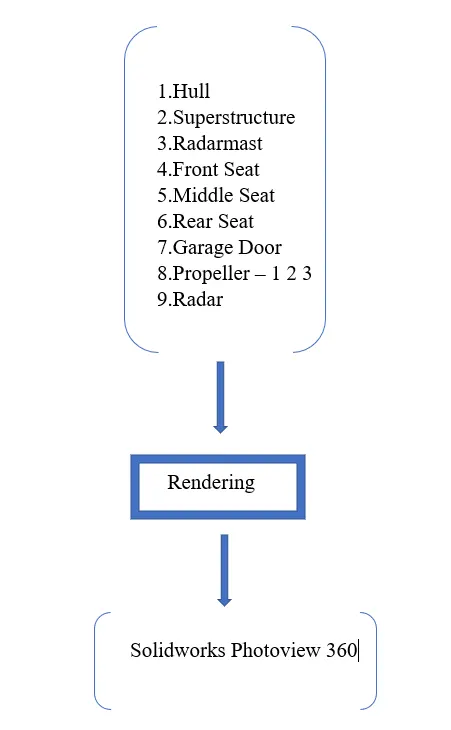
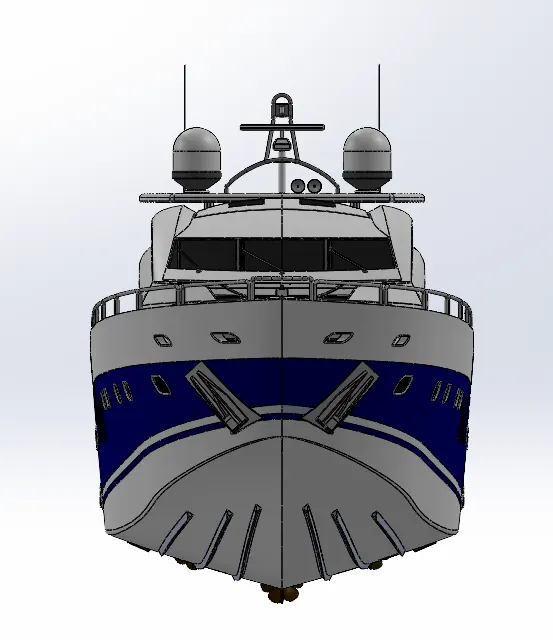
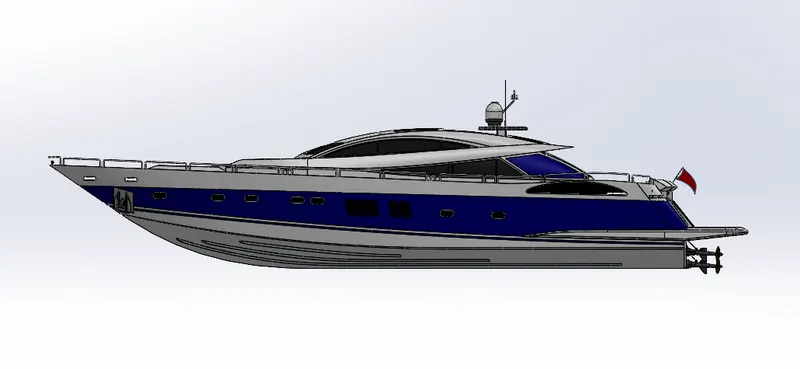
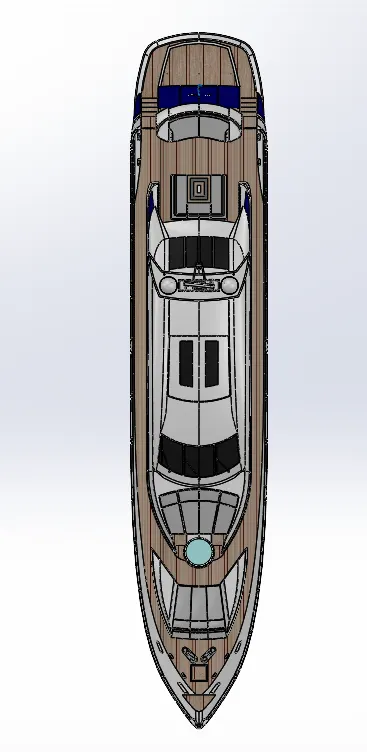
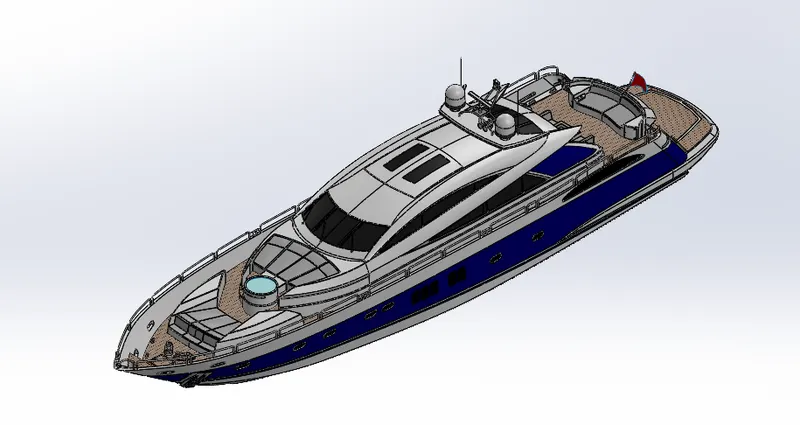
In solidworks assembly environment, the modelled parts are inserted one by one using appropriate mate realtion.
Assembly Hierarchy
Hull -> Superstructure -> Radarmast -> Front Seat -> Middle Seat -> Rear seat -> Garage Door -> Propeller 1 2 3 -> Radar
Features Used:
- Insert Components.
- Mate – Creates the geometric relationships between the components, to define the allowable directions of linear and rotational motion of the components.
RENDERING
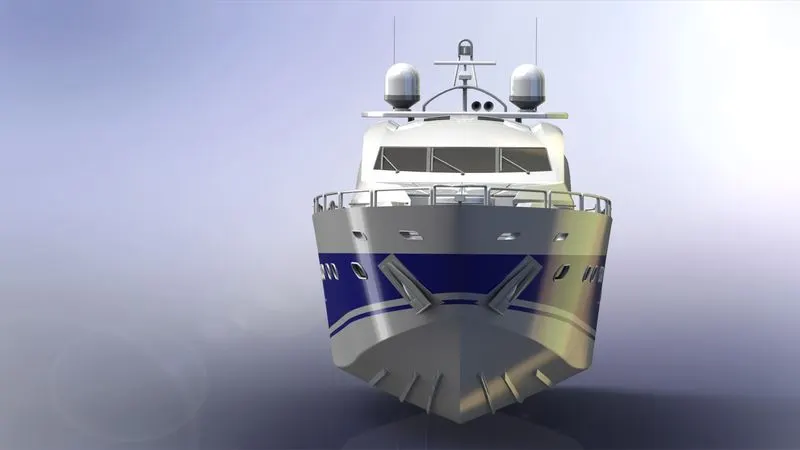
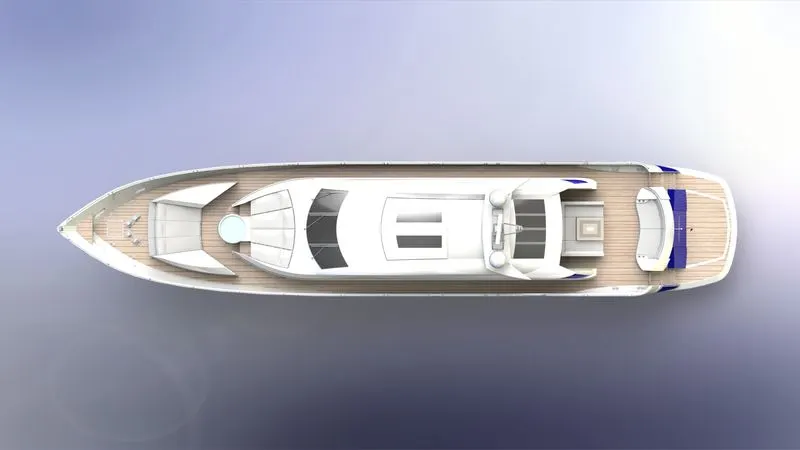
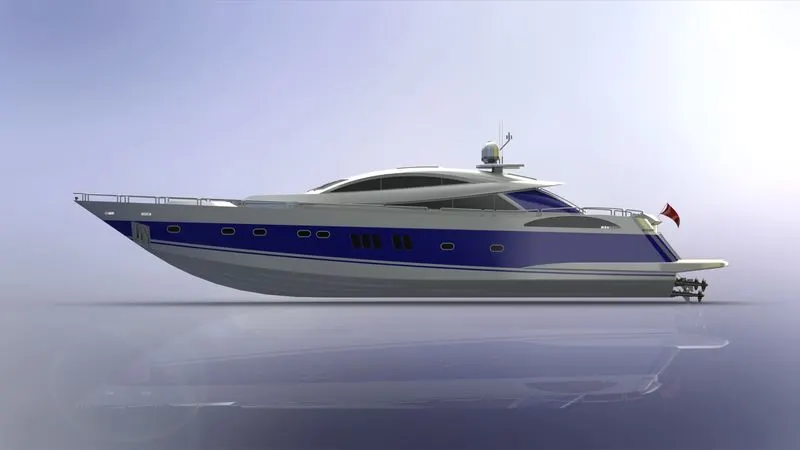
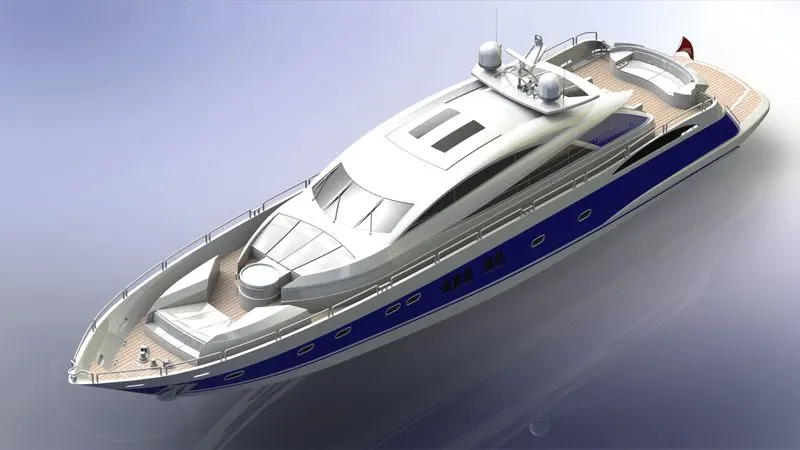
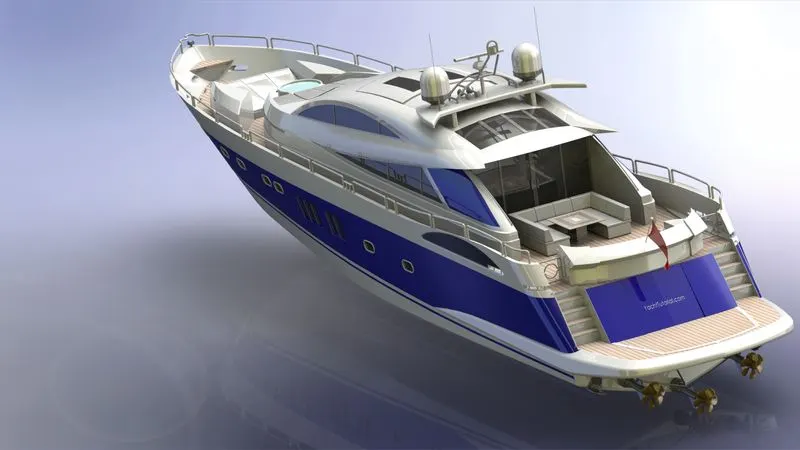
Rendering is the process of creating realistic images of an particular assembly by controlling the environment, scenes, background, brightness, lights, camera., etc.
To render the American Yacht Solidworks Photoview 360 is used.
Features Controlled:
- Appearances – Colour, Material
- Scenes – Environment, Background, Brightness, Angle, Caustics
Camera – Camera View, Perspective, Focal Length, Depth of field
Front View
Top View
Side View
Isometric View
Camera View 1
Camera View 2
CONCLUSION
Thus the Modelling, Assembling and rendering of American Yacht is done with required specifications and the report is submitted.