Wiring harness routing & packaging Rules Week 3 Challenge
REPORT WRITTING FOR Q1:
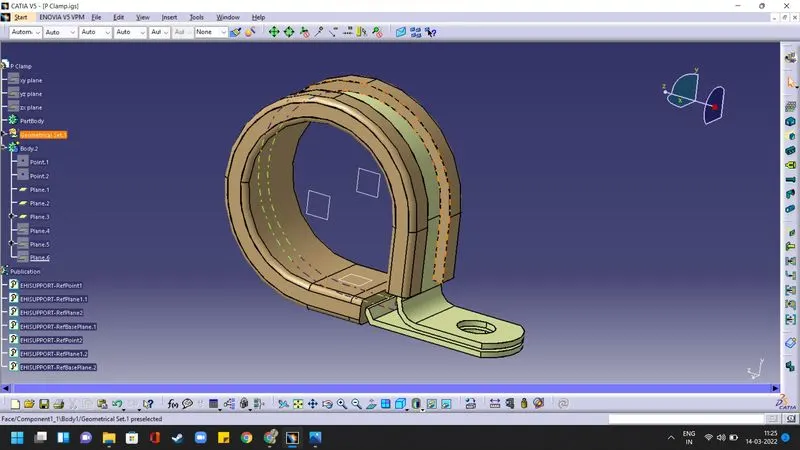
Steps to be followed to define the given P- Clamp as an Electrical suppot.
1) Download the P-Clamp CAD model and load the file in Catia.
2) Create the Geometrical parameters like points and planes required for defining the P-clamp as Support part in the part design module.
3) Now, Switch to Electrical part design module and Use the "Define Support" command
4) select the entry point, entry plane, exit plane and base plane.
5) Since there are two possible entries in a Clamp use the same command and select the appropriate pointa nd planes to define the other point as entry point.
REPORT WRITTING FOR Q2:
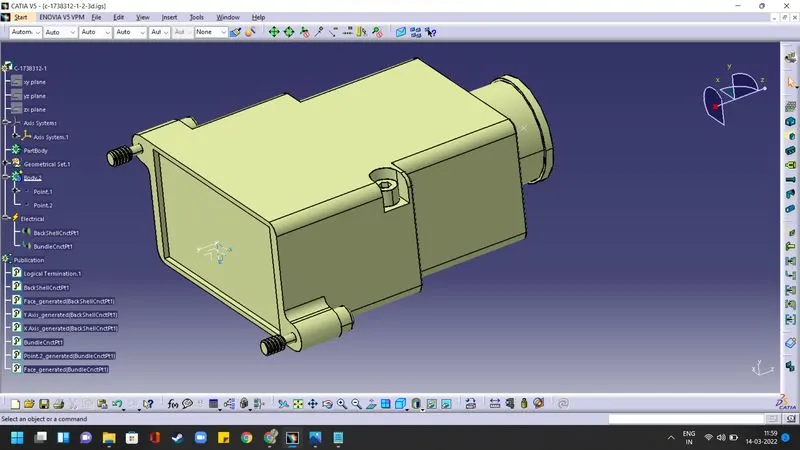
Steps to be followed to define the given Backshell electrically.
1) Download the Backshell CAD model and load the file in Catia.
2)Create the Geometrical set like points at the bundle entry side,mating side. Also create the axis system at the mating side. Ensure the consistency of the axes system in the mating parts too.
3)Switch to Electrical part desing module to define the backshell as an electrical part.
4)Use "Define Backshell" command to define the backshell
5)Now use "define Bundle connection point, define backshell connection point" commands and choose the appropriate points, faces and axes to define the Bundle connection point and backshell connection point.
REPORT WRITTING FOR Q2:
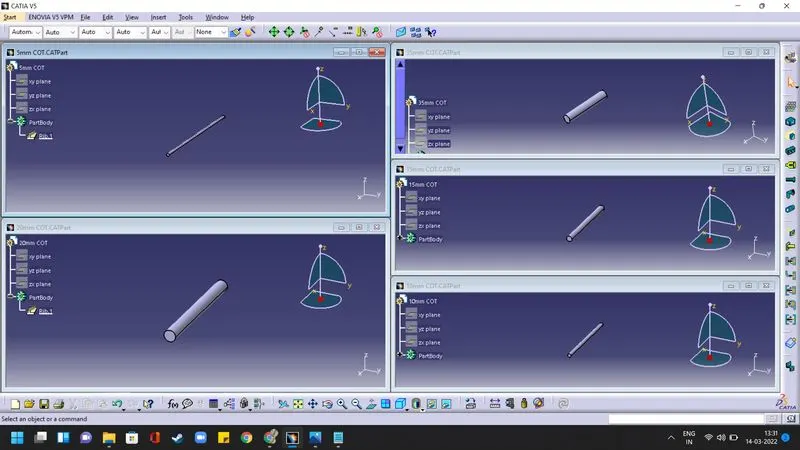
Steps to be followed to Create the given Corrugated tubes and Add them in the Catalogue under “Slit COT” family.
1) To create CatalogDocument go to File > New > CatalogDocument
2) Select "Add Family" Command name it as Slit COT and select the type conduit. Then, save it locally.
3) Now go to File > New > Part and create a single parts as per the names given in the table by using "define protection part" command.
4) Apply the given Id, OD and thickness. consider the bendlenth as 1.5 times OD. click ok and the tube will appear.
5) Select the store device command and choose the previously saved catalogue and Slit COT family. click ok.