Wiring harness routing & packaging Rules Week 3 Challenge
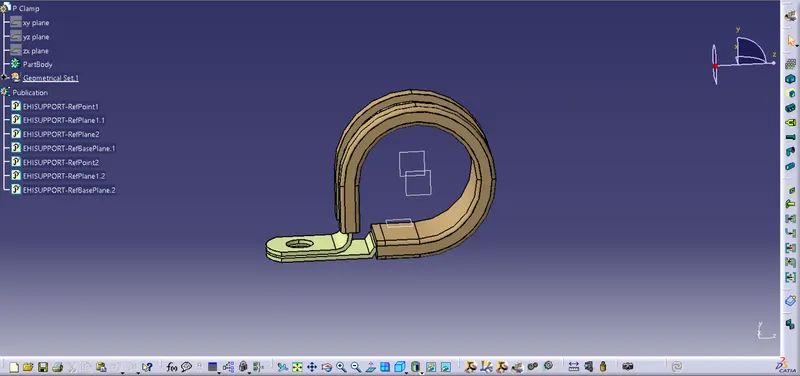
Procedure to define P clamp as electrical support:
- Get the clip 3D part from te.com
- Define the geometrical parameters such as points and planes
- Define part as support
- Define entry point and plane
- Define base and exit plane
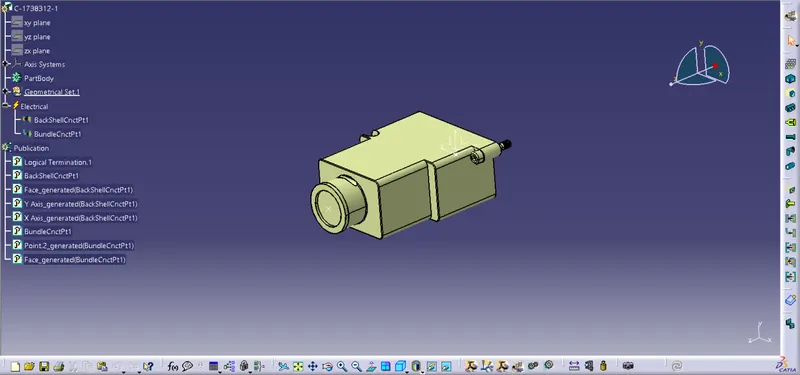
Procedure to define backshell as electrical part:
- Get the backshell 3D part from te.com
- Define the geometrical parameters
- Define part as backshell
- Add backshell connection point
- Define bundle connection point
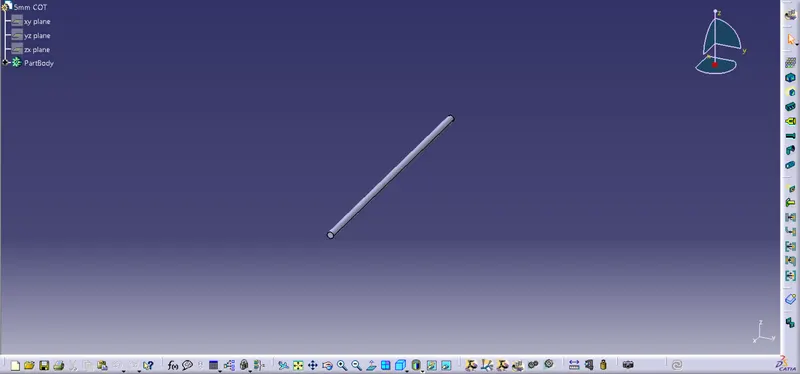
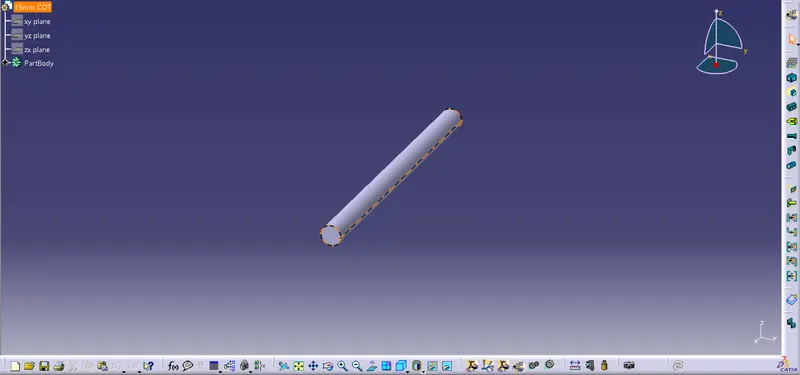
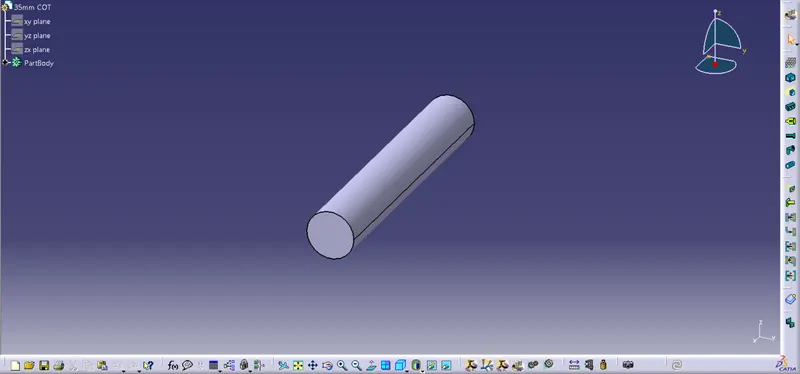
Procedure followed to create corrugated tubes of various dimensions:
- Open new part
- In electrical part design select define protective coverings
- Click on part body from model tree
- Enter part name
- Select type
- Enter parameters such ID and thickness
- Select line type
- Click ok
- Save part
- Create new catalouge family and add part to family