Week 9 Challenge
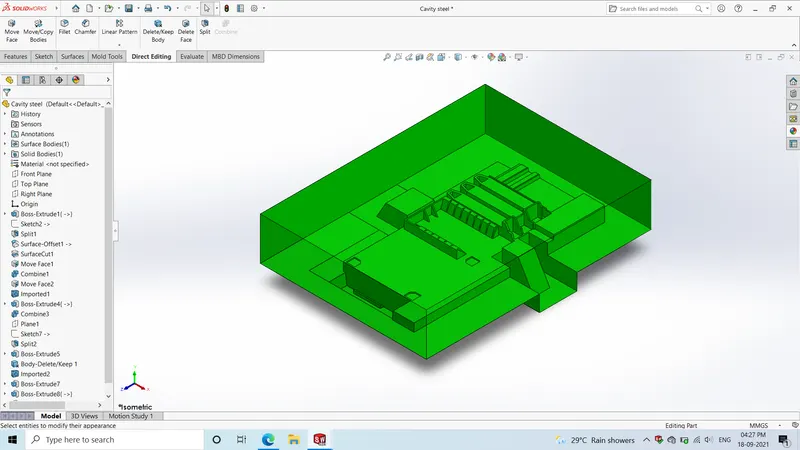
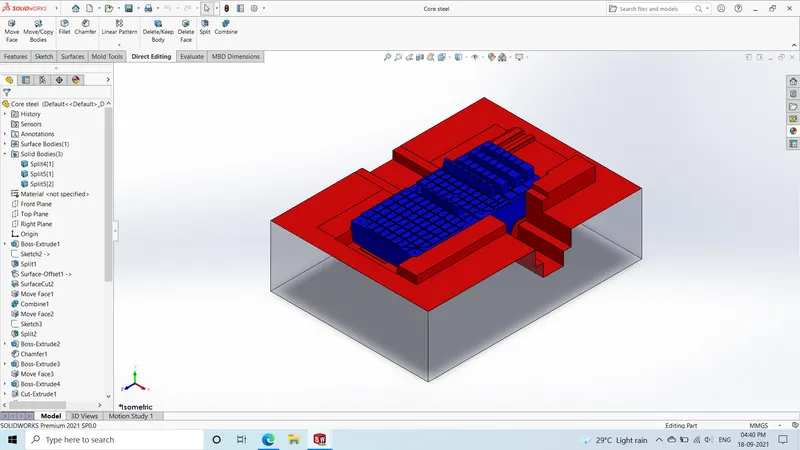
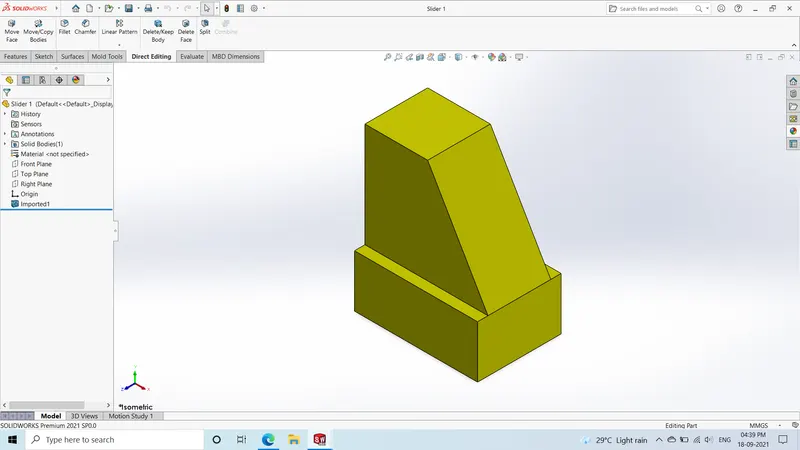
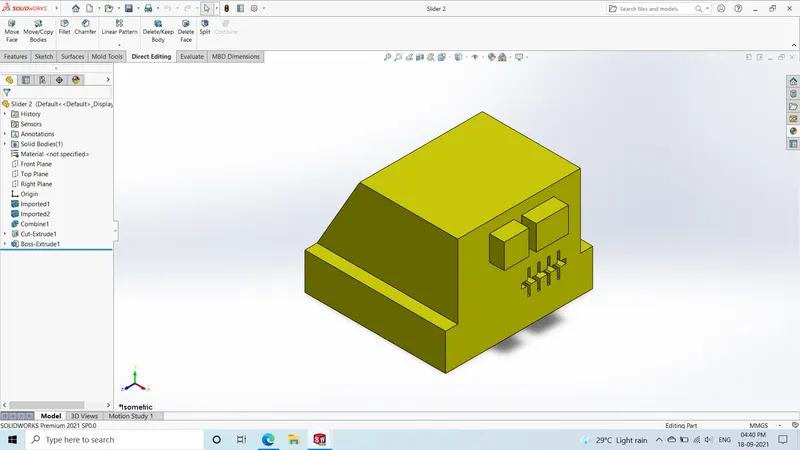
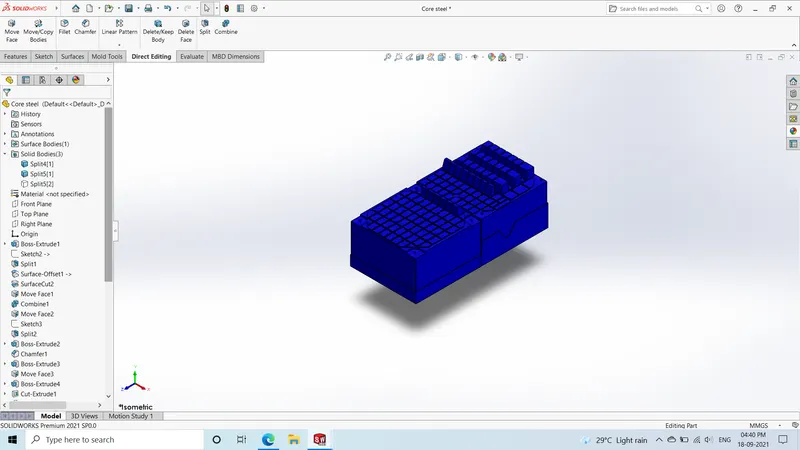
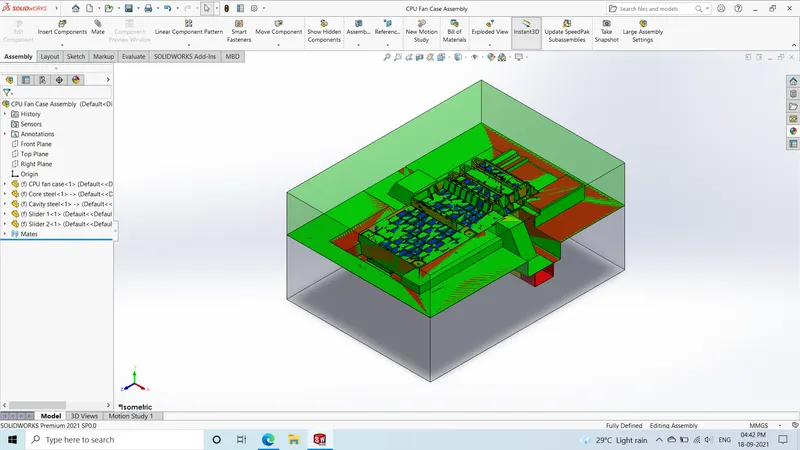
Procedure followed to create the mold:
- Decide tooling direction and check for draft analysis
- Scale the model considering 0.6% shrinkage i.e. 1.006
- Split the model using split line command and create the parting lines
- Close the open surfaces using shut off surfaces. Use ruled and loft surfaces for closing rib portion and then knit them
- Create the parting surface using ruled and loft surface command and knit them together
- Use move/copy body command to create copies
- Knit the parting surfaces eith core/cavity surfaces
- Align the sprue with origin
- Create the inner/outer core blocks using boss extrude. Then use split command to seperate inner/outer block
- Offset the core/cavity surfaces and use cut with surface to form the respective blocks
- Provide relifs on faces with direct contact using move face command
- To form the sliders add a plane and sketch the profile such that the undercuts get covered and then use split command to seperate slider profile from cavity block
- Use boss extrude to add material and use extrude cut to form the wedge for slider. Insert into new part
- Use combine command to form the slider profile in blocks
- Make necessary edits in the core & cavity blocks to ensure proper fit and easey movement of slider
- Follow the similar procedure for other slider
- To make the inserts sketch rectangle on core surface, add a plane below and use split command the inserts will be formed